Unlock your full potential by mastering the most common Color Theory and Principle interview questions. This blog offers a deep dive into the critical topics, ensuring you’re not only prepared to answer but to excel. With these insights, you’ll approach your interview with clarity and confidence.
Questions Asked in Color Theory and Principle Interview
Q 1. Explain the difference between additive and subtractive color mixing.
Additive and subtractive color mixing are two fundamental approaches to creating colors, differing primarily in how they manipulate light. Additive mixing, as seen in screens and digital displays, combines light of different wavelengths. Subtractive mixing, used in printing and paint, involves absorbing certain wavelengths, leaving others to be reflected.
Additive Mixing: Imagine shining a red, green, and blue light onto a white surface. Where the lights overlap, they create new colors: red + green = yellow, red + blue = magenta, green + blue = cyan, and red + green + blue = white. The absence of all light results in black. This is because light is being added to the scene. Think of your computer or television screen – each pixel is made up of tiny red, green, and blue (RGB) lights.
Subtractive Mixing: Now consider mixing paints. Mixing red, yellow, and blue paints results in different colors based on the pigments that absorb certain wavelengths. Red + yellow = orange, red + blue = purple, yellow + blue = green, and mixing all three typically results in a muddy dark brown or black, because the pigments are subtracting light. This is why CMYK (Cyan, Magenta, Yellow, and Key – black) is used in printing. The absence of any pigment results in white – the color of the paper itself.
Q 2. Describe the color wheel and its significance in design.
The color wheel is a visual representation of color relationships, typically arranged in a circle. It’s a fundamental tool in design, helping artists and designers understand and apply color theory principles. A basic color wheel shows primary, secondary, and tertiary colors, illustrating their relationships and harmonies. The significance lies in its ability to predict how colors will interact and the moods or effects they will create when combined.
Significance in Design: The color wheel is crucial for choosing color palettes that are aesthetically pleasing and communicate effectively. It allows designers to create harmonious color schemes, avoiding jarring or clashing combinations. For example, it assists in selecting complementary colors for high contrast, analogous colors for a serene feeling, or triadic colors for vibrancy. Beyond aesthetics, color choices significantly impact brand identity, evoking specific emotions and associating a product or brand with particular values. A graphic designer might use the color wheel to ensure their logo uses colors that are both visually appealing and communicate their client’s brand message effectively.
Q 3. What are the primary, secondary, and tertiary colors?
The color wheel is built upon a foundation of primary, secondary, and tertiary colors. These categories represent distinct stages in color mixing and provide a framework for understanding color relationships.
- Primary Colors: These are the fundamental colors that cannot be created by mixing other colors. In subtractive mixing (paint), they are typically red, yellow, and blue. In additive mixing (light), they are red, green, and blue.
- Secondary Colors: These colors are formed by mixing two primary colors in equal proportions. In subtractive mixing: red + yellow = orange; yellow + blue = green; blue + red = violet. In additive mixing: red + green = yellow; red + blue = magenta; green + blue = cyan.
- Tertiary Colors: These are created by mixing a primary color with an adjacent secondary color. For instance, red-orange (red + orange), yellow-orange (yellow + orange), yellow-green (yellow + green), blue-green (blue + green), blue-violet (blue + violet), and red-violet (red + violet).
Q 4. Explain the concept of color harmony and provide examples.
Color harmony refers to the pleasing or aesthetically satisfying arrangement of colors. It’s about creating visually appealing combinations that evoke specific emotions and enhance the overall design. Achieving color harmony relies on understanding color relationships illustrated on the color wheel.
Examples of Color Harmony:
- Monochromatic: Using different shades, tints, and tones of a single color creates a sense of calmness and sophistication. For example, varying shades of blue in a website design.
- Analogous: Using colors that are adjacent to each other on the color wheel, like blue, blue-green, and green, results in a cohesive and natural look.
- Complementary: Using colors that are directly opposite each other on the color wheel, like red and green, creates high contrast and visual excitement. However, careful balancing is needed to avoid clashing.
- Triadic: Using three colors evenly spaced on the color wheel, like red, yellow, and blue, offers a vibrant and balanced combination.
- Tetradic/Double Complementary: Using two sets of complementary color pairs, creating a more complex yet harmonious palette. For instance, blue-orange and yellow-violet.
The choice of color harmony depends on the intended mood, message, and overall design aesthetic.
Q 5. What are analogous colors, and how are they used effectively?
Analogous colors are colors that are adjacent to each other on the color wheel. They typically share a common hue and create a harmonious and visually pleasing combination. Because they are close in hue, they blend naturally and create a sense of unity.
Effective Use of Analogous Colors: Analogous colors are excellent for creating serene, calm, or natural-looking designs. They work well in backgrounds, creating a subtle and consistent backdrop that won’t overpower other elements. A landscape photograph, for instance, might naturally utilize analogous colors reflecting the similar hues in a scene.
Example: A website design might use shades of blue-green, green, and yellow-green to create a calming and refreshing atmosphere for an eco-friendly company. The subtle variations create visual interest without being jarring.
Q 6. What are complementary colors, and what effect do they create?
Complementary colors are colors that are directly opposite each other on the color wheel. They possess the highest degree of contrast, creating a vibrant and dynamic effect. Examples include red and green, blue and orange, yellow and purple.
Effect of Complementary Colors: The high contrast created by complementary colors makes them eye-catching and attention-grabbing. They’re often used to create a strong visual focal point or to highlight specific elements within a design. However, using them in equal proportions can be overwhelming; one color is usually dominant while the other acts as an accent.
Example: A logo might use a vibrant red as the primary color and a cool green as an accent to create a memorable and impactful design. Or a painter might use complementary colors to make certain elements ‘pop’ out from the background.
Q 7. Explain the concept of color temperature (warm vs. cool colors).
Color temperature refers to the warmth or coolness of a color, related to its position on the color spectrum. It influences the mood and feeling a color evokes.
Warm Colors: Warm colors, like reds, oranges, and yellows, are associated with energy, excitement, and warmth. They are reminiscent of fire, sun, and other natural phenomena which generate heat. They can be visually advancing, seeming to come forward in a design.
Cool Colors: Cool colors, such as blues, greens, and purples, are associated with calmness, serenity, and relaxation. They often evoke feelings of peace, stability, and coolness, reminding one of water, sky, and other elements associated with a lowering of temperature. They tend to recede visually, creating a sense of depth.
Example: A restaurant using warm colors like oranges and reds might aim to create a lively and inviting atmosphere, while a spa using cool colors like blues and greens might aim to create a tranquil and relaxing environment.
Q 8. How does color psychology influence design choices?
Color psychology is the study of how colors affect human behavior and perception. In design, understanding this is crucial because colors evoke specific emotions and associations, influencing how users interact with and perceive a product or brand. For example, a calming blue might be used for a meditation app, while energetic orange might be perfect for a sports drink. The choices we make aren’t arbitrary; they’re strategically deployed to elicit a desired response.
Consider a website selling luxury goods. They might use deep blues and golds to convey sophistication and wealth, while a children’s toy website might use bright, playful colors like yellows and greens to appeal to its target audience. The colors aren’t just decorative; they’re actively shaping the user experience and brand perception.
Q 9. Describe the impact of color on different moods and emotions.
Color’s impact on mood is profound. Think of a traffic light: red stops us, implying danger or urgency; green signals go, representing safety and permission. This is a simple yet powerful illustration. More broadly:
- Warm colors (reds, oranges, yellows): Generally associated with energy, excitement, warmth, and even aggression. Red can be stimulating and attention-grabbing, but overuse can feel overwhelming.
- Cool colors (blues, greens, purples): Often linked to calmness, tranquility, trust, and serenity. Blue is frequently used to project professionalism and reliability, while green often suggests nature and health.
- Neutral colors (whites, grays, blacks, browns): Offer a sense of balance, sophistication, or even formality. White signifies purity and cleanliness, while black can represent power or mystery.
These are general associations, and cultural context significantly influences perception. What’s calming in one culture might be energizing in another. A designer must be mindful of their target audience and cultural nuances.
Q 10. How do you choose the right color palette for a specific project?
Choosing the right color palette is a multi-step process. I begin by understanding the project’s goals, target audience, and brand identity. Then, I’ll consider the following:
- Mood Board Creation: I gather visual inspiration – images, textures, existing branding – to define the overall aesthetic and desired emotional response.
- Color Exploration: Using tools like Adobe Color or Coolors, I experiment with different color harmonies (complementary, analogous, triadic, etc.) to identify palettes that resonate with the project’s essence.
- Target Audience Analysis: I consider the demographics and psychological characteristics of the intended audience. What colors appeal to them? What are their cultural associations?
- Brand Identity Alignment: If the project has an existing brand, the color palette must align with its established visual identity to maintain consistency and recognition.
- Testing and Iteration: I present different options and gather feedback before finalizing the palette. A/B testing different palettes can be extremely valuable.
For example, a project aiming for a modern and minimalist feel might use a muted, neutral palette with one accent color, while a vibrant and playful project might employ a bolder, more contrasting palette.
Q 11. Explain the concept of color contrast and its importance in design.
Color contrast refers to the difference in lightness and darkness between two colors. In design, it’s crucial for readability, visual hierarchy, and accessibility. Sufficient contrast ensures that text and graphical elements are easily distinguishable, regardless of the background. Without enough contrast, text can be difficult or even impossible to read, particularly for users with visual impairments.
Imagine trying to read white text on a light gray background – very difficult! Contrast makes the design more visually appealing by creating a clear focal point and guiding the user’s eye. It adds visual interest and makes information more accessible. Proper contrast improves usability and accessibility greatly.
Q 12. What are some common color contrast ratios used in web design?
Web Content Accessibility Guidelines (WCAG) define specific color contrast ratios to ensure accessibility. The most common ratios are:
- 4.5:1: Required for normal text and large text (14 point and bold or larger).
- 3:1: Required for large text (18 point and bold or larger).
These ratios are based on the contrast between the foreground (text) and background colors. Tools like WebAIM’s Color Contrast Checker can easily calculate the ratio for any given color combination, ensuring compliance with WCAG standards. Ignoring these guidelines can lead to significant accessibility issues, excluding users with visual impairments.
Q 13. How do you ensure accessibility and inclusivity in your color choices?
Ensuring accessibility and inclusivity in color choices is paramount. It involves considering users with color blindness, low vision, and other visual impairments. This means adhering to WCAG guidelines regarding color contrast (as discussed above), avoiding color alone to convey information (use text labels in addition to color-coding), and carefully considering the color palette’s impact on different types of color vision deficiency.
For example, using red and green together is problematic because red-green color blindness is relatively common. Instead, I’d choose colors with sufficient contrast and utilize additional visual cues like patterns or shapes to ensure that all users can understand the information presented, regardless of their visual abilities.
Furthermore, mindful consideration of cultural connotations associated with specific colors is essential for inclusivity. A color considered positive in one culture could have negative connotations in another. Thorough research on the target audience’s cultural background is crucial for avoiding unintended offense or misinterpretations.
Q 14. Describe the difference between hue, saturation, and value (HSV).
Hue, saturation, and value (HSV) are three attributes that describe a color. They offer a more intuitive way to understand and manipulate colors compared to the RGB (red, green, blue) model.
- Hue: Represents the pure color, like red, green, or blue. It’s the basic color you see on the color wheel.
- Saturation: Describes the intensity or purity of the color. High saturation means a vivid, strong color; low saturation means a duller, more muted color (think pastels).
- Value (or Brightness): Refers to the lightness or darkness of the color. High value means a light color, while low value means a dark color.
Imagine painting a picture: hue is the base color you choose (e.g., blue), saturation determines how intense that blue is (bright, vibrant blue vs. a dusky blue), and value adjusts its lightness (light sky blue vs. a deep ocean blue). Using HSV is beneficial for color manipulation and understanding because it’s easier to visualize these attributes independently.
Q 15. Explain the concept of color gradients and their applications.
Color gradients are smooth transitions between two or more colors. Think of it like a watercolor painting where one color softly blends into another. They’re created by gradually changing the values of the color components (like hue, saturation, and brightness) over a specified distance or range.
- Linear Gradients: These transition colors along a straight line.
- Radial Gradients: Colors blend from a central point outwards, like ripples in a pond.
Applications are vast: website design (creating visually appealing backgrounds or buttons), graphic design (adding depth and texture to illustrations), and even in user interface (UI) design to signal progress or indicate interactive elements. For example, a progress bar might use a gradient to visually represent the completion percentage, or a button might have a gradient to give it a more modern three-dimensional feel.
Consider a website using a linear gradient from a cool blue to a warm orange for its background. This subtly transitions the user’s eye across the screen and can evoke a feeling of calmness transitioning to energy, depending on the specific shades chosen.
Career Expert Tips:
- Ace those interviews! Prepare effectively by reviewing the Top 50 Most Common Interview Questions on ResumeGemini.
- Navigate your job search with confidence! Explore a wide range of Career Tips on ResumeGemini. Learn about common challenges and recommendations to overcome them.
- Craft the perfect resume! Master the Art of Resume Writing with ResumeGemini’s guide. Showcase your unique qualifications and achievements effectively.
- Don’t miss out on holiday savings! Build your dream resume with ResumeGemini’s ATS optimized templates.
Q 16. What is a Pantone Matching System (PMS) and how is it used?
The Pantone Matching System (PMS) is a standardized color reproduction system. It’s essentially a book – a very large, detailed book – containing thousands of precisely formulated color swatches. Each swatch has a unique Pantone number (e.g., PMS 18-1664 TPX), which allows designers and printers to communicate and reproduce colors consistently across different mediums and locations.
Imagine you’re designing a logo. You select a specific shade of blue from the Pantone book, let’s say PMS 293 C. When you send your design to a printer, they use this number to precisely match your chosen blue. This ensures your logo will appear exactly as intended, whether it’s printed on business cards, brochures, or billboards. This eliminates guesswork and variations caused by different monitors or printing presses. Pantone is crucial for maintaining brand consistency across all marketing materials.
Q 17. How would you create a visually appealing and consistent color palette for a brand?
Creating a visually appealing and consistent brand color palette requires careful consideration. It’s more than just picking colors you like; it’s about selecting colors that reflect your brand’s personality and resonate with your target audience.
- Define your brand: What feeling or message do you want to convey? (e.g., professional, playful, luxurious, trustworthy).
- Choose a primary color: This will be your brand’s main color, used prominently in your logo and branding elements. Consider the psychology of colors – blue often signifies trust, green represents nature, red evokes energy.
- Select secondary and accent colors: These support the primary color, creating visual interest and contrast. Using a color wheel can help you choose complementary, analogous, or triadic color schemes to create harmonious combinations.
- Consider color variations: Create lighter and darker shades of your primary color(s) for versatility and to avoid monotony. You can also use tints (adding white) and shades (adding black) to create a range of related hues.
- Test your palette: See how it looks on different backgrounds, in different lighting conditions, and on various print materials. Get feedback from others to ensure it’s effective and well-received.
For instance, a technology company might choose a deep blue as their primary color to communicate trust and reliability, accented with a brighter teal for a modern touch.
Q 18. Discuss the role of color in creating visual hierarchy.
Color plays a critical role in establishing visual hierarchy, guiding the viewer’s eye to the most important elements of a design. It’s all about using contrast and saturation to create a clear visual order.
Think of a website: the most important call to action (like a ‘Buy Now’ button) should stand out. You might use a high-contrast, saturated color for this button (e.g., bright orange against a neutral background), while using less saturated, muted colors for less important elements. Subheadings could be a slightly darker shade of the primary color than the body text to create a clear hierarchy within the textual content.
Color can create focal points, draw attention to specific areas, and organize information effectively. A well-designed visual hierarchy ensures your message is easily understood and your key information is seen first.
Q 19. Explain how color can be used to guide the user’s eye.
Color is incredibly effective in guiding the user’s eye. We are naturally drawn to certain colors and contrasts. By strategically using color, you can direct attention to specific areas of a design, promoting a particular flow or narrative.
- Warm Colors (reds, oranges, yellows): These colors tend to attract attention and appear closer to the viewer.
- Cool Colors (blues, greens, purples): These colors often recede and can be used to create a sense of calm or space.
- Contrast: High contrast between colors draws the eye immediately. A bright element against a dark background will always stand out.
For example, in a webpage, you could use a bright, warm color to highlight a call to action button, while using cooler, less saturated colors for the surrounding content. This guides the user directly towards the intended action.
Q 20. How do you handle color conflicts or inconsistencies in a design?
Color conflicts and inconsistencies can seriously undermine a design’s effectiveness. Here’s how to address them:
- Identify the problem: Pinpoint the specific colors causing the conflict or inconsistency. Are they clashing? Is there a lack of harmony? Are they inconsistent with your brand guidelines?
- Analyze the color palette: Examine the overall color scheme. Is there a dominant color causing problems? Are there too many colors competing for attention?
- Utilize a color wheel: The color wheel helps to visualize color relationships. This can guide you towards complementary, analogous, or triadic color schemes to resolve conflicts.
- Adjust color values: Try adjusting the hue, saturation, or brightness of the problematic colors to achieve better harmony. Subtle changes can often make a big difference.
- Simplify the palette: If the palette is too complex, consider simplifying it by reducing the number of colors used.
- Review brand guidelines: Ensure all colors are consistent with established brand standards.
Often, a simple adjustment to saturation or brightness can resolve a minor conflict. If the problem is more significant, re-evaluating the overall color scheme might be necessary.
Q 21. Explain the difference between RGB and CMYK color models.
RGB and CMYK are two different color models used for different purposes.
- RGB (Red, Green, Blue): This is an additive color model used for screens (monitors, TVs, phones). It works by combining different amounts of red, green, and blue light to create a wide range of colors. The more light you add, the brighter the color becomes. RGB values are represented as numbers from 0 to 255 for each color component (e.g.,
rgb(255, 0, 0)for pure red). - CMYK (Cyan, Magenta, Yellow, Key/Black): This is a subtractive color model used for printing. It works by subtracting colors from white light to create various hues. CMYK uses cyan, magenta, and yellow inks to create colors, with black (K) added to improve the depth and richness of darker shades. CMYK values are typically percentages (e.g.,
C=100%, M=0%, Y=0%, K=0%for pure cyan).
The key difference lies in how they produce color: RGB adds light, CMYK subtracts it. This means that a color displayed on a screen (RGB) will likely look different when printed (CMYK) due to the different processes involved.
Q 22. What is color management and why is it important?
Color management is the process of ensuring consistent color appearance across different devices and media. It’s crucial because the same color data can appear drastically different on a computer screen, a printed page, or a phone screen due to variations in color spaces, profiles, and device capabilities. Think of it like this: you wouldn’t expect a photo to look the same printed on a low-quality printer compared to a high-end one, and color management helps bridge that gap.
Without proper color management, your carefully crafted design could look dull, washed out, or completely different from your intended vision. This is especially problematic in professional settings where accuracy is critical, such as printing marketing materials, packaging, or high-quality images. Industry-standard color spaces like sRGB and Adobe RGB, along with color profiles (ICC profiles), help manage and standardize color across the workflow.
- Importance in Print Design: Ensuring print colors accurately match on-screen designs.
- Importance in Web Design: Maintaining color consistency across different browsers and devices.
- Importance in Photography: Consistent color reproduction from RAW files to final images.
Q 23. How do you use color to evoke a particular feeling or message?
Color is incredibly powerful in evoking emotion and communicating messages. The psychology of color is well-documented; different colors trigger different responses in our brains. For example, warm colors like reds and oranges tend to evoke excitement, energy, and passion, often used in advertising for fast food or sports.
Conversely, cool colors like blues and greens frequently project calmness, trust, and serenity, often seen in healthcare or nature-related branding. Using a color palette strategically is crucial. For instance, a website promoting a relaxing spa might use soft blues and greens, while a website for an action video game might employ vibrant reds and blacks.
- Red: Energy, passion, excitement, danger
- Blue: Calmness, trust, serenity, stability
- Green: Nature, growth, health, freshness
- Yellow: Happiness, optimism, creativity, caution
Beyond individual colors, the way colors are combined (saturation, contrast, value) also significantly impacts the feeling. A high-contrast palette can feel dynamic, while a muted palette can convey elegance or sophistication. Consider the visual hierarchy: using bright colors to draw attention to specific elements while using muted colors for less important elements.
Q 24. Describe your process for selecting and using color in a design project.
My color selection process is iterative and deeply tied to the project’s objectives and target audience. I begin by understanding the project’s purpose and the desired mood or message. Then I gather inspiration through mood boards, competitor analysis, and exploring existing color palettes online.
Next, I might use color tools and software like Adobe Color, Coolors, or even physical color swatches to experiment with different palettes. I focus on achieving a balance between aesthetics and functionality. For example, I ensure sufficient contrast for readability and accessibility. Throughout the process, I involve stakeholders in the decision-making, ensuring alignment with the brand guidelines and overall design goals. Finally, the selected palette is thoroughly tested across various devices to ensure consistency.
This iterative process allows for flexibility and refinement, ensuring the final color scheme effectively communicates the intended message and elevates the design’s overall impact.
Q 25. How would you explain color theory concepts to a non-designer?
Imagine color as a language. Just like words create sentences, colors combine to form visual stories. Color theory is the grammar of this language. It helps us understand how colors interact and how to use them effectively.
One key aspect is the color wheel. It shows the relationships between different colors. Colors next to each other are analogous and create harmonious palettes; colors opposite each other are complementary and create high contrast. Another important concept is the color temperature: warm colors (reds, oranges, yellows) feel energetic and inviting, while cool colors (blues, greens, purples) feel calm and soothing. Finally, understanding hue, saturation, and value (brightness) allows for fine-tuning of any color palette, adjusting its intensity and overall mood.
Q 26. How have you used color to solve a design problem in the past?
I once worked on a website redesign for a non-profit focused on environmental conservation. Their previous website used a clashing palette that felt chaotic and overwhelming. The design brief emphasized the need for a calm and trustworthy aesthetic to build credibility and inspire action.
To solve this problem, I shifted to a palette based on earth tones: muted greens, browns, and blues. This immediately established a visual connection with nature, enhancing the organization’s message. Furthermore, I incorporated a subtle accent color – a vibrant, yet not overwhelming, teal – to highlight key calls to action, such as donation buttons or volunteer signup forms. The resulting design felt more cohesive and effectively communicated the organization’s message.
Q 27. What are some of your favorite color palettes and why?
My favorite palettes often leverage the principles of analogous and complementary harmonies. One example is a palette built around various shades of blues and greens, perhaps accented with a warm, sandy beige. This combination is both calming and earthy, creating a sophisticated and balanced aesthetic.
Another favorite is a palette that uses a rich, deep teal as the base, complemented by warm oranges and muted golds. This unexpected yet harmonious pairing offers a luxurious and slightly exotic feel, perfect for certain branding applications.
The best palettes, to me, are those which have a deliberate balance of boldness and subtlety, creating visual harmony and impactful communication.
Q 28. How do you stay current with the latest trends and developments in color theory?
Staying current in color theory requires ongoing learning and observation. I frequently explore resources such as design blogs, industry publications, and social media platforms dedicated to design and color trends. I attend workshops and conferences when possible. Analyzing the color palettes used in successful design projects across various fields helps me understand current trends and their applications.
Additionally, I pay close attention to the work of leading designers and brands, studying how they utilize color to convey their brand identity and messages. These strategies and observations allow me to refine my approach and continuously adapt my skills to the evolving landscape of color theory and design.
Key Topics to Learn for Your Color Theory and Principle Interview
- Color Models (RGB, CMYK, LAB): Understand the differences and when to use each model in various design contexts. Consider practical applications in digital vs. print media.
- Color Harmonies (Complementary, Analogous, Triadic, etc.): Explore the emotional impact of different color schemes and their effective use in visual communication. Practice creating harmonious palettes and analyze existing designs.
- Color Psychology: Learn how colors evoke specific emotions and associations in viewers. Discuss how this knowledge informs design choices for different target audiences and purposes.
- Color Contrast and Accessibility: Master the principles of sufficient contrast for readability and accessibility, especially for users with visual impairments. Be prepared to discuss WCAG guidelines.
- Color Temperature and Mood: Differentiate between warm and cool colors and how they impact the overall feeling of a design. Practice applying this knowledge to create specific moods.
- Color Hierarchy and Emphasis: Understand how to use color to guide the viewer’s eye and emphasize important elements within a design. Prepare examples of effective use of color hierarchy.
- Advanced Color Techniques (e.g., gradients, tints, shades): Explore how to manipulate color to create depth, texture, and visual interest. Be prepared to discuss the practical application of these techniques.
Next Steps
Mastering Color Theory and Principle is crucial for career advancement in design-related fields. A strong understanding of these principles demonstrates your design expertise and ability to create visually compelling and effective work. To significantly boost your job prospects, invest time in crafting an ATS-friendly resume that highlights your relevant skills and experience. ResumeGemini is a trusted resource for building professional resumes that make a lasting impression on recruiters. We provide examples of resumes tailored to Color Theory and Principle roles to help you get started. Take the next step towards your dream career – build a standout resume today!

Art Director Resume Sample

Creative Director Resume Sample
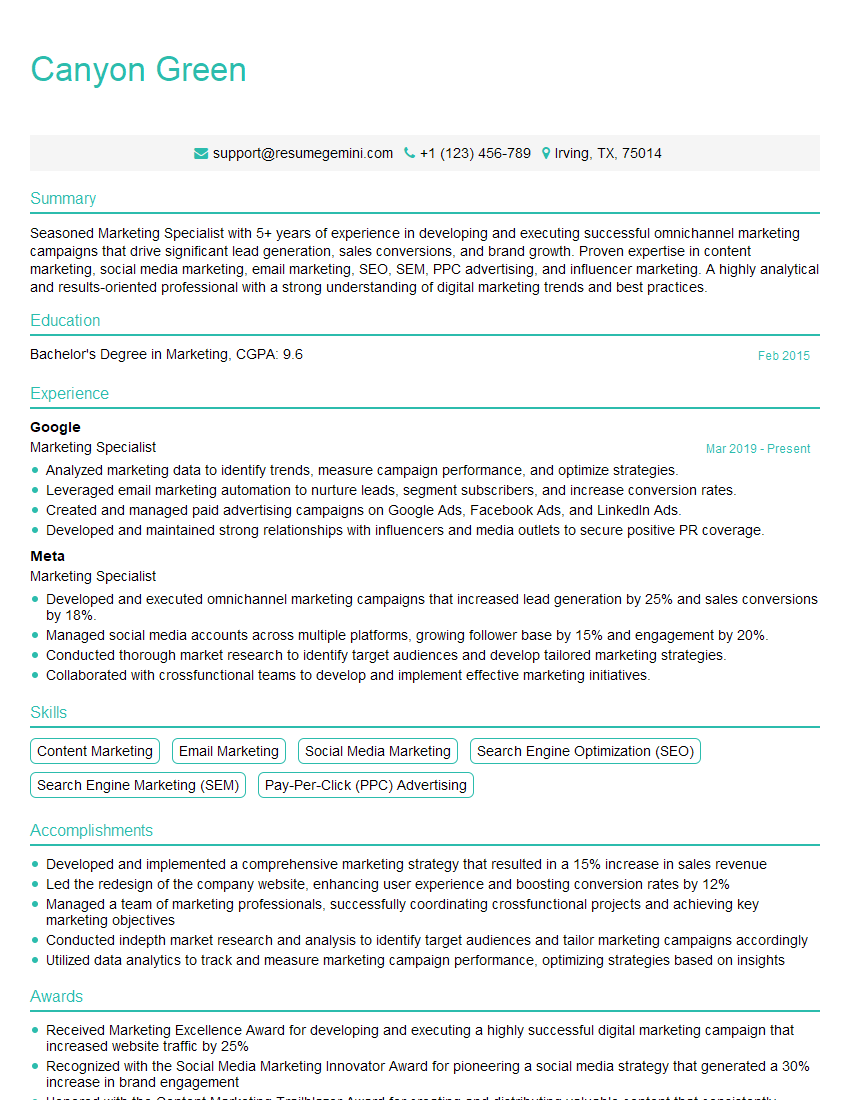
Marketing Specialist Resume Sample

Web Designer Resume Sample

Game Designer Resume Sample

Color Consultant Resume Sample

Product Designer Resume Sample

Animator Resume Sample

Graphic Designer Resume Sample
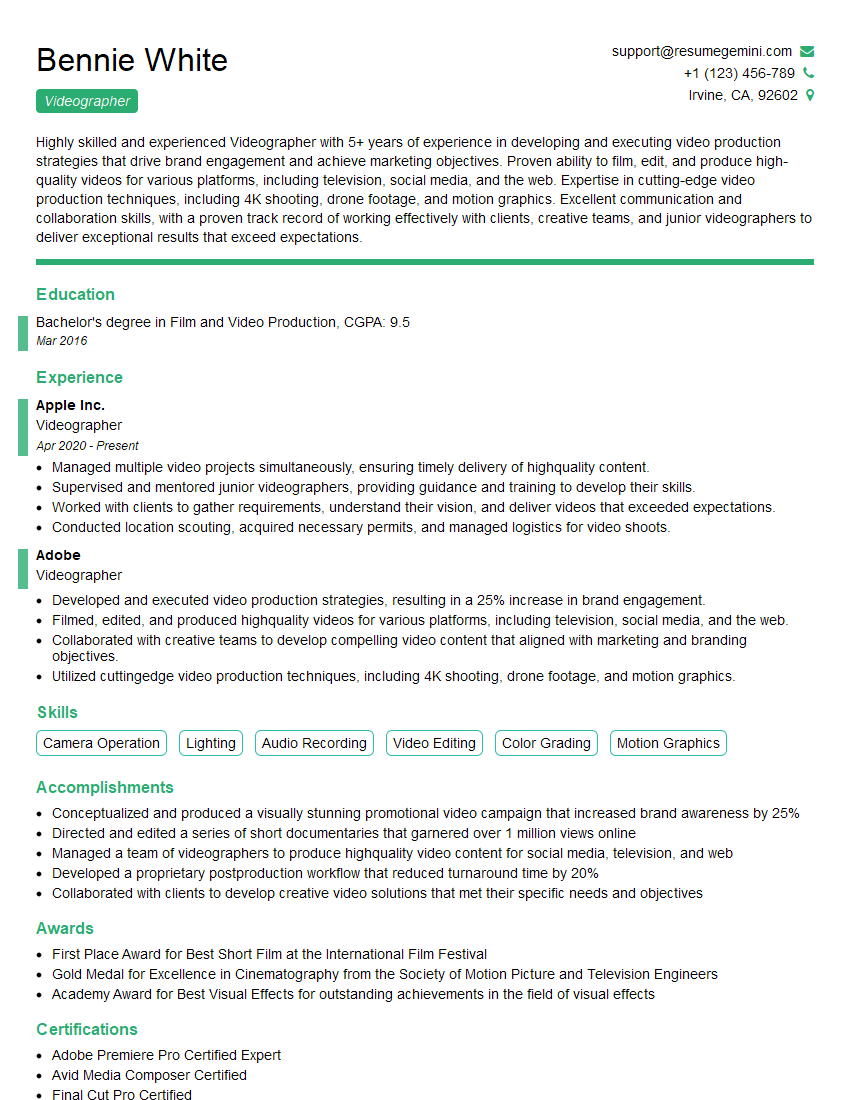
Videographer Resume Sample

Packaging Designer Resume Sample
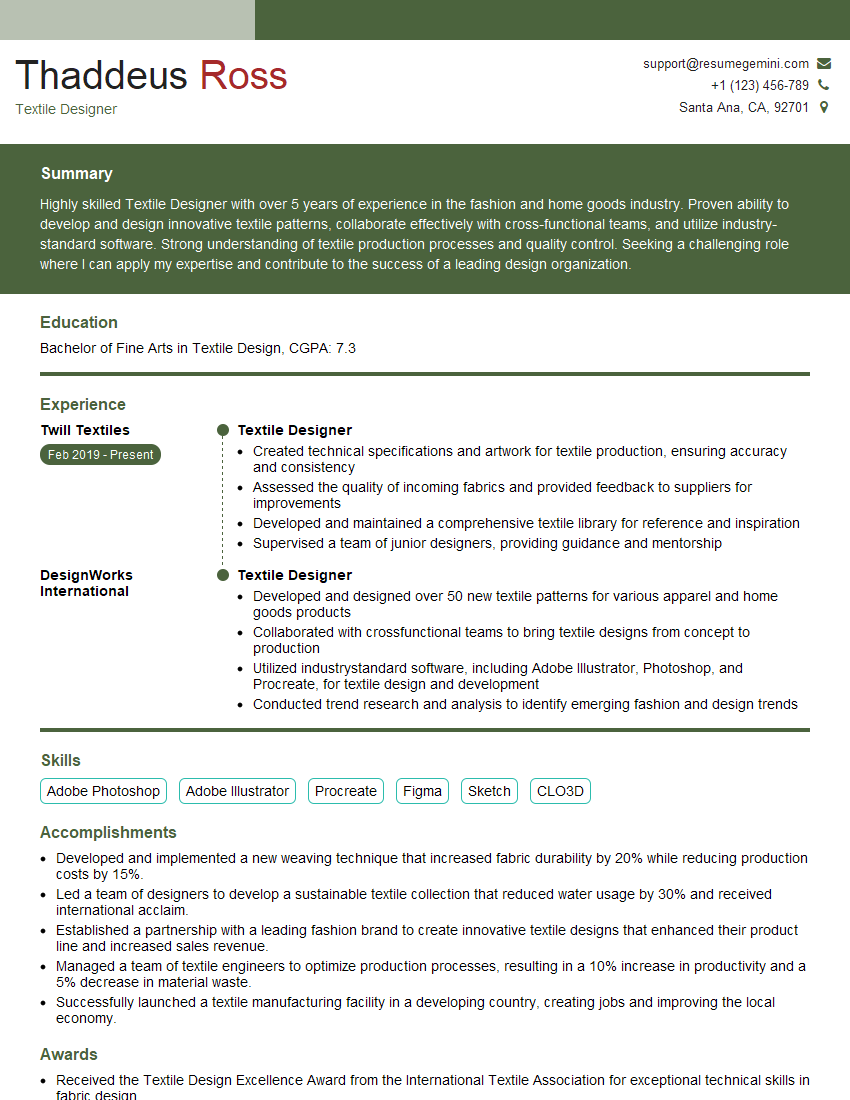
Textile Designer Resume Sample
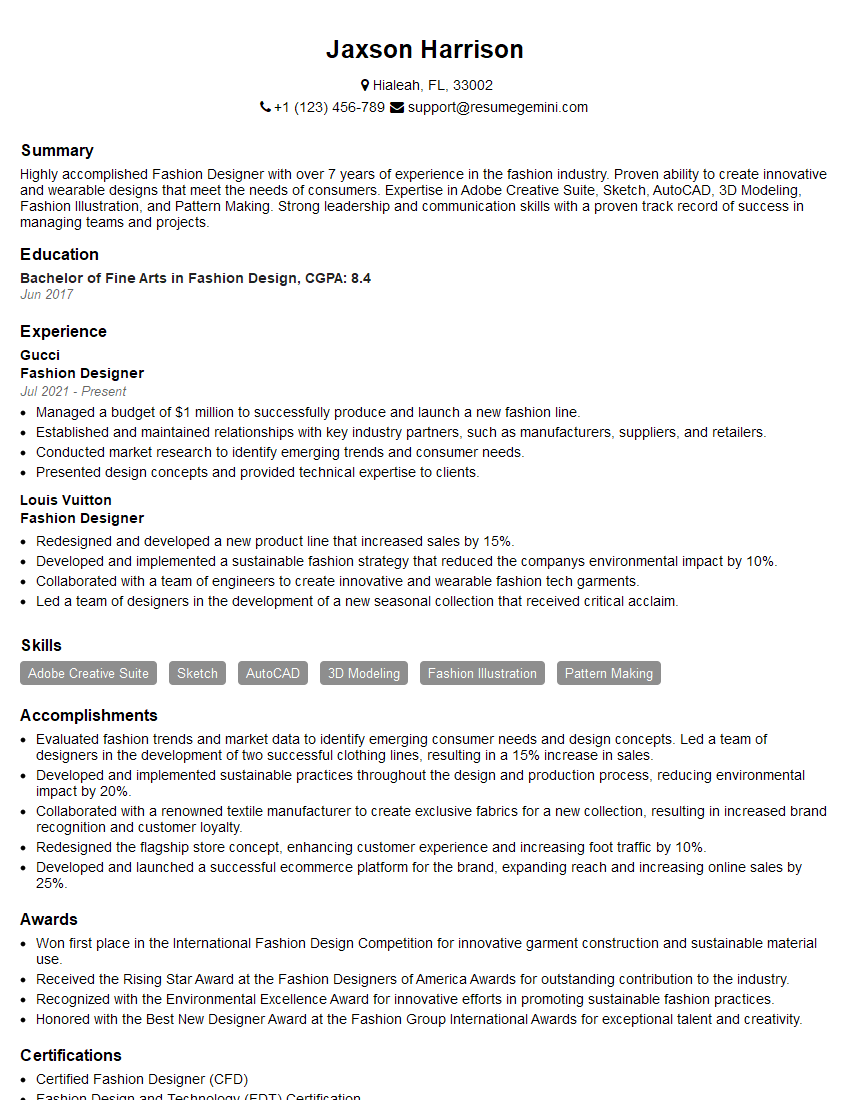
Fashion Designer Resume Sample
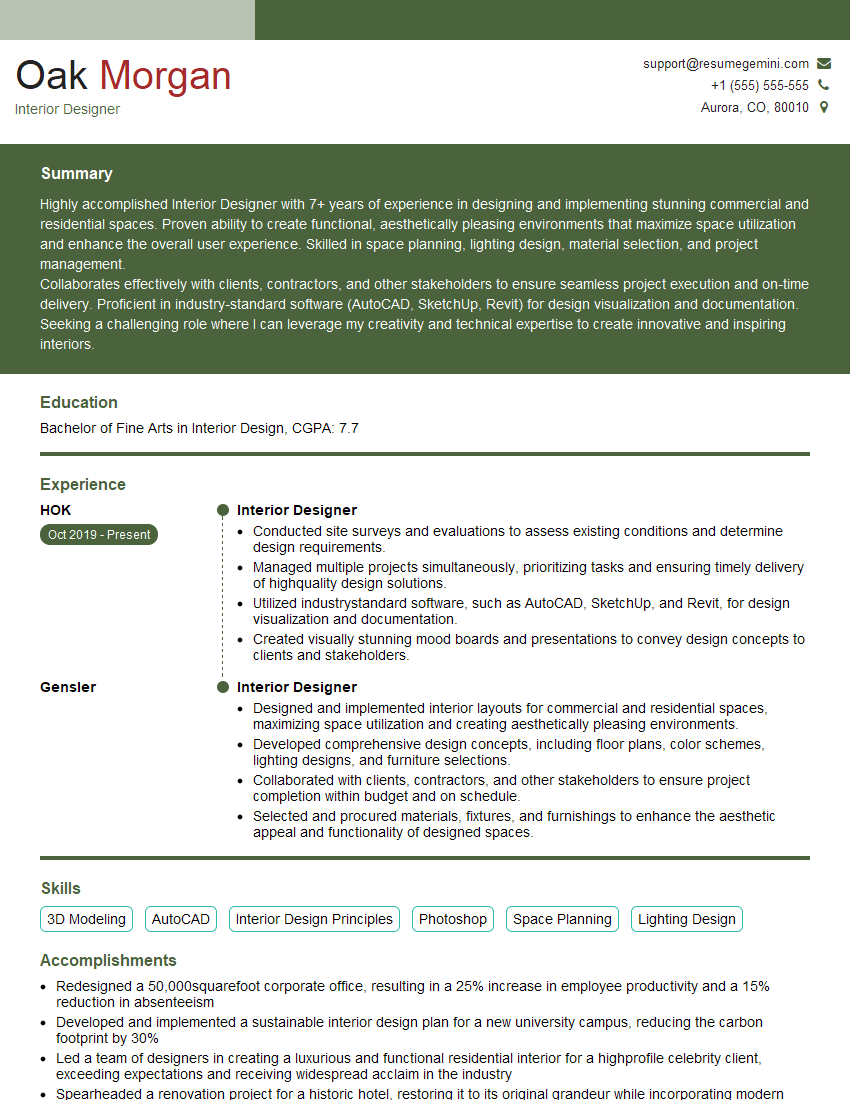
Interior Designer Resume Sample
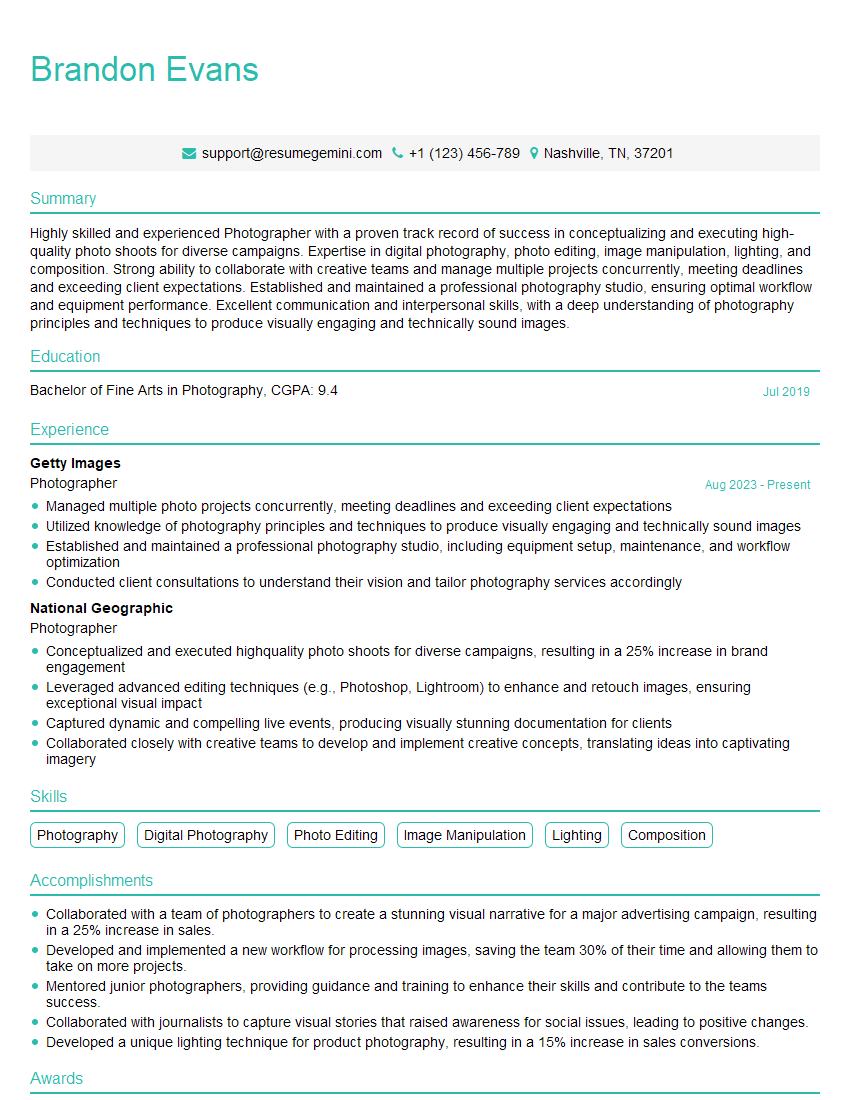
Photographer Resume Sample

UX Designer Resume Sample
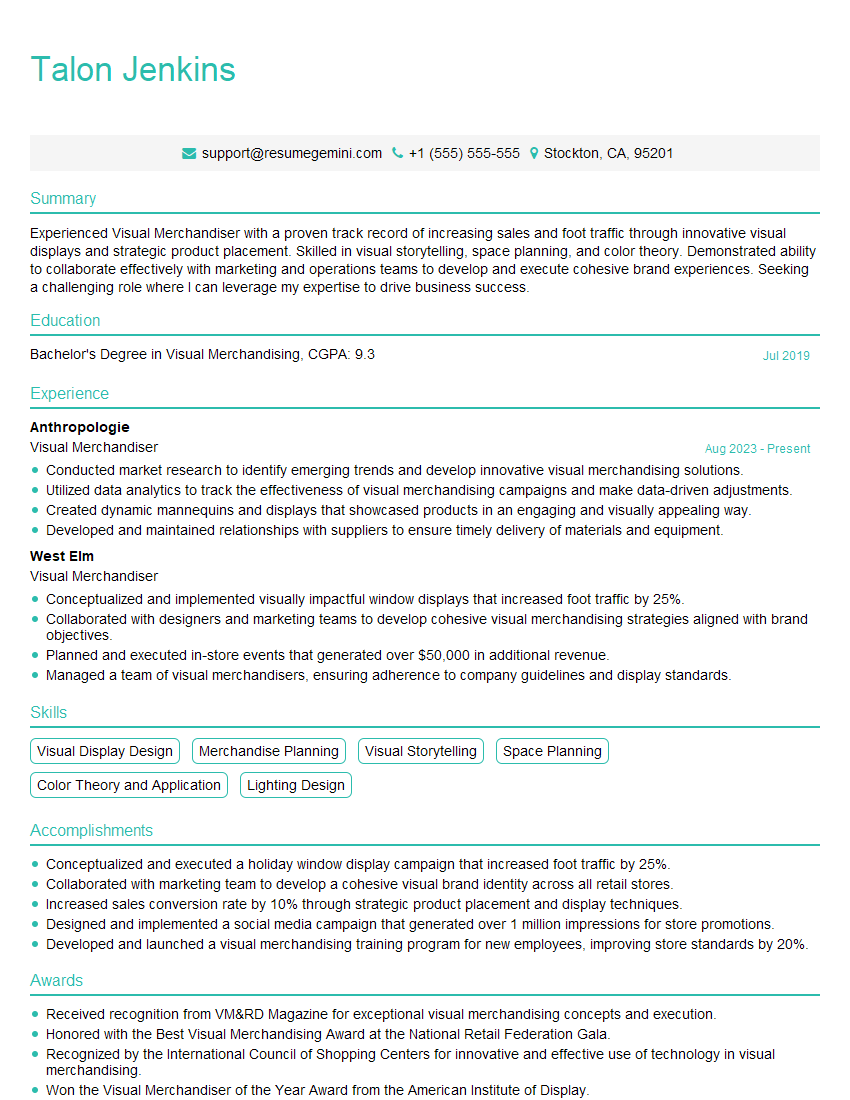
Visual Merchandiser Resume Sample
Explore more articles
Users Rating of Our Blogs
Share Your Experience
We value your feedback! Please rate our content and share your thoughts (optional).
What Readers Say About Our Blog
Very informative content, great job.
good