Preparation is the key to success in any interview. In this post, we’ll explore crucial Colour Theory and Design interview questions and equip you with strategies to craft impactful answers. Whether you’re a beginner or a pro, these tips will elevate your preparation.
Questions Asked in Colour Theory and Design Interview
Q 1. Explain the difference between additive and subtractive color mixing.
Additive and subtractive color mixing are two fundamentally different approaches to creating colors. Think of it like this: additive is like adding light, while subtractive is like subtracting light.
- Additive Color Mixing: This method involves combining different colored lights to produce new colors. The primary colors are red, green, and blue (RGB). When you combine all three at full intensity, you get white light. This is the principle behind screens (computer monitors, TVs, etc.). Imagine shining a red, green, and blue flashlight onto a white wall; where they overlap, you’ll see different colors – yellow (red + green), cyan (green + blue), magenta (red + blue), and white (red + green + blue).
- Subtractive Color Mixing: This method involves combining different colored pigments or inks. The primary colors are cyan, magenta, and yellow (CMY), often with black (K) added for better printing results (CMYK). Here, each pigment absorbs certain wavelengths of light, and the remaining wavelengths are reflected back to our eyes, creating the color we perceive. For example, mixing cyan and magenta pigments results in blue because cyan absorbs red light and magenta absorbs green light, leaving only blue light to be reflected.
The key difference lies in the source – light vs. pigment – and the resulting effect: additive creates colors by adding light, while subtractive creates colors by subtracting light.
Q 2. Describe the principles of color harmony (e.g., complementary, analogous, triadic).
Color harmony refers to the pleasing combination of colors that create a visually appealing result. Several principles guide harmonious color schemes:
- Complementary Colors: These are colors opposite each other on the color wheel (e.g., red and green, blue and orange, yellow and purple). They offer high contrast and visual excitement but should be used carefully to avoid jarring effects. Think of a classic Christmas color scheme.
- Analogous Colors: These are colors that sit next to each other on the color wheel (e.g., blue, blue-green, and green). They create a calm and harmonious feel, often used in nature-inspired designs.
- Triadic Colors: These are three colors evenly spaced on the color wheel (e.g., red, yellow, and blue). They provide a vibrant and balanced combination, but careful consideration of value and saturation is crucial to avoid muddiness.
- Tetradic Colors: This scheme uses four colors, forming a rectangle on the color wheel. It offers a rich and complex palette but requires careful balance to avoid visual chaos.
- Split Complementary Colors: This uses one color and the two colors adjacent to its complement. This offers a balance between the vibrancy of complementary and the harmony of analogous.
Understanding these principles allows designers to create visually appealing and effective color palettes tailored to the project’s specific mood and message.
Q 3. How do you choose the right color palette for a specific project?
Choosing the right color palette is crucial for effective design. It’s a process involving several steps:
- Define the project’s goal and target audience: What feeling or message do you want to convey? Who is your audience, and what are their preferences?
- Mood board creation: Gather images and objects that evoke the desired mood and aesthetic. Analyze the colors used in these references.
- Color wheel exploration: Use a color wheel to explore different color harmonies (complementary, analogous, triadic, etc.) that align with your mood board.
- Consider color psychology: Research the psychological impact of different colors on your target audience (e.g., blue for trust, red for energy).
- Test and refine: Create different versions of your design with various color palettes and test them with your target audience or stakeholders. Gather feedback and iterate.
- Ensure accessibility: Use sufficient contrast ratios to meet accessibility guidelines (WCAG).
For example, designing a website for a yoga studio might involve using calming analogous colors like greens and blues, while a website for a gaming company might utilize vibrant complementary colors.
Q 4. Explain the concept of color temperature and its impact on design.
Color temperature refers to the warmth or coolness of a color, described in terms of degrees Kelvin (K). It affects the overall mood and atmosphere of a design.
- Warm Colors (low Kelvin): These colors, like reds, oranges, and yellows, evoke feelings of warmth, comfort, and energy. They’re often associated with sunsets and fire.
- Cool Colors (high Kelvin): These colors, like blues, greens, and purples, evoke feelings of calmness, serenity, and professionalism. They’re often associated with the sky and water.
In design, color temperature can significantly impact the visual experience. For instance, warm colors can make a space feel more inviting, while cool colors can create a sense of spaciousness. A website using warm colors might feel more friendly and approachable, while a website using cool colors might project a sense of professionalism and sophistication.
Q 5. Discuss the psychological effects of different colors on viewers.
Colors evoke strong psychological responses. It’s vital for designers to understand these effects to create designs that elicit the desired emotions.
- Red: Associated with energy, excitement, passion, but also anger and danger.
- Orange: Represents enthusiasm, creativity, and warmth.
- Yellow: Evokes happiness, optimism, and intelligence, but can also be associated with caution.
- Green: Symbolizes nature, growth, calmness, and tranquility.
- Blue: Represents trust, stability, calmness, and professionalism.
- Purple: Associated with luxury, royalty, creativity, and wisdom.
- Black: Represents power, elegance, mystery, but also can be associated with negativity.
- White: Symbolizes purity, innocence, cleanliness, and simplicity.
For example, a fast-food restaurant might use red and yellow to stimulate appetite, while a spa might use calming blues and greens to promote relaxation. These associations are culturally influenced, so designers must consider their target audience’s cultural context.
Q 6. How do you ensure color accessibility in your designs?
Color accessibility is crucial for ensuring that designs are usable by people with visual impairments. It’s about providing sufficient contrast between foreground and background colors.
The Web Content Accessibility Guidelines (WCAG) provide specific guidelines for color contrast ratios. These ratios ensure that text and other important UI elements are easily discernible against their background. Tools like WebAIM’s color contrast checker can help designers assess the accessibility of their color choices. Beyond contrast, consider color blindness – approximately 8% of males and 0.5% of females experience some form of color blindness. Design with a color palette that remains accessible across various types of color blindness.
Techniques for ensuring color accessibility include:
- Using sufficient contrast ratios (e.g., 4.5:1 for normal text, 3:1 for large text).
- Avoiding relying solely on color to convey information; use text labels and icons in addition to color.
- Testing designs with color blindness simulators.
- Following WCAG guidelines.
Q 7. What are some common color models (e.g., RGB, CMYK, LAB) and their applications?
Several color models represent colors digitally. Each has its strengths and weaknesses:
- RGB (Red, Green, Blue): This additive model is used for screens and digital displays. Colors are represented as a combination of red, green, and blue light intensities, each ranging from 0 to 255 (or 0% to 100%).
rgb(255, 0, 0)represents pure red. - CMYK (Cyan, Magenta, Yellow, Black): This subtractive model is used for printing. Colors are represented by the amount of cyan, magenta, yellow, and black inks needed to create the desired color. It’s crucial to understand that CMYK and RGB colors don’t always translate perfectly between screens and print.
- LAB (L*a*b*): This device-independent color space is designed to represent all the colors visible to humans. It separates lightness (L*), color opponent dimensions (a*, representing red-green and b*, representing yellow-blue), and is less prone to variations across different devices than RGB or CMYK. It is valuable when color accuracy is paramount, such as in professional printing and color management workflows.
Choosing the appropriate color model depends on the application: RGB for screens, CMYK for print, and LAB for situations requiring high color accuracy across devices.
Q 8. How do you handle color inconsistencies across different devices and platforms?
Color consistency across devices is a crucial challenge. Different devices (phones, tablets, laptops, monitors) have varying color profiles and rendering capabilities. To mitigate this, I rely on color management systems and specific color spaces. Instead of relying on RGB (Red, Green, Blue) values directly, which are device-dependent, I prefer using a color space like sRGB for web design or Adobe RGB for print, which offers a wider gamut. This ensures that colors appear relatively consistent across a broader range of displays. I also always design with color profiles in mind, testing the designs across different devices and browsers.
Furthermore, I utilize tools that allow for the conversion of color values between color spaces (such as those available in Adobe Photoshop or Illustrator). I carefully consider the target audience and the display technology they’ll mostly be using, adjusting my color choices accordingly. For example, I might avoid overly saturated colours if I know the majority of my audience uses older devices with lower color accuracy.
Q 9. Explain the concept of color contrast and its importance in design.
Color contrast refers to the difference in lightness and/or hue between two colors. It’s paramount for readability and accessibility. Sufficient contrast between text and background ensures easy reading, preventing eye strain and improving comprehension. For instance, placing dark text on a light background or vice-versa is a classic example of good contrast. Websites and applications often have accessibility guidelines (e.g., WCAG) that specify minimum contrast ratios to cater to users with visual impairments.
Contrast also plays a key role in creating visual hierarchy. Using higher contrast for important elements naturally draws the viewer’s eye. Imagine a website with a bold, high-contrast headline compared to the body text—the headline immediately commands attention. Therefore, understanding and applying contrast principles is vital for creating effective and inclusive designs.
Q 10. Describe your process for creating a mood board using color.
My mood board creation process is iterative. It starts with defining the project’s purpose and target audience. Then I begin collecting visual references: images, textures, patterns, and of course, colors. I utilize platforms like Pinterest and Behance for inspiration and gather relevant color palettes using tools like Adobe Color or Coolors.
I organise these elements digitally (using Photoshop or similar software) or physically (cutting out images and arranging them on a board). The color selection is guided by the desired mood: warm colors for feelings of comfort and energy, cool colors for serenity and professionalism. I experiment with different color combinations, ensuring harmony and contrast, iteratively refining the board until it clearly reflects the intended aesthetic and emotion.
Finally, I document my choices, noting the specific hex codes or Pantone numbers to ensure consistency during the design process. The mood board serves as a blueprint, a visual guide throughout the entire project.
Q 11. How do you use color to create hierarchy and visual focus in a design?
Color is a powerful tool for creating visual hierarchy and guiding the user’s eye. The strategy involves utilizing varying levels of saturation, brightness, and contrast to direct attention to key elements. For instance, a brightly colored call-to-action button immediately stands out against a more muted background. Similarly, using a darker, more saturated shade for headings creates visual emphasis over the lighter body text.
Another effective technique is using a color palette with a clear dominant color (background or main theme), complemented by a secondary color for supporting elements, and accent colors for highlights or important focal points. This layered approach creates a natural progression of visual emphasis, guiding the viewer’s gaze effortlessly through the design. For example, imagine a website with a predominantly blue background, key information in a bolder shade of orange, and subtle yellow highlights for interactive elements.
Q 12. Discuss the use of color in branding and its impact on brand identity.
Color plays a crucial role in branding, shaping a company’s personality and influencing consumer perception. A brand’s color palette needs to be carefully selected to align with its values, target audience, and industry. Consider the recognizable red of Coca-Cola, evoking feelings of excitement and familiarity, or the calming blue of IBM, projecting trust and stability. These colors have become synonymous with their respective brands, creating powerful associations in the consumer’s mind.
The process involves thorough research, competitor analysis, and an understanding of color psychology. Colors have cultural connotations; what represents prosperity in one culture could be associated with mourning in another. Therefore, choosing colors requires a sensitive approach, ensuring cultural appropriateness and consistency across all brand touchpoints, from logos to packaging to websites.
Q 13. How do you evaluate the effectiveness of a color palette?
Evaluating color palette effectiveness involves a multi-faceted approach. First, I assess the palette’s visual harmony and contrast. Does it create a pleasing and balanced composition? Is there enough contrast for readability and accessibility? I then analyze its effectiveness in achieving the intended mood and message. Does it successfully convey the brand’s personality or the product’s qualities?
I also consider the palette’s versatility. Can it be used across multiple platforms and applications without losing its coherence? Finally, and crucially, I gather user feedback through surveys, A/B testing, or heatmap analysis to assess user engagement and preference. This data provides valuable insights into how effectively the color palette attracts attention, enhances comprehension, and ultimately contributes to the design’s overall success.
Q 14. What software or tools do you use for color selection and manipulation?
My color workflow relies on several key software and tools. Adobe Creative Suite (Photoshop, Illustrator) is my primary toolkit for color selection, manipulation, and management. I leverage its advanced features for color mixing, adjusting color profiles, and creating and saving custom palettes. I also frequently use online tools like Adobe Color and Coolors for generating and exploring color palettes based on different rules and harmonies.
For web development, I use tools that provide color pickers and ensure accurate color representation in the final output. For print projects, I work closely with print houses, ensuring color profiles and standards are accurately managed for consistent results. My choice of tool ultimately depends on the specific project’s needs and requirements.
Q 15. Describe a time you had to resolve a color-related conflict on a project.
One project involved designing a mobile app for a financial institution. The marketing team initially favored a vibrant, almost neon green for the primary brand color, believing it conveyed modernity and trust. However, I argued that this color, while trendy, could be jarring for the target demographic (primarily older adults) and potentially contradict the sense of security associated with financial services. The conflict arose because the marketing team focused on a superficial interpretation of ‘modernity,’ neglecting the crucial aspect of user experience.
To resolve this, I presented research showing color psychology studies indicating that greens, particularly brighter shades, can sometimes trigger anxiety. I then proposed alternative palettes incorporating softer blues and greens, along with earth tones, that still felt modern but were more calming and trustworthy. We tested these palettes through A/B testing on a small user group, and the softer color scheme significantly outperformed the initial choice in terms of user engagement and perceived trustworthiness. The project successfully balanced aesthetic appeal with user needs, highlighting the importance of data-driven design decisions.
Career Expert Tips:
- Ace those interviews! Prepare effectively by reviewing the Top 50 Most Common Interview Questions on ResumeGemini.
- Navigate your job search with confidence! Explore a wide range of Career Tips on ResumeGemini. Learn about common challenges and recommendations to overcome them.
- Craft the perfect resume! Master the Art of Resume Writing with ResumeGemini’s guide. Showcase your unique qualifications and achievements effectively.
- Don’t miss out on holiday savings! Build your dream resume with ResumeGemini’s ATS optimized templates.
Q 16. How do you incorporate user feedback regarding color choices into your design process?
User feedback is paramount. I integrate it into my design process through iterative design and user testing. After an initial design phase, I present color options to the target users using tools like online surveys, focus groups, or in-person usability testing. The feedback isn’t just about ‘like’ or ‘dislike’; I focus on the why behind their preferences. Understanding the emotional responses and associations users have with specific colors helps me refine the palette effectively. For example, if users associate a particular color with feelings of distrust, I’ll explore alternative hues within the same color family to achieve the desired effect without triggering negative emotions. This feedback loop ensures the final palette is both aesthetically pleasing and resonates positively with the end-user.
Q 17. Explain your understanding of color trends and their influence on design decisions.
Color trends significantly influence design, offering fresh perspectives and reflecting cultural shifts. I closely monitor trend forecasting reports, design publications, and social media platforms to stay abreast of evolving aesthetics. For example, the rise of ‘biophilic design’ has led to a surge in the use of natural and earthy tones, creating calming and sustainable interfaces. However, simply following trends blindly is a mistake. I consider the context and target audience. While a trend might be popular, it’s crucial to assess whether it aligns with the brand’s identity and user needs. A good design integrates trendy elements thoughtfully, not as a mere imitation.
Q 18. Describe your experience with Pantone or other color systems.
I have extensive experience with Pantone, particularly the Pantone Matching System (PMS). PMS offers a standardized color language, ensuring accurate reproduction across different media. This is particularly useful in print design, where maintaining color consistency across various print runs is crucial. I also utilize other color systems like Adobe Color and even RGB/CMYK values, depending on the project requirements. However, I don’t rely solely on pre-defined palettes. I often create custom palettes that build on the foundation provided by these systems, ensuring a unique visual identity tailored to the specific project. Digital design allows for more flexibility and exploration, but the understanding and application of Pantone standards for print ensures consistency and high-quality output.
Q 19. How would you design a color palette for a website targeting elderly users?
Designing for elderly users requires considering visual impairments and cognitive factors. A website targeting this demographic would benefit from a palette emphasizing high contrast and readability. I would avoid overly saturated colors and small text sizes. I would opt for a palette of muted, calming colors, using shades of soft blues, greens, and grays, alongside a clear and easily discernible accent color. For example, a muted teal could be the primary color, paired with a light beige as the background, while a warm, but not overpowering, orange could be used for calls to action. The key is to create a visually comfortable and accessible experience, avoiding overwhelming stimuli that could affect usability.
Q 20. How would you create a color palette for a children’s product?
Creating a color palette for children’s products involves a different approach. Bright, playful colors are essential, but the palette must also be balanced to avoid visual overload. I would start by identifying the core theme or character of the product. A vibrant palette inspired by nature, featuring sunny yellows, bright greens, and sky blues, would work well for products focused on outdoor play. For something more fantastical, brighter, more saturated colors like fuchsia, turquoise and sunny yellow might be appropriate. The palette needs to be both stimulating and appealing, while remaining age-appropriate and avoiding colors that might be perceived as overly aggressive or unsettling.
Q 21. Explain how you use color to convey emotions in your designs.
Color is a powerful tool for communicating emotions. Red often symbolizes excitement or danger, blue evokes calmness or trust, while yellow represents joy or warning. I consciously use these associations to create the intended emotional response. For a website promoting relaxation techniques, I’d incorporate calming blues and greens. Conversely, a website for a gaming company might utilize vibrant reds and oranges to create a sense of energy and excitement. Understanding the psychological impact of colors and applying them strategically is key to effective design. This involves considering cultural contexts as well; some color associations are culturally specific. Effective communication involves a subtle balance of conscious color choices and consideration for the cultural context.
Q 22. How do you ensure color consistency across print and digital formats?
Maintaining color consistency across print and digital media requires a deep understanding of color spaces and profiles. Think of it like this: your digital screen uses RGB (Red, Green, Blue) light to create colors, while print uses CMYK (Cyan, Magenta, Yellow, Key/Black) inks. These are fundamentally different systems, leading to discrepancies if not handled properly.
To ensure accuracy, I always begin with a defined color palette in a device-independent color space like sRGB or Adobe RGB. This ensures the colors are consistent regardless of the device used for viewing (monitor calibration is also key!). Then, when preparing files for print, I use a professional color management system (CMS) to convert the colors from RGB to CMYK, carefully considering the chosen printing process and paper stock. This conversion isn’t a simple formula; it involves profiling both the monitor and the printer to map the colors accurately. Ignoring this process frequently results in colors appearing duller, less vibrant, or altogether different in print.
For example, a bright, vibrant teal that looks perfect on screen might appear muddy or desaturated in print unless proper CMYK conversion is applied. Using a CMS and specifying the correct color profile in all design software helps avoid this mismatch.
Q 23. Explain the relationship between color and typography.
The relationship between color and typography is symbiotic; they significantly influence each other’s readability and overall aesthetic impact. Color choices directly affect the legibility of text. For instance, using light text on a light background is practically invisible, while dark text on a dark background creates poor contrast.
Furthermore, color can evoke specific emotions and create visual hierarchies. A bold, contrasting color can highlight important information, while a muted color can be used for secondary content. The typeface itself also influences color choice. A serif font like Times New Roman might pair well with earth tones or classic hues, conveying a sense of sophistication and tradition, whereas a sans-serif font like Helvetica might work better with more modern, bright colors.
I always consider the overall message and branding when pairing colors and typefaces. For example, if designing a website for a children’s book publisher, I would choose a playful font and bright, cheerful colors, while for a legal firm, a more serious serif font and muted, sophisticated colors would be more appropriate.
Q 24. How do you use color to guide user interaction in a user interface?
Color is a powerful tool for guiding user interaction in UI design. It can draw attention, indicate states, and create clear visual cues. Think of it as a visual language that speaks to the user subconsciously.
- Emphasis and Call to Action (CTA): A vibrant color (often contrasting with the background) is strategically used to highlight buttons, links, or important notifications, drawing the user’s eyes to key interactive elements. For example, using a bright green for a ‘Submit’ button is commonly practiced.
- Status Indication: Color consistently signals the state of an element. Green might indicate success, red might signify error, and yellow might represent a warning. This provides quick and intuitive feedback to the user without requiring them to read detailed messages.
- Visual Hierarchy: Using a range of color saturations and intensities creates a hierarchy. More saturated colors draw more attention, while less saturated colors recede visually. This helps users scan and prioritize information effectively.
- Grouping and Organization: Consistent use of color helps group related elements together, enhancing the overall organization and readability of the UI. This improves comprehension and user experience.
Inconsistent or poorly chosen color schemes can lead to confusion and frustration. Therefore, understanding accessibility guidelines (e.g., WCAG) is crucial to ensure sufficient contrast between text and background colors, ensuring usability for all users including those with visual impairments.
Q 25. Describe a time you had to explain complex color concepts to a non-designer.
I once had to explain the concept of color harmony to a client who was struggling to understand why certain color combinations worked better than others. They had a strong vision but lacked formal design knowledge.
I started by using analogies they could relate to. I compared color harmonies to musical chords – certain combinations create pleasing sounds, others sound discordant. Similarly, some color combinations are naturally harmonious, creating a visually pleasing experience, while others clash and look jarring. I used the color wheel to demonstrate complementary, analogous, and triadic color schemes, explaining the principles behind each and showing examples relevant to their brand.
I also presented simple, visually engaging charts and mood boards, explaining the emotional impact of different color palettes. For example, I showed how cool blues and greens evoked calmness, whereas warm oranges and reds conveyed energy. Through this combination of relatable examples, visual aids, and clear explanations, I successfully conveyed the crucial aspects of color theory and helped them make informed decisions that aligned with their brand’s identity.
Q 26. How do you stay up-to-date on current trends in color theory and design?
Staying updated in the dynamic field of color trends requires a multi-faceted approach.
- Industry Publications and Blogs: I regularly follow influential design blogs, magazines, and online resources that focus on design trends and color palettes. These provide insights into current aesthetics and emerging trends.
- Social Media and Design Communities: Platforms like Behance, Dribbble, and Instagram showcase the work of leading designers worldwide, allowing me to observe current color usage and styles. Participating in online design communities provides access to discussions and feedback on current trends.
- Color Trend Reports: Several reputable color forecasting companies publish annual trend reports, analyzing shifts in color preferences across various industries. These reports provide valuable data-driven insights.
- Observing the Real World: Paying attention to color usage in various contexts – fashion, architecture, product design – helps me identify emerging trends and understand the broader cultural significance of specific colors.
By combining these methods, I can develop a holistic understanding of current and emerging color trends and adapt my approach accordingly.
Q 27. How do you balance creativity with technical precision in your color choices?
Balancing creativity and technical precision in color choices is a constant challenge, but it’s at the heart of effective design. It’s not just about picking pretty colors; it’s about selecting colors that strategically support the design’s purpose and meet specific technical requirements.
I begin with creative exploration, experimenting with different color palettes and exploring various combinations. I consider the project’s purpose, target audience, and brand identity to guide my initial choices. Once I have a few promising palettes, I move to the technical aspect, ensuring color accessibility, sufficient contrast, and consistency across different output formats. This usually involves utilizing color management tools and adhering to established design standards.
For example, while I might initially feel drawn to a vibrant, high-contrast color scheme, I need to analyze if it provides adequate contrast for users with visual impairments, and if it translates correctly in print versus digital media. This technical assessment frequently leads to refinements in the creative choices, ensuring both visual appeal and usability.
This iterative process allows me to reconcile artistic vision with practical considerations, resulting in designs that are both aesthetically pleasing and technically sound.
Q 28. Describe your experience with color management workflows.
My experience with color management workflows is extensive. It begins with selecting the appropriate color space for the project – sRGB for web design, Adobe RGB for print, and sometimes ProPhoto RGB for very high-quality image editing. I utilize professional color management software (like Adobe Color Engine or similar) to ensure accurate color conversion and profiling across different devices and output methods.
My workflow involves:
- Profile Creation and Calibration: Regularly calibrating my monitor using a colorimeter is essential to ensure accurate color representation on screen. I create and use color profiles for my printer, scanner, and other devices that I use in the color pipeline.
- Color Conversion: I employ the CMS to convert between color spaces accurately – for instance, converting from RGB to CMYK for print, ensuring the final output closely matches the intended colors.
- Soft Proofing: Before final output, I use soft proofing to simulate how the colors will appear in the final printed material or digital medium, allowing me to make adjustments as necessary to correct any inconsistencies.
- Color Consistency across Assets: I diligently maintain color consistency across all assets, ensuring the same color palette is used throughout the project. This requires careful organization and utilization of color libraries or swatches.
This meticulous approach ensures the colors appear as intended across all devices and mediums, resulting in a professional and consistent final product. Ignoring these steps frequently leads to significant color discrepancies that diminish the overall design quality.
Key Topics to Learn for Your Colour Theory and Design Interview
- Color Models (RGB, CMYK, LAB): Understand the differences and when to use each model in various design contexts. Be prepared to discuss their practical applications in digital and print design.
- Color Harmonies (Complementary, Analogous, Triadic, etc.): Explain how different color harmonies create specific moods and visual effects. Practice applying these harmonies to design scenarios and justify your choices.
- Color Psychology: Discuss the emotional and psychological impact of color choices on the viewer. Be ready to illustrate how color can be used to evoke specific feelings or communicate a brand message.
- Color Contrast and Accessibility: Understand the importance of sufficient color contrast for readability and accessibility, particularly for users with visual impairments. Know the WCAG guidelines related to color contrast.
- Color Trends and History: Demonstrate awareness of current color trends and their historical context. Be able to discuss the evolution of color palettes in different design periods.
- Practical Application in Design Software: Showcase your proficiency in using design software (Adobe Photoshop, Illustrator, etc.) to manipulate and apply color effectively. Be prepared to discuss your workflow and techniques.
- Branding and Color Identity: Explain how color choices contribute to brand building and recognition. Discuss how to create and maintain a consistent color palette across different platforms.
- Color Management and Calibration: Understand the importance of color management for ensuring consistent color reproduction across different devices and printing processes.
Next Steps
Mastering Colour Theory and Design is crucial for a successful career in design, opening doors to exciting opportunities and higher earning potential. A strong grasp of these concepts allows you to create impactful designs that resonate with audiences and effectively communicate messages. To boost your job prospects, it’s vital to create an ATS-friendly resume that highlights your skills and experience. Use ResumeGemini, a trusted resource, to build a professional resume that truly showcases your abilities. ResumeGemini provides examples of resumes tailored to Colour Theory and Design positions to help you get started. Invest in your future; craft a compelling resume that gets you noticed.

Art Director Resume Sample

Creative Director Resume Sample

Web Designer Resume Sample

Game Designer Resume Sample

Color Consultant Resume Sample

Product Designer Resume Sample
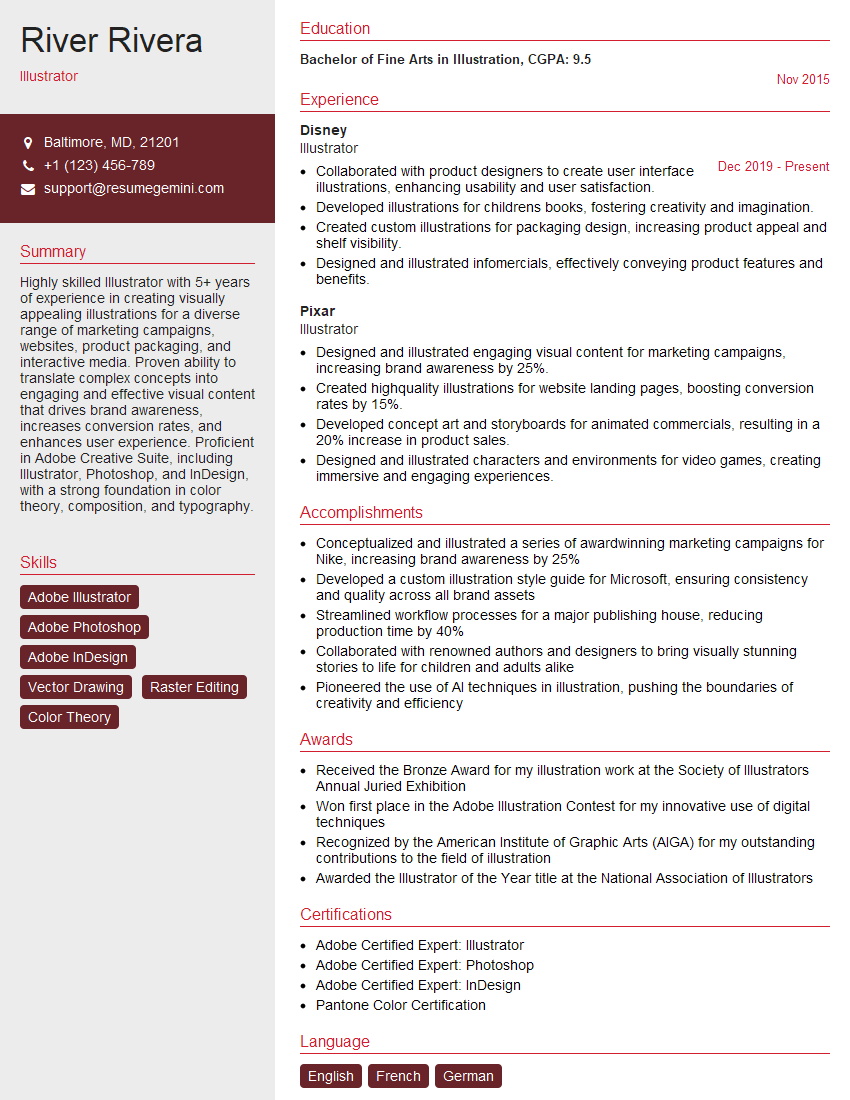
Illustrator Resume Sample

Animator Resume Sample

Graphic Designer Resume Sample
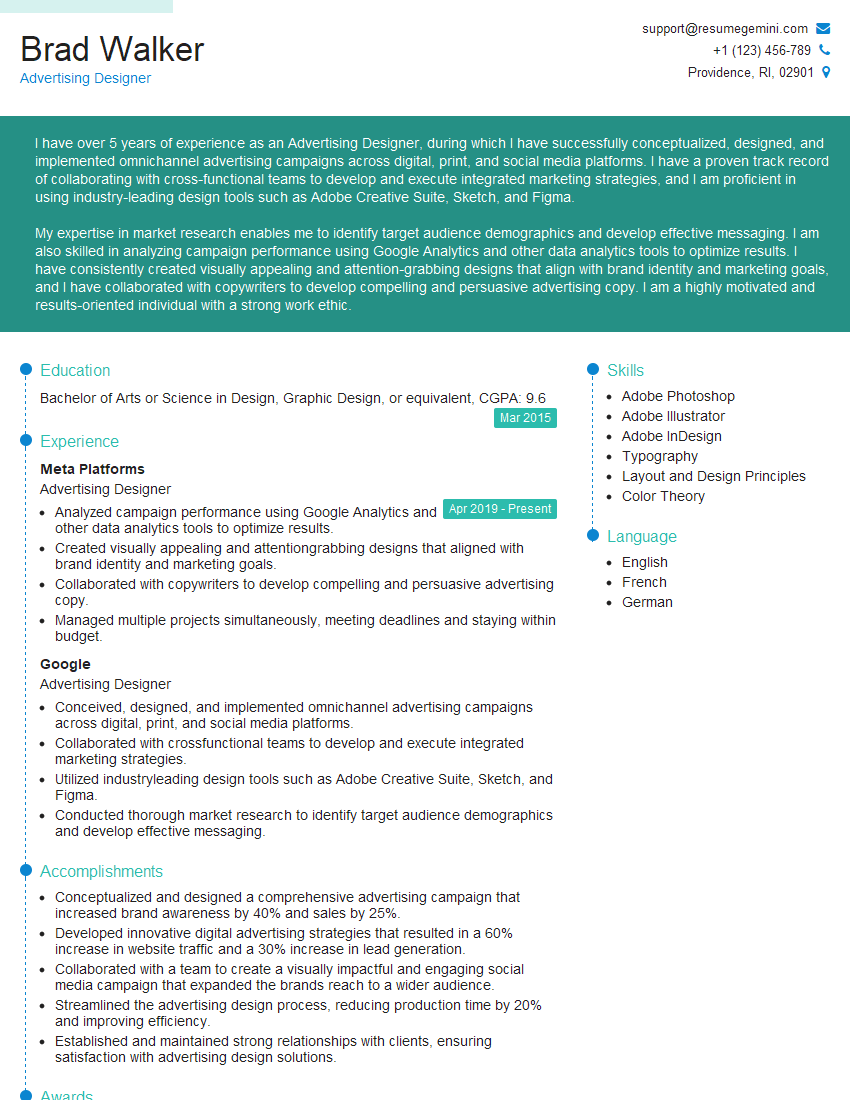
Advertising Designer Resume Sample

Packaging Designer Resume Sample
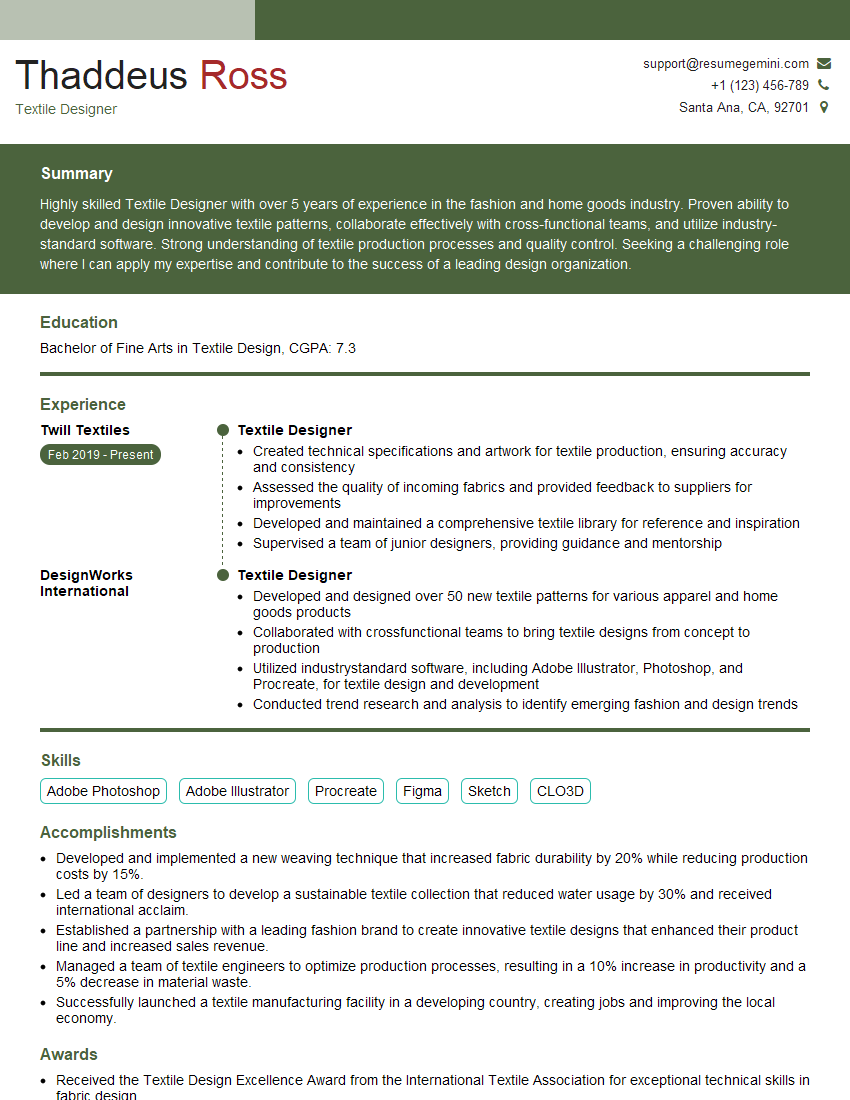
Textile Designer Resume Sample
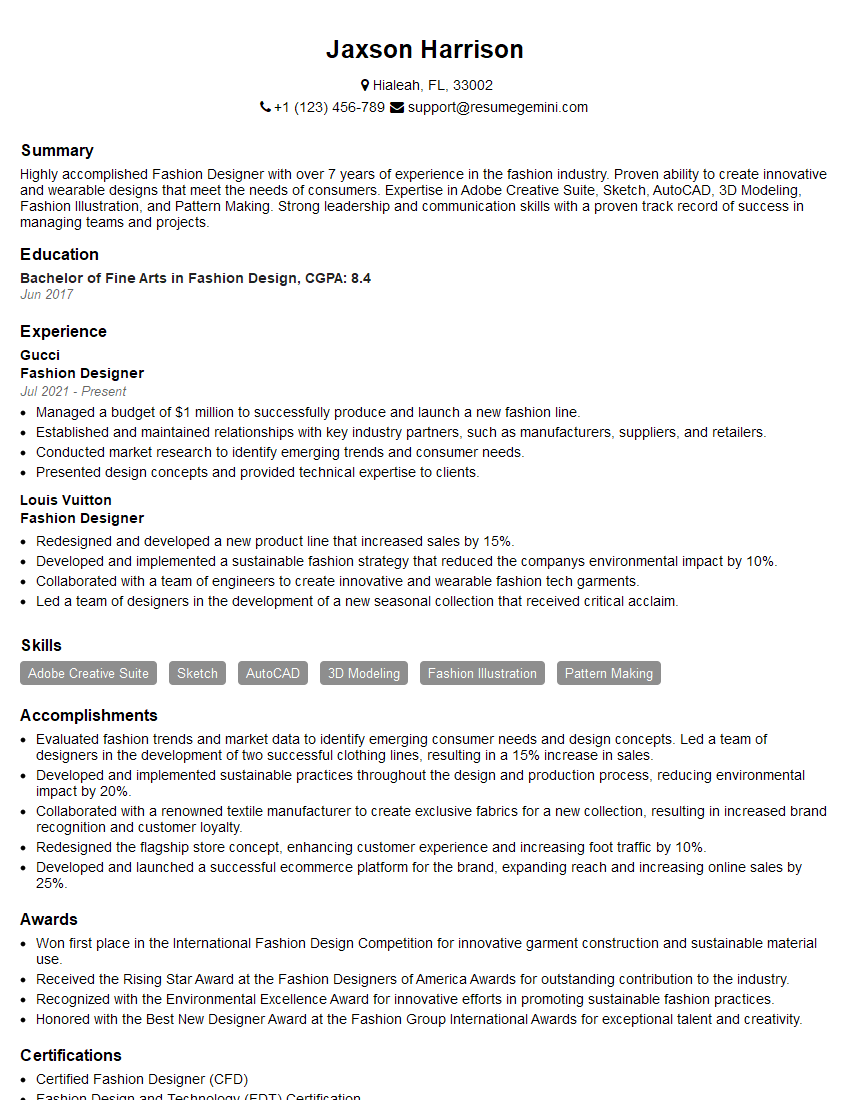
Fashion Designer Resume Sample
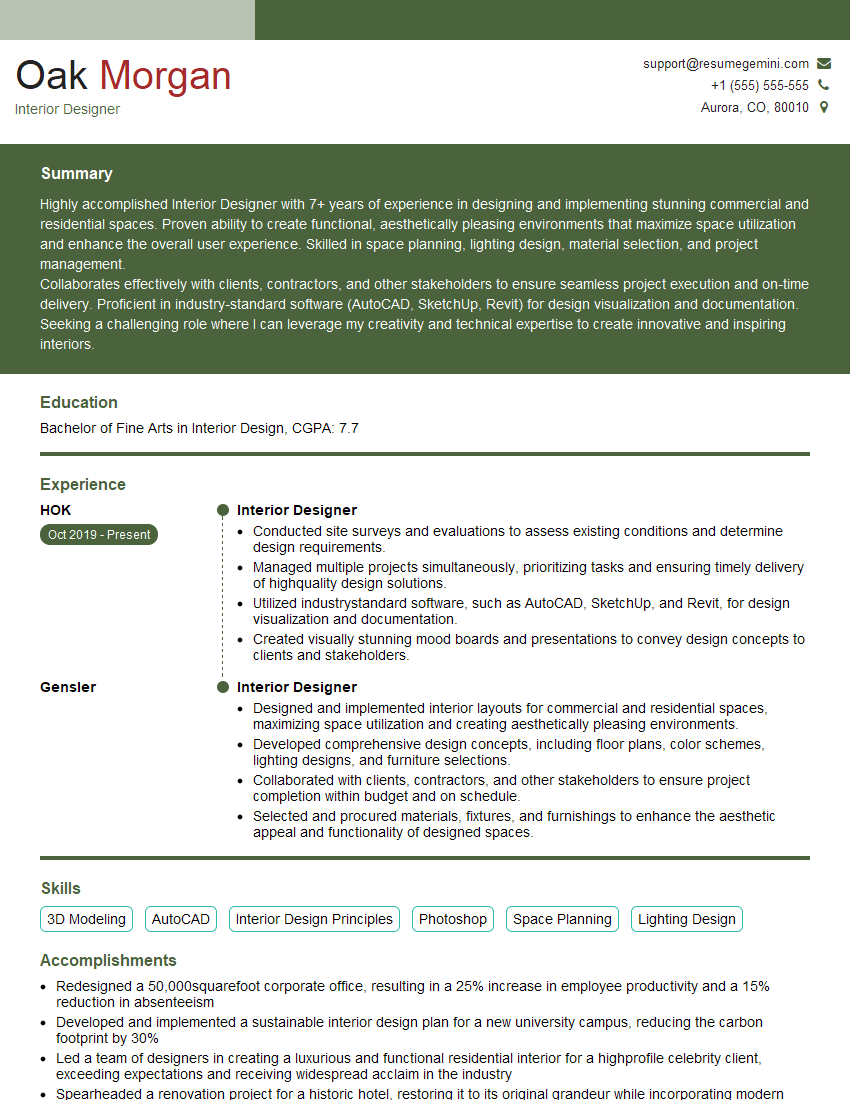
Interior Designer Resume Sample

UX Designer Resume Sample
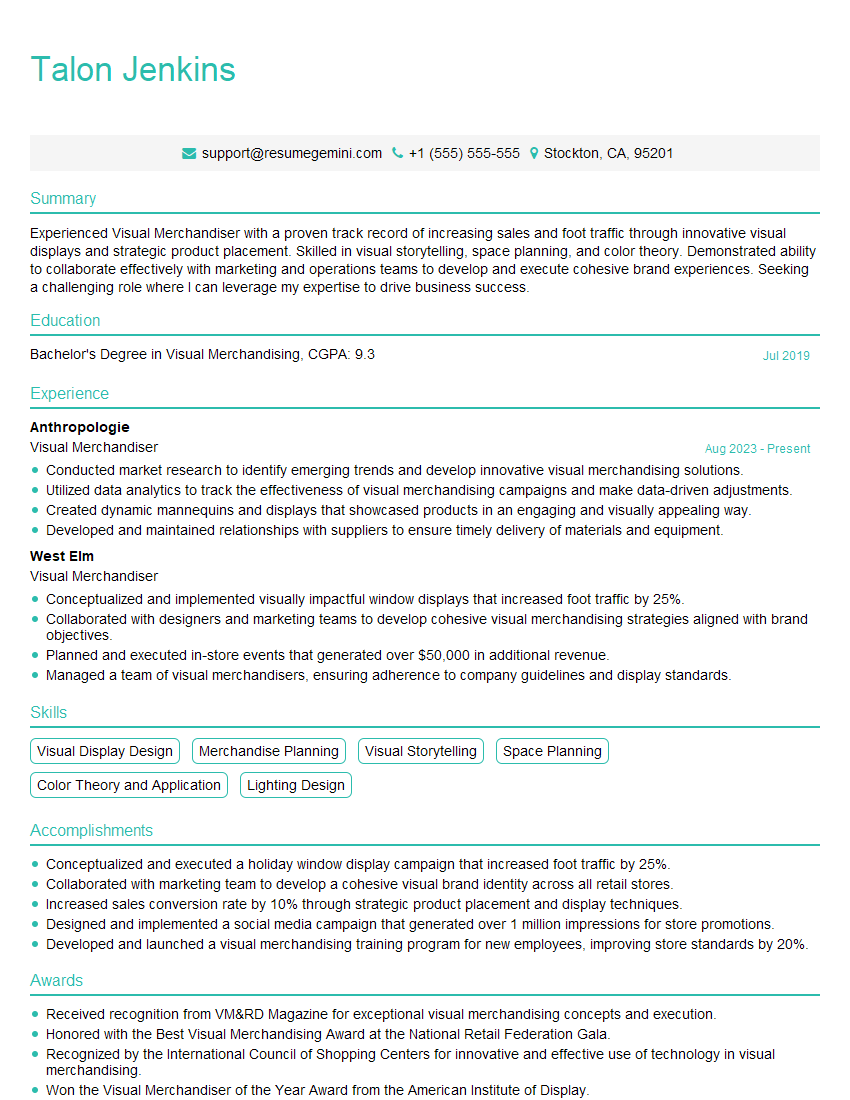
Visual Merchandiser Resume Sample
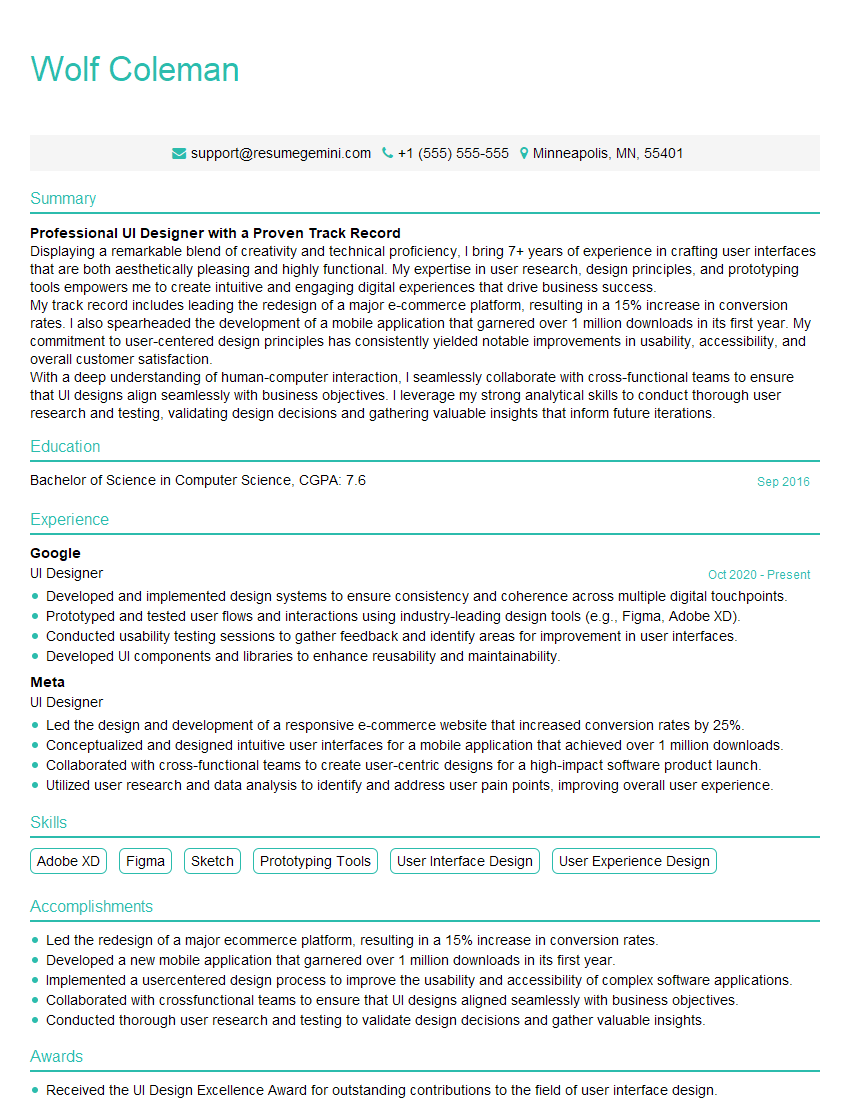
UI Designer Resume Sample
Explore more articles
Users Rating of Our Blogs
Share Your Experience
We value your feedback! Please rate our content and share your thoughts (optional).
What Readers Say About Our Blog
Very informative content, great job.
good