Unlock your full potential by mastering the most common Component-Level Troubleshooting interview questions. This blog offers a deep dive into the critical topics, ensuring you’re not only prepared to answer but to excel. With these insights, you’ll approach your interview with clarity and confidence.
Questions Asked in Component-Level Troubleshooting Interview
Q 1. Describe your experience with diagnosing faulty components on a printed circuit board (PCB).
Diagnosing faulty components on a PCB involves a systematic approach combining visual inspection, in-circuit testing, and understanding the circuit’s functionality. I start with a thorough visual inspection, looking for obvious signs of damage like burnt components, broken solder joints, or physical stress. Then, I use a multimeter to check for continuity, voltage levels, and component values. For instance, if a resistor appears to be open-circuit, I’d measure its resistance; a significantly higher or lower reading than the nominal value indicates a potential fault. Finally, I’ll use schematics and datasheets to understand the component’s role within the circuit and deduce the impact of a failure. In one instance, I successfully pinpointed a faulty voltage regulator causing intermittent power issues by observing discoloration and comparing its output voltage to the datasheet specifications.
Q 2. Explain the process of isolating a faulty component using a multimeter.
Isolating a faulty component with a multimeter requires a clear understanding of the circuit’s operation and the component’s function. The process typically involves several steps:
- Identify the suspected area: Start with symptoms, like no power, and trace the signal path on the schematic to narrow down the potential fault location.
- Check for power: Verify power supply voltages are within specifications at various points in the circuit, using the multimeter’s voltage measurement function.
- Measure component values: Test resistors, capacitors, and other passive components for their nominal values. Deviations indicate a potential issue.
- Check for shorts or opens: Use the multimeter’s continuity test to identify short circuits or open circuits in the circuit paths.
- Check component functionality: Test active components like transistors and ICs for proper operation within the circuit context. This might involve checking voltage levels at specific pins or conducting specific tests outlined in the component datasheet.
- Compare measurements to schematics and datasheets: Use the schematic and datasheets as references for expected values and voltage levels. Discrepancies help pinpoint the faulty component.
For example, if a section of the circuit isn’t receiving power, I’d use the multimeter to trace the power supply line back from the affected section, checking voltage levels at each point. A sudden drop in voltage would indicate a potential fault in the component preceding that point.
Q 3. How do you utilize oscilloscopes and logic analyzers in component-level troubleshooting?
Oscilloscopes and logic analyzers are invaluable tools for advanced component-level troubleshooting, offering insights beyond simple voltage and resistance measurements. An oscilloscope displays analog signals in real-time, allowing visualization of waveforms and signal integrity issues. This is crucial for identifying signal noise, timing problems, and other subtle anomalies. For instance, an oscilloscope can reveal signal distortion on a data bus that might indicate a faulty receiver or transmission line. A logic analyzer, on the other hand, captures digital signals, allowing you to observe data patterns and timings at various points in a digital circuit. This is indispensable for debugging digital logic and identifying errors in data transmission or processing.
In a recent project, an oscilloscope helped pinpoint a timing issue in a clock signal that was causing intermittent data corruption. The logic analyzer simultaneously helped track how this impacted data transfer by showing the corrupted data sequences and verifying the correlation with oscilloscope observation.
Q 4. What are common causes of component failure, and how do you identify them?
Component failures can stem from various causes, broadly categorized into:
- Overstress: Exceeding the component’s voltage, current, or power ratings.
- Environmental factors: Excessive heat, humidity, or vibration can lead to degradation or failure.
- Manufacturing defects: Internal flaws present from the manufacturing process.
- Electrostatic discharge (ESD): Static electricity can damage sensitive components.
- Age and wear: Components degrade over time, eventually reaching the end of their lifespan.
Identifying the root cause often involves a combination of techniques. Visual inspection helps spot obvious damage. Measurements with a multimeter or oscilloscope can reveal deviations from expected values and waveforms. Datasheets provide crucial information about component specifications and failure modes. For example, a swollen capacitor often indicates overheating due to excessive current or voltage. Analyzing the surrounding circuit can help determine why the component was overstressed.
Q 5. Describe your experience working with schematics and datasheets.
Schematics and datasheets are fundamental to component-level troubleshooting. Schematics provide a visual representation of the circuit’s topology, showing how components are interconnected and the signal flow. Datasheets provide detailed specifications for each component, including its electrical characteristics, pinouts, operating parameters, and potential failure modes. I regularly use these documents to interpret measurements, understand component behavior, and diagnose faults.
In one project, a schematic helped me trace a signal path through several ICs, which allowed me to isolate the point at which a signal became corrupted. The datasheet for the faulty IC then clarified the potential causes of the observed behavior, which helped lead to a successful resolution.
Q 6. How do you approach troubleshooting a system with intermittent failures?
Troubleshooting intermittent failures is more challenging than diagnosing consistent problems because the issue only appears sporadically. My approach involves:
- Reproducing the failure: If possible, I try to reproduce the intermittent failure systematically to identify triggering factors like temperature, load conditions, or specific operations. This might involve stress testing the system under various conditions.
- Monitoring and data logging: Using data loggers and monitoring tools can capture relevant data during operation, helping to identify patterns or triggers leading to the failure.
- Thermal cycling: Changing the temperature of the system can help exacerbate intermittent issues related to heat or cold sensitivity.
- Vibration testing: If the failure seems mechanical in nature, applying vibration can reveal loose connections or other physical problems.
- Systematic component replacement: If the problem is hard to reproduce, a methodical approach of replacing the most likely candidates (based on analysis of the schematics and failure patterns) can be helpful.
For instance, an intermittent power-supply issue might only occur after extended periods of operation at high temperatures. Thermal cycling and data logging of temperatures would be key to pinpointing the culprit.
Q 7. Explain your experience with soldering and desoldering components.
Soldering and desoldering are essential skills for component-level troubleshooting. I am proficient in both surface mount technology (SMT) and through-hole soldering techniques. I use appropriate tools such as a soldering iron with the correct tip size, solder, desoldering braid or pump, and flux to ensure clean and reliable connections. Safety is paramount, so I always use appropriate precautions like an anti-static wrist strap to prevent damage from electrostatic discharge. I understand the importance of proper heat management to avoid damaging adjacent components during the process.
I regularly perform soldering and desoldering tasks to replace faulty components, repair broken traces, and modify circuits. In one scenario, I skillfully replaced several delicate SMT components on a high-density PCB with minimal risk of damage to surrounding circuitry.
Q 8. What safety precautions do you take when working with electronic components?
Safety is paramount when working with electronics. Before I even touch a component, I ensure the power is completely disconnected and I often use a multimeter to double-check for residual voltage. I also wear an anti-static wrist strap to prevent electrostatic discharge (ESD), which can damage sensitive components. Proper lighting is crucial for detailed inspection, and I always work in a clean, organized workspace to avoid accidents. For higher voltage systems, I’ll use insulated tools and appropriate personal protective equipment (PPE) like safety glasses.
Think of it like handling delicate glassware: you wouldn’t rush, nor would you touch it without taking the appropriate precautions. Similarly, treating electronic components with respect and care is essential to prevent damage, injury, or both.
Q 9. How do you document your troubleshooting process?
Thorough documentation is crucial for efficient troubleshooting. I use a combination of methods: Firstly, I take detailed photographs of the system before and during the troubleshooting process to visually document the state of components and connections. Secondly, I maintain a detailed log, either physical or digital, which includes the steps I’ve taken, observations made (e.g., unusual smells, sounds, or component temperatures), measurements obtained (voltage, current, resistance), and any diagnostic error codes encountered. This log also includes the date, time, and specific components involved. Finally, for complex projects, I might utilize a schematic diagram, marking-up sections as I progress. This methodical approach ensures reproducibility and aids in tracking down intermittent issues.
For instance, if I find a faulty capacitor, I’ll note its value, location on the board, and the symptoms it caused (e.g., intermittent power supply). This ensures that my future self, or a colleague, can easily understand what steps I’ve taken.
Q 10. How do you determine if a component is faulty using visual inspection?
Visual inspection is the first step, and often surprisingly effective. I look for obvious signs of damage like physical cracks, burnt areas (often discolored or blackened), bulging capacitors (indicating internal pressure build-up), or loose or broken solder joints. I also check for any signs of overheating, like discoloration of the component casing or surrounding PCB. I might use a magnifying glass to examine small components closely.
For example, a resistor that has visibly burned and turned black is clearly faulty. A capacitor with a swollen top is a strong indicator of failure. However, visual inspection doesn’t always reveal problems; it’s a starting point for a more comprehensive diagnosis.
Q 11. Explain your experience with different types of circuit testing equipment.
My experience encompasses a wide range of circuit testing equipment. I’m proficient with multimeters (both analog and digital) for measuring voltage, current, and resistance. I frequently utilize oscilloscopes to analyze waveforms and identify signal integrity issues. Logic analyzers are essential for analyzing digital signals, allowing me to pinpoint timing problems or data corruption. In addition, I have experience with specialized equipment such as spectrum analyzers for RF troubleshooting and current clamps for high-current measurements. I’m also comfortable using power supplies to control and monitor voltage levels during testing.
For instance, if a circuit isn’t powering on, I’d use a multimeter to check the voltage at various points in the power supply to isolate the fault. An oscilloscope would be essential for verifying the integrity of clock signals within a micro-controller.
Q 12. How do you interpret diagnostic error codes?
Interpreting diagnostic error codes requires a deep understanding of the specific system being troubleshooted. I begin by consulting the system’s service manual or documentation to look up the codes. These manuals typically provide a description of the error, its possible causes, and troubleshooting steps. I then correlate the error code with my observations and measurements from previous tests. Sometimes, a single error code might point towards several potential issues requiring further investigation.
For instance, a code like “E01: Power Supply Failure” in a printer clearly indicates a problem with the power supply, but further troubleshooting (e.g., using a multimeter to test voltage levels) may be needed to pinpoint the root cause, such as a blown fuse or a faulty capacitor.
Q 13. Describe your approach to troubleshooting a complex system with multiple interconnected components.
Troubleshooting complex systems demands a systematic approach. I begin by isolating the faulty section using a divide-and-conquer strategy. This might involve systematically powering down parts of the system to see if the problem persists. I then use block diagrams or schematics to understand the interconnections between components and narrow down the possibilities. I will use diagnostic tools to test individual components and subsystems before moving towards more integrated testing.
Imagine a car that won’t start. I wouldn’t start by randomly replacing parts; instead, I’d systematically check the battery, then the starter motor, then the ignition system, etc., until I pinpoint the faulty component. This structured approach allows for efficient and effective troubleshooting, even in the most complicated setups.
Q 14. What is your experience with using specialized software for troubleshooting electronic systems?
My experience includes using a variety of specialized software packages, including dedicated debugging tools for embedded systems, circuit simulation software (e.g., SPICE), and diagnostic software supplied by the equipment manufacturer. These tools allow me to perform tasks such as in-circuit emulation, real-time signal tracing, and detailed performance analysis. They often provide visual representations of the system’s behavior, making it easier to identify and resolve complex problems.
For instance, using a logic analyzer paired with specialized software allowed me to identify a timing issue in a firmware update that caused intermittent crashes. The software provided graphical views of data bus activity, making it easy to isolate and diagnose the problem.
Q 15. How do you handle situations where you’re unable to isolate a faulty component?
When I can’t isolate a faulty component, it’s crucial to systematically expand my investigation. Think of it like searching for a lost key – you start with the most likely places and gradually widen your search if needed.
Review initial observations: I double-check my initial symptoms and observations, ensuring I haven’t missed anything obvious. Sometimes, a seemingly minor detail can provide a crucial clue.
Utilize diagnostic tools: If my initial tests were inconclusive, I’d employ more sophisticated diagnostic tools like logic analyzers, oscilloscopes, or spectrum analyzers, depending on the system’s nature. These tools allow for more in-depth analysis of signals and waveforms.
Divide and conquer: If the system is modular, I isolate sections and test them independently. This process of elimination helps narrow down the problematic area. For instance, if it’s a computer, I might test the RAM, CPU, and peripherals one at a time.
Consult schematics and datasheets: I carefully review the schematics and datasheets for the components to understand their function, expected voltage/current levels, and potential failure modes. This provides invaluable insights into component behavior.
Seek external assistance: If the problem remains elusive, I don’t hesitate to consult with colleagues or online resources. Sometimes, a fresh perspective can be extremely valuable.
In essence, isolating a faulty component is a process of elimination, and expanding the scope of the investigation is a natural part of that process. It’s about being methodical and persistent.
Career Expert Tips:
- Ace those interviews! Prepare effectively by reviewing the Top 50 Most Common Interview Questions on ResumeGemini.
- Navigate your job search with confidence! Explore a wide range of Career Tips on ResumeGemini. Learn about common challenges and recommendations to overcome them.
- Craft the perfect resume! Master the Art of Resume Writing with ResumeGemini’s guide. Showcase your unique qualifications and achievements effectively.
- Don’t miss out on holiday savings! Build your dream resume with ResumeGemini’s ATS optimized templates.
Q 16. Explain how you prioritize tasks when dealing with multiple failing components.
Prioritizing tasks when dealing with multiple failing components requires a structured approach. I use a risk-based prioritization system. This means I focus on the components that pose the biggest risk or cause the most significant disruption first.
Criticality: Components crucial to system functionality (e.g., power supply, main processor) are addressed first. A failing power supply, for example, can render the entire system unusable.
Impact: Components with a significant impact on the system’s performance or user experience are prioritized. A failing hard drive in a server might cause data loss and service interruption, necessitating immediate attention.
Ease of repair: Sometimes, a quicker fix is prioritized if it minimizes downtime. Replacing a readily available, easily replaceable component might be tackled before a more complex repair.
Safety: Any component posing a safety risk (e.g., a failing capacitor that might overheat) demands immediate attention.
I use a combination of these factors to create a prioritized list, ensuring that the most critical and impactful issues are addressed promptly. Visual aids, like a simple spreadsheet, can help manage this process effectively.
Q 17. Describe a challenging component-level troubleshooting situation you encountered and how you resolved it.
I once encountered a challenging situation with an industrial control system that exhibited intermittent shutdowns. Initial diagnostics suggested a possible power supply issue, but thorough testing revealed no obvious faults.
The system used a specialized PLC (Programmable Logic Controller) and various sensors. After systematically eliminating potential causes in the power supply and sensors, I focused on the PLC’s communication bus. Using a logic analyzer, I discovered intermittent voltage spikes on the bus, particularly during high-load operations. These spikes were too short to trigger the usual protective mechanisms.
The problem was traced to a faulty capacitor within the PLC’s internal power regulation circuit. This capacitor was causing the voltage spikes under load. Replacing the capacitor completely resolved the intermittent shutdowns, highlighting the importance of in-depth investigation and the use of advanced diagnostic equipment.
Q 18. What is your experience with component-level repair techniques?
My experience with component-level repair techniques is extensive. I’m proficient in soldering and desoldering techniques, including surface mount technology (SMT) repair. I have experience with various repair methods, including:
Soldering and desoldering components: This includes both through-hole and surface mount components, using various soldering irons and techniques to minimize damage.
Component replacement: I can accurately identify and replace faulty components, ensuring correct orientation and proper soldering.
Trace repair: In cases of damaged PCB traces, I can employ techniques like wire bridging or trace repair using conductive epoxy.
Reflow soldering: For SMT components, I can use reflow soldering techniques to ensure proper joint formation.
I always prioritize safety and employ the appropriate precautions, such as ESD (Electrostatic Discharge) protection, to prevent damage to sensitive components.
Q 19. What is your proficiency in reading and interpreting electronic schematics?
I possess a high level of proficiency in reading and interpreting electronic schematics. This skill is fundamental to my troubleshooting abilities. I can easily decipher schematic symbols, understand component interconnections, and trace signals through complex circuits.
Understanding schematics allows me to predict component behavior, identify potential failure points, and plan my troubleshooting approach efficiently. I’m also adept at using schematics alongside datasheets to determine appropriate test points and voltage/current measurements. This makes the process of finding faulty components much faster and more efficient.
Q 20. How do you ensure accurate testing and measurements when troubleshooting components?
Accurate testing and measurements are crucial for effective troubleshooting. I ensure accuracy through several steps:
Calibration: I regularly calibrate my test equipment (multimeters, oscilloscopes, etc.) to ensure their readings are accurate and reliable. This is done according to the manufacturer’s instructions.
Proper connection: I carefully connect test leads to avoid short circuits and ensure correct measurement points. This involves understanding the polarity and impedance of the components being tested.
Appropriate test equipment: I select the appropriate test equipment for each task. For instance, a high-impedance multimeter is used for measuring voltage across sensitive circuits, while a low-impedance multimeter is suited for current measurement.
Multiple measurements: To confirm readings, I perform multiple measurements and compare them to expected values from the schematic and datasheets. Consistency in readings builds confidence in the data.
Controlled environment: The testing environment is controlled to minimize external factors affecting measurements, such as temperature and electromagnetic interference.
By carefully following these steps, I maintain a high degree of confidence in the accuracy of my measurements, forming the bedrock of my troubleshooting approach.
Q 21. What troubleshooting methodologies do you employ, such as top-down or bottom-up?
I employ a combination of top-down and bottom-up troubleshooting methodologies, depending on the situation. The choice depends on the complexity of the system and the available information.
Top-down (functional approach): This approach starts with the overall system functionality and gradually drills down to individual components. It’s suitable for complex systems where the overall failure mode is known but the root cause is unclear. For example, if the entire system is not working, I would start by checking power and major functional blocks.
Bottom-up (component approach): This method focuses on testing individual components and their interconnections. It’s useful when a specific component is suspected of failure. For instance, if a specific sensor is not working, I would check the sensor’s functionality first before considering other components.
Often, I use a hybrid approach, starting with a top-down assessment to narrow down the area of the problem, and then switching to a bottom-up approach to pinpoint the specific faulty component within that area. This combined approach offers the most efficient and effective way to isolate and resolve problems. Flexibility in approach is key to successful component-level troubleshooting.
Q 22. Describe your experience working with different types of components, such as integrated circuits, resistors, and capacitors.
My experience spans a wide range of components, from the simplest passive elements like resistors and capacitors to complex integrated circuits (ICs). Understanding the function of each component is paramount. Resistors, for instance, are crucial in controlling current flow; I’ve extensively troubleshot circuits where a faulty resistor caused unexpected voltage drops, leading to system malfunction. Capacitors, on the other hand, store energy and are vital in filtering noise or smoothing voltage. I’ve encountered situations where a failed capacitor caused instability in power supplies. Working with ICs demands a higher level of expertise as they integrate multiple functions into a single package. I’ve successfully diagnosed and repaired issues in microcontrollers, operational amplifiers, and memory chips using sophisticated testing equipment and schematic analysis. In one project, a faulty operational amplifier in a signal processing unit was causing significant distortion. Through careful testing, I pinpointed the problem and replaced the faulty chip, restoring the system’s performance. My proficiency extends to understanding the datasheets and specifications of these components, enabling accurate diagnosis and efficient repairs.
Q 23. How familiar are you with signal integrity and its implications for troubleshooting?
Signal integrity is crucial for reliable system operation. It’s about ensuring that signals maintain their quality and accuracy as they travel through the circuit. Issues like impedance mismatches, reflections, crosstalk, and electromagnetic interference (EMI) can degrade signal integrity, leading to malfunctions. My experience in troubleshooting includes identifying and resolving these issues. For example, I’ve used oscilloscopes and spectrum analyzers to pinpoint noise sources and trace signal degradation in high-speed digital circuits. I’ve also addressed impedance mismatches by using appropriate termination resistors and careful PCB layout design. Understanding signal integrity principles allows me to troubleshoot problems effectively, such as data loss in high-speed data buses or unexpected behavior in sensitive analog circuits. A recent project involved a high-speed data acquisition system suffering from data corruption. By carefully analyzing the signal integrity, we identified reflections caused by an improperly terminated cable, which we then corrected. This highlights the importance of considering signal integrity from the design stage to prevent future issues.
Q 24. How do you ensure the quality of your repairs and avoid introducing new faults?
Ensuring quality repairs and avoiding the introduction of new faults is paramount. My approach involves meticulous documentation, using anti-static precautions to avoid electrostatic discharge (ESD) damage, and employing proper soldering techniques. Before beginning any repair, I meticulously document the existing circuit, taking pictures and making detailed notes. This helps avoid accidental mistakes during the repair process. I always use an anti-static wrist strap and mat to prevent ESD damage to sensitive components. When soldering, I use a low-wattage iron and appropriate flux to minimize thermal stress on components and ensure clean, reliable connections. I also systematically verify my repairs at each stage. After replacing a component, I test the affected circuits rigorously to ensure proper functionality and the absence of any new faults. I use a variety of test equipment, including multimeters, oscilloscopes, and logic analyzers, to verify the circuit’s performance. This systematic approach minimizes errors and ensures reliable, high-quality repairs.
Q 25. What is your experience with using thermal imaging for troubleshooting?
Thermal imaging is a powerful tool for troubleshooting. It allows me to visualize temperature variations across a circuit board, identifying components that are overheating due to faults or design flaws. Overheating can indicate a short circuit, excessive power dissipation, or a faulty component. For instance, I once used thermal imaging to pinpoint a faulty power transistor in a power supply. The transistor was significantly hotter than its neighboring components, revealing the problem. This non-invasive technique saves time and prevents unnecessary component replacement. By identifying the hot spot, I could focus my troubleshooting efforts on that specific area, accelerating the repair process. In another case, thermal imaging helped detect a subtle trace short that was not evident visually. The increased temperature in that area led us to the faulty connection. Thermal imaging provides a clear, visual representation of heat distribution, enabling a quicker and more efficient troubleshooting process compared to traditional methods.
Q 26. What are some common mistakes to avoid during component-level troubleshooting?
Several common mistakes should be avoided during component-level troubleshooting. One is neglecting safety precautions, such as ESD protection. This can lead to damage to sensitive components. Another is overlooking basic checks, like visually inspecting the board for obvious damage or loose connections. Failure to properly document the existing circuit can lead to difficulties during repair. Improper soldering techniques can create cold solder joints or damage components. Rushing the troubleshooting process often leads to overlooking subtle problems. Finally, failing to consult datasheets and schematics before proceeding with repairs can be highly detrimental. A systematic approach, starting with visual inspection, followed by schematic review and targeted testing, minimizes errors and increases efficiency. Remember, patience and a methodical approach are key to successful component-level troubleshooting.
Q 27. How do you stay up-to-date with the latest technologies and troubleshooting techniques?
Staying up-to-date is critical in this rapidly evolving field. I actively participate in online forums and communities, attend industry conferences and workshops, and subscribe to technical journals and newsletters. Manufacturers’ websites and datasheets are invaluable resources. I regularly pursue online courses and certifications to enhance my skills in new technologies and troubleshooting techniques. For instance, I recently completed a course on advanced PCB design and analysis, which greatly improved my ability to troubleshoot complex circuit board issues. I also engage in continuous learning through hands-on experience, always striving to improve my techniques and broaden my knowledge of the latest components and technologies. This dedication to continuous learning ensures that I remain at the forefront of component-level troubleshooting.
Q 28. Describe your experience with collaborating with other technicians to resolve complex troubleshooting issues.
Collaboration is essential for resolving complex troubleshooting issues. I have extensive experience working with teams of technicians to diagnose and repair intricate systems. Effective communication and clear documentation are crucial. In one instance, we faced a system-wide failure in a large server rack. Through collaborative efforts, dividing tasks based on each person’s strengths and systematically testing different sections of the system, we managed to trace the problem to a single faulty power supply module within hours. This collaborative approach allowed us to leverage the diverse expertise within the team. Open communication ensured that everyone was aware of the progress and potential solutions. The collective brainstorming and problem-solving resulted in significantly faster and more effective troubleshooting. I value teamwork and believe that it is the most efficient method for addressing complex problems.
Key Topics to Learn for Component-Level Troubleshooting Interview
- Understanding Component Functionality: Thoroughly grasp the individual roles and interactions of each component within a larger system. This includes understanding specifications, schematics, and datasheets.
- Systematic Troubleshooting Methodologies: Master techniques like the divide-and-conquer approach, using diagnostic tools effectively (multimeters, oscilloscopes, logic analyzers), and creating thorough test plans.
- Signal Integrity and Analysis: Learn to identify and resolve issues related to signal degradation, noise, impedance matching, and timing violations. Practice analyzing waveforms and interpreting diagnostic data.
- Component Failure Analysis: Understand common failure modes for various components (resistors, capacitors, integrated circuits, etc.), and how to diagnose the root cause of a failure using visual inspection, testing, and analysis.
- Practical Application: Case Studies: Prepare examples from your experience where you successfully troubleshooted a component-level issue. Focus on your methodical approach and the problem-solving skills you employed.
- Safety Precautions and Best Practices: Demonstrate awareness of safety protocols when working with electronic components, including ESD protection and proper handling techniques.
- Documentation and Reporting: Practice clearly documenting your troubleshooting process, including test procedures, results, and conclusions. This showcases your attention to detail and ability to communicate technical information effectively.
Next Steps
Mastering component-level troubleshooting is crucial for career advancement in many technical fields, opening doors to specialized roles and higher earning potential. A strong resume is your key to unlocking these opportunities. Building an ATS-friendly resume is essential for getting your application noticed by recruiters. ResumeGemini can significantly enhance your resume-building experience, helping you create a professional and impactful document that highlights your skills effectively. Examples of resumes tailored to Component-Level Troubleshooting expertise are available to guide you.
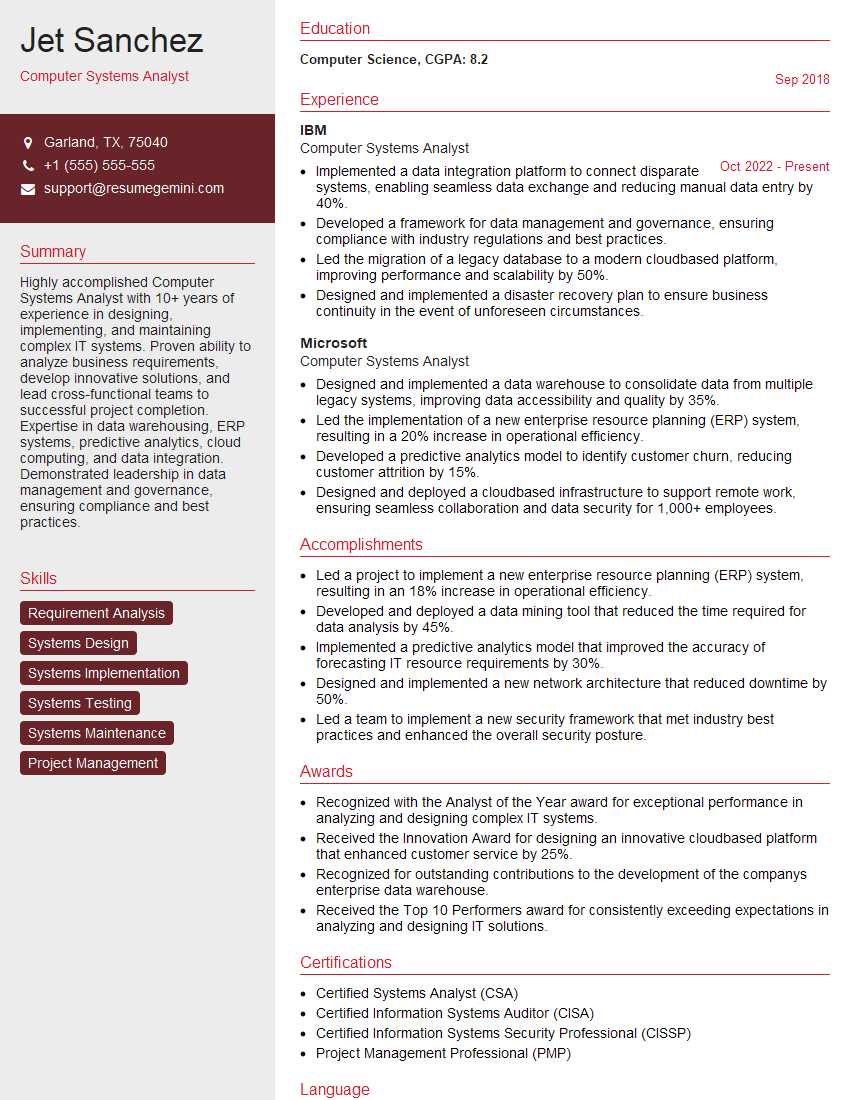
Computer Systems Analyst Resume Sample

Network Engineer Resume Sample

Firmware Engineer Resume Sample

Technical Support Engineer Resume Sample

Test Engineer Resume Sample

System Administrator Resume Sample

Maintenance Technician Resume Sample

Field Service Engineer Resume Sample

Hardware Engineer Resume Sample

Electrical Engineer Resume Sample

Manufacturing Engineer Resume Sample
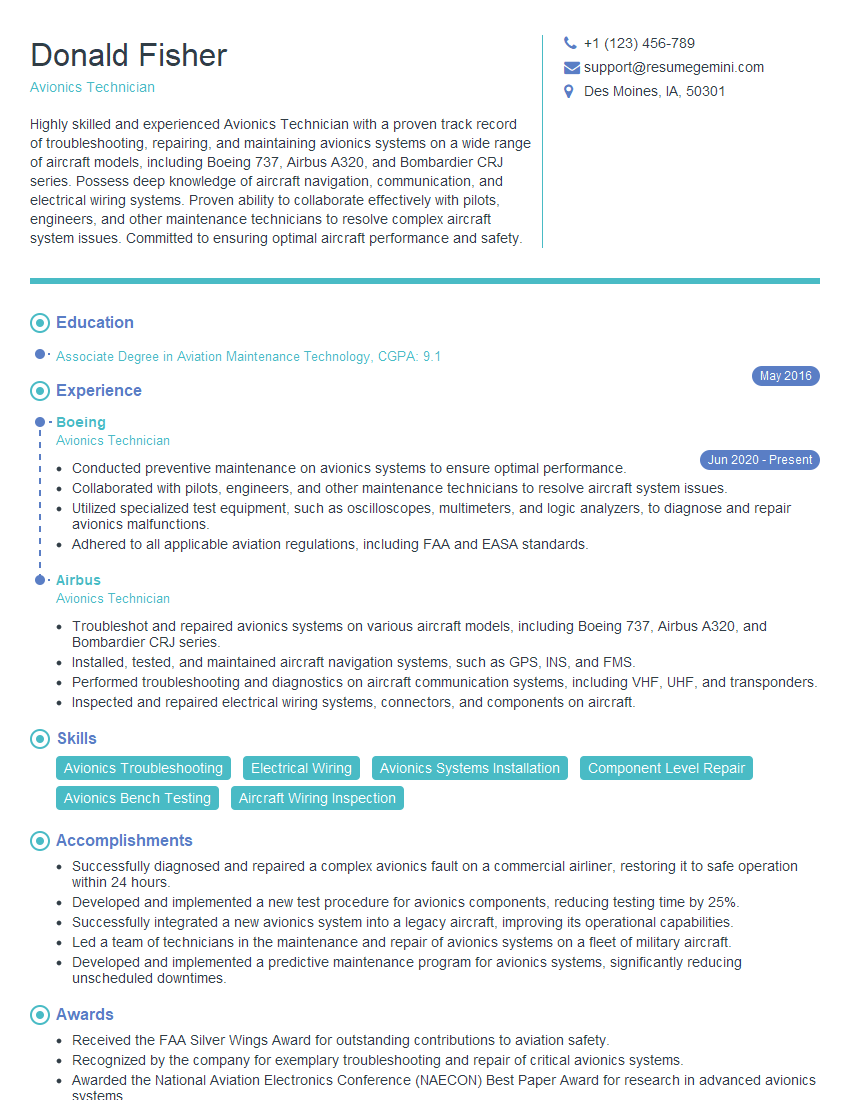
Avionics Technician Resume Sample
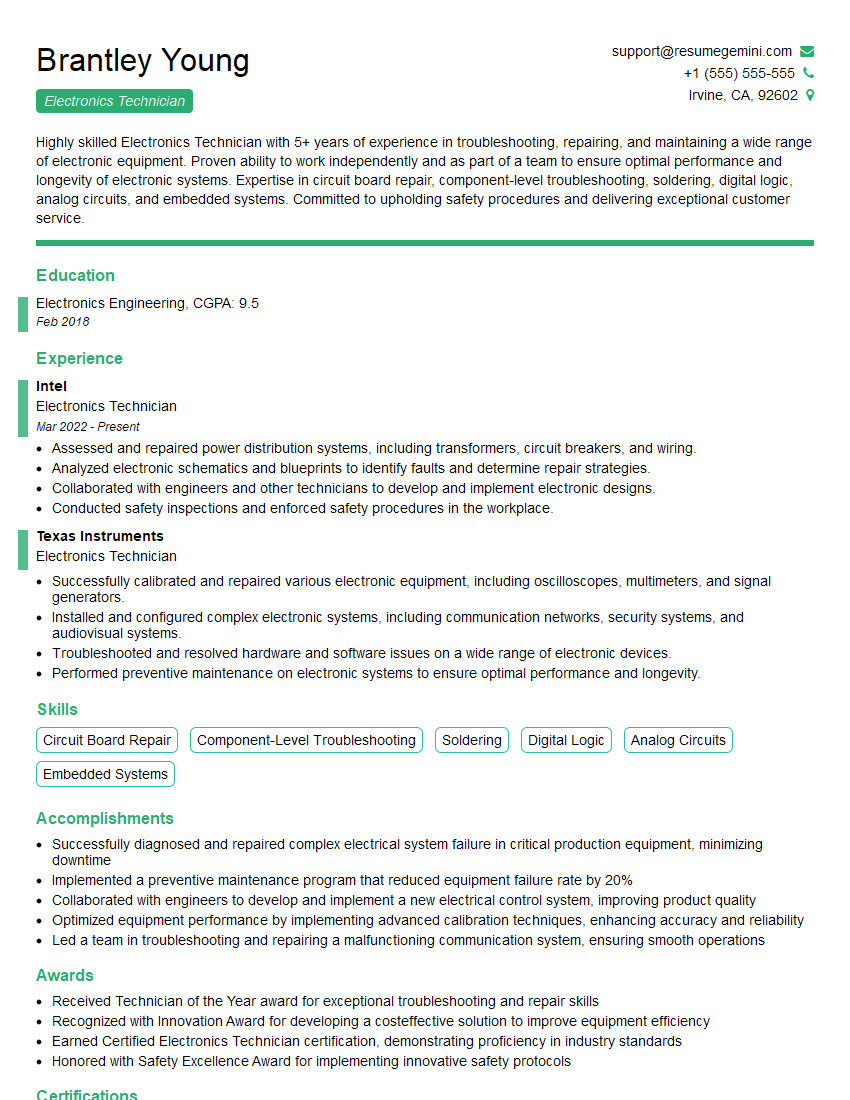
Electronics Technician Resume Sample

Robotics Technician Resume Sample
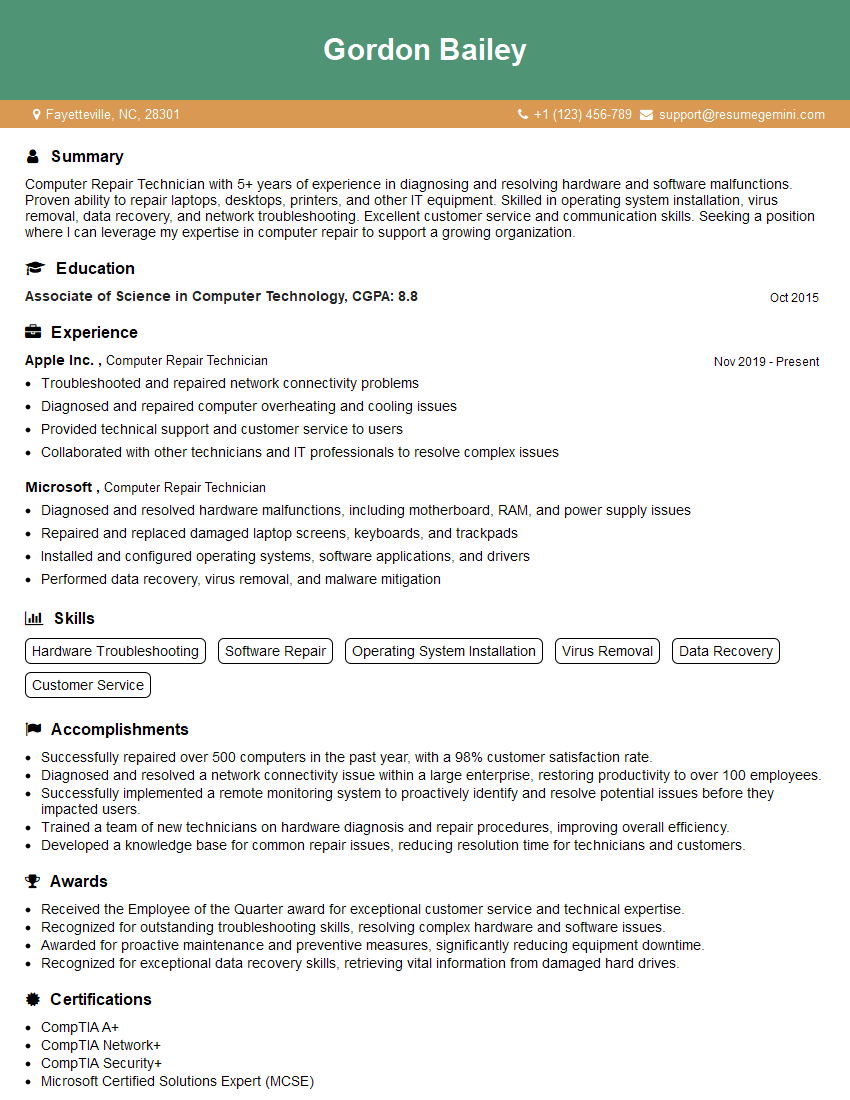
Computer Repair Technician Resume Sample
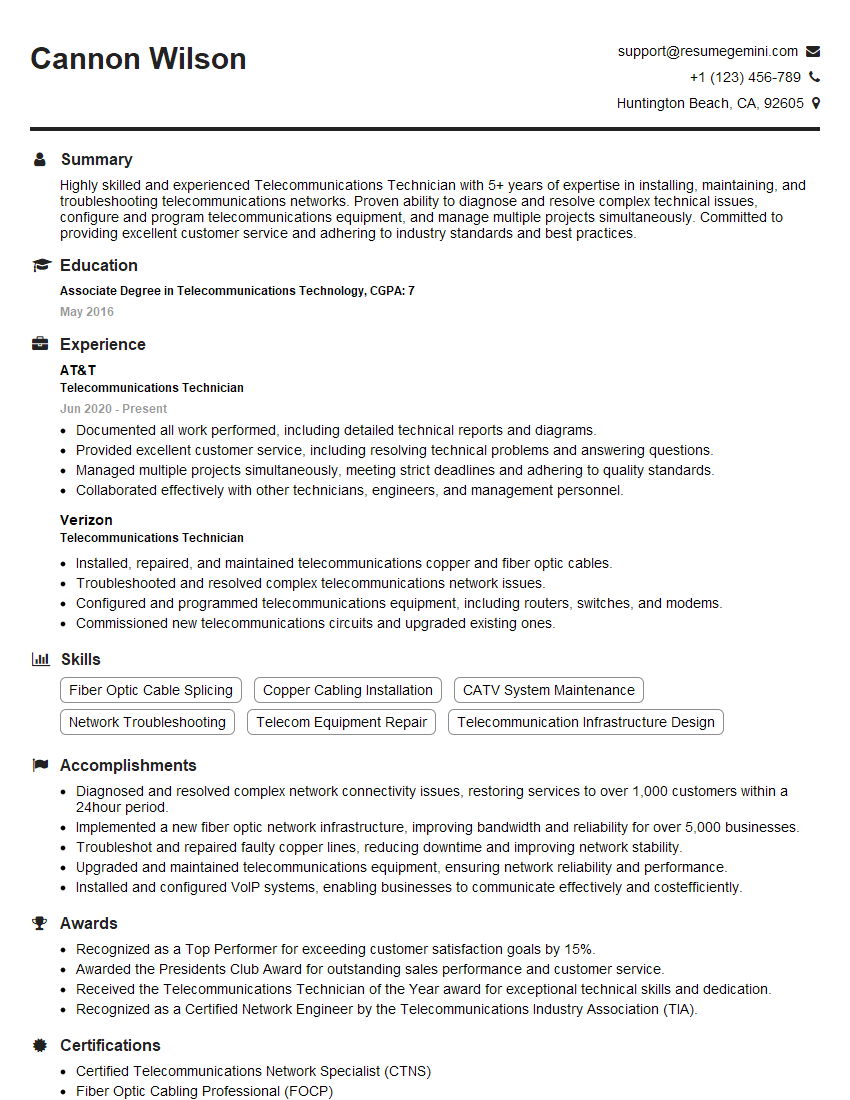
Telecommunications Technician Resume Sample

Quality Control Inspector Resume Sample

IT Support Specialist Resume Sample
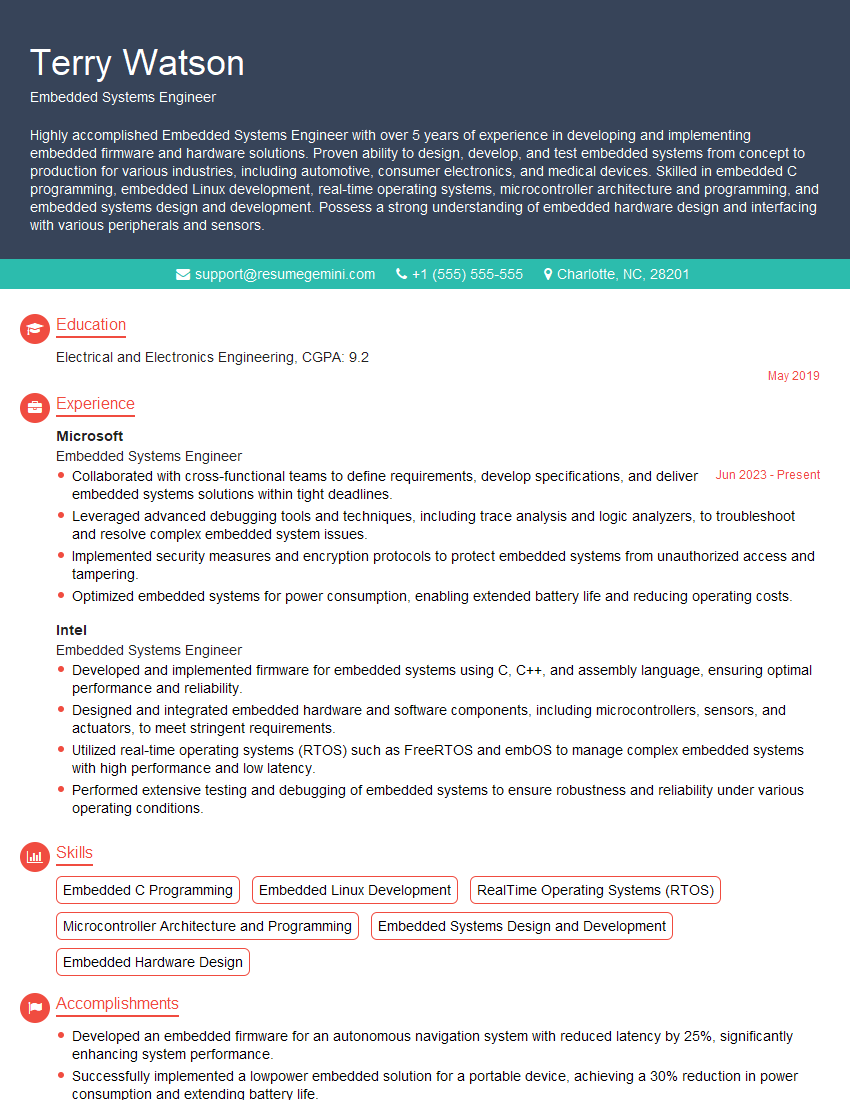
Embedded Systems Engineer Resume Sample

DevOps Engineer Resume Sample
- Computer Systems Analyst
- Network Engineer
- Firmware Engineer
- Technical Support Engineer
- Test Engineer
- System Administrator
- Maintenance Technician
- Field Service Engineer
- Hardware Engineer
- Electrical Engineer
- Manufacturing Engineer
- Avionics Technician
- Electronics Technician
- Robotics Technician
- Computer Repair Technician
- Telecommunications Technician
- Quality Control Inspector
- IT Support Specialist
- Embedded Systems Engineer
- DevOps Engineer
Explore more articles
Users Rating of Our Blogs
Share Your Experience
We value your feedback! Please rate our content and share your thoughts (optional).
What Readers Say About Our Blog
Very informative content, great job.
good