Preparation is the key to success in any interview. In this post, we’ll explore crucial Creo Simulation interview questions and equip you with strategies to craft impactful answers. Whether you’re a beginner or a pro, these tips will elevate your preparation.
Questions Asked in Creo Simulation Interview
Q 1. Explain the difference between static and dynamic analysis in Creo Simulate.
The core difference between static and dynamic analysis in Creo Simulate lies in how they handle time and inertia. In static analysis, we assume the loads applied to the model are constant and the resulting displacements and stresses are also unchanging over time. Think of a simple bridge under a constant weight – we’re interested in its equilibrium state. The analysis solves for the steady-state conditions. On the other hand, dynamic analysis considers time-varying loads and the effects of inertia. This is crucial when modeling events like impacts, vibrations, or sudden changes in loading, like a car crash or an earthquake affecting a building. The analysis tracks how the system responds over time, calculating accelerations, velocities, and displacements as functions of time.
Example: Imagine designing a chair. A static analysis would determine if the chair can withstand a person sitting on it (a constant load). A dynamic analysis would be needed to assess how the chair reacts to someone jumping onto it (a sudden, time-dependent load), considering the inertia of the chair and the person.
Q 2. Describe your experience with meshing techniques in Creo Simulate.
My experience with meshing in Creo Simulate is extensive, encompassing various techniques tailored to different analysis types and model complexities. I’m proficient in both automatic and manual meshing strategies. For complex geometries, I often begin with automatic meshing using the software’s default algorithms, carefully adjusting parameters like element size, growth rate, and curvature control to optimize mesh quality and computational efficiency. For critical areas, where high accuracy is paramount, I leverage manual meshing, strategically refining the mesh density around stress concentrations or areas of significant geometrical change. I understand the trade-off between mesh refinement (increased accuracy) and computational cost, always aiming for a balance.
Specific techniques I’ve employed include:
- Tetrahedral meshing: Ideal for complex geometries, offering good adaptability but potentially lower accuracy compared to hexahedral elements.
- Hexahedral meshing: Preferred for its accuracy and efficiency where feasible, particularly in structural analysis. This often requires more pre-processing effort in geometry preparation.
- Mapped meshing: Used for simpler geometries with well-defined surfaces for generating high-quality hexahedral meshes.
I also have experience using mesh refinement techniques such as adaptive meshing to automatically refine the mesh in areas of high stress, ensuring accuracy while managing computational costs effectively. I regularly assess mesh quality metrics like aspect ratio, skewness, and Jacobian to guarantee solution accuracy and stability.
Q 3. How do you handle convergence issues in a Creo Simulation analysis?
Convergence issues are common in FEA, and addressing them requires a systematic approach. My strategy involves a multi-pronged attack:
- Mesh refinement: A poorly refined mesh, particularly in areas of high stress concentration or geometrical complexity, is a frequent culprit. I often start by refining the mesh locally or globally, adjusting element sizes and types as needed.
- Load and boundary condition review: Incorrectly applied loads or boundary conditions can lead to divergence. I carefully re-examine all loads and constraints for errors. Are the loads realistic? Are the constraints correctly applied and fully defined?
- Non-linearity check: Non-linear analyses can be particularly challenging. I examine the material model, checking for appropriate selection and ensuring material properties are realistic. I often start with a simpler analysis to check the behavior before increasing the complexity.
- Solver settings optimization: Creo Simulate offers various solver settings; tweaking these (e.g., convergence tolerance, iterative steps) can significantly impact convergence. I adjust these parameters judiciously, balancing solution accuracy with computation time.
- Contact definition review: In analyses involving contact, improper definition of contact pairs can lead to convergence problems. I carefully verify the contact parameters (friction coefficient, contact stiffness, etc.) and ensure contact surfaces are properly defined.
If these steps fail, I may consider using different solution algorithms or contacting PTC support for assistance in troubleshooting particularly stubborn cases.
Q 4. What are the different types of boundary conditions used in Creo Simulate?
Creo Simulate offers a wide range of boundary conditions essential for accurately simulating real-world scenarios. These conditions constrain or define the behavior of the model at its boundaries and interfaces:
- Fixed support/Constraints: These restrain the movement of specific nodes or surfaces in one or more directions. Imagine welding a part to a fixture – a fixed support simulates this restriction of movement.
- Hinges: Similar to real hinges, these allow rotation around a specific axis but prevent translation.
- Loads: These can be forces, pressures, moments, or accelerations applied to the model. Examples include gravity loading, pressure from a fluid, or external forces.
- Thermal boundary conditions: These define the temperature or heat flux at specific surfaces. Think about simulating a component’s temperature distribution in a heat transfer analysis.
- Symmetry: Used to reduce model size and computational time by exploiting symmetry in the geometry and loading. A symmetric component with symmetric loads only needs one half modeled.
- Contact: Defines the interaction between different parts of the model. It allows modelling friction, separation, and interference between bodies, which is critical in assemblies.
The proper application of boundary conditions is critical to the accuracy of the simulation results. Over-constraining or under-constraining the model can lead to unrealistic results.
Q 5. Explain your experience with different element types (e.g., solid, shell, beam) in FEA.
My FEA experience encompasses various element types, each suited for specific applications. The choice of element type significantly impacts accuracy and computational efficiency.
- Solid elements (3D): These are the most general elements, representing a volume of material. They provide high accuracy for complex stress states but can be computationally expensive, particularly for large models. I typically use these for detailed stress analysis in critical components.
- Shell elements (2D): These represent thin structures with a small thickness compared to their in-plane dimensions, like plates or shells. They are significantly more efficient than solid elements for such structures. They’re well-suited for analyzing thin-walled parts, pressure vessels, and automotive panels.
- Beam elements (1D): These represent slender structures with one dimension significantly larger than the others, such as beams or rods. They’re ideal for analyzing frameworks, trusses, and other slender components, offering significant computational advantages.
The decision of which element type to use depends heavily on the geometry, material properties, and the desired accuracy of the simulation. For example, I wouldn’t use beam elements to model a thick, solid block, but they would be perfectly appropriate for a long, slender column under compression.
Q 6. How do you validate your simulation results?
Validation is paramount to ensure simulation results are trustworthy. My approach is multi-faceted:
- Comparison with experimental data: Whenever possible, I compare simulation results with experimental data from physical testing (e.g., strain gauge measurements, displacement measurements). This is the most robust validation method.
- Mesh sensitivity studies: I perform mesh convergence studies to ensure that the solution is independent of the mesh size. By progressively refining the mesh and observing the change in the results, I can assess the accuracy of the simulation.
- Comparison with analytical solutions: For simple geometries and loading conditions, analytical solutions may exist. Comparing the simulation results with these provides a benchmark for accuracy.
- Peer review: I often present my findings to colleagues for review, soliciting their feedback and perspectives to identify any potential errors or biases in the analysis.
- Good engineering judgment: This involves examining the results critically, considering their physical plausibility and potential limitations. Do the results make sense in the context of the engineering problem?
A successful validation process builds confidence in the simulation results and supports informed decision-making.
Q 7. Describe your experience with post-processing and interpreting results in Creo Simulate.
Post-processing and result interpretation are crucial steps in any FEA workflow. In Creo Simulate, I utilize various tools to visualize and analyze the results effectively. I routinely generate contour plots of stress, strain, displacement, and temperature, leveraging different visualization styles (e.g., deformed shape, stress contours) to understand the critical areas within the model.
My approach involves:
- Identifying critical locations: I use the visualization tools to identify areas of maximum stress, strain, or displacement. These locations often represent potential failure points.
- Animating results: For dynamic analysis, animating the results over time provides valuable insights into the system’s dynamic behavior and helps to understand the evolution of stress and strain throughout the loading process.
- Extracting data: I often extract specific data points for further analysis or comparison with experimental data. This allows a more detailed and quantitative assessment.
- Creating reports: I prepare comprehensive reports that summarize the results, including relevant figures, tables, and conclusions. These reports are essential for communicating findings to stakeholders.
Beyond the standard tools, I also use advanced features for detailed investigation. For example, investigating stress paths in complex loading scenarios.
Q 8. How do you determine the appropriate level of mesh refinement for a given analysis?
Mesh refinement is crucial for accurate simulation results in Creo Simulate. It’s the process of increasing the density of elements in your mesh, essentially creating a more detailed representation of your geometry. Insufficient refinement can lead to inaccurate stress concentrations, displacements, and overall predictions. Over-refinement, however, wastes computational resources and time without necessarily improving accuracy.
Determining the appropriate level involves a careful balance. I typically start with a coarse mesh to get a general understanding of the simulation behavior. Then, I strategically refine the mesh in areas of high stress concentration, identified through the initial simulation or based on engineering judgment. These high-stress areas often involve sharp corners, holes, or areas with significant geometry changes. For example, in analyzing a complex casting with numerous sharp features, I would refine the mesh around these features to accurately capture stress concentrations. I might also refine the mesh near areas of expected high deformation.
I use several techniques for refinement: Global refinement (uniform refinement across the entire model), local refinement (focusing on specific areas), and adaptive refinement (where the software automatically refines the mesh based on error estimates). Adaptive mesh refinement is particularly beneficial for complex simulations, as it automatically refines areas that need more resolution. I validate my mesh by performing mesh convergence studies. This involves running the analysis with progressively finer meshes and comparing the results. If the results converge to a stable solution, it indicates that the mesh is sufficiently refined. Otherwise, further refinement is necessary.
Q 9. Explain your experience with material models in Creo Simulate.
My experience with material models in Creo Simulate is extensive. I’m proficient in using a wide range of linear and non-linear material models, tailoring them to specific application needs. This includes elastic materials (like steel and aluminum), plastic materials (using models like von Mises plasticity or Drucker-Prager for geomaterials), hyperelastic materials (for rubber and polymers), and composite materials. I understand the importance of selecting appropriate material properties – yield strength, Young’s modulus, Poisson’s ratio, and temperature dependence – and correctly defining them within the simulation environment.
For example, in a simulation involving a rubber seal, selecting the appropriate hyperelastic material model (like Mooney-Rivlin or Ogden) is crucial for accurately predicting the seal’s deformation under pressure. Similarly, for metal forming simulations, I would utilize plasticity models, carefully accounting for strain hardening and possibly damage models for accurate prediction of material behavior. I always verify my material selection with available experimental data or literature values to ensure the accuracy of the simulation. Using inappropriate material models can drastically impact simulation accuracy leading to potentially disastrous engineering outcomes.
Q 10. How do you handle non-linear effects in your simulations?
Handling non-linear effects is a critical aspect of many simulations, especially those involving large deformations, contact interactions, and material non-linearity (plasticity, hyperelasticity). In Creo Simulate, I employ various techniques to address these. Non-linear simulations require more computational resources and often use iterative solution methods. First, I carefully select the appropriate solver, often a non-linear solver capable of handling large deformations and complex material models.
For example, in simulating a car crash, large deformations are expected. I’d use a non-linear solver and account for material plasticity and contact non-linearities between the car body and other components. Similarly, for analyzing a bolted joint, I’d use a contact non-linearity to model the interaction between the bolt and the parts it connects. I meticulously define contact parameters (friction coefficient, contact stiffness) to achieve realistic results. I also carefully monitor convergence during the iterative solution process. If the simulation doesn’t converge, it suggests that there might be issues in the model, mesh, or the selected settings. Careful analysis of convergence issues often requires checking for overly large loads or displacements, mesh quality issues, or potential modeling errors.
Q 11. What is your experience with contact definitions and modeling in Creo Simulate?
Contact definitions and modeling are essential for accurately simulating assemblies and components interacting with each other. In Creo Simulate, I’ve extensively used various contact types including bonded, no separation, frictionless, and frictional contact. Defining contact accurately requires careful consideration of the geometry and the physics of the interaction.
For example, in a simulation of a gear mesh, I would define frictional contact between the teeth to account for energy losses due to friction and the resulting forces and torques. Similarly, in simulating a press-fit assembly, I’d model contact between the components with appropriate friction coefficients and clearances. The choice of contact algorithm also influences the simulation accuracy and efficiency. I frequently utilize different contact algorithms, understanding their strengths and weaknesses, to ensure the most realistic simulation outcomes. Properly defining contact requires a careful mesh in the contact areas to avoid numerical issues and inaccurate results.
Q 12. Describe your experience with modal analysis in Creo Simulate.
Modal analysis in Creo Simulate allows us to determine the natural frequencies and mode shapes of a structure. This is critical for understanding its dynamic behavior and preventing resonance issues. I have experience in setting up and interpreting modal analysis simulations, including defining appropriate boundary conditions and reviewing the results to identify potential design weaknesses.
In a real-world example, I used modal analysis to determine the natural frequencies of a turbine blade. Identifying these natural frequencies allowed us to ensure that the operating frequency of the turbine wouldn’t coincide with any of the blade’s natural frequencies, preventing resonance and potential failure. I’ve also used modal analysis to study the vibrational characteristics of chassis components in automotive designs, helping optimize stiffness and reducing unwanted vibrations. The accuracy of modal analysis depends heavily on accurate material properties and mesh quality; I always verify both before starting the analysis.
Q 13. Explain your experience with fatigue analysis in Creo Simulate.
Fatigue analysis in Creo Simulate helps predict the lifespan of a component under cyclic loading. It’s essential for ensuring the reliability and safety of products subjected to repeated stresses. My experience includes setting up fatigue simulations using various methods, such as the stress-life (S-N) approach and strain-life (ε-N) approach, selecting appropriate material fatigue properties, and interpreting the results to determine fatigue life and potential failure locations.
I’ve utilized fatigue analysis to evaluate the lifespan of components in aerospace applications, such as aircraft wings and landing gear, ensuring they can withstand millions of stress cycles. Similarly, I’ve applied this to automotive applications, such as analyzing the fatigue life of engine components or suspension systems. Accurate fatigue analysis requires careful consideration of loading conditions, material properties, and manufacturing processes. I always carefully validate the input data and compare simulation results with experimental data where available.
Q 14. How do you ensure the accuracy of your simulation results?
Ensuring the accuracy of simulation results is paramount. It’s a multi-step process that begins even before the simulation itself. Accuracy begins with a proper understanding of the problem being solved, including clearly defined objectives and boundary conditions. Next, I ensure the model geometry is accurate and complete, paying close attention to details. I always validate my geometry by comparison with CAD data.
Mesh quality is another critical aspect; as mentioned previously, I perform mesh convergence studies. Appropriate material properties are also crucial. I ensure that the chosen material model is suitable for the application and that the material properties are accurately defined, often cross-referencing with experimental data or published material data sheets. After the simulation, I validate the results by comparing them with experimental data or analytical solutions wherever possible. If discrepancies exist, I systematically investigate potential sources of error, such as model inaccuracies, mesh issues, or incorrect material properties. The iterative process of model refinement, mesh improvement, and data verification is essential to build confidence in the simulation results and their reliability in real-world applications.
Q 15. Describe your experience with optimization techniques in Creo Simulate.
Creo Simulate offers several powerful optimization techniques. My experience encompasses both design optimization and topology optimization. Design optimization allows you to refine existing designs by adjusting design parameters (like dimensions or material properties) to meet specified objectives, such as minimizing weight while maintaining sufficient strength. I’ve used this extensively to optimize injection molded parts, reducing material usage and improving manufacturability. For instance, I optimized a complex phone casing, reducing its weight by 15% while ensuring it met drop-test requirements. Topology optimization, on the other hand, is a more radical approach. It starts with a design space and determines the optimal material distribution to achieve a given goal, often resulting in unconventional and innovative designs. I’ve leveraged this to design lightweight yet strong brackets for automotive applications, leading to significant cost savings.
Specific techniques I’ve employed include Response Surface Methodology (RSM) for efficient exploration of the design space and Genetic Algorithms for handling complex, non-linear problems. Understanding the trade-offs between different optimization methods is crucial for selecting the right approach for a given project, and this is something I’ve honed over many years of practice.
Career Expert Tips:
- Ace those interviews! Prepare effectively by reviewing the Top 50 Most Common Interview Questions on ResumeGemini.
- Navigate your job search with confidence! Explore a wide range of Career Tips on ResumeGemini. Learn about common challenges and recommendations to overcome them.
- Craft the perfect resume! Master the Art of Resume Writing with ResumeGemini’s guide. Showcase your unique qualifications and achievements effectively.
- Don’t miss out on holiday savings! Build your dream resume with ResumeGemini’s ATS optimized templates.
Q 16. What is your experience with Creo Flow and CFD simulations?
I have extensive experience with Creo Flow, PTC’s Computational Fluid Dynamics (CFD) module. I’ve used it to simulate a wide range of fluid flow scenarios, from external aerodynamics (analyzing the airflow around vehicles or aircraft) to internal flows (simulating cooling systems for electronics or the flow inside pumps). My work has involved both steady-state and transient simulations, using various turbulence models like k-ε and SST to accurately capture the complex flow phenomena. I am proficient in meshing techniques, understanding the importance of mesh refinement in critical regions to ensure accurate results. For example, I recently used Creo Flow to optimize the design of a heat sink for a high-power server, resulting in a 20% improvement in cooling efficiency.
Beyond basic simulations, I’m experienced with more advanced techniques like conjugate heat transfer (CHT) analyses, where the interaction between fluid flow and solid conduction is considered. This is particularly useful when analyzing the cooling performance of electronic components. Data analysis and post-processing are also a key part of my workflow. I’m adept at interpreting CFD results to identify areas for improvement and communicate findings effectively to engineering teams.
Q 17. Explain your process for setting up a simulation from a CAD model.
My process for setting up a simulation from a CAD model in Creo Simulate is systematic and follows a well-defined workflow. It begins with importing the CAD model and verifying its geometry for any errors or inconsistencies. I then define the simulation type (static, dynamic, etc.) and select the appropriate material properties for each component. This step is critical for accuracy. Incorrect material properties can lead to flawed results.
Next, I define the boundary conditions, which describe the external forces and constraints acting on the model. This includes things like fixed supports, applied loads, and thermal conditions. I carefully consider the realism of these boundary conditions to ensure the simulation accurately represents the real-world scenario. For example, accurately modeling contact between parts is essential when simulating an assembly.
Meshing is the next crucial step. I carefully choose the appropriate mesh type and density, refining the mesh in areas where high stress concentrations or complex geometry are expected. A poorly meshed model can lead to inaccurate or unstable results. Finally, I run the simulation, monitor its progress, and carefully analyze the results. I routinely use visualization tools and post-processing techniques to understand the stress, strain, deformation, and other relevant parameters of the simulation.
Q 18. How do you troubleshoot errors encountered during a Creo Simulation analysis?
Troubleshooting errors in Creo Simulate requires a systematic approach. I begin by carefully reviewing the error messages provided by the software, which often pinpoint the source of the problem. Common issues include meshing errors (e.g., poorly-formed elements, excessive element distortion), problems with boundary conditions (e.g., conflicting constraints, incorrectly applied loads), and issues with material properties.
If the error message is unclear, I systematically check each stage of the simulation setup: I verify the model’s geometry, the applied loads, the boundary conditions, the material properties, and the mesh quality. Visual inspection of the mesh is crucial; using the mesh visualization tools within Creo Simulate often reveals issues not immediately apparent in error messages. I also carefully examine the model for any geometric imperfections, such as gaps, intersections, or self-intersections that could be causing problems. Sometimes, simplifying the model by reducing the number of components or features can help isolate the problem. Finally, if the issue persists, consulting PTC’s online documentation or support resources can provide valuable insights and solutions.
Q 19. Describe your experience with different solvers in Creo Simulate.
Creo Simulate offers a range of solvers, each suited to different types of analyses. My experience includes using the implicit solver for static and quasi-static analyses, where the system’s response is relatively slow compared to the loading rate. The implicit solver is robust and capable of handling large, complex models but might be computationally more expensive for some dynamic scenarios. Conversely, I’ve utilized the explicit solver for dynamic impact and crash simulations, where the loading rate is rapid and the system’s response time is crucial. The explicit solver is highly efficient for this type of analysis but can be more sensitive to mesh quality.
Furthermore, I’m familiar with specialized solvers for specific applications, such as the thermal solver for heat transfer analysis and the frequency response solver for vibration studies. The choice of solver is dictated by the specific application. I select the solver based on the type of analysis being conducted and the computational resources available. Understanding the strengths and limitations of each solver is key to obtaining accurate and efficient results.
Q 20. What are the limitations of Creo Simulation?
While Creo Simulate is a powerful tool, it does have some limitations. One key limitation is its computational resource requirements. Large and complex models can require significant processing power and memory, potentially extending simulation run times. Also, the accuracy of the simulation results is inherently dependent on the quality of the input data, including the CAD model, material properties, and boundary conditions. Inaccurate inputs will invariably lead to inaccurate results. Furthermore, Simulate may not be the best choice for highly specialized applications or very advanced techniques that might require dedicated specialized software.
Finally, the level of detail achievable in a Creo Simulate analysis is constrained by the chosen mesh density and the available computational resources. Very fine meshes can capture more details but lead to higher computational costs and longer simulation times. It’s a balance between accuracy and computational efficiency that needs careful consideration.
Q 21. How do you manage large and complex models in Creo Simulate?
Managing large and complex models in Creo Simulate efficiently requires a strategic approach. One effective strategy involves simplifying the model wherever possible without compromising the accuracy of the results. This might involve removing unnecessary details, creating representative parts instead of detailed geometry, and using symmetry to reduce the model size. Properly defining the mesh is crucial; this includes using appropriate meshing strategies such as adaptive mesh refinement to focus computational effort on regions of interest. This prevents unnecessary increases in mesh density across the entire model.
Furthermore, utilizing Creo Simulate’s advanced features for model simplification, such as submodeling and component suppression, is crucial for managing model complexity. Submodeling allows focusing on a specific region of interest in detail, while the rest of the model is represented with less detail. I also make use of model decomposition, splitting the overall model into manageable sub-assemblies to reduce the computational burden and facilitate parallelization across multiple cores. Finally, regularly saving the model and utilizing version control ensures data integrity and simplifies troubleshooting.
Q 22. Describe your experience with scripting or automation in Creo Simulate.
My experience with scripting and automation in Creo Simulate is extensive. I leverage Creo Parametric’s built-in scripting capabilities, primarily using Python, to automate repetitive tasks and streamline the simulation workflow. This significantly reduces the time spent on manual processes, allowing for greater efficiency and reduced human error. For instance, I’ve created scripts to automate the process of creating multiple simulation studies with varying parameters, automatically post-process results and generate customized reports, and even integrate Creo Simulate with other software for data exchange.
A practical example involves automating the creation of Finite Element Analysis (FEA) models for a series of similar parts with minor dimensional changes. Instead of manually rebuilding the model and defining the simulation setup for each part, I wrote a script that iteratively modifies the model parameters and runs the simulation, generating a comprehensive report for each iteration. This not only saved countless hours but also ensured consistency across all simulations.
Another example involves using scripts to interface with external databases, automatically importing material properties or boundary conditions, thereby ensuring data integrity and consistency.
# Example Python snippet (Illustrative):
import sim_api
# ... code to access and manipulate Creo Simulate objects ...
Q 23. How do you collaborate with other engineers during the simulation process?
Collaboration is crucial in the simulation process. I utilize various methods to ensure effective teamwork. We primarily use Teamcenter, PTC’s Product Lifecycle Management (PLM) system, to manage models, simulations, and results. This allows for centralized access, version control, and simultaneous work on a project. Furthermore, we employ regular team meetings to discuss simulation plans, results, and potential issues. We actively use tools like Windchill or other collaborative platforms to share data, discuss findings, and resolve any conflicts.
For instance, when working on a complex assembly simulation, I might work with a CAD engineer to ensure the model’s fidelity and accuracy. I would collaborate with a test engineer to correlate simulation results with physical test data, validating the model and ensuring its accuracy in representing the real-world behavior. Clear communication through regular updates, meetings and documentation using a shared platform is critical for this process.
Q 24. What are your preferred methods for presenting simulation results?
Presenting simulation results effectively requires a multi-faceted approach. I tailor my presentation methods to the audience and the complexity of the simulation. For technical audiences, I often use Creo Simulate’s built-in post-processing tools to generate contour plots, animations, and detailed reports. These visualizations allow for a comprehensive understanding of stress distributions, displacements, and other key parameters.
For less technical audiences, I prioritize clear and concise summaries. This may involve creating graphs highlighting key results, using simple language to explain complex concepts, and focusing on the implications of the simulations for design decisions. I also leverage PowerPoint presentations or reports to highlight key findings and recommendations, often including comparative analysis between different design options.
For instance, when presenting to management, I would focus on the impact of the simulation on cost, performance, and schedule. A good presentation clearly communicates the value and impact of the simulation work, irrespective of the audience’s technical background.
Q 25. Explain your understanding of factors affecting simulation accuracy.
Simulation accuracy is influenced by a multitude of factors. A robust understanding of these factors is crucial for generating reliable results. These factors can be broadly categorized into model fidelity, mesh quality, material properties, and boundary conditions.
- Model Fidelity: The accuracy of the CAD model directly impacts the simulation results. Simplified models may not capture all the necessary details, leading to inaccuracies. For example, omitting small features or using overly simplified geometries can lead to erroneous results.
- Mesh Quality: The mesh, or the discretization of the geometry into finite elements, significantly affects the accuracy. Poor mesh quality, such as highly skewed or distorted elements, can lead to inaccurate and unreliable results. Mesh refinement in critical areas is often necessary to improve accuracy.
- Material Properties: Using accurate material properties is paramount. Inaccurate or incomplete material data can lead to significant errors in the simulation. The selection of an appropriate material model is also important, considering factors like non-linearity and temperature dependence.
- Boundary Conditions: Properly defining boundary conditions is vital. Incorrectly specifying loads, constraints, or contact conditions can lead to inaccurate predictions. Careful consideration and validation of boundary conditions are essential for reliable results.
Understanding and carefully managing these factors is essential for producing reliable simulations and ensuring confidence in the results.
Q 26. Describe your experience working with different units and systems in Creo Simulate.
I possess extensive experience working with various units and systems in Creo Simulate. Creo Simulate seamlessly handles different unit systems, including SI (metric), US Customary, and others. It’s important to maintain consistency throughout the simulation process; choosing a unit system and adhering to it is critical to prevent errors. I routinely work with both systems, converting units as needed when dealing with data from different sources or collaborating with teams using different standards.
For example, when working with a supplier who uses US customary units, I ensure seamless integration by converting their data to the SI system used in my project. Similarly, I’ve encountered projects requiring a specific unit system for reporting or compliance, necessitating careful attention to units during the setup, execution and post-processing stages. Creo Simulate’s flexibility in managing unit systems is a crucial aspect for successful and consistent simulation results.
Q 27. How do you ensure simulation results are relevant to the real-world application?
Ensuring simulation results are relevant to the real-world application requires a rigorous validation and verification process. This involves several key steps:
- Model Validation: Comparing simulation results with experimental data from physical tests is crucial. This process helps identify discrepancies and refine the simulation model, increasing its predictive capability. Correlations between simulation and experimental data are key.
- Sensitivity Analysis: Performing sensitivity analysis helps identify the key parameters influencing the results. This allows us to focus on improving the accuracy of critical inputs, making the simulation more robust and reliable.
- Uncertainty Quantification: Acknowledging uncertainties in input parameters and their impact on the results is vital. Techniques like Monte Carlo simulation can help quantify the uncertainty and provide a range of possible outcomes rather than a single deterministic result.
- Engineering Judgment: Experience and engineering judgment play a critical role in interpreting the results and ensuring they align with real-world expectations. This includes understanding the limitations of the simulation and the assumptions made.
By meticulously following these steps, we increase confidence in the simulation’s ability to accurately predict real-world behavior and make informed design decisions.
Q 28. What are your strategies for optimizing simulation run times?
Optimizing simulation run times is crucial for efficient engineering workflows. Several strategies can significantly reduce computation time:
- Mesh Optimization: Using appropriate mesh density is crucial. Refine the mesh only in critical areas where high accuracy is needed, while using coarser meshes in less critical regions. This reduces the number of elements without compromising accuracy.
- Solver Settings: Choosing appropriate solver settings, such as convergence criteria and solution methods, significantly impacts run time. Experimenting with different solver settings can significantly reduce computation time without compromising accuracy.
- Hardware Optimization: Utilizing high-performance computing (HPC) resources, such as clusters or cloud-based computing, can drastically reduce the simulation time for large and complex models.
- Model Simplification: Simplifying the geometry and boundary conditions, where appropriate, can substantially reduce the computational burden. This requires careful consideration to ensure the simplification does not compromise the accuracy of the results.
- Parallel Processing: Leveraging parallel processing capabilities of the solver can significantly reduce solution times for large models. This can dramatically improve the efficiency for complex problems.
A combination of these strategies is often employed to achieve the optimal balance between accuracy and computational efficiency. The specific approach depends on the complexity of the model, available resources, and required accuracy.
Key Topics to Learn for Creo Simulation Interview
- Static & Dynamic Analysis: Understand the fundamental differences, appropriate applications (e.g., stress analysis, vibration studies), and limitations of each approach.
- Finite Element Analysis (FEA): Grasp the core concepts of meshing, element types, boundary conditions, and result interpretation. Be prepared to discuss practical applications like structural optimization and fatigue analysis.
- Material Modeling: Know how to select and apply appropriate material properties within Creo Simulation. Understand the implications of different material models (linear elastic, plastic, etc.) on simulation accuracy.
- Simulation Setup & Workflow: Demonstrate proficiency in defining loads, constraints, and solution controls. Be ready to explain your approach to setting up a simulation model efficiently and effectively.
- Result Interpretation & Validation: Explain how to analyze simulation results, identify potential issues, and validate your findings against theoretical predictions or experimental data. Understand the significance of safety factors and design margins.
- Advanced Simulation Techniques (Optional): Depending on the role, familiarity with advanced techniques like nonlinear analysis, thermal analysis, or fluid-structure interaction could be beneficial.
- Creo Parametric Integration: Showcase your understanding of how Creo Simulation integrates with Creo Parametric for a seamless design-simulation workflow.
Next Steps
Mastering Creo Simulation opens doors to exciting career opportunities in engineering and product development, offering higher earning potential and greater responsibility. To maximize your chances of landing your dream role, it’s crucial to present yourself effectively. Building an ATS-friendly resume is key to getting your application noticed by recruiters. Leverage ResumeGemini, a trusted resource, to craft a professional and impactful resume that highlights your Creo Simulation skills. Examples of resumes tailored to Creo Simulation are available to guide you.
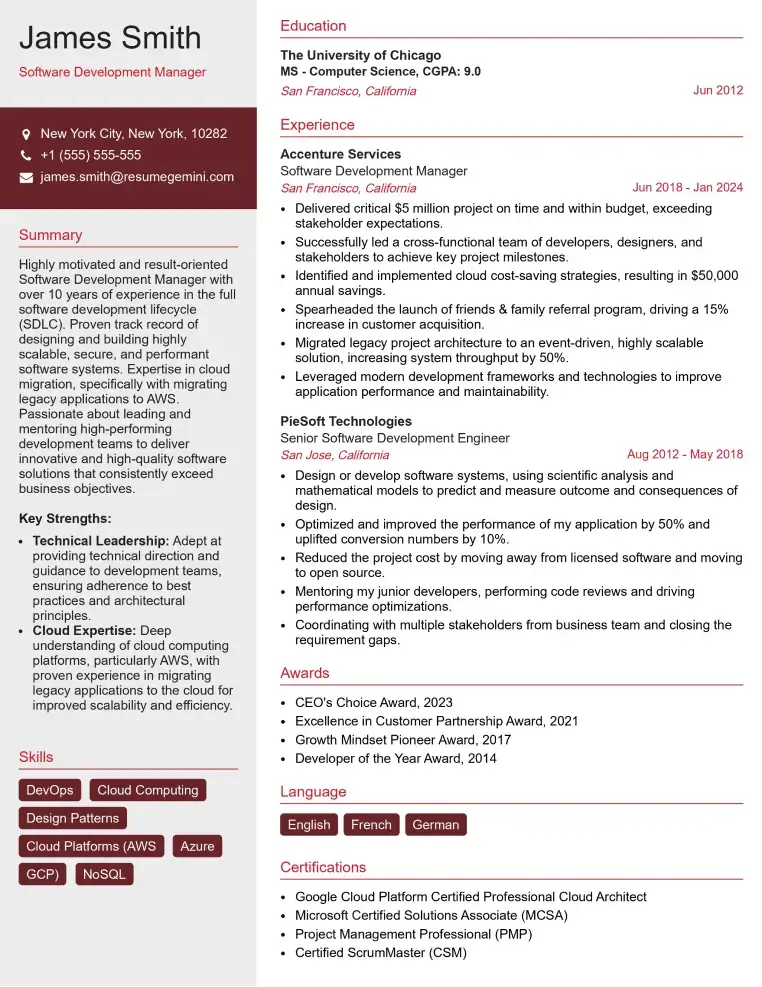
Check Out Resume Samples at ResumeGemini

Check Out Resume Samples at ResumeGemini
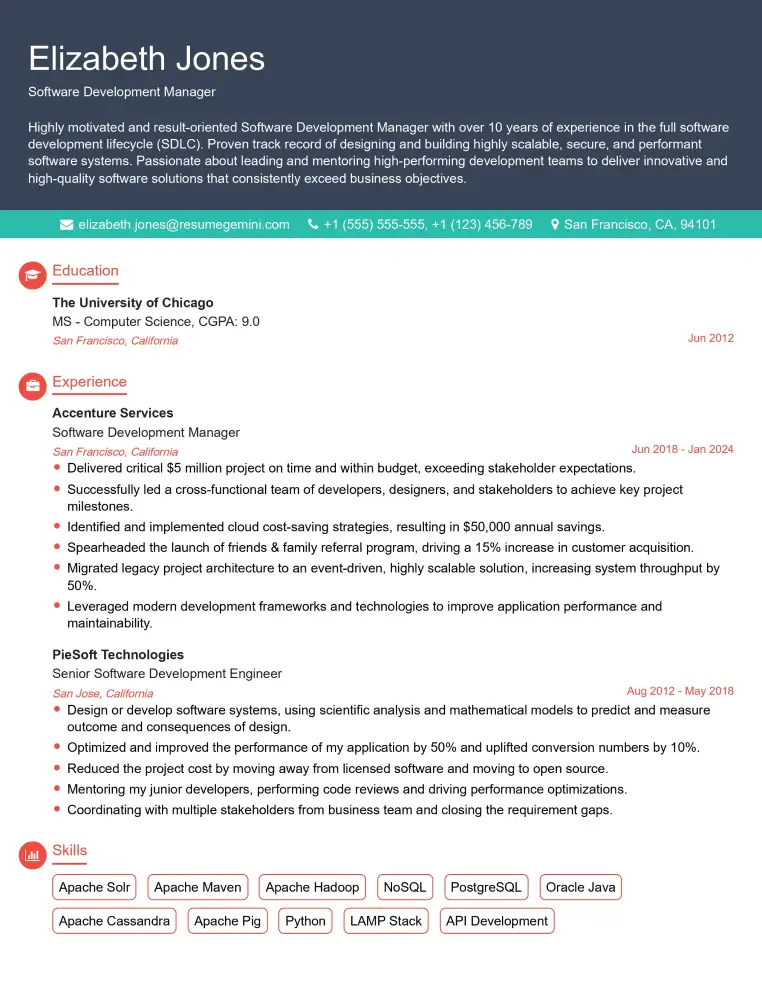
Check Out Resume Samples at ResumeGemini

Check Out Resume Samples at ResumeGemini
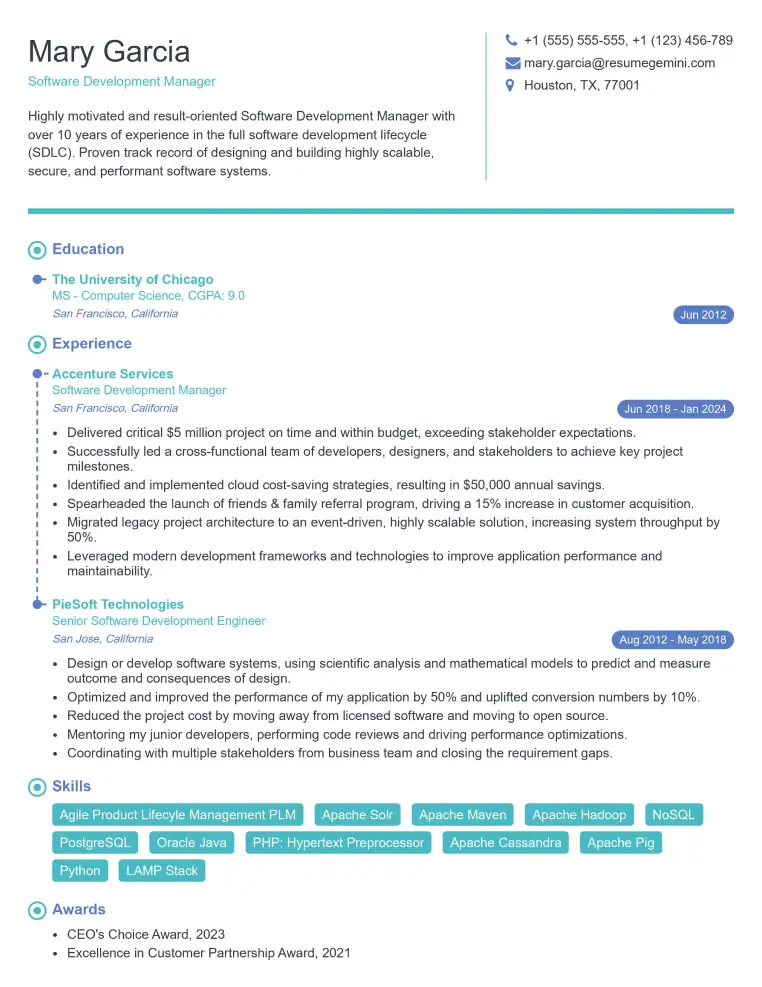
Check Out Resume Samples at ResumeGemini
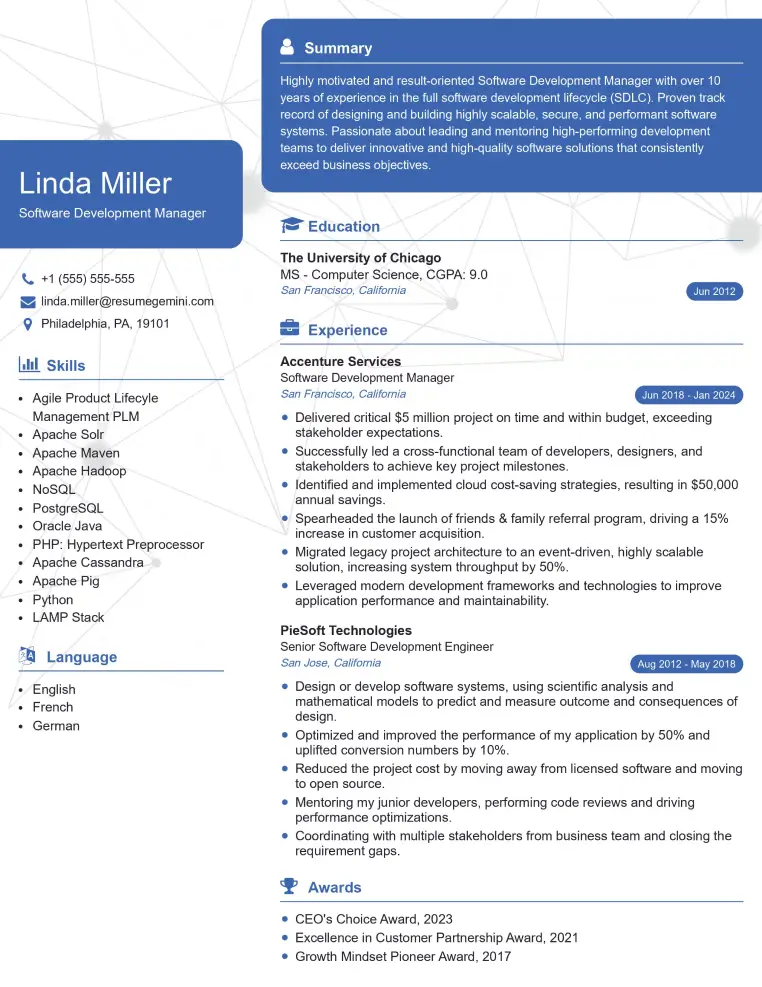
Check Out Resume Samples at ResumeGemini
Check Out Resume Samples at ResumeGemini
Explore more articles
Users Rating of Our Blogs
Share Your Experience
We value your feedback! Please rate our content and share your thoughts (optional).
What Readers Say About Our Blog
Very informative content, great job.
good