Feeling uncertain about what to expect in your upcoming interview? We’ve got you covered! This blog highlights the most important Digital Cinema Production interview questions and provides actionable advice to help you stand out as the ideal candidate. Let’s pave the way for your success.
Questions Asked in Digital Cinema Production Interview
Q 1. Explain the DCI specification and its importance in digital cinema.
The Digital Cinema Initiatives (DCI) specification is a crucial set of technical standards that define the requirements for digital cinema projectors and the delivery of digital cinema content. Think of it as the gold standard for ensuring a consistent and high-quality viewing experience in cinemas worldwide. It covers everything from image resolution and colorimetry to audio specifications and data encryption.
- Resolution: DCI mandates a minimum resolution of 2048 x 1080 pixels (2K) or 4096 x 2160 pixels (4K) for theatrical projection, ensuring sharp and detailed images.
- Color Space: It specifies the use of the XYZ color space and a particular transfer function (the way light intensity is mapped to digital values) to guarantee accurate color reproduction across different projection systems.
- Frame Rate: While 24 frames per second is the most common frame rate, the DCI specification also supports other frame rates.
- Audio: DCI defines the audio formats and specifications, ensuring high-fidelity sound reproduction in theaters.
- Data Packaging: It defines how the movie data is packaged and encrypted for distribution and projection, safeguarding against piracy.
The importance of the DCI specification lies in its ability to standardize the digital cinema ecosystem. This standardization ensures that a movie created for one cinema will look and sound exactly the same in another, regardless of the specific projector or playback system used. Without it, we’d have inconsistencies in image quality and a much more fragmented industry.
Q 2. Describe your experience with different color spaces (e.g., Rec.709, Rec.2020, P3).
My experience spans a wide range of color spaces commonly used in digital cinema. Understanding these spaces is vital for achieving consistent color reproduction throughout the production pipeline.
- Rec.709: This is the standard color space for HDTV and is a good starting point for many projects. It’s relatively small and easy to work with but lacks the gamut (range of colors) to represent the full spectrum of colors visible to the human eye.
- Rec.2020: This is a significantly wider color gamut compared to Rec.709, designed for UHDTV and HDR (High Dynamic Range) content. It provides a much richer and more vibrant color palette but requires careful handling to avoid color issues during conversion and display.
- P3 (Display P3): This color space is widely used in digital cinema projectors and monitors. It’s a large gamut color space designed to work with digital cinema projectors, offering better color reproduction than Rec.709 but not quite as wide as Rec.2020. I’ve frequently worked with this space when mastering content for theatrical release.
In practice, I often need to manage color transformations between these spaces, for instance, transforming footage shot in Rec.709 to the wider Rec.2020 for HDR delivery, or vice-versa when working with legacy material. This demands a solid understanding of color science and the tools to perform accurate color transformations. Incorrect color management can lead to significant issues, such as color clipping (loss of information) or color shifts which can alter the artistic intention of the film.
Q 3. What are the common file formats used in digital cinema workflows?
Several file formats are commonly used in digital cinema workflows, each with its own strengths and weaknesses.
- MXF (Material Exchange Format): This is a widely used container format, capable of holding various codecs (compression methods) and metadata. It’s robust and well-suited for archiving and exchange between different systems. We often use MXF OP1a for cinema mastering.
- DPX (Digital Picture Exchange): This is a high-quality, uncompressed image format primarily used for intermediate stages of post-production, particularly for high-resolution work and color grading. Its main advantage is lossless image quality, ensuring no degradation of image information.
- TIFF (Tagged Image File Format): Another high-quality image format, often used for still images and frame grabs, but less common for entire sequences in DCPs (Digital Cinema Packages).
- QuickTime (MOV): While versatile and widely supported, QuickTime is not generally used in the final DCP creation because of its limitations in metadata and handling high-resolution sequences.
The choice of file format depends on the stage of the workflow and the specific needs of the project. For instance, DPX is ideal for color grading due to its lossless nature, while MXF is preferred for the final DCP because of its ability to handle multiple audio and video streams and metadata which is crucial for playback in digital cinema servers.
Q 4. How do you ensure color consistency across different stages of post-production?
Maintaining color consistency throughout post-production is paramount in digital cinema. Inconsistent colors can significantly impact the artistic vision and audience experience.
- Color Managed Workflow: I always implement a color-managed workflow, ensuring all software and hardware involved in the process (cameras, monitors, editing systems, color grading software) are correctly profiled and calibrated. This is critical for accurately representing colors.
- Reference Monitors: Using calibrated reference monitors is essential. These monitors provide a consistent color representation, allowing for accurate color grading and decision-making, independent of the environment.
- LUTs (Look-Up Tables): These tables translate colors from one color space to another. I regularly employ them to maintain consistency when moving between different stages of post-production or between different systems.
- Color Grading Software: High-end color grading software like DaVinci Resolve provides sophisticated tools for color management and correction. We use this to fine-tune the colors and maintain consistency throughout the process.
- Regular Quality Checks: Throughout the workflow, I conduct frequent color reviews on calibrated monitors, ensuring the color accuracy remains consistent with the director’s vision and avoiding drifts during various stages.
Essentially, it’s a meticulous process that requires close attention to detail and a solid understanding of color science. It’s about establishing a predictable and reliable color pipeline from capture to final output.
Q 5. What is your experience with digital intermediate (DI) processes?
Digital Intermediate (DI) is the crucial phase of post-production where the final look and quality of the film are established. My experience with DI processes is extensive, encompassing every aspect of the workflow.
- Color Grading: This is the core of the DI process, involving the creative adjustment of color and contrast to achieve the desired aesthetic. I work closely with directors and colorists to achieve their artistic vision.
- Image Restoration: Often footage needs restoration, correcting scratches, dirt, flicker, or other imperfections. This is particularly crucial when working with older film materials that are being scanned for digital restoration.
- Format Conversion: This is often involved; converting the material to different color spaces or resolutions as needed for distribution (e.g., creating versions for different platforms: theatrical, streaming, Blu-ray). This requires using sophisticated tools which need to be handled carefully to avoid issues.
- Conform: Ensuring all edits, visual effects, and audio elements are correctly assembled for the final version. This is vital for delivering a final, approved master.
- Mastering and Delivery: Finally, creating the Digital Cinema Package (DCP) that conforms to the DCI specifications for theatrical distribution.
In a recent project, we used DI to significantly enhance a historical archive film by cleaning up the image, correcting color imbalances, and stabilizing shaky footage. This improved the overall viewing experience and made the film accessible to a broader audience. The entire process requires precision and artistic sensibility to maintain the integrity of the original image and fulfill the artistic intent of the creators while also adapting to modern digital standards.
Q 6. Describe your experience with different non-linear editing systems (NLEs).
My experience with Non-Linear Editing Systems (NLEs) encompasses a variety of leading software platforms. Each has its strengths and weaknesses, and the choice often depends on project needs and personal preference.
- DaVinci Resolve: A highly versatile and powerful NLE which is especially adept at color grading and is increasingly favored for high-end productions.
- Adobe Premiere Pro: A popular and user-friendly NLE, ideal for a broad range of projects. Its extensive plugin support and compatibility with other Adobe products are major advantages.
- Avid Media Composer: A professional-grade NLE that’s historically been a dominant force in film and television editing. It offers robust features for large-scale projects but has a steeper learning curve.
- Final Cut Pro: A user-friendly and efficient NLE, particularly popular among independent filmmakers and smaller productions.
I adapt my workflow to suit the demands of each project. A small, independent project might suit a simpler NLE like Final Cut, while a major studio production may warrant the more sophisticated features of Avid Media Composer or DaVinci Resolve. The crucial point is selecting the NLE that best fits the project’s complexity and the team’s skillsets. Proficiency in multiple systems provides flexibility and efficiency.
Q 7. Explain your understanding of image compression techniques in digital cinema.
Image compression in digital cinema is a critical aspect that balances file size with image quality. It’s essential for efficient storage, distribution, and playback.
- JPEG 2000: This is the most widely used compression codec in the digital cinema industry. It offers a good balance between compression ratio and image quality, supporting progressive and lossless compression options. It’s chosen for its ability to maintain image fidelity at smaller file sizes.
- Lossless Compression: This method compresses the data without any loss of information. This is important for intermediate files where preserving image quality is crucial (e.g., DPX). However, it results in larger file sizes.
- Lossy Compression: This sacrifices some image information to achieve higher compression ratios. This is typically employed during final delivery to minimize file size for distribution. However, too high a compression ratio can lead to visible artifacts in the picture.
Choosing the right compression technique requires a delicate balance. For the final DCP, JPEG 2000 is preferred due to its efficient compression without significant compromises to the image quality which would be noticed on the big screen. Using a lossy compression too aggressively can lead to noticeable artifacts or degradation of the image, which is unacceptable for the theatrical viewing experience. Understanding the trade-offs is fundamental to producing high-quality digital cinema.
Q 8. How do you manage large media files efficiently?
Managing large media files in digital cinema production requires a strategic approach combining efficient storage, optimized workflows, and smart file management techniques. Think of it like organizing a massive library – you can’t just throw everything on the floor and expect to find anything quickly.
Storage Solutions: We leverage high-capacity network-attached storage (NAS) or storage area networks (SAN) with RAID configurations for redundancy and speed. This ensures data security and fast access for multiple users simultaneously. For example, I’ve worked with systems utilizing 10GbE networking for seamless transfer of large 4K and 8K files.
Compression and Encoding: Utilizing codecs like ProRes or DNxHD provides excellent balance between quality and file size. We carefully select codecs based on the project’s needs and delivery requirements. A project targeting streaming platforms might need different compression than one destined for theatrical release.
File Organization: A consistent and logical file naming convention is paramount. This could involve using project names, date codes, and scene numbers to effortlessly locate specific files. We often utilize metadata embedding to add extra information directly within the file, making searching and organization far easier.
Workflow Optimization: We employ digital asset management (DAM) systems to streamline file handling and collaboration. These systems allow for version control, tracking, and easy sharing within the team, reducing the risk of losing vital files or working on outdated versions.
Q 9. How would you troubleshoot a problem during a digital cinema projection?
Troubleshooting a digital cinema projection involves a systematic approach, starting from the simplest issues and progressing to more complex ones. It’s akin to diagnosing a car problem – you start with the basics before diving into more intricate systems.
Check the obvious: First, verify the projector is powered on and connected correctly. Check the lamp status, ensuring it’s not burnt out or nearing the end of its life. A simple power cycle can often resolve minor glitches.
Inspect the media: Verify the DCP (Digital Cinema Package) is correctly loaded and recognized by the server. Look for any error messages on the server interface. Sometimes a simple re-loading of the DCP solves the problem.
Check the server: Examine the server logs for any errors or warnings. These logs often provide crucial clues about the nature of the issue. Understanding server health and the DCP playback process is critical.
Check connections and cables: Loose or damaged cables can interrupt the signal. Carefully inspect all connections from the server to the projector, ensuring tight and secure connections.
Image Quality Issues: If the image quality is poor (e.g., flickering, artifacts), look for cabling issues, incorrect projector settings, or potential problems with the DCP itself. A QC check of the DCP might be necessary.
Call for support: If the issue persists, contacting the technical support team for the projector or server is essential. They have the expertise to diagnose and resolve more complex problems.
Q 10. What is your experience with Quality Control (QC) processes for digital cinema?
Quality Control (QC) in digital cinema is crucial for ensuring a flawless viewing experience. It’s like a final quality check before a product is shipped. We use a rigorous process involving both automated and manual checks. My experience includes working with several QC tools such as:
Automated QC software: These tools automatically check the DCP for technical compliance with DCI specifications (Digital Cinema Initiatives), including aspects like frame rate, resolution, audio levels, and metadata correctness. They flag any discrepancies, saving significant time and effort.
Manual visual inspection: A thorough visual inspection is critical to catch issues that automated tools might miss, such as color banding, flickering, or visual artifacts. This step requires trained eyes familiar with image quality standards.
Audio checks: The audio is critically analyzed for loudness, levels, and any distortions or dropouts. We often utilize audio metering tools to ensure compliance with industry standards and avoid any sudden volume changes that disrupt the viewing experience.
Metadata verification: We painstakingly verify the accuracy of the metadata embedded within the DCP. This metadata is crucial for the playback device to interpret the file correctly, including the aspect ratio and intended color space.
These checks are performed at various stages of post-production and before delivery to ensure the final DCP meets the highest standards for exhibition.
Q 11. Describe your experience with HDR (High Dynamic Range) workflows.
High Dynamic Range (HDR) workflows involve handling images with a wider range of brightness and color than standard dynamic range (SDR). This means richer blacks, brighter whites, and more vibrant colors. It’s like going from a regular TV to a cinema screen—a significant difference in clarity and depth.
Camera Acquisition: HDR workflows begin with the camera. Cameras capable of capturing HDR footage, often employing log color profiles (like Arri Log-C or Sony S-Log3), are crucial. These profiles capture more data, preserving detail in both highlights and shadows.
Color Grading: HDR color grading requires specialized tools and expertise. Colorists work in HDR color spaces (like Rec.2020) to manage the increased range of luminance and color, ensuring the image looks its best on HDR displays. It’s a delicate process requiring extensive knowledge of colorimetry and mastering techniques.
Metadata Management: HDR workflows need accurate metadata to indicate the color space (Rec.2020), dynamic range (e.g., Dolby Vision, HDR10), and mastering display parameters. Correct metadata ensures compatibility with various HDR displays.
Monitoring and Quality Control: HDR monitoring requires calibrated displays capable of accurately representing the HDR content. QC involves viewing the content on these displays to assess its appearance and ensure it’s correctly mapped for various platforms.
Q 12. What are the key differences between film and digital cinema workflows?
The differences between film and digital cinema workflows are significant, impacting every stage of production and post-production. It’s like comparing hand-written letters to email – both convey information, but their methods and capabilities differ drastically.
Acquisition: Film uses chemical processes to capture images on physical film stock. Digital uses electronic sensors within a camera to capture images as digital files.
Processing: Film requires chemical processing and scanning to create a digital intermediary. Digital captures directly as digital data, needing only editing and color correction.
Editing: Film editing involves physical cutting and splicing of film. Digital editing uses non-linear editing systems (NLEs) for flexible alterations.
Storage: Film needs physical storage and preservation. Digital requires substantial disk space and data management but offers effortless archiving and reproduction.
Distribution: Film distribution relied on physical prints. Digital utilizes DCPs for easy distribution over networks to various cinemas.
Cost: Film production was initially expensive for stock and processing. Digital production requires substantial upfront investment in equipment but has lower running costs per project.
Q 13. Explain your familiarity with various camera sensors and their impact on image quality.
Different camera sensors significantly impact image quality, comparable to different paintbrushes creating different textures on a canvas. Factors include sensor size, resolution, dynamic range, and color science.
Sensor Size: Larger sensors generally capture more light, resulting in better low-light performance and shallower depth of field. Super 35 sensors are common in digital cinema, offering a good balance between image quality and size.
Resolution: Higher resolution sensors capture more detail but require more processing power and storage space. 4K and 8K resolution are becoming increasingly prevalent in high-end digital cinema production.
Dynamic Range: This refers to the range of brightness levels a sensor can capture. Higher dynamic range sensors preserve detail in both highlights and shadows, leading to more latitude in post-production.
Color Science: Each sensor manufacturer has its unique color science, resulting in slightly different color rendition. Understanding the specific color science of your camera is critical for consistent color across multiple shoots and projects. This often involves using specific color profiles to match cameras or create a consistent color palette across your project.
Q 14. How do you work with metadata in a digital cinema environment?
Metadata in a digital cinema environment is crucial for managing and tracking assets effectively. Think of it as the librarian’s catalog – it organizes and provides information about each film’s contents. We use metadata extensively throughout the entire workflow:
Production Metadata: During acquisition, metadata is embedded into each shot to record information like the camera settings, lens used, and scene number. This ensures tracking and consistency.
Post-Production Metadata: During post-production, we add additional metadata including color space information, aspect ratio, and any audio specifics. This ensures that the final product plays back correctly on the intended systems.
Delivery Metadata: Before delivering the final DCP, we meticulously check all embedded metadata to ensure compliance with DCI specifications. Incorrect metadata can lead to playback problems.
Asset Management Systems: We leverage metadata heavily within our asset management systems, making searching and sorting easier. These systems use metadata to link files, manage versions, and aid in efficient team collaboration.
Tools like XML (Extensible Markup Language) are used to structure and manage metadata efficiently. This ensures that all relevant information is easily accessible, fostering a robust and efficient workflow.
Q 15. Describe your experience with digital asset management systems.
Digital asset management (DAM) systems are crucial for efficient digital cinema production. They provide a centralized location to store, organize, and retrieve all project-related assets, ranging from raw footage and audio files to graphics and edited sequences. Think of it as a highly organized library for your entire film project.
My experience includes working extensively with systems like Adobe Premiere Pro’s built-in media management, along with dedicated DAM solutions such as Xytech MediaPulse and Canto. These systems help manage metadata – information about the assets like scene number, shot type, and keywords – which is vital for quick retrieval and collaborative workflows. For example, searching for a specific take of a particular scene becomes significantly easier with a well-structured DAM system. In one project, using Xytech MediaPulse allowed our team to easily locate and share specific VFX shots, drastically reducing the time spent searching through countless files.
Key features I value are version control (tracking changes), access control (limiting who can view or edit assets), and robust search functionality. A well-implemented DAM system drastically reduces the chaos inherent in large-scale productions and enhances team collaboration.
Career Expert Tips:
- Ace those interviews! Prepare effectively by reviewing the Top 50 Most Common Interview Questions on ResumeGemini.
- Navigate your job search with confidence! Explore a wide range of Career Tips on ResumeGemini. Learn about common challenges and recommendations to overcome them.
- Craft the perfect resume! Master the Art of Resume Writing with ResumeGemini’s guide. Showcase your unique qualifications and achievements effectively.
- Don’t miss out on holiday savings! Build your dream resume with ResumeGemini’s ATS optimized templates.
Q 16. How do you handle color grading and correction?
Color grading and correction are essential for achieving the desired visual aesthetic and ensuring consistency throughout a film. Color grading is the artistic process of enhancing the mood and look of the film, while color correction ensures accurate representation of colors, correcting for inconsistencies due to lighting, camera settings, or other factors.
My workflow typically begins with color correction in dedicated software like DaVinci Resolve. I use scopes (waveforms, vectorscopes, histograms) to analyze the image and identify areas needing correction – for instance, balancing skin tones or fixing color casts. Following correction, I move to grading, using tools like color wheels and curves to adjust saturation, contrast, and overall color temperature, shaping the film’s visual style. For instance, a scene set at sunset might require a warm, orange tint, achieved through careful grading.
I often work in collaboration with the director and cinematographer to ensure the final look aligns with their vision. Reference images and LUTs (Look Up Tables) can also be used to guide the grading process, providing a starting point and maintaining consistency across different scenes.
Q 17. Explain your understanding of different audio formats used in digital cinema.
Digital cinema audio employs various formats, each with its own advantages. The primary format is uncompressed PCM (Pulse-Code Modulation), offering the highest fidelity but demanding significant storage space. Compressed formats like Dolby Digital Plus and DTS are also common, balancing audio quality with file size efficiency. These compressed formats can use up to 7.1 surround sound channels.
- PCM: The gold standard, preserving the most audio information but requiring substantial storage. Ideal for final mastering.
- Dolby Digital Plus: A widely used compressed format offering good sound quality and efficient file sizes.
- DTS: Another popular compressed format, often competing with Dolby Digital Plus in terms of quality and efficiency.
The choice of format depends on several factors: storage capacity, desired audio quality, and playback requirements. Mastering audio in a high-quality uncompressed format and then creating compressed versions for distribution is a common practice.
Q 18. How do you ensure the audio and video are synchronized?
Maintaining audio-video synchronization (sync) is critical in digital cinema post-production. Any mismatch creates a jarring and unprofessional viewing experience.
Several methods ensure sync. The most reliable method is maintaining timecode throughout the entire production process. Timecode is a standardized numbering system embedded in the audio and video that synchronizes them. Cameras and audio recorders are synchronized at the start, and all post-production editing is performed with timecode as the reference.
In cases of sync issues, audio editing software like Pro Tools or Adobe Audition can be used for adjustments. However, any significant manipulation should be avoided to prevent audio quality degradation. Careful planning, meticulous timecode management, and consistent equipment synchronization are paramount to avoid sync problems.
Q 19. Describe your experience with version control in post-production.
Version control is essential in post-production to manage the various iterations of the film’s audio and video assets. This allows for easy access to earlier versions, collaboration among team members, and undo operations when necessary.
In digital cinema workflows, we commonly use version control systems within our editing software, such as Adobe Premiere Pro’s project versioning or Avid Media Composer’s AMA (Asset Management Association) features. These systems typically allow saving incremental versions, easily reverting to prior states and comparing changes. In addition to software solutions, some teams use external cloud-based version control systems like Git for collaborative projects, though this is less common for the video itself and more often utilized for code or other text-based elements. A clear versioning scheme, for example, using date-based names and noting what changed, is also vital for traceability.
Proper version control avoids overwriting crucial work and prevents costly errors in a collaborative environment. The ability to revisit older versions is essential for troubleshooting or making informed creative decisions.
Q 20. What are your experiences with different types of digital cinema projectors?
Digital cinema projectors vary in technology, resolution, and brightness. I have experience with both traditional lamp-based projectors and newer, more efficient laser projectors.
- Lamp-based projectors: These are more common in smaller cinemas, offering good image quality but requiring lamp replacements over time. They have a limited lifespan and are less energy-efficient.
- Laser projectors: These are becoming increasingly prevalent, delivering higher brightness, longer lifespan, and better color accuracy. They offer improved image consistency and reduced maintenance.
- Resolution: Projectors range from 2K to 4K resolution, with 4K providing noticeably sharper images, especially on larger screens.
The selection of projector depends on factors such as the screen size, budget, required brightness, and desired maintenance level. Laser projection systems, while initially more expensive, offer significant advantages in the long term due to their longer lifespan and reduced operational costs.
Q 21. How do you manage and troubleshoot network issues affecting digital cinema delivery?
Network issues can severely disrupt digital cinema delivery, leading to delays or even complete failures. My experience encompasses troubleshooting various issues, ranging from simple connectivity problems to more complex network configuration errors.
Troubleshooting strategies include verifying network connectivity using tools like ping and traceroute to pinpoint the source of the problem. Common issues include faulty network cables, misconfigured IP addresses, insufficient bandwidth, and firewall restrictions. I also monitor network traffic to identify bottlenecks, and leverage network monitoring tools to gain insights into potential network issues proactively.
A strong understanding of network protocols and topologies is vital for effective troubleshooting. In one instance, a slow delivery was resolved by identifying a bandwidth bottleneck caused by other network traffic; re-routing the digital cinema data stream solved the problem. Proactive network maintenance and planning are crucial to ensure a smooth digital cinema delivery.
Q 22. How familiar are you with different types of digital cinema servers?
My experience encompasses a wide range of digital cinema servers, from the older Christie CP2000 and Doremi IMS 1000, to the more current Dolby Cinema servers and other models from Barco and NEC. I’m familiar with their functionalities, including key features like KDM (Key Delivery Message) management, playlist creation, and troubleshooting common issues like playback errors and network connectivity problems. I understand the differences in their capabilities, such as compression codecs (JPEG 2000), storage capacity, and networking protocols. For instance, I’ve worked extensively with Doremi servers, understanding their robust security features and the importance of proper KDM handling for secure content delivery. Working with different server manufacturers has provided me with a versatile skillset in managing diverse cinema environments.
Q 23. Explain your experience with delivering digital cinema content to different exhibition venues.
Delivering digital cinema content involves a meticulous process. I’ve managed content delivery to various venues – from large multiplex cinemas to smaller independent theaters. This includes preparing the DCP (Digital Cinema Package) according to DCI (Digital Cinema Initiatives) specifications, ensuring correct metadata, and securely transferring the package via a trusted network or physical hard drive. I’ve worked with both satellite delivery and hard drive-based delivery methods. For satellite deliveries, I’ve handled the scheduling and encryption, ensuring a successful and timely transmission. With hard drive delivery, I’ve focused on meticulous quality control checks to guarantee the integrity of the DCP before transportation and its secure handoff to the exhibition venue. One specific case involved a last-minute change to a DCP; I had to swiftly re-encode, encrypt, and securely deliver the updated version to multiple locations across the country, avoiding any disruption to the planned screenings.
Q 24. Describe your experience with using color grading software (e.g., DaVinci Resolve).
DaVinci Resolve is my primary color grading software. I’m proficient in all aspects, from primary color correction to advanced secondary grading techniques. My experience extends to managing color spaces (e.g., Rec.709, DCI-P3), creating and applying looks, and working with different camera RAW formats. I understand the importance of color consistency across different platforms and the nuances of mastering for various output devices, including cinema projection and streaming platforms. For example, I recently graded a feature film, meticulously matching the color palette across diverse scenes, ensuring a visually cohesive and impactful narrative. This involved extensive use of Resolve’s advanced tools, such as power windows and tracking, to make fine adjustments and maintain consistency.
Q 25. What is your experience with compositing software (e.g., After Effects, Nuke)?
I have significant experience with both After Effects and Nuke, depending on the project’s complexity. After Effects is well-suited for simpler compositing tasks and motion graphics, while Nuke is my preferred choice for high-end VFX work requiring advanced node-based workflows and complex 3D integration. I’m familiar with managing layers, masks, keying techniques, and rotoscoping. My understanding extends to handling image formats, resolving issues related to alpha channels, and optimizing compositions for rendering efficiency. In a recent project, I used Nuke for intricate shot integration, requiring advanced compositing and color matching to seamless blend CGI elements into live-action footage, resulting in a visually stunning and realistic effect.
Q 26. Describe your experience with VFX pipeline and integration in digital cinema production.
My understanding of the VFX pipeline within digital cinema production is comprehensive. This includes the stages of asset creation, pre-visualization, compositing, rendering, and final delivery. I’ve collaborated extensively with VFX artists, ensuring seamless integration of their work into the final cut. This requires a strong understanding of file formats, color spaces, and resolution requirements. I’ve managed communication and data flow between different departments, troubleshooting technical issues and resolving discrepancies to meet deadlines. For example, I streamlined a complex VFX integration process by implementing a robust asset management system, resulting in significantly improved efficiency and reduced errors.
Q 27. How would you address a discrepancy in color between different monitors?
Addressing color discrepancies between monitors involves a systematic approach. First, I would calibrate each monitor using a professional colorimeter and software like X-Rite i1Display Studio. This ensures accurate color representation on each display. Next, I’d employ software-based color management, ensuring that my workflow is consistent using a standard color space (like Rec.709 or DCI-P3). Finally, if discrepancies persist, I would investigate factors like ambient lighting and the monitors’ individual settings (brightness, contrast). Using a reference monitor with known accurate color reproduction serves as a valuable benchmark throughout the process. Remember, consistency is key; using standardized workflows and tools minimizes color variation and leads to a more accurate final product.
Q 28. How would you approach a situation where the deadline for a project is unrealistic?
Facing an unrealistic deadline requires immediate action and clear communication. First, I’d analyze the project scope to pinpoint areas where time can be optimized. This might involve prioritizing essential elements, discussing potential scope reduction with the client, or reallocating tasks within the team. Second, I’d communicate transparently with the client, presenting a revised timeline with justified changes. Finally, I’d implement strategies such as working extended hours, optimizing workflows, or re-evaluating project dependencies. For example, in a previous situation, by working collaboratively with the team and re-prioritizing tasks, and communicating clearly with the client, I managed to deliver a near-final product within a tight timeframe. While the deadline wasn’t fully met, we minimized the impact and maintained a positive client relationship.
Key Topics to Learn for Your Digital Cinema Production Interview
- Image Acquisition & Capture: Understanding various camera systems (digital cinema cameras, RED, Arri Alexa, etc.), sensor technology, image formats (RAW, ProRes, etc.), and their implications on workflow and post-production.
- Color Science & Management: Mastering color spaces (Rec.709, DCI-P3), color grading workflows, LUTs, and achieving consistent color across the production pipeline. Practical application: Explain how you would address color inconsistencies between different cameras on set.
- Digital Intermediate (DI): Familiarize yourself with the DI process, including color correction, conforming, and mastering for various delivery formats (theatrical, streaming, broadcast).
- Post-Production Workflow: Understand the steps involved in post-production, from ingest to final delivery, including editing, visual effects (VFX), sound design, and mastering. Practical application: Describe your experience with a specific VFX pipeline or editing software.
- File Management & Storage: Understanding efficient file organization, metadata management, and storage solutions for large digital cinema projects. Problem-solving: How would you handle a project with a massive amount of data?
- Compression & Encoding: Knowledge of different codecs (ProRes, DNxHD, H.264, H.265), their pros and cons, and choosing the appropriate codec for different platforms and delivery methods.
- Digital Cinema Distribution: Understanding the distribution chain for digital cinema, from mastering to theatrical exhibition and streaming platforms.
- Project Management & Collaboration: Demonstrate your ability to manage projects effectively, collaborate with teams, and meet deadlines. Practical application: Describe a project where you overcame a significant challenge.
- Quality Control (QC): Understanding the importance of QC throughout the production process and implementing quality control measures to ensure the highest standards are met.
Next Steps
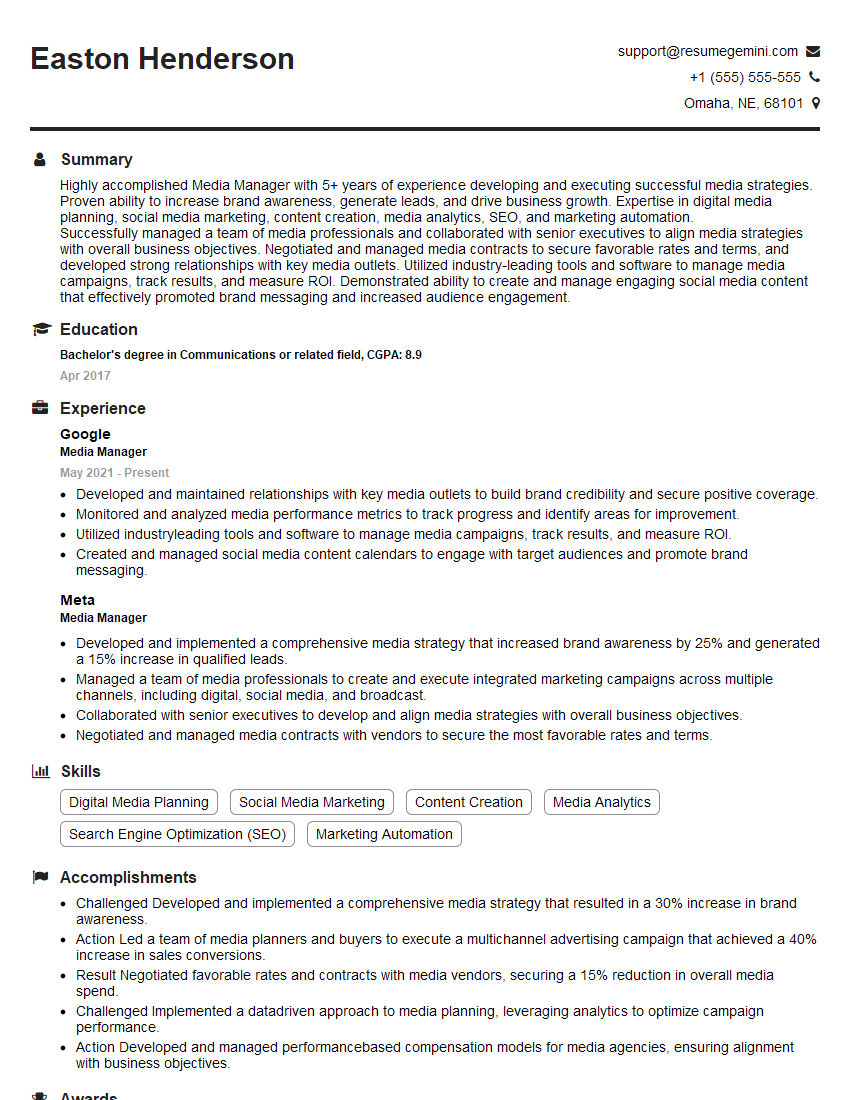
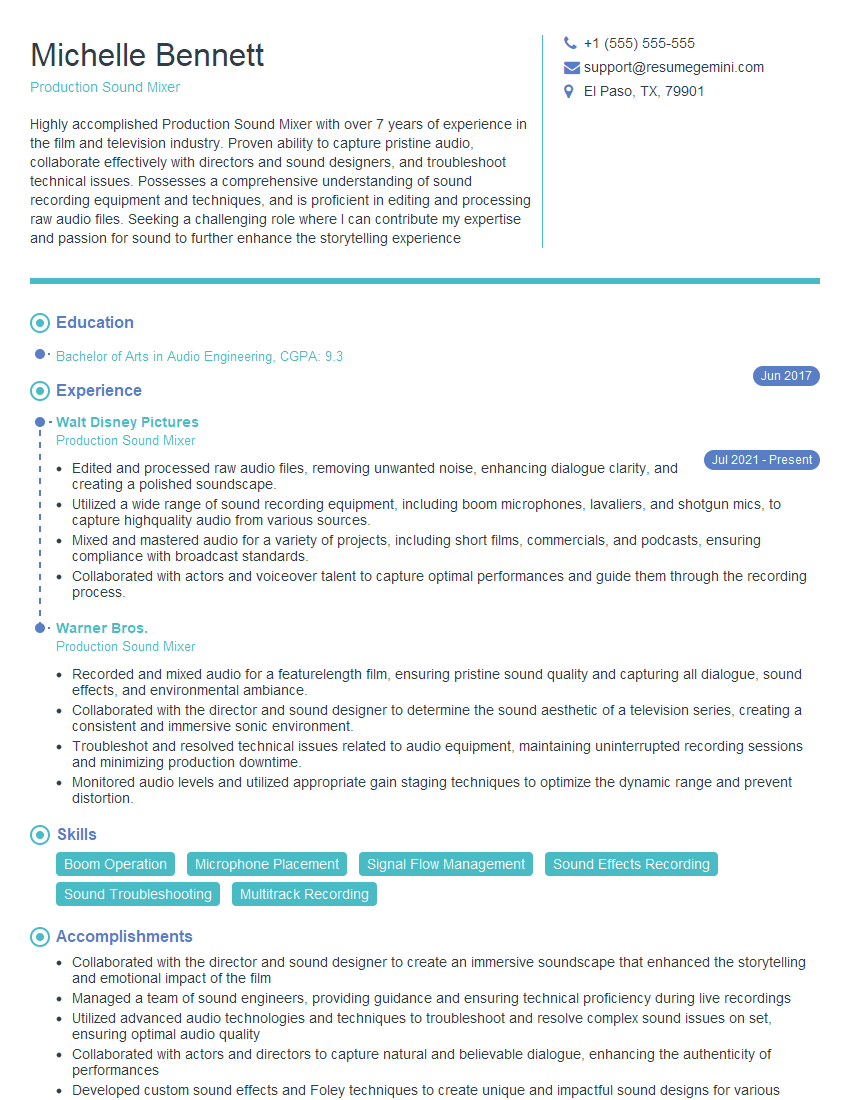
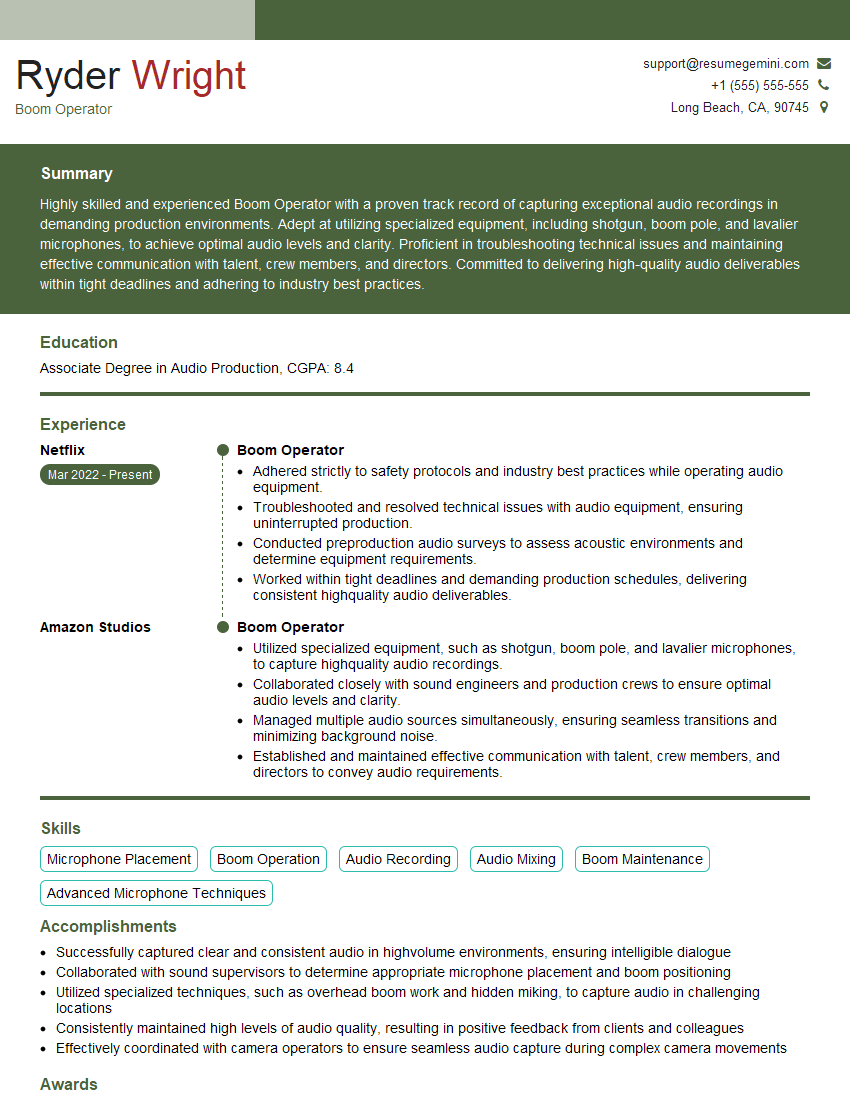
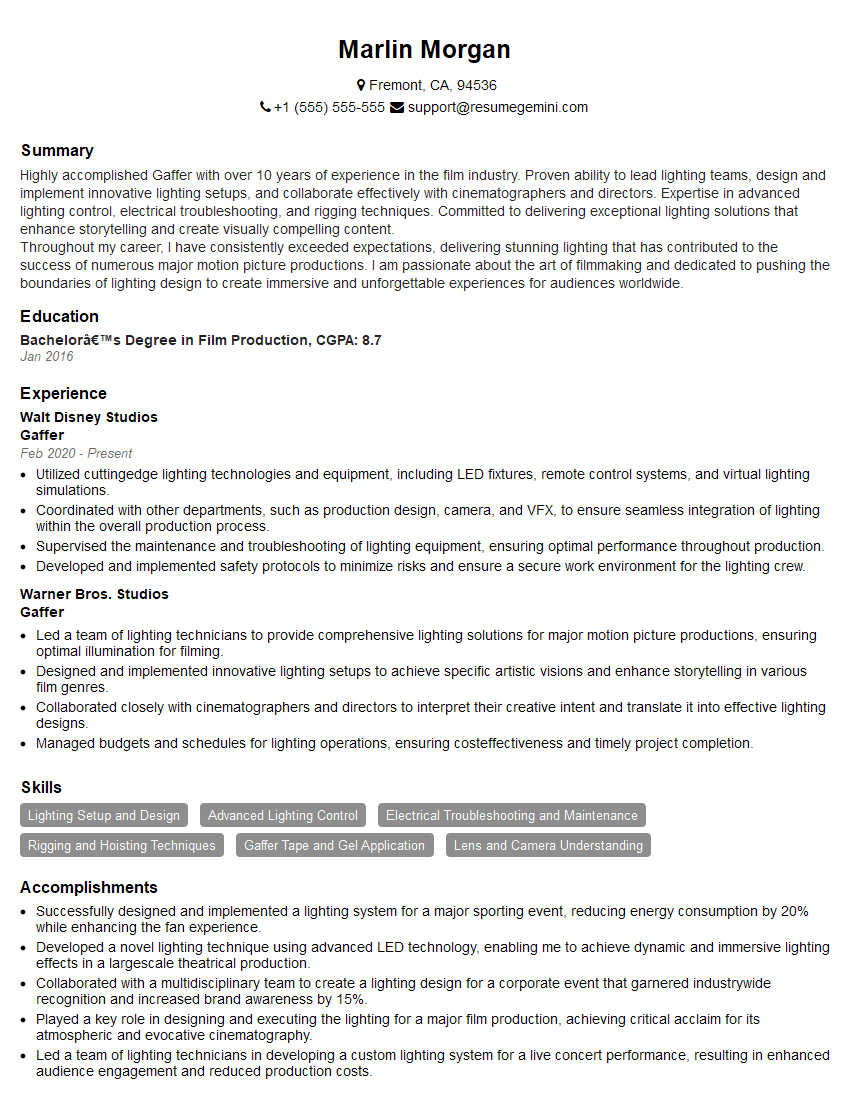
Mastering Digital Cinema Production opens doors to exciting and rewarding careers in the film and television industry. A strong understanding of these concepts will significantly enhance your interview performance and career prospects. To further boost your job search, create an ATS-friendly resume that highlights your skills and experience effectively. We strongly recommend using ResumeGemini to build a professional and impactful resume. ResumeGemini offers valuable tools and resources, including examples of resumes tailored to Digital Cinema Production, to help you present yourself in the best possible light to potential employers.


Explore more articles
Users Rating of Our Blogs
Share Your Experience
We value your feedback! Please rate our content and share your thoughts (optional).
What Readers Say About Our Blog
Very informative content, great job.
good