Interviews are more than just a Q&A session—they’re a chance to prove your worth. This blog dives into essential Engineering Drawing Standards (ANSI, ASME, ISO) interview questions and expert tips to help you align your answers with what hiring managers are looking for. Start preparing to shine!
Questions Asked in Engineering Drawing Standards (ANSI, ASME, ISO) Interview
Q 1. Explain the difference between ANSI, ASME, and ISO drawing standards.
ANSI, ASME, and ISO are all standards organizations that create guidelines for engineering drawings, but they have different scopes and focuses. Think of them like different style guides for writing – they all aim for clarity, but they have different preferences.
- ANSI (American National Standards Institute): Primarily focuses on US-based standards. While it covers various engineering disciplines, its influence is strongest in areas like electrical and mechanical engineering within the US and North America.
- ASME (American Society of Mechanical Engineers): Concentrates specifically on mechanical engineering standards. ASME Y14.5 (Dimensioning and Tolerancing) and ASME Y14.1 (Line Conventions and Lettering) are crucial standards within this domain, often used in conjunction with ANSI guidelines.
- ISO (International Organization for Standardization): Develops international standards adopted globally. ISO standards like ISO 128-20 (Technical product documentation – Dimensioning and tolerancing – Part 20: Indication of surface texture) provide a broadly accepted framework, often preferred for international projects or collaborations. They offer an alternative to the primarily US-centric ANSI/ASME standards.
In practice, you might see a drawing utilizing aspects of all three. A drawing created for a US-based client might use ANSI sheet sizes but follow ISO’s dimensioning and tolerancing practices for better global compatibility.
Q 2. Describe the purpose of a title block in an engineering drawing.
The title block is the essential identification section of an engineering drawing. Imagine it as the drawing’s passport – it contains all the crucial information needed to understand its context and purpose. It typically includes:
- Drawing Number: A unique identifier for the drawing.
- Revision Number: Tracks changes made to the drawing.
- Title: A clear and concise description of the part or assembly depicted.
- Scale: The ratio between the drawing size and the actual size of the object.
- Date: The date the drawing was created or last revised.
- Company Name and Address: Identification of the organization that created the drawing.
- Prepared By/Checked By/Approved By: Designates the individuals responsible for different stages of the drawing’s creation.
- Material Specifications: Details about the materials used in the part (often referenced separately).
Without a properly filled title block, the drawing becomes practically useless. It loses its traceability and context, making collaboration and manufacturing incredibly difficult.
Q 3. What are the common sheet sizes defined in ANSI/ASME Y14.1?
ANSI/ASME Y14.1 defines a series of standard sheet sizes based on the ‘A’ size series (similar to ISO paper sizes), but in inches. The most common are:
A: 11″ x 8.5″ (common letter size)B: 17″ x 11″C: 22″ x 17″D: 34″ x 22″E: 44″ x 34″
These sizes are designed to be nested, meaning a sheet of size B can be folded to fit into size A, and so on. This allows for efficient organization and filing of drawings.
Note: While these are the common sizes, the choice of size often depends on the complexity and scale of the drawing. Large, complex assemblies might require larger sheet sizes (e.g., E or even custom sizes).
Q 4. How are tolerances specified in engineering drawings according to ASME Y14.5?
ASME Y14.5 defines a comprehensive system for specifying tolerances on engineering drawings. It uses various methods to indicate the permissible variations in dimensions. These methods include:
- Basic Dimensions: Dimensions without tolerances, used as reference points.
- Limits and Fits: Specifies upper and lower limits for a dimension, defining the permissible range (e.g.,
1.000 ± 0.005). - Bilateral Tolerances: Equal tolerances above and below the nominal size.
- Unilateral Tolerances: Tolerance only on one side of the nominal size (e.g.,
1.000 +0.005). - Geometric Dimensioning and Tolerancing (GD&T): A more advanced system using symbols to define form, orientation, location, and runout tolerances, ensuring functionality even with slight variations in dimensions. This includes features like circularity, flatness, parallelism, and position tolerances. Examples of GD&T symbols include circularity (⌀), perpendicularity (⊥), parallelism (//), etc.
The proper application of tolerancing is critical for manufacturing. Insufficient tolerances could lead to parts that don’t fit together, while overly tight tolerances may increase costs and manufacturing challenges. GD&T is especially valuable in complex assemblies, enabling precise control over critical features.
Q 5. What are the different types of lines used in engineering drawings and their significance?
Engineering drawings use various line types to convey different information. Think of these lines as a visual language, each conveying specific meaning:
- Visible Lines (Solid Lines): The thickest lines, representing visible edges of objects. They are the most prominent features of the drawing.
- Hidden Lines (Dashed Lines): Thinner lines representing edges hidden from the viewing angle. They help to communicate the overall shape of the object.
- Center Lines (Thin Dashed Lines): Used to indicate centers of symmetrical features such as holes or circles. They’re usually slightly thinner than hidden lines.
- Section Lines (Cross-hatching): Used to show the internal structure of an object in a cross-section view. Often consists of parallel thin lines at a specific angle.
- Phantom Lines (Dashed-dotted Lines): Represent alternate positions or an adjacent component. This is particularly useful in showing the movement of a part or the relationship between components.
- Dimension Lines: Thin lines with arrowheads at both ends, used to show dimensions and measurements of the object. They are always unbroken.
- Extension Lines: Thin lines extending from the object to the dimension lines.
- Cutting Plane Lines: Thick, broken lines that indicate where an object has been cut to create a cross-sectional view. Usually labeled with a letter.
The consistent and correct use of line types is essential for creating clear and unambiguous drawings, avoiding misinterpretations and ensuring accurate manufacturing.
Q 6. Explain the importance of dimensioning and tolerancing in engineering drawings.
Dimensioning and tolerancing are fundamental to engineering drawings. They’re the blueprints’ instructions – conveying the precise measurements and allowable variations for manufacturing. Without them, a drawing is merely an illustration.
Dimensioning provides the nominal sizes of the parts. These are the ideal measurements. If you only had dimensions, the part could be slightly off in size and still be considered ‘acceptable’.
Tolerancing specifies the acceptable range of variation from those nominal dimensions. This ensures parts are functional even if there are small manufacturing imperfections. Inaccurate or missing tolerances can lead to parts that don’t fit or don’t function as intended. The right tolerances ensure parts meet specifications and contribute to the assembly’s success.
Think about assembling a puzzle. Dimensions give you the size of each piece, but tolerances define the permissible wiggle room you have. Too much tolerance and the puzzle won’t fit together; too little and it’ll be practically impossible to assemble.
Q 7. How do you represent different materials in an engineering drawing?
Materials are represented in engineering drawings using various methods, often depending on the level of detail required:
- Material Symbols: Standard material symbols, like those defined in relevant standards like ASME Y14.34, can be used to identify materials concisely. For example, a triangle symbol can denote aluminum. This avoids writing out the full material name on the drawing.
- Material Specification in the Title Block: This is frequently used to specify materials for entire drawings or assemblies. It provides a comprehensive overview for all the materials used in that drawing.
- Material Callouts: Directly identifying materials next to specific features or components is done when specific materials need to be highlighted for a component.
- Material Lists/Bill of Materials (BOM): A separate document detailing all the materials used, their quantities, and specifications. This is often used for complex assemblies.
- Material Properties in a separate Specification Sheet: For detailed applications, a dedicated sheet outlining all the needed properties of materials might be used.
The approach depends on the project’s complexity and the information the drawing needs to communicate. Clearly indicating material information is crucial to avoid errors in manufacturing and ensure the final product meets its requirements.
Q 8. What are section views and why are they used?
Section views are a crucial part of engineering drawings, providing a clear view of internal features that would otherwise be hidden in an external view. Imagine trying to understand the inner workings of a complex machine just from its exterior – impossible, right? That’s where section views come in. They are created by conceptually cutting through the object with an imaginary plane, revealing the cross-sectional shape and internal details.
They are used to:
- Show internal features and their relationships: This includes holes, ribs, and other details hidden from external views.
- Simplify complex shapes: By cutting away portions of the object, section views reduce visual clutter and make the drawing easier to understand.
- Clearly depict hidden details: Details like the shape of a keyway in a shaft or the internal structure of a casting are made readily apparent.
For example, a section view of a pipe fitting would clearly show the internal diameter and wall thickness, which are essential for selecting appropriate components and ensuring proper functionality.
Q 9. Describe the process of creating an orthographic projection.
Orthographic projection is the fundamental method for creating engineering drawings. It’s based on the principle of projecting the object’s features onto several perpendicular planes, creating a set of views (typically front, top, and side) that depict the object from different directions. Think of it like taking multiple photographs of a building from different angles – each photograph provides a different perspective, but together they reveal the building’s complete geometry.
The process typically involves:
- Choosing principal planes: Selecting the front, top, and side planes that best represent the object’s essential features.
- Projecting features: Imagine light rays emanating from the object and striking each plane; where they hit is where the corresponding feature is drawn on the plane.
- Creating views: The projections on the planes are then ‘folded’ out to form the top, front, and side views, creating the standard orthographic projection set. Each view is a 2D representation showing two dimensions of the object.
- Adding dimensions and annotations: Dimensions and notes are added to the views to complete the drawing, providing essential details for manufacturing or construction.
The resulting views provide a comprehensive picture of the object’s shape and dimensions, enabling accurate communication between designers, manufacturers, and other stakeholders.
Q 10. Explain the difference between first-angle and third-angle projection.
First-angle and third-angle projection are two different methods for representing orthographic views. The key difference lies in the relative positions of the views.
In first-angle projection (less common in the US), the object is placed between the viewer and the projection planes. The views are arranged such that the front view is at the bottom, the top view is above the front view, and the side views are placed adjacent to the front view. Think of it like holding the object in front of you and looking at its different sides sequentially.
In third-angle projection (the standard in the US and widely used internationally), the object is placed behind the projection planes. The views are arranged such that the front view is at the top left, the top view is above the front view, and the side views are adjacent. This is the way most engineers are trained, and it is a standard that is adopted to minimize confusion and misunderstandings.
The choice between first-angle and third-angle projection is primarily a matter of convention and should be clearly stated on the drawing to avoid ambiguity.
Q 11. What are auxiliary views and when are they necessary?
Auxiliary views are supplemental views used to show features that are not clearly visible in the standard orthographic projections (front, top, and side). They are essentially additional views created to clarify features that are inclined or at an angle to the primary projection planes. Think of them as providing a more specific ‘close-up’ of an angled surface.
Auxiliary views are necessary when:
- A feature is inclined or at an angle and its true shape is not clearly visible in the principal views.
- To show the true size and shape of an inclined surface: For example, to accurately measure the angle or length of an inclined plane.
- To clarify complex geometry: By providing extra angles to see the part, we can eliminate confusion in how the different parts interact with one another.
For example, consider a part with a sloped surface. The standard views might not clearly show the true length and angle of the slope. An auxiliary view can be created to depict these features accurately, making the drawing easier to understand and facilitating accurate manufacturing.
Q 12. How are surface finishes indicated on an engineering drawing?
Surface finish is critical for the functionality and appearance of a part, and it’s indicated on engineering drawings using symbols and specifications. The most common method uses a symbol that combines roughness average (Ra) values with other surface properties. The roughness average (Ra) represents the average deviation from the mean line within a given sample length.
These symbols typically include:
- Roughness Average (Ra): This is a numerical value indicating the average surface roughness height in micrometers (µm) or microinches (µin).
- Lay: This indicates the direction of surface pattern – usually shown with directional lines (e.g., parallel, cross, circular).
- Surface Texture: This denotes the overall characteristics of the surface, such as waviness or roughness.
The symbol itself often consists of a check mark-type symbol with a numerical value for Ra and other details. For example, a symbol might show “Ra 0.8 µm” indicating a fairly smooth surface. Different standards (like ASME Y14.5 and ISO 1302) provide detailed information on surface finish symbols and their interpretation.
Q 13. What are geometric dimensioning and tolerancing (GD&T) symbols and their applications?
Geometric Dimensioning and Tolerancing (GD&T) is a sophisticated system for defining and communicating engineering tolerances. Instead of simply specifying tolerances as plus/minus values on individual dimensions, GD&T uses symbols and frames to define the permissible variation of a part’s features in terms of form, orientation, location, and runout. Imagine trying to build a house where every component’s size is off by a tiny bit – the whole structure could collapse! GD&T minimizes this risk by defining how much variation is acceptable for a fully functional product.
GD&T symbols are used to specify tolerances that are critical to functionality. These symbols include:
- Position: Controls the location of a feature relative to a datum reference.
- Parallelism: Controls the orientation of a feature relative to a datum reference plane.
- Perpendicularity: Controls the orientation of a feature relative to a datum reference plane.
- Flatness: Controls the flatness of a surface.
- Straightness: Controls the straightness of an axis.
- Circular Runout: Controls the variation of a circular feature as it rotates around a datum axis.
- Total Runout: Combines circular and axial runout.
Each symbol has a specific application, and applying them appropriately minimizes ambiguities and improves manufacturing efficiency.
Q 14. Explain the meaning of various GD&T symbols like position, parallelism, perpendicularity.
GD&T symbols provide a concise and unambiguous way to specify tolerances. Let’s break down a few key ones:
- Position: This symbol (a circle with a cross inside) controls the permissible positional variation of a feature, typically a hole or a pin, relative to a datum reference frame. It defines a zone within which the feature’s center must lie. For instance,
∕.02indicates a diameter positional tolerance of 0.02. This is essential for ensuring proper mating of parts. - Parallelism: This symbol (two parallel lines) controls the allowed angular deviation of a surface or axis from a datum plane. It ensures features are parallel to each other or reference planes for proper function. For example,
∥.01specifies a parallelism tolerance of 0.01. - Perpendicularity: This symbol (a square with a right-angle symbol) controls the allowed angular deviation of a feature from a datum plane. It ensures that features are perpendicular within the tolerance specified. For instance,
∠.01specifies a perpendicularity tolerance of 0.01.
These are just a few examples; the entire system provides a powerful and precise method for specifying tolerances, ensuring that parts meet the required functional specifications while streamlining manufacturing processes.
Q 15. What is a datum feature and its significance in GD&T?
A datum feature is a geometrically defined feature on a part used as a reference for measurements and tolerances. Think of it as a precisely located point, line, or plane on your part. In GD&T (Geometric Dimensioning and Tolerancing), datum features are crucial because they provide a stable and consistent reference frame for defining the location, orientation, and form of other features. Without them, tolerances would be ambiguous, and manufacturing inconsistencies could easily arise.
Significance: Datum features ensure that parts are manufactured to meet precise specifications. Imagine building an engine; the location of the crankshaft relative to the cylinder block is critical. We define datum features on the cylinder block (perhaps a plane surface and a central axis) and then specify the crankshaft’s location relative to these datums, controlling its position and preventing misalignment. This ensures the engine runs smoothly and efficiently. Commonly used datum features include planes, axes, and points.
Example: A datum feature could be a precisely machined surface on a part. This surface, designated as datum A, serves as the primary reference point for all other dimensional measurements and tolerances. Another feature might be positioned relative to this datum with specific allowable variations (tolerances).
Career Expert Tips:
- Ace those interviews! Prepare effectively by reviewing the Top 50 Most Common Interview Questions on ResumeGemini.
- Navigate your job search with confidence! Explore a wide range of Career Tips on ResumeGemini. Learn about common challenges and recommendations to overcome them.
- Craft the perfect resume! Master the Art of Resume Writing with ResumeGemini’s guide. Showcase your unique qualifications and achievements effectively.
- Don’t miss out on holiday savings! Build your dream resume with ResumeGemini’s ATS optimized templates.
Q 16. Explain the concept of feature control frame in GD&T.
The feature control frame (FCF) is the heart of GD&T. It’s a rectangular box containing the symbols and values that define a specific geometric control requirement for a part feature. It’s like a mini-instruction manual for a single feature, telling the manufacturer how precisely that feature must be made.
Components of an FCF:
- Geometric Characteristic Symbol: Indicates the type of control (e.g., position, flatness, circularity).
- Tolerance Zone: Specifies the allowable variation from the ideal geometric form or location.
- Datum Reference(s): Identifies the datum features used as references for the measurement.
- Modifier Symbols (if any): Further refine the tolerance requirements (e.g., material condition symbol).
Example: Σ0.10 A B This FCF indicates that the positional tolerance is 0.10 units, referencing datums A and B. The symbol Σ represents position.
Real-World Application: FCFs are vital in aerospace, automotive, and medical device industries where precise part dimensions and assembly are crucial. They ensure parts fit together as intended, improving performance and safety.
Q 17. How do you interpret a bill of materials (BOM) from an engineering drawing?
A bill of materials (BOM) on an engineering drawing lists all the components needed to assemble a product. It’s a structured table usually found on the drawing sheet or in accompanying documentation. It’s crucial for manufacturing, procurement, and assembly.
Interpreting a BOM: Typically, a BOM includes the following information for each component:
- Part Number: A unique identifier for each component.
- Part Description: A clear and concise description of the component.
- Quantity: The number of each component required for one assembly.
- Material: The material the part is made from.
- Drawing Number (if applicable): Reference to the detailed drawing for the part.
Example: A BOM might list ‘Bolt, M6 x 12mm, Steel, 4 pcs’ indicating four M6 x 12mm steel bolts are needed. You’ll find the relevant drawing number alongside if further details about the bolt are necessary.
Practical Application: The BOM acts as a shopping list and assembly guide, providing critical information for manufacturing, inventory management, and costing.
Q 18. How are weld symbols interpreted and drawn according to AWS standards?
Welding symbols, as defined by the American Welding Society (AWS), provide concise visual representations of weld types, sizes, locations, and other essential welding details on engineering drawings. They are fundamental for communicating welding requirements to fabricators.
Interpreting and Drawing Weld Symbols: A weld symbol consists of several elements arranged systematically:
- Reference Line: A horizontal line extending from the weld symbol.
- Arrow Side: The side of the joint where the symbol is placed indicates the side where the weld is applied.
- Basic Weld Symbol: Indicates the type of weld (e.g., fillet weld, groove weld, spot weld).
- Dimensions: Specify the weld size, length, and other dimensions.
- Other Specifications: Additional details such as weld process, surface finish, etc.
Example: A basic fillet weld symbol on the arrow side indicates that the weld will be applied on the arrow side of the joint. Dimensions on the symbol will specify the weld leg size.
AWS Standards: Adhering to AWS standards ensures consistent interpretation of welding symbols across different industries and locations. This consistency prevents miscommunication and costly errors in fabrication.
Q 19. What are the standard methods for representing threads in engineering drawings?
Threads are depicted in engineering drawings using several standardized methods to ensure clarity and avoid ambiguity. The choice of method often depends on the size and importance of the thread.
Standard Methods:
- Detailed Representation: This method shows the complete thread profile including crests and roots. It’s used for large or critical threads where precise details are crucial, but can be time-consuming for smaller threads.
- Simplified Representation: This method uses a series of short, parallel lines to represent the thread without depicting the complete profile. It’s a quicker and simpler method and is usually preferred for smaller threads.
- Symbolic Representation: This method uses a standard thread designation with notations like M6 x 1.0 (Metric) or 1/4-20 UNC (Unified National Coarse). This is the most efficient approach and is frequently used for general purposes.
Example: For a small bolt, using M8 x 1.25 (symbolic representation) is sufficient. For a complex internal thread in a critical component, a detailed representation might be necessary to convey the complete geometry.
Importance of Correct Representation: Accurate thread representation is critical to ensure correct part manufacturing and assembly, affecting functionality, interchangeability, and overall product quality.
Q 20. Explain the use of revision clouds and revision tables in engineering drawings.
Revision clouds and revision tables are used in engineering drawings to track changes made to the design after its initial release. They’re essential for maintaining design integrity and clarity throughout the product lifecycle.
Revision Clouds: A revision cloud is a freehand or geometrically drawn circle or cloud around the specific area of the drawing that has been altered. It visually highlights the changes made and directs attention to the updated section.
Revision Tables: A revision table, usually placed in a designated area on the drawing sheet, systematically documents all revisions made. Each revision entry typically includes the revision number, date, description of the change, and the initials of the person making the change.
How they work together: A revision cloud shows *where* the change occurred visually, while the revision table explains *what* the change is in detail. Both are crucial for ensuring everyone using the drawing has access to the most up-to-date information, preventing misunderstandings and errors.
Example: A revision cloud encircles a modified dimension on the drawing, and revision table entry would state: “Rev. 2, 2024-10-27, Changed dimension X from 10mm to 12mm, Initials: J.S.”
Q 21. How is scale indicated and used in engineering drawings?
Scale in engineering drawings represents the ratio between the dimensions on the drawing and the actual dimensions of the object. It’s crucial because many objects are too large or too small to draw at their actual size.
Indicating Scale: Scale is usually indicated on the drawing sheet title block as a ratio (e.g., 1:100, 1:20, 1:1). This indicates that one unit on the drawing represents 100, 20 or 1 unit in real life, respectively.
Using Scale: When interpreting a drawing, you must use the specified scale to calculate the actual dimensions. If the drawing shows a length of 5cm and the scale is 1:10, the real-life length would be 50cm (5cm x 10).
Importance: Scale ensures the drawing remains manageable while accurately representing the object’s dimensions. It’s a fundamental aspect of creating and interpreting technical drawings.
Q 22. Describe the process of creating a detailed assembly drawing from individual component drawings.
Creating a detailed assembly drawing from individual component drawings is a systematic process that requires careful planning and execution. Think of it like assembling a complex LEGO structure – you start with the individual pieces (component drawings) and carefully put them together to form the final product (assembly drawing).
- Step 1: Component Review: Thoroughly examine each component drawing for dimensions, tolerances, materials, and surface finishes. Ensure all necessary information is present and consistent.
- Step 2: Arrangement and Orientation: Determine the spatial relationship between components. This often involves considering factors like functionality, assembly sequence, and accessibility for maintenance. A preliminary sketch or digital model can be very helpful here.
- Step 3: Exploded View (Optional): For clarity, an exploded view might be beneficial. This shows the components separated slightly to reveal their relationship and assembly sequence. This is particularly useful for complex assemblies.
- Step 4: Assembly Drawing Creation: Using CAD software, combine the component drawings. Pay close attention to proper layering and referencing. Use appropriate views (orthographic projections, isometric views, section views) to show the assembly clearly. Include bill of materials (BOM), part numbers, and revision control information.
- Step 5: Detailing and Annotation: Add necessary dimensions, tolerances, notes, and other annotations to the assembly drawing. Ensure all dimensions are clear and unambiguous. Use standard symbols and conventions (ANSI, ASME, or ISO, as applicable).
- Step 6: Review and Validation: Before finalizing, thoroughly review the drawing for accuracy and completeness. Have a peer review the drawing to catch potential errors.
For example, in assembling a pump, individual drawings for the impeller, casing, shaft, and bearings would be combined to create the complete pump assembly drawing, clearly showing their interconnection and overall dimensions.
Q 23. What is the significance of proper documentation and version control in engineering drawings?
Proper documentation and version control in engineering drawings are paramount for ensuring accuracy, consistency, and traceability throughout a product’s lifecycle. Imagine building a house without blueprints – chaos would ensue! Similarly, without proper documentation and version control, engineering projects can become confusing, costly, and potentially unsafe.
- Accuracy: Version control prevents the use of outdated or incorrect drawings. It ensures everyone is working from the most current and accurate design information.
- Consistency: It helps maintain consistency across multiple drawings and revisions, minimizing the risk of conflicting information.
- Traceability: A robust version control system allows you to track changes made to drawings over time, identifying who made the change, when it was made, and why. This is critical for liability and regulatory compliance.
- Legal Compliance: Many industries require detailed documentation and version control for legal and regulatory reasons.
Implementing a version control system, like a PDM (Product Data Management) system, is essential. This system allows for the controlled release and tracking of revisions, preventing accidental overwrites or the use of outdated files. Each revision should be clearly identified with a revision number (e.g., A, B, C) and a description of the changes made.
Q 24. Discuss the importance of using CAD software for creating engineering drawings.
CAD (Computer-Aided Design) software is indispensable for creating engineering drawings today. It provides a vast improvement over manual drafting, offering increased accuracy, efficiency, and collaborative capabilities.
- Accuracy: CAD software allows for precise dimensions and tolerances, minimizing errors caused by manual drafting.
- Efficiency: It significantly speeds up the drawing creation process, enabling engineers to produce complex drawings in a fraction of the time it would take manually.
- Revision Control: Built-in version control features make it easy to track changes and manage different revisions of a drawing.
- Collaboration: CAD software facilitates collaboration among team members, allowing multiple users to work on the same drawing simultaneously.
- 3D Modeling: Many CAD packages allow for 3D modeling, which provides a more comprehensive representation of the design and enables more thorough analysis.
Consider designing a complex gearbox: CAD software allows for precise modeling of the gears, shafts, and housings, enabling detailed analysis of stress and motion before physical prototyping. This saves time and resources, reducing the risk of design flaws being discovered late in the process.
Q 25. Explain your experience with specific CAD software (AutoCAD, SolidWorks, etc.).
I have extensive experience with both AutoCAD and SolidWorks, two leading CAD packages, each suited for different tasks.
- AutoCAD: My proficiency in AutoCAD includes 2D drafting, annotation, and working with various file formats (DWG, DXF). I’ve used it extensively for creating detailed shop drawings, architectural plans, and site plans. I’m comfortable with customizing settings and using advanced commands to optimize workflows.
- SolidWorks: My SolidWorks experience centers around 3D modeling, assembly design, and simulation. I’ve used it to design mechanical components, create realistic assemblies, and conduct finite element analysis (FEA) to validate designs. I’m also proficient in using SolidWorks’ drawing tools to create detailed 2D drawings from 3D models.
For example, I recently used SolidWorks to design a custom fixture for a manufacturing process. I created the 3D model, performed simulations to verify its strength and stability, and then generated detailed 2D drawings for manufacturing.
Q 26. How do you ensure the accuracy and clarity of your engineering drawings?
Ensuring accuracy and clarity in engineering drawings is a critical responsibility. I employ several strategies to achieve this:
- Use of Standards: Strict adherence to relevant standards (ANSI, ASME, ISO) for dimensioning, tolerancing, and annotation is paramount. This ensures consistency and clarity.
- Thorough Checks: After completion, I conduct multiple reviews, checking for dimensional accuracy, proper annotation, and completeness. I utilize CAD software’s tools for geometric dimensioning and tolerancing (GD&T) verification.
- Peer Review: I always seek peer review of my drawings to catch any errors or inconsistencies I might have overlooked. A fresh pair of eyes is invaluable.
- Clear and Concise Annotation: Annotations should be clear, concise, and unambiguous, using standard symbols and abbreviations where possible.
- Appropriate Scale and Views: Selecting the appropriate scale and utilizing multiple views (orthographic, isometric, section views) are critical for conveying the design accurately and clearly.
For instance, a slight error in a dimension on a part drawing could lead to assembly problems. By meticulously checking and reviewing my work, I aim to prevent such errors and ensure clarity in all my drawings.
Q 27. Describe a challenging drawing you’ve worked on and how you overcame any difficulties.
One challenging drawing I worked on involved a complex assembly for a robotic arm with intricate cable routing and tight tolerances. The difficulty stemmed from the need to clearly depict the cable paths within a confined space while adhering to strict geometric constraints.
To overcome this, I first created a detailed 3D model in SolidWorks, allowing me to visualize the cable routing and identify potential conflicts. This 3D model helped me to optimize the cable routing and resolve any interference issues. I then used SolidWorks’ section views and exploded views to create detailed 2D drawings that effectively illustrated the complex cable routing and assembly process. The use of color-coded annotations and callouts further enhanced the clarity of the drawings, making them readily understandable for assembly technicians.
Q 28. How do you stay updated with the latest changes and developments in engineering drawing standards?
Staying current with the latest changes and developments in engineering drawing standards is crucial for maintaining professional competence. I utilize several methods to achieve this:
- Professional Organizations: Active membership in professional engineering organizations like ASME (American Society of Mechanical Engineers) provides access to updated standards, publications, and training resources.
- Industry Publications: Regularly reading industry-specific journals and publications keeps me informed about advancements and changes in standards.
- Online Resources: Utilizing online resources and reputable websites dedicated to engineering standards is crucial for accessing the latest revisions and updates. Official standard bodies often have websites with the latest versions of their standards.
- Training Courses: Participating in relevant training courses and workshops helps to deepen understanding and practical application of the latest standards.
For example, I recently completed a course on the latest GD&T standards, enabling me to incorporate best practices into my drawings. Staying updated ensures my drawings adhere to the highest standards of accuracy, consistency, and clarity.
Key Topics to Learn for Engineering Drawing Standards (ANSI, ASME, ISO) Interview
- Line Types and Weights: Understanding the various line types (e.g., object lines, hidden lines, center lines) and their appropriate weights according to ANSI, ASME, and ISO standards. Practical application: Interpreting complex drawings and creating clear, unambiguous technical drawings.
- Dimensioning and Tolerancing: Mastering geometric dimensioning and tolerancing (GD&T) principles, including feature control frames and symbols. Practical application: Ensuring manufactured parts meet design specifications and avoiding costly errors.
- Projections and Views: Familiarizing yourself with different types of projections (e.g., orthographic, isometric) and their application in creating complete and accurate drawings. Practical application: Communicating design intent effectively and interpreting multi-view drawings.
- Sectioning and Hatching: Understanding how to create section views to reveal internal features and apply appropriate hatching patterns. Practical application: Clearly visualizing internal components and simplifying complex assemblies.
- Scale and Units: Working with different scales and understanding the importance of specifying units (e.g., mm, inches) consistently. Practical application: Creating drawings that accurately represent the physical dimensions of components.
- Title Blocks and Drawing Sheets: Understanding the standard components of a drawing sheet, including the title block, revision history, and other relevant information. Practical application: Creating professional and well-organized drawings that meet industry standards.
- Material Specifications: Understanding how material properties and specifications are indicated on engineering drawings. Practical application: Selecting appropriate materials for manufacturing based on design requirements.
- Differences between ANSI, ASME, and ISO Standards: Recognizing key differences between these standards and their applications in various industries. Practical application: Adapting to different international drawing standards and collaborating effectively with global teams.
- Computer-Aided Design (CAD) Software Application: Demonstrating proficiency in using CAD software to create and modify engineering drawings according to relevant standards. Practical application: Efficiently creating and managing complex engineering drawings.
Next Steps
Mastering Engineering Drawing Standards (ANSI, ASME, ISO) is crucial for a successful career in engineering, demonstrating your attention to detail and ability to communicate technical information effectively. This expertise opens doors to a wider range of opportunities and enhances your value to potential employers. To significantly improve your job prospects, create an ATS-friendly resume that highlights your skills and experience. ResumeGemini is a trusted resource to help you build a professional resume that stands out. Examples of resumes tailored to Engineering Drawing Standards (ANSI, ASME, ISO) are available to guide you.
Engineering Manager Resume Sample

Project Engineer Resume Sample

Design Engineer Resume Sample

Documentation Specialist Resume Sample
Aerospace Engineer Resume Sample

Civil Engineer Resume Sample
Geotechnical Engineer Resume Sample
Structural Engineer Resume Sample

Electrical Engineer Resume Sample

Manufacturing Engineer Resume Sample
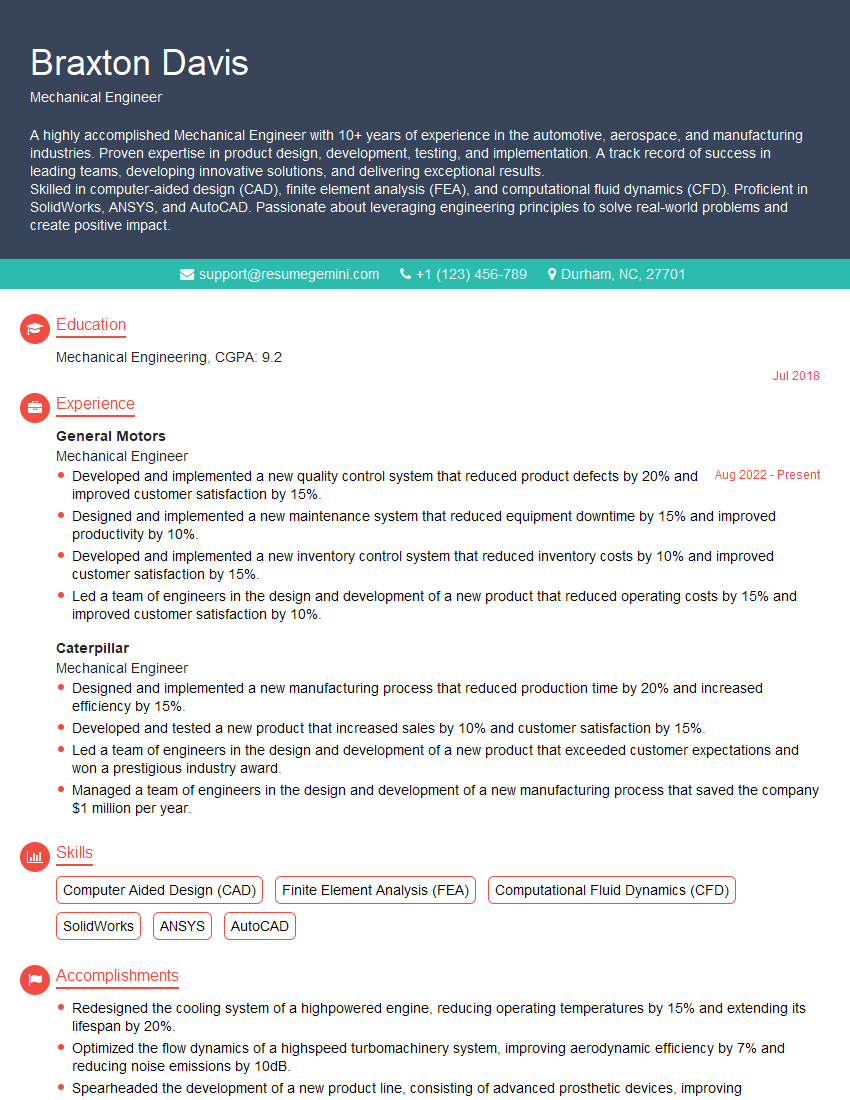
Mechanical Engineer Resume Sample
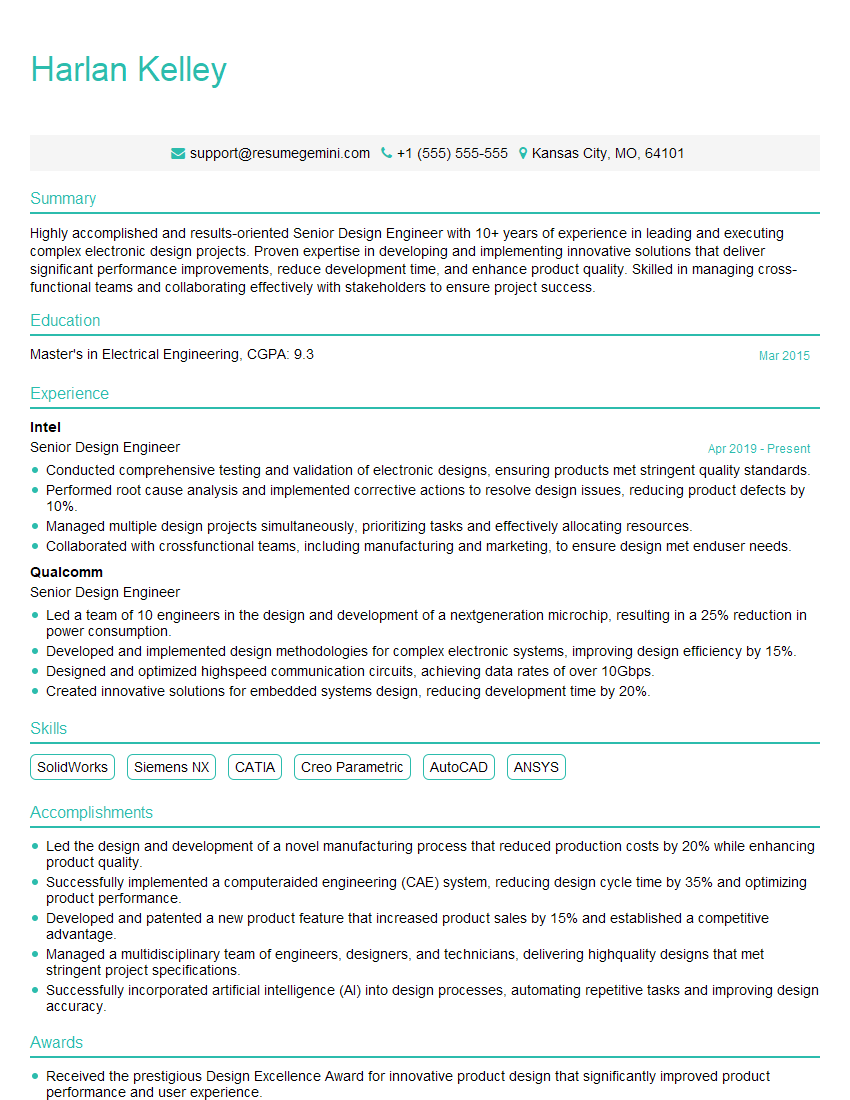
Senior Design Engineer Resume Sample

Robotics Engineer Resume Sample
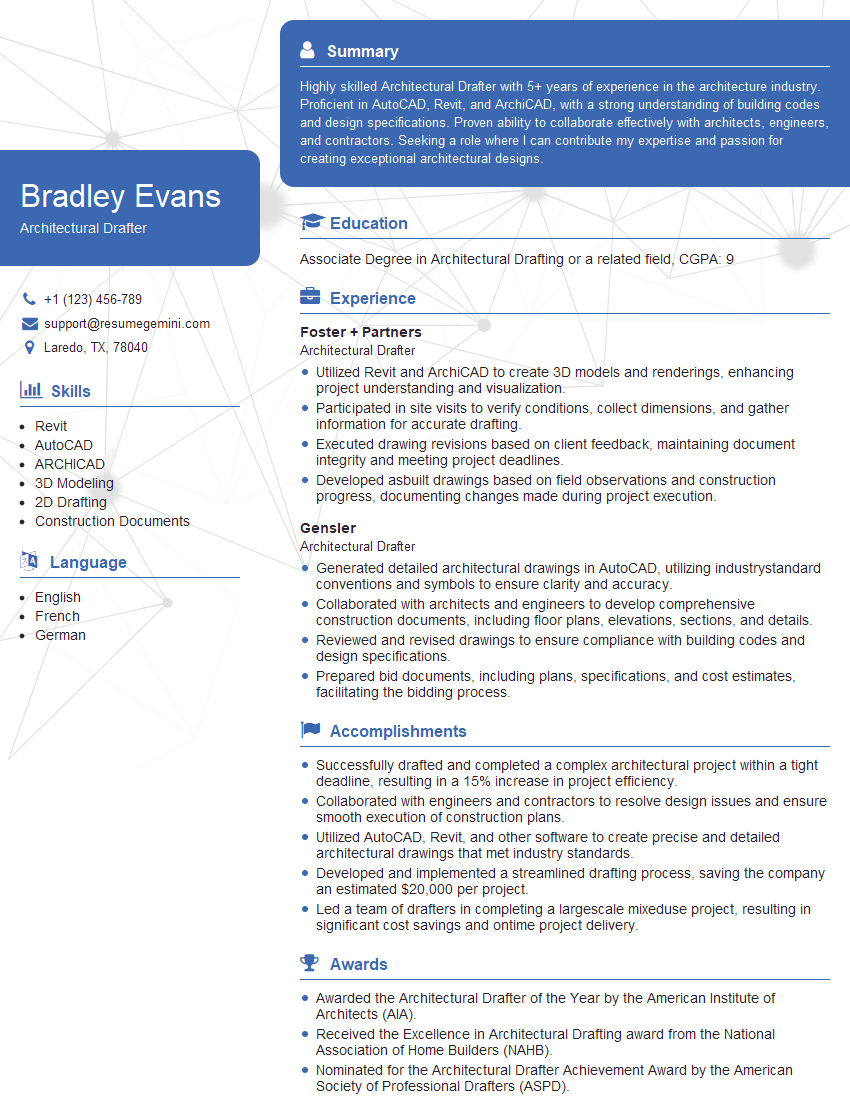
Architectural Drafter Resume Sample
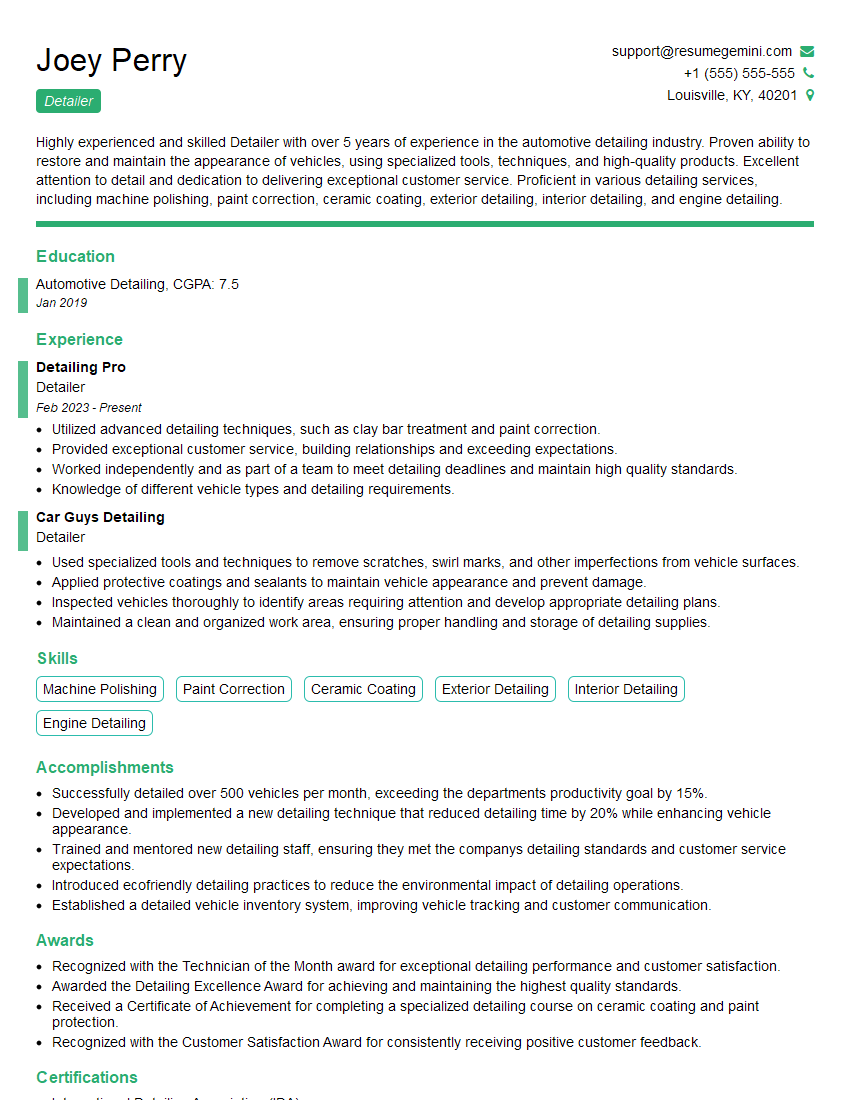
Detailer Resume Sample

Technical Illustrator Resume Sample
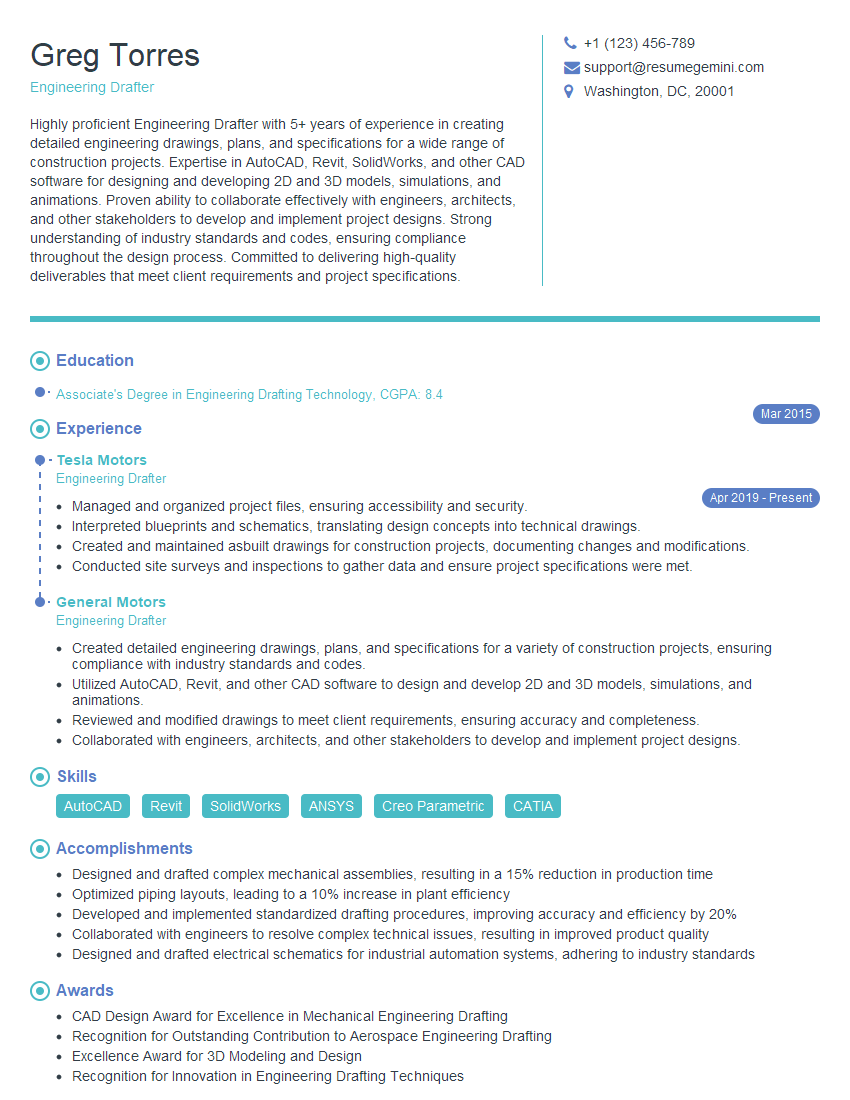
Engineering Drafter Resume Sample

3D Modeler Resume Sample

Technical Writer Resume Sample

Quality Control Inspector Resume Sample
- Engineering Manager
- Project Engineer
- Design Engineer
- Documentation Specialist
- Aerospace Engineer
- Civil Engineer
- Geotechnical Engineer
- Structural Engineer
- Electrical Engineer
- Manufacturing Engineer
- Mechanical Engineer
- Senior Design Engineer
- Robotics Engineer
- Architectural Drafter
- Detailer
- Technical Illustrator
- Engineering Drafter
- 3D Modeler
- Technical Writer
- Quality Control Inspector
Explore more articles
Users Rating of Our Blogs
Share Your Experience
We value your feedback! Please rate our content and share your thoughts (optional).
What Readers Say About Our Blog
Very informative content, great job.
good