Interviews are more than just a Q&A session—they’re a chance to prove your worth. This blog dives into essential Ergonomic Principles and Work Practices interview questions and expert tips to help you align your answers with what hiring managers are looking for. Start preparing to shine!
Questions Asked in Ergonomic Principles and Work Practices Interview
Q 1. Define ergonomics and its relevance in the workplace.
Ergonomics is the scientific study of people and their working environment. Its goal is to design workplaces, equipment, and tasks to fit the capabilities and limitations of the human body, minimizing the risk of injury and maximizing productivity and comfort. Think of it as creating a perfect ‘fit’ between the person and their work. In the workplace, ergonomics is crucial because it reduces workplace injuries, increases efficiency, boosts morale, and lowers healthcare costs for companies. A well-designed ergonomic workplace leads to happier, healthier, and more productive employees.
For example, consider a call center. Poor ergonomics might lead to repetitive strain injuries in the wrists and neck due to prolonged keyboard use and poor posture. Implementing ergonomic principles like adjustable chairs, proper keyboard placement, and regular breaks dramatically reduces the risk of these injuries, leading to a healthier workforce and a positive impact on the company’s bottom line.
Q 2. Explain the principles of anthropometry and its application in workplace design.
Anthropometry is the scientific study of human body measurements. In workplace design, it’s essential because it provides data on human dimensions—height, weight, reach, limb lengths—that inform the design of tools, workstations, and workspaces. Understanding these measurements allows designers to create products and environments that accommodate the widest possible range of body sizes and shapes. This prevents discomfort, strain, and injury for users.
For example, designing a control panel for a machine requires considering the reach and hand size of the operators. If the buttons are too far apart or too small, it can lead to strain and fatigue. Anthropometric data ensures the controls are placed within comfortable reach and are appropriately sized for the intended users, improving both efficiency and safety.
Q 3. Describe different types of musculoskeletal disorders (MSDs) and their causes.
Musculoskeletal disorders (MSDs) are injuries or disorders of the muscles, nerves, tendons, joints, cartilage, and spinal discs. They are often caused by repetitive movements, forceful exertions, awkward postures, vibration, and prolonged static postures. Some common examples include:
- Carpal Tunnel Syndrome (CTS): Affects the wrist and hand, causing pain, numbness, and tingling.
- Tenosynovitis: Inflammation of the tendon sheath, often in the hands and wrists.
- Epicondylitis (Golfer’s or Tennis Elbow): Pain at the elbow joint due to tendon inflammation.
- Back pain: Can be caused by prolonged sitting, lifting heavy objects incorrectly, or poor posture.
- Neck pain: Often linked to poor posture, prolonged computer use, and stress.
The causes are often a combination of factors, and identifying the specific cause requires a thorough ergonomic assessment.
Q 4. How do you assess workstation ergonomics?
Assessing workstation ergonomics involves a systematic evaluation of the workstation and the worker’s interaction with it. This typically involves a combination of observation, interview, and measurement. Here’s a step-by-step approach:
- Observation: Observe the worker performing their tasks, paying attention to posture, movement patterns, and the use of equipment.
- Interview: Ask the worker about any discomfort, pain, or fatigue they experience during work. This includes duration, intensity, and location of any symptoms.
- Measurement: Measure various aspects of the workstation, including chair height, desk height, monitor placement, keyboard position, and the worker’s anthropometric dimensions.
- Analysis: Compare the observations and measurements against ergonomic guidelines and best practices. Identify any risk factors and potential improvements.
- Recommendations: Provide specific recommendations for adjustments to the workstation, tasks, or work practices to reduce risk factors and improve ergonomics.
Tools like checklists, questionnaires, and ergonomic assessment software can be used to streamline the process.
Q 5. What are the key elements of a proper workstation setup?
A proper workstation setup is crucial for preventing MSDs and promoting comfort and productivity. Key elements include:
- Adjustable Chair: Supports the natural curvature of the spine, with adjustable height, lumbar support, and armrests.
- Proper Desk Height: Allows for typing with elbows at a 90-degree angle and forearms parallel to the floor.
- Monitor Placement: Positioned directly in front of the user at arm’s length, with the top of the screen at or slightly below eye level.
- Keyboard and Mouse Placement: Close to the body, allowing for neutral wrists and forearms.
- Document Holder: Keeps documents at the same height and distance as the monitor to minimize neck strain.
- Adequate Lighting: Minimizes eye strain and fatigue.
- Regular Breaks: Encourage short, frequent breaks to stretch and move around, combating prolonged static postures.
The specific setup will vary depending on the individual and the type of work being performed, but these elements provide a foundation for a healthy and efficient workstation.
Q 6. Explain the concept of risk assessment in ergonomics.
Ergonomic risk assessment is a systematic process of identifying hazards in the workplace that can cause MSDs and other ergonomic-related problems. It involves identifying tasks, workers, and equipment, determining potential hazards associated with these factors, and evaluating the risk level of those hazards. The goal is to implement control measures to reduce or eliminate the identified risks. A risk assessment helps organizations understand the potential health and safety implications of their operations and plan appropriate mitigation strategies.
For example, a warehouse may conduct a risk assessment to identify the risks of manual handling. This assessment would identify employees who frequently lift heavy boxes, the weight of the boxes, and the methods used to lift them. Following this, the assessment would determine the risk level based on the weight, frequency, and lifting techniques. Ultimately, this process may lead to the implementation of changes such as using lifting aids, optimizing the layout, or adjusting lifting techniques to reduce the risk of back injuries.
Q 7. What are the methods for evaluating workplace hazards?
Several methods are used to evaluate workplace hazards, each offering a different perspective and level of detail:
- Job Hazard Analysis (JHA): A systematic approach to identifying hazards and control measures by breaking down a job into its steps and identifying potential hazards at each step.
- Workplace Inspections and Walkthroughs: A visual inspection of the workplace to identify ergonomic hazards such as poor workstation setups, awkward postures, and unsafe lifting techniques.
- Surveys and Questionnaires: Collect information from workers regarding their experiences with discomfort, pain, or fatigue, providing valuable insights into potential problems.
- Observation and Video Recording: Observe workers performing their tasks to identify potential ergonomic hazards and assess their postures and movements.
- Biomechanical Analysis: Uses mathematical models to quantify the forces and stresses on the body during work tasks. This method provides a quantitative measure of risk.
- Psychophysical Evaluation: Evaluates the worker’s ability to perform specific tasks, considering their physical capabilities and limitations.
The choice of method(s) depends on the specific workplace, the nature of the work, and the resources available.
Q 8. How do you conduct a thorough ergonomic evaluation?
A thorough ergonomic evaluation is a systematic process aimed at identifying and mitigating workplace risk factors that can lead to musculoskeletal disorders (MSDs) and other health problems. It involves a multi-faceted approach, combining observation, measurement, and interaction with workers.
- Observation: I begin by observing workers performing their tasks. This includes watching their posture, movement patterns, and the use of equipment. I look for any signs of strain, awkward postures, or repetitive motions.
- Measurement: I use various tools to measure workstation dimensions, such as desk height, chair adjustability, and monitor placement. I also assess the weight of objects handled and the frequency and duration of tasks.
- Interviews: I conduct interviews with workers to understand their experiences, challenges, and any discomfort they may be experiencing. This includes questions about their symptoms, work history, and perceptions of their workstation.
- Assessment Tools: I employ standardized questionnaires and checklists (like the RULA or REBA assessment tools – more on these later) to quantify risk factors systematically.
- Documentation: All observations, measurements, and interview data are meticulously documented, forming the basis for recommendations.
For example, I recently evaluated a call center. Observation revealed many workers hunching over their keyboards. Measurements showed monitors positioned too low, leading to neck strain. Interviews confirmed discomfort and headaches. This information allowed me to recommend monitor risers and ergonomic keyboard adjustments.
Q 9. Describe different ergonomic assessment tools and techniques.
Ergonomic assessment tools and techniques vary depending on the task and the specific risk factors. They can be broadly classified into:
- Observation-based methods: These involve systematic observation of workers performing their tasks and identifying potential ergonomic hazards. Examples include the Rapid Upper Limb Assessment (RULA) and Rapid Entire Body Assessment (REBA) which are standardized methods for scoring posture and risk.
- Measurement-based methods: These involve using tools to measure aspects of the workstation and the worker’s body, such as workstation dimensions, reach distances, and lifting heights. Examples include tape measures, goniometers (to measure joint angles), and anthropometric data (measuring body dimensions).
- Questionnaires and checklists: These provide a structured way to collect information about the worker’s experience, symptoms, and perceptions of their workstation. Examples include standardized questionnaires on musculoskeletal symptoms and job satisfaction.
- Biomechanical modeling: Advanced techniques like biomechanical modeling use computer simulations to predict the forces and stresses on the body during work tasks. This can be particularly helpful in assessing the risks associated with heavy lifting or repetitive movements.
- Electromyography (EMG): EMG measures muscle activity to assess muscle fatigue and strain. This is a more sophisticated technique often used for research or in cases of severe ergonomic issues.
For instance, RULA uses a point scoring system based on posture, thus providing a quantifiable risk level. It’s like grading a student’s performance; the higher the score, the greater the risk for injury.
Q 10. Explain the importance of proper posture and body mechanics.
Proper posture and body mechanics are fundamental to preventing musculoskeletal disorders. Maintaining good posture reduces strain on muscles, joints, ligaments, and tendons, leading to improved comfort, reduced fatigue, and decreased risk of injury. Good body mechanics involve using efficient movement patterns that minimize strain.
- Posture: Maintaining a neutral spine (natural curves) is key. This means avoiding prolonged slouching, twisting, or reaching. For sitting, ensure the chair supports the back and allows for proper foot support. For standing, alternate between standing and sitting, and use an anti-fatigue mat to reduce stress on the legs.
- Body Mechanics: This involves using your body efficiently to lift, carry, and move objects. Key principles include lifting with your legs, keeping the load close to your body, and avoiding twisting movements. When reaching for objects, keep your arms and elbows close to your body.
Imagine trying to carry a heavy box. If you bend at your waist and twist, you put tremendous strain on your back. However, if you bend your knees, keep the box close, and avoid twisting, you’ll distribute the weight more evenly and reduce your risk of injury.
Q 11. How do you address ergonomic issues with different types of work?
Addressing ergonomic issues varies significantly depending on the type of work. The approach always involves a combination of workstation adjustments, task modifications, and worker education.
- Office Work: This typically involves adjusting chair height, monitor placement, keyboard position, and using ergonomic accessories like footrests and keyboard trays.
- Manufacturing/Assembly: Ergonomic interventions may include redesigning workstations to reduce reach distances, incorporating powered equipment to reduce manual lifting, and implementing job rotation to prevent repetitive motions.
- Healthcare: Addressing ergonomic issues in healthcare frequently involves lifting assistance devices, patient handling techniques, and proper use of body mechanics during patient transfers.
- Construction: Focus is placed on designing safe lifting techniques, providing appropriate personal protective equipment (PPE) and tool design changes, and ensuring proper use of powered tools.
For example, in a manufacturing setting where workers repeatedly assemble small parts, we might implement a workstation design with adjustable height, rotating tools to limit repetitive motions, and job rotation policies.
Q 12. What are the common causes of repetitive strain injuries (RSIs)?
Repetitive strain injuries (RSIs) are a group of musculoskeletal disorders caused by repeated movements, awkward postures, or forceful exertions. Common causes include:
- Repetitive movements: Repeating the same movements for prolonged periods, such as typing, assembling parts, or using a mouse, puts excessive stress on muscles, tendons, and nerves.
- Awkward postures: Maintaining uncomfortable or unnatural postures for extended periods, such as hunching over a keyboard or reaching overhead frequently, strains muscles and joints.
- Forceful exertions: Using excessive force to perform tasks, such as lifting heavy objects or gripping tools tightly, can damage muscles and tendons.
- Vibration: Exposure to vibration, particularly from hand-held power tools, can cause damage to nerves and blood vessels in the hands and arms.
- Lack of rest and recovery: Insufficient breaks and inadequate rest between tasks allow muscles to become fatigued, increasing the risk of injury.
Think about a cashier who scans items all day. The repetitive wrist movements and static posture can lead to carpal tunnel syndrome, a common RSI.
Q 13. Describe methods to prevent and mitigate RSIs.
Preventing and mitigating RSIs involves a multi-pronged strategy focused on eliminating or reducing risk factors.
- Workstation design: Adjusting workstations to promote neutral postures, reducing reach distances, and providing proper support for the body.
- Job redesign: Modifying tasks to reduce repetitive movements, awkward postures, and forceful exertions. This might involve automating repetitive tasks, using assistive devices, or changing work processes.
- Training and education: Educating workers about proper body mechanics, posture, and lifting techniques. This includes training on the use of assistive devices and promoting regular breaks.
- Work-rest schedules: Implementing regular breaks to allow muscles to recover and reduce fatigue.
- Early intervention: Encouraging workers to report any discomfort or symptoms promptly and providing access to early intervention programs, such as physiotherapy or occupational therapy.
- Use of ergonomic equipment: Providing ergonomic chairs, keyboards, mice, and other tools designed to reduce strain and promote comfort.
For example, a company could implement a policy requiring 5-minute breaks every hour for workers performing repetitive tasks, alongside providing ergonomic chairs and keyboard trays. This proactive approach significantly reduces the risk of RSIs.
Q 14. How do you design for accessibility and inclusivity in the workplace?
Designing for accessibility and inclusivity in the workplace ensures that all employees, regardless of their abilities or disabilities, can perform their tasks safely and effectively. This includes:
- Adjustable workstations: Providing workstations with adjustable height, monitor placement, and keyboard trays to accommodate workers of different heights and physical capabilities.
- Assistive technology: Making assistive technology, such as ergonomic keyboards, voice recognition software, and adaptive equipment readily available.
- Accessible workspace layout: Ensuring that the workspace is designed to accommodate individuals with mobility impairments, including adequate space for wheelchairs and other mobility devices.
- Clear communication: Providing information and training in accessible formats, such as large print, audio, or braille.
- Inclusive design practices: Considering the diverse needs of all employees during the design process, rather than adopting a one-size-fits-all approach.
- Universal design principles: Incorporating universal design principles, which aim to create products and environments that are usable by people with a wide range of abilities.
For example, a company might provide adjustable-height desks, ergonomic chairs with various adjustments, and accessible computer software to cater to a diverse workforce with different physical needs and preferences.
Q 15. Explain the role of ergonomics in reducing workplace injuries.
Ergonomics plays a crucial role in injury prevention by aligning workplace design and job demands with the capabilities of the human body. It’s about fitting the job to the person, not the person to the job. By analyzing tasks and workstations, we identify risk factors like awkward postures, repetitive movements, excessive force, and vibration. Addressing these factors through ergonomic interventions—such as adjusting workstation setup, providing appropriate tools, or implementing work-rest cycles—significantly reduces the likelihood of musculoskeletal disorders (MSDs), such as carpal tunnel syndrome, back pain, and tendinitis. For example, a poorly designed assembly line forcing workers into repetitive twisting motions can lead to significant back problems, while implementing ergonomic principles such as rotating tasks and providing adjustable work surfaces can significantly mitigate that risk.
Career Expert Tips:
- Ace those interviews! Prepare effectively by reviewing the Top 50 Most Common Interview Questions on ResumeGemini.
- Navigate your job search with confidence! Explore a wide range of Career Tips on ResumeGemini. Learn about common challenges and recommendations to overcome them.
- Craft the perfect resume! Master the Art of Resume Writing with ResumeGemini’s guide. Showcase your unique qualifications and achievements effectively.
- Don’t miss out on holiday savings! Build your dream resume with ResumeGemini’s ATS optimized templates.
Q 16. What are the benefits of implementing ergonomic principles in the workplace?
Implementing ergonomic principles yields numerous benefits extending beyond injury reduction. These include:
- Increased Productivity and Efficiency: Comfortable and well-designed workstations lead to fewer errors, reduced fatigue, and increased output. Workers feel better, work better.
- Improved Employee Morale and Retention: When employees feel valued and cared for through ergonomic considerations, job satisfaction and retention increase. A proactive approach shows employees you care about their well-being.
- Reduced Healthcare Costs: Fewer workplace injuries translate directly into lower workers’ compensation claims and medical expenses.
- Enhanced Company Reputation: A commitment to employee well-being enhances the company’s image and attracts top talent.
- Improved Quality of Work: Reduced fatigue and discomfort contributes to improved focus and attention to detail, leading to higher quality products or services.
Imagine a call center where agents experience significant neck and shoulder pain due to poor posture. Implementing ergonomic chairs, adjustable monitor stands, and providing training on proper posture can drastically reduce pain, improve their focus, and ultimately increase the quality of customer service.
Q 17. How do you communicate ergonomic findings and recommendations to management and employees?
Communicating ergonomic findings effectively is crucial for successful implementation. My approach involves a multi-faceted strategy:
- Management: I present findings using clear, concise reports and presentations, focusing on the business case—reduced costs, improved productivity, and legal compliance. Visual aids like charts and graphs highlighting risk factors and cost savings are highly effective.
- Employees: I use interactive workshops and training sessions, employing simple language and relatable examples. Hands-on demonstrations and opportunities for questions and feedback encourage buy-in and ownership of the changes.
- Visual Aids: I use photos, videos, and diagrams to illustrate ergonomic principles and recommended changes. This visual approach makes complex concepts easily understandable for everyone.
- Follow-up: Regular follow-up meetings and assessments ensure that recommendations are implemented correctly and that any ongoing issues are addressed promptly.
For example, after assessing a factory floor, I might present management with a cost-benefit analysis showing the ROI of investing in new ergonomic chairs versus the ongoing costs of workers’ compensation claims. Meanwhile, I’d train employees on proper lifting techniques using demonstration videos and hands-on practice.
Q 18. Describe your experience with ergonomic software and tools.
I have extensive experience with various ergonomic software and tools, including:
- Rapid Upper Limb Assessment (RULA) software: Used for assessing posture and risk of musculoskeletal disorders in the upper body.
- Revised NIOSH Lifting Equation software: Helps determine the risk of back injury from manual lifting tasks.
- 3D modeling software: For creating virtual models of workstations to identify and resolve ergonomic issues before physical implementation.
- Ergonomic assessment apps: Useful for quick on-site assessments and data collection.
For instance, using RULA software, I recently assessed a data entry team’s workstations. The analysis revealed high risk postures for several employees. Based on the software’s recommendations, we adjusted keyboard and monitor heights, implemented footrests and provided workstation stretching breaks, leading to a significant reduction in reported discomfort.
Q 19. Explain the difference between proactive and reactive ergonomic interventions.
Proactive and reactive interventions differ significantly in their approach:
- Proactive interventions: These are implemented before injuries occur. They focus on identifying and mitigating ergonomic risk factors before they cause problems. Think of it as preventative maintenance. Examples include workstation design assessments, training programs on proper lifting techniques, and the implementation of ergonomic tools.
- Reactive interventions: These are implemented after an injury has already occurred. They aim to address the specific causes of the injury and prevent recurrence. Think of it as damage control. Examples include job modifications for an injured employee, providing additional support devices, and conducting thorough incident investigations.
A proactive approach is always preferable as it is more cost-effective in the long run, preventing injuries and associated costs. However, reactive interventions are necessary when injuries do occur to ensure employee safety and prevent further occurrences.
Q 20. How do you prioritize ergonomic improvements in a budget-constrained environment?
Prioritizing ergonomic improvements with budget constraints requires a strategic approach:
- Risk Assessment: Conduct a thorough risk assessment to identify the highest-risk tasks and workstations, prioritizing those with the most significant potential for injury and associated costs. Focus on areas where improvements will yield the greatest return on investment (ROI).
- Cost-Benefit Analysis: Perform a cost-benefit analysis for each potential intervention, considering the costs of implementation versus the potential savings from reduced injuries and increased productivity. Prioritize interventions with a strong ROI.
- Phased Implementation: Implement improvements in phases, starting with the highest-priority areas and gradually addressing other concerns as budget allows. This allows for a more manageable approach and demonstrable impact.
- Low-Cost Solutions: Explore low-cost or no-cost solutions first, such as adjusting existing equipment, providing training, and implementing work-rest schedules.
- Seek Funding: Explore external funding opportunities, such as grants or government incentives, to supplement existing resources.
For example, instead of replacing all chairs immediately, we might prioritize replacing chairs for employees with the most severe reported back pain, while simultaneously implementing a low-cost training program on posture and lifting techniques.
Q 21. What are some common ergonomic challenges in office settings?
Common ergonomic challenges in office settings include:
- Poor posture: Prolonged sitting in improper postures leading to neck, back, and shoulder pain.
- Repetitive strain injuries (RSIs): Resulting from repetitive keyboard use, mouse use, and other repetitive tasks.
- Improper workstation setup: Incorrect monitor placement, keyboard height, and chair adjustments contributing to discomfort and strain.
- Lack of movement: Prolonged periods of sitting without sufficient breaks for movement leading to stiffness and fatigue.
- Poor lighting and glare: Eye strain and headaches.
- Inadequate workspace: Lack of sufficient space, causing crowding and awkward postures.
Addressing these issues requires a comprehensive approach that includes ergonomic assessments, workstation adjustments, training on proper posture and work techniques, regular breaks, and consideration of lighting and workspace design.
Q 22. How do you address ergonomic concerns related to computer use?
Addressing ergonomic concerns related to computer use involves a holistic approach focusing on workstation setup, posture, and work habits. It’s not just about adjusting a chair; it’s about creating a harmonious relationship between the worker and their environment.
- Posture: We need to ensure the user maintains a neutral spine, avoiding prolonged slouching or hunching. This includes adjusting chair height so feet are flat on the floor, ensuring the monitor is at eye level to prevent neck strain, and using proper keyboard and mouse placement to minimize reaching and twisting.
- Workstation Setup: The keyboard, mouse, and monitor should be positioned to minimize strain. The monitor should be an arm’s length away to prevent eye strain. Consider using adjustable chairs, footrests, and keyboard trays to personalize the setup for individual needs and body types.
- Work Habits: Encouraging frequent breaks, microbreaks, and stretches is crucial. We also need to address factors like lighting, glare, and environmental temperature which can contribute to fatigue and discomfort. The use of ergonomic tools like supportive keyboards or vertical mice can also drastically improve user experience.
- Individual Assessment: Every person is different. A proper ergonomic assessment needs to consider the specific user’s needs, anthropometric measurements (height, weight, etc.), and any pre-existing conditions. This is crucial for tailored solutions.
For example, I recently helped a graphic designer who experienced persistent wrist pain. By adjusting their keyboard height, adding a wrist rest, and implementing short, regular breaks incorporating wrist stretches, we significantly reduced their pain and improved their productivity.
Q 23. Explain your understanding of cumulative trauma disorders.
Cumulative trauma disorders (CTDs) are musculoskeletal injuries that result from repeated motions, forceful exertions, or sustained awkward postures over time. They’re often insidious, developing gradually without a single identifiable event. Think of it like the wearing down of a machine – small stresses accumulate until a significant breakdown occurs.
- Examples: Common CTDs include carpal tunnel syndrome (wrist), tendonitis (various joints), and tenosynovitis (fingers and hands). They can also impact the shoulders, neck, back, and even the lower extremities depending on the work activity.
- Risk Factors: Prolonged repetitive motions, awkward postures, forceful exertions, vibration, and insufficient rest all contribute to CTD development. Often, multiple risk factors combine to amplify the effect.
- Prevention: Early detection and prevention are vital. This involves ergonomic assessments, job redesign, training on proper work techniques, and the provision of appropriate tools and equipment.
A classic example is a cashier who experiences wrist pain due to repeatedly scanning items with a barcode reader. The repetitive motion and awkward wrist position increase the risk of CTDs. Interventions could include redesigning the workstation to accommodate a more neutral wrist position, providing breaks, or introducing a different scanning method.
Q 24. What is your experience with ergonomic training and education programs?
I have extensive experience in designing and delivering ergonomic training and education programs, tailoring them to various audiences and work settings. My approach always involves a blend of theory and practical application.
- Program Design: I’ve developed interactive workshops, online modules, and on-site training sessions focusing on topics such as workstation setup, posture, lifting techniques, and recognizing CTD symptoms.
- Delivery Methods: I use a variety of techniques – lectures, demonstrations, hands-on activities, and group discussions – to ensure effective knowledge transfer and engagement. I adapt my methods depending on the audience’s learning style and the specific needs of the workplace.
- Evaluation: I consistently evaluate program effectiveness through pre- and post-training assessments, feedback questionnaires, and on-site observations. This helps ensure that participants understand and apply the concepts learned.
For instance, I once developed an online training module on proper lifting techniques for a warehouse. It included interactive exercises and video demonstrations, helping the workers learn to reduce back injuries and improve efficiency. The feedback showed a significant increase in knowledge and improved lifting practices.
Q 25. Describe your experience conducting ergonomic inspections and audits.
I have conducted numerous ergonomic inspections and audits across diverse industries. My approach is systematic and data-driven, focusing on identifying hazards and recommending evidence-based solutions.
- Inspection Methodology: I use a checklist-based approach, supplemented by direct observation of workers performing their tasks. This involves assessing workstation setup, tools, equipment, work practices, and the overall work environment.
- Data Collection: I use measurement tools like tape measures, goniometers (for joint angles), and questionnaires to gather quantitative and qualitative data. Photographs and video recordings can also be valuable documentation.
- Report Writing: My reports clearly identify ergonomic hazards, rank them by severity, and propose prioritized interventions with detailed cost-benefit analyses. I emphasize collaboration with management and workers to ensure buy-in and effective implementation.
In one audit, I identified a high risk of repetitive strain injuries among assembly line workers. By redesigning workstations, implementing job rotation, and providing adjustable tools, we reduced injury rates significantly.
Q 26. How do you evaluate the effectiveness of ergonomic interventions?
Evaluating the effectiveness of ergonomic interventions requires a multi-faceted approach that goes beyond simple subjective feedback.
- Quantitative Measures: I use objective metrics such as injury rates, lost workdays, worker absenteeism, and productivity levels to track the impact of interventions. These should be compared to pre-intervention baseline data.
- Qualitative Measures: Worker surveys and interviews provide valuable insights into their perceived comfort, pain levels, and overall satisfaction. Observations of work practices can also be useful.
- Longitudinal Studies: Tracking the effectiveness of interventions over time is crucial to identify any long-term benefits or unforeseen consequences. This could involve repeat assessments and periodic follow-ups.
For example, after implementing ergonomic changes in an office environment, we saw a 25% reduction in reported musculoskeletal complaints in the six months following implementation, along with a 10% increase in productivity, which were clearly documented in our follow-up report. The positive worker feedback further strengthened our conclusion about the effectiveness of the intervention.
Q 27. How do you stay updated on the latest advancements in ergonomics?
Staying current in ergonomics involves continuous professional development and engagement with the field’s leading resources. This is critical because best practices and technologies are constantly evolving.
- Professional Organizations: I actively participate in professional organizations like the Human Factors and Ergonomics Society (HFES) and attend conferences and workshops to learn about the latest research and advancements.
- Peer-Reviewed Journals: I regularly read peer-reviewed journals and publications to stay abreast of emerging trends in ergonomic research and best practices.
- Online Resources: Reliable online resources, government agencies like OSHA, and reputable industry publications also provide valuable information and updates.
For example, recent advancements in virtual reality (VR) technology are transforming ergonomic assessments and training, allowing for immersive simulations that better capture the complexities of real-world work environments.
Q 28. Describe a situation where you had to implement ergonomic solutions to improve workplace safety.
In a previous role, I worked with a manufacturing company experiencing a high incidence of lower back pain among its assembly line workers. The workstations were poorly designed, requiring workers to reach and twist frequently while carrying heavy materials.
My intervention involved a multi-pronged approach:
- Workstation Redesign: We redesigned the workstations to optimize reach distances, reduce awkward postures, and minimize the need for heavy lifting. This included adjustable tables, conveyor systems, and better organization of work materials.
- Training on Proper Lifting Techniques: We conducted training sessions focused on safe lifting techniques, emphasizing proper posture, utilizing leg strength, and avoiding twisting motions.
- Introduction of Mechanical Aids: We introduced mechanical aids, such as lift assist devices, to reduce the physical strain on workers during heavier lifting tasks.
The outcome was a significant reduction in reported lower back pain, a decrease in lost workdays due to injury, and a substantial improvement in worker satisfaction and morale. The intervention not only improved workplace safety but also increased efficiency and productivity.
Key Topics to Learn for Ergonomic Principles and Work Practices Interview
- Musculoskeletal Disorders (MSDs) Prevention: Understanding the causes, risk factors, and prevention strategies for common MSDs like carpal tunnel syndrome and back pain. Consider practical applications in different work environments.
- Workplace Assessment and Analysis: Learn methods for conducting thorough workplace assessments, identifying ergonomic hazards, and proposing effective solutions. This includes using observation techniques, checklists, and ergonomic assessment tools.
- Design of Workspaces and Tools: Explore the principles of designing workstations, tools, and equipment that promote comfort, efficiency, and injury prevention. Think about anthropometry and its role in design.
- Posture and Body Mechanics: Understand the importance of proper posture and body mechanics in preventing injuries. Be prepared to discuss practical applications like safe lifting techniques and proper sitting posture.
- Workstation Ergonomics: This includes chair adjustments, monitor placement, keyboard and mouse positioning, and overall workspace layout for optimal comfort and efficiency.
- Legislation and Regulations: Familiarize yourself with relevant health and safety legislation and regulations related to ergonomics in the workplace. Be ready to discuss compliance and best practices.
- Ergonomic Interventions and Training: Discuss different intervention strategies, including workplace modifications, training programs, and employee education. Be prepared to explain how to implement and evaluate the effectiveness of interventions.
- Human Factors and Human-Computer Interaction (HCI): Explore the intersection of ergonomics and HCI, focusing on designing user-friendly interfaces and systems that minimize strain and maximize productivity.
Next Steps
Mastering Ergonomic Principles and Work Practices demonstrates a commitment to employee well-being and workplace safety – highly valued skills in today’s job market. This expertise can significantly boost your career prospects and open doors to exciting opportunities in fields like occupational health and safety, industrial engineering, and human factors design. To maximize your job search success, focus on creating a strong, ATS-friendly resume that highlights your relevant skills and experience. ResumeGemini is a trusted resource that can help you build a professional and impactful resume. Examples of resumes tailored to Ergonomic Principles and Work Practices are available to guide you, ensuring your application stands out from the competition.
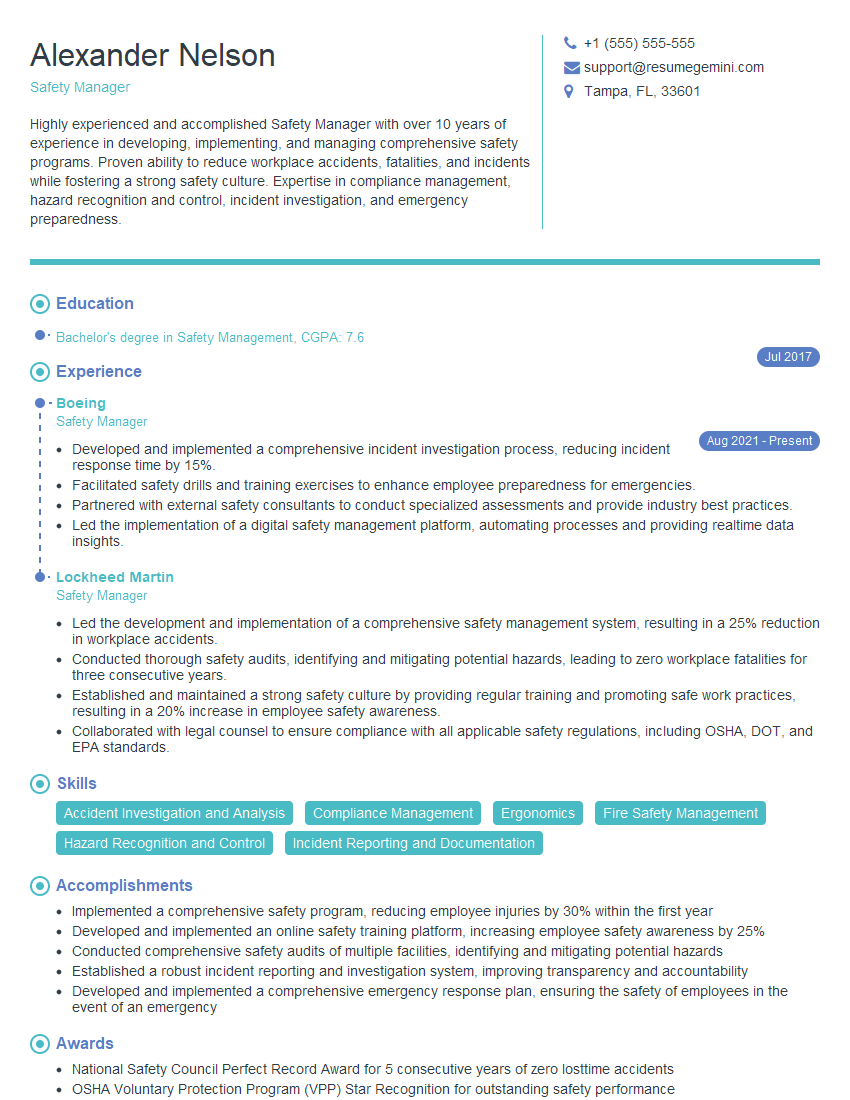
Safety Manager Resume Sample

Usability Engineer Resume Sample
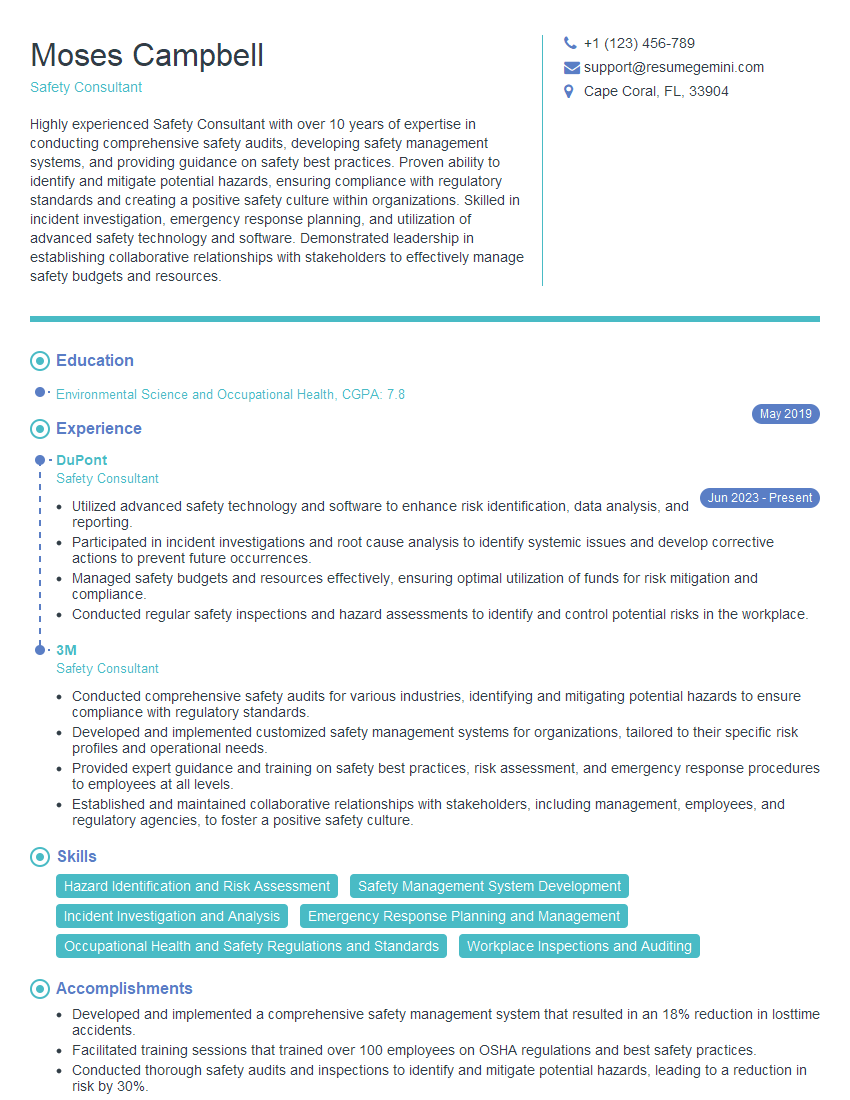
Safety Consultant Resume Sample

Safety Engineer Resume Sample
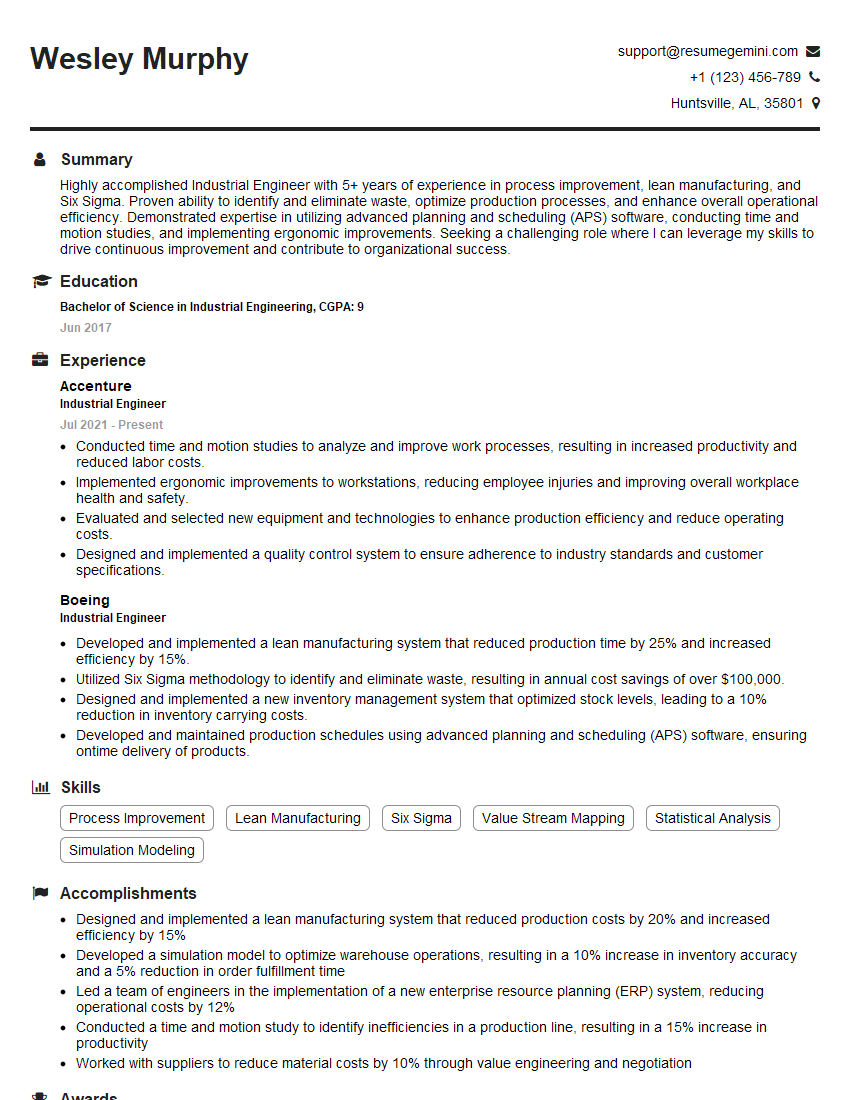
Industrial Engineer Resume Sample
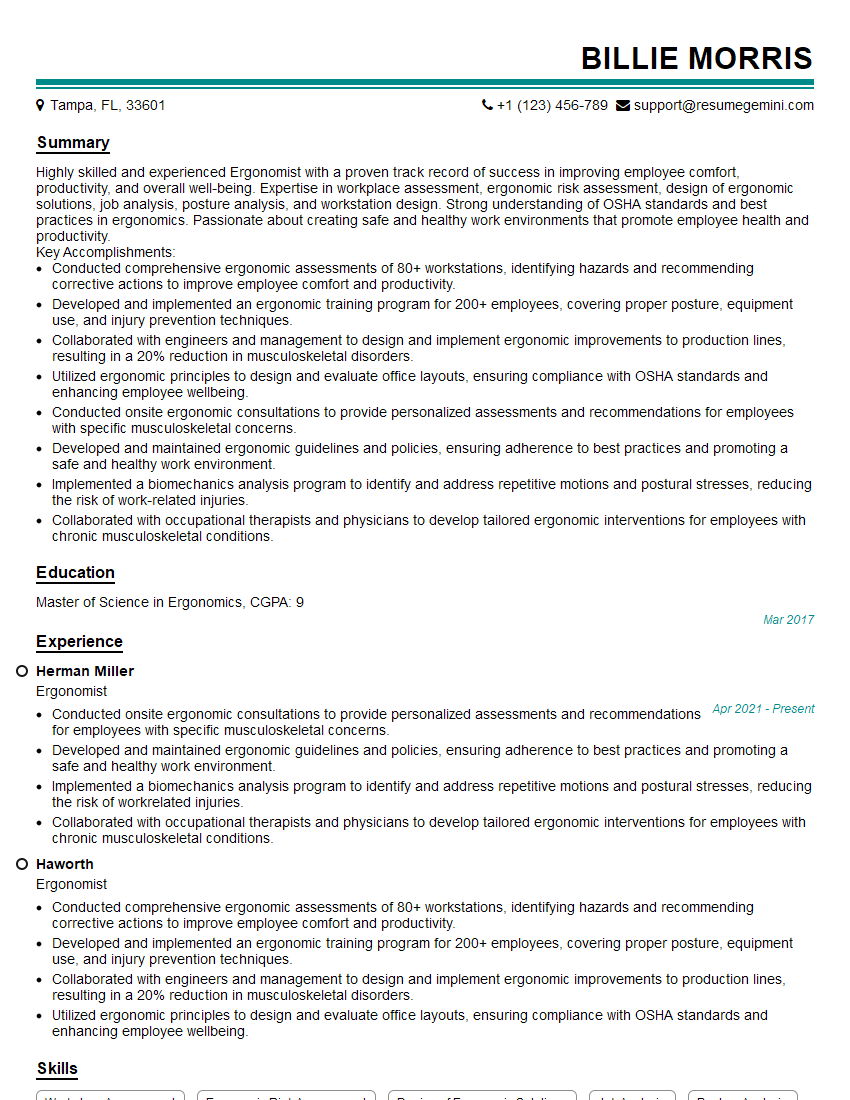
Ergonomist Resume Sample
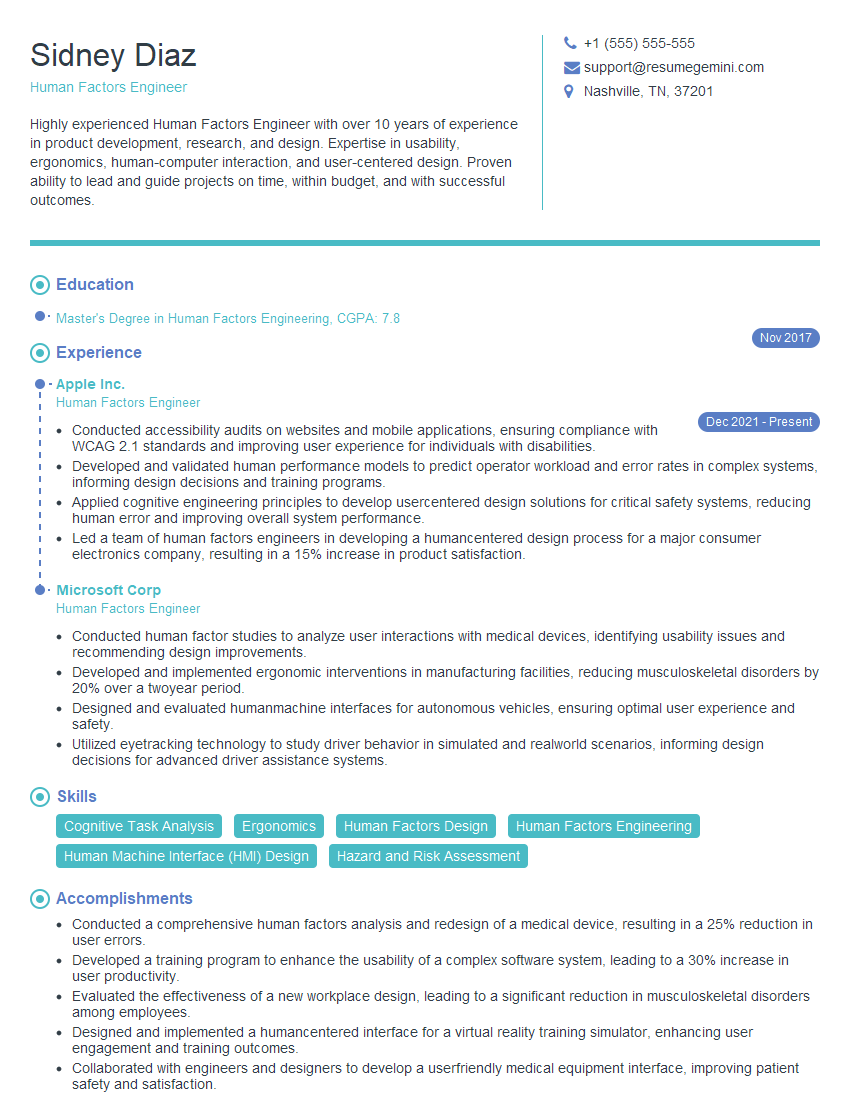
Human Factors Engineer Resume Sample
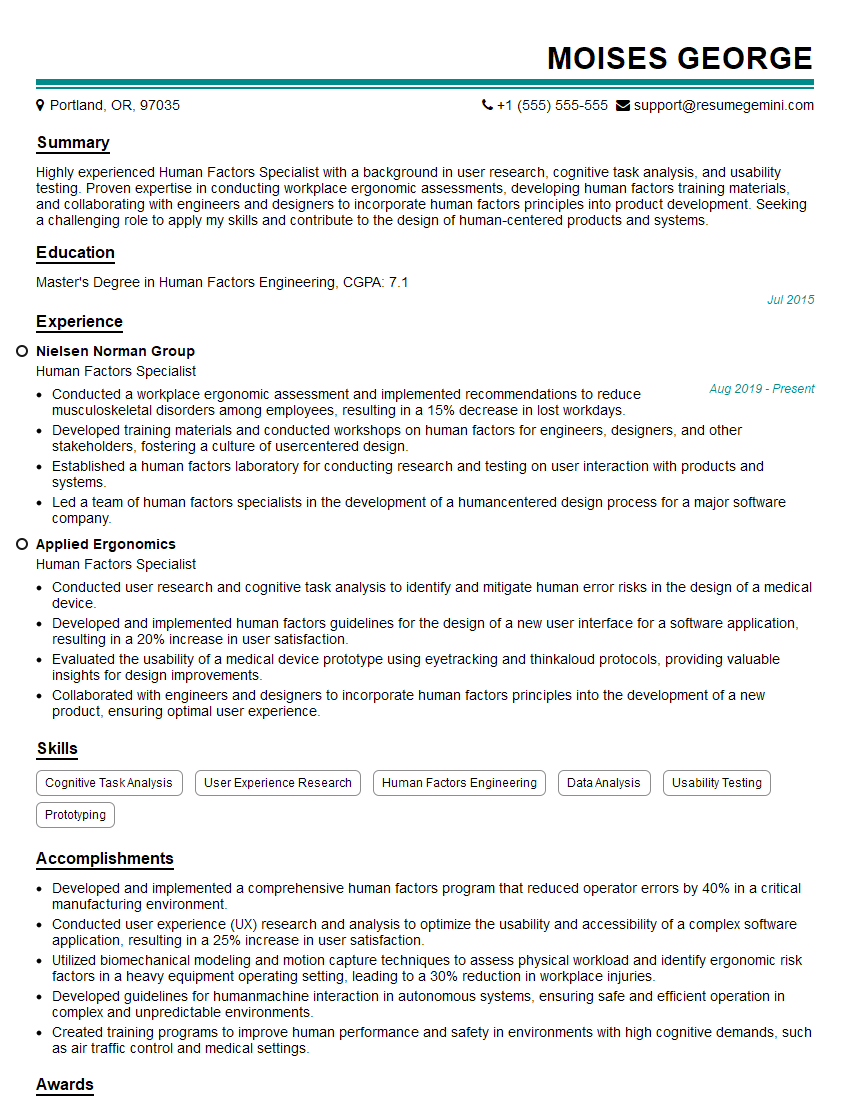
Human Factors Specialist Resume Sample
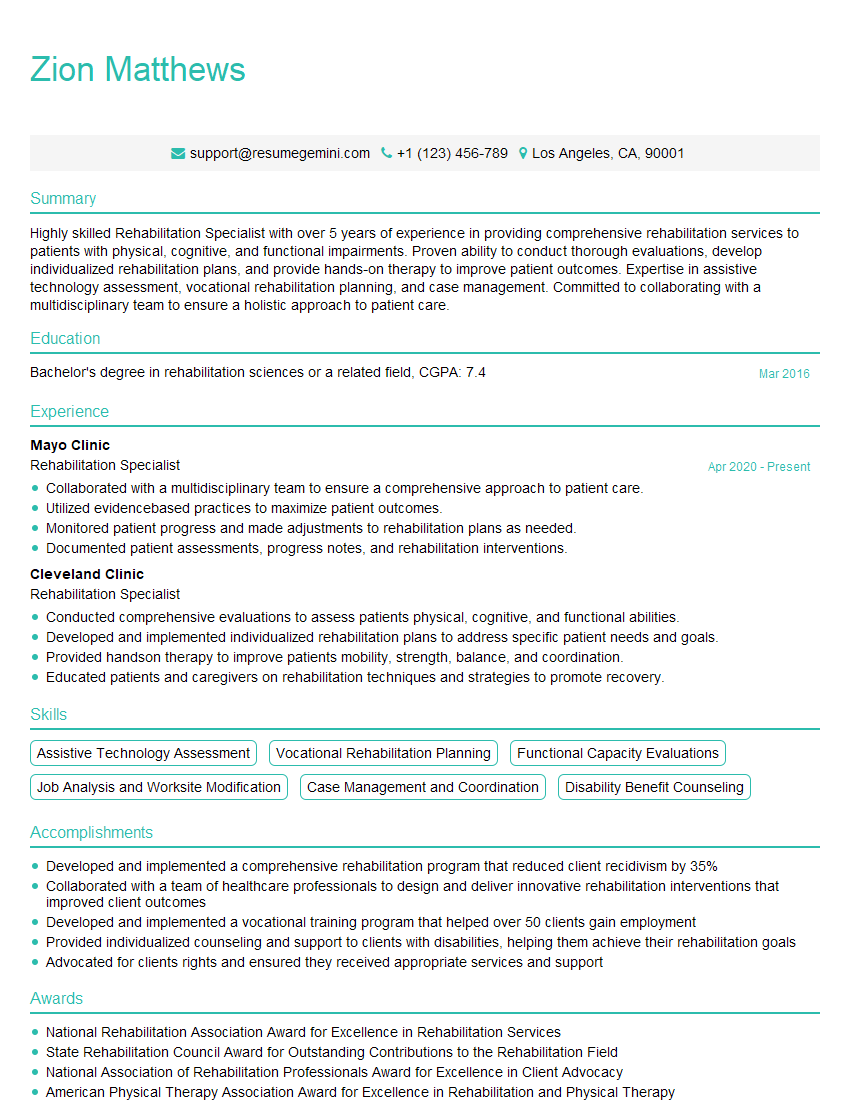
Rehabilitation Specialist Resume Sample
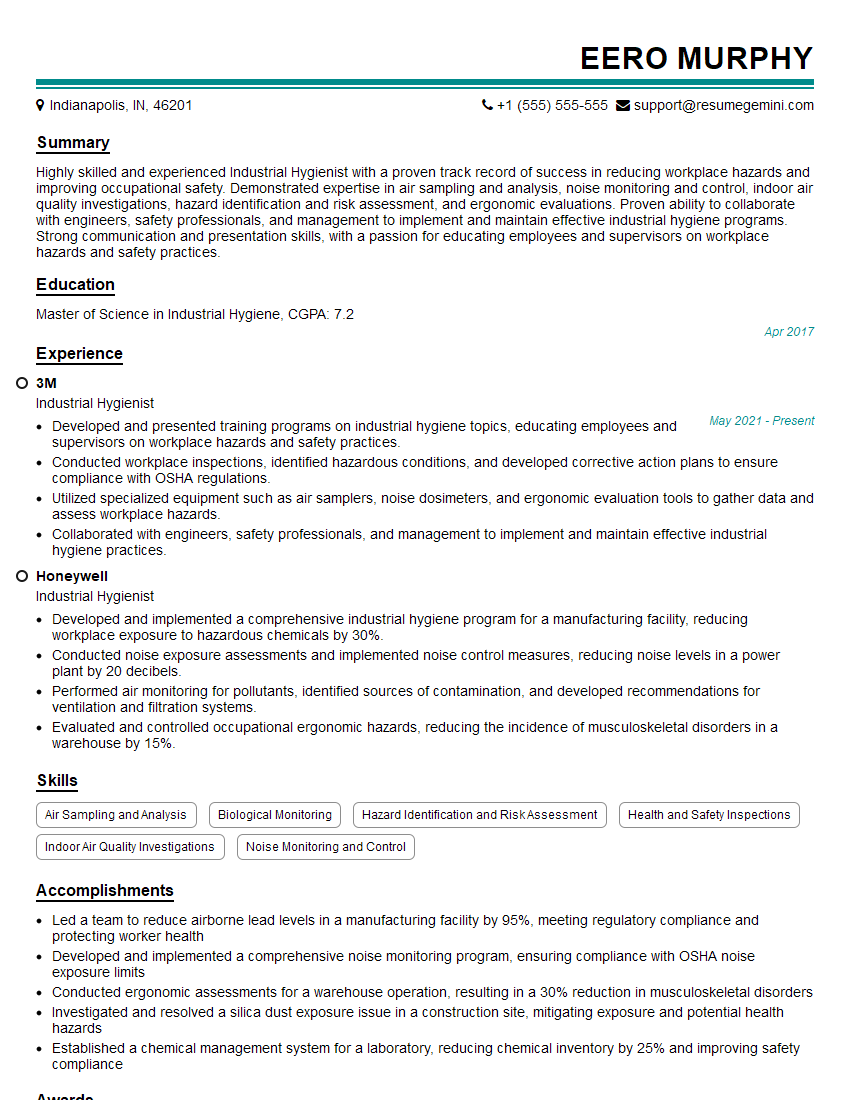
Industrial Hygienist Resume Sample
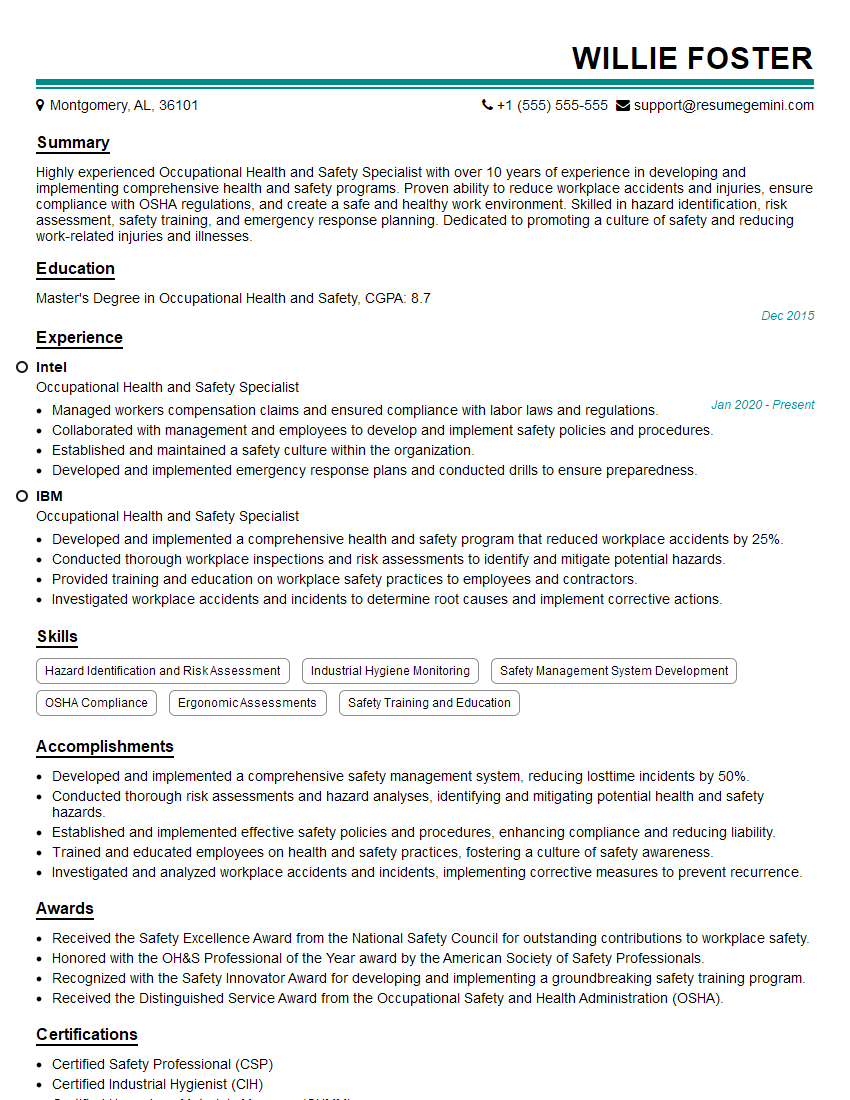
Occupational Health and Safety Specialist Resume Sample
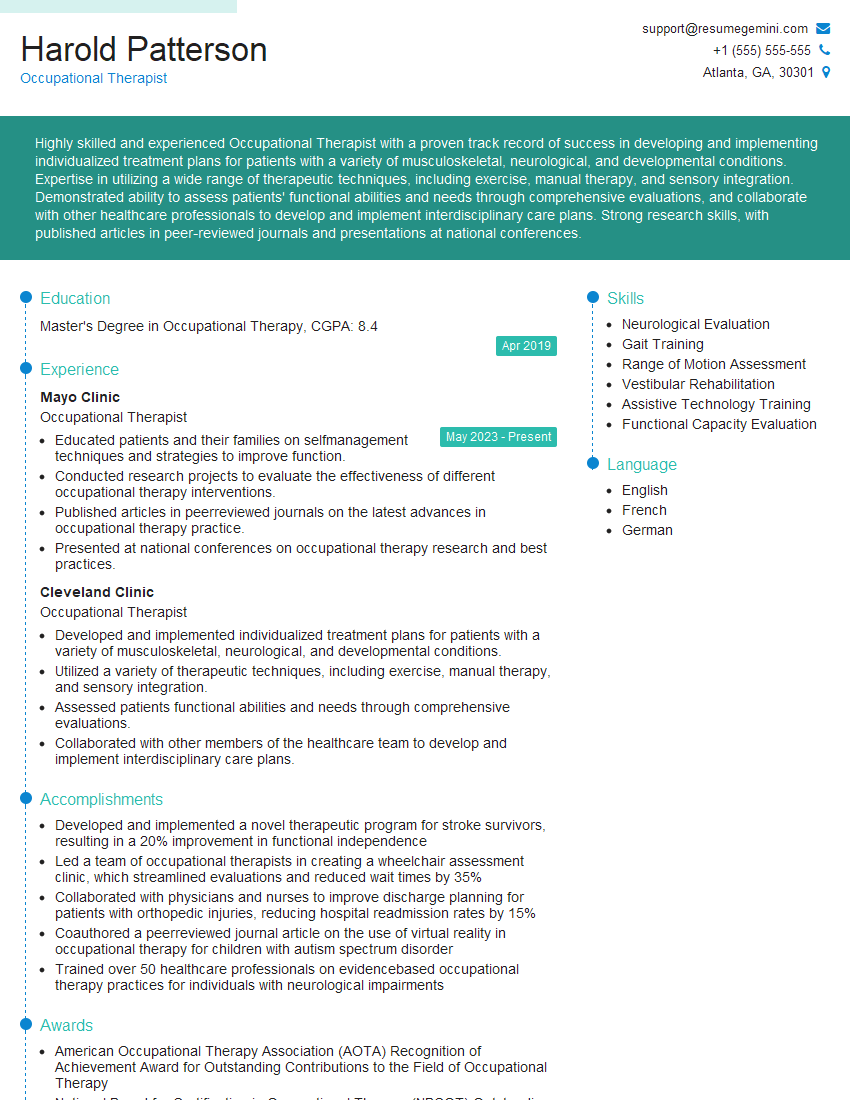
Occupational Therapist Resume Sample
Explore more articles
Users Rating of Our Blogs
Share Your Experience
We value your feedback! Please rate our content and share your thoughts (optional).
What Readers Say About Our Blog
Very informative content, great job.
good