Interviews are more than just a Q&A session—they’re a chance to prove your worth. This blog dives into essential Experience in developing and implementing human factors policies interview questions and expert tips to help you align your answers with what hiring managers are looking for. Start preparing to shine!
Questions Asked in Experience in developing and implementing human factors policies Interview
Q 1. Describe your experience in developing and implementing human factors policies within a specific project.
In a recent project developing a new patient portal for a major hospital system, I played a key role in developing and implementing human factors policies. Our primary goal was to ensure the portal was intuitive, accessible, and error-free for patients of varying technological proficiency. My contributions included:
- Policy Development: We created a comprehensive policy document outlining usability testing procedures, accessibility standards compliance (WCAG), and error handling protocols. This policy incorporated feedback from clinicians, IT specialists, and patient representatives to ensure a balanced approach.
- Usability Testing Plan: I designed and executed a usability testing plan, recruiting participants representing diverse demographics and tech skills. This involved developing tasks representative of typical patient portal usage (e.g., scheduling appointments, viewing test results, messaging doctors).
- Iterative Design: Based on usability testing findings, we made iterative design changes to address identified usability issues. For example, we simplified the navigation menu after observing user confusion during testing. The policy ensured that these changes were documented and approved before implementation.
- Training: I developed training materials for the development team to educate them on human factors principles and the newly implemented policies, emphasizing user-centered design.
This project resulted in a significantly improved patient portal with increased user satisfaction scores and decreased error rates, demonstrating the effectiveness of proactively incorporating human factors policies throughout the development lifecycle.
Q 2. Explain the difference between ergonomic design and human factors engineering.
While both ergonomic design and human factors engineering focus on improving the interaction between humans and systems, they differ in scope. Ergonomic design primarily focuses on the physical aspects of the interaction, such as the physical layout of a workspace, the design of tools and equipment, and minimizing physical strain and injury. Think about designing a comfortable chair for an office worker – that’s ergonomic design.
Human factors engineering encompasses a broader range of considerations. It includes ergonomics but also considers cognitive factors (attention, memory, decision-making), perceptual factors (vision, hearing), and social and organizational factors that impact human performance and well-being. This might involve designing a control panel that is both physically comfortable and also intuitively understandable, reducing cognitive load and errors. Human factors engineering considers the whole person in their environment, whereas ergonomic design focuses more narrowly on the physical aspects of that environment.
Q 3. How do you assess the usability of a system or product from a human factors perspective?
Assessing the usability of a system from a human factors perspective involves a multi-faceted approach. I typically use a combination of methods:
- Heuristic Evaluation: Experts in usability and human factors review the system against established usability principles (heuristics) to identify potential problems.
- Usability Testing: Observing users interacting with the system allows for direct observation of their behaviors, difficulties, and successes. This involves recruiting participants representative of the target user group and setting them tasks to complete within the system.
- Cognitive Walkthroughs: This method simulates a user’s thought process as they navigate the system, allowing us to predict potential points of confusion or difficulty.
- Questionnaires and Surveys: Gathering quantitative and qualitative feedback from users on their experiences with the system provides valuable insights.
The data collected from these methods is then analyzed to identify usability issues and prioritize areas for improvement. A key aspect is generating actionable recommendations for design changes based on the evidence gathered.
Q 4. What are some common human factors issues in [specific industry, e.g., software development] and how have you addressed them?
In software development, common human factors issues include:
- Poor Navigation and Information Architecture: Users struggle to find information or complete tasks because of confusing menus, illogical groupings, or inadequate search functionality.
- Cognitive Overload: Interfaces present too much information at once, leading to errors and frustration.
- Inconsistent Design: Lack of consistency in design elements (buttons, icons, terminology) across the software creates confusion and slows down user interaction.
- Lack of Feedback: Users are unclear about the system’s status or the results of their actions, leading to uncertainty and errors.
I address these issues by advocating for iterative design processes that incorporate user feedback at multiple stages, employing user research methods (such as usability testing and A/B testing) to inform design decisions, and establishing clear design guidelines and style guides to ensure consistency.
For example, I once worked on a project where users were consistently making errors on a specific form due to confusing labels and instruction wording. By employing user testing and making minor changes to the wording and layout, we significantly reduced error rates.
Q 5. Describe your experience conducting human factors analyses (e.g., task analysis, heuristic evaluation).
I have extensive experience conducting various human factors analyses.
- Task Analysis: This involves breaking down complex tasks into smaller, more manageable steps to understand the cognitive and physical demands involved. This is useful for designing interfaces and training materials.
- Heuristic Evaluation: As mentioned previously, this is a systematic review of a system against established usability principles, providing early feedback on potential usability problems.
- Cognitive Task Analysis: This goes beyond simple task decomposition to analyze the mental processes involved in task execution, helping to design systems that minimize cognitive load.
For instance, in a recent project involving the design of a new air traffic control system, I performed a comprehensive task analysis to identify the cognitive demands placed on air traffic controllers during critical situations. This analysis informed the design of the system’s user interface, leading to improved situational awareness and reduced workload.
Q 6. How do you incorporate user feedback into the human factors design process?
User feedback is crucial for iterative design improvements and is incorporated throughout the entire human factors design process. We use a variety of techniques:
- Usability Testing Sessions: Direct observation and feedback from users during usability testing sessions are paramount. We actively solicit feedback during and after test sessions using questionnaires, interviews, and think-aloud protocols.
- Surveys and Questionnaires: These are used to gather quantitative and qualitative data on user satisfaction, ease of use, and perceived effectiveness of the system.
- Focus Groups: This allows for richer, more nuanced feedback by facilitating discussions among a group of users.
- A/B Testing: We compare different design options to see which one performs better based on user behavior and feedback.
Feedback is analyzed to identify trends and patterns, allowing designers to make data-driven decisions and prioritize the most impactful changes. A strong feedback loop ensures that the final product truly meets the needs and expectations of its users.
Q 7. Explain your familiarity with relevant human factors standards and guidelines (e.g., ISO, ANSI).
I am familiar with a range of human factors standards and guidelines, including:
- ISO 9241-11: This standard defines usability principles, including effectiveness, efficiency, and satisfaction.
- ISO 13407: This standard details the human-centered design process.
- ISO 14971: This standard addresses risk management in medical devices, crucial for safety-critical systems.
- WCAG (Web Content Accessibility Guidelines): These guidelines ensure that websites and applications are accessible to people with disabilities.
- ANSI/HFS 300-1999 (Ergonomics): This standard provides guidance on ergonomic principles for workplace design.
My understanding of these standards ensures that the systems I work on meet relevant legal and ethical requirements, and are designed to be usable, accessible, and safe for all users.
Q 8. How do you prioritize different human factors considerations when resources are limited?
Prioritizing human factors considerations with limited resources requires a strategic approach. I use a risk-based prioritization framework. First, I identify all potential human factors issues, then I assess the severity of each issue (likelihood of occurrence and potential impact). Finally, I prioritize those issues posing the highest risk. This involves considering factors like the potential for injury, financial loss, reputational damage, and legal ramifications. For example, in a medical device, ensuring proper alarm design to prevent missed alerts would take precedence over optimizing aesthetic features. I also prioritize issues affecting a larger number of users. Using a decision matrix can help visually represent and compare the risk associated with each issue, making the prioritization process transparent and justifiable.
Q 9. Describe a time you had to justify the cost of implementing human factors improvements.
In a previous role, we were developing a new software interface for air traffic controllers. Implementing user-centered design principles, including extensive usability testing, added to the project budget. To justify the cost, I presented a detailed cost-benefit analysis. This included projections of reduced error rates based on our testing data, the cost of potential accidents due to human error if we didn’t improve the interface (based on industry statistics), and improvements in controller job satisfaction (leading to improved retention and reduced training costs). I also demonstrated the long-term cost savings of fewer incidents and increased efficiency compared to the initial investment. The compelling data and the potential catastrophic consequences of neglecting human factors ultimately secured the necessary funding.
Q 10. How do you measure the effectiveness of human factors interventions?
Measuring the effectiveness of human factors interventions relies on a combination of quantitative and qualitative methods. Quantitative methods involve measuring things like error rates, task completion times, and user satisfaction scores using surveys (e.g., System Usability Scale). Qualitative methods involve gathering user feedback through interviews, focus groups, and usability testing observations. We often use key performance indicators (KPIs) tailored to the specific intervention. For example, if we implemented a new safety checklist, we’d track the number of safety incidents before and after implementation. Analysis of user feedback helps us understand the why behind the numbers, providing insights into usability problems and areas for further improvement. A robust evaluation strategy should incorporate multiple methods to paint a comprehensive picture of the intervention’s impact.
Q 11. Explain your experience with different human factors methodologies (e.g., participatory design, cognitive walkthroughs).
I have extensive experience with various human factors methodologies. Participatory design involves actively involving end-users throughout the design process, which helps ensure the final product truly meets their needs. For example, in developing a new mobile banking app, we held workshops with users to gather feedback on wireframes and prototypes. Cognitive walkthroughs are a usability inspection method where we simulate user behavior to identify potential usability issues. We systematically walk through tasks, considering what a user might think, do, and expect at each step. Think-aloud protocols, where users verbalize their thought process while interacting with a system, also provide valuable insights. Heuristic evaluation involves experts assessing an interface against established usability principles (Nielsen’s heuristics are a common example). Each method offers unique benefits; the choice depends on the project’s scope, budget, and time constraints.
Q 12. Describe your experience with user interface (UI) and user experience (UX) design principles.
My experience with UI/UX design principles is central to my human factors work. I apply principles like discoverability (making features easily findable), visibility (clear indication of system state), feedback (providing clear responses to user actions), consistency (maintaining uniformity across the interface), error prevention (designing to prevent errors in the first place), and error recovery (making it easy to recover from errors). I understand the importance of user-centered design, iterative design processes, and usability testing to ensure a positive user experience. For instance, during the design of a control panel, following Gestalt principles (proximity, similarity, closure, etc.) helped improve the visual organization and ease of understanding of the information presented.
Q 13. How do you handle conflicting requirements from different stakeholders when developing human factors policies?
Handling conflicting stakeholder requirements requires skilled negotiation and facilitation. I start by clearly documenting all requirements, identifying areas of conflict, and understanding the underlying reasons for each perspective. Then, I facilitate a collaborative discussion involving all stakeholders to explore trade-offs and find compromise solutions. Data-driven arguments from user research and usability testing are crucial in justifying design choices. Prioritization frameworks (like MoSCoW method – Must have, Should have, Could have, Won’t have) help to objectively assess the relative importance of different requirements. Sometimes, it’s necessary to involve a higher-level decision-maker to resolve irreconcilable conflicts. The key is transparency, open communication, and a focus on finding solutions that balance the needs of all stakeholders while upholding user safety and usability.
Q 14. What are some common pitfalls to avoid when implementing human factors policies?
Common pitfalls in implementing human factors policies include inadequate user involvement, lack of management support, insufficient resources, failure to conduct proper evaluation, and neglecting to account for cultural differences. Ignoring user feedback or assuming ‘one size fits all’ solutions can lead to ineffective policies. Without management buy-in, policies may not be adopted or properly enforced. Insufficient resources can hamper effective implementation and testing. Without rigorous evaluation, it’s impossible to know if a policy is achieving its intended goals. Finally, understanding cultural differences, such as literacy levels and cognitive styles, is crucial for developing policies applicable across diverse populations. Addressing these pitfalls requires proactive planning, resource allocation, and a commitment to user-centered design throughout the process.
Q 15. How do you stay up-to-date with the latest advancements in human factors?
Staying current in the dynamic field of human factors requires a multi-pronged approach. It’s not enough to rely solely on formal education; continuous learning is key.
- Professional Organizations: Active membership in organizations like the Human Factors and Ergonomics Society (HFES) provides access to journals, conferences, webinars, and networking opportunities. Attending conferences allows for direct engagement with leading researchers and practitioners.
- Peer-Reviewed Journals: Regularly reviewing publications like the Human Factors and Applied Ergonomics journals ensures I’m abreast of the latest research findings and methodologies. This helps me critically evaluate new techniques and adapt them to my work.
- Online Resources and Courses: Utilizing online platforms offering courses and webinars on emerging topics in human factors, such as those offered by Coursera or edX, allows for targeted skill development. For example, I recently completed a course on user experience design in virtual reality.
- Industry News and Publications: Staying informed about industry trends and regulatory changes through relevant publications and newsletters helps me understand the practical implications of human factors advancements in various sectors. This helps anticipate challenges and opportunities.
This combined approach ensures that my knowledge remains current and applicable to the ever-evolving demands of the field.
Career Expert Tips:
- Ace those interviews! Prepare effectively by reviewing the Top 50 Most Common Interview Questions on ResumeGemini.
- Navigate your job search with confidence! Explore a wide range of Career Tips on ResumeGemini. Learn about common challenges and recommendations to overcome them.
- Craft the perfect resume! Master the Art of Resume Writing with ResumeGemini’s guide. Showcase your unique qualifications and achievements effectively.
- Don’t miss out on holiday savings! Build your dream resume with ResumeGemini’s ATS optimized templates.
Q 16. Describe your experience with risk assessment and mitigation related to human factors.
My experience with risk assessment and mitigation in human factors is extensive. I’ve utilized various methodologies, including HAZOP (Hazard and Operability Study), FTA (Fault Tree Analysis), and FMEA (Failure Modes and Effects Analysis). The process typically involves:
- Identifying Hazards: This involves systematically reviewing tasks, systems, and work environments to pinpoint potential human errors and their consequences. For example, in a manufacturing setting, we might identify the risk of a worker misinterpreting a control panel indicator.
- Assessing Risks: We quantify the likelihood and severity of each hazard, often using a risk matrix. This helps prioritize mitigation efforts, focusing on high-risk scenarios first.
- Developing Mitigation Strategies: This is where human factors principles are crucial. We might design improved interfaces, implement training programs, or introduce safeguards to reduce the likelihood of error. In our manufacturing example, this could involve redesigning the control panel for improved clarity or providing more comprehensive training on its use.
- Implementing and Evaluating Mitigation: After implementing the strategies, we monitor their effectiveness and make further adjustments as needed. This iterative process ensures continuous improvement in safety and efficiency.
For example, in a previous role, I led a risk assessment for a new software system. By identifying potential usability issues early in the development process, we prevented significant rework and improved the overall user experience, ultimately reducing errors and increasing user satisfaction.
Q 17. How do you integrate human factors considerations into the product development lifecycle?
Integrating human factors into the product development lifecycle (PDLC) is paramount to creating user-centered and safe products. I advocate for a proactive approach, embedding human factors considerations throughout all phases:
- Concept and Planning: Defining user needs and expectations early on, conducting user research, and creating user personas to guide design decisions.
- Design and Prototyping: Using iterative design methods like user testing and usability evaluations to refine designs based on real user feedback. This could involve A/B testing different interface designs.
- Development and Testing: Ensuring the developed product aligns with design specifications and user needs, including aspects like accessibility and cognitive load. This might involve simulating real-world usage scenarios.
- Deployment and Evaluation: Monitoring product performance in the field, collecting user feedback, and conducting post-launch evaluations to identify areas for improvement. Gathering user data through surveys or analytics dashboards is crucial.
For example, I’ve worked on projects where we conducted usability testing with target users early in the design process. This led to significant changes in the interface design, ultimately improving user satisfaction and reducing error rates.
Q 18. Explain your understanding of human error and its impact on system safety.
Human error is a major contributor to system failures. Understanding its multifaceted nature is crucial for effective safety management. It’s not simply about individual failings, but a complex interplay of human capabilities, limitations, and the context in which they operate.
Types of Human Error: These include slips (unintended actions), lapses (memory failures), mistakes (errors in planning or decision-making), and violations (deliberate deviations from procedures).
Impact on System Safety: Human error can lead to accidents, injuries, and financial losses. It’s especially critical in high-risk industries like aviation, healthcare, and nuclear power. For example, a single lapse in attention by an air traffic controller can have catastrophic consequences.
Mitigating Human Error: Effective strategies include designing user-friendly interfaces, providing adequate training, establishing clear procedures, and fostering a safety culture. Error tolerance should also be considered in the design process. This means designing systems that are resilient to human error and minimize the consequences of mistakes.
Q 19. How do you design for users with disabilities or diverse needs?
Designing for users with disabilities and diverse needs is a fundamental principle of inclusive design. It goes beyond simply complying with accessibility standards; it’s about creating products that are usable and enjoyable for everyone.
Key Considerations:
- Accessibility Standards: Adherence to standards like WCAG (Web Content Accessibility Guidelines) ensures that products are usable by people with visual, auditory, motor, and cognitive impairments.
- Universal Design Principles: Designing products that are inherently usable by people with a wide range of abilities and preferences, regardless of their specific needs. This could involve providing alternative input methods or adjustable settings.
- User Research: Involving users with disabilities in the design process is essential to gain valuable insights and ensure that designs meet their needs effectively. This may involve conducting usability testing with users representing different ability groups.
- Assistive Technologies: Considering how users might interact with the product through assistive technologies, such as screen readers or voice recognition software.
For example, I’ve worked on projects where we designed interfaces that were compatible with screen readers and offered alternative input methods for users with motor impairments. This resulted in a product that was accessible to a much broader user base.
Q 20. What is your experience with human factors software tools?
My experience with human factors software tools is extensive and spans various categories. These tools significantly enhance efficiency and accuracy in human factors analyses.
- Usability Testing Software: I’m proficient with tools like Morae and UserTesting.com for conducting remote and in-person usability testing, capturing user interactions, and analyzing user behavior data.
- Eye-Tracking Software: I have experience with Tobii and SMI eye trackers, providing insights into visual attention and cognitive processes during user interactions. These tools help identify areas of difficulty or confusion in user interfaces.
- Data Analysis Software: I’m skilled in using statistical software packages like R and SPSS to analyze data collected from usability tests, surveys, and other human factors studies.
- Simulation Software: I’ve utilized various simulation software packages depending on the context. For instance, driving simulators for evaluating the human-vehicle interface.
The choice of software depends on the specific project requirements and the type of data being collected. Understanding the capabilities and limitations of different tools is crucial for effective data collection and analysis.
Q 21. Explain your experience with data analysis and interpretation in a human factors context.
Data analysis and interpretation are fundamental aspects of human factors work. It’s not simply about collecting data; it’s about extracting meaningful insights that guide design improvements and inform decision-making.
Data Collection Methods: My experience encompasses a wide array of data collection methods, including:
- Usability Testing: Observing user behavior during interactions with a system or product.
- Surveys and Questionnaires: Gathering user opinions and feedback.
- Physiological Measurements: Collecting data on physiological responses such as heart rate and eye movements.
- Error Logs and Incident Reports: Analyzing data related to system failures and user errors.
Analysis Techniques: I use various statistical techniques such as descriptive statistics, inferential statistics, and regression analysis to analyze the collected data. Data visualization plays a critical role in communicating findings effectively. For instance, I frequently use charts and graphs to illustrate trends in user behavior or error rates. The key is to translate complex data into clear, actionable insights.
For example, in a recent project, we analyzed user error data to identify patterns and develop targeted training interventions. This resulted in a significant reduction in error rates and an improvement in system safety.
Q 22. How do you ensure compliance with relevant regulations regarding human factors?
Ensuring compliance with human factors regulations starts with a thorough understanding of the applicable standards. This involves identifying all relevant legislation, such as OSHA guidelines in the US, or ISO standards internationally, depending on the industry and geographical location. We then build a compliance program that integrates these standards into our design and development processes. This includes regular audits to check for adherence, meticulous record-keeping of all relevant documentation, and proactive training for all personnel involved. For example, in a medical device company, we would rigorously adhere to FDA regulations concerning usability and safety. Failure to comply can lead to significant penalties, product recalls, and, most importantly, harm to users. A key aspect is staying updated on regulatory changes, which requires continuous professional development and engagement with regulatory bodies.
Q 23. Describe your experience working collaboratively with other engineering disciplines to address human factors concerns.
Collaboration is essential in human factors engineering. In my previous role, we developed a new control panel for a complex industrial machine. I worked closely with mechanical, electrical, and software engineers from the initial design stages. We held regular meetings to discuss usability issues, potential hazards, and ergonomic considerations. For example, the electrical engineers were initially focused on minimizing wiring, but we demonstrated how their design choices could impact the accessibility and ease of use of critical controls, leading to a redesign that prioritized operator safety and efficiency. We used prototyping and user testing throughout the process to gather feedback and make informed decisions. This iterative process helped us to create a system that met both performance requirements and human factors standards.
Q 24. How would you explain complex human factors concepts to a non-technical audience?
Explaining complex human factors concepts to a non-technical audience requires clear, simple language and relatable examples. Instead of using technical jargon, I use analogies. For instance, when explaining cognitive load, I’d relate it to multitasking while driving: too many distractions (high cognitive load) increase the risk of accidents. I also use visual aids, like diagrams and videos, to illustrate points. For usability testing results, I might present them as success rates or error rates, rather than using statistical terms. The goal is to ensure the audience understands the implications of human factors on safety, efficiency, and user satisfaction without getting bogged down in technical detail. For example, I would explain the importance of clear signage in a factory by referencing real-life accidents caused by confusing labeling.
Q 25. What is your approach to training employees on human factors principles and safe work practices?
Employee training on human factors and safe work practices is crucial. My approach is multi-faceted and includes a blend of online modules, hands-on workshops, and on-the-job coaching. Online modules cover theoretical aspects, while workshops focus on practical application through simulations and interactive exercises. We use real-world case studies to illustrate potential hazards and the consequences of neglecting safety protocols. On-the-job coaching involves direct observation and feedback from experienced professionals, ensuring the proper application of learned principles. We also incorporate regular refresher training to maintain awareness and adapt to changing work processes or technologies. For instance, if a new piece of equipment is introduced, we provide targeted training focusing on its unique human factors aspects.
Q 26. Describe a time you had to adapt human factors solutions to unexpected challenges.
During the development of a new software interface, we faced an unexpected challenge: our target users were significantly older than initially anticipated, with varying levels of digital literacy. Our initial design, while user-friendly for younger demographics, proved difficult for this older population. We adapted by incorporating larger fonts, simpler navigation, and more intuitive icons. We conducted further usability testing with this specific user group, incorporating their feedback to refine the design iteratively. This involved simplifying the color scheme to enhance readability for those with visual impairments. The successful adaptation required flexibility, responsiveness to unexpected user needs, and a willingness to deviate from the original plan to meet the specific requirements of our diverse user base.
Q 27. How do you evaluate the success of implemented human factors policies?
Evaluating the success of implemented human factors policies requires a multi-pronged approach. We track key performance indicators (KPIs) such as accident rates, error rates, task completion times, and user satisfaction scores. We also analyze data from usability testing, feedback surveys, and incident reports. For example, a reduction in workplace accidents after implementing new safety protocols would be a significant indicator of success. We continuously monitor these metrics to identify areas for improvement and fine-tune our policies. This data-driven approach ensures that our policies are effective and continuously evolving to meet changing needs and conditions. A comprehensive analysis of these metrics provides concrete evidence of the impact of our efforts.
Q 28. How do you balance human factors considerations with other design constraints (e.g., cost, time)?
Balancing human factors considerations with other design constraints, such as cost and time, requires a strategic approach. It’s not a matter of compromise, but prioritization. We use techniques like cost-benefit analysis to justify human factors investments. For example, while implementing ergonomic workstations might increase initial costs, the long-term benefits (reduced injury rates, increased productivity) often outweigh the initial investment. We use iterative design, prioritizing the most critical human factors issues first. We may need to make trade-offs, but those trade-offs are made consciously, and only after a thorough assessment of the risks and benefits. Clear communication with all stakeholders (engineering, management, etc.) is vital to ensure everyone understands the rationale behind the chosen approach. We strive to find innovative solutions that address human factors needs without exceeding budget or schedule constraints.
Key Topics to Learn for Experience in developing and implementing human factors policies Interview
- Understanding Human Factors Principles: Explore core principles like ergonomics, human-computer interaction, and cognitive psychology as they relate to workplace safety and efficiency.
- Policy Development Lifecycle: Learn the stages involved in creating and implementing human factors policies, from needs assessment and design to evaluation and revision. Understand stakeholder engagement and change management.
- Risk Assessment and Mitigation: Master techniques for identifying and analyzing human-related risks in the workplace, and developing strategies for mitigation and prevention. This includes understanding different risk assessment methodologies.
- Data Analysis and Reporting: Familiarize yourself with methods for collecting, analyzing, and presenting data related to human factors, including the use of key performance indicators (KPIs) to measure policy effectiveness.
- Legal and Regulatory Compliance: Understand relevant legislation and regulations pertaining to occupational safety and health, and how human factors policies align with legal requirements.
- Practical Application: Consider case studies where human factors policies have been successfully implemented to improve workplace safety, productivity, or user experience. Be prepared to discuss your approach to solving real-world problems.
- Communication and Collaboration: Practice explaining complex human factors concepts clearly and concisely to different audiences, including management, employees, and other stakeholders.
Next Steps
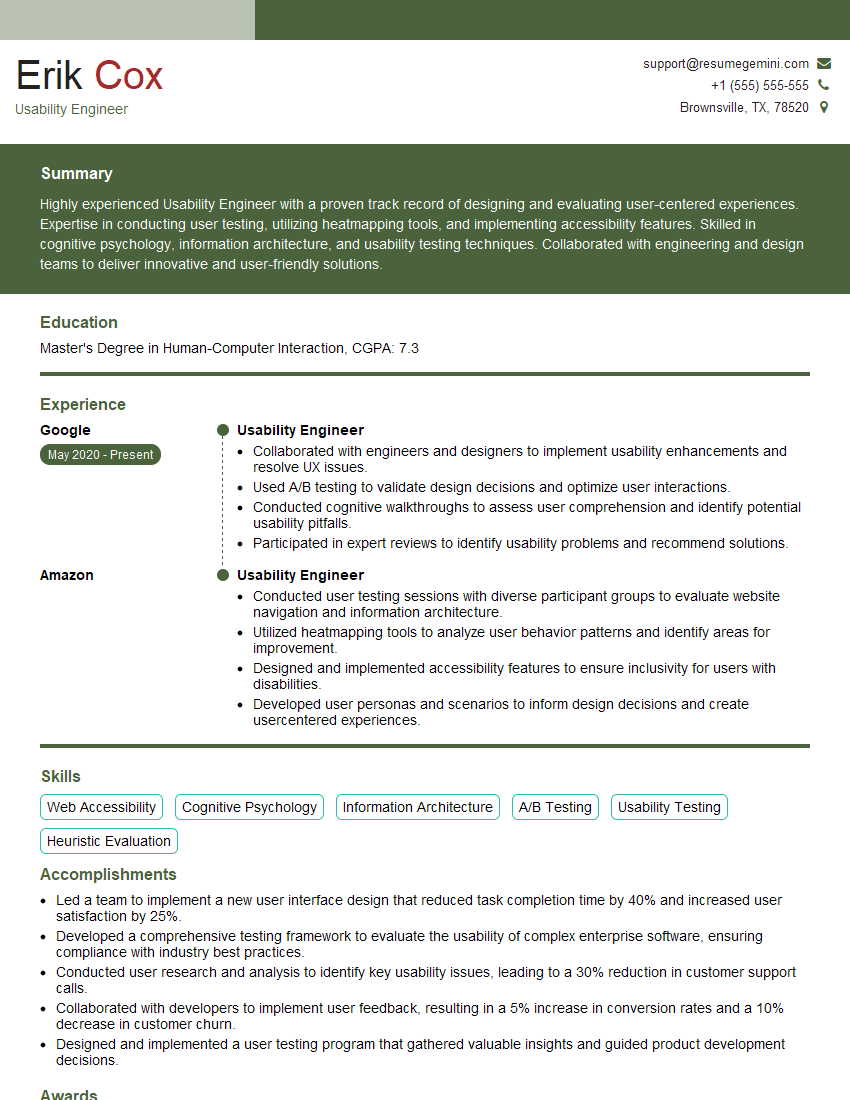
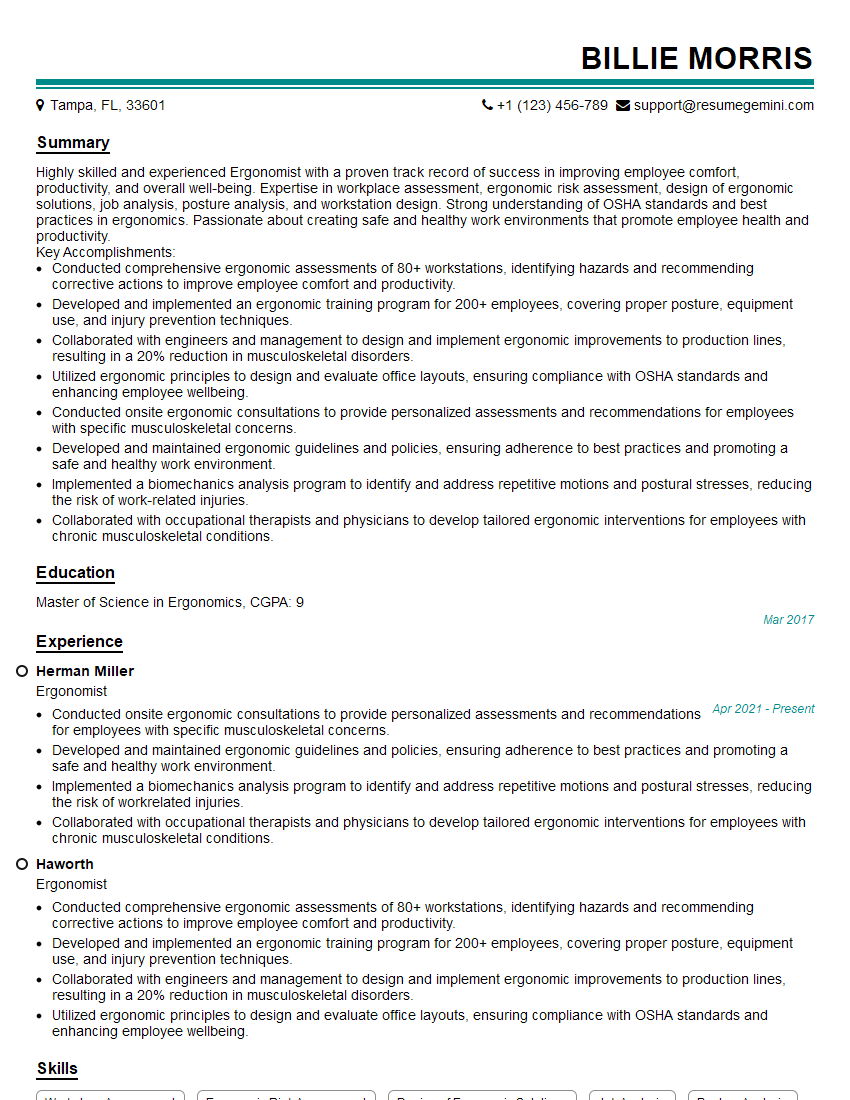
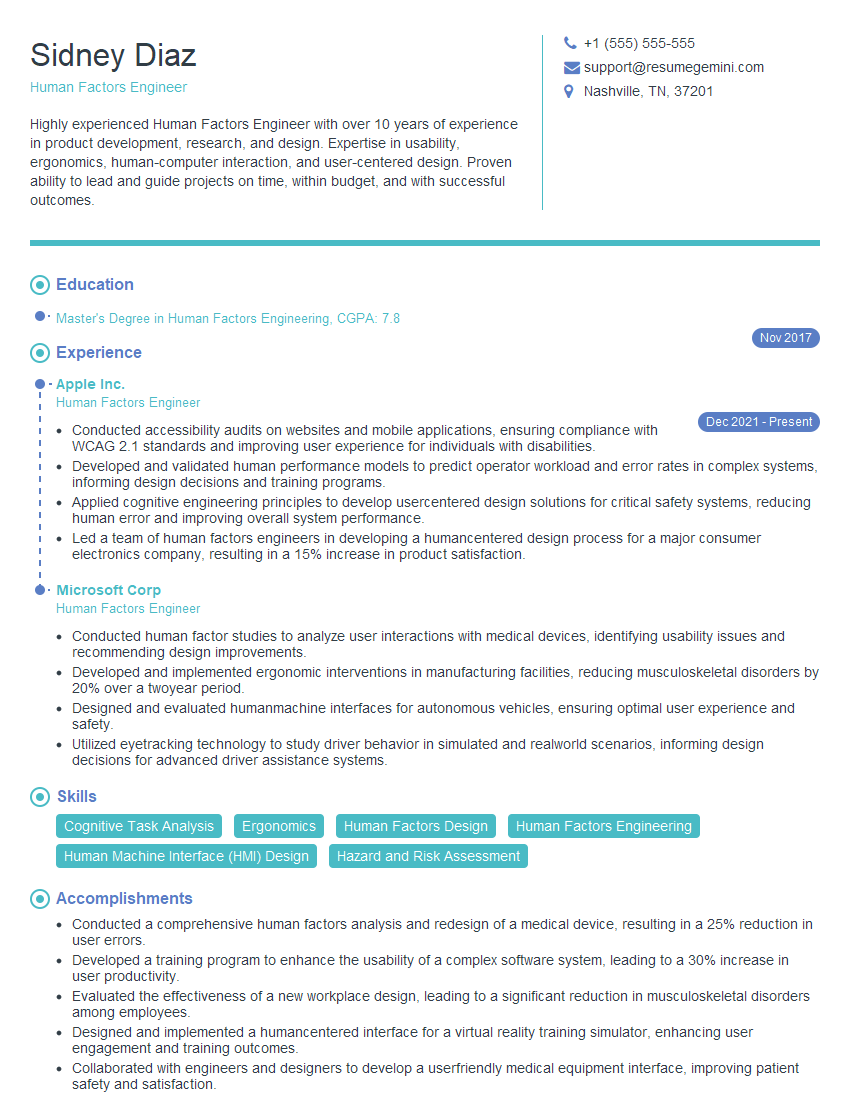
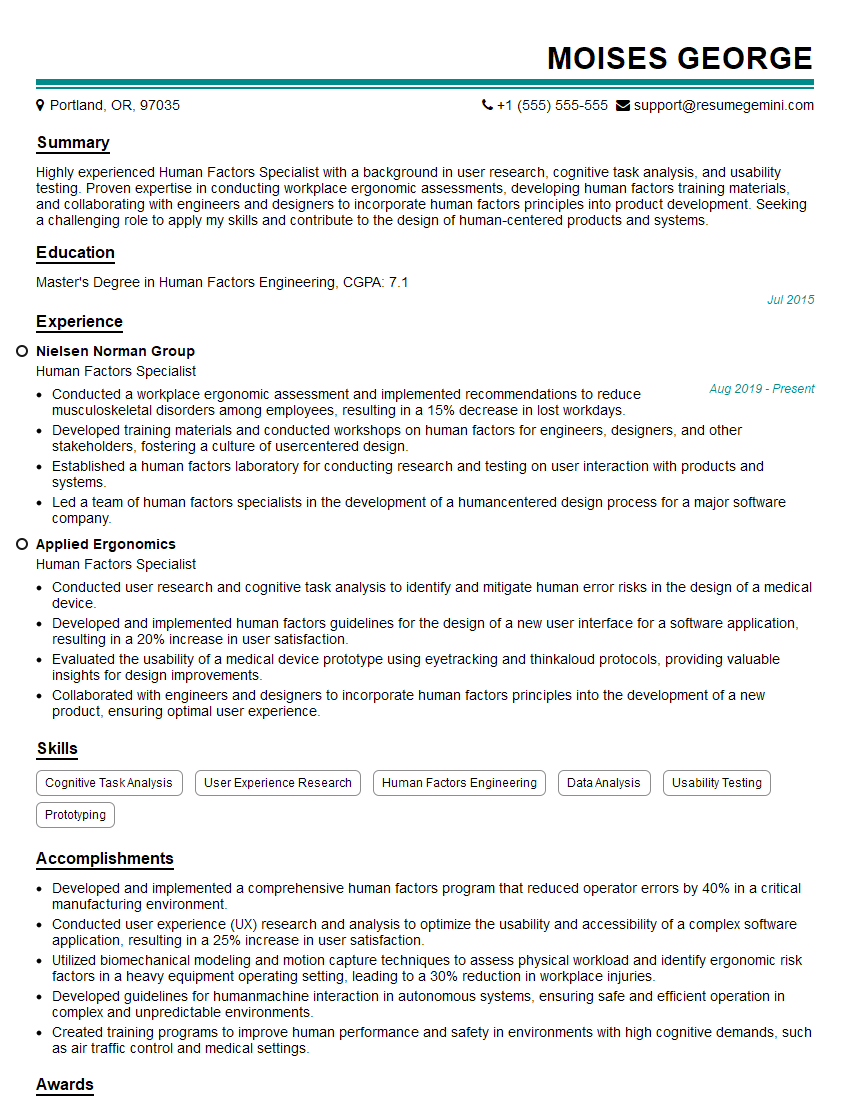
Mastering experience in developing and implementing human factors policies significantly enhances your career prospects in fields prioritizing safety, efficiency, and user well-being. A strong understanding of these principles demonstrates valuable expertise and problem-solving skills highly sought after by employers. To significantly boost your job applications, create an ATS-friendly resume that effectively highlights your relevant skills and achievements. ResumeGemini is a trusted resource to help you build a professional and impactful resume that catches the eye of recruiters. Examples of resumes tailored to showcasing experience in developing and implementing human factors policies are available through ResumeGemini to guide you in crafting your own compelling application materials.
Explore more articles
Users Rating of Our Blogs
Share Your Experience
We value your feedback! Please rate our content and share your thoughts (optional).
What Readers Say About Our Blog
Very informative content, great job.
good