The right preparation can turn an interview into an opportunity to showcase your expertise. This guide to Film Cutting interview questions is your ultimate resource, providing key insights and tips to help you ace your responses and stand out as a top candidate.
Questions Asked in Film Cutting Interview
Q 1. Explain your experience with different editing software (e.g., Avid, Premiere Pro, Final Cut Pro).
My experience spans across the major Non-Linear Editing Systems (NLEs): Avid Media Composer, Adobe Premiere Pro, and Final Cut Pro. Each offers a unique workflow and strengths. Avid, known for its stability and robust features, is ideal for large-scale projects requiring intricate collaboration and high-resolution footage. I’ve used it extensively on feature films, leveraging its powerful features like its multicam editing capabilities and advanced audio sweetening tools. Premiere Pro, with its user-friendly interface and extensive plugin ecosystem, is a versatile choice for diverse projects, from documentaries to corporate videos. I’ve found its integration with Adobe Creative Cloud extremely beneficial for streamlining post-production workflows. Finally, Final Cut Pro, renowned for its speed and intuitive design, is perfect for fast-turnaround projects and solo editors. I’ve used it on several independent films, appreciating its magnetic timeline and efficient rendering.
My proficiency extends beyond basic editing techniques; I’m comfortable working with advanced tools in each software, including color correction, visual effects integration, and sophisticated audio mixing. I select the NLE based on project specifics, budget, and team expertise, always prioritizing the best tool for the job.
Q 2. Describe your workflow for assembling a rough cut.
Assembling a rough cut is like building a house’s initial framework. It’s about getting all the pieces in place, not necessarily making it perfect. My workflow starts with a thorough review of the dailies (the raw footage). I then create a ‘select’ sequence, incorporating only the shots I deem usable, marking them up with notes for later refinement. This is followed by logging and organizing the clips according to scene or sequence, usually using a spreadsheet for reference. The actual assembly then begins: I lay out the selected clips in chronological order, creating a flow that conveys the narrative.
This initial cut prioritizes pacing and storytelling. I’m less concerned with fine details at this stage and more focused on ensuring the emotional arc and the sequence of events are clear. It’s a collaborative process; I frequently share this rough cut with the director and producer to receive feedback and iterate based on their vision. Think of this as constructing the skeleton before adding the muscles and skin.
Q 3. How do you handle conflicting creative visions between the director and producer?
Creative differences between directors and producers are inevitable, but manageable. My approach emphasizes open communication and collaboration. I encourage a clear articulation of each party’s vision from the outset. This often includes reviewing the script and storyboards together, so everyone’s on the same page before even touching the footage. I act as a mediator, presenting various options and highlighting the strengths and weaknesses of each approach.
Often, the solution isn’t a compromise but a synthesis. I might propose a test cut exploring both perspectives, allowing everyone to visually see the impact of different choices. Ultimately, the goal is to achieve a final product that resonates with everyone involved, even if it involves some adjustment to the initial visions. This is less about imposing my view and more about guiding the process to the best possible outcome.
Q 4. What strategies do you employ to maintain consistency in visual style and tone throughout a project?
Maintaining consistency is critical for a film’s cohesive feel. I utilize several strategies, starting with a detailed shot list or storyboard that defines visual motifs and establishes a consistent aesthetic. I create visual templates that ensure consistent color palettes, aspect ratios, and graphic elements throughout the project. These templates are created as ‘master clips’ that guide the editing process ensuring a stylistic uniformity, which can be saved as a template for future use. For example, establishing a consistent color grading style using LUTs (Look Up Tables) helps maintain a visual cohesiveness.
Regular review sessions with the director and cinematographer are key. We discuss any deviations from the established style guide, addressing them proactively before they become larger issues. This continuous feedback loop ensures that the visual tone remains consistent from scene to scene and throughout the film.
Q 5. Describe your approach to color correction and grading.
Color correction and grading are crucial for enhancing the visual impact and emotional tone of a film. Color correction aims to fix imperfections in the footage, ensuring accurate color representation – correcting for any inconsistencies in lighting, exposure, or white balance. Think of it as restoring a painting to its original state.
Color grading, on the other hand, is an artistic process. It’s about shaping the film’s overall look and feel, using color to evoke specific moods and enhance the narrative. For instance, using cooler tones for scenes of suspense and warmer tones for scenes of joy. This is where I use tools like DaVinci Resolve or the color grading capabilities within Premiere Pro and FCPX. I always start with a defined color palette, collaborating with the director and cinematographer to establish the film’s visual identity.
Q 6. How do you manage large projects with multiple assets and tight deadlines?
Managing large projects with multiple assets and tight deadlines requires meticulous organization and efficient workflows. I rely heavily on project management software to track assets, deadlines, and deliverables. This could involve tools like ShotGrid, Asana, or even simpler spreadsheets, depending on project complexity. I also break down large projects into smaller, manageable tasks, assigning specific responsibilities to team members.
Utilizing cloud-based storage for shared access and version control is essential to ensure collaborative editing and prevent data loss. Regular backups and version control are critical for preventing potential setbacks. Finally, effective communication and regular progress meetings are essential for keeping everyone informed and on track.
Q 7. Explain your experience with sound editing and synchronization.
Sound editing and synchronization are integral to filmmaking, impacting audience immersion and emotional response. My experience encompasses all aspects, from dialogue cleaning and sound effects design to music composition and mixing. I use audio editing software such as Pro Tools or Audacity, which are essential for precise synchronization. This involves aligning audio tracks to the video timeline to ensure lip sync is perfect. I meticulously clean up dialogue, removing background noise and any unwanted sounds.
Sound design is where I create the aural landscape of the film, using a library of sound effects to enhance the realism and emotional impact of specific scenes. Music selection and mixing are crucial, complementing and enhancing the visuals and narrative. Ultimately, the goal is to create a seamless and engaging audio experience, often employing techniques like ADR (Automated Dialogue Replacement) to correct problematic dialogue recordings.
Q 8. How do you incorporate feedback effectively during the editing process?
Incorporating feedback effectively is crucial for a successful edit. I approach it as a collaborative process, not a critique. First, I ensure I understand the feedback completely; sometimes a director’s ‘too slow’ might actually mean ‘the emotional arc needs more build-up.’ I then create several different versions addressing the feedback in various ways, so the director isn’t limited to a single ‘fix’. For instance, if the note concerns pacing, I’ll experiment with shortening scenes, adding B-roll for visual interest, or adjusting music and sound design to influence the rhythm. Finally, I present these options alongside a detailed explanation of the changes made, inviting further discussion and refinement. This iterative process allows for a nuanced and mutually agreed-upon final product, valuing both the director’s vision and my editorial expertise.
Q 9. What are some common challenges you face during the film cutting process?
Common challenges include managing large amounts of footage, particularly in feature films. The sheer volume can be overwhelming. Another challenge is balancing creative vision with practical limitations like time constraints and budget. Sometimes, the footage itself presents difficulties – poor quality, missing shots, or inconsistent lighting can necessitate creative workarounds. Finally, achieving a consistent tone and narrative flow across diverse scenes can be tricky. It’s a constant balancing act of maintaining artistic integrity while managing logistical hurdles. For example, once I was working on a documentary where much of the archival footage was damaged and required painstaking restoration, delaying the project significantly.
Q 10. Describe your experience with visual effects integration.
My experience with VFX integration is extensive. It’s a crucial aspect of modern filmmaking. I collaborate closely with VFX artists from the early stages, often reviewing previs (previsualization) to ensure the final edit flows smoothly. This pre-planning is essential to avoid costly post-production problems. I understand the technical limitations and creative possibilities of VFX and know how to strategically place markers and create accurate edit decisions to help the artists execute their work efficiently. For instance, I worked on a project requiring a substantial amount of CGI environments. I created a detailed VFX edit template with accurate timing to streamline the process, saving time and money for the production team. Ultimately, my goal is seamless integration; the VFX should enhance the narrative, not distract from it.
Q 11. How do you ensure the pacing of your edit is engaging and effective?
Engaging pacing is key. I use a variety of techniques to control the rhythm of the film. Short, sharp cuts create energy, while longer shots build tension or intimacy. The use of music and sound effects plays a significant role. A fast tempo can heighten excitement, while a slower, more deliberate pace can emphasize emotional moments. Varying the shot types, such as intercutting between close-ups and wide shots, keeps the audience visually engaged. It’s crucial to remember that pacing should serve the story’s emotional arc; a thriller might have faster pacing than a character-driven drama. I often create a ‘pace map’ during the editing process—a visual representation of the film’s rhythm—to ensure consistency and impact.
Q 12. How do you handle archival footage in your edits?
Handling archival footage requires meticulous care and attention to detail. First, I always obtain proper licensing and clearances. Then, I assess the quality of the footage, making notes of any scratches, grain, or other imperfections that might need color correction or restoration. I often work with restoration specialists to enhance the archival footage, improving clarity and minimizing artifacts without compromising its historical authenticity. Finally, I integrate it seamlessly into the narrative, ensuring its visual style and pacing complement the overall aesthetic of the film. In one project, we used archival home movies to reveal a character’s backstory, carefully matching the quality of the archival footage with scenes we shot specifically to accompany it.
Q 13. What is your preferred method for organizing and managing your project files?
Organization is paramount. I employ a hierarchical folder structure, typically starting with the project name, then breaking down into scenes and sub-scenes. Files are named consistently and descriptively using a naming convention that’s easily searchable and understood by other team members. I rely heavily on metadata tagging within my editing software, allowing for quick searches based on scene, character, date, or shot type. Redundant backups are stored on separate hard drives and cloud storage to prevent data loss. I also use project management software to track tasks, deadlines, and collaborators’ contributions, keeping everyone aligned. This organized approach ensures efficiency and avoids wasted time searching for assets. A well-organized project also makes collaboration much smoother.
Q 14. Describe your experience with different aspect ratios and resolutions.
Experience with different aspect ratios and resolutions is vital. I understand the technical implications of each format and the artistic considerations for storytelling. Working with various resolutions, from standard definition to 4K and beyond, requires adaptation in terms of image scaling and post-production workflow. Different aspect ratios, such as 16:9, 2.35:1, or even square, affect the composition and storytelling, often influencing shot selection and visual storytelling strategies. I tailor my editing choices to best utilize the chosen format, making informed decisions about cropping, framing, and letterboxing. For instance, switching from a wider aspect ratio to a closer crop can dramatically shift the viewer’s focus and emotional response to a scene.
Q 15. How familiar are you with different video codecs and their compression techniques?
Understanding video codecs and their compression techniques is fundamental to film cutting. A codec (coder-decoder) determines how video and audio data is compressed and decompressed. Different codecs offer varying levels of compression, affecting file size, quality, and processing demands. For example, ProRes, commonly used in post-production, prioritizes quality over compression, resulting in larger file sizes but easier editing. Conversely, H.264, often used for distribution, achieves high compression, resulting in smaller files but potentially more artifacts during editing, especially if heavily manipulated. Other codecs like H.265 (HEVC) and VP9 offer further improvements in compression efficiency.
My approach involves selecting the appropriate codec based on the project’s needs. For high-quality work with many edits and effects, ProRes is often preferred. For distribution or archiving, H.264 or H.265 might be chosen to minimize file sizes. I also consider the capabilities of my editing system and the overall workflow to ensure smooth performance. Knowing the strengths and limitations of each codec is crucial for making informed decisions that optimize both quality and efficiency.
Career Expert Tips:
- Ace those interviews! Prepare effectively by reviewing the Top 50 Most Common Interview Questions on ResumeGemini.
- Navigate your job search with confidence! Explore a wide range of Career Tips on ResumeGemini. Learn about common challenges and recommendations to overcome them.
- Craft the perfect resume! Master the Art of Resume Writing with ResumeGemini’s guide. Showcase your unique qualifications and achievements effectively.
- Don’t miss out on holiday savings! Build your dream resume with ResumeGemini’s ATS optimized templates.
Q 16. Explain your approach to creating transitions and effects in your edits.
Creating seamless transitions and effects is where the art of editing truly shines. My approach is guided by the narrative and tone of the film. I avoid using transitions for their own sake; they should serve a purpose, enhancing the flow or emphasizing a specific emotion or idea. Simple cuts are often the most effective. More complex transitions, like dissolves, wipes, or crossfades, are used sparingly and deliberately.
For effects, I prefer a less-is-more philosophy. Overuse of effects can distract from the story. When using effects, I focus on subtlety and integration. For example, a subtle color correction can dramatically shift the mood of a scene, while a poorly executed CGI effect can be jarring. I explore numerous options in my NLE (Non-Linear Editor) software, experimenting with different speeds, durations, and blending modes. I often start with simple adjustments and gradually increase complexity as needed. A good transition or effect is invisible, yet impactful.
Q 17. Describe your experience working with different types of cameras and their footage characteristics.
My experience encompasses a wide range of cameras, from high-end cinema cameras like Arri Alexa and RED cameras to more affordable options such as Blackmagic Design cameras and even DSLRs. Each camera has its distinct characteristics. Cinema cameras usually offer higher dynamic range, allowing for greater flexibility in post-production color grading. DSLR footage, while often sharper, may have a smaller dynamic range, leading to less flexibility in post.
Understanding these differences is crucial. I tailor my editing approach based on the footage’s qualities. For example, footage with a shallow depth of field might require careful attention to focus pulls and transitions to maintain visual consistency. Footage with lower dynamic range demands a more cautious approach during color correction to avoid introducing artifacts or losing detail.
Q 18. How do you maintain quality control throughout the editing process?
Maintaining quality control is a continuous process, not a single step. I implement rigorous quality checks throughout the editing process. This starts with meticulously organizing my footage and creating a clear timeline structure. Regular backups are essential to prevent data loss. I employ a multi-stage review process, starting with self-reviews to identify areas needing improvement.
Color accuracy and consistency are key; I use reference monitors calibrated to industry standards. I pay close attention to audio levels and clarity. Finally, I conduct thorough test screenings with collaborators to gather feedback before finalizing the edit. This multi-faceted approach, coupled with a keen eye for detail and consistency, is critical in delivering a high-quality final product.
Q 19. How do you use metadata effectively during editing?
Metadata, the information embedded within media files, is invaluable during editing. I leverage metadata for organizing, searching, and retrieving clips efficiently. Keywords, timecodes, and camera settings all provide valuable context. For example, I use keywords to tag clips based on their content or scene, streamlining the search for specific shots.
Modern NLEs make it easy to manage and utilize metadata. I often embed custom keywords to enhance searchability beyond basic metadata. This systematic approach saves significant time and streamlines the editing workflow, especially on larger projects. Efficient metadata management is a crucial skill for any editor aiming for increased productivity and accuracy.
Q 20. Describe your experience with collaborative editing workflows.
Collaborative editing workflows are essential in today’s filmmaking environment. I have extensive experience working with various collaborative tools and platforms. We often use cloud-based storage and version control systems to facilitate teamwork and ensure everyone can access the latest version of the project.
Clear communication and well-defined roles are critical. Before starting a collaborative project, we establish clear guidelines and protocols. Regular check-ins and feedback sessions are vital to maintain consistency and address any creative differences or technical issues proactively. Tools like shared online editing platforms facilitate real-time collaboration and allow for seamless feedback integration.
Q 21. How do you troubleshoot technical issues during the editing process?
Troubleshooting technical issues is an inevitable part of the editing process. My approach is systematic. First, I identify the issue – Is it a software glitch, a hardware problem, a codec incompatibility, or a problem with the source material itself? I always start with the simplest solutions – restarting the computer, checking cable connections, or verifying file integrity.
For more complex problems, I consult online resources, forums, and documentation. I leverage my network of colleagues for support. If the issue persists, I systematically isolate the problem by testing different components or settings until I pinpoint the cause. Documenting troubleshooting steps is crucial, especially when dealing with complex projects. Proactive maintenance, regular software updates, and backups significantly minimize the frequency and severity of technical issues.
Q 22. What is your experience with exporting and delivering finished projects?
Exporting and delivering finished projects is the culmination of the editing process, and a crucial step ensuring the client receives the final product in a usable format. My process involves several key stages. First, I always confirm the client’s desired delivery format—this could range from a high-resolution master file for archiving and potential future uses, to compressed versions for online platforms like YouTube or Vimeo, or even specific broadcast standards for television.
Next, I carefully select the appropriate codec (like ProRes, H.264, or H.265) and container format (like MOV, MP4, or MXF) based on the client’s needs and the intended platform. The choice impacts file size, quality, and compatibility. For instance, ProRes is excellent for maintaining high quality during post-production, while H.264 is more suitable for online distribution due to smaller file sizes.
Finally, I meticulously check the final exported files for any errors, glitches, or inconsistencies before packaging them according to client specifications, which often includes providing multiple versions optimized for various platforms. This careful approach ensures a smooth delivery and avoids potential problems.
Q 23. How do you stay updated with the latest advancements in film editing technology?
The film editing landscape is constantly evolving, so staying updated is paramount. I actively engage in several strategies: I subscribe to industry publications like Videomaker and Filmmaker Magazine, which provide insights into new software and techniques. I also frequently attend webinars and workshops offered by companies like Adobe and Blackmagic Design. These events often showcase the latest features and workflows. Further, online communities and forums, such as Reddit’s r/editors, are invaluable for exchanging ideas and learning about innovative approaches from fellow editors. Finally, I dedicate time to experimenting with new software and plugins, pushing my creative boundaries and deepening my understanding of the evolving technologies.
Q 24. Describe a time you had to make a difficult editorial decision.
In a documentary project about a historical figure, I faced a challenging decision involving a scene depicting a controversial moment in the subject’s life. The initial footage showed a raw, emotional outburst. While it was authentic, it risked misrepresenting the subject’s character to a broader audience. We could have omitted it entirely, but that felt dishonest to the subject’s complex history. Instead, I opted to meticulously select and sequence shorter, more contextualized clips from the outburst, juxtaposing them with other footage demonstrating the subject’s later remorse and growth. This approach preserved the emotional intensity of the moment while providing a more nuanced and balanced perspective, something which our client, the subject’s family, appreciated greatly.
Q 25. How do you balance creative freedom with client expectations?
Balancing creative freedom with client expectations requires clear communication and a collaborative approach. Before starting a project, I have detailed discussions with the client to establish their vision, identify their key objectives, and understand their constraints. This includes their target audience, preferred style and tone, and any budgetary or technical limitations. I then present a clear creative direction while acknowledging and addressing their concerns. Throughout the process, I regularly share rough cuts and seek feedback, actively incorporating their input while justifying any creative choices that might differ from their initial ideas. This open dialogue ensures that the final product aligns with both the client’s expectations and the integrity of the creative vision.
Q 26. Explain your understanding of different editing styles and techniques (e.g., jump cuts, cross-cutting).
Editing styles and techniques are the tools that shape a film’s narrative and emotional impact. For example, a jump cut abruptly transitions between two similar shots, often creating a jarring effect that can emphasize discontinuity or heighten tension. A classic example is seen in many action sequences where small increments of time are condensed for a more dynamic feel. In contrast, cross-cutting (or parallel editing) interweaves scenes happening concurrently in different locations, creating suspense or revealing contrasting perspectives. A common use is to show simultaneous events building to a dramatic climax. Other techniques, such as montage (a series of short shots to represent a passage of time or compress events), match cuts (seamless transitions between shots with similar visual elements), and the use of pace (how quickly or slowly the film unfolds) are all important tools in shaping the final narrative.
Q 27. What is your experience with conforming footage to different broadcast standards?
Conforming footage to different broadcast standards is a crucial aspect of post-production. This involves adjusting the video’s resolution, aspect ratio, frame rate, and color space to meet the specific requirements of the target platform. For example, converting a project shot at 24 frames per second (fps) to the standard 29.97 fps needed for US television involves sophisticated frame-rate conversion techniques to avoid artifacts. I utilize editing software with built-in tools for this, ensuring I understand the specific technical specifications of each broadcast standard to maintain visual fidelity while adhering to the industry regulations. Failure to do so can lead to rejection or sub-optimal viewing experience.
Q 28. Describe your process for creating a final edit for a client review.
Creating a final edit for client review is a delicate process that prioritizes clear presentation and effective communication. I begin by creating a high-quality, fully rendered version of the edit, ensuring that all effects and transitions are finalized. Then, I create a concise and professional review document that outlines the key creative choices and the intended narrative arc. For online reviews, I often use platforms that allow for annotations and direct feedback. I also dedicate time to the presentation of the cut itself, creating a clean and professional viewing experience for the client. This meticulous approach ensures that the client fully understands the project’s vision and can offer focused, insightful feedback. In instances where revisions are requested, I meticulously document all changes and provide a detailed rationale for any decisions that may go against the initial client feedback.
Key Topics to Learn for Your Film Cutting Interview
- Narrative Structure & Pacing: Understanding how to build tension, create emotional impact, and control the rhythm of a film through editing choices. Consider the relationship between shot length, transitions, and audience engagement.
- Continuity Editing: Mastering the techniques to maintain spatial and temporal consistency across scenes, ensuring seamless transitions and a believable narrative flow. Practice identifying and resolving continuity errors.
- Montage & Rhythmic Editing: Exploring different editing styles to convey meaning and emotion. Understand how to use montage sequences to compress time, build excitement, or develop character arcs. Experiment with varying shot lengths and transitions to create distinct rhythms.
- Sound Design & Synchronization: Recognizing the crucial role of sound in enhancing the emotional impact of a film. Understand the process of syncing dialogue, sound effects, and music, and how sound contributes to pacing and atmosphere.
- Visual Storytelling & Composition: Analyzing how editing choices influence the viewer’s perception of characters, setting, and theme. Practice identifying effective visual storytelling techniques and how editing supports them.
- Software Proficiency (e.g., Avid Media Composer, Premiere Pro, DaVinci Resolve): Demonstrate your practical skills with industry-standard editing software. Be prepared to discuss your experience with various features and workflows.
- Collaboration & Communication: Highlighting your ability to work effectively with directors, producers, and other team members. Prepare examples of collaborative problem-solving and effective communication in a team environment.
Next Steps
Mastering film cutting is vital for a successful and rewarding career in the dynamic world of filmmaking. A strong understanding of these core principles opens doors to diverse roles and exciting projects. To maximize your job prospects, crafting a compelling and ATS-friendly resume is crucial. ResumeGemini is a trusted resource to help you build a professional resume that showcases your skills effectively. We offer examples of resumes tailored specifically to Film Cutting professionals to help you get started. Invest the time in crafting a powerful resume – it’s your first impression on potential employers.

Colorist Resume Sample
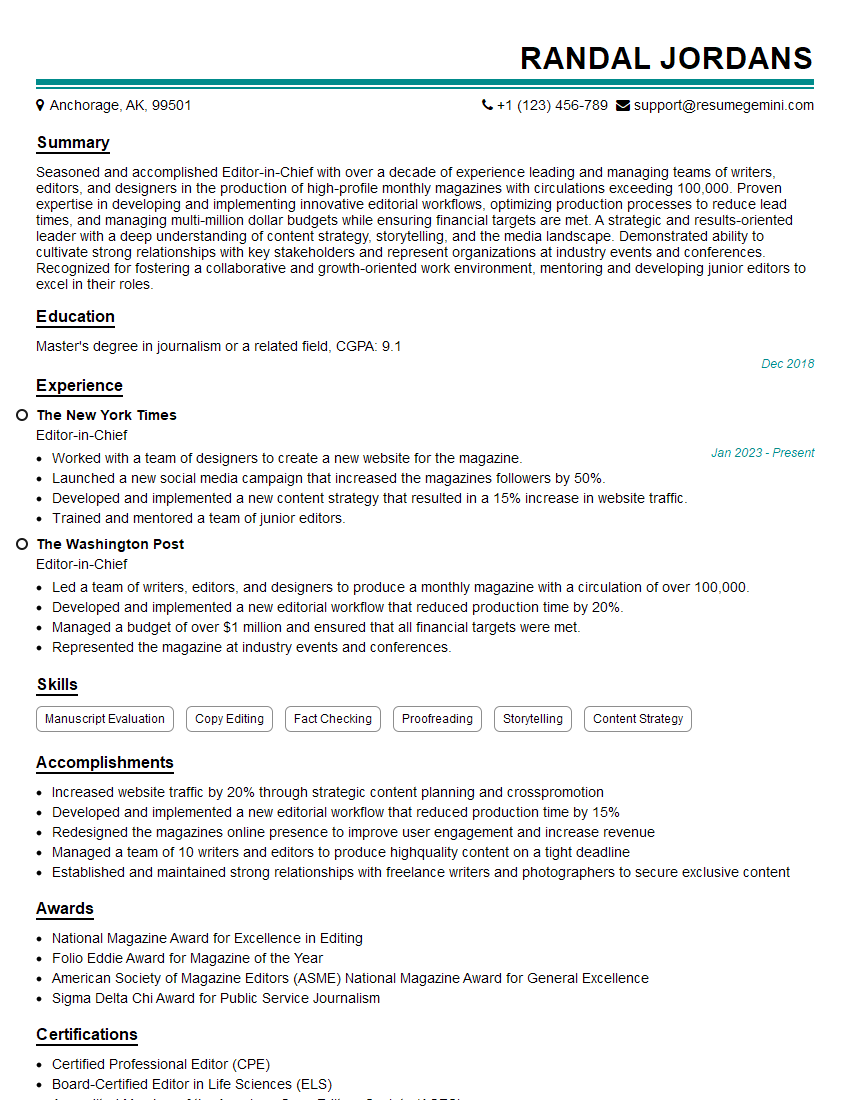
Editor-in-Chief Resume Sample
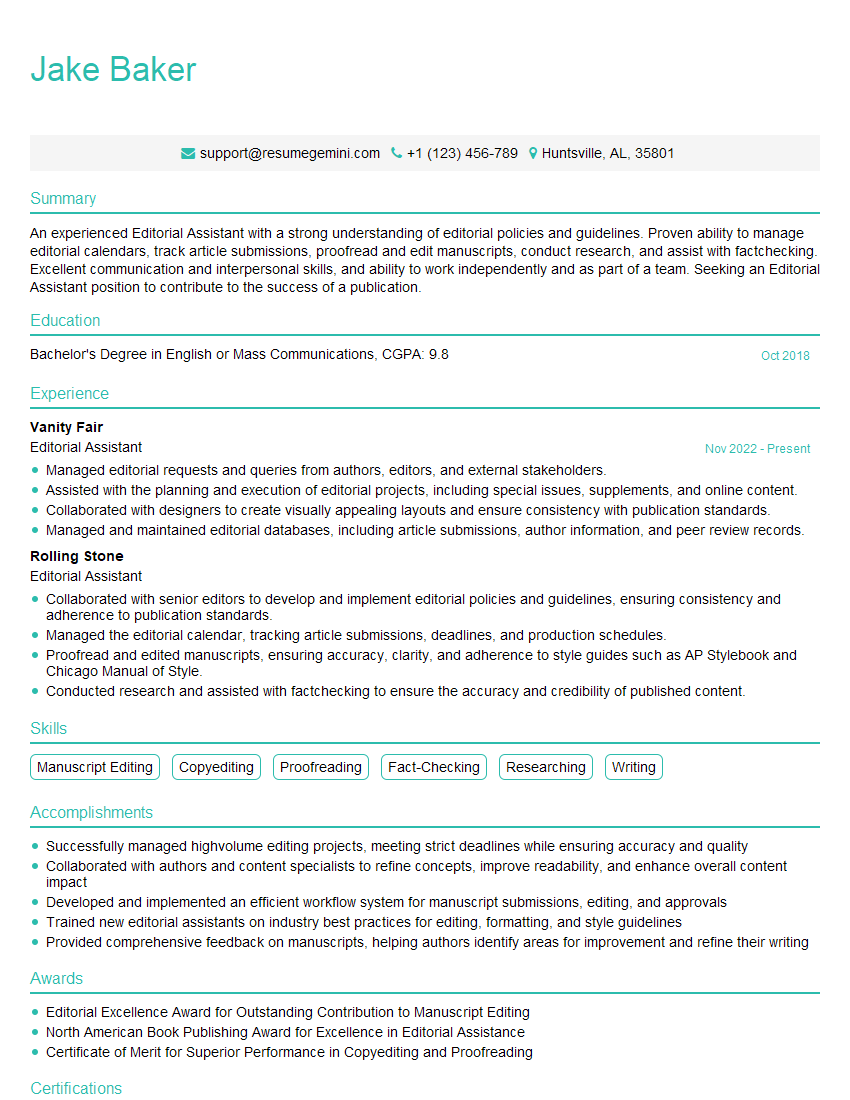
Editorial Assistant Resume Sample
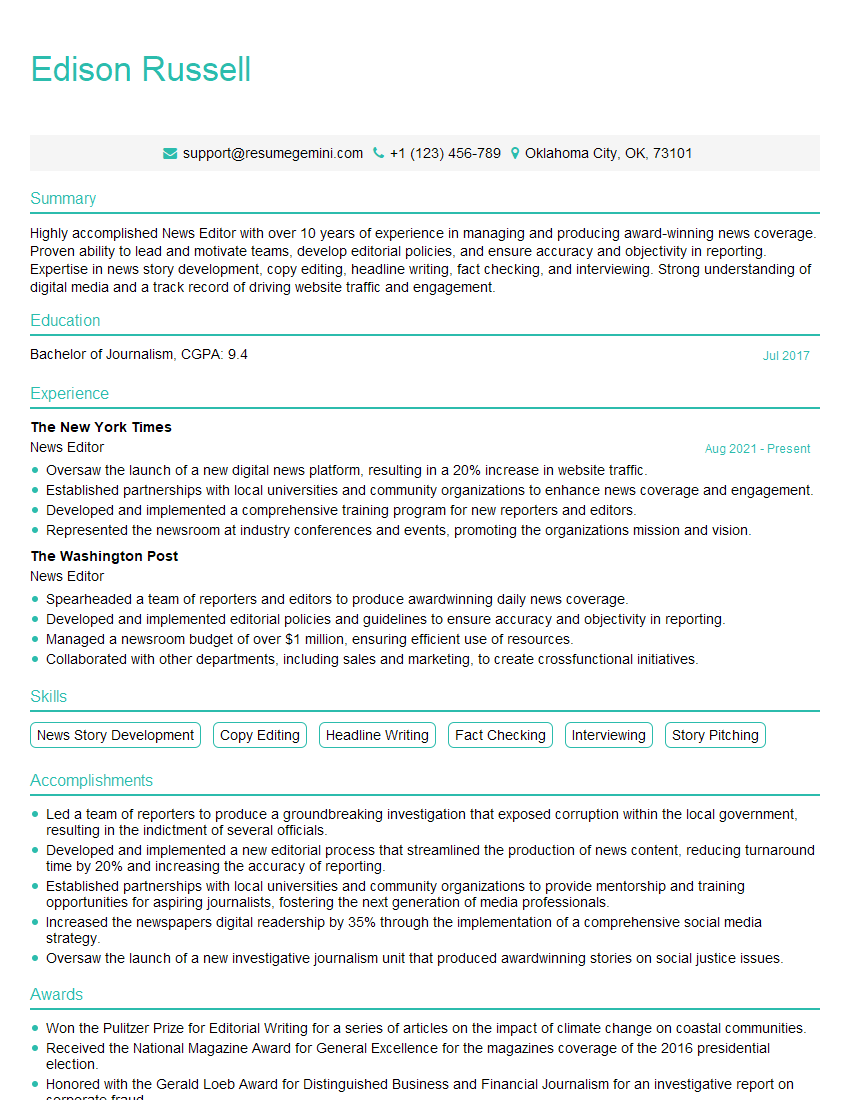
News Editor Resume Sample

Online Editor Resume Sample

Video Editor Resume Sample

Sound Editor Resume Sample
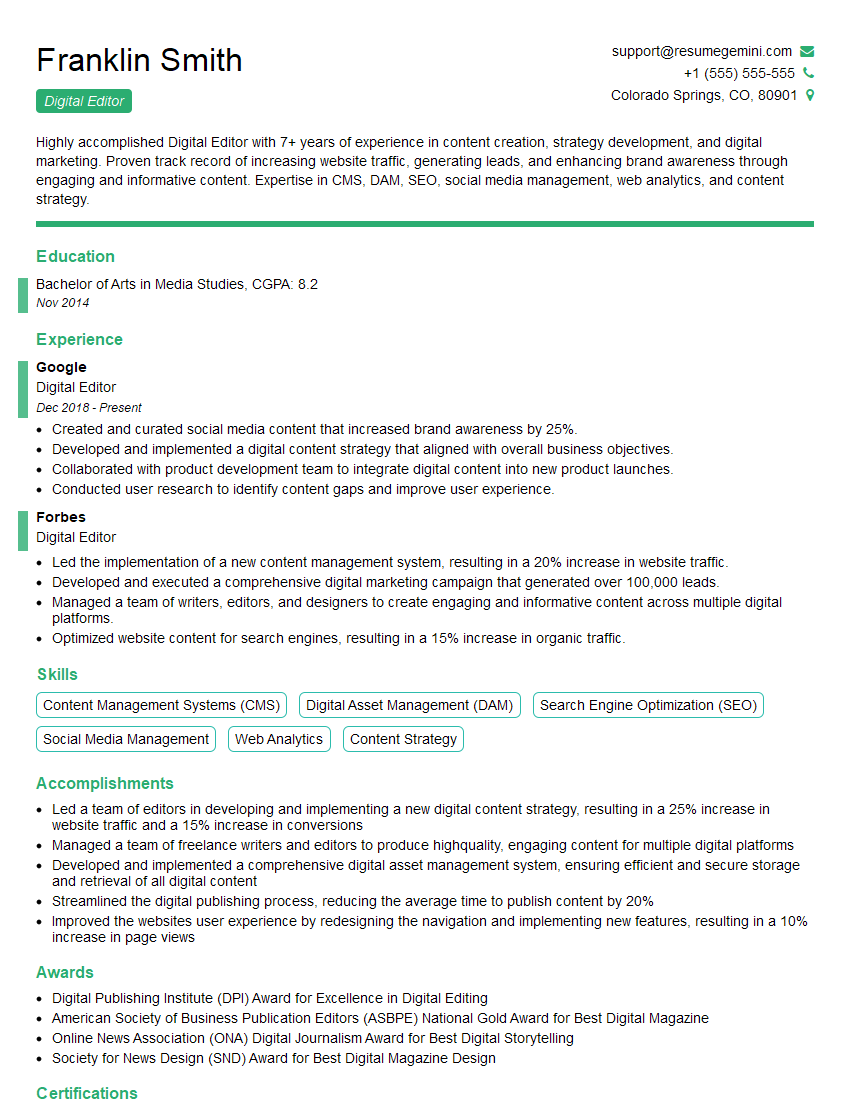
Digital Editor Resume Sample
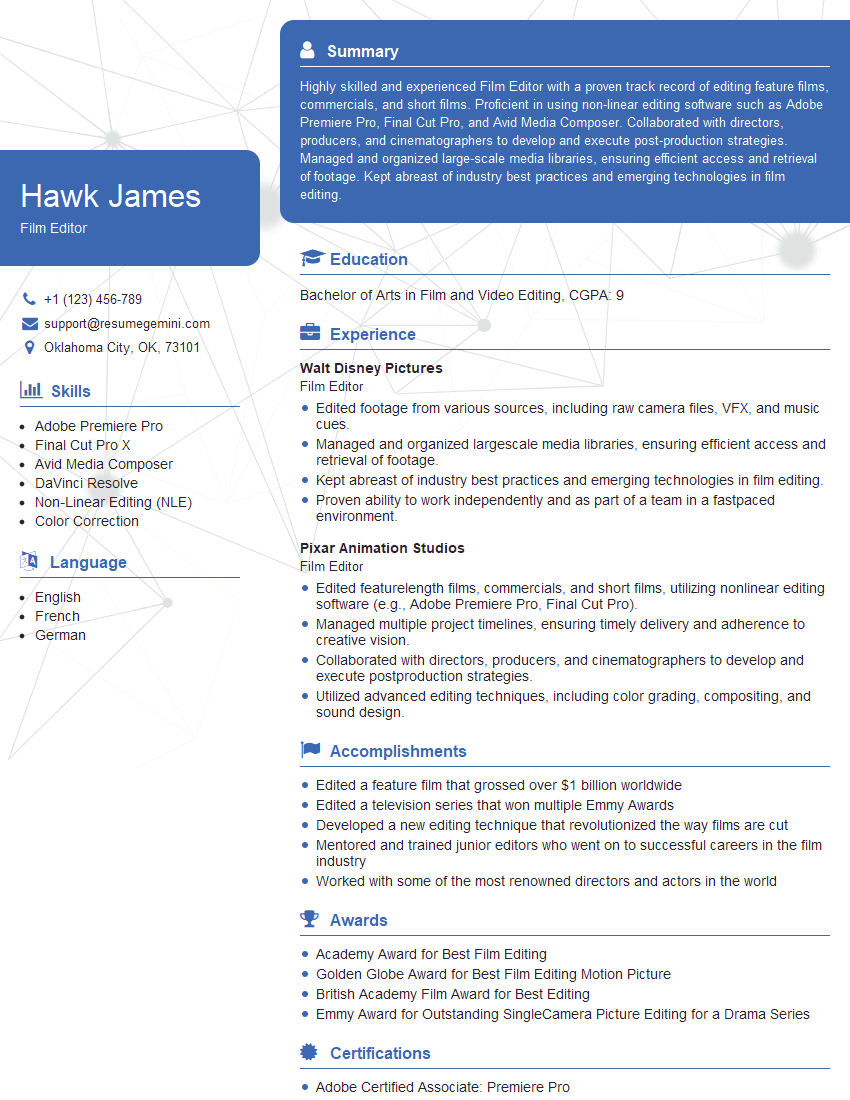
Film Editor Resume Sample
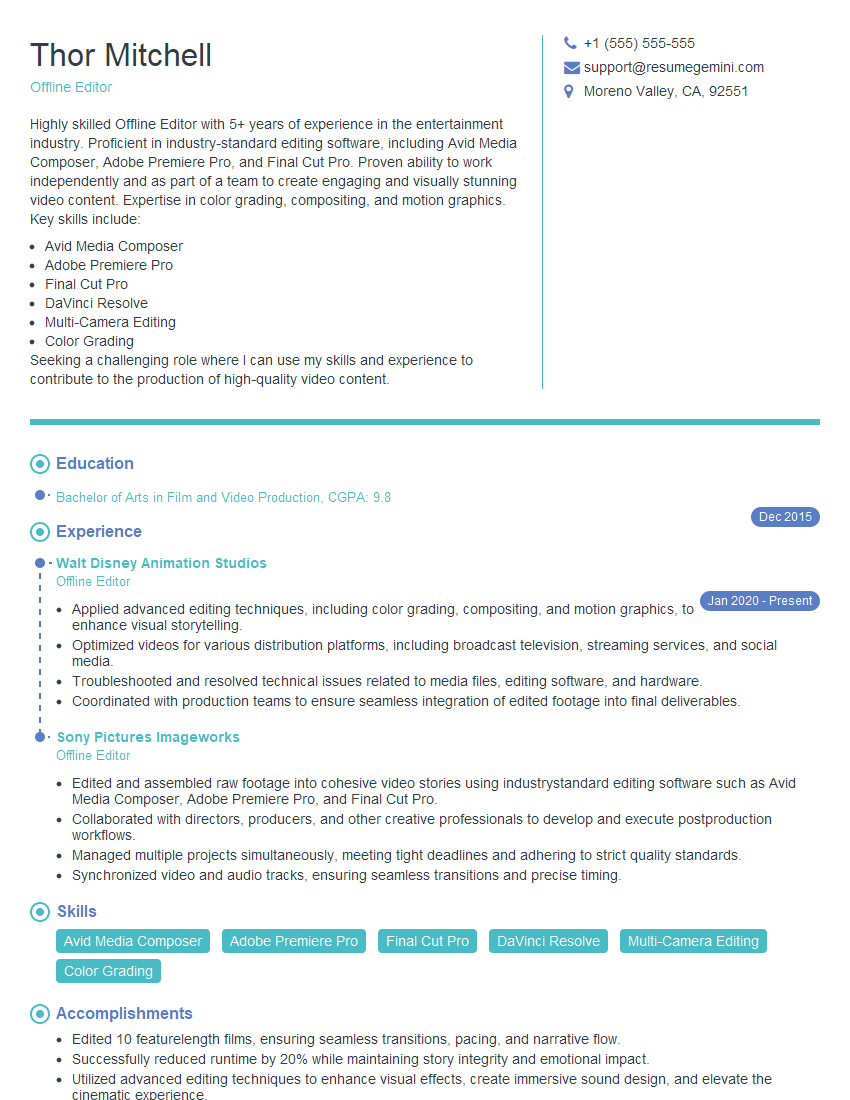
Offline Editor Resume Sample
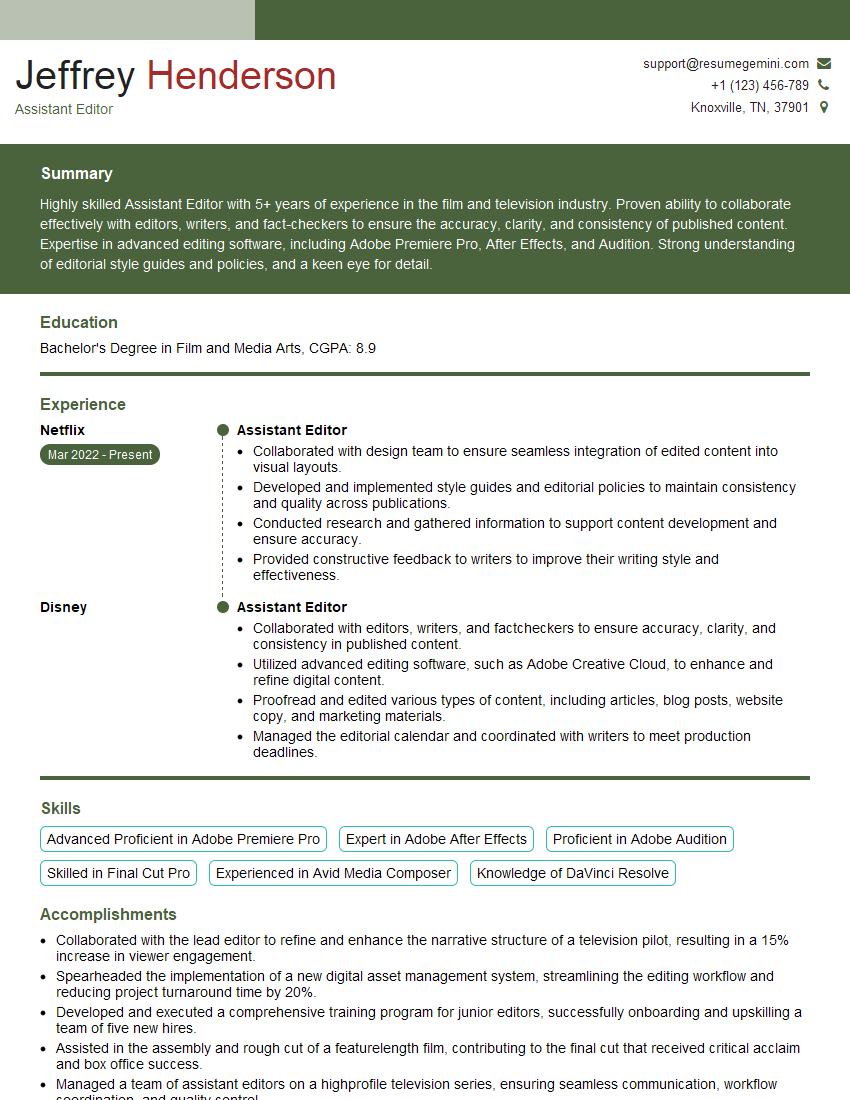
Assistant Editor Resume Sample
Explore more articles
Users Rating of Our Blogs
Share Your Experience
We value your feedback! Please rate our content and share your thoughts (optional).
What Readers Say About Our Blog
Very informative content, great job.
good