Every successful interview starts with knowing what to expect. In this blog, we’ll take you through the top Help Authoring Tools (HAT) interview questions, breaking them down with expert tips to help you deliver impactful answers. Step into your next interview fully prepared and ready to succeed.
Questions Asked in Help Authoring Tools (HAT) Interview
Q 1. What are the key features you look for when selecting a Help Authoring Tool?
Choosing the right Help Authoring Tool (HAT) is crucial for efficient documentation. My selection criteria focus on several key areas. First, I look for robust authoring capabilities, including features like a WYSIWYG editor for easy content creation, support for various output formats (HTML5, PDF, ePub, etc.), and advanced features like single-sourcing and conditional text. Second, I prioritize collaboration tools, such as version control integration, commenting features, and the ability for multiple authors to work concurrently without conflicts. Third, output customization is vital; the HAT should allow for branding consistency, flexible layout options, and the inclusion of advanced features like search, indexing, and context-sensitive help. Finally, I assess ease of use and learning curve. A user-friendly interface reduces training time and increases productivity. A strong support system with readily available documentation and community forums is also a significant factor.
- Example: In a recent project, the ability to easily create responsive help content for various devices (desktops, tablets, and mobiles) was paramount. The chosen HAT needed to handle this seamlessly.
Q 2. Compare and contrast MadCap Flare, RoboHelp, and HelpNDoc.
MadCap Flare, RoboHelp, and HelpNDoc are all popular HATs, but they cater to different needs. MadCap Flare excels in its powerful single-sourcing capabilities, advanced output customization, and support for complex projects. It’s a top choice for large-scale documentation projects demanding flexibility and high-quality output. RoboHelp is known for its integration with Adobe Creative Suite and its strong emphasis on web-based help. It’s particularly suitable for creating responsive web help and integrating with existing Adobe workflows. HelpNDoc is a more cost-effective option, providing a good balance between features and price. While not as feature-rich as Flare, it’s an excellent choice for smaller projects or organizations with tighter budgets. It boasts a simpler interface, making it easier to learn than the other two.
In summary:
- MadCap Flare: Powerful, flexible, expensive, complex learning curve.
- RoboHelp: Strong web help focus, Adobe integration, mid-range cost.
- HelpNDoc: User-friendly, cost-effective, fewer advanced features.
Q 3. Describe your experience with single-sourcing and its benefits.
Single-sourcing is a game-changer in help authoring. It involves writing content once and reusing it in multiple outputs, reducing redundancy and ensuring consistency. My experience with single-sourcing has been overwhelmingly positive. Imagine managing a large software product with multiple manuals, tutorials, and FAQs – keeping all versions updated consistently is a nightmare without single-sourcing.
Benefits:
- Reduced redundancy: Changes are made in one central location, propagating to all outputs automatically.
- Improved consistency: Information remains consistent across all documentation.
- Increased efficiency: Less time is spent on rewriting and updating content.
- Better maintainability: Updating becomes significantly easier and less error-prone.
Example: In a previous project, we used single-sourcing to manage help content for a complex software system with multiple modules. We created master content in Flare, and then used variables and conditional logic to tailor the output for each module’s specific help file, dramatically reducing our workload.
Q 4. How do you ensure consistency and accuracy in your help documentation?
Maintaining consistency and accuracy is crucial for trusted help documentation. My strategy involves a multi-pronged approach. Firstly, I utilize the style guides and templates provided by the HAT to ensure formatting and layout consistency. Secondly, peer review and internal testing are vital to catch errors and inconsistencies before release. Thirdly, I leverage the version control system (e.g., Git) to track changes and revert to previous versions if needed. Finally, I maintain a central glossary of terms to ensure consistent terminology throughout the documentation.
Example: We use a shared style guide document in our team, defining everything from font sizes to heading styles. This guide is referenced constantly to ensure consistency throughout all our help files.
Q 5. Explain your process for creating user-friendly help content.
Creating user-friendly help content involves understanding the user’s needs and designing the documentation accordingly. My process starts with user research to identify the target audience, their technical expertise, and their common pain points. Then, I design the information architecture, organizing the content logically and intuitively using clear and concise language.
I prioritize using visual aids (screenshots, videos, diagrams) to explain complex concepts. I implement a strong search functionality and clear navigation menus. Finally, I conduct usability testing to identify areas needing improvement and refine the documentation iteratively based on user feedback.
Example: In a recent project, we used user personas to represent our target audience, ensuring the language and complexity of the help content were appropriate for their level of technical skill.
Q 6. How do you handle version control in a help authoring project?
Version control is essential in any collaborative project, and help authoring is no exception. I typically use a distributed version control system like Git, which allows for efficient collaboration and easy tracking of changes. We store our project files in a repository, typically on a platform like GitHub or Bitbucket. Each author works on a local copy, committing changes regularly and merging them with the main branch. This process enables us to easily revert to previous versions, track who made specific changes, and resolve conflicts efficiently. We often use branching strategies to manage different versions (e.g., developing a new version while maintaining the current stable version).
Example: We use Git branches to develop new features or bug fixes without affecting the main, production-ready branch of our help documentation.
Q 7. Describe your experience with XML and its role in help authoring.
XML (Extensible Markup Language) plays a vital role in help authoring, particularly in single-sourcing and content reuse. It provides a structured format for storing content, allowing for the separation of content from presentation. This means you can create a single source of content (in XML) and then use different stylesheets (XSLT) to generate various output formats (HTML, PDF, etc.) without altering the original content.
Benefits of using XML in Help Authoring:
- Single-sourcing: Write once, publish many.
- Content reuse: Easily reuse content across different help systems.
- Flexibility: Easily adapt content to different output formats and devices.
- Maintainability: Easier to update and manage content.
Example: <topic id="myTopic"><title>My Topic Title</title><body>This is my topic's content.</body></topic> This simple XML snippet shows how content is structured and easily manipulated. The <topic> element contains the title and body of the topic, allowing for easy extraction and reuse.
Q 8. How do you manage large help projects effectively?
Managing large help projects effectively hinges on robust planning, efficient workflow, and a strong team. Think of it like building a skyscraper – you wouldn’t start without blueprints! I begin by creating a detailed project plan that outlines the scope, timeline, and deliverables. This includes breaking down the project into smaller, manageable tasks, assigning responsibilities, and setting realistic deadlines. I utilize project management tools like Jira or Asana to track progress, manage tasks, and facilitate collaboration among team members.
Furthermore, I leverage version control systems like Git to manage changes to the help content. This ensures that everyone is working with the latest version and allows for easy rollback if necessary. Regular team meetings are crucial to address challenges, discuss progress, and ensure alignment with the project goals. Finally, I emphasize consistent quality control throughout the process, using checklists and peer reviews to identify and fix errors before release.
- Example: For a large software project, I might divide the help content into modules based on software features (e.g., User Onboarding, Advanced Features, Troubleshooting). Each module is assigned to a dedicated writer and reviewed by a technical editor before integration into the final help system.
Q 9. What is your experience with responsive design in help authoring?
Responsive design in help authoring is crucial for delivering a consistent and user-friendly experience across all devices (desktops, tablets, and smartphones). It’s about ensuring that your help content adapts seamlessly to different screen sizes and orientations. My experience involves using HATs that support responsive design features, such as MadCap Flare or RoboHelp. These tools offer features like fluid layouts, responsive images, and mobile-first design approaches.
For instance, I utilize CSS media queries within the HAT to define different styles for different screen sizes. This allows me to adjust text sizes, image dimensions, and layout elements to optimize the display on various devices. I also prioritize the use of flexible layouts that adapt to different screen widths, ensuring that content is never cut off or excessively cramped.
/* Example CSS Media Query */
@media (max-width: 768px) {
  .large-image {
    width: 100%;
  }
}
Testing on different devices and browsers is paramount to confirm responsive functionality across various platforms. I usually perform thorough testing before deploying the final help system to ensure a consistent and positive user experience regardless of the device used to access it.
Q 10. How do you ensure your help content is accessible to users with disabilities?
Accessibility is paramount in help authoring. I ensure my content is usable by people with disabilities by adhering to accessibility guidelines, primarily WCAG (Web Content Accessibility Guidelines). This involves using semantic HTML, providing alternative text for images (alt text), ensuring sufficient color contrast, and using proper heading structures.
Specifically, I utilize ARIA attributes (Accessible Rich Internet Applications) to enhance the accessibility of interactive elements within the help system. I also create transcripts or captions for videos and audio content to make them accessible to users with hearing impairments. Furthermore, I test my content using assistive technologies like screen readers to identify and address any accessibility issues before release.
- Example: When creating a tutorial video, I would provide a detailed transcript of the audio and use clear, concise language in the accompanying help text. I would also ensure there is sufficient color contrast between text and background.
Regular accessibility audits are a crucial part of my process to ensure continuous improvement and compliance with WCAG standards. It’s not just about meeting minimum requirements; it’s about creating a truly inclusive experience for all users.
Q 11. Explain your approach to creating effective screen captures and tutorials.
Creating effective screen captures and tutorials requires a blend of technical skill and a keen understanding of user needs. My approach involves using screen recording software like Snagit or Camtasia, which offer a range of features for capturing high-quality images and videos.
For screen captures, I focus on clarity and relevance. I avoid unnecessary clutter in the image and highlight the specific area of interest using annotations or callouts. I often use tools to edit screenshots to ensure a clean and professional look. I strive to show only what’s essential to understand the concept.
When creating tutorials, I focus on clear, concise instructions and a logical flow. I use annotations, audio narration, and on-screen text to guide the user through each step. Short, focused tutorials are more effective than lengthy ones. I also conduct user testing to ensure that the tutorials are easy to follow and achieve their intended purpose.
- Example: Instead of a long video showing numerous steps, I might create a series of short, focused videos, each covering a single task or feature. This makes it easier for users to find the specific information they need.
Q 12. How do you incorporate user feedback into your help content?
Incorporating user feedback is crucial for iterative improvement and ensuring that the help content meets the needs of its audience. I actively solicit feedback through various channels, such as surveys, in-app feedback forms, and user interviews. I analyze this feedback to identify areas for improvement in clarity, accuracy, and completeness.
I use feedback analysis tools to categorize and prioritize feedback items. This allows me to focus on addressing the most critical issues first. I then make the necessary changes to the help content, ensuring that the updates are thoroughly tested before release. I also maintain a log of all feedback received and actions taken to track improvements and demonstrate responsiveness to user needs.
- Example: If users consistently report difficulty understanding a particular procedure, I would revise the instructions, add visual aids, or create a short video tutorial to clarify the process.
This iterative feedback loop ensures that the help content remains relevant, accurate, and effective over time.
Q 13. What are some common challenges you’ve faced in help authoring, and how did you overcome them?
One common challenge is managing conflicting priorities – balancing the need for comprehensive documentation with the constraints of time and resources. To overcome this, I prioritize content based on user needs and task criticality using methods like user story mapping. This ensures that the most important information is available first.
Another challenge is keeping help content up-to-date with software changes. I address this by creating a structured content management system and implementing version control (Git). This makes updating the documentation much easier and more manageable. I regularly schedule reviews and updates to ensure content remains current and relevant.
Finally, ensuring consistent style and quality across a large team can be difficult. To address this, I use style guides, templates, and peer reviews to maintain a consistent tone and quality throughout the documentation. Regular training and collaborative review sessions further refine team processes.
Q 14. How do you integrate help content with other systems, such as a CMS or knowledge base?
Integrating help content with other systems, like a CMS or knowledge base, is essential for creating a seamless user experience. This often involves using APIs or import/export functionalities provided by the respective systems.
For example, I might use an API to automatically update the help content in a CMS whenever changes are made to the source files in my HAT. This ensures consistency between the software and its documentation. For knowledge bases, I often work with systems that have robust import/export functionality, allowing me to transfer the finished help content into the knowledge base in a structured format. This requires careful planning and consideration of data structures to ensure a smooth transfer and efficient search.
The specific integration method depends on the capabilities of the HAT and the target system. My experience encompasses various approaches, from simple file exports to sophisticated API integrations, ensuring optimal integration based on project requirements.
Q 15. Describe your experience with conditional logic in help authoring.
Conditional logic in help authoring is like having a smart assistant that tailors the information based on the user’s context. It allows you to create dynamic help systems that present only the relevant information to the user at the right time. Instead of a static, one-size-fits-all approach, conditional logic lets you personalize the help experience.
For example, imagine a software application with multiple user roles (administrator, editor, viewer). Using conditional logic, I can create different help sections based on the user’s logged-in role. An administrator might see help topics related to system configuration, while an editor might see help on content management features. This ensures that users only see information relevant to their tasks, making the help system more efficient and less overwhelming.
I’ve implemented conditional logic using various methods, including:
- Variables and conditions within HATs: Most modern HATs like MadCap Flare, RoboHelp, and HelpNDoc support variables and conditional statements (if/then/else) allowing for dynamic content display based on user input, system settings, or other factors.
- XML-based approaches: Many HATs leverage XML to structure content. This facilitates conditional logic through XML transformations and conditional processing using XSLT (Extensible Stylesheet Language Transformations).
- API integration: For advanced scenarios, I have integrated help systems with application APIs to retrieve user-specific data in real-time, dynamically tailoring help content based on those data points.
The implementation depends on the HAT, but the core concept is to create different content blocks and use conditional logic to display only those relevant to the user’s specific situation.
Career Expert Tips:
- Ace those interviews! Prepare effectively by reviewing the Top 50 Most Common Interview Questions on ResumeGemini.
- Navigate your job search with confidence! Explore a wide range of Career Tips on ResumeGemini. Learn about common challenges and recommendations to overcome them.
- Craft the perfect resume! Master the Art of Resume Writing with ResumeGemini’s guide. Showcase your unique qualifications and achievements effectively.
- Don’t miss out on holiday savings! Build your dream resume with ResumeGemini’s ATS optimized templates.
Q 16. What’s your approach to designing effective help content navigation?
Designing effective help content navigation is crucial for usability. Think of it as creating a roadmap for users to quickly find the answers they need. My approach focuses on clear structure, intuitive labeling, and efficient search.
I begin by understanding the user’s task flow and information architecture. This involves:
- Task analysis: Identifying the common tasks users perform and the information they’ll need to accomplish them.
- Information mapping: Structuring the help content logically, often using hierarchical trees or concept maps.
- Keyword analysis: Identifying the search terms users are likely to employ to find information.
Once I’ve established this foundation, I design the navigation using:
- Clear and concise topic titles: Using action-oriented language (e.g., “Create a New Account” instead of “Account Creation”).
- Logical hierarchical organization: Using a clear table of contents or sitemap reflecting the information architecture.
- Effective search functionality: Implementing robust search capabilities with auto-suggestions and advanced search filters.
- Breadcrumbs: Displaying the user’s current location within the help system.
- Visual cues: Using visual cues like icons and visual hierarchies to enhance navigation.
- Contextual links: Including relevant links within topics to related information.
The result is a help system that’s not just searchable, but inherently intuitive and easy to browse, guiding users effortlessly to the solutions they need.
Q 17. How do you prioritize tasks in a help authoring project?
Prioritizing tasks in a help authoring project requires a methodical approach. I typically use a combination of techniques to ensure the most critical tasks are addressed first. It’s not just about the number of topics; it’s about their importance to the user.
My prioritization strategy involves:
- MoSCoW method: Classifying tasks as Must have, Should have, Could have, and Won’t have. This allows me to focus on essential features first and gracefully manage scope creep.
- User story mapping: Visualizing user journeys and prioritizing tasks based on their contribution to key user flows. This ensures that the most important user tasks are supported first.
- Risk assessment: Identifying tasks with high risk (e.g., complex technical topics) and prioritizing them to mitigate potential issues early.
- Dependency analysis: Identifying tasks with dependencies and ensuring that prerequisites are completed before dependent tasks are started.
- Timeboxing: Allocating specific time slots to different tasks, which helps maintain focus and ensures progress.
Using a project management tool like Jira or Asana helps me track progress, manage dependencies, and visualize the project timeline, making prioritization much more efficient.
Q 18. Describe your experience working with style guides and templates.
Working with style guides and templates is paramount for consistency and brand identity in help authoring. Think of them as the blueprints for a professional-looking, cohesive help system.
My experience includes:
- Creating and maintaining style guides: I’ve developed comprehensive style guides outlining branding guidelines, writing style, terminology, formatting, and visual design elements for help content. These serve as the single source of truth for consistency.
- Developing and using templates: I create reusable templates for various help content types (e.g., procedures, concepts, FAQs) within the chosen HAT. This ensures consistent formatting and reduces redundant work. Templates incorporate elements like headings, styles, and placeholders for content.
- Enforcing style guides using HAT features: Many HATs allow enforcing style guide rules through automated checks and warnings, ensuring compliance and improving consistency.
- Customizing templates for different output formats: Templates need to be adaptable for different output formats (HTML, PDF, CHM) while maintaining consistency across them.
By adhering to style guides and leveraging templates, I create a professional, consistent, and easily maintainable help system that reflects the brand’s identity and adheres to best practices.
Q 19. How familiar are you with different output formats (HTML, PDF, CHM)?
I’m proficient in working with various output formats, understanding their strengths and limitations. Each format has its place depending on the project requirements and the target audience.
- HTML: This is the most common format for online help systems, offering flexibility, search engine optimization (SEO) benefits, and ease of updates. I’m well-versed in HTML5, CSS, and JavaScript integration for enhanced interactivity.
- PDF: PDFs are suitable for printable documentation and offline access. I understand how to create accessible PDFs that adhere to WCAG guidelines.
- CHM (Compiled HTML Help): Although less common now, CHM remains relevant in certain legacy systems. I have experience creating and maintaining CHM files, including their indexing and navigation structures.
My experience encompasses creating output in each of these formats, along with the associated complexities of ensuring consistent styling, navigation, and functionality across them.
Q 20. Explain your process for testing and validating help content.
Testing and validating help content is an iterative process crucial for ensuring accuracy and usability. It’s not just about finding typos; it’s about verifying that the content is effective in helping users achieve their goals.
My testing process includes:
- Usability testing: Observing users as they interact with the help system to identify areas for improvement. This involves user interviews and task-based scenarios.
- Technical review: Verifying the accuracy of the information, ensuring that code snippets, screenshots, and other technical elements are correct.
- Content review: Checking for clarity, consistency, conciseness, and overall quality of writing.
- Cross-browser/platform testing: Ensuring that the help system functions correctly across different browsers and devices.
- Accessibility testing: Verifying that the help system complies with accessibility guidelines (WCAG) to make it usable for everyone.
- Automated testing: Using automated tools to detect broken links, formatting errors, and other issues.
I advocate for a multi-stage testing approach, involving different team members and stakeholders, to ensure a comprehensive evaluation of the help content before release.
Q 21. How do you stay up-to-date with the latest trends and technologies in help authoring?
Staying current in the dynamic field of help authoring requires continuous learning. I employ several strategies to keep my skills sharp and knowledge up-to-date:
- Industry publications and blogs: I regularly read industry publications and blogs that cover the latest trends and technologies in help authoring.
- Conferences and webinars: Attending industry conferences and webinars allows me to learn from experts and network with other professionals.
- Online courses and tutorials: I engage in online courses and tutorials to enhance my skills in specific HATs and related technologies.
- Experimentation and hands-on practice: I actively experiment with new tools, techniques, and technologies to gain practical experience.
- Community engagement: Participating in online forums and communities allows me to learn from others’ experiences and share my own knowledge.
Keeping abreast of new developments is essential to provide the most effective and cutting-edge help solutions for my clients. This includes exploring new technologies like AI-powered search and personalization, which are transforming the help authoring landscape.
Q 22. What experience do you have with using a content management system (CMS) alongside a HAT?
Integrating a Content Management System (CMS) with a Help Authoring Tool (HAT) is a powerful strategy for managing and delivering help content. Think of the CMS as the central hub for all your content, while the HAT is the specialized tool for creating and editing that help content. This setup allows for streamlined workflows and improved collaboration.
In my experience, I’ve used several CMS-HAT combinations. For instance, I’ve integrated MadCap Flare (HAT) with WordPress (CMS) to manage knowledge base articles. The CMS handles publishing, versioning, and user access control, while Flare allows for the creation of richly formatted, responsive help content with features like single sourcing and conditional text. Another example is using Adobe RoboHelp (HAT) alongside a custom-built CMS, which provided greater control over the look and feel of the published help files, but required more technical expertise for the integration process. This synergy allows for a structured content repository, easier updates, and a more intuitive user experience. The CMS manages the content lifecycle while the HAT focuses on the content creation, ensuring a seamless flow from development to deployment.
Q 23. How do you handle changes in project requirements during the development process?
Handling changes in project requirements is crucial in any help authoring project. My approach involves a combination of proactive communication, flexible workflows, and version control. I always emphasize regular communication with stakeholders. This includes setting up recurring meetings to discuss project progress and address emerging needs. This lets me incorporate changes in a timely manner. For example, during a project for a SaaS application, the client wanted to add a completely new feature. Instead of scrapping existing content, I utilized Flare’s conditional text feature to incorporate the new content without disrupting the established structure. I then used MadCap Central to manage revisions effectively, making it easy to track changes and revert to previous versions if needed. The key is to remain adaptable and communicate promptly with all parties involved.
Q 24. What is your experience with creating and managing a help authoring workflow?
Establishing a robust help authoring workflow is essential for creating consistent, high-quality content. My workflow typically involves these stages:
- Planning and Research: Thorough understanding of the target audience and software/product.
- Content Creation: Using a HAT like MadCap Flare or RoboHelp, focusing on structured content and reusability.
- Review and Editing: Multiple rounds of reviews by subject matter experts (SMEs) and other stakeholders.
- Testing: Thoroughly testing the help system to ensure accuracy and usability.
- Publishing and Deployment: Utilizing the CMS to publish and distribute the help files.
- Maintenance and Updates: Continuously updating content based on user feedback and product changes.
For example, in a recent project, using a task management tool alongside our HAT helped us manage tasks, track progress, and maintain a clear overview of the entire help development process. This ensures transparency and accountability across all team members.
Q 25. Describe your experience with creating and maintaining a glossary of terms.
A well-maintained glossary of terms is critical for consistency and clarity in help documentation. I usually create and manage glossaries using the built-in features within the HATs (like MadCap Flare’s term management) or by utilizing a dedicated glossary management tool. This helps avoid ambiguity and ensures consistent terminology across all documentation. I always involve SMEs in defining and reviewing the terms, ensuring technical accuracy and clarity. For example, during the documentation of a medical device, creating a glossary of medical terms was paramount to ensure accuracy and to provide a shared understanding between the documentation team and medical professionals. The glossary is then easily integrated into the help system using features like cross-referencing and term lookups, which significantly improves user comprehension.
Q 26. How do you measure the effectiveness of your help content?
Measuring the effectiveness of help content involves a multi-faceted approach. We use several key metrics:
- Search metrics: Tracking popular search terms helps identify areas where users need more clarification.
- Task completion rates: Monitoring how effectively users accomplish tasks using the help content.
- User feedback: Collecting direct feedback from surveys, in-app feedback tools, or support tickets.
- Help system usage analytics: Analyzing data from HATs or CMS reporting features such as which topics are accessed most frequently.
By analyzing this data, we can identify areas that need improvement, optimize the content to better meet user needs and measure the overall effectiveness of the help documentation. For example, if a specific topic has a low task completion rate, we might need to revise the content, add more illustrations, or simplify the language. Combining qualitative and quantitative feedback allows us to build a truly effective help system.
Q 27. Describe a time you had to troubleshoot a technical issue in your help content.
During a project for a financial software application, we encountered an issue where certain help topics were not displaying correctly on mobile devices. After investigating, we found that some CSS styles used in the help system were conflicting with the mobile device’s default styles. To troubleshoot, I first used the browser’s developer tools to pinpoint the exact lines of code causing the issue. I then collaborated with the developer to modify the CSS to ensure responsiveness and cross-browser compatibility. The process involved careful testing across different mobile devices and browsers to ensure that the solution was effective and didn’t introduce new problems. It highlighted the importance of robust testing across various devices and browsers during help content development.
Q 28. How do you collaborate with developers and other stakeholders on a help authoring project?
Collaboration is crucial in help authoring. I use a variety of methods to effectively work with developers and stakeholders:
- Regular Meetings: Holding regular meetings to discuss project progress, challenges, and upcoming tasks.
- Version Control: Using a version control system (like Git) to manage changes and ensure everyone is working with the latest version of the content.
- Content Review Processes: Formal processes for review and feedback, ensuring that all stakeholders have the opportunity to provide input.
- Communication Tools: Utilizing tools like Slack or Microsoft Teams for quick communication and sharing of information.
- Shared Documentation: Creating a shared online space (like a shared Google Doc or SharePoint) for collaborating on project documents.
For example, I often use collaborative online editing tools integrated with our HAT to directly annotate and comment on content, making the review process more efficient and transparent. These tools allow developers to easily understand the changes needed and provide timely feedback. Strong communication and collaboration are vital for building a successful help system.
Key Topics to Learn for Help Author Authoring Tools (HAT) Interview
- Understanding HAT Fundamentals: Define Help Authoring Tools and their purpose. Explore the differences between various HATs (e.g., MadCap Flare, Adobe RoboHelp, HelpNDoc).
- Content Strategy and Design: Learn about creating user-centered help systems. Discuss information architecture, single-sourcing, and different help formats (e.g., context-sensitive help, FAQs, tutorials).
- Mastering the chosen HAT: Gain proficiency in the specific HAT mentioned in the job description. Focus on features like content creation, editing, publishing, and version control.
- Working with XML and other Data Formats: Understand how HATs handle structured content, XML, and other data formats for content reuse and consistency.
- Multimedia Integration: Explore integrating images, videos, and interactive elements to enhance the user experience within your help system.
- Testing and Quality Assurance: Discuss testing methodologies for help systems, including usability testing and ensuring accessibility compliance (WCAG).
- Project Management within HATs: Describe your experience managing help authoring projects, including collaboration, workflows, and deadlines.
- Problem-Solving and Troubleshooting: Showcase your ability to diagnose and resolve technical issues related to HATs and content delivery.
- Search and Indexing Strategies: Discuss how to optimize help content for effective search and retrieval by users.
Next Steps
Mastering Help Authoring Tools is crucial for career advancement in technical communication and documentation. A strong understanding of HATs allows you to create effective and user-friendly help systems, increasing your value to potential employers. To enhance your job prospects, focus on building an ATS-friendly resume that highlights your skills and experience. ResumeGemini is a trusted resource that can help you craft a professional and compelling resume. Examples of resumes tailored to Help Authoring Tools (HAT) roles are available within ResumeGemini to guide you.

Information Architect Resume Sample

Content Strategist Resume Sample

Documentation Specialist Resume Sample

Instructional Designer Resume Sample
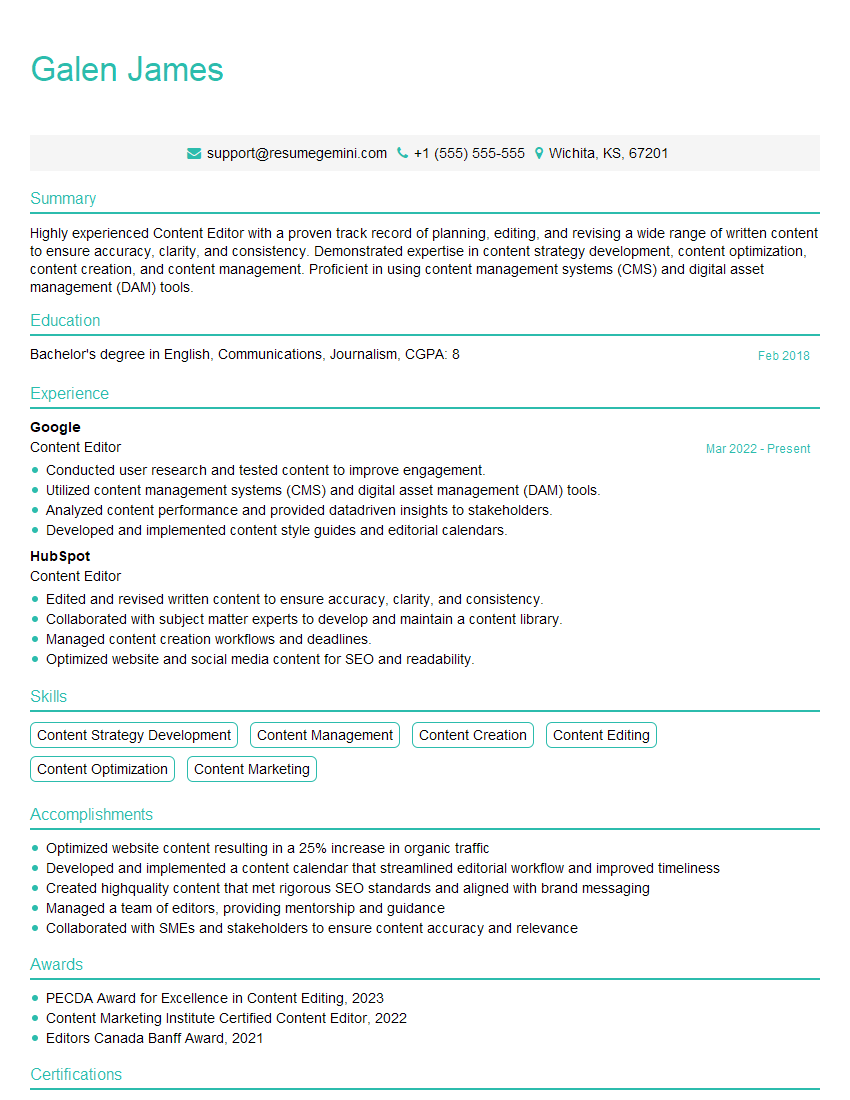
Content Editor Resume Sample
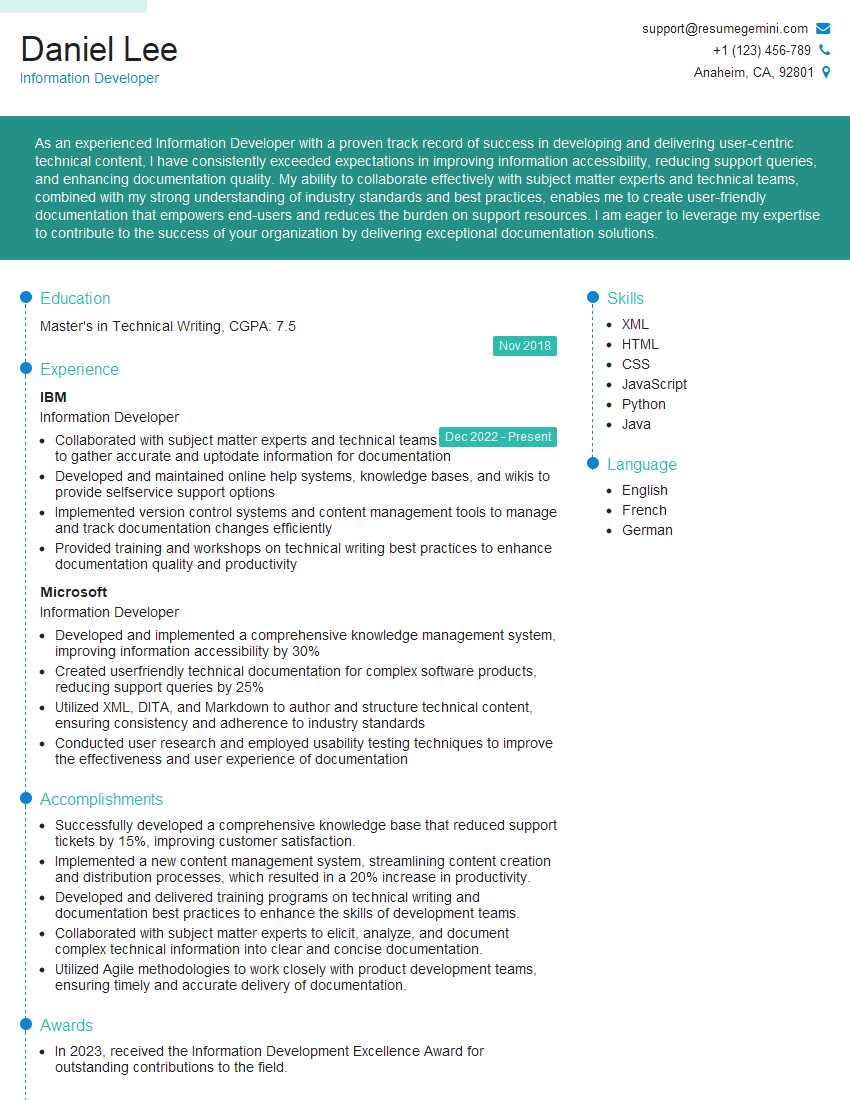
Information Developer Resume Sample
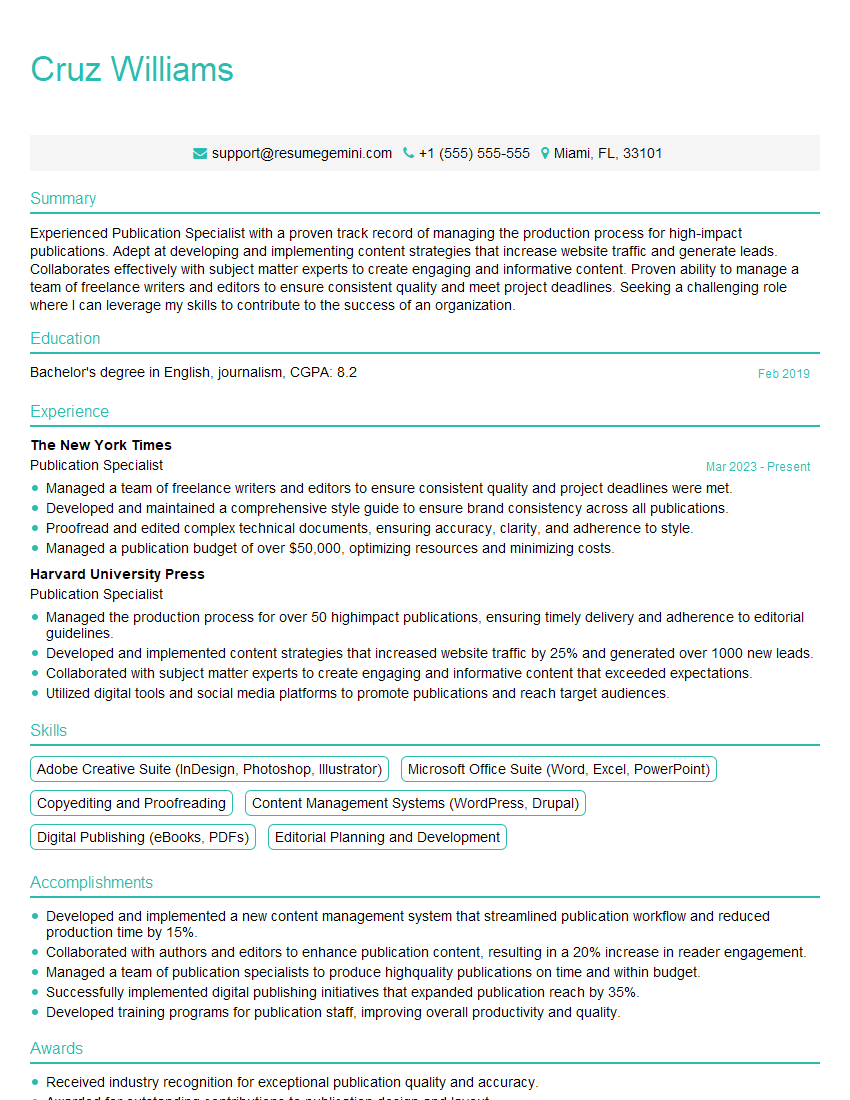
Publication Specialist Resume Sample
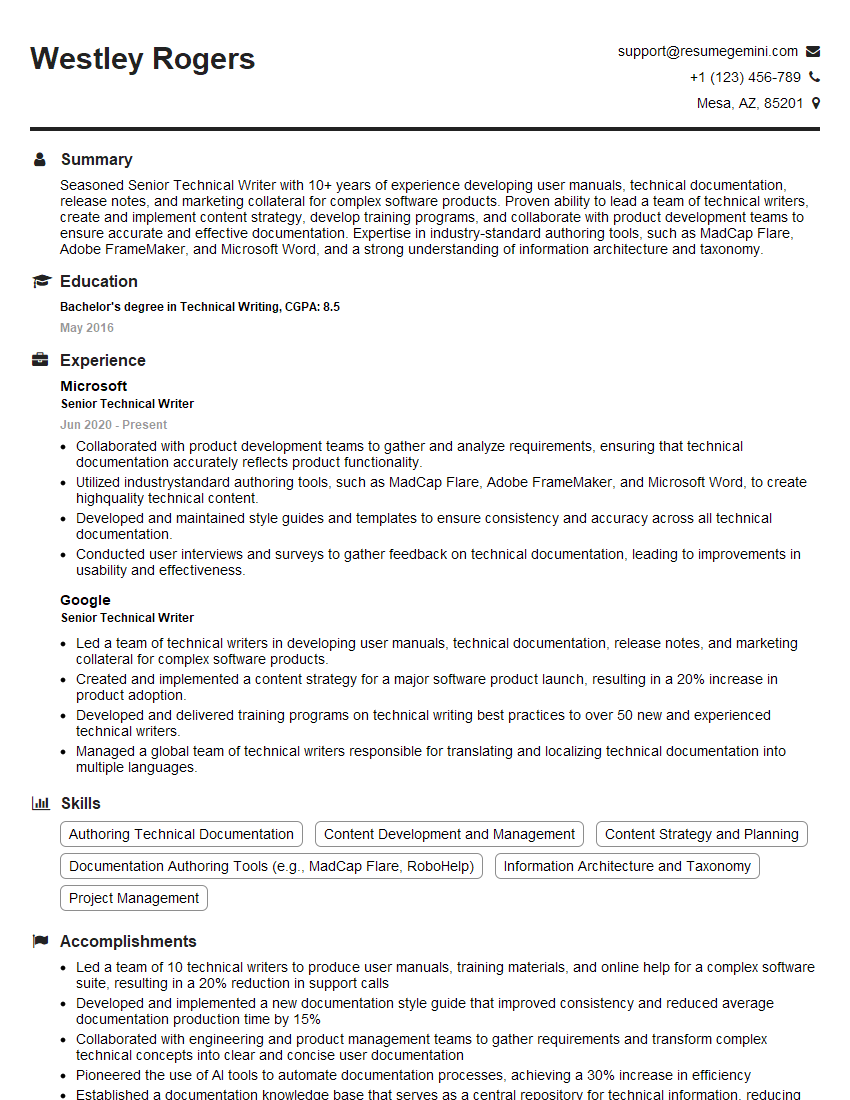
Senior Technical Writer Resume Sample

Technical Writer Resume Sample
Explore more articles
Users Rating of Our Blogs
Share Your Experience
We value your feedback! Please rate our content and share your thoughts (optional).
What Readers Say About Our Blog
Very informative content, great job.
good