The thought of an interview can be nerve-wracking, but the right preparation can make all the difference. Explore this comprehensive guide to Knowledge of color reproduction and image manipulation interview questions and gain the confidence you need to showcase your abilities and secure the role.
Questions Asked in Knowledge of color reproduction and image manipulation Interview
Q 1. Explain the difference between additive and subtractive color models.
Additive and subtractive color models represent two fundamentally different ways of creating colors. Think of it like this: additive is like shining lights together, while subtractive is like mixing paints.
Additive Color Model: This model starts with black and adds colors to create others. The primary colors are red, green, and blue (RGB). When you combine these primaries at full intensity, you get white light. This is the model used in screens (monitors, TVs, phones) where light is emitted from pixels. Each pixel can control the intensity of red, green, and blue light, producing a wide range of colors. For example, equal parts red and green create yellow, red and blue create magenta, and green and blue create cyan.
Subtractive Color Model: This model starts with white and subtracts colors to create others. The primary colors are cyan, magenta, and yellow (CMY). These are the complements of the additive primaries. When you combine CMY at full intensity, you get a dark, muddy color (not true black, so black (K) is often added, making it CMYK). This model is used in printing, where inks are laid down on paper, absorbing certain wavelengths of light and reflecting others. For instance, cyan ink absorbs red light, magenta absorbs green, and yellow absorbs blue. Overlapping cyan and magenta inks absorbs red and green, leaving only blue light to be reflected – resulting in blue.
In short: additive models add light to achieve color, while subtractive models subtract light (by absorbing it).
Q 2. Describe the process of color profiling and its importance.
Color profiling is the process of creating a characterization of a device’s color capabilities. It’s like creating a digital fingerprint for your monitor, printer, or scanner. This fingerprint accurately describes how the device reproduces colors. It’s crucial for ensuring color consistency across different devices.
The process typically involves using a colorimeter or spectrophotometer to measure the color output of a device. This data is then used to generate a color profile (often a .icc or .icm file), a mathematical description of the device’s color space. Software then uses this profile to translate colors between different color spaces, ensuring the displayed or printed color is as close as possible to the original intent.
Importance: Without color profiling, colors will vary significantly from one device to another. A color that looks perfect on your monitor might appear dull or oversaturated when printed. Color profiling ensures that the colors you see on your screen are closely matched to the final output, whether it’s a print or an image displayed on another device. This is essential for print designers, photographers, and anyone working with color-critical images.
Q 3. What are the common color spaces (e.g., sRGB, Adobe RGB, CMYK) and their applications?
Several color spaces are used depending on the application. Each space defines a range of colors (its gamut) and how those colors are represented numerically.
- sRGB: The standard color space for the internet. Most monitors and web browsers use sRGB. It has a relatively small gamut, meaning it can’t represent the full range of colors visible to the human eye. However, its wide adoption ensures that images viewed on different devices will look reasonably consistent.
- Adobe RGB: A wider gamut color space than sRGB, offering a broader range of colors, especially in the greens and blues. It is often preferred by photographers and graphic designers who work with high-quality images and require more color accuracy. However, because its gamut is wider, the image might not render correctly if the displaying device doesn’t support Adobe RGB.
- CMYK: This is the subtractive color space used for printing (Cyan, Magenta, Yellow, and blacK). Each color corresponds to an ink used in the printing process. The CMYK gamut is smaller than both sRGB and Adobe RGB, and color conversion from RGB to CMYK often leads to some color loss.
The choice of color space depends on the intended output. For web use, sRGB is the best choice. For professional print work, Adobe RGB (for image editing) and CMYK (for final printing) are commonly used.
Q 4. How does color gamut affect image reproduction?
Color gamut refers to the range of colors a device can reproduce. It’s the visible portion of the color spectrum within a particular color space. A larger gamut means a wider range of colors can be accurately displayed or printed.
Impact on Image Reproduction: A device with a small gamut will struggle to reproduce colors outside its range. Colors outside the gamut will be clipped or substituted with the closest available color within the gamut. This leads to a loss of color accuracy and saturation. For example, a vibrant green in an image might appear duller on a device with a limited gamut. Conversely, a device with a large gamut will more accurately reproduce a wider array of colors from the original image, leading to more faithful reproduction.
Choosing the right color space and managing color gamut is crucial for ensuring color consistency across the workflow, from image capture to final output. When working with images from different sources or intended for different devices, understanding gamut limitations is key to achieving the desired result.
Q 5. Explain the concept of color temperature and its impact on image appearance.
Color temperature refers to the relative warmth or coolness of a light source, measured in Kelvin (K). Lower Kelvin values (around 2000K) represent warm light (like a candle), while higher Kelvin values (around 10000K) represent cool light (like daylight).
Impact on Image Appearance: Color temperature significantly affects the overall mood and appearance of an image. A warm color temperature can create a cozy, inviting feeling, while a cool color temperature can feel more crisp and clean. Images shot under different light sources will have different color temperatures. Incorrect color temperature can lead to images appearing too warm (yellowish) or too cool (bluish).
In image editing, adjusting the white balance is essential to correct the color temperature and achieve neutral colors. Imagine taking a photo indoors with incandescent lighting – the image might have a yellowish cast. By adjusting the white balance, you can remove this cast and make the image look more natural and accurately reflect the scene’s true colors.
Q 6. What are the different types of image compression techniques and their effects on color accuracy?
Image compression techniques reduce the size of image files, but this often comes at the cost of some color information. Different techniques have varying effects on color accuracy:
- Lossy Compression (e.g., JPEG): This method discards some image data to reduce file size. It’s effective for photos where minor color changes are often imperceptible, but it can introduce artifacts and color banding, especially at high compression levels. JPEG is widely used for web images because of its small file size.
- Lossless Compression (e.g., PNG, GIF): These methods compress the image without discarding any data, preserving all the original color information. This results in larger file sizes, but it maintains perfect color fidelity. PNG is well-suited for graphics with sharp lines and text, while GIF is best for animations and images with limited color palettes.
The choice of compression technique depends on the importance of color accuracy and the desired file size. For color-critical work, lossless compression is preferred, even though the file sizes might be larger. For web images or scenarios where smaller file size is more crucial, lossy compression (like JPEG) is a common choice. However, it’s important to balance compression level with visual quality to avoid excessive color degradation.
Q 7. Describe the process of halftoning and its role in print reproduction.
Halftoning is a technique used in print reproduction to simulate continuous-tone images (like photographs) using only dots of ink. Since printing typically uses only a limited number of ink colors (CMYK), halftoning creates the illusion of a continuous range of tones and colors by varying the size, shape, and density of the dots.
Process: A halftone screen breaks down a continuous-tone image into a pattern of dots. The dots’ size determines the tone (larger dots for darker areas, smaller dots for lighter areas). The screen’s angle and frequency (dots per inch) affect the image’s appearance. Different halftone screen patterns (e.g., amplitude-modulated, frequency-modulated) can produce different visual effects.
Role in Print Reproduction: Halftoning is essential for converting digital images into printable formats. Without halftoning, a printed image would appear as large blocks of color, lacking detail and subtlety. The choice of halftone screen and its parameters affect the print quality, image sharpness, and overall visual effect. For example, a screen angle that is similar to another color could lead to moiré patterns.
Q 8. How do you handle color inconsistencies between different devices (monitors, printers)?
Color inconsistencies between devices stem from differences in their color spaces and how they reproduce colors. Each device has its own unique way of interpreting and displaying colors, leading to variations in hue, saturation, and brightness. Think of it like trying to match paint colors – the same shade can look slightly different under different lighting conditions.
To handle these inconsistencies, we utilize color management systems. This involves using color profiles (ICC profiles) that describe the color capabilities of each device. By assigning profiles to images and devices, we ensure that the image data is correctly interpreted and displayed as close to the intended color as possible. This often involves working in a standard color space like sRGB for web use or Adobe RGB for print, converting the image to the target device’s color space during output, and carefully proofing the output on a calibrated device.
For example, an image edited on a calibrated monitor in Adobe RGB might appear slightly different on an uncalibrated laptop screen using the sRGB profile. By using a color management system, we minimize this discrepancy, striving for visual consistency across devices.
Q 9. Explain the difference between raster and vector graphics and their implications for color reproduction.
Raster and vector graphics differ fundamentally in how they represent images. Raster graphics (like JPEGs and PNGs) are composed of a grid of pixels, each containing color information. Zooming in makes the pixels become visible and results in a loss of quality. Vector graphics (like SVGs and AI files), on the other hand, are defined by mathematical equations describing lines, curves, and shapes. They can be scaled to any size without losing quality because the image is recreated from the equations each time.
For color reproduction, raster graphics present challenges related to resolution and color depth. A higher resolution (more pixels) results in better detail and smoother color transitions but larger file sizes. The color depth (number of bits per pixel) determines the range of colors that can be represented. Vector graphics, because they are resolution-independent, offer superior scalability and consistent color reproduction regardless of size. However, vector graphics are not ideal for representing complex images with photographic realism.
In practice, you might use raster graphics for photographs and vector graphics for logos or illustrations, choosing the format based on its suitability for the intended use and required quality.
Q 10. What is color calibration and why is it crucial for accurate color representation?
Color calibration is the process of adjusting a display device (monitor) or printer to accurately reproduce colors. It ensures that the colors you see on the screen closely match the colors that will be printed or displayed on other calibrated devices. This is crucial because uncalibrated devices can have significant color variations – think of it like having a miscalibrated kitchen scale – your measurements will be inconsistent and unreliable.
Color calibration involves using a colorimeter or spectrophotometer to measure the device’s output and compare it to a known standard. Calibration software then adjusts the device’s settings (white point, gamma, etc.) to achieve accurate color reproduction. Accurate color representation is vital in fields like graphic design, photography, and pre-press, where consistent and precise color is critical for the final output to meet expectations.
A well-calibrated monitor ensures that the colours you see during editing are as close as possible to the final printed or displayed result, minimizing costly reprints or disappointing final outputs.
Q 11. Describe your experience with color correction tools in software like Photoshop or Lightroom.
I have extensive experience using color correction tools in Photoshop and Lightroom. These programs offer a wide range of tools for adjusting color, including:
- Curves: For precise adjustments to the tonal range and color channels.
- Levels: For adjusting the overall brightness, contrast, and color balance.
- Hue/Saturation: For adjusting individual colors or color ranges.
- White Balance: For correcting color casts caused by different lighting conditions.
- Selective Color: For making targeted adjustments to specific colors in an image.
My workflow often involves a combination of these tools. For example, I might use white balance to correct a color cast, then curves or levels to fine-tune the overall tone, and finally hue/saturation for subtle color adjustments. I prioritize non-destructive editing techniques to allow for flexibility and easy revisions. My experience encompasses various color spaces and techniques for managing color consistency across different projects and platforms.
Q 12. How do you handle color casts in photographs?
Color casts, or unwanted color tints in an image (e.g., a blueish or yellowish hue), are often caused by incorrect white balance settings during capture or by the lighting conditions. Handling these casts involves adjusting the image’s white balance to neutralize the unwanted color.
In software like Photoshop or Lightroom, this is done using the ‘White Balance’ tool or similar adjustments. Often, I’ll use the eyedropper tool to select a neutral area in the image (like a piece of white paper or grey card) to set a reference point for the white balance adjustment. Alternatively, I can manually adjust the temperature and tint sliders to achieve a neutral color balance. The goal is to make the image look natural, with accurate representation of the actual colors present in the scene.
More complex situations might require using the curves tool to selectively target and adjust the color channels responsible for the cast, ensuring a more refined result. Sometimes, subtle color casts can be aesthetically desirable, enhancing the mood or atmosphere of a photograph; it’s crucial to understand the creative intent and balance technical correction with artistic expression.
Q 13. Explain the concept of color management profiles (ICCs).
International Color Consortium (ICC) profiles are files that contain information about a specific device’s color characteristics. They act as a translator, mapping the colors in an image to the colors that a specific device can reproduce. Think of it like a dictionary translating one language (the image’s color space) to another (the device’s color space).
Each device (monitor, printer, scanner) has a unique ICC profile. These profiles describe the device’s gamut (range of reproducible colors), white point, and other color-related parameters. By embedding or associating ICC profiles with images, we ensure that the colors are interpreted correctly when viewed or printed on different devices. This is essential for maintaining color accuracy and consistency across the entire workflow, from capture to output.
For example, an image with an Adobe RGB profile will be interpreted differently depending on whether it is displayed on a monitor with an sRGB or an Adobe RGB profile. Accurate color management depends on the correct use and application of these profiles.
Q 14. What are the common issues encountered in color reproduction and how do you troubleshoot them?
Common issues in color reproduction include:
- Color casts: Unwanted color tints in images, often due to improper white balance.
- Banding: Visible color steps or transitions in gradients, often due to low color depth.
- Metamerism: Colors that appear the same under one type of light but different under another.
- Device-dependent colors: Colors that appear differently on different devices due to variations in color space and gamut.
- Gamut issues: Inability to reproduce certain colors due to the limitations of the output device.
Troubleshooting involves careful analysis of the image and output device. For color casts, adjustments to white balance are usually sufficient. Banding can be mitigated by using higher bit depth images. Metamerism is difficult to solve completely, often requiring careful control of lighting conditions. Device-dependent colors can be addressed using color management and profiles. Gamut issues sometimes require adjusting the image’s color space to match the output device’s capabilities or accepting limitations.
A systematic approach, combined with a good understanding of color theory and color management, is crucial for effectively identifying and resolving color reproduction issues. Careful proofing on a calibrated output device is always a recommended step in the process.
Q 15. Describe your experience with different printing methods and their color characteristics.
My experience spans various printing methods, each with unique color characteristics. Offset printing, for example, uses CMYK inks layered to create a wide color gamut, but it’s susceptible to dot gain (ink spreading beyond the intended dot size), affecting color accuracy. Digital printing, like inkjet or toner-based methods, offers greater color precision and variable data capabilities but may have a smaller color gamut than offset and can show banding in large areas of single color. Screen printing utilizes stencils to apply ink, providing vibrant colors on fabrics or other substrates but with limitations in color gradients and detail. Finally, flexographic printing, common in packaging, uses flexible plates and is ideal for high-volume printing but can have variations in color consistency across long runs. Understanding these nuances is critical for selecting the right method for a project and managing client expectations.
For instance, a high-fidelity art print would benefit from offset printing for its wide gamut and smooth tones, while a vibrant t-shirt design might best be served by screen printing. In each case, careful color management from design to press is crucial.
Career Expert Tips:
- Ace those interviews! Prepare effectively by reviewing the Top 50 Most Common Interview Questions on ResumeGemini.
- Navigate your job search with confidence! Explore a wide range of Career Tips on ResumeGemini. Learn about common challenges and recommendations to overcome them.
- Craft the perfect resume! Master the Art of Resume Writing with ResumeGemini’s guide. Showcase your unique qualifications and achievements effectively.
- Don’t miss out on holiday savings! Build your dream resume with ResumeGemini’s ATS optimized templates.
Q 16. How do you ensure color consistency across multiple print runs?
Ensuring color consistency across multiple print runs requires a robust color management system. This begins with creating a calibrated digital workflow, using a color profile that matches the specific printing press and substrates. Accurate color proofing is essential—I typically utilize a high-quality soft proof and, ideally, a hard proof from the printer before approving the job. Color standards, like using Pantone references, are vital for ensuring that specific colors remain consistent. Throughout the process, regular color checks using a spectrophotometer (a device that measures color accurately) are crucial to identify and correct any deviations.
Furthermore, maintaining consistent ink density, paper stock, and environmental conditions (temperature and humidity) during printing are critical. Detailed press sheets that document settings for each run allow for replication in subsequent prints. Addressing even small variations between runs is key to achieving true consistency.
Q 17. What is color separation, and how does it relate to the printing process?
Color separation is the process of breaking down a full-color image into its constituent colors—typically CMYK (Cyan, Magenta, Yellow, and Black)—each on a separate plate or film for printing. This is crucial because most printing processes cannot directly reproduce the full spectrum of colors in a single pass. Each color is printed sequentially, and the overlapping inks combine to create the final image.
For example, a vibrant red might be achieved by a combination of Magenta and Yellow inks. The accuracy of the color separation directly impacts the final print’s accuracy. Software applications like Adobe Photoshop and dedicated RIP software (Raster Image Processor) handle the complexities of color separation, ensuring that the correct color densities are used to achieve the desired hues. Errors in separation can lead to muddy colors, inaccurate representations, or unexpected color shifts.
Q 18. Explain the concept of dot gain and its impact on printed colors.
Dot gain refers to the increase in the size of ink dots during the printing process. This happens because the ink spreads slightly on the paper, causing printed dots to appear larger than they were originally designed. This has a significant impact on printed colors because it leads to an increase in the overall density of the color. Darker colors become even darker, and lighter colors may appear duller or more saturated. This affects contrast and color balance and can lead to significant differences between the screen proof and the final print.
To mitigate dot gain, printers compensate during the color separation process by making slight adjustments (using dot gain compensation curves) to the original color values. The goal is to predict and counteract the expected dot gain, ensuring a closer match to the intended colors. Different papers and printing processes exhibit varying degrees of dot gain, necessitating careful calibration and adjustment.
Q 19. How do you work with Pantone colors?
Pantone colors are a standardized system of color matching that provides consistent color across various printing processes and materials. When working with Pantone, I rely on Pantone color books or digital equivalents to specify colors precisely. Clients often provide Pantone references for their branding guidelines, specifying exact shades for logos or other critical elements. These references are then incorporated into my designs, ensuring a faithful reproduction of the intended colors.
It’s crucial to note that Pantone colors are often expressed as spot colors, meaning they are printed as single, premixed inks rather than being created from a combination of CMYK inks. This approach offers superior color accuracy for specific hues but might add cost and complexity to the printing process.
Q 20. How do you handle color adjustments for web design to ensure consistent viewing across devices?
Ensuring color consistency across different devices for web design requires a thorough understanding of color spaces and how different devices render color. The sRGB color space is a widely adopted standard for web design, ensuring a reasonable level of consistency. I always create designs in sRGB to begin with. However, it’s also important to be aware that individual screen calibration, monitor type (and age), and operating system settings can affect how colors are displayed. There’s no perfect solution for cross-device consistency, but several steps are crucial.
Using calibrated monitors is the first step in ensuring accurate color representation. Optimizing images for web using appropriate compression techniques (like JPEG for photos and PNG for graphics) helps retain quality without unnecessarily large file sizes. Testing designs on various devices, particularly those representing the target audience’s most common device types, is also essential. Utilizing relative color values (percentages instead of fixed RGB values) can improve adaptability across varying screen settings.
Q 21. What are your preferred methods for image resizing, and how do you maintain image quality?
My preferred methods for image resizing prioritize maintaining image quality. Simple scaling often results in noticeable artifacts, especially when scaling down. Instead, I favor techniques that intelligently downsample images. For example, bicubic resampling in Photoshop offers better results than nearest neighbor or bilinear methods because it uses more complex algorithms to calculate pixel values, resulting in smoother transitions and fewer jagged edges.
When upscaling, AI-powered tools offer surprisingly good results, often better than traditional methods. These techniques intelligently fill in detail based on the original image data, minimizing the appearance of pixelation. It’s important to remember that no method perfectly recreates detail lost when an image is originally resized smaller; always start with the highest-resolution image possible to minimize quality loss.
Q 22. How do you optimize images for different web platforms and devices?
Optimizing images for web platforms and devices involves a multifaceted approach focusing on file size, resolution, and format. The goal is to deliver high-quality visuals without compromising page load times. This involves considering the target audience’s devices and bandwidth capabilities.
- Resolution: High-resolution images are unnecessary for smaller screens (e.g., mobile phones). Resizing images to appropriate dimensions for different devices is crucial. Tools like Photoshop or online resizing services can help. For example, a 2000px wide image may be reduced to 1000px for desktop and 500px for mobile without a significant loss in perceived quality.
- File Compression: Using appropriate file formats (JPEG for photographs, PNG for graphics with sharp edges) and optimizing compression levels is essential. Higher compression reduces file size but might impact image quality. Experimentation is key to finding the right balance. Tools like TinyPNG can further compress PNGs without significant quality loss.
- File Format: Choosing the right format is vital. JPEG offers good compression for photographs but can lead to artifacting (loss of detail). PNG is better for graphics with sharp lines and text, preserving details without compression artifacts, but generally results in larger files. WebP offers superior compression to both JPEG and PNG but has limited browser support.
- Responsive Images: Use the
srcsetattribute in
For instance, I once optimized images for a client’s e-commerce website. By implementing responsive images and optimizing compression, we reduced page load time by 40%, resulting in a significant increase in user engagement.
Q 23. Explain your understanding of different image file formats (JPEG, PNG, TIFF, GIF) and their uses in color reproduction.
Understanding image file formats is fundamental to effective color reproduction. Each format has strengths and weaknesses regarding compression, color depth, and file size.
- JPEG (Joint Photographic Experts Group): Lossy compression format ideal for photographs. Excellent for reducing file size but can lead to artifacts, especially noticeable during repeated editing or saving. Supports millions of colors.
- PNG (Portable Network Graphics): Lossless compression format suitable for graphics with sharp edges, text, and illustrations. Preserves image detail but results in larger files than JPEG. Supports millions of colors, including transparency.
- TIFF (Tagged Image File Format): Lossless format often used for high-quality images in print and prepress workflows. Supports various color depths and compression schemes. Large file sizes are common.
- GIF (Graphics Interchange Format): Supports only 256 colors, often used for simple animations and graphics with limited color palettes. Lossless compression, but limited color range restricts its use for high-quality images.
The choice of format depends on the image content and intended use. For web use, JPEG is usually best for photographs, while PNG is preferable for graphics and logos. TIFF is primarily used for print-ready images, and GIF is now largely superseded by more versatile formats for animations.
Q 24. Describe your experience with image editing software (Photoshop, GIMP, etc.) and color manipulation tools.
I’m highly proficient in Adobe Photoshop and have experience with GIMP. My expertise includes advanced color manipulation techniques like color correction, color grading, and color matching. I’m familiar with various tools and functionalities in both programs.
- Photoshop: I utilize its advanced features like Curves, Levels, Hue/Saturation, and Color Balance for precise color adjustments. I also leverage masking and layer techniques for complex image manipulations.
- GIMP: I’m adept at using GIMP’s comparable tools for color correction and manipulation, although its interface and workflow differ from Photoshop. I can achieve similar results with practice and familiarity with its tools.
- Color Manipulation Tools: Beyond these main programs, I’m experienced with using color profiles (ICC profiles) to ensure accurate color reproduction across different devices and output methods. I understand color spaces (RGB, CMYK, LAB) and their implications.
For instance, in a recent project, I used Photoshop’s advanced masking features to seamlessly blend a product image onto a different background, ensuring consistent color and lighting.
Q 25. What are your methods for managing large image files in a production environment?
Managing large image files in a production environment requires a structured approach combining efficient storage, optimized workflows, and appropriate software.
- Organized Storage: Employing a hierarchical file system with clear naming conventions is crucial. This makes it easier to locate and manage images. Using cloud storage services (like AWS S3 or Google Cloud Storage) offers scalability and backup options.
- Lossless Compression: For archival purposes, lossless formats (like TIFF) might be needed. However, for web use or distribution, lossy compression (like JPEG) is often a more efficient option.
- Image Optimization Tools: Leveraging image optimization tools (Photoshop’s ‘Save for Web’ feature, or independent tools like ImageOptim) to reduce file sizes without significant quality loss is essential.
- Version Control: Implementing a version control system (like Git) for images can track changes and facilitate collaboration. While not directly managing file size, this is important for project management.
- Asset Management Systems: For larger projects, dedicated Digital Asset Management (DAM) systems can automate many of these tasks, providing a central repository for images.
For example, on a previous project, we implemented a DAM system which automated image optimization, versioning, and metadata management, significantly streamlining our workflow and reducing storage costs.
Q 26. How do you approach a project that requires significant color correction and image manipulation?
Approaching a project requiring significant color correction and manipulation involves a structured, step-by-step process.
- Understanding Client Requirements: Clearly define the project goals, including desired color palette, style, and overall aesthetic.
- Initial Assessment: Analyze the images and identify areas needing correction (color casts, uneven lighting, etc.).
- Workflow Planning: Outline the specific steps, tools, and techniques to achieve the desired results, often using layers in Photoshop or a similar program.
- Color Correction: Employ techniques like Levels, Curves, White Balance, and selective color adjustments to address color imbalances and achieve a consistent tone.
- Color Grading: Apply color grading techniques (e.g., using LUTs or adjustment layers) to enhance mood, style, and visual appeal.
- Image Enhancement: Use tools for sharpening, noise reduction, and other enhancements as needed. Balancing this with maintaining detail is crucial.
- Quality Control: Review the final images meticulously to ensure consistency, accuracy, and high quality. Use calibrated monitors for optimal visual assessment.
Thorough planning and a methodical approach are crucial to ensure consistent results and efficient workflow when dealing with complex image manipulation projects.
Q 27. Describe a time you had to solve a challenging color reproduction issue. What was your approach?
I once faced a challenging color reproduction issue when a client’s logo, designed in RGB, appeared significantly different when printed in CMYK. The colors were dull and lacked vibrancy. My approach involved:
- Color Profile Analysis: I examined the RGB and CMYK color profiles and identified the color discrepancies.
- CMYK Conversion with Adjustments: Instead of a direct RGB to CMYK conversion, I carefully adjusted the RGB image in Photoshop, making color changes to anticipate the CMYK conversion’s impact. I used the ‘Proof Colors’ feature to preview the CMYK result within Photoshop, simulating the final print.
- Color Management System (CMS): I ensured the printer and the design software were using a consistent color management system and calibrated profiles. This step is critical for accurately predicting print results.
- Test Print: A test print allowed for final adjustments to ensure color accuracy before proceeding with the full print run.
By combining careful color adjustment with an understanding of the limitations of CMYK reproduction and proper color management, I successfully resolved the issue, delivering a logo that met the client’s expectations.
Q 28. How do you stay up-to-date with the latest advancements in color reproduction and image manipulation technology?
Staying current in the ever-evolving field of color reproduction and image manipulation requires continuous learning and engagement.
- Industry Publications and Websites: I regularly follow industry publications, blogs, and websites specializing in digital imaging, color science, and graphic design.
- Conferences and Workshops: Attending industry conferences and workshops allows me to learn about the latest technologies and techniques directly from experts.
- Online Courses and Tutorials: Online platforms offer a wealth of courses and tutorials on advanced color techniques and software applications.
- Experimentation: I regularly experiment with new software features and techniques to expand my knowledge base. This includes testing various software, hardware, and color profiles.
- Networking: Engaging with other professionals in the field through online communities and networks allows for the sharing of best practices and insights.
This continuous learning process ensures I stay at the forefront of this constantly evolving field, adapting my skills and knowledge to meet new challenges and technological advancements.
Key Topics to Learn for Knowledge of Color Reproduction and Image Manipulation Interviews
- Color Models: Understand the differences and applications of RGB, CMYK, LAB, and other color spaces. Be prepared to discuss their strengths and weaknesses in various contexts (print vs. screen).
- Color Management: Explain the importance of color profiles (ICC profiles) and how they ensure consistent color reproduction across different devices and workflows.
- Image File Formats: Discuss the characteristics and suitability of various image formats (JPEG, TIFF, PNG, GIF, etc.) for different applications, considering factors like compression, quality, and file size.
- Image Editing Techniques: Demonstrate your knowledge of fundamental image manipulation techniques like color correction, levels adjustment, curves, masking, and layering. Be ready to discuss specific software (Photoshop, GIMP, etc.) if relevant to the role.
- Resolution and DPI/PPI: Explain the concepts of resolution and its impact on print and digital image quality. Understand the difference between DPI (dots per inch) and PPI (pixels per inch).
- Digital Asset Management (DAM): Discuss the principles of organizing, storing, and retrieving digital images efficiently, including metadata and keywords.
- Print Production Workflow: If applicable to the role, explain your understanding of the process from digital file to final printed product, including color proofing and pre-press preparation.
- Problem-Solving Approaches: Be prepared to discuss how you would troubleshoot common color reproduction issues, such as color casts, banding, or moiré patterns.
Next Steps
Mastering knowledge of color reproduction and image manipulation is crucial for career advancement in fields like graphic design, photography, pre-press, and digital media. A strong understanding of these concepts demonstrates a high level of technical proficiency and problem-solving skills highly valued by employers. To significantly improve your job prospects, crafting a well-structured, ATS-friendly resume is paramount. ResumeGemini is a trusted resource to help you build a professional and impactful resume. We provide examples of resumes tailored to highlight expertise in color reproduction and image manipulation to give you a head start.

Print Production Manager Resume Sample

Web Designer Resume Sample

Multimedia Specialist Resume Sample

3D Modeler Resume Sample

Animator Resume Sample
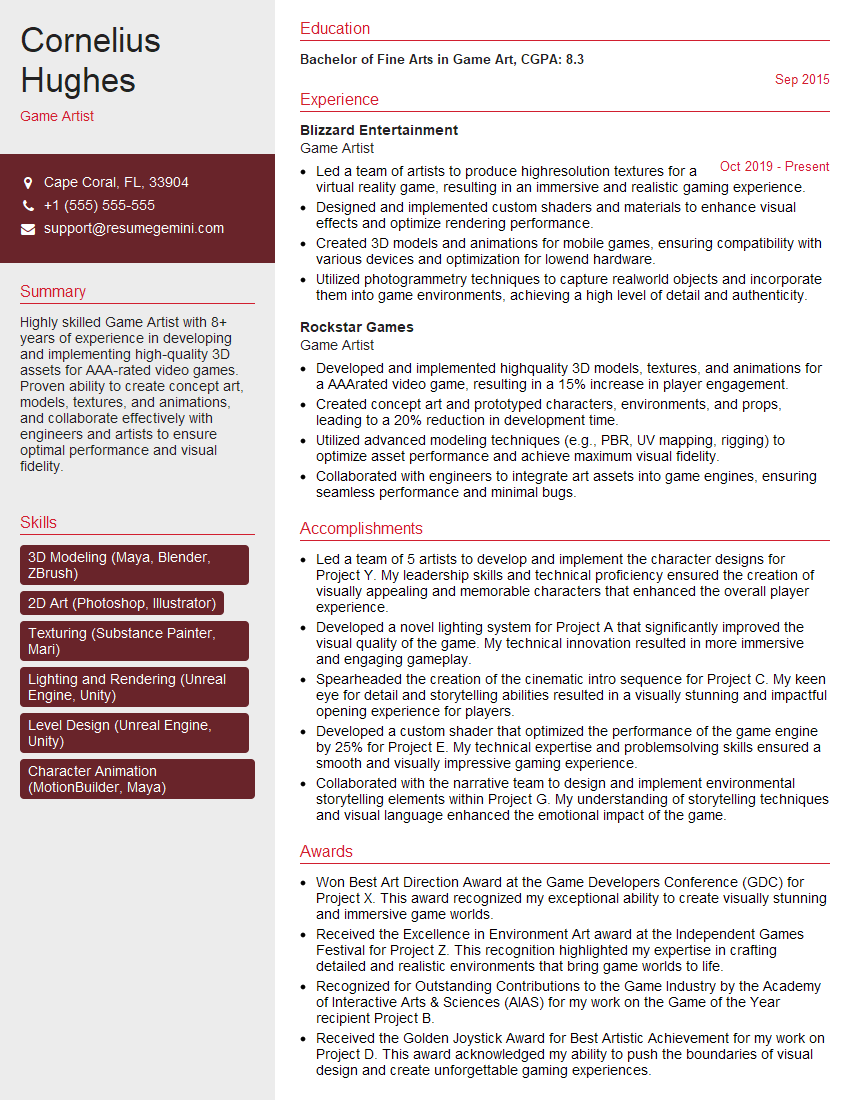
Game Artist Resume Sample

Graphic Designer Resume Sample

Packaging Designer Resume Sample

Production Artist Resume Sample
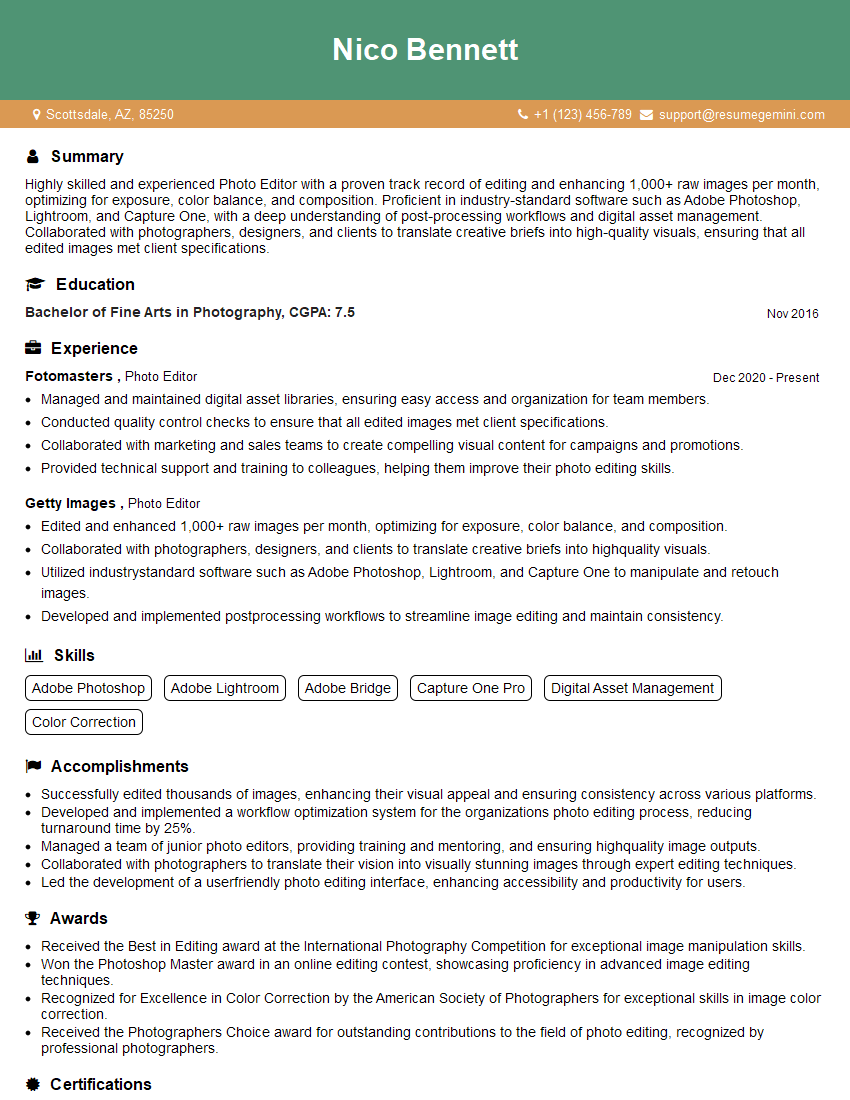
Photo Editor Resume Sample

Prepress Technician Resume Sample
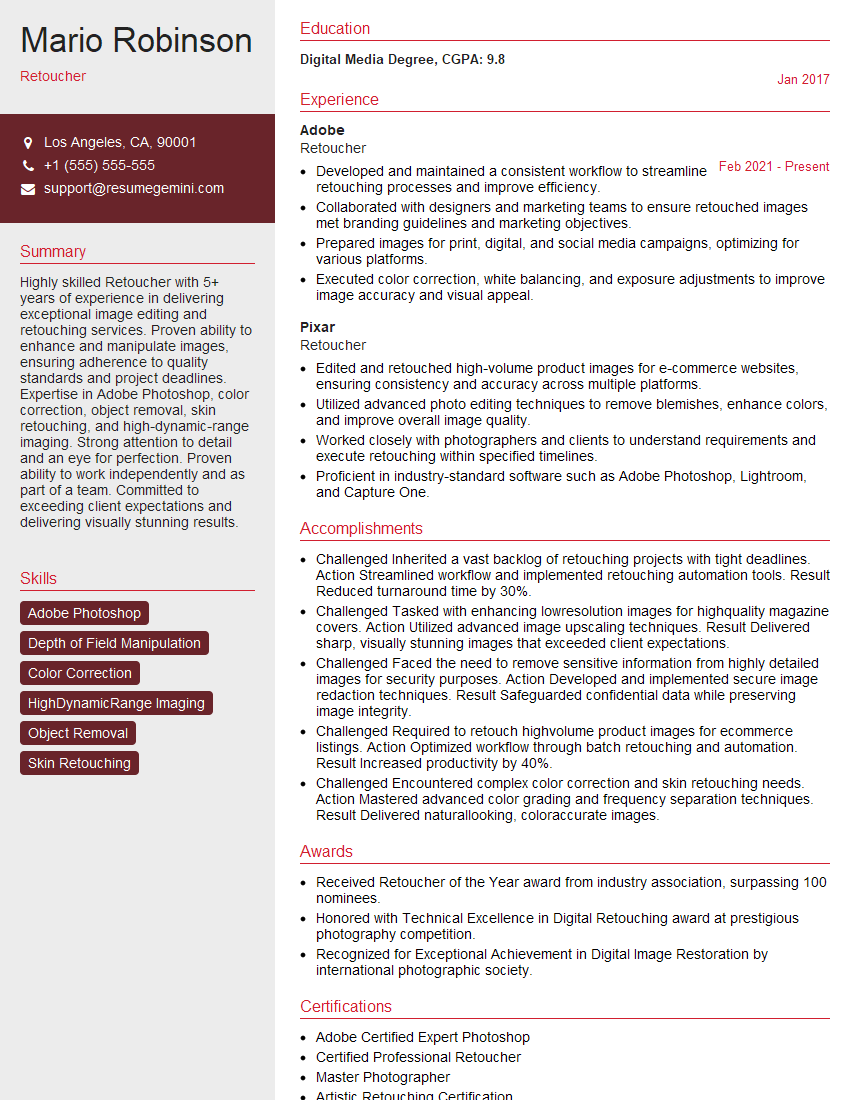
Retoucher Resume Sample

UX Designer Resume Sample
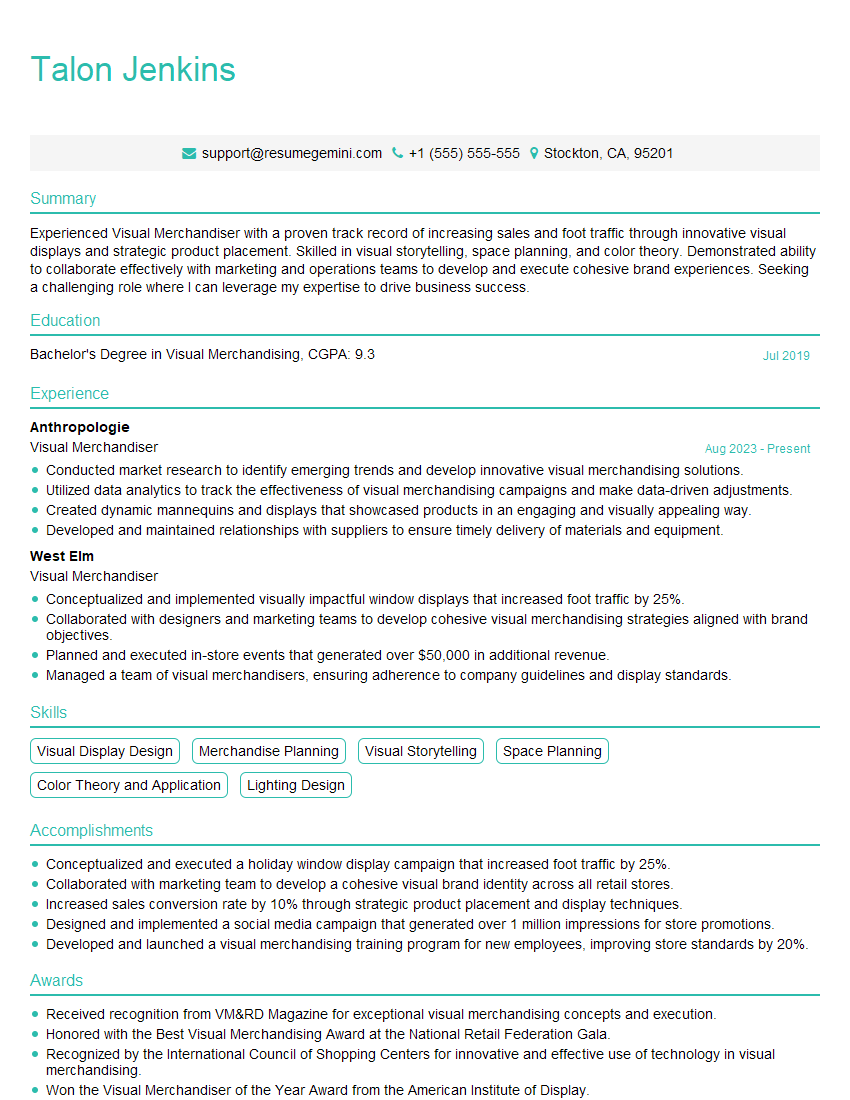
Visual Merchandiser Resume Sample
Explore more articles
Users Rating of Our Blogs
Share Your Experience
We value your feedback! Please rate our content and share your thoughts (optional).
What Readers Say About Our Blog
Very informative content, great job.
good