Unlock your full potential by mastering the most common Knowledge of Software interview questions. This blog offers a deep dive into the critical topics, ensuring you’re not only prepared to answer but to excel. With these insights, you’ll approach your interview with clarity and confidence.
Questions Asked in Knowledge of Software Interview
Q 1. Explain the difference between procedural and object-oriented programming.
Procedural programming and object-oriented programming (OOP) represent fundamentally different approaches to structuring code. Procedural programming treats a program as a sequence of instructions or procedures, focusing on *what* to do. In contrast, OOP organizes code around ‘objects’ that encapsulate both data (attributes) and the methods (functions) that operate on that data. Think of it like this: procedural programming is like a recipe, listing steps one after another. OOP is like building with LEGOs, where each brick (object) has its own properties and capabilities, and you combine them to create something complex.
- Procedural Programming: Code is organized into functions or procedures that operate on data. Data and functions are largely separate. Example: A function to calculate the area of a circle takes the radius as input and returns the area.
- Object-Oriented Programming: Code is organized into classes that define objects. Objects combine data and functions (methods) that act upon that data. Example: A
Circleclass would have an attributeradiusand a methodcalculateArea().
The difference is profound in terms of code organization, reusability, and maintainability. OOP is generally favored for larger, more complex projects due to its better structure and modularity.
Q 2. What are the advantages and disadvantages of using different programming paradigms?
Different programming paradigms, such as procedural, object-oriented, functional, and logic programming, each offer distinct advantages and disadvantages. The best choice depends heavily on the project’s nature and requirements.
- Procedural Programming:
- Advantages: Simple to learn, efficient for smaller programs.
- Disadvantages: Difficult to maintain and scale for large projects, limited reusability.
- Object-Oriented Programming:
- Advantages: Modularity, reusability, easier maintenance, scalability.
- Disadvantages: Steeper learning curve, can be less efficient than procedural programming for simple tasks.
- Functional Programming:
- Advantages: Concurrency, immutability (leading to fewer bugs), improved code readability.
- Disadvantages: Can be less intuitive for beginners, requires a paradigm shift in thinking.
- Logic Programming:
- Advantages: Declarative style, suitable for AI and knowledge representation.
- Disadvantages: Limited applicability outside specialized domains, can be less efficient for certain tasks.
For instance, a simple script to automate a task might benefit from procedural programming’s simplicity. A large-scale enterprise application would likely be better served by the structure and reusability of OOP. A system requiring high concurrency and reliability might benefit from functional programming principles.
Q 3. Describe the software development lifecycle (SDLC) and its various models.
The Software Development Life Cycle (SDLC) is a structured process for planning, creating, testing, and deploying software. Various models exist, each with its own strengths and weaknesses. Think of it as a roadmap for building software, ensuring quality and efficiency.
- Waterfall Model: A linear, sequential approach where each phase must be completed before the next begins. Simple to understand but inflexible and risky for complex projects.
- Agile Models (Scrum, Kanban): Iterative and incremental approaches emphasizing flexibility and collaboration. Work is broken into short sprints or iterations, allowing for adjustments based on feedback.
- Iterative Model: Development proceeds through cycles, with each cycle producing a more complete version of the software. Allows for early user feedback and adaptation.
- Spiral Model: Combines iterative development with risk assessment. Suitable for large, complex projects with high risk.
- V-Model: An extension of the waterfall model, emphasizing testing at each stage of development. Ensures thorough testing but can be rigid.
Choosing the right SDLC model is crucial. For instance, a small project with clearly defined requirements might suit the waterfall model, while a large, evolving project benefits significantly from the flexibility of an Agile approach.
Q 4. Explain the concept of version control and its importance in software development.
Version control is a system that records changes to a file or set of files over time so that you can recall specific versions later. Think of it like Google Docs’ revision history, but for code. It’s essential for software development because it allows multiple developers to collaborate on a project, track changes, revert to previous versions if needed, and manage different versions (branches) of the software concurrently.
Popular version control systems include Git, SVN, and Mercurial. Git, in particular, is widely used for its distributed nature (each developer has a local copy of the repository), branching capabilities, and robust features for collaboration.
Without version control, coordinating work among multiple developers would be extremely difficult and error-prone. Imagine trying to merge code changes manually – it’s a recipe for chaos! Version control not only facilitates collaboration but also serves as a safety net, allowing you to easily undo mistakes or revert to stable versions.
Q 5. What are some common design patterns and when would you use them?
Design patterns are reusable solutions to commonly occurring problems in software design. They provide a blueprint for solving a particular problem within a given context. Using them improves code readability, maintainability, and reusability.
- Singleton Pattern: Ensures that only one instance of a class is created. Useful for managing resources like database connections or logging services.
Example: A database connection pool - Factory Pattern: Provides an interface for creating objects without specifying the exact class of object that will be created. Useful when you need to create different types of objects based on some criteria.
Example: Creating different types of vehicles (cars, trucks, motorcycles) from a single factory - Observer Pattern: Defines a one-to-many dependency between objects. When one object changes state, all its dependents are notified and updated automatically.
Example: A stock ticker updating multiple clients simultaneously - MVC (Model-View-Controller): Separates the application’s concerns into three interconnected parts: Model (data), View (presentation), and Controller (logic). Improves code organization and maintainability in web applications.
Choosing the right design pattern depends on the specific problem you are trying to solve. Understanding the common patterns allows for quicker development and more robust code.
Q 6. Explain the difference between SQL and NoSQL databases.
SQL and NoSQL databases represent different approaches to data storage and retrieval. SQL databases (relational databases) organize data into tables with rows and columns, enforcing relationships between data using keys. NoSQL databases (non-relational databases) offer more flexible data models, including key-value stores, document databases, graph databases, and wide-column stores.
- SQL Databases (e.g., MySQL, PostgreSQL):
- Advantages: Data integrity, ACID properties (Atomicity, Consistency, Isolation, Durability), well-established querying language (SQL).
- Disadvantages: Schema rigidity, scalability challenges for large datasets.
- NoSQL Databases (e.g., MongoDB, Cassandra, Redis):
- Advantages: Scalability, flexibility in data models, high performance for specific use cases.
- Disadvantages: Can lack data integrity, complex querying in some cases.
The choice between SQL and NoSQL depends on the application’s needs. If you need strong data integrity and relationships between data, a SQL database is suitable. If you need scalability and flexibility to handle diverse data types and high volumes, a NoSQL database might be a better choice. For example, an e-commerce website might use a SQL database for structured product data and a NoSQL database for managing user profiles and session data.
Q 7. What is RESTful API and how does it work?
A RESTful API (Representational State Transfer Application Programming Interface) is an architectural style for building web services. It uses standard HTTP methods (GET, POST, PUT, DELETE) to interact with resources identified by URLs. Think of it as a waiter taking your order (request) and bringing you your food (response) from the kitchen (server).
A RESTful API works by defining resources (e.g., users, products, orders) and exposing operations (create, read, update, delete – CRUD) on those resources through HTTP requests. Each request includes the resource URL and the appropriate HTTP method. The server processes the request and returns a response, typically in JSON or XML format. The key principles of REST include statelessness (each request contains all necessary information), client-server architecture, and caching.
For example, to retrieve a list of users from a RESTful API, you might make a GET request to the URL /users. The server would then return a JSON array of user data. To create a new user, you would send a POST request to the same URL with the user’s information in the request body.
Q 8. How do you handle errors and exceptions in your code?
Robust error handling is crucial for building reliable software. My approach involves a multi-layered strategy combining preventative measures, exception handling, and logging. I begin by writing clean, well-documented code, aiming to prevent errors from occurring in the first place through careful input validation and edge case consideration. Think of it like building a sturdy house – you wouldn’t skip reinforcing the foundation!
For situations where errors are unavoidable, I leverage exception handling mechanisms specific to the programming language. In Python, for instance, I use try...except blocks to gracefully handle potential exceptions like FileNotFoundError or TypeError. This prevents the program from crashing and allows me to provide informative error messages or take corrective actions.
try:
    file = open("myfile.txt", "r")
    # Code that might raise an exception
except FileNotFoundError:
    print("File not found!")
except Exception as e:
    print(f"An error occurred: {e}")
finally:
    file.close() # Ensure resource cleanup
Finally, comprehensive logging is essential. I use logging libraries to record both expected and unexpected events, providing detailed information about the error, its context, and the time it occurred. This is invaluable for debugging and post-mortem analysis. Imagine a detailed log as a detective’s notebook – it provides crucial clues to solve the mystery of a software malfunction.
Q 9. Describe your experience with different testing methodologies (unit, integration, system).
My experience spans all three testing methodologies: unit, integration, and system. I view testing not as a separate phase, but as an integral part of the development lifecycle. It’s like quality control in a manufacturing plant – continuous checks ensure the final product meets standards.
Unit Testing: I write unit tests to verify the functionality of individual components or modules in isolation. I use frameworks like JUnit (Java) or pytest (Python) to create these tests. This ensures that each building block works correctly before integration.
Integration Testing: After unit testing, I move to integration testing, where I verify the interaction between different modules. This is like testing the connections between different parts of a machine. Here, I check that data flows correctly between components and that they work seamlessly together.
System Testing: Finally, system testing evaluates the entire system as a whole. This is the final check, making sure all components work harmoniously. It often includes functional and non-functional testing like performance, security, and usability testing.
I strongly advocate for Test-Driven Development (TDD) where tests are written *before* the code, ensuring that the code meets the specifications right from the start. It’s like designing a blueprint before construction. This approach drastically reduces bugs and improves code quality.
Q 10. Explain the concept of Agile development methodology.
Agile development is an iterative approach to software development focused on flexibility and collaboration. Instead of a rigid, sequential plan, Agile embraces incremental progress, adapting to changing requirements throughout the project. Think of it as building with LEGOs – you can adjust and add features as you go, unlike a prefabricated house.
Key principles of Agile include:
- Iterative Development: Breaking down the project into smaller, manageable iterations (sprints) usually lasting 1-4 weeks. Each iteration produces a working increment of the software.
- Continuous Feedback: Regularly involving stakeholders (clients, users) to get feedback and adapt the product accordingly. This ensures that the final product meets their needs.
- Collaboration: Fostering close collaboration between developers, testers, and stakeholders through daily stand-up meetings and sprint reviews.
- Adaptability: Embracing change and adjusting the plan as needed throughout the project. This allows for incorporating new requirements or addressing unforeseen challenges.
Popular Agile methodologies include Scrum and Kanban, each with its unique practices and tools, but all sharing the core principles of iteration, feedback, and collaboration.
Q 11. What are some common software development tools you’ve used?
My toolkit includes a wide range of software development tools, catering to different aspects of the software development lifecycle. These tools are essential for efficiency and code quality, just as a carpenter needs the right tools for a successful project.
- Integrated Development Environments (IDEs): IntelliJ IDEA (Java), VS Code (multi-language), PyCharm (Python).
- Version Control Systems (VCS): Git, used extensively for managing code changes and collaboration.
- Testing Frameworks: JUnit, pytest, Mocha (JavaScript).
- Build Tools: Maven, Gradle, npm.
- Project Management Tools: Jira, Trello, Asana.
- Debugging Tools: Debuggers built into IDEs, along with logging libraries for more complex issues.
The choice of specific tools depends heavily on the project’s requirements and the technologies used. I’m comfortable adapting to new tools as needed, as the software landscape is constantly evolving.
Q 12. Describe your experience with cloud platforms (AWS, Azure, GCP).
I have practical experience with AWS, Azure, and GCP, each offering a unique set of services. Choosing the right cloud platform depends on project specifics and company preference, but I’m proficient in leveraging their core services for various needs.
AWS (Amazon Web Services): I’ve used services like EC2 (virtual machines), S3 (object storage), RDS (database services), and Lambda (serverless computing). AWS is known for its extensive range of services and mature ecosystem.
Azure (Microsoft Azure): My experience includes using Azure VMs, Azure Blob Storage, Azure SQL Database, and Azure Functions. Azure excels in integration with Microsoft technologies.
GCP (Google Cloud Platform): I’ve worked with Compute Engine (virtual machines), Cloud Storage, Cloud SQL, and Cloud Functions. GCP’s strengths lie in its data analytics and machine learning capabilities.
Beyond specific services, I understand the importance of cloud-native development principles, such as containerization (Docker, Kubernetes) and infrastructure as code (Terraform, CloudFormation) for building scalable and resilient applications.
Q 13. How do you ensure code quality and maintainability?
Maintaining code quality and maintainability is a continuous process, not a one-time task. I approach this through a multi-pronged strategy that starts from the initial design phase and extends throughout the software’s lifecycle. Think of it as maintaining a well-kept garden – consistent care and attention are essential.
Coding Standards and Style Guides: Adhering to consistent coding style and standards (like PEP 8 for Python) ensures readability and understandability. It’s like using a common language for everyone to understand the code.
Code Reviews: Conducting thorough code reviews with colleagues helps identify potential issues early on. This collaborative approach provides diverse perspectives and improves code quality.
Automated Testing: Implementing comprehensive unit, integration, and system tests helps catch bugs before they reach production. This automated safety net significantly reduces the risk of deployment failures.
Refactoring: Regularly refactoring code to improve its design, structure, and efficiency. This is like remodeling a house to enhance its functionality and aesthetics. It prevents technical debt from accumulating.
Documentation: Writing clear and concise documentation for both the code and the application’s functionality. This ensures that others can understand and maintain the code even after significant time has passed.
These practices, when consistently applied, result in maintainable, understandable, and reliable software.
Q 14. Explain the concept of data structures and algorithms.
Data structures and algorithms are fundamental concepts in computer science. Data structures organize and store data efficiently, while algorithms define the steps to solve a computational problem. They’re like the building blocks and the instructions for building a house – you need both to achieve your goal.
Data Structures: These are ways of organizing data in a computer to make it easier to access and manipulate. Examples include:
- Arrays: Ordered collections of elements, accessed by index.
- Linked Lists: Collections of elements linked together, allowing for efficient insertion and deletion.
- Trees: Hierarchical structures used for efficient searching and sorting.
- Graphs: Representations of relationships between entities, used in social networks, route planning, etc.
- Hash Tables: Data structures that provide fast key-value lookups.
Algorithms: These are step-by-step procedures to solve problems. Choosing the right algorithm significantly impacts the efficiency and performance of a program. Examples include:
- Searching Algorithms: Linear search, binary search.
- Sorting Algorithms: Bubble sort, merge sort, quicksort.
- Graph Algorithms: Breadth-first search, depth-first search.
The choice of data structure and algorithm depends on the specific problem and the desired performance characteristics. A deep understanding of these concepts is crucial for building efficient and scalable software.
Q 15. What are some common algorithms and their time complexities?
Algorithms are step-by-step procedures for solving problems. Time complexity describes how the runtime of an algorithm scales with the input size. We often express this using Big O notation, focusing on the dominant factors as the input grows very large.
- Linear Search: Checks each element sequentially. Time complexity: O(n), where n is the number of elements. Imagine searching for a specific book on a shelf; you might have to look at every book (worst-case scenario).
- Binary Search: Works on sorted data, repeatedly dividing the search interval in half. Time complexity: O(log n). Think of finding a word in a dictionary; you don’t start from the beginning, you open it roughly to the middle.
- Bubble Sort: Repeatedly steps through the list, compares adjacent elements and swaps them if they are in the wrong order. Time complexity: O(n2). While simple, it’s inefficient for large datasets.
- Merge Sort: A divide-and-conquer algorithm that recursively divides the list into smaller sublists until each sublist contains only one element, then repeatedly merges the sublists to produce new sorted sublists until there is only one sorted list remaining. Time complexity: O(n log n). It’s much more efficient than Bubble Sort for larger datasets.
- Quick Sort: Another divide-and-conquer algorithm that picks an element as a pivot and partitions the other elements into two sub-arrays, according to whether they are less than or greater than the pivot. Time complexity: Average case O(n log n), worst case O(n2). Its performance heavily depends on pivot selection.
Understanding time complexity is crucial for choosing the right algorithm for a given task. A poorly chosen algorithm can drastically impact performance, especially with large datasets.
Career Expert Tips:
- Ace those interviews! Prepare effectively by reviewing the Top 50 Most Common Interview Questions on ResumeGemini.
- Navigate your job search with confidence! Explore a wide range of Career Tips on ResumeGemini. Learn about common challenges and recommendations to overcome them.
- Craft the perfect resume! Master the Art of Resume Writing with ResumeGemini’s guide. Showcase your unique qualifications and achievements effectively.
- Don’t miss out on holiday savings! Build your dream resume with ResumeGemini’s ATS optimized templates.
Q 16. How do you approach debugging complex software issues?
Debugging complex software issues requires a systematic approach. I typically follow these steps:
- Reproduce the bug: The first step is to consistently reproduce the issue. This involves identifying the exact steps needed to trigger the bug, including input data and system configuration. Detailed notes are crucial here.
- Isolate the problem: Once I can consistently reproduce the problem, I try to isolate the source of the error by using techniques like binary search (dividing the code into halves and testing) or removing sections of code until the bug disappears.
- Utilize debugging tools: I rely heavily on debuggers (like GDB for C++, or the integrated debuggers in IDEs) to step through the code line by line, inspect variables, and track the program’s execution flow. Log files and print statements are also invaluable.
- Analyze logs and error messages: Error messages and log files provide critical clues about the nature and location of the problem. These messages must be read carefully.
- Use version control effectively: Having a version control system (like Git) helps me track changes and revert to previous working versions if needed. This is essential for debugging complex issues.
- Seek help when necessary: If I am stuck, I consult with colleagues, online forums, or documentation to gain a fresh perspective or find solutions. Collaboration often accelerates the process.
Remember, patience and persistence are key to successful debugging. It’s often a process of elimination, and the debugging process itself teaches valuable lessons about your code and problem-solving.
Q 17. Describe your experience with different databases (MySQL, PostgreSQL, MongoDB).
I have extensive experience with relational databases (MySQL and PostgreSQL) and NoSQL databases (MongoDB).
- MySQL: I’ve used MySQL extensively in web applications, leveraging its robust features like stored procedures, triggers, and transactions for data integrity and performance. I’m familiar with its various storage engines (InnoDB, MyISAM) and optimization techniques.
- PostgreSQL: I prefer PostgreSQL for its advanced features such as JSON support, full-text search, and its strong focus on standards compliance. I’ve used it in projects requiring high data integrity and complex queries.
- MongoDB: I utilize MongoDB when dealing with unstructured or semi-structured data, leveraging its flexibility and scalability for projects like content management or analytics. I understand the tradeoffs between relational and NoSQL databases and choose the best fit for the specific project requirements.
My experience includes designing database schemas, writing efficient queries, implementing data backup and recovery strategies, and optimizing database performance. I understand the importance of choosing the right database for a particular application, considering factors like data structure, scalability needs, and consistency requirements.
Q 18. Explain the difference between front-end and back-end development.
Front-end and back-end development represent distinct but interdependent aspects of software development.
- Front-end development focuses on the user interface (UI) and user experience (UX) – what the user sees and interacts with directly. This typically involves HTML, CSS, and JavaScript, and frameworks like React, Angular, or Vue.js. The front-end handles the presentation layer and user interactions, often communicating with the back-end to fetch and display data.
- Back-end development deals with the server-side logic, databases, and APIs. It handles data storage, processing, and security. Languages like Python, Java, Node.js, PHP, and frameworks like Django, Spring, or Ruby on Rails are commonly used. The back-end handles the business logic and data management.
Consider an e-commerce website: The front-end is what the customer sees – the product catalog, shopping cart, and checkout process. The back-end handles order processing, inventory management, and payment processing. Both are essential for a functional and user-friendly application.
Q 19. What is the role of a software architect?
A software architect plays a crucial role in the overall design and structure of a software system. They are responsible for making high-level design choices and technical decisions that impact the entire system’s architecture. This includes:
- Defining the system architecture: Choosing the right technologies, frameworks, and patterns to meet the project’s requirements. This involves considering scalability, maintainability, security, and performance.
- Designing the system components: Creating blueprints for individual components and how they interact with each other. They ensure that components are well-defined, modular, and reusable.
- Technology selection: Choosing appropriate programming languages, databases, and other technologies based on factors like performance, scalability, and maintainability.
- Managing technical debt: They work to minimize technical debt by making informed design choices and ensuring that the codebase remains maintainable over time.
- Collaboration and communication: They communicate effectively with developers, stakeholders, and clients to ensure that the system meets its requirements. They often act as a bridge between business needs and technical implementation.
Essentially, the software architect acts as the guiding force behind a software project’s technical vision, ensuring a robust, scalable, and maintainable system.
Q 20. How do you stay up-to-date with the latest technologies?
Staying up-to-date with the latest technologies is critical in the software industry. I employ several strategies:
- Following industry blogs and publications: I regularly read blogs, articles, and newsletters from reputable sources to keep abreast of new trends and technologies. This includes publications focused on specific programming languages or frameworks that I use.
- Participating in online communities and forums: Engaging in online communities like Stack Overflow and Reddit provides access to discussions, solutions, and insights from experienced professionals.
- Attending conferences and workshops: Conferences and workshops offer opportunities to learn from experts, network with peers, and gain hands-on experience with new technologies.
- Taking online courses and tutorials: Platforms like Coursera, edX, and Udemy offer a vast array of courses that cover cutting-edge technologies and techniques.
- Experimenting with new technologies: I dedicate time to experimenting with new technologies and frameworks in personal projects. This hands-on approach helps me understand their strengths and weaknesses.
Continuous learning is a vital part of my professional development and allows me to apply the best and most effective solutions to the challenges I face.
Q 21. What is your experience with different programming languages?
My programming language experience spans various paradigms. I’m highly proficient in:
- Python: My go-to language for scripting, data analysis, machine learning, and back-end development. I’m familiar with various frameworks like Django and Flask.
- Java: I have experience building large-scale enterprise applications using Java, leveraging its object-oriented capabilities and extensive libraries. I’m comfortable working with Spring framework.
- JavaScript: I’m proficient in front-end development using JavaScript, including frameworks like React and Node.js for back-end development.
- C++: I use C++ for performance-critical applications and systems programming, where its efficiency is crucial.
- SQL: My SQL skills are strong, covering both procedural and declarative approaches. I am proficient in writing efficient queries across different database systems.
I’m also familiar with other languages like Go and C#, and I’m always eager to learn new languages as needed for specific projects. Choosing the right language depends heavily on the project’s context and requirements.
Q 22. Describe your experience with different operating systems.
Throughout my career, I’ve worked extensively with various operating systems, including Windows, macOS, and several Linux distributions like Ubuntu and CentOS. My experience spans both client-side and server-side environments. For example, I’ve developed and deployed applications on Windows servers using IIS, while also building and managing applications on Linux servers using Apache and Nginx. On the client-side, I’ve developed applications compatible with both Windows and macOS, ensuring cross-platform functionality and a consistent user experience. Understanding the nuances of each OS—from file system structures and system calls to security protocols—is crucial for building robust and reliable software.
My familiarity with different OS environments extends to managing and troubleshooting systems. I can handle tasks like configuring network settings, managing users and permissions, and troubleshooting system errors. This holistic approach enables me to anticipate potential problems and develop solutions that work effectively across diverse operating systems.
Q 23. Explain the concept of software security and its importance.
Software security is the practice of designing, developing, and maintaining software to protect it from vulnerabilities and attacks. It’s absolutely critical because insecure software can lead to data breaches, financial losses, reputational damage, and even physical harm. Think of it like building a house: you wouldn’t build it without strong foundations, sturdy walls, and secure locks. Similarly, software needs strong security measures from the ground up.
Key aspects include:
- Authentication and Authorization: Verifying the identity of users and controlling their access to resources.
- Data Encryption: Protecting sensitive data both in transit and at rest.
- Input Validation: Preventing malicious input from compromising the system (SQL injection, XSS).
- Secure Coding Practices: Avoiding common vulnerabilities like buffer overflows and race conditions.
- Regular Security Audits and Penetration Testing: Identifying weaknesses before attackers can exploit them.
My experience involves implementing these practices through secure coding techniques, utilizing security frameworks, and regularly testing for vulnerabilities. I’m also familiar with various security protocols and best practices.
Q 24. How do you handle conflicts in a team environment?
Conflicts are inevitable in team environments, but handling them constructively is key to success. My approach is based on open communication, active listening, and finding solutions that work for everyone. I start by ensuring everyone feels heard and understood. This usually involves creating a safe space where team members can openly express their concerns and perspectives. I focus on the problem, not the person—we’re all working towards the same goal.
If the conflict involves differing technical approaches, I’ll facilitate a discussion exploring the pros and cons of each, often resorting to evidence-based arguments and prioritizing the best solution for the project. If personalities are clashing, I’ll work to mediate and find common ground. I believe in collaboration, not confrontation. My goal is always to find a resolution that leads to improved teamwork and a stronger project outcome.
Q 25. Describe your experience with Git and its branching strategies.
Git is an essential version control system I use daily. I’m proficient in its core commands, branching strategies, and collaborative workflows. I frequently use branching strategies like git flow or GitHub flow, depending on project needs. Git flow is useful for larger projects with formal release cycles, while GitHub flow provides a simpler and more agile approach for smaller, faster-paced projects.
For example, in a large project using git flow, I’d create feature branches for new functionality, develop and test there, then merge into the develop branch. Once ready for release, the develop branch would be merged into the master branch after thorough testing. In GitHub flow, I’d usually work directly off master, creating short-lived branches for individual features and merging them back quickly. My understanding extends to resolving merge conflicts, utilizing pull requests for code review, and managing remote repositories efficiently.
Q 26. How would you design a scalable and maintainable system?
Designing a scalable and maintainable system requires careful consideration of several factors. Scalability means the system can handle increasing amounts of data, users, and traffic without significant performance degradation. Maintainability refers to how easy it is to update, debug, and extend the system over time. The key is to build with modularity, flexibility, and efficiency in mind.
- Microservices Architecture: Breaking down the system into smaller, independent services allows for easier scaling and deployment of individual components.
- Horizontal Scaling: Adding more servers to handle increased load.
- Database Optimization: Using appropriate database technology and optimizing queries.
- Caching Strategies: Reducing database load by caching frequently accessed data.
- Code Modularity and Clean Code Practices: Writing well-documented, testable, and easily understandable code.
- Version Control (Git): Tracking changes and enabling easy rollback.
- Continuous Integration/Continuous Deployment (CI/CD): Automating testing and deployment processes.
For example, an e-commerce website might use microservices for user accounts, product catalog, order processing, and payment gateway, allowing each component to scale independently based on demand.
Q 27. What is your approach to problem-solving in software development?
My approach to problem-solving in software development is systematic and iterative. It begins with clearly understanding the problem, gathering all relevant information, and defining the desired outcome. I often use a structured approach like:
- Problem Definition: Clearly stating the problem and its context.
- Information Gathering: Researching and collecting data to understand the problem’s root cause.
- Solution Brainstorming: Generating multiple potential solutions.
- Solution Evaluation: Assessing the feasibility, cost, and effectiveness of each solution.
- Solution Implementation: Choosing the best solution and implementing it.
- Testing and Verification: Thoroughly testing the implemented solution to ensure it meets requirements.
- Iteration and Refinement: Continuously iterating and improving the solution based on feedback and testing results.
I’m comfortable utilizing debugging tools, analyzing logs, and leveraging various problem-solving techniques to pinpoint and address issues effectively. The key is to remain flexible and adapt my approach based on the specifics of each challenge.
Q 28. Describe a challenging software project you worked on and how you overcame its challenges.
One challenging project involved developing a high-traffic, real-time data processing system for a financial institution. The challenge stemmed from the need for extremely low latency and high availability, while handling massive volumes of data. Initial attempts using a monolithic architecture proved insufficient; the system was slow and prone to bottlenecks.
To overcome this, we redesigned the system using a microservices architecture with a distributed message queue. This allowed us to scale individual components independently, distribute the load more effectively, and handle failures gracefully. We implemented robust monitoring and logging to track performance and identify potential issues proactively. We also invested heavily in automated testing to catch errors early in the development cycle. The result was a system that met the stringent performance and reliability requirements, demonstrating the importance of choosing the right architecture and prioritizing robust testing.
Key Topics to Learn for Knowledge of Software Interview
- Software Development Life Cycle (SDLC): Understand different methodologies (Agile, Waterfall), their strengths and weaknesses, and how they impact project management.
- Data Structures and Algorithms: Grasp fundamental data structures (arrays, linked lists, trees, graphs) and common algorithms (searching, sorting, graph traversal). Practice implementing them in your preferred language.
- Object-Oriented Programming (OOP): Master concepts like encapsulation, inheritance, polymorphism, and abstraction. Be prepared to discuss their practical applications and benefits.
- Databases: Familiarize yourself with relational (SQL) and NoSQL databases. Understand database design principles, querying, and normalization.
- Software Design Patterns: Learn about common design patterns (e.g., Singleton, Factory, Observer) and when to apply them for efficient and maintainable code.
- Version Control (Git): Demonstrate proficiency in using Git for collaboration, branching, merging, and resolving conflicts. Understanding Git workflows is crucial.
- Software Testing and Debugging: Know different testing methodologies (unit, integration, system testing) and debugging techniques. Be able to discuss strategies for writing robust and testable code.
- Software Architecture: Understand different architectural patterns (microservices, layered architecture) and their implications for scalability and maintainability.
- Problem-Solving and Critical Thinking: Practice tackling coding challenges and algorithmic problems. Develop your ability to break down complex problems into smaller, manageable parts.
Next Steps
Mastering these key areas of software knowledge is vital for career advancement in the tech industry. A strong foundation in these concepts will significantly increase your interview success rate and open doors to exciting opportunities. To further enhance your job prospects, create an ATS-friendly resume that highlights your skills and experience effectively. ResumeGemini is a trusted resource to help you build a professional and impactful resume. They provide examples of resumes tailored to Knowledge of Software, ensuring your application stands out.

Data Scientist Resume Sample

Software Engineer Resume Sample
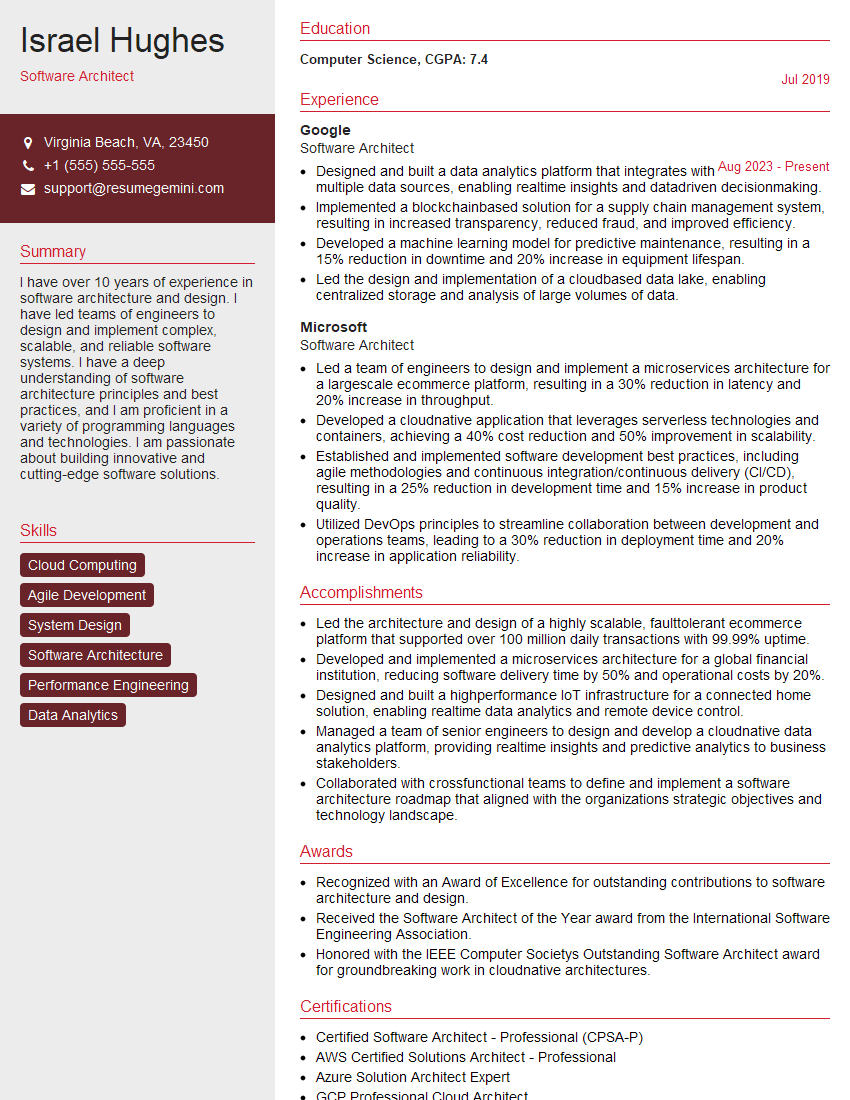
Software Architect Resume Sample
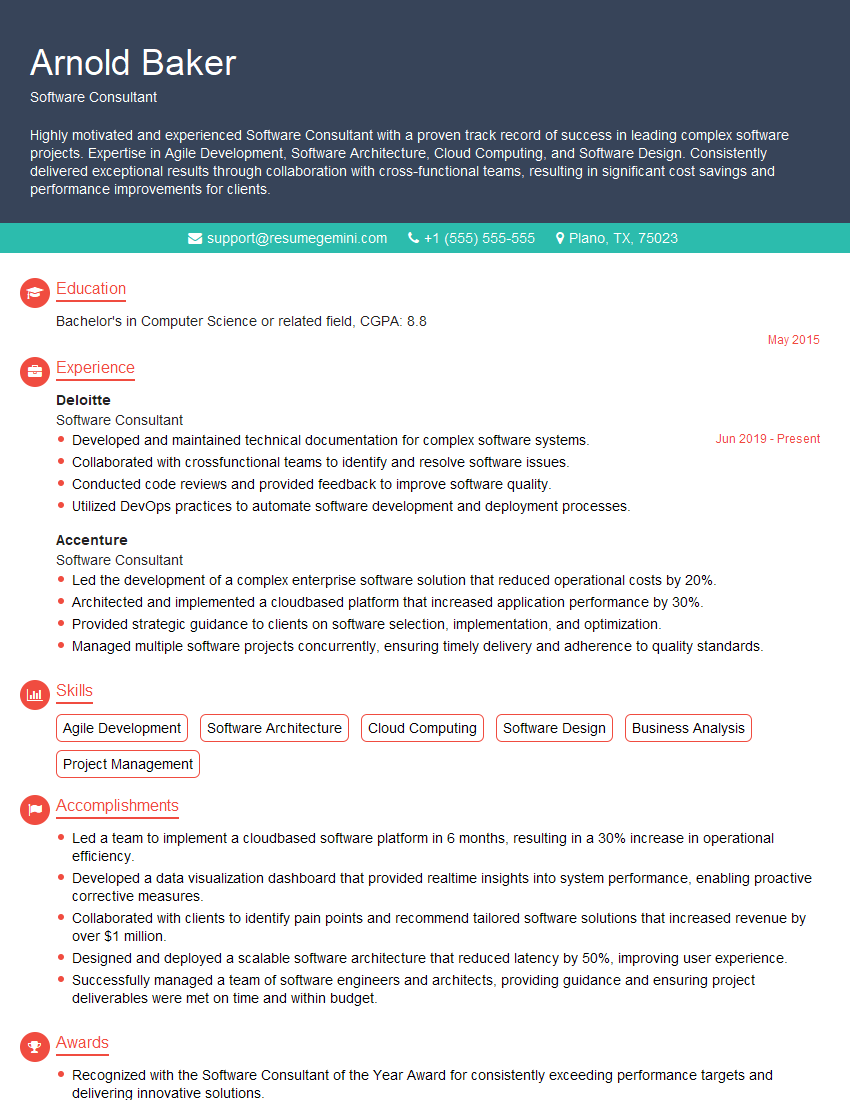
Software Consultant Resume Sample
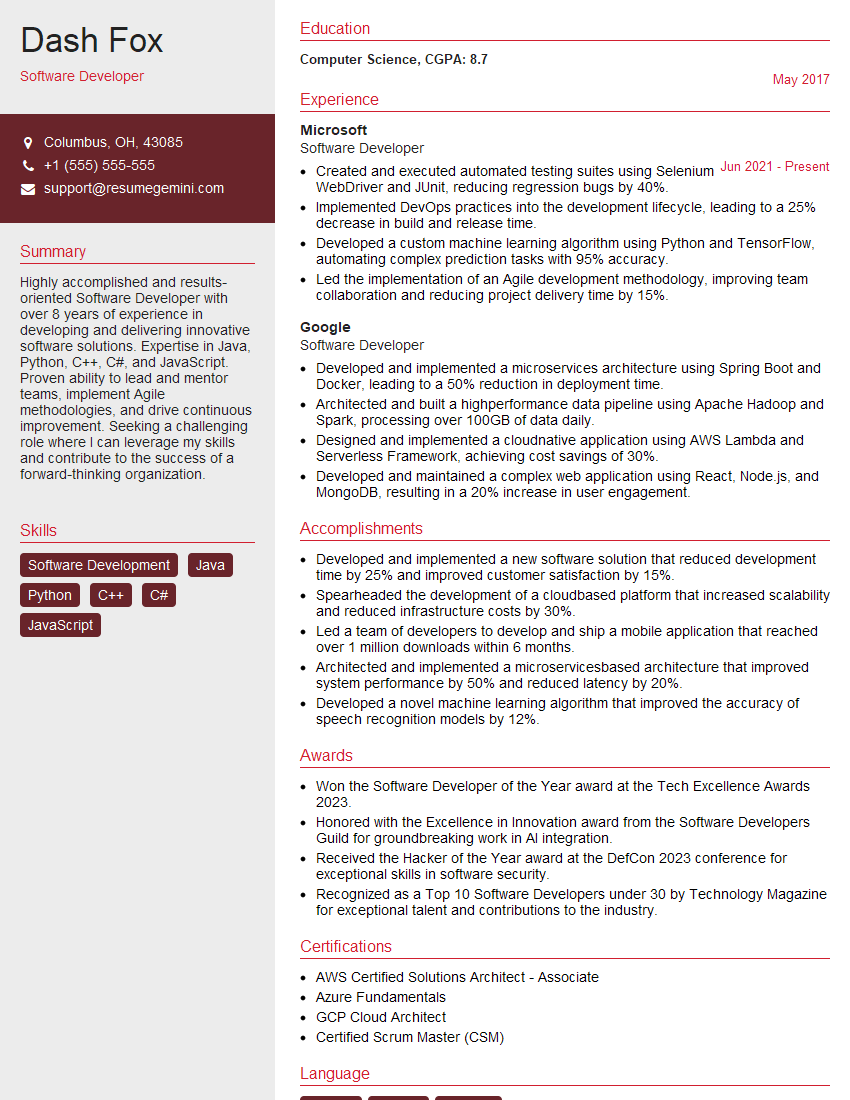
Software Developer Resume Sample

Software Tester Resume Sample

Solutions Architect Resume Sample

Senior Software Engineer Resume Sample

Web Developer Resume Sample
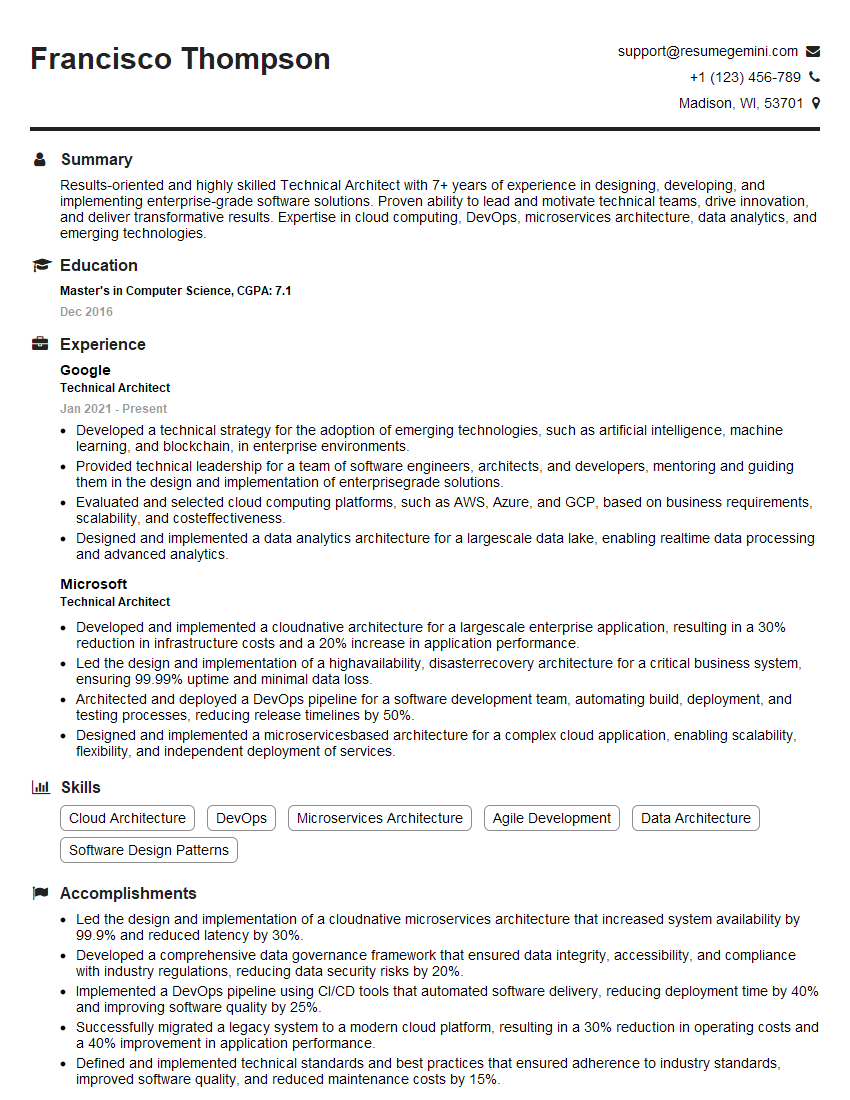
Technical Architect Resume Sample

IT Manager Resume Sample
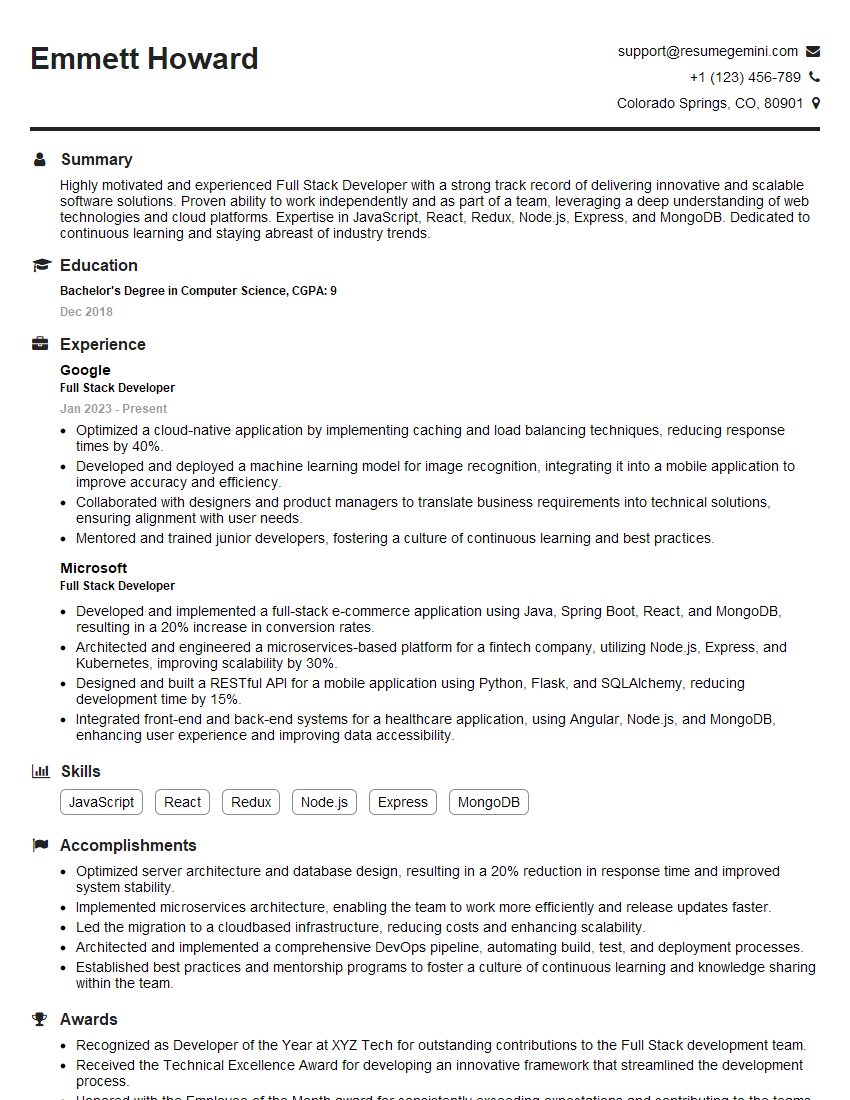
Full Stack Developer Resume Sample

Database Administrator Resume Sample
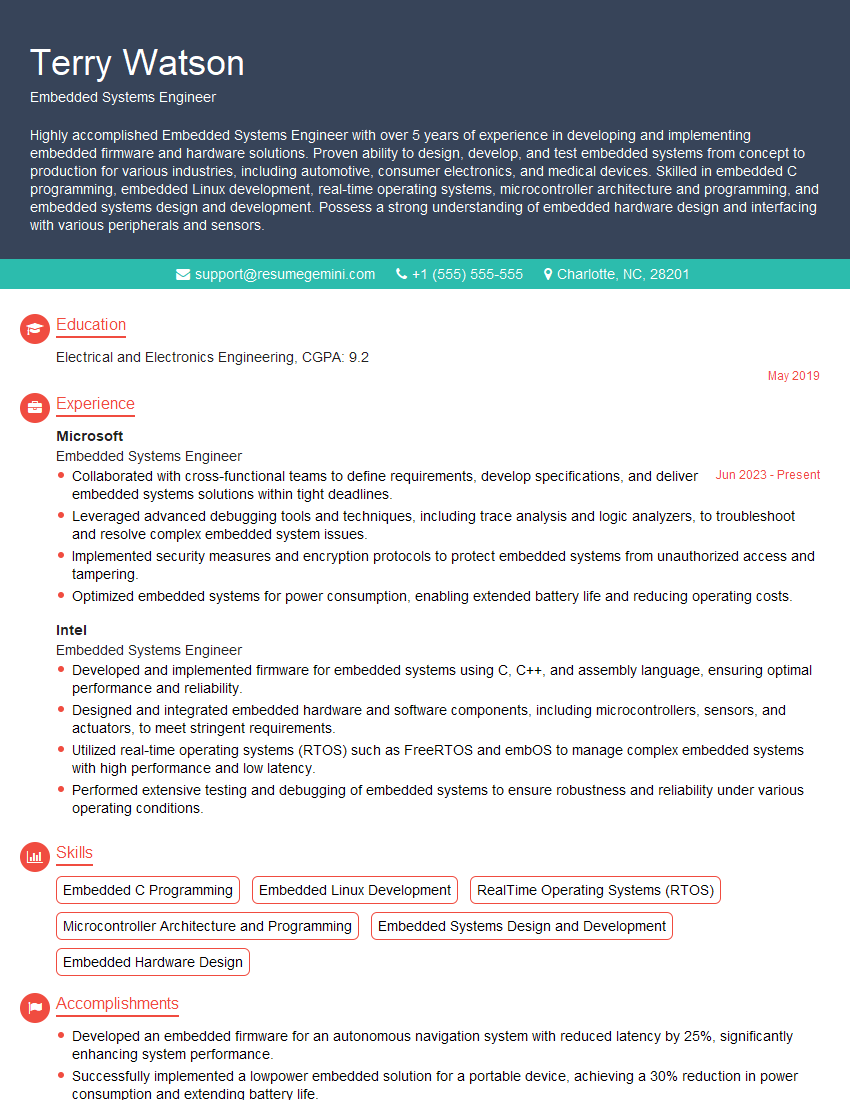
Embedded Systems Engineer Resume Sample

Front-End Developer Resume Sample
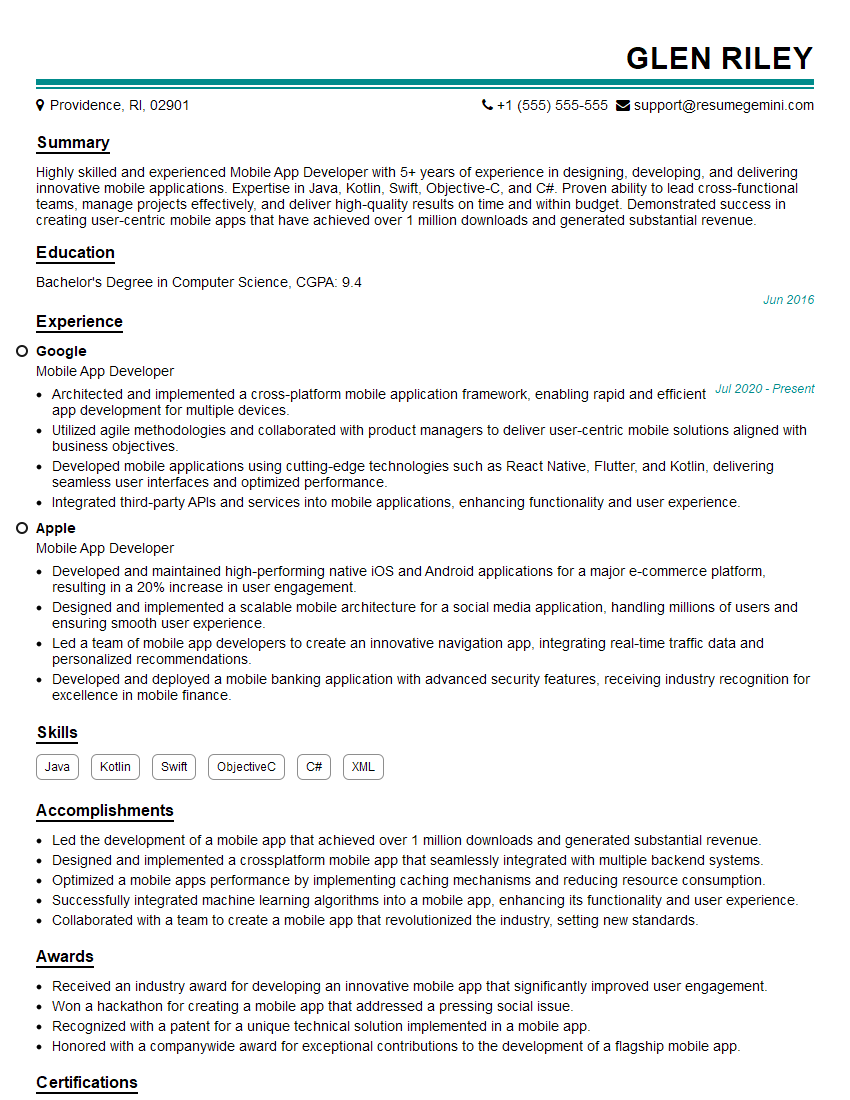
Mobile App Developer Resume Sample

DevOps Engineer Resume Sample

Machine Learning Engineer Resume Sample

Cloud Engineer Resume Sample
- Data Scientist
- Software Engineer
- Software Architect
- Software Consultant
- Software Developer
- Software Tester
- Solutions Architect
- Senior Software Engineer
- Web Developer
- Technical Architect
- IT Manager
- Full Stack Developer
- Database Administrator
- Embedded Systems Engineer
- Front-End Developer
- Mobile App Developer
- DevOps Engineer
- Machine Learning Engineer
- Cloud Engineer
Explore more articles
Users Rating of Our Blogs
Share Your Experience
We value your feedback! Please rate our content and share your thoughts (optional).
What Readers Say About Our Blog
Very informative content, great job.
good