The thought of an interview can be nerve-wracking, but the right preparation can make all the difference. Explore this comprehensive guide to Non-Linear Editing (NLE) Software interview questions and gain the confidence you need to showcase your abilities and secure the role.
Questions Asked in Non-Linear Editing (NLE) Software Interview
Q 1. What NLE software are you most proficient in?
My most proficient NLE software is Adobe Premiere Pro. I’ve been using it professionally for over seven years, mastering its intricate features and workflows. I’m also familiar with DaVinci Resolve and Final Cut Pro, but Premiere Pro’s extensive plugin ecosystem and robust collaboration tools make it my go-to choice for most projects.
Q 2. Explain the concept of non-linear editing.
Non-linear editing (NLE) is a revolutionary approach to video editing that allows you to access and manipulate any frame of your footage in any order, without being constrained by a linear tape-based system. Think of it like working with digital building blocks. Instead of assembling your video sequentially, you can jump around, rearrange clips, add effects, and make adjustments to individual frames – all without affecting other parts of the timeline. This is in stark contrast to linear editing, which resembles recording audio or video to a tape where changes require re-recording.
For example, in a linear workflow, if you decided a scene needed to be moved later in the timeline, you would have to physically rerecord everything after it. With NLE, you simply drag and drop the segment to its new position.
Q 3. Describe your workflow for a typical video editing project.
My workflow typically begins with meticulous ingestion and organization of all the raw footage. This involves creating a clear folder structure, naming conventions, and backing up the source files. Next, I create a rough assembly, stringing together the clips in the desired sequence. This is where I focus on the narrative flow and pacing. After that comes the fine-cut, where I refine transitions, add effects, and fine-tune timing. The color correction and grading stage follows, enhancing the visual appeal and consistency. Finally, I add sound design, music, and voiceovers before rendering the final output. Throughout the entire process, I constantly review and revise my work to ensure it meets the project’s goals.
For instance, recently I was editing a corporate video. I started by sorting through hours of interview footage and B-roll. The rough cut helped establish the narrative arc. During the fine cut, I removed unnecessary segments, refined transitions, and added text overlays. Color grading was crucial in making the final product look professional.
Q 4. How do you handle large video files during editing?
Handling large video files efficiently is crucial. I utilize several strategies. Firstly, I use high-performance hardware with a fast processor, ample RAM, and a fast SSD or NVMe drive to ensure smooth playback and rendering. Secondly, I leverage Premiere Pro’s proxy workflow. This creates smaller, lower-resolution versions of the footage for editing, significantly speeding up the process. Once the edit is complete, I render using the high-resolution originals for the final product. Thirdly, I regularly clear unnecessary cache files to free up disk space.
For example, while editing a feature film with 4K footage, I would create proxy files to easily maneuver through hundreds of gigabytes of data, rendering the final product only once I was completely satisfied with the edit.
Q 5. What are your preferred keyboard shortcuts for efficient editing?
Keyboard shortcuts are essential for efficiency. My most frequently used shortcuts in Premiere Pro include:
Ctrl+K(Windows) /Cmd+K(Mac): Insert editCtrl+Shift+D(Windows) /Cmd+Shift+D(Mac): Ripple deleteCtrl+Z(Windows) /Cmd+Z(Mac): UndoB: Razor toolC: Selection toolSpacebar: Play/PauseJ: RewindL: Forward
I constantly customize my keyboard shortcuts to match my preferences and workflow. This level of customization allows me to work at a significantly faster rate.
Q 6. Explain your experience with color correction and grading.
Color correction is about fixing issues like white balance and exposure inconsistencies, making sure the colors are accurate and realistic. Color grading, on the other hand, is a more creative process where I manipulate the colors to evoke specific moods or enhance the visual storytelling. I use Lumetri Color in Premiere Pro extensively, utilizing adjustment layers, curves, and color wheels to achieve these effects. My skills extend to using professional color spaces like Rec.709 for broadcast and DCI-P3 for cinematic work.
For instance, I corrected the color in a documentary to accurately reflect the lighting conditions at the time of filming. Subsequently, I used color grading to create a specific feeling during certain parts of the film, like warmth during joyful moments and cool tones during tense sequences.
Q 7. How do you manage multiple video and audio tracks?
Managing multiple video and audio tracks requires a systematic approach. I carefully label each track, using clear and consistent naming conventions, which helps immensely in larger projects. I often use nested sequences to manage complexity. A nested sequence allows me to group related clips and effects into a single unit, simplifying the main timeline. I also heavily rely on audio mixing techniques such as volume automation, EQ, and compression to balance the sound and avoid conflicts between different audio sources.
For example, in a music video, I might have separate tracks for the vocals, instruments, background ambiance, and sound effects. Nested sequences would organize each instrument’s audio layers for more controlled management.
Q 8. What techniques do you use for audio mixing and mastering?
Audio mixing and mastering are crucial for creating a polished and professional-sounding video. Mixing involves balancing levels, panning, and applying effects to individual audio tracks to create a cohesive soundscape. Mastering, on the other hand, is the final stage where the overall audio is optimized for loudness, clarity, and consistency across different playback systems.
- Mixing Techniques: I use equalization (EQ) to adjust the frequency balance of each track, compression to control dynamic range and make quieter parts louder, and reverb/delay to add depth and space. For example, I might EQ a vocal track to boost clarity in the high frequencies while reducing muddiness in the low frequencies. I’d use compression to even out the volume variations in a guitar solo, and reverb to make a vocal sound like it’s in a larger space.
- Mastering Techniques: Mastering involves subtle adjustments to maximize the audio’s potential. This often involves applying limiting to control the peak levels, ensuring it’s loud enough without distortion, and using dynamic equalization to subtly adjust the frequency balance across the entire mix. I frequently use a mastering plugin suite such as iZotope Ozone or FabFilter Pro-L to achieve this.
- Software: I’m proficient in using professional Digital Audio Workstations (DAWs) like Avid Pro Tools, Logic Pro X, and Ableton Live for both mixing and mastering tasks.
Q 9. Describe your experience with adding visual effects and motion graphics.
My experience with visual effects (VFX) and motion graphics spans several years and a wide range of projects. I’m proficient in using industry-standard software like Adobe After Effects and Cinema 4D.
- VFX Examples: I’ve worked on projects requiring everything from simple color correction and keying (removing backgrounds) to complex compositing of multiple video layers and the addition of 3D elements. For instance, I once had to seamlessly integrate a CGI character into a live-action scene, requiring meticulous masking, tracking, and color matching.
- Motion Graphics Examples: I have experience creating animated lower thirds, logos, and title sequences. Recently, I designed an animated infographic for a client, explaining a complex financial process in a visually engaging way. This involved creating custom animations and using kinetic typography techniques.
- Workflow: My approach typically involves close collaboration with the director and client to understand their creative vision and technical requirements. I work iteratively, refining the visual effects and motion graphics based on their feedback.
Q 10. How do you ensure consistent quality across different video formats?
Maintaining consistent quality across different video formats requires a careful understanding of color spaces, resolutions, and codecs.
- Color Management: I work in a color-managed workflow, using a consistent color space (like Rec.709 for video intended for broadcast or online platforms) throughout the editing process to ensure accurate color representation across different outputs.
- Resolution and Aspect Ratio: I maintain the original project resolution and aspect ratio (e.g., 1920×1080, 16:9) whenever possible and only scale down when necessary, always using high-quality scaling algorithms to avoid artifacts.
- Codec Selection: The choice of codec greatly impacts the final file size and quality. For web delivery, I often use H.264 or H.265 (HEVC) for their balance of compression and quality. For archival purposes or professional distribution, I might opt for codecs like ProRes or DNxHD which offer better quality but larger file sizes.
- Testing: I always test the final output on different devices and platforms (desktops, laptops, smartphones, tablets) to ensure that the video looks and plays as intended.
Q 11. How do you handle revisions and feedback from clients or directors?
Handling revisions and feedback efficiently is critical for client satisfaction. My approach is centered around clear communication and organized version control.
- Organized Versioning: I maintain a clear system of versioning, usually using numbered sequences (e.g., v1.0, v2.0) for each revision. This allows for easy tracking and retrieval of previous versions.
- Feedback Integration: When I receive feedback, I carefully document all changes requested. I prefer to discuss edits with the client to ensure a shared understanding of the intended changes before implementing them.
- Collaborative Tools: For remote clients, I utilize collaborative tools like online review platforms (e.g., Frame.io, Vimeo Review) to facilitate smooth feedback exchange.
- Iterative Process: I see the feedback process as iterative, refining the project in stages based on the client’s input.
Q 12. Describe your experience with different video codecs and compression techniques.
Video codecs are methods of compressing and encoding video data for storage and playback. Different codecs offer various trade-offs between file size, quality, and encoding/decoding speed.
- H.264 (AVC): A widely compatible codec known for its good balance of compression and quality. Commonly used for online video platforms like YouTube.
- H.265 (HEVC): Offers improved compression efficiency compared to H.264, resulting in smaller file sizes for the same quality. Hardware support is growing but may not be universal.
- ProRes: A high-quality, lossless or near-lossless codec commonly used for post-production and intermediate editing. It offers superior quality but larger file sizes.
- DNxHD: Another high-quality codec used in professional workflows, offering good balance between quality and compression.
- VP9 and AV1: Royalty-free codecs gaining popularity for their high compression efficiency and open-source nature. AV1 is particularly promising but requires more computing power for encoding/decoding.
Understanding these codecs allows me to choose the best option based on the specific needs of the project. For example, I’d use ProRes during editing for best quality and then export to H.264 or H.265 for web distribution.
Q 13. Explain your experience with exporting videos for various platforms (e.g., YouTube, Vimeo).
Exporting videos for different platforms requires careful consideration of their specifications. Each platform has its own preferred resolutions, aspect ratios, codecs, and bitrates.
- YouTube: YouTube accepts a wide range of formats but generally recommends high-resolution H.264 encoding with appropriate bitrates. I optimize for YouTube’s recommended settings and ensure the video metadata (title, description, tags) are accurate and optimized for searchability.
- Vimeo: Similar to YouTube, Vimeo supports various formats but also prioritizes high-quality codecs. I typically export in a high-quality H.264 or H.265 format, considering their compression options for optimal file size.
- Other Platforms: For other platforms (Facebook, Instagram, TikTok, etc.), I tailor the export settings to their specific guidelines, often creating multiple versions optimized for different screen sizes and resolutions.
I utilize my NLE software’s export presets or custom settings to streamline this process, ensuring consistency and efficiency.
Q 14. What are your strategies for optimizing video performance and file size?
Optimizing video performance and file size is essential for smooth playback and efficient delivery. My strategies involve careful codec selection, bitrate control, and resolution scaling.
- Codec Choice: Selecting the appropriate codec is the first step. H.265 offers superior compression compared to H.264, resulting in smaller files at similar quality.
- Bitrate Control: This determines the amount of data used per second. A higher bitrate results in better quality but larger files. I carefully adjust the bitrate based on the video content and target platform. For instance, a video with lots of detail might require a higher bitrate than a simpler one.
- Resolution Scaling: For online platforms, scaling down the resolution (e.g., from 4K to 1080p or 720p) can significantly reduce file size without a drastic loss of perceived quality, especially if the original footage doesn’t warrant 4K resolution.
- Compression Settings: Within the chosen codec, I fine-tune the compression settings, such as constant bitrate (CBR) or variable bitrate (VBR), to balance quality and file size. VBR allows for dynamic bitrate allocation, resulting in better quality for complex scenes while maintaining a smaller overall file size.
Q 15. How do you collaborate with other team members during post-production?
Collaboration in post-production is crucial for efficient workflow and a cohesive final product. My approach centers around clear communication and the effective use of collaborative tools.
- Version Control: We utilize cloud-based platforms like Frame.io or Dropbox to manage project files. This allows multiple editors to access the same project, while tracking changes and preventing accidental overwrites. Think of it like a shared Google Doc, but for video.
- Shared Storage: Access to a centralized, high-speed storage network is essential. This prevents bottlenecks and ensures everyone has quick access to necessary assets. This is like having a well-organized, easily accessible filing cabinet for your project.
- Regular Check-ins and Feedback: We schedule regular meetings to review progress, share feedback, and address any challenges. This might involve dailies where we review the day’s footage and discuss editorial choices. Open communication is key here.
- Collaborative Editing Tools: Some NLEs offer built-in collaborative features allowing multiple users to edit simultaneously. This is more advanced, but incredibly efficient for specific tasks.
For example, on a recent documentary project, our team used Frame.io to share daily rough cuts. Editors could leave comments directly on the timeline, streamlining the feedback process and saving considerable time compared to traditional methods.
Career Expert Tips:
- Ace those interviews! Prepare effectively by reviewing the Top 50 Most Common Interview Questions on ResumeGemini.
- Navigate your job search with confidence! Explore a wide range of Career Tips on ResumeGemini. Learn about common challenges and recommendations to overcome them.
- Craft the perfect resume! Master the Art of Resume Writing with ResumeGemini’s guide. Showcase your unique qualifications and achievements effectively.
- Don’t miss out on holiday savings! Build your dream resume with ResumeGemini’s ATS optimized templates.
Q 16. Describe your experience with using proxies in NLE software.
Proxies are low-resolution versions of your original footage, used to improve editing performance, especially when working with high-resolution or high-bitrate files. Think of it like using a thumbnail instead of the full-size image. They allow for smooth playback and editing even on less powerful hardware.
My experience includes extensively using proxies in Premiere Pro and DaVinci Resolve. The process typically involves creating proxies during the ingest process – the software automatically generates smaller versions of each clip. This can save a massive amount of hard drive space and dramatically improve the performance.
The benefits are huge: smoother playback, faster rendering times, and a more responsive editing experience, allowing me to focus on the creative process rather than technical limitations. Once the edit is locked, I simply switch back to the original high-resolution files for the final render. It’s a workflow optimization that I consider essential for any serious project.
Q 17. How do you troubleshoot common technical issues during editing?
Troubleshooting is a regular part of the editing process. My approach is systematic and involves a combination of technical knowledge and problem-solving skills.
- Identify the Problem: First, pinpoint the exact issue. Is it a playback problem, a render error, a media file corruption, or something else?
- Check the Basics: Verify simple things first: sufficient RAM, hard drive space, software updates, and media file integrity.
- Consult Documentation and Online Resources: NLE software manuals and online forums are invaluable resources. Searching for specific error messages often provides solutions.
- Isolate the Problem: If the issue is with a specific file, test it in another project to see if it’s a file corruption problem.
- Reinstall Software or Drivers (as a last resort): If all else fails, reinstalling the software or graphics drivers can sometimes resolve deeper issues.
For instance, if I encounter a rendering error, I’ll first check my render settings, ensuring they are compatible with my system’s capabilities. If that fails, I’ll look for log files to pinpoint the cause of the error. Often, a simple setting change, like adjusting the render queue priority, fixes the issue.
Q 18. What are some common challenges you’ve faced in video editing and how did you overcome them?
One common challenge is managing large amounts of footage, especially in projects with many cameras or long shooting days. This can lead to organizational chaos and slow down the editing process. To overcome this, I employ a robust file management system and utilize proxy workflows as described previously. This keeps my projects organized and accessible.
Another challenge is client feedback. Sometimes, there are creative differences or unrealistic expectations about turnaround time. To address this, I ensure clear communication from the outset, setting realistic expectations and establishing a collaborative feedback process. This includes regular reviews and clear documentation of changes, preventing misunderstandings and unnecessary revisions.
Finally, technical issues like corrupted files or software glitches can disrupt workflow. This is mitigated through preventive measures like regular backups and consistent system maintenance as well as the troubleshooting steps previously outlined.
Q 19. What are your preferred methods for organizing and managing project assets?
Organizing project assets is critical for efficiency and preventing chaos. I use a hierarchical folder structure, mirroring the project’s structure, creating clear subfolders for each scene or sequence. This allows quick and easy access to any asset at any point. Think of it like a meticulously organized library.
I also use descriptive file names, following a consistent naming convention (e.g., Scene_01_Take_A.mov). This eliminates confusion and makes it simple to locate specific files. Keywording and metadata tagging within the NLE also allows for powerful searching and filtering.
Finally, cloud storage solutions are essential for collaboration and backup. I usually prefer a combination of local and cloud-based storage, creating redundancy and ensuring asset safety.
Q 20. Describe your experience working with different types of cameras and footage.
I’ve worked with a wide range of cameras and footage, from professional cinema cameras like RED and Arri Alexa to consumer-grade DSLRs and even smartphones. Understanding the characteristics of different cameras is essential for effective editing.
For example, footage from a high-end cinema camera will typically have a higher dynamic range and resolution, requiring different color grading and post-processing techniques compared to footage from a smartphone. Understanding the nuances of each camera’s sensor and its resulting image characteristics is vital for achieving a consistent and professional look across the project. I adapt my editing approach accordingly.
My experience also extends to dealing with various codecs and file formats, ensuring compatibility across different platforms and software. This involves an understanding of compression algorithms, data rates, and their impact on image quality and file size.
Q 21. How familiar are you with different aspect ratios and resolutions?
Aspect ratios and resolutions are fundamental aspects of video production. I’m very familiar with various standard aspect ratios (4:3, 16:9, 2.39:1) and resolutions (SD, HD, 4K, 8K), and their implications for composition, scaling, and final output.
Understanding aspect ratios is crucial for maintaining consistency and preventing unintended cropping or letterboxing. Choosing the right resolution depends on the project’s intended platform and audience. HD is still widely used, while 4K and even 8K are becoming increasingly common for high-end productions and streaming platforms. I always consider the target platform when making choices around these parameters. For instance, content intended for YouTube will typically need to be mastered in 16:9, while a theatrical release might call for a wider cinematic aspect ratio.
My experience involves working with various resolutions and aspect ratios, adapting my workflow to accommodate different requirements, and ensuring that the final output meets the specific needs of the project.
Q 22. Explain your understanding of video transitions and effects.
Video transitions and effects are the cinematic glue that binds different shots together, creating a smooth and engaging viewing experience. Transitions provide a visual bridge between scenes, while effects add stylistic flair and enhance the storytelling. They range from simple cuts to complex wipes, dissolves, and more sophisticated techniques like keyframing and motion tracking.
Cuts: The simplest transition, instantly replacing one shot with another. Think of the quick cuts in an action sequence to convey speed and intensity.
Dissolves: One shot gradually fades out while the next fades in, often used to indicate a passage of time or a change in location. Imagine a scene transitioning from a daytime shot to a nighttime shot using a dissolve.
Wipes: A graphic element sweeps across the screen, replacing one shot with another. These can be stylistic choices adding dynamism.
Effects: These go beyond simple transitions and include color correction, adding filters (like vintage or film grain), applying motion blur for speed, and using visual effects (VFX) like compositing to create more advanced imagery.
Choosing the right transitions and effects depends on the overall style and tone of the video. A documentary might use subtle dissolves, while a music video could benefit from more dynamic wipes and creative effects. Overusing effects can be detrimental, so subtlety and purpose are key.
Q 23. What are your strategies for storytelling and pacing in video editing?
Storytelling and pacing in video editing are intrinsically linked. Pacing refers to the speed at which the story unfolds, controlled by the length of shots, transitions, and the overall rhythm of the edit. Storytelling involves crafting a narrative arc that engages the audience, building tension, creating emotional responses, and ultimately delivering a satisfying resolution. Effective video editing is about finding the balance between these two.
My strategies involve:
Storyboarding: Planning the visual narrative beforehand helps maintain a consistent pace and ensures a coherent story.
Shot Length Variation: A mix of long shots (establishing context) and short shots (emphasizing action or emotion) maintains visual interest and controls the pace. Fast-paced scenes might use shorter shots, while slower, more reflective moments employ longer ones.
J-Cuts and L-Cuts: These techniques overlap audio and video from consecutive shots, creating a smoother transition and better flow. A J-cut begins the audio of the next shot before the video, while an L-cut ends the audio of a shot before the video.
Music and Sound Effects: These tools significantly impact the pacing. Fast-paced music increases energy, whereas slower music creates a more contemplative mood.
For instance, in a dramatic scene, I might use slow, deliberate cuts and lingering shots to build suspense, while a comedic scene might feature rapid cuts and witty sound effects to maintain a fast tempo.
Q 24. How do you maintain consistent branding and style throughout a video project?
Maintaining consistent branding and style is crucial for creating a professional and memorable video. This involves carefully considering the visual elements, such as color palettes, fonts, and graphics, and ensuring they align with the brand’s overall identity.
My approach includes:
Style Guide: Working with a pre-defined style guide that specifies the brand’s colors, fonts, logo usage, and overall aesthetic. This ensures consistency across all video projects.
Color Grading: Applying consistent color grading across all scenes helps unify the visuals and create a cohesive look and feel.
Template Creation: Creating templates for lower thirds, titles, and other graphic elements ensures uniformity in their appearance throughout the video.
Asset Library: Using a central repository for brand assets such as logos, fonts, and stock footage to maintain consistency and efficiency.
For example, if a brand uses a specific shade of blue as its primary color, I would make sure that color is prominently featured throughout the video in various ways, from the background to the lower thirds and even in subtle color correction adjustments.
Q 25. Describe your experience with using titles, lower thirds, and graphics in your edits.
Titles, lower thirds, and graphics are essential for providing context, identifying speakers, and enhancing the visual appeal of a video. My experience spans a wide range of techniques, from creating simple text overlays to designing complex animated graphics.
I utilize various NLE features to achieve this, including:
Built-in Titling Tools: Many NLEs offer robust built-in titling tools that allow for customization of fonts, colors, animations, and effects.
Motion Graphics Software Integration: For more advanced graphics and animations, I often integrate with software like After Effects to create sophisticated title sequences or animated lower thirds.
Custom Graphic Creation: I can design custom graphics tailored to the video’s specific needs, ensuring they align with the overall brand and style.
Templates and Presets: To save time, I leverage templates and presets for commonly used graphic elements, ensuring consistency across projects.
For instance, in a corporate video, I might use clean, professional-looking titles and lower thirds, while a more casual video might use more playful and dynamic graphics. The key is to ensure they are both functional and aesthetically pleasing.
Q 26. How do you utilize audio to enhance the storytelling in a video?
Audio is just as crucial as video in effective storytelling. It sets the mood, adds emotional depth, and clarifies the narrative. I treat audio editing with the same care as video editing, ensuring everything is in perfect synchronization and contributes to the overall effect.
My approach includes:
Dialogue Clarity: Prioritizing clear and intelligible dialogue through noise reduction, equalization, and compression techniques.
Sound Design: Utilizing sound effects to enhance the impact of scenes, adding realism and creating emotional responses. A well-placed sound effect can dramatically elevate a scene.
Music Selection: Choosing music that complements the visuals and enhances the emotional arc of the story. The right music can dramatically alter the feel of a scene.
Mixing and Mastering: Balancing different audio elements to create a cohesive and professional soundscape. This ensures all audio components are properly mixed for optimal clarity and impact. Mastering the final mix ensures consistent loudness and optimal playback across various devices.
For example, in a suspenseful scene, I might use low-frequency sounds and tense music to build anticipation. In contrast, a heartwarming scene might utilize warmer tones and uplifting music.
Q 27. What are your experiences with using external plugins or extensions for NLE software?
External plugins and extensions significantly expand the capabilities of NLE software. They offer specialized tools and features that streamline workflows and provide creative options not available in the base software. I’ve extensive experience integrating a variety of plugins across various NLEs.
My experience includes using:
Color Grading Plugins: Plugins like Color Finale or Lumetri Color offer advanced color correction and grading tools, allowing for fine-tuned adjustments and stylistic choices.
Effects Plugins: Plugins such as Red Giant Magic Bullet Suite offer a range of effects for enhancing visual quality and adding creative touches.
Audio Plugins: Plugins like iZotope RX provide advanced audio restoration and mastering capabilities, allowing for improved dialogue clarity and overall sound quality.
Workflow Plugins: Plugins that optimize workflows, such as those offering improved organization or automation of repetitive tasks.
The choice of plugins depends on the specific project’s needs. I always thoroughly evaluate plugins before implementing them, ensuring they are compatible with my NLE and that they offer a tangible benefit to the project.
Q 28. Describe your experience with version control and project backups.
Version control and project backups are paramount in preventing data loss and ensuring the integrity of video projects. My workflow prioritizes both proactively.
My strategies include:
Regular Backups: I implement a system of regular backups to cloud storage and external hard drives, ensuring multiple copies of the project are always available. I do incremental backups throughout the day to minimize potential data loss.
Versioning within the NLE: Most NLEs allow saving different versions of a project. I utilize this feature to create checkpoints at key stages of the editing process, enabling me to revert to earlier versions if needed.
Cloud-Based Collaboration: For collaborative projects, I often use cloud-based storage and project management tools that allow multiple editors to work on the same project simultaneously while maintaining version control.
Project Naming Conventions: I utilize a clear and consistent naming convention for projects and their backup versions, ensuring easy organization and retrieval.
A robust backup strategy minimizes the risk of losing valuable work and ensures smooth project completion, irrespective of unforeseen circumstances.
Key Topics to Learn for Non-Linear Editing (NLE) Software Interview
- Understanding the NLE Workflow: From ingest to export, grasp the entire process, including media organization, editing techniques, and effects application.
- Cutting and Assembly: Master various editing techniques like J-cuts, L-cuts, and transitions. Practice smooth editing sequences and understand the impact of different cuts on storytelling.
- Audio Editing and Mixing: Learn about audio synchronization, noise reduction, equalization, and sound design within the NLE. Understand the importance of clear audio in post-production.
- Color Correction and Grading: Familiarize yourself with color theory and practical application within your chosen NLE. Understand the importance of color consistency and mood setting.
- Effects and Compositing: Explore basic and advanced visual effects, compositing techniques, and keyframing. Be prepared to discuss your experience with specific effects and plugins.
- Export Settings and File Formats: Understand different video and audio codecs, resolutions, and frame rates. Know how to optimize exports for various platforms and target audiences.
- Project Management and Collaboration: Discuss your experience managing large projects, collaborating with teams, and utilizing version control systems within your NLE.
- Troubleshooting and Problem-Solving: Be ready to discuss common NLE issues, such as render errors, media incompatibility, and workflow optimization strategies.
- Software-Specific Knowledge: Deepen your understanding of the specific NLE software (e.g., Adobe Premiere Pro, Final Cut Pro, Avid Media Composer) you are most proficient in. Highlight your mastery of its unique features and tools.
Next Steps
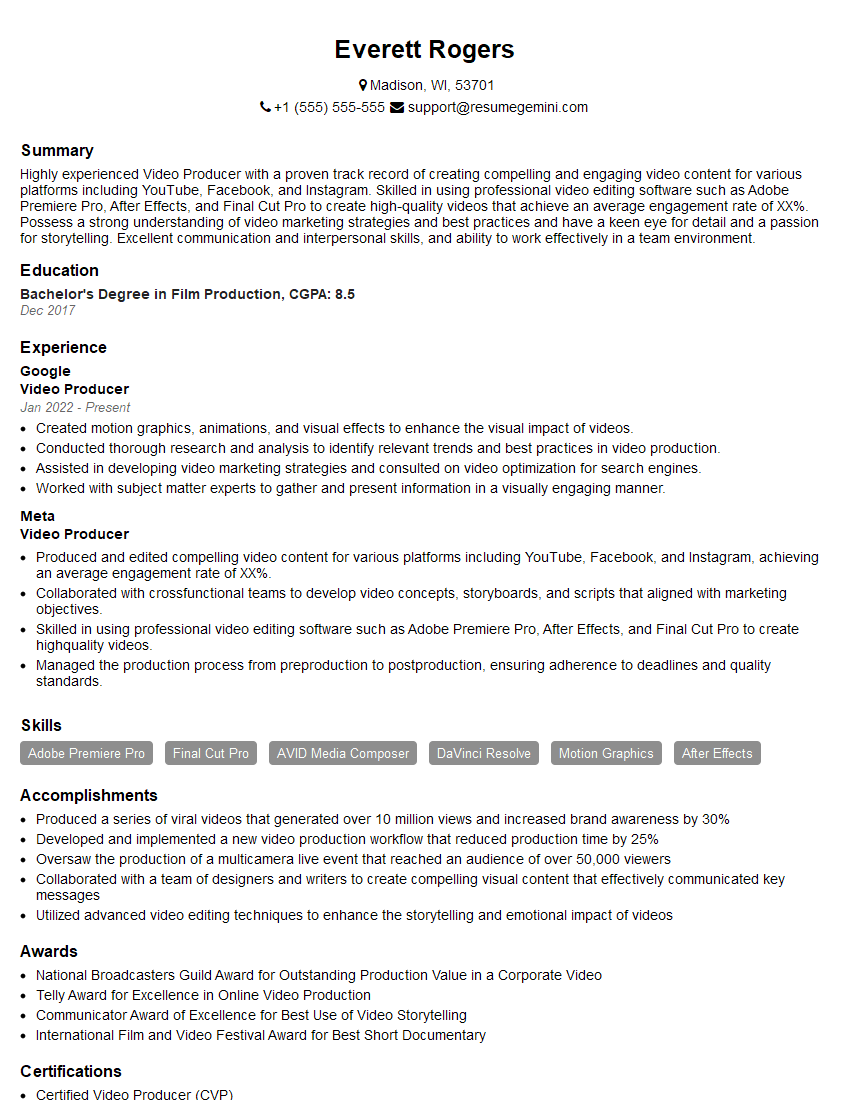
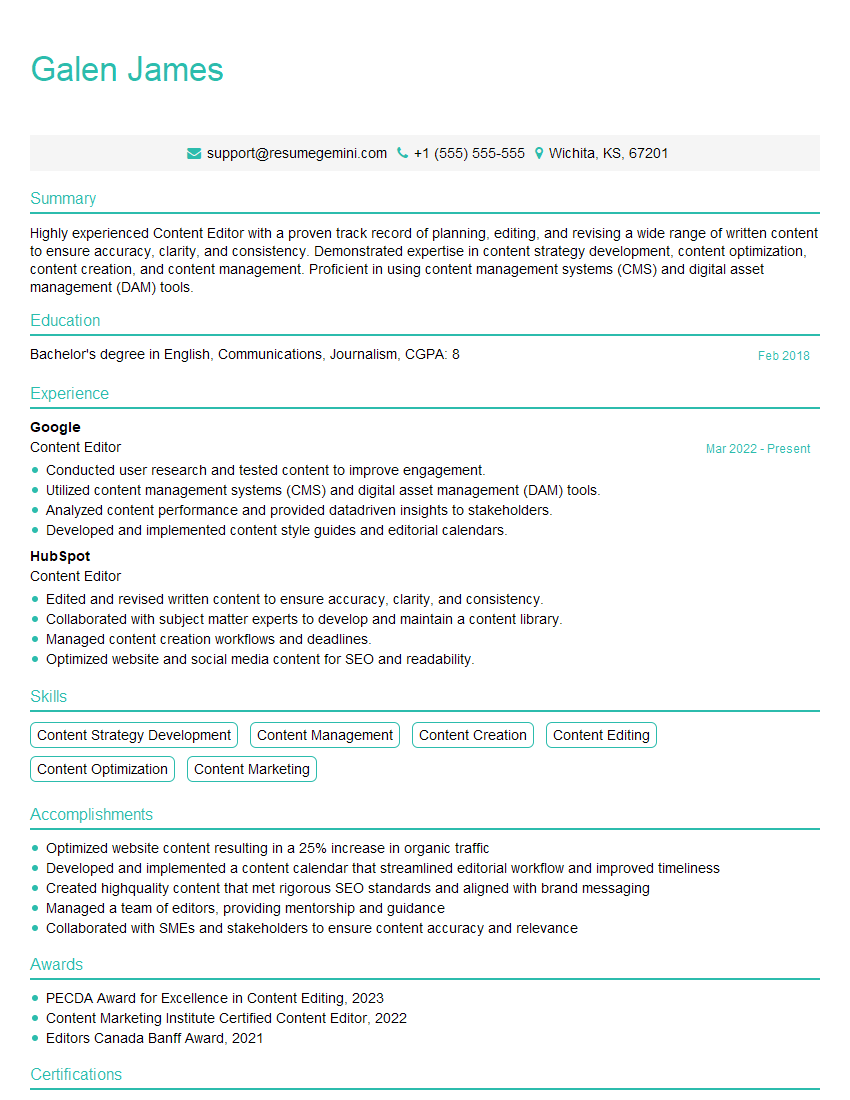
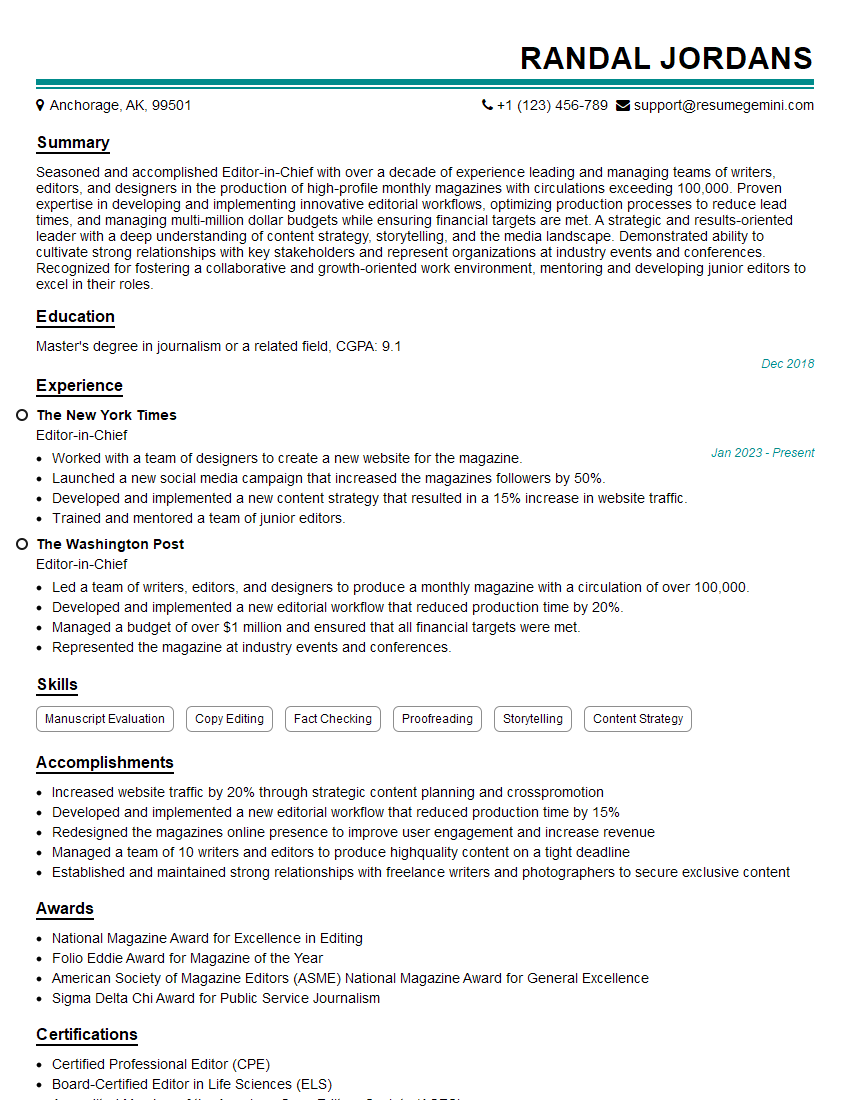
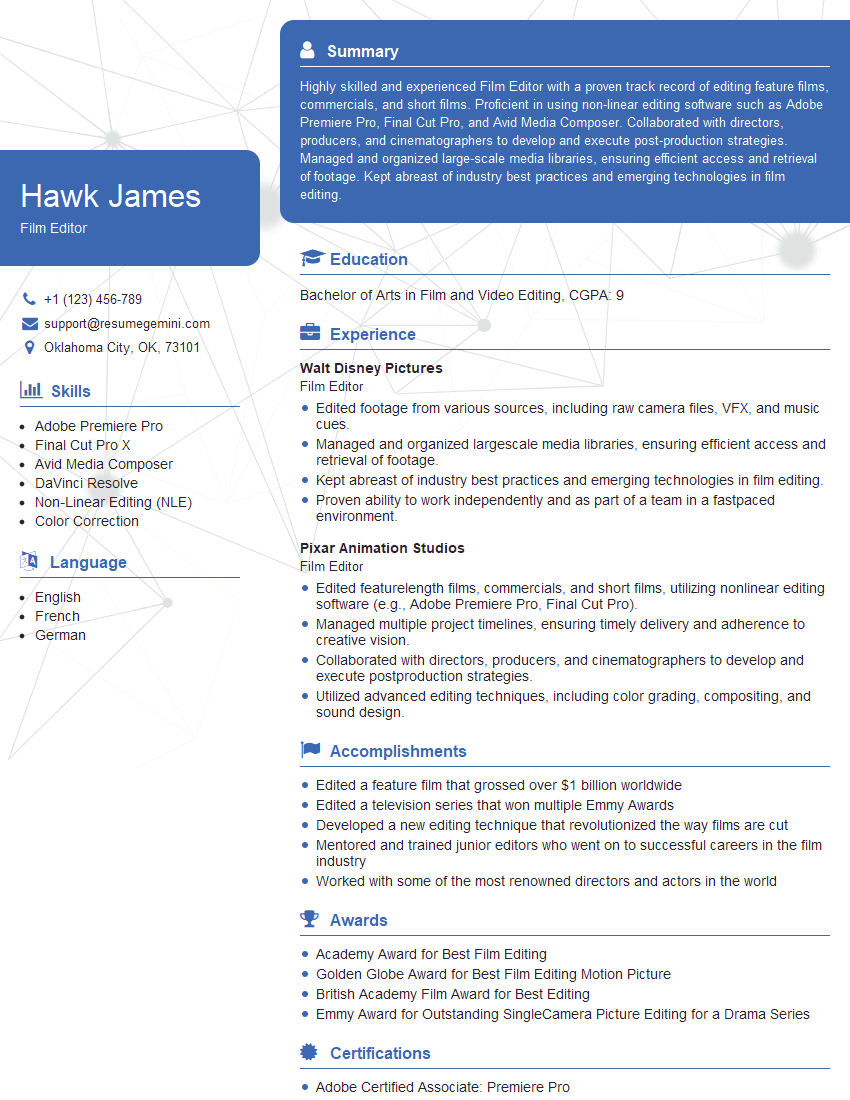
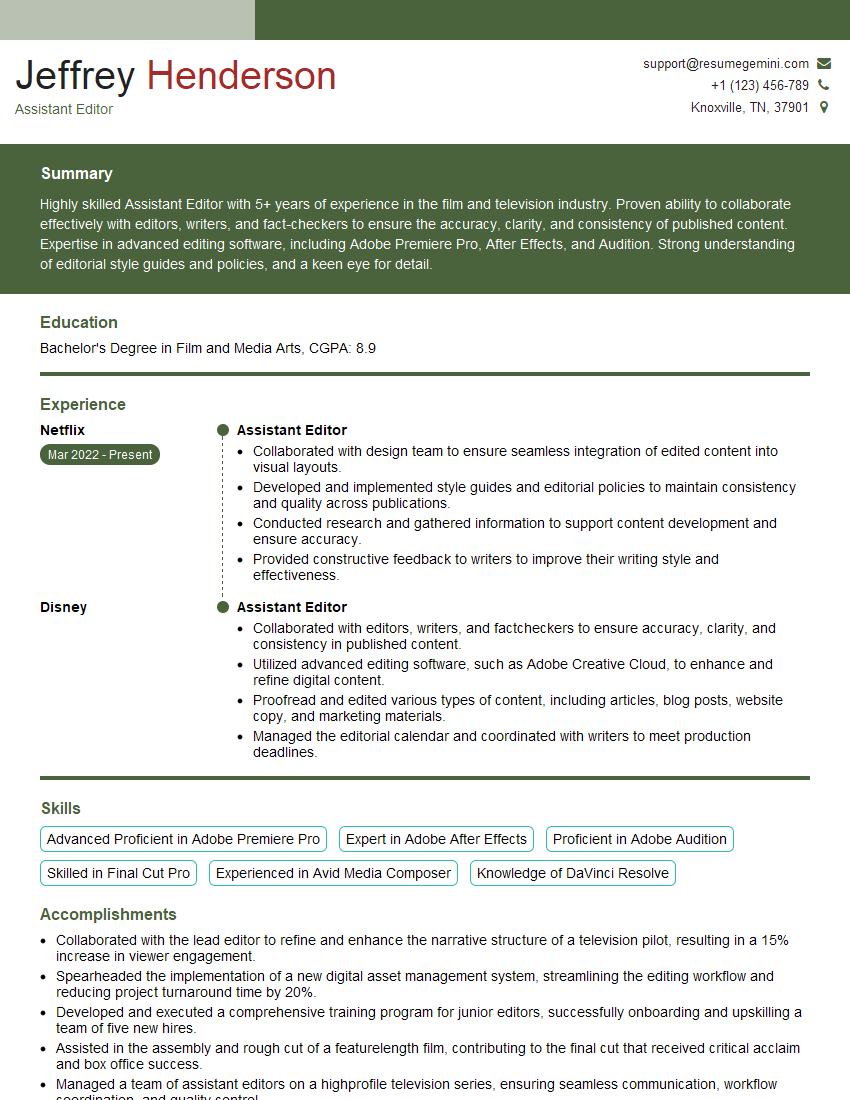
Mastering Non-Linear Editing software is crucial for career advancement in the dynamic media industry. A strong understanding of NLEs opens doors to exciting opportunities in film, television, advertising, and beyond. To maximize your job prospects, focus on creating a compelling and ATS-friendly resume that showcases your skills effectively. ResumeGemini is a trusted resource to help you build a professional and impactful resume. We provide examples of resumes tailored to Non-Linear Editing (NLE) Software professionals, helping you present your qualifications in the best possible light. Take the next step towards your dream career today!





Explore more articles
Users Rating of Our Blogs
Share Your Experience
We value your feedback! Please rate our content and share your thoughts (optional).
What Readers Say About Our Blog
Very informative content, great job.
good