Are you ready to stand out in your next interview? Understanding and preparing for OptiStruct interview questions is a game-changer. In this blog, we’ve compiled key questions and expert advice to help you showcase your skills with confidence and precision. Let’s get started on your journey to acing the interview.
Questions Asked in OptiStruct Interview
Q 1. Explain the difference between static and dynamic analysis in OptiStruct.
In OptiStruct, static and dynamic analyses differ fundamentally in how they treat time. Static analysis assumes loads are applied slowly and steadily, resulting in equilibrium conditions where inertia effects are negligible. Think of it like gently placing a weight on a bridge – the bridge responds slowly to the load. The results show displacements, stresses, and strains under these steady-state conditions. Dynamic analysis, on the other hand, considers the time-dependent nature of loads and the inertial response of the structure. Imagine a car hitting a pothole – the impact is sudden, and the car’s suspension responds dynamically. OptiStruct’s dynamic analysis capabilities include modal analysis (finding natural frequencies and mode shapes), transient analysis (analyzing response to time-varying loads), and frequency response analysis (evaluating response to sinusoidal loads). The choice between static and dynamic analysis depends entirely on the application: use static analysis for slowly applied loads and steady-state conditions, and dynamic analysis for transient or cyclic loads where inertia effects are significant.
Q 2. Describe your experience with OptiStruct’s optimization algorithms (e.g., topology optimization, size optimization).
I have extensive experience leveraging OptiStruct’s optimization algorithms, particularly topology, size, and shape optimization. Topology optimization is powerful for finding the best material layout within a design space, effectively removing unnecessary material and reducing weight while maintaining structural integrity. I’ve used this extensively to optimize lightweight components in automotive and aerospace applications. For example, I optimized a bracket for a Formula SAE car, achieving a 30% weight reduction without compromising strength. Size optimization adjusts the cross-sectional dimensions of elements to minimize weight or maximize stiffness under specified constraints. This is often used to refine existing designs, ensuring efficient use of materials. Finally, shape optimization modifies the element geometry to improve performance. It’s particularly effective in situations where refining existing design shapes for improved stress distribution is required. I’ve successfully implemented all these methods, using OptiStruct’s advanced features to manage design variables, constraints, and objectives effectively. Selecting the appropriate algorithm often depends on the specific design goals and the initial design’s maturity – topology for radical changes, size and shape for refining existing designs. In all cases, careful consideration of design constraints and objective functions are crucial for effective optimization.
Q 3. How do you handle non-linear material behavior in OptiStruct?
OptiStruct handles non-linear material behavior through various material models available within its material library. These models can account for plasticity, creep, hyperelasticity, and other non-linear phenomena. For instance, the Bilinear Isotropic Hardening model is suitable for ductile materials exhibiting yielding and plastic deformation. Hyperelastic models are essential for materials like rubber, exhibiting large deformations. To correctly model such behavior, defining the appropriate material model with its specific parameters (yield strength, Young’s modulus, Poisson’s ratio, etc., for a bilinear isotropic material) is critical. The solver’s iterative approach handles the changing material stiffness during the analysis, ensuring accurate results. One challenge in nonlinear analysis is convergence; careful meshing, proper boundary conditions, and sometimes load stepping can improve convergence rates and accuracy. Proper selection of the material model is crucial for ensuring realistic and reliable simulation outcomes. Incorrect choice could lead to inaccurate predictions.
Q 4. What are the different element types available in OptiStruct, and when would you choose one over another?
OptiStruct offers a wide array of element types, each suited for specific applications. Common types include:
- CQUAD4/CTRIA3: These are 4-node quadrilateral and 3-node triangular shell elements, respectively. They’re widely used for modeling thin-walled structures like sheet metal parts and are computationally efficient. I typically use these for applications where bending is dominant.
- CHEXA8: This is an 8-node hexahedral solid element, ideal for modeling 3D solid parts. It’s suitable for applications where complex stress states exist.
- CBEND: This is a beam element used for modeling slender structural members like beams and rods. It efficiently captures bending and torsional effects.
- CBAR: A simple beam element that is more efficient computationally and can be used when bending stiffness dominates.
The choice depends on the geometry and the stress state of the component being modeled. For example, I would choose shell elements for thin-walled structures, solid elements for thick parts, and beam elements for slender members. The trade-off is often between accuracy and computational cost; using simpler elements like CBAR is faster but could sacrifice accuracy compared to solid elements in certain scenarios.
Q 5. Explain the concept of mesh convergence in OptiStruct and how to achieve it.
Mesh convergence in OptiStruct refers to the process of refining the mesh until the solution converges to a stable result, meaning further mesh refinement doesn’t significantly alter the key results (like stresses or displacements). It’s crucial for accurate simulations. Achieving mesh convergence involves systematically refining the mesh and observing the changes in the results. This is typically done by increasing the element density in areas of high stress gradients or geometric complexity. I usually start with a coarse mesh for a quick initial assessment and then perform a series of analyses with progressively finer meshes. If the key results remain relatively constant between successive refinements (within a pre-defined tolerance), mesh convergence is achieved. Tools within OptiStruct can aid in visualizing stress contours to help identify areas that need refinement. Failing to achieve mesh convergence can lead to inaccurate or unreliable results, especially for complex geometries or high stress concentrations.
Q 6. How do you define boundary conditions and loads in OptiStruct?
Defining boundary conditions and loads in OptiStruct is done using the model’s nodes and elements. Boundary conditions constrain the movement of specific nodes, simulating supports or constraints. Common types include:
- Fixed supports: Completely restrict all six degrees of freedom (three translations and three rotations) at a node using
SPC(Single Point Constraint). - Simple supports: Restrict certain degrees of freedom, like a hinge or roller support.
Loads are applied to nodes or elements to simulate external forces or pressures. Types include:
- Concentrated loads: Applied at a single node.
- Distributed loads: Applied over an area or length (e.g., pressure loads on a surface). These are applied to the elements.
- Gravity loading: Accounts for self-weight by applying uniformly distributed loads.
Using OptiStruct’s graphical interface or direct input through a bulk data file, these conditions are clearly defined. Proper definition is essential for accurate simulation; errors here can lead to dramatically wrong results. Careful consideration of load application points, magnitude, and directions, and type of support is crucial.
Q 7. Describe your experience with OptiStruct’s post-processing capabilities.
OptiStruct’s post-processing capabilities are quite extensive, allowing for thorough examination of the analysis results. I routinely use its tools to visualize stress contours, displacement fields, and other critical quantities. I often create contour plots, deformed shapes, and animation sequences to better understand the structural behavior under load. Beyond the visual representation, OptiStruct allows extraction of numerical data at specific points or elements. I’ve used these tools to generate detailed reports including maximum stress values, displacement magnitudes, and safety factors. These capabilities are crucial for interpreting analysis outcomes, identifying potential failure points, and communicating findings to clients or stakeholders clearly and effectively. For instance, visualizing stress contours helped me identify a critical stress concentration in a design that needed modification. The ability to export data to other software platforms also allows further analysis and integration into design optimization loops.
Q 8. How do you validate your OptiStruct results?
Validating OptiStruct results is crucial for ensuring the accuracy and reliability of your analysis. It’s not a single step, but a multifaceted process involving several checks and comparisons. Think of it like building a house – you wouldn’t skip inspections!
Comparison with Experimental Data: The gold standard. If you have experimental data from testing a physical prototype (e.g., strain gauge measurements, modal testing), compare your OptiStruct results (stress, displacement, frequencies) directly. Discrepancies highlight areas needing model refinement.
Mesh Sensitivity Study: A finer mesh generally yields more accurate results, but increases computational cost. Conducting a mesh sensitivity study, where you compare results from different mesh densities, helps determine an optimal mesh size that balances accuracy and efficiency. If results significantly change with mesh refinement, your mesh is too coarse.
Convergence Check: OptiStruct’s iterative solvers require checking for convergence. Ensure that the solver has reached a stable solution before accepting the results. Look for convergence plots and monitor residual values.
Hand Calculations/Simplified Models: For simple structures, you can perform hand calculations or use simplified models to verify key results. This is especially useful for initial validation or for identifying potential errors in the complex model.
Review of Boundary Conditions and Loads: Carefully review all boundary conditions and load applications in your model to ensure they accurately reflect the real-world scenario. An incorrect boundary condition can lead to grossly inaccurate results.
For example, in a crash simulation, comparing the predicted acceleration pulse with experimental data from a crash test would be a vital validation step. Discrepancies could indicate issues with material properties, contact definitions, or even the overall model setup.
Q 9. Explain your process for model creation and verification in OptiStruct.
My model creation and verification process in OptiStruct follows a structured approach, emphasizing accuracy and robustness. It’s similar to building with LEGOs – you start with the basics and gradually add complexity, checking each step.
Geometry Creation and Cleanup: I begin by importing the CAD geometry, ensuring it’s clean and free of errors. This involves checking for gaps, overlaps, and inconsistencies. A well-prepared geometry is the foundation of a good model.
Mesh Generation: I choose appropriate meshing techniques (e.g., tetrahedral, hexahedral) based on the geometry and analysis type. Mesh quality is paramount. I carefully examine element quality metrics to avoid distorted elements which can significantly affect accuracy.
Material Property Definition: I accurately define material properties, considering non-linearity where necessary (e.g., plasticity, hyperelasticity). I use validated material data from testing or reputable sources. The wrong material properties can lead to entirely incorrect stress and strain predictions.
Boundary Conditions and Loads: I carefully define boundary conditions (constraints) and apply loads (forces, pressures) that accurately represent the real-world conditions. Misrepresenting these conditions is a common source of errors.
Model Verification: I perform several checks to verify the model’s integrity. This includes verifying the connectivity of elements, checking for rigid body modes, and comparing results with simplified models or hand calculations (as discussed in the previous answer).
Solver Settings: I select appropriate solver settings (e.g., convergence criteria, solution method) based on the analysis type and model complexity. Incorrect settings can lead to inaccurate or non-convergent solutions.
For instance, I once encountered a problem where a tiny gap in the geometry caused a localized stress concentration that was initially overlooked. Thorough geometry cleanup, coupled with a mesh sensitivity study, identified and resolved the issue, improving the accuracy of the simulation.
Q 10. What are the limitations of OptiStruct, and how do you address them?
OptiStruct, while a powerful tool, has limitations. Understanding these limitations is key to producing reliable results. Think of it as a powerful engine – it excels in certain areas but not in all.
Computational Cost: Analyzing large, complex models can be computationally expensive, requiring significant processing power and time. This is particularly true for nonlinear analyses.
Model Simplifications: Real-world systems are incredibly complex. OptiStruct requires simplifying assumptions about material behavior, contact interactions, and boundary conditions. These simplifications can affect the accuracy of the results.
Mesh Dependency: The accuracy of the results is often dependent on the mesh quality. Poor mesh quality can lead to inaccurate or misleading results.
Software Limitations: OptiStruct, like all software, has inherent limitations in its algorithms and capabilities. Certain advanced phenomena might not be accurately captured.
To address these limitations, I employ several strategies:
Submodeling: For complex details, I create smaller, refined submodels to analyze critical areas with higher accuracy.
Model Reduction Techniques: For very large models, I employ model reduction techniques like Component Mode Synthesis (CMS) to reduce the computational cost.
Mesh Refinement Strategies: I use adaptive mesh refinement techniques to concentrate mesh density in areas of high stress or strain gradients.
Experimental Validation: As mentioned before, experimental validation is critical to confirming the accuracy of the simulation despite its inherent limitations.
Q 11. How do you manage large models in OptiStruct?
Managing large models in OptiStruct requires strategic planning and the use of advanced techniques. It’s like organizing a large-scale construction project – you need a well-defined plan.
Submodeling: Breaking down the large model into smaller, manageable submodels allows for parallel processing and reduces memory requirements. Results from submodels can then be combined.
Component Mode Synthesis (CMS): This powerful technique reduces the model’s size by representing components using their modal characteristics. It significantly reduces computational time and memory usage for dynamic analyses.
Multi-level Substructuring: Extending the concept of submodeling, multi-level substructuring allows for a hierarchical decomposition of a model, further reducing computational complexity.
Distributed Computing: Using parallel processing capabilities of OptiStruct, I can distribute the computational workload across multiple processors or computer nodes, significantly reducing solution time.
Model Simplification: Carefully simplifying the model geometry and eliminating unnecessary details can drastically reduce the model size without sacrificing crucial aspects of the analysis.
For instance, analyzing a complete vehicle model would be computationally prohibitive. I might use CMS to represent individual components (engine, chassis, body) reducing the model to a smaller representation of the coupled system.
Q 12. Describe your experience with different solver types in OptiStruct.
OptiStruct offers a variety of solver types, each with its strengths and weaknesses. Selecting the right solver is crucial for an efficient and accurate analysis. It’s like choosing the right tool for a job – a hammer isn’t ideal for screwing in a screw.
Direct Solvers: These solvers solve the system of equations directly. They’re generally more efficient for smaller models and provide accurate results but can struggle with very large models due to memory limitations. They are typically faster for static analyses.
Iterative Solvers: These solvers iteratively approach the solution. They are better suited for large models because they have lower memory requirements. However, convergence can be an issue, requiring careful selection of solver parameters.
Nonlinear Solvers: These solvers handle nonlinear material behavior and large deformations. They are essential for analyses like crash simulations or simulations involving plasticity.
Implicit vs. Explicit Solvers: Implicit solvers are generally more efficient for low-speed, quasi-static events, while explicit solvers are best suited for high-speed impact events where the inertia effects are dominant (like crash simulations). Explicit solvers, however, tend to be more computationally expensive.
The choice of solver depends heavily on the specific problem. For a linear static analysis of a small component, a direct solver might be ideal. For a large-scale crash simulation, an explicit nonlinear solver is necessary.
Q 13. Explain the concept of modal analysis and its applications in OptiStruct.
Modal analysis determines the natural frequencies and mode shapes of a structure. Imagine plucking a guitar string – it vibrates at specific frequencies, these are its natural frequencies, and the shape it takes is its mode shape. In OptiStruct, modal analysis helps us understand how a structure responds to vibrations.
Natural Frequencies: These are the frequencies at which a structure will naturally vibrate when disturbed. Knowing these frequencies is crucial for avoiding resonance, where external vibrations could amplify the structure’s response and cause damage or failure.
Mode Shapes: These describe the pattern of displacement of the structure at each natural frequency. Understanding mode shapes is essential for identifying areas of high stress or deformation during vibration.
Applications in OptiStruct:
Predicting vibration behavior: To assess the response of a structure to dynamic loads, such as engine vibrations in a car or wind loads on a building.
Avoiding resonance: To design structures that avoid operating near their natural frequencies to prevent resonance and potential failure.
Component mode synthesis: To reduce the complexity of large models in dynamic analyses.
Structural optimization: To design lighter and stiffer structures by optimizing the natural frequencies and mode shapes.
For instance, in designing an aircraft wing, modal analysis helps determine the wing’s natural frequencies and mode shapes, thus allowing engineers to avoid critical frequencies that could cause catastrophic failure during flight.
Q 14. How do you perform frequency response analysis in OptiStruct?
Frequency response analysis in OptiStruct determines how a structure responds to sinusoidal (harmonic) excitation over a range of frequencies. Think of it like testing a speaker’s response to different audio frequencies – each frequency elicits a different response.
The process typically involves:
Defining the frequency range: Specify the range of frequencies you want to analyze. This range should encompass the frequencies of expected excitation.
Defining the excitation: Define the type of excitation (e.g., force, displacement, acceleration) and its amplitude at each frequency.
Running the analysis: OptiStruct calculates the structure’s response (e.g., displacement, stress, acceleration) at each frequency in the defined range.
Analyzing the results: The results are typically presented as frequency response plots showing the amplitude and phase of the response as a function of frequency. This allows you to identify resonant frequencies and assess the overall dynamic behavior of the structure.
For example, in designing a car chassis, frequency response analysis helps determine the response of the chassis to engine vibrations at various frequencies. This ensures the chassis won’t experience excessive vibrations at certain engine speeds, enhancing passenger comfort and reducing the risk of fatigue failure.
The analysis uses a similar methodology to modal analysis, but instead of determining the natural frequencies and mode shapes alone, it considers how the system responds to externally applied harmonic excitations at those (and other) frequencies.
Q 15. Describe your experience with transient dynamic analysis in OptiStruct.
Transient dynamic analysis in OptiStruct simulates the response of a structure to time-varying loads. Think of it like analyzing a car crash – the impact isn’t a static event; it’s a dynamic process unfolding over time. OptiStruct uses numerical integration techniques, often implicit methods like Newmark or HHT, to solve the equations of motion. The process involves defining the load history (force, pressure, acceleration, etc.) as a function of time. The software then calculates the resulting displacements, stresses, and strains throughout the structure at each time step.
In my experience, I’ve used transient dynamic analysis for various applications, from simulating the impact of a bird strike on an aircraft engine to analyzing the vibration response of a chassis under road excitation. Defining the correct damping properties is crucial for accurate results, and the choice of time step significantly impacts computational cost and accuracy. Too large a time step might miss important high-frequency events; too small and it dramatically increases computation time.
A critical aspect is modal superposition, where the response is expressed as a superposition of the structure’s natural modes of vibration. This can substantially reduce computational time, especially for lightly damped structures and scenarios with many degrees of freedom.
Career Expert Tips:
- Ace those interviews! Prepare effectively by reviewing the Top 50 Most Common Interview Questions on ResumeGemini.
- Navigate your job search with confidence! Explore a wide range of Career Tips on ResumeGemini. Learn about common challenges and recommendations to overcome them.
- Craft the perfect resume! Master the Art of Resume Writing with ResumeGemini’s guide. Showcase your unique qualifications and achievements effectively.
- Don’t miss out on holiday savings! Build your dream resume with ResumeGemini’s ATS optimized templates.
Q 16. How do you use OptiStruct to perform fatigue analysis?
OptiStruct performs fatigue analysis using the stress history data obtained from either static or dynamic analyses. The process typically involves using the stress range and number of cycles to calculate fatigue life based on selected fatigue criteria, such as S-N curves (stress-life approach) or strain-life approaches, often using the Rainflow counting method to extract relevant stress cycles.
I’ve worked extensively with the fatigue analysis capabilities in OptiStruct, primarily using the S-N curve approach. This involves defining material fatigue properties, either through built-in material models or custom input, and specifying the relevant stress data. The software then calculates the fatigue life at critical locations within the structure. I often combine this with optimization to improve fatigue life while maintaining other design constraints.
An important consideration is the accuracy of the stress data used in the fatigue analysis. Mesh refinement in regions of high stress gradients is often needed to ensure reliable results. Understanding the limitations of different fatigue criteria and their applicability to specific materials and loading conditions is essential.
Q 17. Explain the concept of buckling analysis and its implementation in OptiStruct.
Buckling analysis determines the critical load at which a structure loses its stability and undergoes a significant deformation. Imagine a perfectly straight column; if you apply enough compressive load, it will suddenly buckle, bending significantly. OptiStruct uses eigenvalue analysis (linear buckling) or nonlinear analysis (nonlinear buckling) to determine this critical load and the associated buckling modes.
Linear buckling analysis is suitable for slender structures under relatively small imperfections. It determines the critical load multiplier for each buckling mode. Nonlinear buckling considers geometric nonlinearities and material nonlinearities, providing a more accurate representation of the buckling behavior, especially for short, stocky structures or those with significant initial imperfections.
In practice, I often start with a linear buckling analysis to get an initial estimate of the critical load. If a more accurate prediction is needed, or if the structure exhibits significant geometric nonlinearities, I would proceed with a nonlinear buckling analysis. Appropriate boundary conditions and mesh refinement are critical for accurate buckling predictions.
Q 18. How do you handle contact problems in OptiStruct?
Handling contact problems in OptiStruct involves defining the contact surfaces and their properties. This requires specifying the contact algorithm (e.g., penalty method, Lagrange multiplier method), contact stiffness, friction coefficient, and other parameters. Accurate modeling of contact is crucial, as it directly impacts stress distribution and overall structural response.
Different contact algorithms have their strengths and weaknesses. The penalty method is computationally more efficient, but can be sensitive to the choice of contact stiffness. The Lagrange multiplier method is more robust but more computationally expensive. I typically choose the algorithm based on the specific problem and computational resources available.
In my work, I’ve encountered various contact scenarios, including bolted joints, interference fits, and sliding contacts. Proper meshing of the contact surfaces is essential; a poor mesh can lead to inaccurate results or convergence issues. Careful consideration of contact parameters is crucial for achieving reliable and accurate solutions.
Q 19. What are your experiences with OptiStruct’s scripting capabilities (e.g., HyperMesh, Python)?
OptiStruct’s scripting capabilities, particularly through HyperMesh and Python, are indispensable for automation and customization. I use these extensively for pre- and post-processing, model generation, batch processing of multiple analyses, and result extraction.
In HyperMesh, I utilize TCL scripting to automate mesh generation, apply boundary conditions, and manage large models. This dramatically reduces manual effort and ensures consistency across multiple analyses. Python is even more powerful, allowing integration with other tools and the creation of custom analysis workflows. For example, I’ve written Python scripts to automatically generate input decks based on design parameters, run OptiStruct analyses, extract results, and generate reports, which is critical for parametric studies and design optimization.
An example of a Python script might be one that iterates through different material properties, runs an optimization loop, and then plots the results to visualize the optimal design space. This would be practically impossible to perform manually for many scenarios.
Q 20. How do you troubleshoot convergence issues in OptiStruct?
Convergence issues in OptiStruct are common and often stem from several sources. Troubleshooting involves systematic investigation. First, I meticulously check the model geometry, mesh quality, and boundary conditions for errors. A poor mesh, especially elements with high aspect ratios or distorted shapes, can frequently cause convergence problems. Inconsistent boundary conditions or missing constraints can also impede convergence.
Second, I review the load cases and material properties. Unrealistic or overly large loads, incorrect material properties, or missing material definitions are frequent culprits. Third, I examine the solver settings, such as the convergence criteria, solution method (e.g., implicit vs. explicit), and iterative solver parameters. Adjusting these parameters might improve convergence.
If the problem persists, I employ techniques like submodeling (analyzing a smaller, refined portion of the model) or model simplification. Additionally, reviewing the solver error messages provides valuable clues. Finally, consulting OptiStruct documentation and community forums often helps identify and resolve specific convergence issues.
Q 21. Describe your experience with OptiStruct’s optimization methods for different design objectives (e.g., weight minimization, stiffness maximization).
OptiStruct offers various optimization methods for diverse design objectives. Weight minimization is a frequent objective, achieved using topology optimization, size optimization, or shape optimization. Stiffness maximization is another common objective, often coupled with constraints on weight or displacement.
Topology optimization efficiently removes material from areas of low stress, achieving a lightweight design. Size optimization adjusts element sizes to meet design requirements. Shape optimization modifies the geometry to improve performance. The choice of method depends on the design space and constraints.
I’ve extensively used OptiStruct’s optimization algorithms for various projects, including minimizing the weight of a car chassis while maintaining its stiffness and crashworthiness requirements or maximizing the stiffness of a bracket under load and space restrictions. I’ve had success implementing both gradient-based methods (efficient for smooth problems) and gradient-free methods (more robust for problems with discontinuities). Properly defining design variables, constraints, and objective functions is crucial for successful optimization.
Q 22. Explain your approach to dealing with model simplification and idealization in OptiStruct.
Model simplification and idealization are crucial in OptiStruct, especially for complex geometries, to reduce computational cost and time without significantly compromising accuracy. My approach involves a multi-step process.
- Geometry Simplification: I start by assessing the geometry. Features that have minimal impact on the overall structural behavior are removed or simplified. For example, small fillets or holes might be ignored unless they’re critical for stress concentration. I often use techniques like feature suppression or creating representative simplified geometries in CAD software before importing into OptiStruct.
- Mesh Refinement: I strategically refine the mesh in critical areas like stress concentration points or regions with high curvature. This ensures accurate stress predictions in areas of importance. Coarser meshes are used in areas with less significant influence on the structural performance. I often use mesh sizing controls within OptiStruct or pre-processing tools.
- Material Idealization: Depending on the analysis, I might simplify the material model. For instance, instead of using an anisotropic material model with full material properties, I may utilize an isotropic equivalent to reduce computational complexity if justified by the analysis goals and error tolerance.
- Boundary Condition Simplification: Overly complex boundary conditions can increase model size and solution time. I carefully review and simplify them without losing the essence of the physics. This involves strategically representing constraints and loads that adequately reflect reality. For instance, instead of modeling every bolt individually, I may replace them with equivalent constraints.
- Submodeling: For very complex parts or assemblies, I employ submodeling techniques. This involves analyzing a smaller, highly refined section of the overall model, with boundary conditions derived from a coarser analysis of the full model. This allows for a high level of detail in crucial areas without the computational cost of modeling everything in high detail.
Ultimately, my approach balances computational efficiency with the required accuracy for the specific engineering problem. It’s an iterative process, where I validate my simplifications by comparing results against more detailed models or experimental data.
Q 23. How do you ensure the accuracy and reliability of your OptiStruct models?
Ensuring accuracy and reliability in OptiStruct models requires a rigorous approach spanning the entire modeling and analysis process.
- Mesh Quality Control: I meticulously check mesh quality parameters like aspect ratio, skewness, and element size. I use OptiStruct’s built-in mesh checking tools and visualization to identify and correct problematic elements. Poor mesh quality directly impacts accuracy.
- Model Verification: I perform thorough model verification to ensure the finite element model accurately represents the physical system. This includes checking boundary conditions, loads, material properties, and element types. I often use simple hand calculations or analytical solutions to verify results for simpler cases.
- Convergence Studies: I conduct convergence studies to assess the effect of mesh density and other parameters on the solution. This iterative process involves refining the mesh until the results converge to a stable solution, ensuring that the solution is independent of mesh density within a reasonable tolerance.
- Validation against Experimental Data: Whenever possible, I validate the simulation results against experimental data (e.g., strain gauge measurements, modal testing). This crucial step demonstrates the reliability of the model in predicting real-world behavior. Discrepancies between simulation and experiment highlight areas needing further refinement.
- Sensitivity Analysis: To understand the influence of different parameters on the results, I conduct sensitivity analyses. This helps to identify potential sources of error and to quantify the uncertainty in the predictions. For instance, I may analyze the effect of variations in material properties or boundary conditions.
- Peer Review: I actively seek peer review for critical models to identify potential errors or areas for improvement. A fresh perspective often helps identify overlooked details.
By employing these strategies, I build confidence in the accuracy and reliability of my OptiStruct models, leading to informed engineering decisions.
Q 24. Describe a challenging OptiStruct project you worked on and how you overcame the challenges.
One challenging project involved optimizing the design of a complex aerospace component under extreme thermal and aerodynamic loads. The component had a highly intricate geometry with numerous cutouts and thin-walled sections.
The challenges included:
- Meshing Complexity: Generating a high-quality mesh for the intricate geometry proved difficult. I spent considerable time exploring different meshing strategies, including using HyperMesh to pre-process and refine the mesh before importing into OptiStruct.
- Computational Cost: The model was computationally expensive due to its complexity and the requirement for nonlinear analysis considering the thermal loads. To mitigate this, I carefully applied model simplification techniques, utilizing submodeling for areas needing higher mesh density, and used efficient solvers in OptiStruct.
- Nonlinear Material Behavior: The material showed nonlinear behavior under high temperatures. I carefully selected appropriate material models within OptiStruct and conducted extensive convergence studies to ensure accuracy.
To overcome these challenges, I employed a combination of techniques:
- Adaptive Mesh Refinement: I used OptiStruct’s adaptive mesh refinement capabilities to automatically refine the mesh in areas of high stress gradients. This improved solution accuracy in critical regions without unnecessarily increasing the computational cost.
- Parallel Processing: I leveraged parallel processing capabilities to reduce the solution time. This allowed me to run multiple iterations and explore more design options within a reasonable timeframe.
- Design of Experiments (DOE): To efficiently explore the design space, I implemented a DOE approach. This reduced the number of analyses required to identify optimal designs.
Through this meticulous and iterative process, I successfully delivered an optimized design that met all performance requirements and passed rigorous validation checks.
Q 25. How familiar are you with different OptiStruct licenses and their capabilities?
I’m familiar with various OptiStruct licenses, including the core solver, and the advanced capabilities provided by add-on modules. My understanding encompasses the differences in functionality and computational resources required by different licenses.
- OptiStruct Core: I possess extensive experience using the core solver for linear static, nonlinear static, modal, frequency response, and buckling analyses. I understand the limitations of the core solver and know when to leverage add-on modules for more advanced functionalities.
- Advanced Modules: I have practical experience using add-on modules such as OptiStruct’s topology optimization, shape optimization, and fatigue analysis capabilities. I understand the specific features and benefits of each module and can select the most appropriate one for specific project needs. For example, I understand the difference between different topology optimization algorithms (e.g., SIMP, RAMP) and their applicability for different scenarios.
- License Management: I understand the implications of different license types, including the number of processors, the types of analyses allowed, and the overall cost. I can efficiently manage computational resources and optimize the utilization of licenses for maximum efficiency.
This knowledge allows me to effectively select the right license and modules to meet the requirements of a project while managing the budget constraints effectively.
Q 26. What are your strengths and weaknesses regarding OptiStruct?
Strengths: My strengths lie in my deep understanding of FEA principles and my proficiency in applying them within OptiStruct. I possess strong analytical skills, problem-solving capabilities, and the ability to simplify complex problems. I’m adept at meshing complex geometries and am proficient in conducting various analyses, including nonlinear and optimization studies. I’m experienced in interpreting results, drawing meaningful conclusions, and communicating them effectively to both technical and non-technical audiences. I’m also a collaborative team player.
Weaknesses: While my knowledge of OptiStruct is extensive, my experience with certain highly specialized areas within OptiStruct, such as specific advanced optimization algorithms or highly specialized material models, could be further enhanced through additional focused training and project experience. I am always keen to learn and expand my skillset.
Q 27. How do you stay updated with the latest advancements in OptiStruct and FEA technologies?
Staying updated in OptiStruct and FEA is paramount. My approach involves a multi-pronged strategy:
- Altair’s Resources: I regularly utilize Altair’s online resources, including their knowledge base, tutorials, webinars, and user forums. These resources provide valuable insights into new features, updates, and best practices.
- Conferences and Workshops: I attend industry conferences and workshops to learn about the latest advancements in OptiStruct and FEA technologies from leading experts. This provides opportunities for networking and learning from real-world applications.
- Industry Publications: I stay abreast of the latest research and developments by reading relevant publications in engineering journals and industry magazines. This keeps me informed about new techniques and trends in the field.
- Self-Learning: I dedicate time for self-learning through online courses, tutorials, and independent study. This allows me to deepen my understanding of specific areas and to explore new technologies.
- Practical Application: I actively seek opportunities to apply new knowledge and techniques to real-world projects. This hands-on experience reinforces learning and helps to identify areas for further improvement.
This continuous learning process ensures that I remain at the forefront of OptiStruct and FEA technologies.
Q 28. Describe your experience working with different OptiStruct versions.
I have experience working with multiple OptiStruct versions, from older releases to the latest versions. This experience has given me a broad perspective on the evolution of the software and its capabilities.
My experience includes:
- Understanding the differences in solver technology, user interface, and available features across different versions.
- Adapting to changes in functionality and workflows across different releases.
- Troubleshooting issues specific to certain versions and identifying workarounds.
- Leveraging the strengths of different versions based on specific project needs.
This accumulated knowledge allows me to leverage the best features of each version while maintaining compatibility and understanding the nuances of different releases.
Key Topics to Learn for OptiStruct Interview
- Linear Static Analysis: Understanding load cases, boundary conditions, and interpreting results like stress, strain, and displacement. Practical application: Analyzing the structural integrity of a car component under typical driving loads.
- Modal Analysis: Determining natural frequencies and mode shapes of a structure. Practical application: Predicting resonant frequencies to avoid vibrations in a turbine blade design.
- Nonlinear Analysis: Working with material and geometric nonlinearities. Practical application: Simulating the crashworthiness of a vehicle.
- Frequency Response Analysis: Analyzing the response of a structure to harmonic excitations. Practical application: Designing a structure to withstand vibrations from an engine.
- Optimization: Understanding different optimization algorithms and their application in design improvement. Practical application: Reducing the weight of a component while maintaining its structural integrity.
- Material Models: Familiarity with various material models (e.g., isotropic, anisotropic, hyperelastic) and their appropriate application. Practical application: Accurately modeling the behavior of composite materials.
- Meshing Techniques: Understanding mesh generation and its impact on solution accuracy. Practical application: Creating an appropriate mesh for different geometries and analysis types.
- Post-Processing and Result Interpretation: Effectively visualizing and interpreting results to draw meaningful conclusions. Practical application: Identifying stress concentrations and areas for design improvement.
- Advanced Topics (depending on experience level): Fatigue analysis, buckling analysis, thermal analysis, and coupled field analysis.
Next Steps
Mastering OptiStruct significantly enhances your career prospects in engineering and design, opening doors to exciting roles in automotive, aerospace, and many other industries. A strong understanding of this software is highly valued by employers. To maximize your chances, create an ATS-friendly resume that highlights your skills and experience effectively. ResumeGemini is a trusted resource that can help you build a professional and impactful resume tailored to your specific skills and experience. Examples of resumes tailored to OptiStruct are available, further assisting you in showcasing your capabilities to potential employers.

Principal Engineer Resume Sample

Project Engineer Resume Sample

Design Engineer Resume Sample
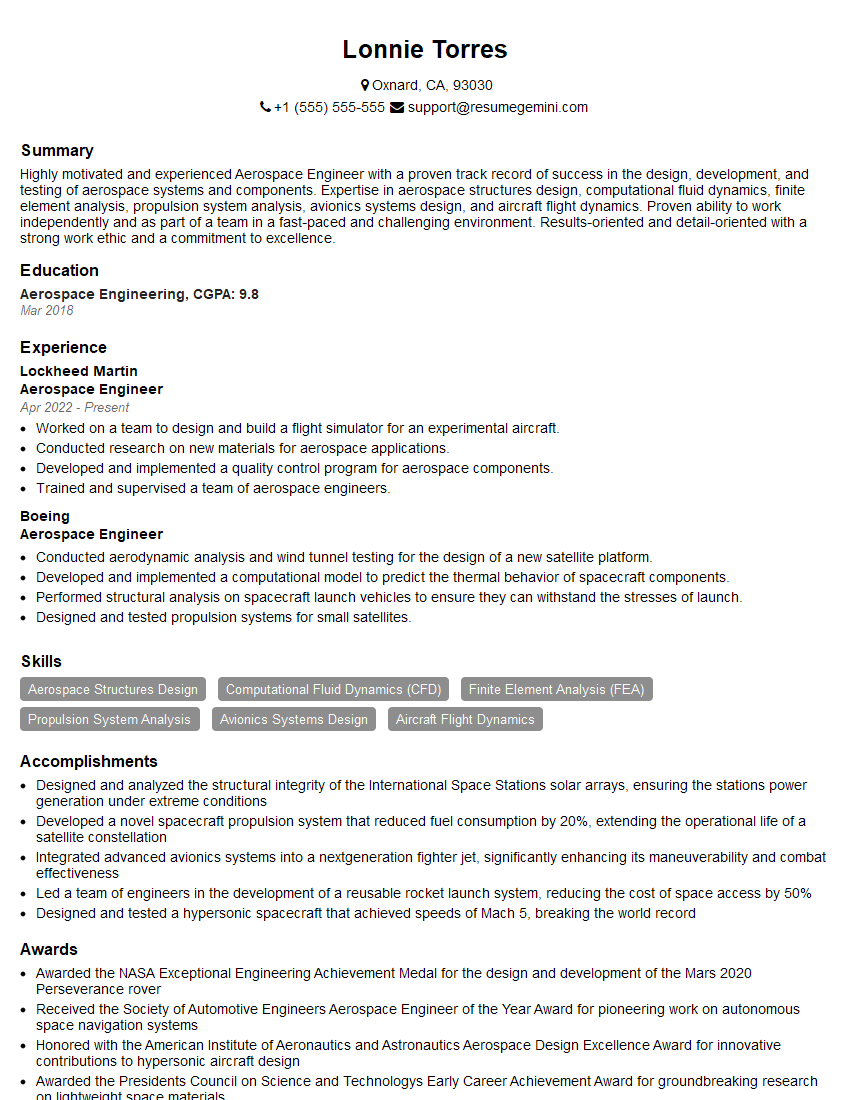
Aerospace Engineer Resume Sample
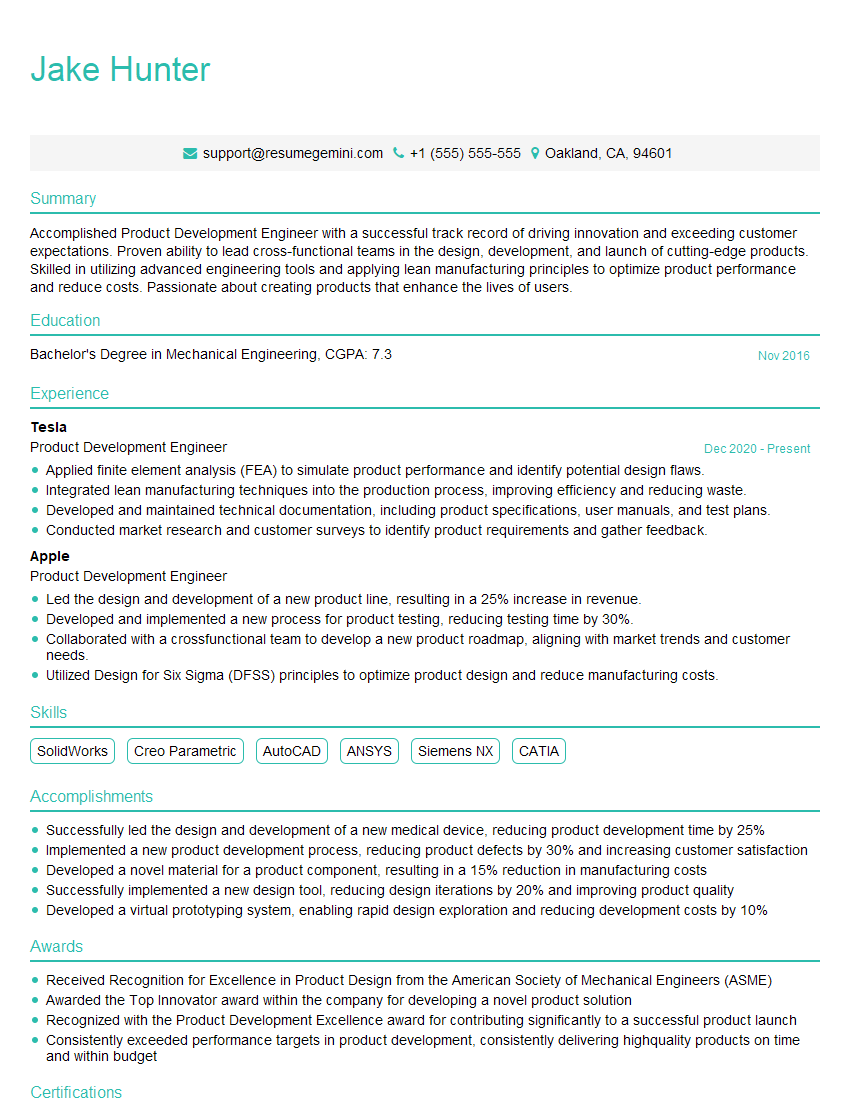
Product Development Engineer Resume Sample
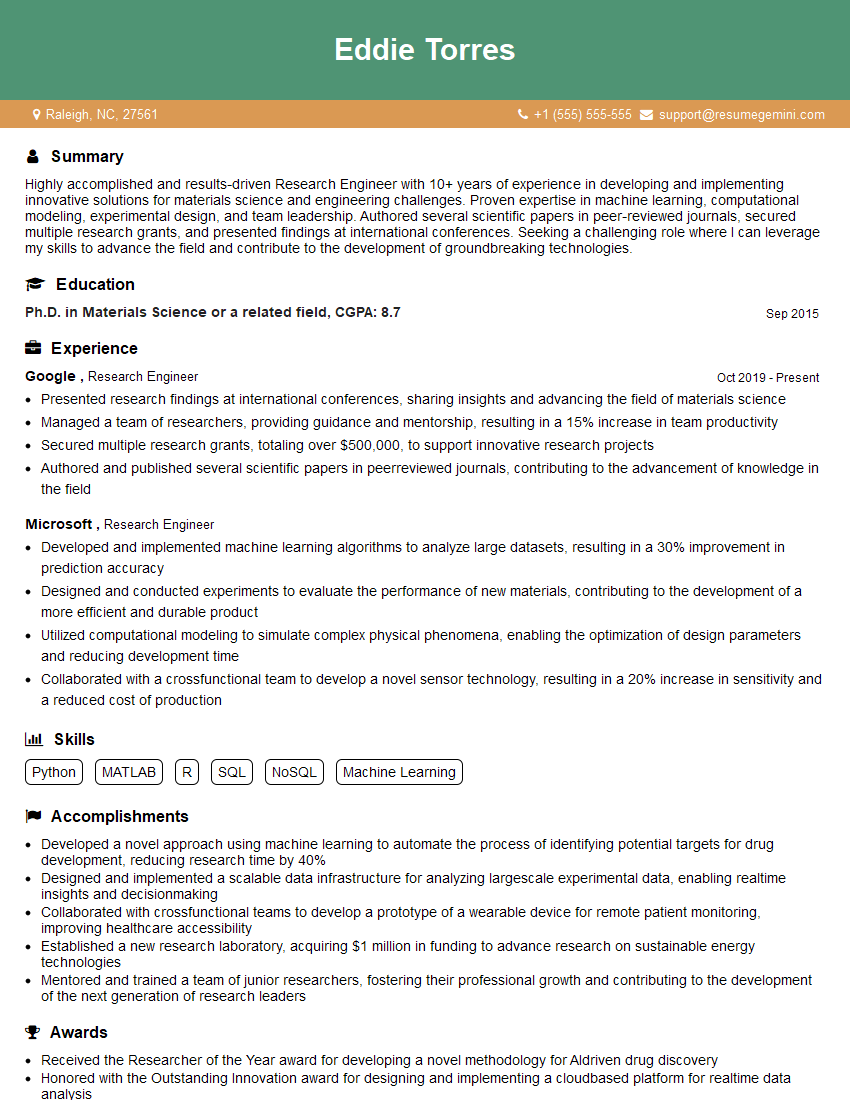
Research Engineer Resume Sample
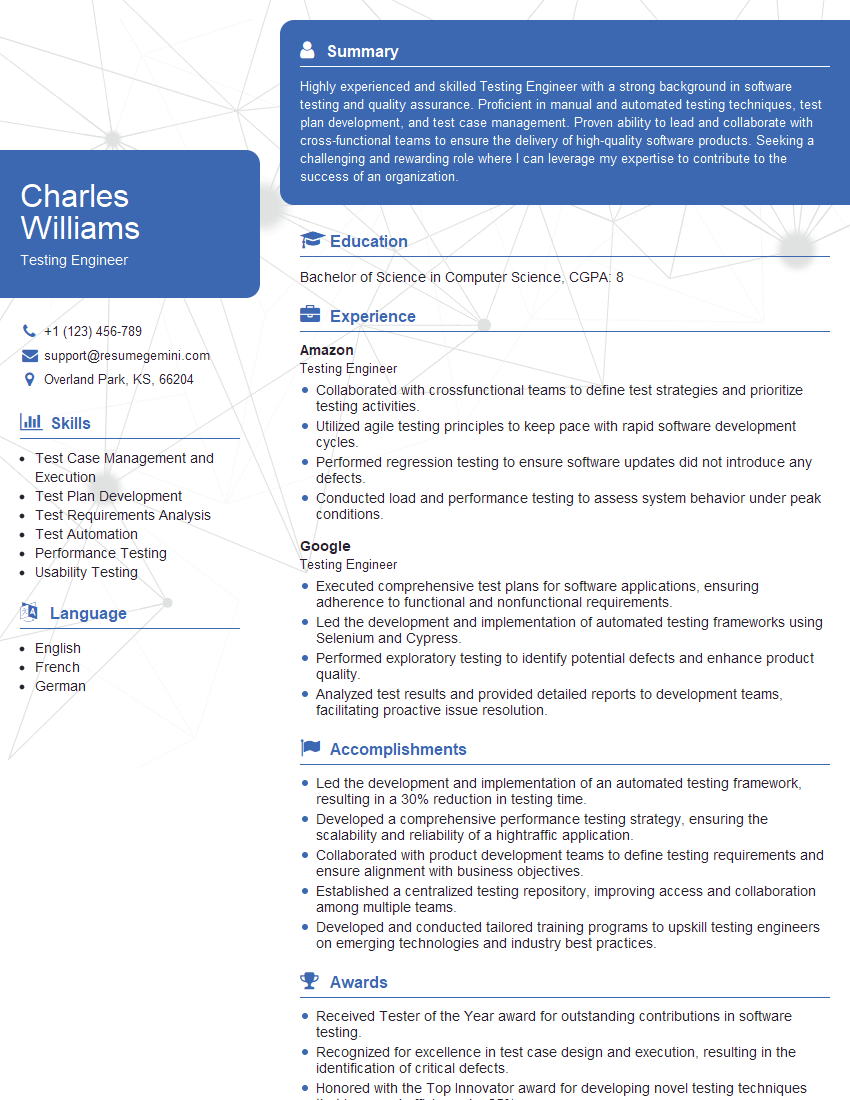
Testing Engineer Resume Sample
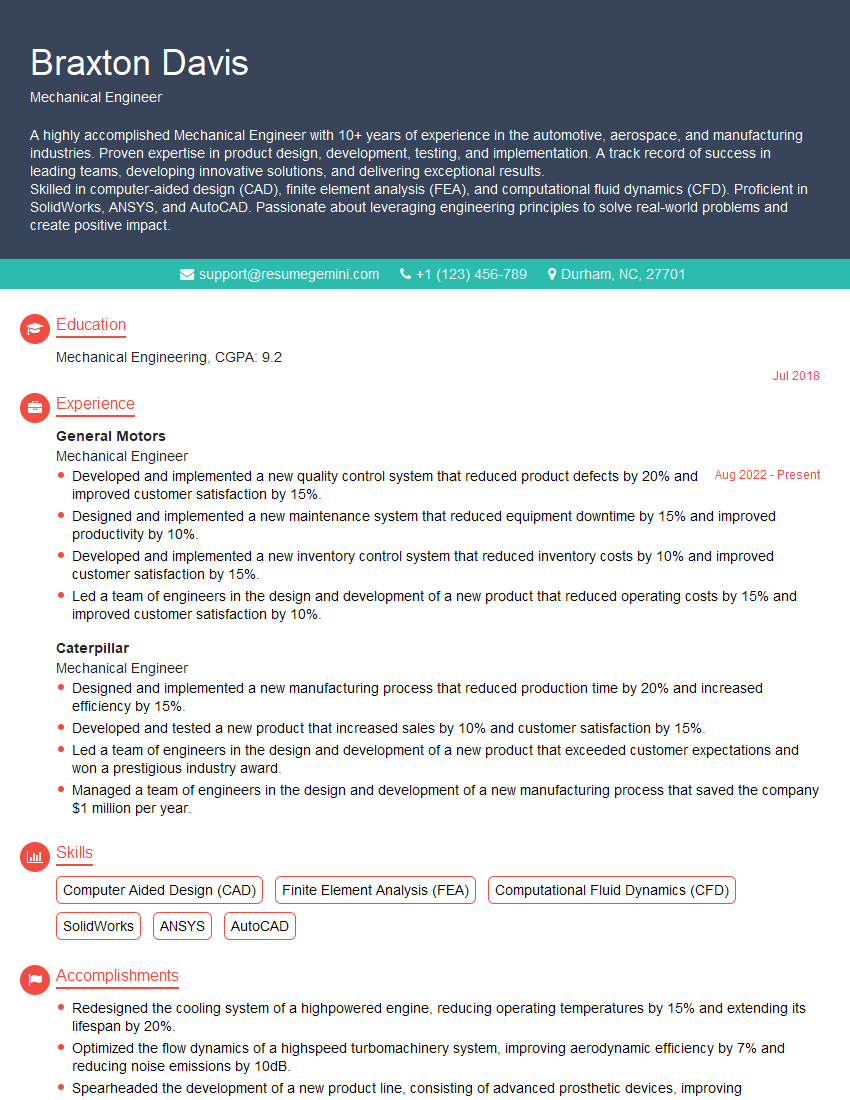
Mechanical Engineer Resume Sample
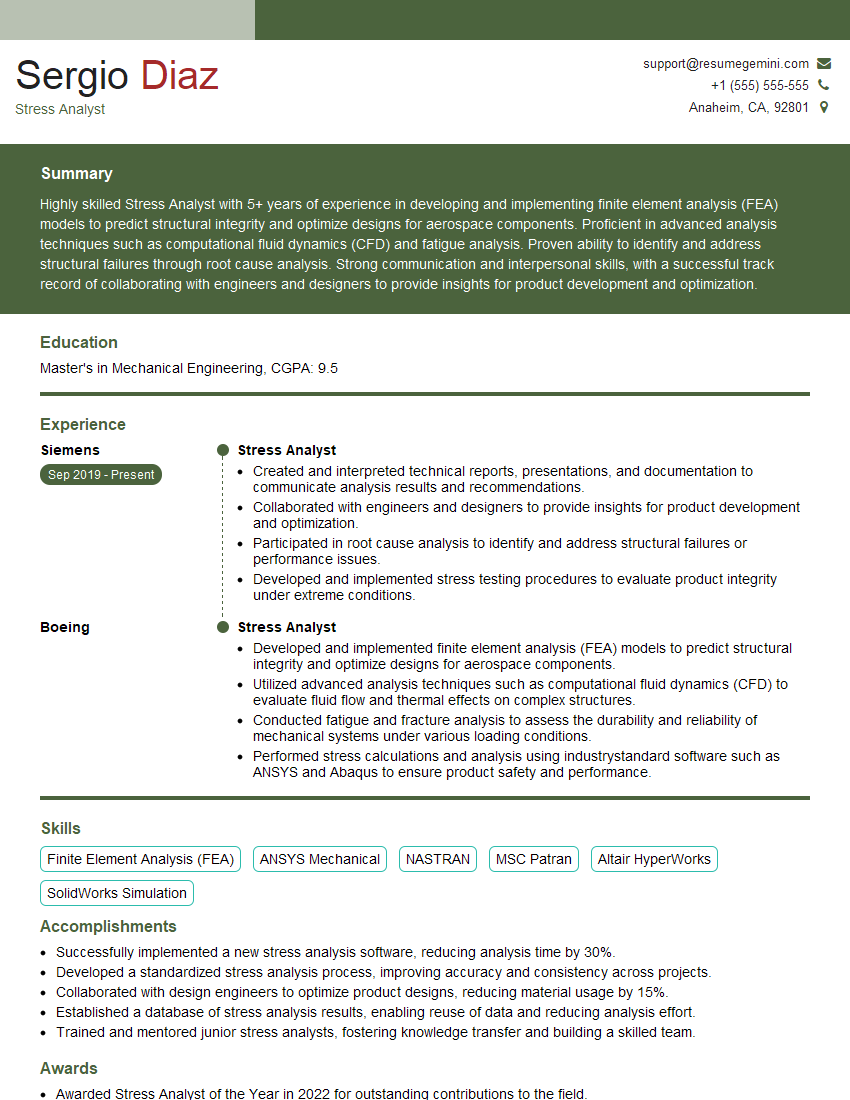
Stress Analyst Resume Sample
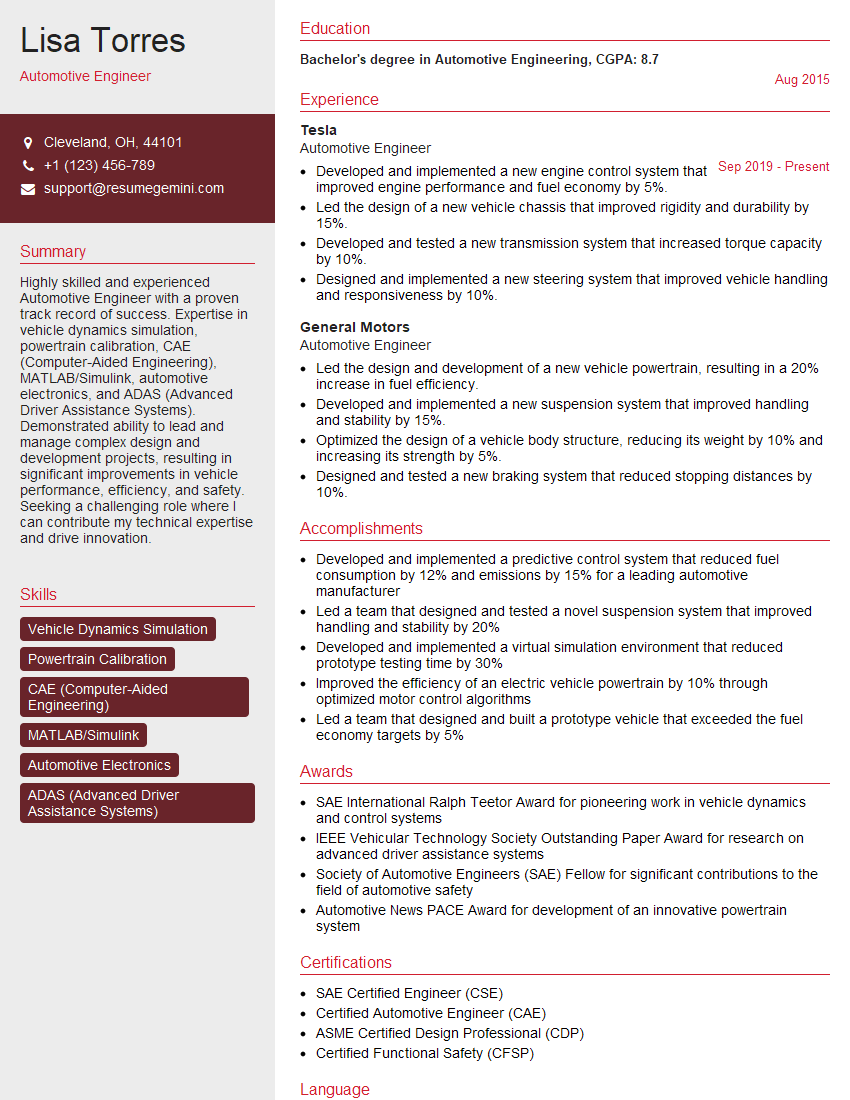
Automotive Engineer Resume Sample

Validation Engineer Resume Sample
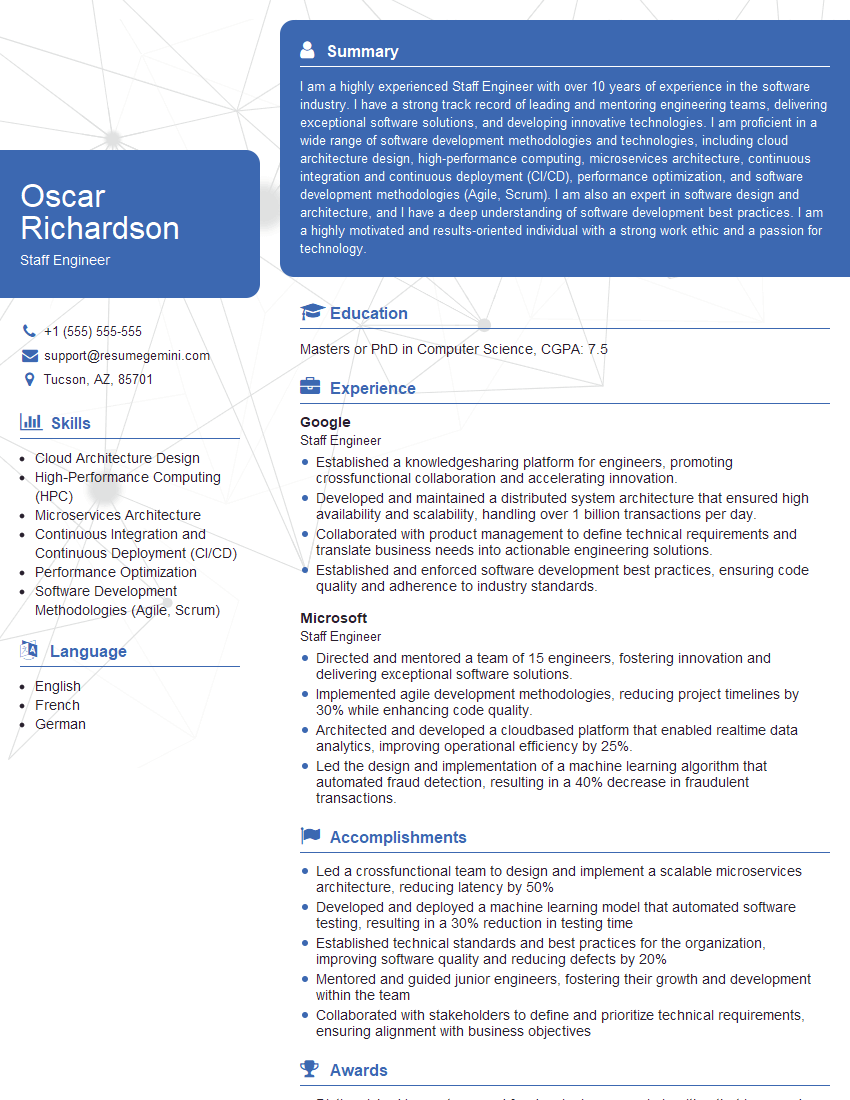
Staff Engineer Resume Sample
Explore more articles
Users Rating of Our Blogs
Share Your Experience
We value your feedback! Please rate our content and share your thoughts (optional).
What Readers Say About Our Blog
Very informative content, great job.
good