Feeling uncertain about what to expect in your upcoming interview? We’ve got you covered! This blog highlights the most important Personio interview questions and provides actionable advice to help you stand out as the ideal candidate. Let’s pave the way for your success.
Questions Asked in Personio Interview
Q 1. Explain the core functionalities of Personio.
Personio is a cloud-based Human Resources (HR) software designed to streamline and centralize various HR processes. At its core, it aims to simplify tasks related to employee lifecycle management, from recruitment and onboarding to performance management and offboarding. Think of it as a one-stop shop for all things HR, consolidating previously disparate systems and tools.
- Employee Management: Personio provides a centralized database to manage employee information, including personal details, contracts, and documents.
- Recruitment: It offers tools to manage the entire recruitment process, from posting job ads to candidate tracking and onboarding.
- Onboarding: Personio facilitates a smooth onboarding experience with automated workflows and digital document signing.
- Performance Management: The system allows for setting goals, conducting performance reviews, and tracking employee progress.
- Payroll: Personio integrates with various payroll providers, simplifying salary processing and ensuring accurate and timely payments.
- Absence Management: It provides tools for employees to request and managers to approve absences, ensuring compliance with company policies.
- Reporting and Analytics: Personio offers robust reporting capabilities to track key HR metrics and gain valuable insights into the workforce.
For example, a small business using Personio might significantly reduce the time spent on manual tasks like updating employee records or managing absence requests, allowing HR professionals to focus on more strategic initiatives.
Q 2. How does Personio handle employee onboarding?
Personio’s employee onboarding is designed to be efficient and engaging. It automates many manual tasks, making the entire process smoother for both new hires and HR staff. The system uses customizable workflows that can be tailored to specific roles and departments. This might include automated welcome emails, task assignments, document uploads, and access granting.
Imagine a new employee joining a company. With Personio, their onboarding process might begin with automated access to internal systems, followed by pre-assigned tasks like completing mandatory training courses. They can easily access and digitally sign important documents, eliminating the need for paperwork. The system also enables HR to track progress and ensure each step is completed on time.
Personio’s functionality allows for a positive first impression, setting a strong foundation for the employee’s tenure with the company. Customizable checklists and automated reminders reduce the likelihood of crucial steps being overlooked.
Q 3. Describe Personio’s recruitment module and its key features.
Personio’s recruitment module streamlines the entire hiring process. Key features include:
- Job Posting: Easily create and publish job ads across multiple platforms.
- Candidate Management: Centralized database to track applicants, manage communication, and store documents.
- Applicant Tracking System (ATS): Automates tasks like screening resumes and scheduling interviews.
- Interview Scheduling: Simplifies interview scheduling by integrating with calendars.
- Collaboration Tools: Facilitates team collaboration during the hiring process.
For instance, a hiring manager could use Personio to post a job ad on various job boards, automatically screen incoming applications based on predefined criteria, and easily track candidates throughout the entire process, ultimately reducing time-to-hire and improving the overall recruitment experience.
Q 4. How does Personio manage payroll processes?
Personio doesn’t directly process payroll itself. Instead, it integrates with various payroll providers, acting as a central hub for employee data. This data – such as salary information, tax details, and working hours – is seamlessly transferred to the chosen payroll provider, ensuring accurate and timely payroll processing. The integration reduces manual data entry and minimizes the risk of errors. The system provides transparency and lets HR teams monitor the status of payroll runs and access reports.
Think of it as a bridge: Personio collects and validates the necessary information, then securely shares it with the payroll provider to execute the actual payment. This approach leverages the expertise of specialized payroll providers while maintaining a streamlined process within Personio.
Q 5. What are the different reporting capabilities within Personio?
Personio’s reporting capabilities are extensive, providing valuable insights into various HR metrics. These reports can be customized to meet specific needs and can be exported in different formats. Some examples include:
- Absence Reports: Track employee absences and identify trends.
- Recruitment Reports: Analyze time-to-hire, cost-per-hire, and source of hire.
- Payroll Reports: Review salary costs, tax deductions, and other payroll-related data.
- Employee Turnover Reports: Identify potential issues contributing to employee attrition.
- Customizable Reports: Create reports tailored to specific business needs.
For example, a company might use Personio to generate a report on employee turnover to understand why employees are leaving and to identify areas for improvement in employee retention strategies. Or they could use data to show budget impact of increased employee salary.
Q 6. Explain Personio’s absence management features.
Personio’s absence management features streamline the process of requesting, approving, and tracking employee absences. Employees can easily submit absence requests through the system, specifying the type of absence (sick leave, vacation, etc.) and the duration. Managers can then review and approve or reject these requests, ensuring compliance with company policies and minimizing potential disruptions.
The system automatically updates employee schedules, generates reports on absence patterns, and helps manage accruals for various leave types, offering complete transparency and control. For example, an employee can submit a vacation request directly through the Personio app, eliminating the need for email or paper-based forms. Their manager receives a notification and can approve or deny the request directly within the system.
Q 7. How does Personio integrate with other HR systems?
Personio offers various integration options to connect with other HR systems and tools. These integrations enhance the functionality and streamline workflows. Common integrations include:
- Payroll Providers: As mentioned previously, Personio integrates with numerous payroll providers to automate salary processing.
- Communication Platforms: Integrations with platforms like Slack or Microsoft Teams facilitate communication and collaboration.
- Video Conferencing Tools: Integration with tools like Zoom or Google Meet streamlines interview scheduling and conducting remote meetings.
- Applicant Tracking Systems (ATS): Personio can integrate with external ATS to consolidate recruitment data.
- Other HR Systems: Custom API integrations allow connection with other specialized HR tools.
These integrations help consolidate data from different sources into a unified system, creating a more holistic view of the workforce and reducing data silos.
Q 8. Describe Personio’s performance management tools.
Personio’s performance management tools streamline the entire performance review process, from goal setting to feedback collection and performance evaluation. It allows for 360-degree feedback, enabling employees to receive input from colleagues, managers, and even clients. The system supports setting Key Performance Indicators (KPIs) and allows managers to track progress against those goals throughout the year. This helps avoid the annual review crunch and promotes continuous feedback.
- Goal Setting: Managers and employees collaboratively define SMART (Specific, Measurable, Achievable, Relevant, Time-bound) goals within Personio.
- Regular Check-ins: The system facilitates regular check-ins between managers and employees, allowing for ongoing feedback and progress tracking.
- Performance Reviews: Personio provides structured templates for conducting performance reviews, making the process consistent and objective. These templates can be customized to align with company-specific needs.
- 360-degree Feedback: Employees can request feedback from various stakeholders, giving a holistic view of their performance.
- Performance Improvement Plans (PIPs): The platform supports the creation and tracking of PIPs for employees needing improvement in specific areas.
For example, a sales team can use Personio to set quarterly sales targets for each team member, track their progress against those targets, and then conduct performance reviews based on the achieved results and feedback received throughout the quarter. This makes performance management continuous and data-driven, not just an annual event.
Q 9. How does Personio handle employee data security and privacy?
Personio takes data security and privacy extremely seriously. They comply with relevant data protection regulations like GDPR and CCPA. Their security measures include:
- Data Encryption: All data both in transit and at rest is encrypted to protect it from unauthorized access.
- Access Control: Role-based access control (RBAC) ensures that only authorized personnel can access specific data. This prevents unauthorized employees from viewing sensitive information.
- Regular Security Audits: Personio undergoes regular security audits to identify and address potential vulnerabilities.
- Data Backup and Disaster Recovery: Robust data backup and disaster recovery plans ensure data availability in case of unforeseen events.
- Compliance Certifications: Personio holds various certifications, demonstrating their commitment to data security and privacy best practices.
Think of it like a high-security bank vault. Multiple layers of protection ensure only authorized individuals can access the data. Regular inspections and audits guarantee that the vault remains secure and up to standard.
Q 10. What are the different user roles and permissions in Personio?
Personio utilizes a role-based access control (RBAC) system to manage user permissions. This means that different users have different levels of access to data and functionalities within the system. Common roles include:
- Administrator: Has full access to all features and data within Personio.
- HR Manager: Access to HR-related functionalities like managing employee data, leave requests, and recruiting. Access can be further restricted based on departments or teams.
- Team Lead/Manager: Access to their team’s data, including performance reviews, time tracking, and leave requests.
- Employee: Limited access, typically to their own personal data, leave requests, and possibly some company-wide announcements.
- Recruiter: Access focused on the recruitment process, including candidate management, job postings, and interview scheduling.
For instance, an HR manager might have access to all employee salaries, while a team lead only sees the salaries of their direct reports. This granular control ensures data confidentiality and prevents unauthorized access to sensitive information.
Q 11. Explain Personio’s workflow automation capabilities.
Personio’s workflow automation significantly reduces manual tasks and streamlines HR processes. This is achieved through customizable workflows that automate tasks like:
- Onboarding: Automating the process of sending welcome emails, assigning tasks, and managing new hire paperwork.
- Offboarding: Automating the separation process, including sending termination letters, collecting equipment, and conducting exit interviews.
- Leave Requests: Automating the approval and notification process for leave requests.
- Recruitment: Automating candidate communication and scheduling of interviews.
- Performance Reviews: Automating reminders for managers and employees to conduct reviews.
Imagine the onboarding process: Personio can automatically send a welcome email, provide access to internal systems, schedule a meeting with IT, and send relevant documents, all triggered by the new hire’s addition to the system. This saves considerable HR time and ensures consistency.
Q 12. How can you customize dashboards and reports in Personio?
Personio offers robust customization options for dashboards and reports. Users can create personalized dashboards displaying key metrics relevant to their roles. Reports can be tailored to specific needs and exported in various formats.
- Pre-built Dashboards: Personio offers a range of pre-built dashboards covering various HR metrics such as employee turnover, absence rates, and recruitment statistics.
- Customizable Dashboards: Users can customize existing dashboards or create entirely new ones by selecting the specific metrics and visualizations they want to see.
- Report Builder: Personio provides a report builder to create customized reports from various data points within the system. Users can filter, sort, and group data to create insightful reports.
- Report Export Options: Generated reports can be exported in different formats such as PDF, CSV, and Excel for further analysis or sharing.
For example, an HR manager might create a dashboard tracking key metrics like employee satisfaction, recruitment costs, and time-to-hire. A department manager might create a report showing the performance of their team members against their KPIs.
Q 13. Describe your experience with Personio’s API.
Personio’s API (Application Programming Interface) allows for seamless integration with other business systems, enabling data exchange and automation. This opens possibilities for extended functionality and custom solutions. My experience includes using the API to:
- Integrate with Payroll Systems: Automating the transfer of employee data to the payroll system, minimizing manual data entry and reducing errors.
- Develop Custom Applications: Creating custom applications that integrate with Personio for specific HR needs, such as internal HR tools or custom reporting dashboards.
- Automate Processes: Automating repetitive HR tasks by connecting Personio with other platforms via the API.
For example, using the API I integrated Personio with our CRM system, automatically updating employee contact information in the CRM whenever changes were made in Personio. This ensures that our sales team always has access to the most up-to-date contact details.
The API is documented well and provides a range of endpoints for accessing and modifying data. While it requires programming knowledge, its capabilities are powerful and well worth the investment.
Q 14. How would you troubleshoot a common Personio issue?
Troubleshooting Personio issues often involves a systematic approach. Here’s a common scenario and how to resolve it:
Scenario: Employees are unable to access Personio.
Troubleshooting Steps:
- Check Internet Connectivity: Ensure employees have a stable internet connection and can access other online services.
- Check Browser Compatibility: Verify that employees are using a supported web browser. Personio’s documentation will list compatible browsers.
- Clear Browser Cache and Cookies: Sometimes cached data can interfere with website functionality. Clearing the browser’s cache and cookies is a simple but effective troubleshooting step.
- Check Login Credentials: Confirm that employees are using the correct username and password. Encourage password resets if necessary.
- Check for System Outages: Consult Personio’s status page or contact support to check if there are any known system outages.
- Contact Personio Support: If the problem persists, contact Personio’s support team. Provide them with detailed information about the issue, including error messages and screenshots if available.
A methodical approach, starting with the simplest checks and escalating to more advanced solutions, is usually the most effective way to resolve most Personio issues. Remember to document all steps taken during the troubleshooting process, to aid in future problem-solving and provide relevant information to support teams if needed.
Q 15. Explain how to configure employee self-service features in Personio.
Configuring employee self-service in Personio empowers your team to manage their own HR data, fostering autonomy and efficiency. It’s a multi-step process, starting with defining which features you want to enable.
- Access Control: Begin by determining which employee groups will have access to specific self-service modules (e.g., time-off requests, personal data updates). Personio’s robust role-based access control (RBAC) makes this granular configuration straightforward. You’ll define user roles and assign permissions accordingly.
- Feature Activation: Navigate to the relevant settings within Personio’s administration section. For instance, to enable self-service time-off requests, you’ll locate the ‘Time Off’ module and activate the ‘Employee Self-Service’ option. This usually involves toggling a switch or selecting a checkbox.
- Customization (Optional): Personio allows for some customization. For example, you can define the approval workflow for time-off requests, specifying who needs to approve requests based on the employee’s department or role. You can also customize notification settings, ensuring employees receive timely updates on their requests.
- Testing: Before rolling out self-service features to the entire organization, thoroughly test the functionality with a small group of employees to identify any potential issues or areas for improvement. This ensures a smooth transition and minimizes disruption.
For instance, in a company with separate departments for sales and marketing, you might want sales employees to only see and manage their own time-off requests, while marketing employees have access to a broader range of self-service modules, such as personal data updates.
Career Expert Tips:
- Ace those interviews! Prepare effectively by reviewing the Top 50 Most Common Interview Questions on ResumeGemini.
- Navigate your job search with confidence! Explore a wide range of Career Tips on ResumeGemini. Learn about common challenges and recommendations to overcome them.
- Craft the perfect resume! Master the Art of Resume Writing with ResumeGemini’s guide. Showcase your unique qualifications and achievements effectively.
- Don’t miss out on holiday savings! Build your dream resume with ResumeGemini’s ATS optimized templates.
Q 16. How do you ensure data accuracy and integrity within Personio?
Data accuracy and integrity are paramount in any HRIS, and Personio provides several mechanisms to ensure this.
- Data Import Validation: When importing data from external sources (e.g., spreadsheets), Personio allows you to validate the data against pre-defined rules and formats. This helps catch errors before they enter the system. For example, you can set rules to ensure that date formats are consistent and that email addresses are valid.
- Workflow Approvals: Many actions, such as salary changes or contract updates, require approval from designated managers or HR personnel. This two-factor authentication and multi-level approval process prevents unauthorized modifications and ensures data accuracy.
- Data Auditing: Personio maintains a detailed audit trail, recording all changes made to employee data. This allows you to track modifications, identify errors, and pinpoint who made specific changes. This is invaluable for compliance and troubleshooting purposes.
- Regular Data Cleansing: Periodically reviewing and cleaning your data is essential. This involves identifying and correcting duplicate entries, updating outdated information, and ensuring data consistency across different fields. A clear data governance plan is key here.
- User Training: Providing thorough training to users on how to correctly enter and manage data is critical. This minimizes human error, a common source of data inaccuracy.
Think of it like a well-organized library: regular checks, clear labeling, and a robust system of checks and balances help maintain the accuracy and integrity of the information.
Q 17. Describe your experience with Personio’s mobile application.
Personio’s mobile application offers a convenient way to access key HR functionalities on the go. I’ve found it particularly useful for quickly approving time-off requests, viewing employee information, and managing urgent tasks.
- User-Friendly Interface: The app is designed with an intuitive interface, making it easy to navigate even for users who are less tech-savvy.
- Key Features: The app provides access to essential features, including time-off management, viewing employee profiles, and receiving notifications.
- Offline Access (Limited): While the full functionality requires an internet connection, some features may offer limited offline access for certain tasks.
- Notifications: The app’s notification system keeps you updated on important events, such as pending approvals or urgent requests. This is very efficient and keeps me in the loop.
For example, I have used the app during business trips to approve urgent leave requests or access crucial employee information, thereby maintaining productivity even when away from my office desk.
Q 18. How would you train new users on Personio?
Training new users on Personio requires a structured approach that blends theoretical knowledge with practical application.
- Structured Training Sessions: I would begin with interactive training sessions, covering the basic navigation, key modules (e.g., employee management, time-off, recruitment), and essential workflows. I’d use a combination of presentations and hands-on exercises, letting them familiarize themselves with the system.
- Personalized Onboarding: I would then tailor the training based on the user’s role and responsibilities within the company. A recruiter would need training in the applicant tracking system (ATS), while an HR manager would focus on employee data management and reporting.
- Role-Based Access Control (RBAC): Ensuring users only have access to what they need reduces confusion. We’d carefully define roles and permissions.
- Documentation and Support: Providing comprehensive documentation and offering ongoing support through email, internal communication channels (like Slack), and even dedicated training sessions are essential. We would create a knowledge base or FAQs.
- Regular Check-ins: After the initial training, regular check-ins ensure users can effectively utilize the system and address any challenges. It helps identify and solve unforeseen issues.
Imagine a new employee starting at a restaurant. You wouldn’t just show them the kitchen; you’d give them step-by-step instructions, allow them to practice, and be there to answer their questions.
Q 19. What are the limitations of Personio compared to other HRIS systems?
While Personio is a powerful HRIS, it does have certain limitations compared to more comprehensive systems.
- Limited Integrations: The breadth of integrations with other software (payroll, accounting, etc.) might be less extensive than other platforms, potentially requiring manual data entry for some processes.
- Customization: While offering customization, some advanced configuration options might be lacking compared to enterprise-level HRIS systems.
- Scalability: For very large organizations with complex HR requirements, Personio’s scalability might pose challenges compared to more enterprise-grade solutions.
- Reporting Capabilities: The reporting and analytics features, though sufficient for many SMEs, might not provide the advanced capabilities needed by larger organizations with intricate analytical needs.
The choice of an HRIS often depends on the specific needs and size of the company. Personio excels for mid-sized companies with simpler requirements, but larger organizations with extremely specific reporting needs might find it necessary to look at other solutions.
Q 20. How would you use Personio to track key HR metrics?
Personio’s reporting tools are useful for tracking various key HR metrics.
- Time-to-Hire: Track the time taken from job posting to offer acceptance to measure recruitment efficiency.
- Employee Turnover: Monitor employee attrition rates to identify potential issues with employee satisfaction or retention.
- Absence Rates: Track the number of sick days and vacation days taken to understand employee well-being and plan accordingly.
- Employee Satisfaction: (If using integrated surveys) track sentiment to proactively address any concerns.
- Recruitment Costs: Track costs per hire to optimize the recruitment budget.
By creating custom reports in Personio, you can visually represent these metrics, identify trends, and make data-driven decisions to improve HR processes. For example, if turnover is high in a specific department, you can investigate underlying reasons and take corrective actions.
Q 21. Describe your experience with Personio’s applicant tracking system.
Personio’s applicant tracking system (ATS) streamlines the recruitment process, allowing efficient management of job postings, applications, and candidate communication.
- Job Posting and Distribution: It simplifies the process of creating and posting job descriptions to various platforms. This can help you reach a wider pool of potential candidates and streamline recruitment efforts.
- Candidate Management: Personio allows you to organize and track applications, schedule interviews, and manage communication with candidates through a centralized platform. You can easily follow the candidate’s progress throughout the recruiting process.
- Collaboration Tools: It facilitates collaboration between team members involved in the hiring process, allowing for efficient communication and feedback sharing.
- Reporting: The ATS provides basic reporting, offering insights into the recruitment pipeline and key metrics. This helps monitor the effectiveness of various recruiting strategies.
Imagine a recruiter managing multiple applications simultaneously. Personio’s ATS eliminates the need for spreadsheets, emails, and scattered documents, leading to a more efficient and less chaotic process.
Q 22. How would you use Personio to manage employee benefits?
Personio streamlines employee benefits management by centralizing all relevant information. Instead of relying on disparate spreadsheets or systems, you can manage enrollment, track eligibility, and record benefit usage within Personio. This includes benefits like health insurance, retirement plans, paid time off, and more.
For example, you can create different benefit plans within Personio, assign employees to these plans based on their role or department, and automatically update benefit information as employees’ circumstances change. You can also generate reports on benefit costs and usage to inform decision-making. The system facilitates efficient communication with employees regarding their benefits, minimizing paperwork and confusion. Think of it like a digital benefits hub, improving transparency and making benefit administration much easier.
Q 23. How does Personio support compliance with relevant regulations?
Personio assists with compliance by offering features designed to help businesses adhere to various employment regulations. This includes automated reminders for tasks like contract renewals, ensuring timely adherence to legal deadlines. The system also helps maintain accurate employee data, crucial for meeting reporting requirements. Personio often provides updates to its system to reflect changes in legislation, reducing the risk of non-compliance.
For instance, Personio might offer pre-built templates for legally compliant employment contracts or tools to manage data privacy according to GDPR or CCPA regulations. It’s important to remember that Personio is a tool, and maintaining compliance is ultimately the responsibility of the company, but Personio significantly reduces the administrative burden and risk of errors.
Q 24. Explain how Personio handles employee feedback and surveys.
Personio facilitates employee feedback collection through integrated survey tools and 360-degree feedback mechanisms. You can create custom surveys easily and distribute them to specific employee groups or the entire organization. The system automatically collates the responses, providing insightful data on employee satisfaction, engagement, and areas for improvement. Personio’s reporting capabilities allow HR to analyze feedback trends and identify key themes.
For example, you could launch an anonymous pulse survey to gauge employee morale after a significant company change or a more structured engagement survey to gather feedback on the company culture. The data gathered can then be used to inform strategic decisions and improve workplace experiences.
Q 25. What are the best practices for data migration into Personio?
Data migration into Personio requires careful planning and execution. It begins with a thorough data audit of your existing HR systems to identify all relevant data points and their formats. This is followed by mapping this data to the corresponding fields within Personio. It’s crucial to cleanse and validate your data before importing to ensure accuracy and avoid errors. Personio may offer import templates or APIs to simplify the process.
A phased approach is often recommended, starting with a pilot migration of a small subset of data to test the process and identify any potential issues before migrating the entire dataset. Always back up your existing data before starting the migration as a crucial precaution. Consider seeking professional assistance for large and complex migrations to minimize disruption and ensure data integrity.
Q 26. Describe Personio’s contract management features.
Personio’s contract management features enable you to store, manage, and track employment contracts electronically. You can upload contracts, set reminders for renewals or key dates, and easily access contracts for review when needed. This eliminates the need for physical filing cabinets and simplifies contract management. The system may also include features to automate certain aspects of contract administration, such as sending out renewal notifications.
For example, you can tag contracts with specific attributes, like the employee’s department or contract type, facilitating efficient searching and retrieval. Personio’s central repository ensures everyone in HR has access to the most up-to-date contract information, reducing the risk of version control issues.
Q 27. How would you utilize Personio to improve HR efficiency?
Personio significantly improves HR efficiency by automating many routine tasks. This includes automated onboarding processes, reducing the manual effort involved in paperwork and communication. It streamlines payroll processing, integrates with other HR systems, and automates performance reviews. Personio’s self-service portal empowers employees to access their information, reducing the number of queries to HR. The system generates reports and analytics that provide valuable insights into HR data, informing strategic decision-making.
Imagine the time saved by automating the onboarding process for 20 new hires. This allows HR to focus on more strategic initiatives, such as talent development or employee engagement programs, leading to an overall increase in efficiency and productivity.
Q 28. Explain your experience using Personio’s recruiting analytics.
Personio’s recruiting analytics offer valuable insights into the effectiveness of your recruitment processes. You can track key metrics such as time-to-hire, cost-per-hire, and source of hire. This data helps identify bottlenecks in your recruitment pipeline and allows you to optimize your strategies to improve efficiency and reduce hiring costs. You can also analyze candidate flow, application rates, and interview success rates to gain a comprehensive understanding of your recruitment performance.
For example, by analyzing time-to-hire data, you might identify that a particular stage of the recruitment process, such as background checks, is taking longer than average. This data can then be used to streamline that stage, improving overall efficiency and candidate experience. Understanding where your candidates are coming from allows you to better allocate your resources and target the most effective channels.
Key Topics to Learn for Your Personio Interview
- Personio’s Core Functionality: Understand the key features and modules of the Personio platform, including applicant tracking, onboarding, performance management, and payroll processes. Consider how these features integrate with each other.
- Practical Application: Imagine scenarios where you would use Personio to solve specific HR challenges. For example, how would you use Personio to streamline the recruitment process for a specific role? Or, how would you leverage its reporting features to analyze employee turnover?
- Data Management & Reporting: Explore Personio’s data management capabilities. How is data stored, accessed, and analyzed? Practice interpreting reports and dashboards to draw insightful conclusions.
- Integration with Other Systems: Familiarize yourself with Personio’s integration capabilities with other HR tools and systems. Understanding this aspect demonstrates a broader understanding of HR technology ecosystems.
- User Permissions & Security: Understand how user roles and permissions are managed within Personio to ensure data security and compliance.
- Problem-Solving with Personio: Consider potential challenges you might encounter using Personio and how you would approach troubleshooting or seeking support. This showcases your proactive problem-solving skills.
- Personio’s Customization Options: Explore the extent to which Personio can be customized to fit the specific needs of different organizations. This shows your understanding of adaptability and scalability.
Next Steps
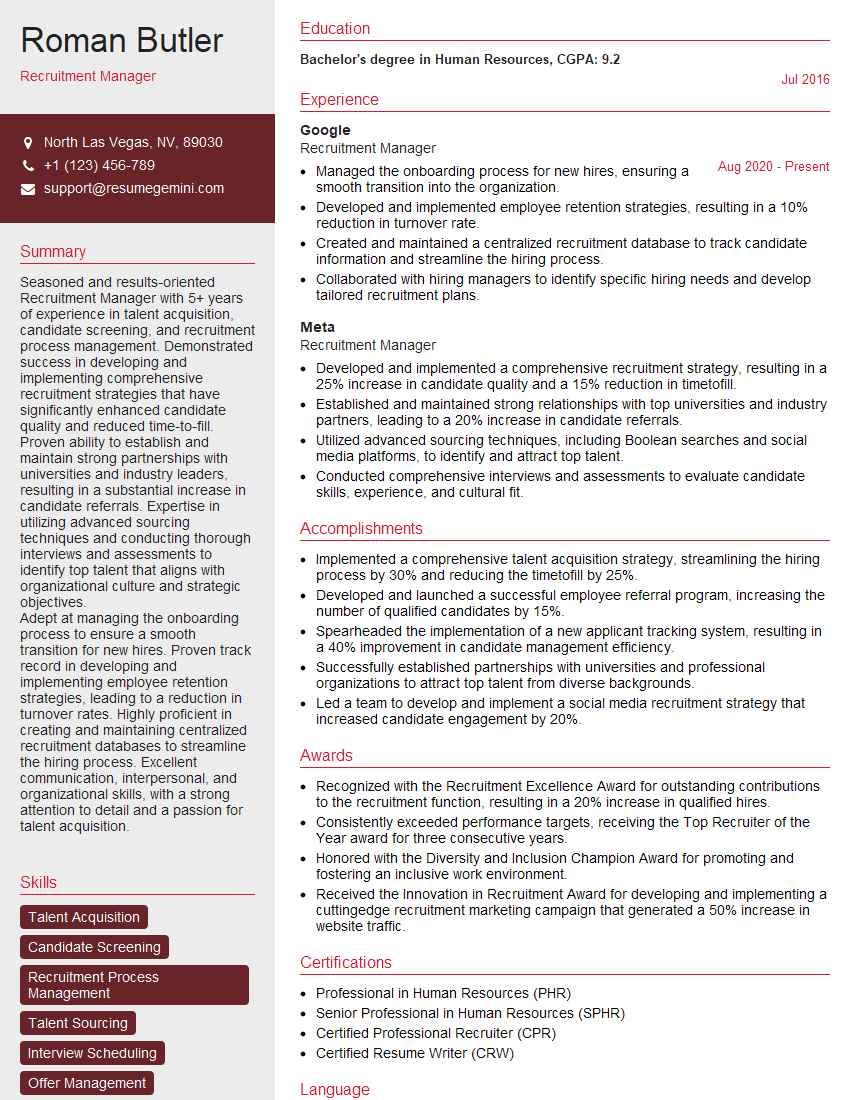
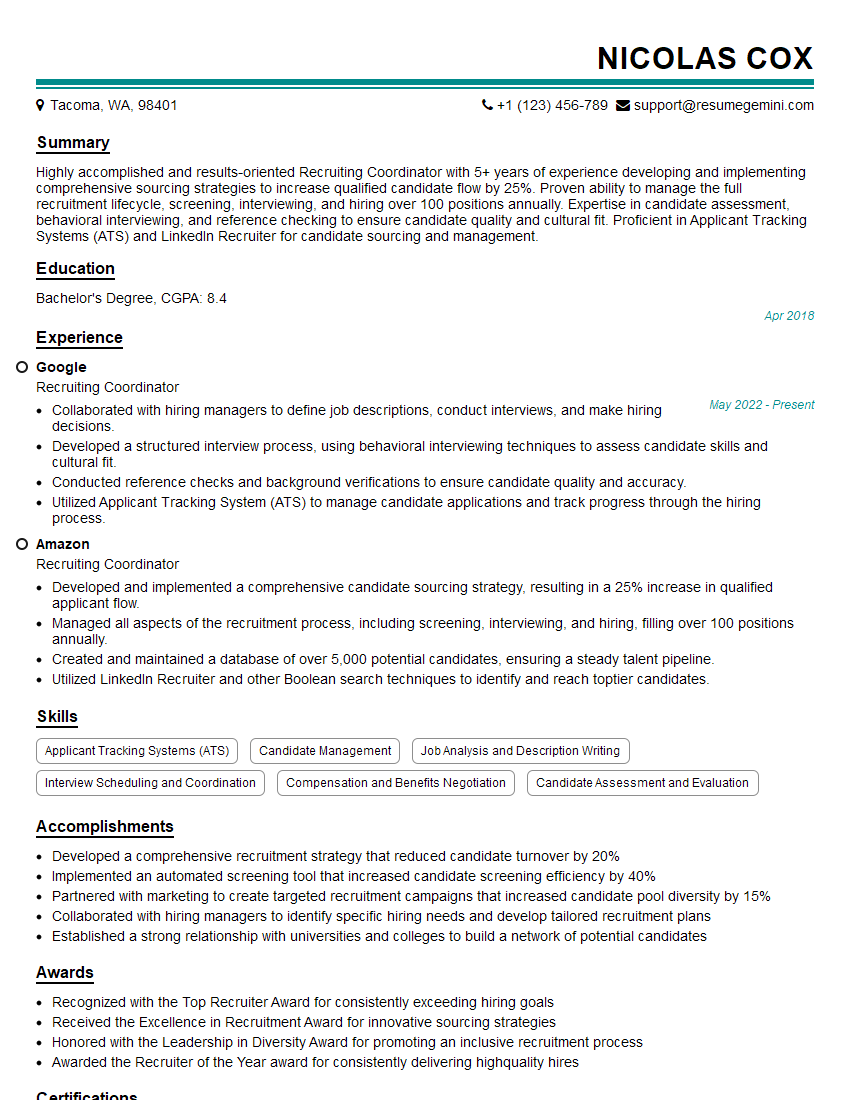
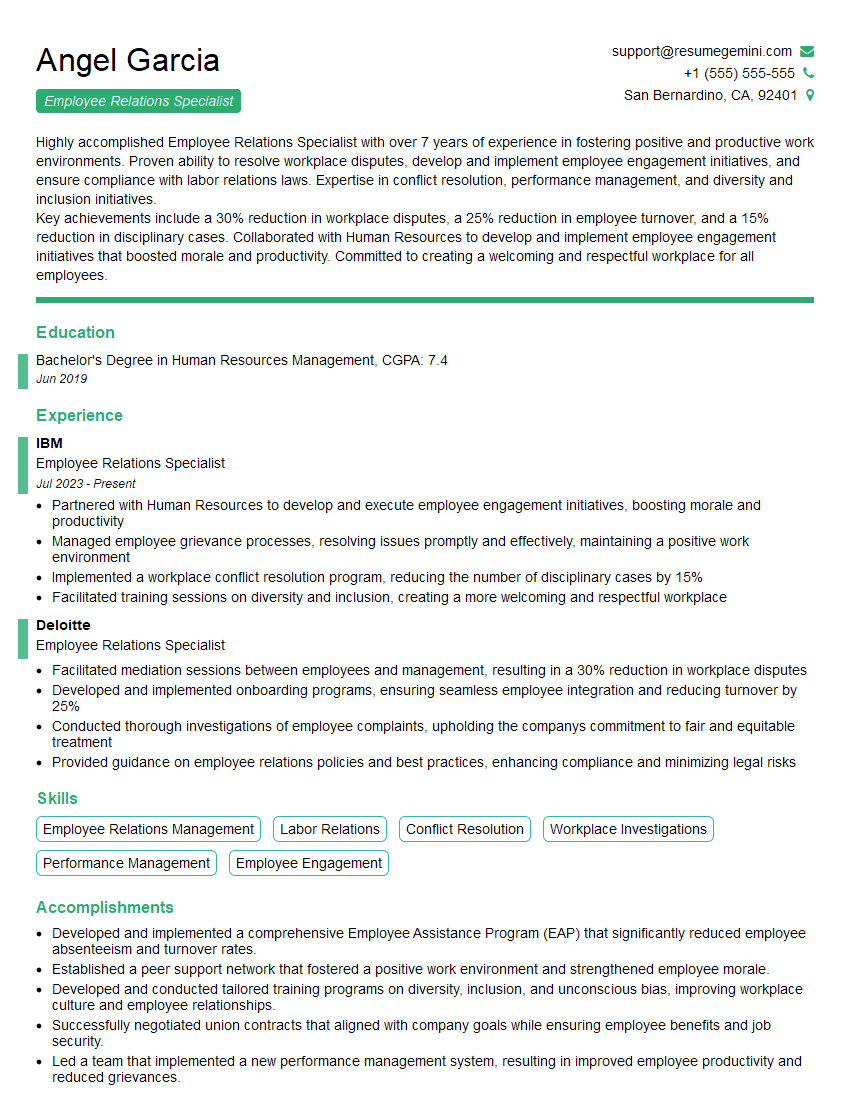
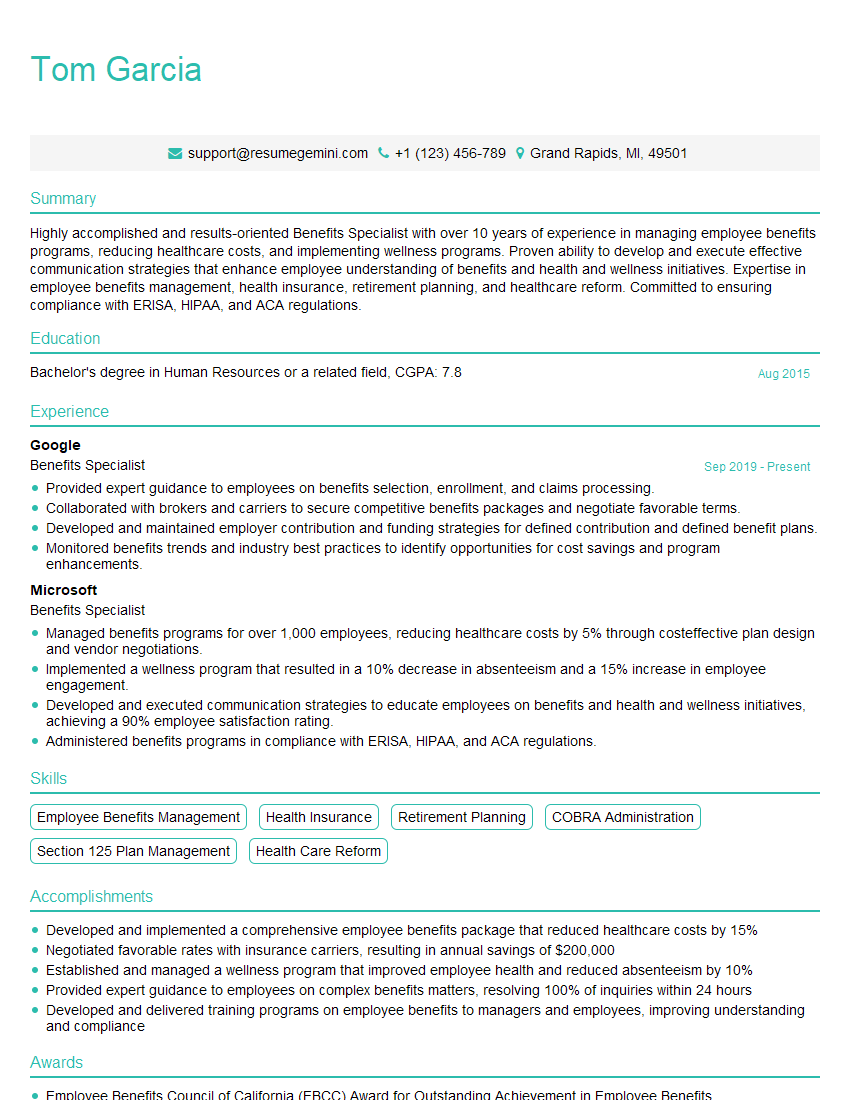
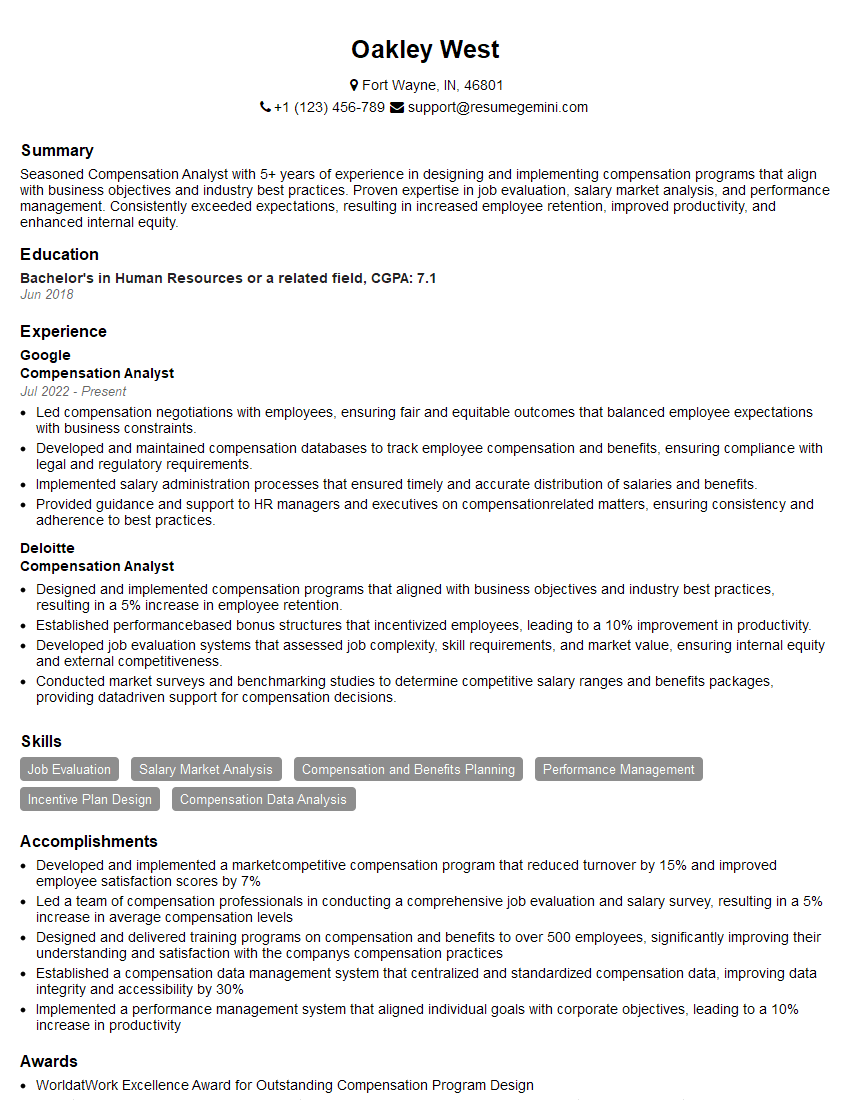
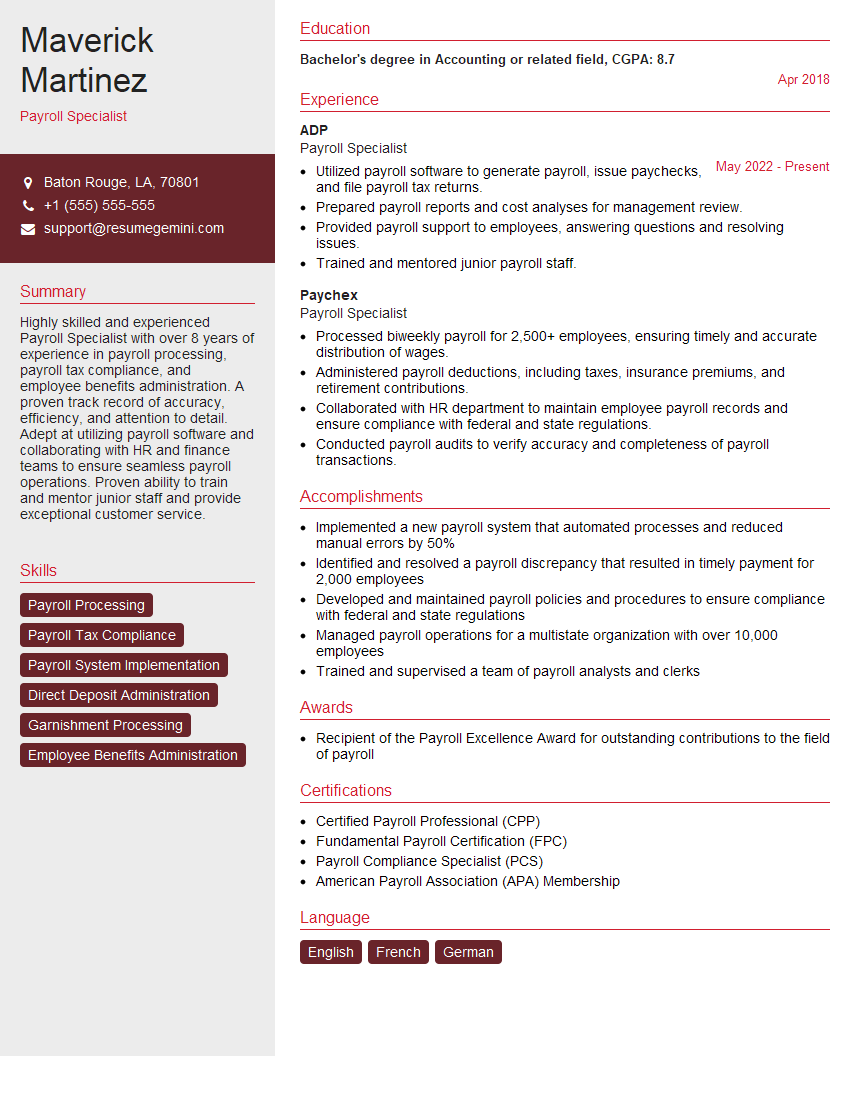
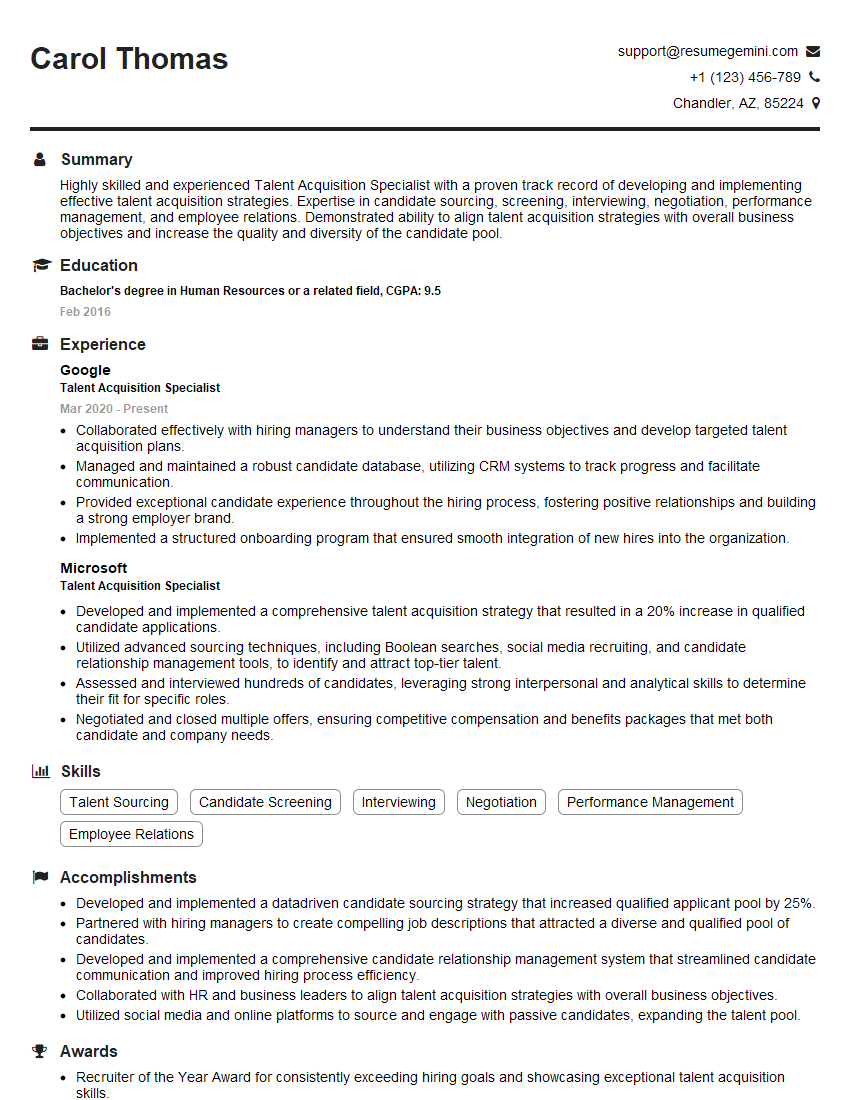
Mastering Personio is a significant step towards a successful career in HR technology. Demonstrating your proficiency with this platform significantly enhances your job prospects. To maximize your chances, create an ATS-friendly resume that highlights your relevant skills and experience. We strongly recommend using ResumeGemini to build a professional and impactful resume tailored to the specific requirements of the Personio role. Examples of resumes optimized for Personio applications are available for your review. This will help you present your qualifications effectively and increase your chances of securing an interview.
Explore more articles
Users Rating of Our Blogs
Share Your Experience
We value your feedback! Please rate our content and share your thoughts (optional).
What Readers Say About Our Blog
Very informative content, great job.
good