The right preparation can turn an interview into an opportunity to showcase your expertise. This guide to Proficiency in Technical Writing and Documentation interview questions is your ultimate resource, providing key insights and tips to help you ace your responses and stand out as a top candidate.
Questions Asked in Proficiency in Technical Writing and Documentation Interview
Q 1. Explain the difference between technical writing and general writing.
Technical writing and general writing, while both aiming to communicate effectively, differ significantly in their purpose, audience, and style. General writing, like creative writing or journalism, focuses on engaging the reader emotionally and narratively. Technical writing, on the other hand, prioritizes clarity, precision, and accuracy to convey complex information effectively. Its primary goal is to inform the reader about a specific process, product, or concept, enabling them to complete a task or understand a technical subject.
Consider this analogy: a novelist might paint a vivid picture of a character’s emotions, while a technical writer would meticulously detail the steps to assemble a piece of furniture. General writing might use figurative language and creative storytelling, whereas technical writing employs concise language, precise terminology, and step-by-step instructions, avoiding ambiguity at all costs.
- General Writing: Aims for engagement and emotional connection. Focuses on storytelling and narrative.
- Technical Writing: Aims for clarity, precision, and accuracy. Focuses on information transfer and task completion.
Q 2. Describe your experience with different documentation formats (e.g., user manuals, API docs, online help).
Throughout my career, I’ve had extensive experience crafting a wide variety of documentation formats. I’ve created comprehensive user manuals for software applications, guiding users through installation, configuration, and everyday usage with clear screenshots and step-by-step instructions. I’ve also developed detailed API (Application Programming Interface) documentation, using tools like Swagger/OpenAPI to generate interactive documentation that developers can readily use to integrate with our systems. My experience also includes producing online help systems, incorporating search functionality, context-sensitive help, and FAQs to provide users with readily accessible support. I’m proficient in creating tutorials, white papers, knowledge base articles, and even short explainer videos to enhance understanding.
For example, in one project, I developed a user manual for a complex medical device. This involved close collaboration with engineers and subject matter experts to ensure accuracy and clarity, paying special attention to user safety and regulatory compliance. In another project, I created API documentation for a financial trading platform, ensuring that the documentation was not only technically precise but also easy to navigate and understand for developers with varying levels of experience.
Q 3. How do you ensure your technical documentation is accurate and up-to-date?
Maintaining accuracy and timeliness in technical documentation is paramount. My approach involves a multi-faceted strategy:
- Version Control: I always use a version control system like Git to track changes and revert to previous versions if necessary. This allows for easy collaboration and ensures that all changes are documented.
- Regular Updates: I establish a regular review schedule, integrating feedback from users, subject matter experts, and developers. Updates are then rolled out systematically using a change management process.
- Automated Testing (where applicable): For software documentation, I leverage automated testing tools to verify the accuracy of instructions and ensure they are consistent with the software’s behavior.
- Collaboration and Feedback: I foster a collaborative environment where feedback is actively solicited and incorporated. I work closely with engineers and other stakeholders to confirm the accuracy of the information.
- Single Source Publishing: Utilizing tools like MadCap Flare or DITA, I maintain a single source of truth, ensuring that updates are automatically reflected across all output formats (e.g., PDF, HTML, online help).
For instance, when documenting software updates, I ensure the documentation accurately reflects the new features, bug fixes, and any changes to the user interface. This requires a thorough testing phase and close collaboration with the development team.
Q 4. How do you handle conflicting feedback from different stakeholders?
Conflicting feedback is inevitable in a collaborative environment. My approach involves a structured process for resolving these discrepancies:
- Document All Feedback: I meticulously record all feedback received, noting the source and rationale behind each comment.
- Analyze and Prioritize: I carefully analyze the feedback, identifying points of conflict and determining the priority based on the impact and feasibility of implementation.
- Facilitate Discussion: I organize meetings or discussions with stakeholders to collaboratively resolve conflicts. This often involves explaining the technical implications of different options and finding a compromise that satisfies all parties’ needs.
- Document Decisions: Once a resolution is reached, I clearly document the decision and the rationale behind it. This ensures transparency and avoids future misunderstandings.
- Prioritize User Needs: While considering all feedback, I ultimately prioritize the needs of the end-user to create documentation that is easy to understand and use.
In a real-world scenario, I might have conflicting feedback on the design of a user interface. One stakeholder might advocate for a specific layout, while another prefers a different approach. By facilitating a discussion, I can help stakeholders understand each other’s perspectives and arrive at a solution that balances the various needs and priorities.
Q 5. Describe your process for creating user-friendly technical documentation.
Creating user-friendly documentation is a core principle of my approach. It involves a user-centered design process that incorporates several key elements:
- Understand the Audience: Before writing, I thoroughly research the target audience, considering their technical proficiency, experience level, and goals. This helps me tailor the language, style, and level of detail appropriately.
- Clear and Concise Language: I use plain language, avoiding jargon and technical terms wherever possible. If technical terms are necessary, I provide clear definitions.
- Visual Aids: I liberally use visuals like screenshots, diagrams, and flowcharts to enhance understanding and break up large chunks of text.
- Logical Structure and Organization: I structure the documentation logically, using clear headings, subheadings, and numbered lists to guide the reader through the information.
- Task-Oriented Approach: I organize content around tasks the user needs to accomplish, providing step-by-step instructions with clear examples.
- Accessibility Considerations: I ensure the documentation is accessible to users with disabilities by adhering to accessibility guidelines (WCAG).
- Usability Testing: I conduct usability testing with representative users to identify areas for improvement and ensure the documentation is effective and easy to use.
For instance, when creating a tutorial for a new software feature, I’d begin with a clear overview of the feature’s purpose, followed by step-by-step instructions with screenshots illustrating each step. I would also include a Q&A section and a troubleshooting section to address common issues and questions.
Q 6. What tools and technologies are you proficient in for technical writing (e.g., MadCap Flare, DITA, Markdown)?
My technical writing toolkit includes a wide range of tools and technologies. I’m proficient in:
- MadCap Flare: A powerful authoring tool for creating and managing complex technical documentation, supporting single-source publishing and various output formats.
- DITA (Darwin Information Typing Architecture): A structured authoring standard for creating modular and reusable content, ideal for large-scale documentation projects.
- Markdown: A lightweight markup language that’s easy to learn and use, perfect for creating simple documentation, blog posts, and READMEs.
- XML Editors: I’m comfortable working with XML editors for manipulating structured content created with DITA or other XML-based systems.
- Version Control Systems (Git): I use Git for collaborative authoring and version control.
- Content Management Systems (CMS): I have experience working with various CMS platforms to publish and manage documentation online.
The specific tools I choose depend on the project’s complexity, scope, and the client’s requirements. For smaller projects, Markdown might suffice. For larger, more complex projects, MadCap Flare or DITA provide the necessary power and scalability.
Q 7. How do you ensure accessibility in your technical documentation?
Accessibility is a critical aspect of my technical writing process. I adhere to WCAG (Web Content Accessibility Guidelines) to ensure my documentation is usable by everyone, regardless of their abilities. This includes:
- Alternative Text for Images: I provide descriptive alternative text for all images, allowing screen readers to convey the image content to visually impaired users.
- Semantic HTML: I use appropriate HTML elements (headings, lists, etc.) to structure the content logically, making it easier for screen readers to interpret.
- Keyboard Navigation: I ensure all interactive elements are accessible via keyboard navigation, which is essential for users who cannot use a mouse.
- Color Contrast: I use sufficient color contrast between text and background to ensure readability for users with visual impairments.
- Clear and Simple Language: I use plain language and avoid complex sentence structures to improve comprehension for users with cognitive disabilities.
- PDF Accessibility: When creating PDFs, I ensure they are tagged and conform to PDF/UA standards.
For example, when creating a user manual, I ensure all images have descriptive alt text, the document uses logical headings, and the color contrast is sufficient for readability. I also test the document with assistive technologies to verify its accessibility.
Q 8. Explain your experience with creating visuals for technical documentation (e.g., diagrams, screenshots).
Creating effective visuals is crucial for clear and concise technical documentation. My experience encompasses a wide range of visual aids, from simple screenshots to complex diagrams and flowcharts. I leverage tools like draw.io, Lucidchart, and even PowerPoint to produce high-quality visuals.
For example, while documenting a software update process, I wouldn’t just write a step-by-step guide. Instead, I’d create a flowchart illustrating the sequence of actions, making it instantly understandable. Similarly, I’d use annotated screenshots to highlight specific UI elements during the installation process. I always ensure that visuals are high-resolution, consistently styled, and accurately reflect the described procedures or concepts. I also ensure that all visuals have alt text for accessibility purposes.
My approach is iterative. I start with a basic sketch of what’s needed and then refine it based on feedback from reviewers or subject matter experts. I aim to strike a balance between simplicity and detail—providing enough information without overwhelming the reader.
Q 9. Describe your approach to working with version control systems (e.g., Git).
Version control is fundamental to collaborative technical writing. My experience with Git involves not only using it for individual projects but also coordinating with teams. I’m comfortable with branching, merging, resolving conflicts, and utilizing platforms like GitHub and GitLab.
My typical workflow begins by creating a new branch for each writing task, ensuring that main branch always remains stable. I commit changes frequently with clear and concise commit messages, making it easy to track progress. For instance, a commit message might be ‘Updated section 3.2 – added clarification on error handling’. Before merging into the main branch, I conduct thorough reviews and tests, resolving any conflicts carefully. Using pull requests allows for collaborative review and ensures that changes are thoroughly checked before integration.
I’m also proficient in using Git to revert to earlier versions if needed, crucial for quickly addressing errors or reverting to a stable point if a significant change causes issues. Furthermore, I understand and utilize tagging for specific release versions of the documentation.
Q 10. How do you handle writing about complex technical topics for a non-technical audience?
Communicating complex technical information to a non-technical audience requires a different approach than writing for engineers. The key is to avoid jargon and technical terms as much as possible. I employ a strategy that I call ‘translation’ – taking complex concepts and re-expressing them in plain language.
For example, instead of saying ‘The asynchronous nature of the system allows for concurrent processing,’ I might say ‘The system can handle multiple tasks at the same time without slowing down’. I also use analogies and metaphors. If explaining a database, I might compare it to a highly organized library, making it easier for non-technical readers to grasp the underlying principles.
Visual aids are especially important in this context. A well-designed diagram or flowchart can often convey complex information more effectively than lengthy explanations. Prioritizing clear, concise sentences and using active voice also ensures readability.
Q 11. How do you manage your time and prioritize tasks when working on multiple documentation projects?
Managing multiple documentation projects requires efficient time management and prioritization skills. My approach is based on a combination of project management techniques and self-discipline.
I begin by carefully reviewing all projects, assigning each a priority level based on deadlines, impact, and client needs. I utilize project management tools like Trello or Asana to track tasks, deadlines, and progress. These tools help break down large projects into smaller, more manageable tasks. I also incorporate time-blocking, allocating specific time slots for different tasks and adhering to these schedules. I set realistic deadlines and monitor my progress regularly, adapting my schedule if needed.
Regular communication with stakeholders is also crucial. This ensures that priorities remain aligned and unexpected issues are addressed promptly. I also regularly evaluate my workflow and identify areas for improvement to ensure efficient resource allocation and timely project completion.
Q 12. What is your experience with single-sourcing documentation?
Single-sourcing documentation, the practice of maintaining a single source of information used to create multiple outputs (e.g., different formats or versions), is a vital part of my workflow. This approach saves time and ensures consistency across various documentation assets.
I have extensive experience using tools like MadCap Flare or other similar XML-based systems to create a single source that can be easily repurposed. The benefits are significant: updates are made only once, reducing the chance of errors; consistent terminology and style are maintained across all documents; and overall maintenance is streamlined. For example, if a product name changes, a single update in the master file automatically propagates the change to all generated outputs.
I’m also proficient in structuring content in a way that supports single-sourcing, utilizing modular components and reusable content blocks. This modular approach improves maintainability and reduces redundancy.
Q 13. Describe your experience with creating and maintaining a knowledge base.
Creating and maintaining a knowledge base involves more than just compiling information; it requires a strategic approach to organization, accessibility, and user experience.
My experience includes designing and implementing knowledge bases using platforms like Zendesk, Salesforce Knowledge, or even a simple wiki. The process begins with a thorough understanding of the target audience and their needs. I then structure the knowledge base logically, utilizing a clear taxonomy and robust search functionality. I incorporate various content types, including FAQs, troubleshooting guides, how-to articles, and videos. For example, I might create a hierarchical structure for troubleshooting articles, starting with general issues and progressively drilling down to more specific problems. Regular updates and maintenance are crucial to keep the knowledge base current and accurate.
Finally, user feedback is essential for continuous improvement. Analyzing usage data and collecting feedback allows for identifying areas that require improvement or clarification, making the knowledge base more valuable and efficient for the users.
Q 14. What are some common challenges you face in technical writing and how do you overcome them?
Technical writing presents several challenges, but experience helps in developing effective strategies to overcome them.
- Challenge: Understanding complex technical concepts: I tackle this by collaborating closely with subject matter experts (SMEs), asking clarifying questions, and conducting thorough research. Sometimes, explaining a complex concept to someone else helps clarify my own understanding.
- Challenge: Balancing technical accuracy with readability: This often involves finding the right balance between detail and simplicity. I use active voice, concise sentences, and visual aids to enhance clarity. Regular reviews and feedback from non-technical reviewers help ensure readability.
- Challenge: Meeting tight deadlines: Effective time management, task prioritization, and proactive communication with stakeholders are essential here. Breaking down large tasks into smaller, more manageable steps helps me stay on schedule.
- Challenge: Managing conflicting priorities: I use project management tools and prioritization techniques, keeping stakeholders informed and prioritizing tasks based on importance and deadlines. Open communication is key to resolving conflicts effectively.
Q 15. How do you incorporate user feedback into your documentation process?
Incorporating user feedback is crucial for creating effective documentation. I approach this in a multi-faceted way, starting with establishing clear feedback channels. This might involve surveys, in-app feedback forms, dedicated community forums, or even user interviews. Once feedback is gathered, I analyze it meticulously, categorizing it by type (e.g., clarity issues, missing information, usability problems). I then prioritize the feedback based on its severity and frequency. For example, multiple users reporting confusion about a specific process warrants immediate attention, while a single suggestion for a minor wording change might be addressed later. Finally, I implement the changes, ensuring that updated documentation is tested and reviewed before release. I always acknowledge user feedback publicly whenever possible, showing that their input is valued. For instance, I might add a note to a section stating ‘This section was updated based on user feedback regarding clarity’ or similar.
For example, if many users reported difficulty understanding the steps for configuring a network setting, I would revise that section with clearer instructions, perhaps adding screenshots or a video demonstration. This iterative process ensures the documentation continually improves and accurately reflects user needs and experience.
Career Expert Tips:
- Ace those interviews! Prepare effectively by reviewing the Top 50 Most Common Interview Questions on ResumeGemini.
- Navigate your job search with confidence! Explore a wide range of Career Tips on ResumeGemini. Learn about common challenges and recommendations to overcome them.
- Craft the perfect resume! Master the Art of Resume Writing with ResumeGemini’s guide. Showcase your unique qualifications and achievements effectively.
- Don’t miss out on holiday savings! Build your dream resume with ResumeGemini’s ATS optimized templates.
Q 16. What is your experience with using style guides and templates?
I have extensive experience utilizing style guides and templates. They are fundamental for maintaining consistency and professionalism across all documentation. I’m proficient in adapting existing style guides or creating new ones, ensuring they cover aspects such as voice and tone, terminology, formatting, and visual design. For example, I’ve worked with style guides defining consistent terminology for technical components, ensuring everyone understands ‘module’ versus ‘component’ in the same way. Templates are equally crucial for streamlining the writing and publishing process. They provide a pre-designed structure, saving time and ensuring consistent formatting across different document types, be it tutorials, API references, or user manuals. I am adept at using tools like MadCap Flare or other XML editors to leverage templates effectively, customizing them as needed to meet project-specific requirements. In one project, I created a template for our knowledge base articles which standardized the structure, including headings, metadata, and cross-referencing capabilities, leading to a significantly improved user experience.
Q 17. How familiar are you with different documentation architectures (e.g., DITA, topic-based)?
I’m well-versed in different documentation architectures, notably DITA and topic-based approaches. DITA (Darwin Information Typing Architecture) is a robust XML-based architecture that promotes reusability and modularity. It allows for the creation of small, manageable topics that can be recombined to produce various outputs (e.g., a user manual, a quick start guide, online help). I have successfully implemented DITA to manage complex technical documentation sets, significantly reducing redundancy and improving maintainability. Topic-based authoring, while not strictly tied to a specific architecture, focuses on creating independent, self-contained modules that can be easily rearranged and reused. This approach works well for projects with frequent updates and diverse user needs. I have experience using both methodologies, often choosing the best approach based on project complexities and client requirements. For instance, for a large software project with many interdependent features, DITA’s structured approach was ideal, whereas for smaller, more focused documentation sets, a topic-based approach offered better flexibility and agility.
Q 18. What is your preferred method for reviewing and editing technical documentation?
My preferred method for reviewing and editing technical documentation involves a multi-stage process. First, I conduct a self-review, focusing on clarity, accuracy, consistency, and completeness. Next, I employ a peer review process, where another technical writer or subject matter expert checks the document for errors and provides feedback. This is crucial for catching issues I might have missed. Finally, I incorporate the feedback, make necessary revisions, and conduct a final review before release. This approach ensures a high level of quality and consistency. For larger projects, I utilize collaborative review tools that track changes and facilitate feedback efficiently. For example, using tools such as Google Docs or Microsoft SharePoint, I manage different versions, compare changes, and ensure every comment is addressed effectively.
Q 19. How do you ensure consistency and clarity across multiple documents?
Consistency and clarity across multiple documents are paramount. I achieve this through a combination of techniques. Firstly, a meticulously defined style guide, as mentioned earlier, dictates consistent terminology, formatting, and writing style across all documents. Secondly, I utilize templates for standardized document structures. Thirdly, I employ a robust content management system (CMS) or XML-based authoring tool, allowing for easy management of shared content and updates. Finally, I enforce a thorough review process, with multiple reviewers checking consistency in terminology, style, and formatting before publication. For example, if a particular process is described in multiple documents, I ensure the description is identical across all instances, preventing confusion and inconsistencies. Regular style audits also ensure that the style guide is being consistently followed throughout the documentation set.
Q 20. What experience do you have with XML-based authoring tools?
I possess significant experience with XML-based authoring tools, including MadCap Flare, Oxygen XML Editor, and others. I’m adept at using XML to structure and manage content, leveraging its features for reusability, maintainability, and multi-channel publishing. I understand DITA and other XML-based schemas and can create and adapt XML documents to suit specific project requirements. My experience extends to using these tools for single sourcing – creating one source of content that can be repurposed for various output formats, such as HTML, PDF, and EPUB. This significantly reduces redundancy and simplifies updates. For example, in a project involving multiple language versions, I used XML to manage the translations efficiently, with each translation stored in its own XML file while maintaining a consistent base structure.
Q 21. Describe your experience with creating screencasts or other multimedia content.
I have considerable experience creating screencasts and other multimedia content to enhance technical documentation. I use tools like Camtasia, OBS Studio, and Adobe Captivate to capture screen recordings, add voiceovers and annotations, and create engaging video tutorials. I understand the importance of visually explaining complex concepts, making learning more intuitive and effective. My approach involves planning the content meticulously, creating a script, and structuring the video logically to ensure clarity and flow. I’ve used screencasts to guide users through complex software configurations, explain error resolution steps, and illustrate best practices. For example, in a recent project, I created a series of screencasts that significantly reduced the number of support tickets related to a particular feature, demonstrating the effectiveness of multimedia in enhancing user understanding and self-sufficiency.
Q 22. What is your experience with working with a translation team?
My experience collaborating with translation teams has been extensive, involving projects across multiple languages. I understand the importance of providing translators with clear, concise source material, including style guides and glossaries, to ensure consistency and accuracy. For example, on a recent project documenting a medical device, I worked closely with a team of translators to ensure that technical terms were rendered correctly and that the translated documentation adhered to local regulations. This involved providing detailed explanations of any ambiguous terms and reviewing the translated content for accuracy and clarity. Successful collaboration hinges on clear communication, proactive issue resolution, and a deep understanding of the cultural nuances that impact translation. I’ve found that early involvement in the translation process, providing feedback on drafts, is crucial for achieving a high-quality product.
Q 23. How do you stay up-to-date with changes in technical writing best practices?
Staying current in technical writing is an ongoing process. I actively participate in online communities, such as those on LinkedIn and specialized forums, where practitioners share best practices and discuss industry trends. I regularly attend webinars and conferences hosted by organizations like STC (Society for Technical Communication) to learn about new tools and methodologies. I subscribe to industry publications and newsletters, and regularly review updated style guides, like those from Microsoft or Google. Furthermore, I dedicate time to reading books and articles on topics like user experience (UX) writing, accessibility, and information architecture, as these areas directly impact the effectiveness of technical documentation. Continuous learning is crucial for remaining competitive and delivering high-quality work.
Q 24. Describe your experience with working in an Agile environment.
I thrive in Agile environments. My experience working on Agile projects has significantly improved my ability to adapt to changing requirements and deliver documentation iteratively. I’m comfortable with sprint cycles, daily stand-ups, and using project management tools like Jira or Asana to track progress. For instance, on a recent software development project, I worked closely with the development team using a Kanban board to prioritize documentation tasks based on the current sprint goals. This approach allowed me to deliver documentation in a timely manner and align it directly with the development process. The iterative nature of Agile allows for continuous feedback and refinement, resulting in higher-quality documentation that is better aligned with user needs.
Q 25. How would you approach writing documentation for a new, unfamiliar software or product?
When approaching a new software or product, my strategy involves a structured approach. First, I would immerse myself in the product, using it extensively and exploring all its features. I’d then interview key stakeholders – developers, product managers, and potential users – to gather insights into the product’s target audience, intended use cases, and its unique features. This information gathering stage is crucial to understand the audience’s needs and tailor the documentation appropriately. Next, I’d create a detailed outline, considering the overall information architecture and user workflow. I’d then write drafts iteratively, incorporating feedback from stakeholders at each stage. I’d use a combination of screenshots, videos, and code examples to illustrate key functionalities. Ultimately, my aim is to create documentation that’s both user-friendly and comprehensive, assisting users in effectively utilizing the software.
Q 26. What is your experience with using analytics tools to measure documentation effectiveness?
My experience with analytics tools for measuring documentation effectiveness is significant. I’ve utilized Google Analytics to track user engagement with online help systems, analyzing metrics like page views, bounce rate, time on page, and search terms. This data provides valuable insights into which sections of the documentation are most effective and where improvements are needed. For example, a high bounce rate on a specific page might indicate a need for clearer explanations or improved navigation. Similarly, popular search terms reveal which topics users are struggling with, guiding future content creation. Furthermore, I’ve used feedback tools embedded within the documentation to directly solicit user comments and suggestions, offering a direct line to identify areas needing improvement. Data-driven insights are essential for continuously optimizing documentation and ensuring its effectiveness.
Q 27. How do you handle situations where you have to work with incomplete or ambiguous information?
Handling incomplete or ambiguous information requires a proactive approach. First, I identify the gaps and uncertainties. Then, I employ various strategies to fill these gaps. This might involve clarifying the missing information directly with the relevant stakeholders through meetings, emails, or calls. I might also conduct additional research, consulting internal resources or external documentation to find answers. If ambiguity persists, I would document the uncertainty in my writing, clearly stating the limitations of the information and suggesting alternative interpretations if appropriate. For example, instead of presenting incomplete or potentially misleading information as fact, I might phrase things like, “Based on current information, feature X is believed to function in this way…however, further verification is required”. Transparency with the reader is key in this situation. This ensures that users are aware of potential uncertainties and prevents them from relying on unreliable information.
Q 28. Explain your experience with creating and maintaining a glossary of terms.
Creating and maintaining a glossary is a crucial aspect of technical writing, especially for projects with complex terminology. My experience encompasses building glossaries using various tools, from simple spreadsheets to dedicated glossary management software. The process begins with thorough research to identify all key terms. I define each term clearly and concisely, ensuring consistency across the documentation. Regular review and updates are essential. For example, I create a version-controlled glossary that’s accessible to both writers and translators, ensuring that everyone uses the same terminology consistently. This minimizes confusion and improves consistency in the documentation. The glossary is regularly updated, with feedback incorporated from users and stakeholders, ensuring its accuracy and relevance.
Key Topics to Learn for Proficiency in Technical Writing and Documentation Interview
- Understanding Your Audience: Learn to tailor your writing style and level of detail to different audiences (technical experts vs. end-users).
- Information Architecture & Organization: Master structuring complex information logically and intuitively, using methods like outlines, flowcharts, and topic maps. This ensures clear and easy navigation for the reader.
- Style Guides & Standards: Develop proficiency in adhering to specific style guides (e.g., Chicago Manual of Style, AP Stylebook) and industry-standard documentation formats.
- Technical Accuracy & Clarity: Practice writing concise, unambiguous instructions and explanations, ensuring technical accuracy and avoiding jargon where possible.
- Usability Testing & Feedback Incorporation: Understand the importance of user feedback and iterative improvements in the writing process. Learn how to effectively incorporate feedback to enhance clarity and usability.
- Different Documentation Types: Gain familiarity with various documentation formats, such as user manuals, API documentation, technical specifications, and training materials. Be prepared to discuss the strengths and weaknesses of each.
- Content Management Systems (CMS): Develop knowledge of various CMS platforms used for publishing and managing technical documentation (e.g., Markdown, Docusaurus, Confluence).
- Collaboration & Teamwork: Understand the collaborative nature of technical writing and how to effectively work with engineers, developers, and designers to create high-quality documentation.
- Problem-Solving & Troubleshooting: Be ready to discuss your approach to troubleshooting complex technical issues and translating them into clear and helpful documentation.
Next Steps
Mastering proficiency in technical writing and documentation is crucial for career advancement in many technical fields. Strong documentation skills are highly valued, leading to increased job opportunities and higher earning potential. To maximize your chances of landing your dream role, it’s vital to create a compelling and ATS-friendly resume that highlights your skills and experience effectively. ResumeGemini is a trusted resource that can help you build a professional and impactful resume. We offer examples of resumes tailored to highlight proficiency in technical writing and documentation, showcasing how to present your skills in the best possible light. Take the next step towards a successful career – build your resume with ResumeGemini!

Information Architect Resume Sample

Content Strategist Resume Sample

Documentation Specialist Resume Sample

Instructional Designer Resume Sample

Technical Editor Resume Sample
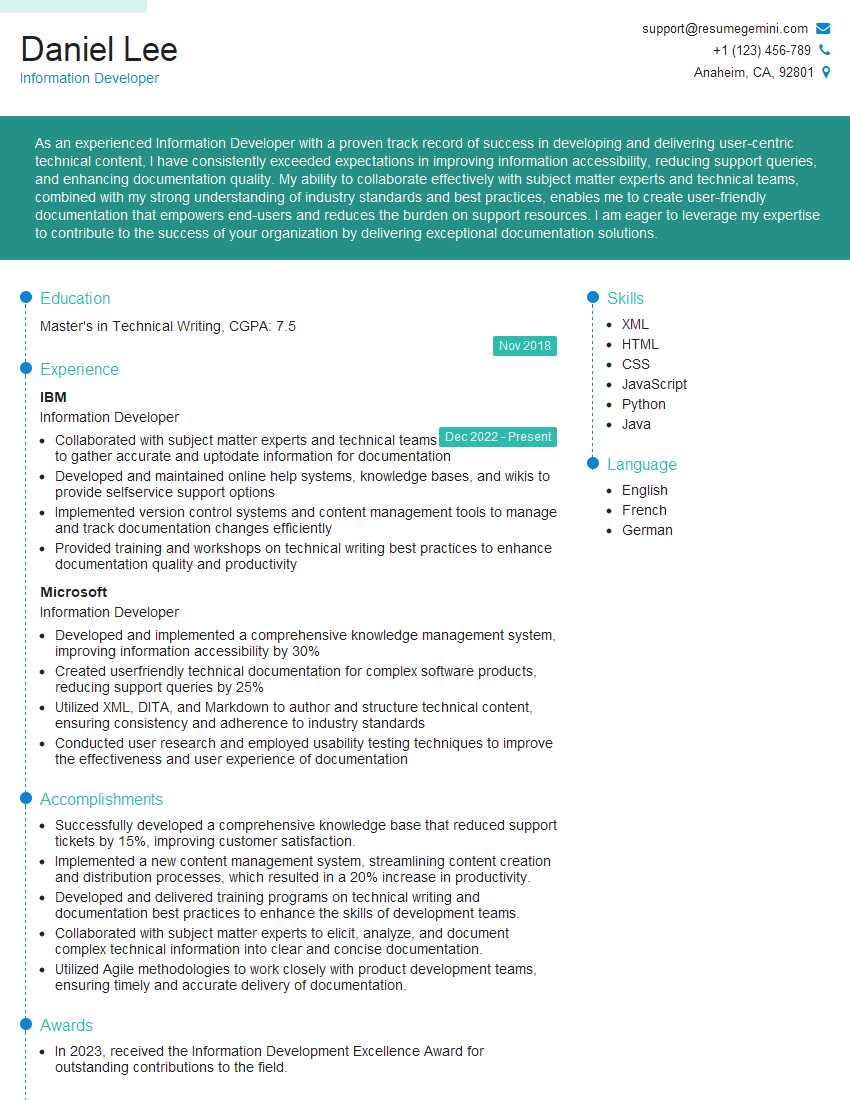
Information Developer Resume Sample
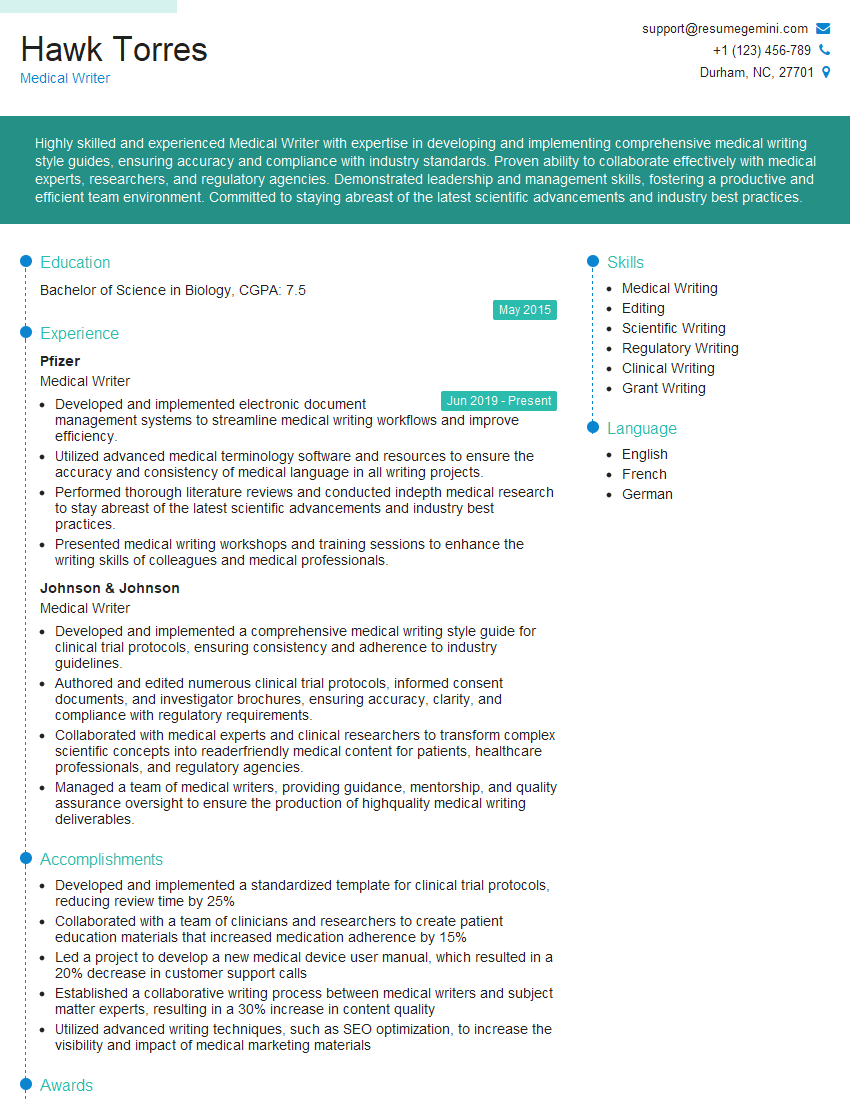
Medical Writer Resume Sample
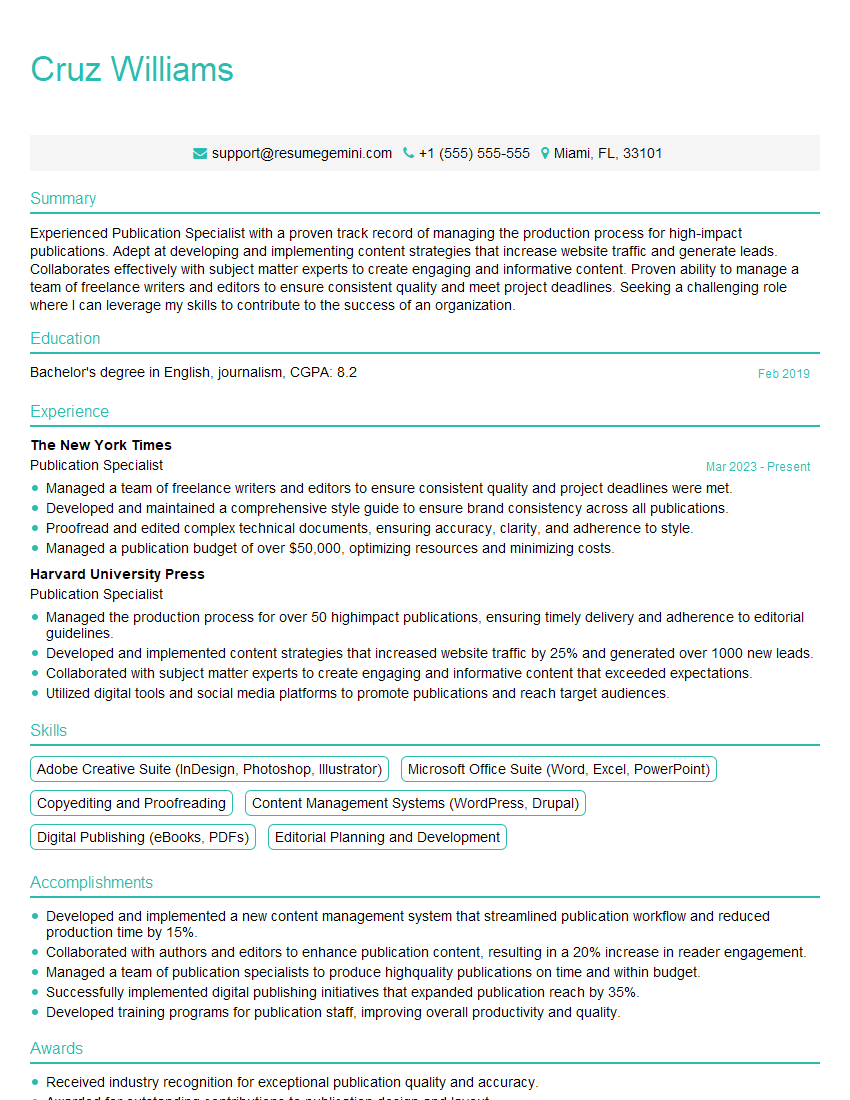
Publication Specialist Resume Sample

Senior Technical Editor Resume Sample
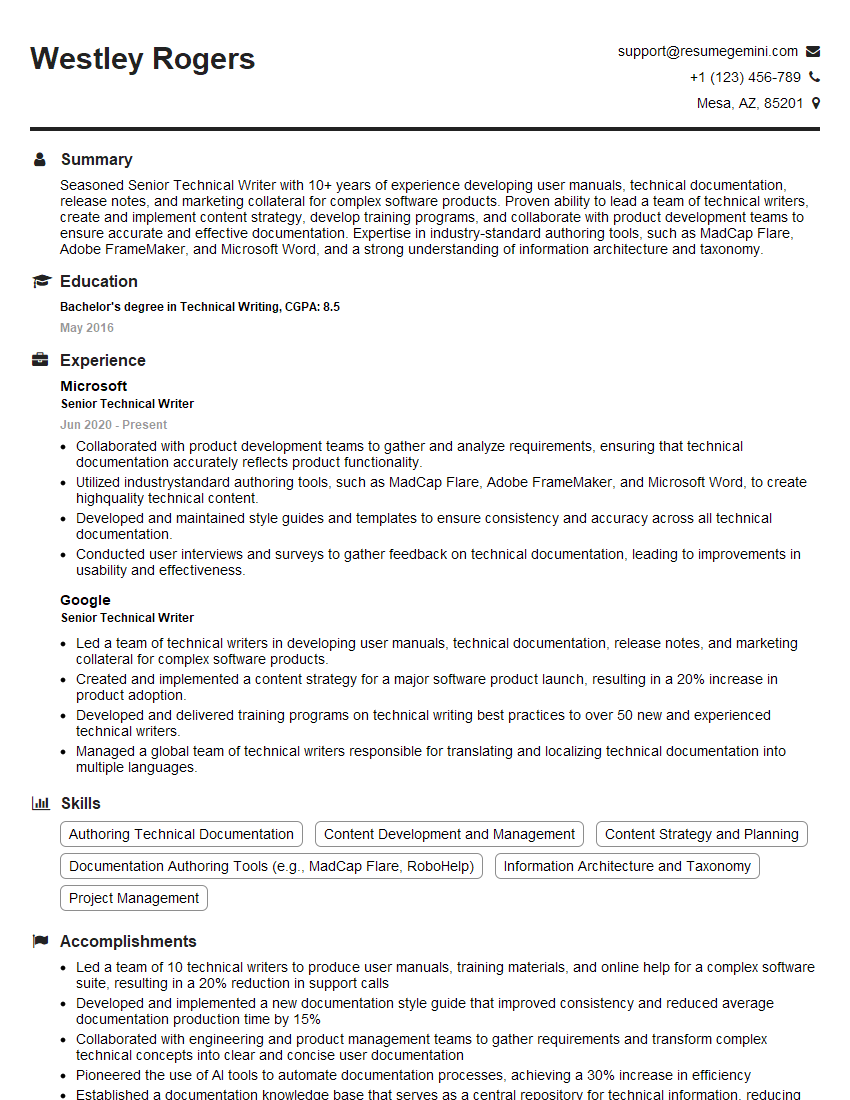
Senior Technical Writer Resume Sample

Technical Writer Resume Sample
Explore more articles
Users Rating of Our Blogs
Share Your Experience
We value your feedback! Please rate our content and share your thoughts (optional).
What Readers Say About Our Blog
Very informative content, great job.
good