Preparation is the key to success in any interview. In this post, we’ll explore crucial Requirements Management Tools (e.g., Jira, Azure DevOps) interview questions and equip you with strategies to craft impactful answers. Whether you’re a beginner or a pro, these tips will elevate your preparation.
Questions Asked in Requirements Management Tools (e.g., Jira, Azure DevOps) Interview
Q 1. Explain the difference between user stories and use cases.
User stories and use cases are both valuable tools for capturing requirements, but they differ in their approach and level of detail. Think of user stories as concise, informal descriptions of a feature from the user’s perspective, while use cases offer a more detailed, structured explanation of the interaction between a user and a system to achieve a specific goal.
- User Story: Follows the format “As a [user type], I want [goal] so that [benefit].” For example: “As a customer, I want to be able to add items to my shopping cart so that I can purchase them later.” User stories are great for capturing the essence of a requirement quickly and focusing on user value.
- Use Case: Provides a step-by-step description of how a user interacts with a system to complete a task. It includes actors, preconditions, postconditions, main success scenario, and alternative flows (what happens if something goes wrong). Use cases are ideal for complex functionalities requiring a thorough understanding of all possible scenarios.
In essence, a user story can inspire several use cases, each detailing different aspects of achieving the user’s goal. They often work together in a requirements process; user stories provide a high-level overview, while use cases provide the detailed specification for development.
Q 2. Describe your experience with Jira’s workflow and issue tracking.
I have extensive experience using Jira’s workflow and issue tracking capabilities. I’ve utilized it in various projects, from small teams to large enterprise-level initiatives. My proficiency encompasses creating custom workflows tailored to specific project needs, managing issues across different statuses (e.g., To Do, In Progress, Testing, Done), assigning tasks to team members, and leveraging Jira’s reporting features to monitor progress and identify bottlenecks.
For instance, in a recent project, we customized Jira’s workflow to include a dedicated ‘Code Review’ status, ensuring all code changes underwent thorough review before deployment. We also used Jira’s issue linking feature to connect related issues, improving traceability and facilitating better communication across development sprints. I’m familiar with using JQL (Jira Query Language) to create advanced searches and reports, allowing me to quickly access the information I need to make informed decisions.
Q 3. How do you prioritize requirements in a project using Jira?
Prioritizing requirements in Jira often involves a combination of techniques. I typically start by using Jira’s built-in features like assigning priority levels (e.g., High, Medium, Low) and using labels to categorize requirements based on business value, risk, or dependencies.
However, simply assigning priority levels isn’t always sufficient. We often employ frameworks like MoSCoW (Must have, Should have, Could have, Won’t have) or value vs. effort matrices. These frameworks help visualize the trade-offs between the value a requirement delivers and the effort required to implement it. We then use this information to create a prioritized backlog in Jira, reflecting the overall project strategy and constraints.
Furthermore, I frequently involve stakeholders in the prioritization process, facilitating workshops or using collaborative tools within Jira to ensure everyone’s input is considered. Transparency and collaboration are key to successful requirement prioritization.
Q 4. How familiar are you with Azure DevOps’ Boards and Backlogs?
I’m very familiar with Azure DevOps Boards and Backlogs. They are central to managing Agile projects within Azure DevOps, providing a visual and collaborative platform for requirement management and task tracking. I’ve extensively used them to create and manage product backlogs, sprint backlogs, and Kanban boards.
I understand the importance of using work item types (e.g., User Stories, Bugs, Tasks) effectively and leveraging features like area paths and iterations to organize work items according to project structure and sprint cycles. I’m comfortable working with different views, including Kanban boards for visualizing workflow and backlogs for planning and tracking progress.
Q 5. Explain your experience with creating and managing sprints in Azure DevOps.
My experience with creating and managing sprints in Azure DevOps involves using the sprint backlog functionality to break down larger epics and user stories into manageable tasks. I’m adept at estimating effort and assigning tasks to team members, considering their skills and availability. I utilize Azure DevOps’ built-in features for sprint planning and tracking, regularly monitoring sprint progress through burndown charts and velocity tracking.
I’m experienced in utilizing daily stand-up meetings and sprint reviews to identify impediments, track progress, and ensure the team remains aligned with the sprint goals. Moreover, I’ve utilized Azure DevOps’ reporting capabilities to track sprint performance over time, allowing for continuous improvement and more accurate estimations in future sprints. I am also experienced in managing sprint capacity and adjusting plans based on unforeseen issues or changes in priority.
Q 6. How do you handle conflicting requirements?
Handling conflicting requirements requires a structured and collaborative approach. I begin by documenting all conflicting requirements clearly, identifying the source of the conflict and the stakeholders involved. Next, I facilitate discussions with stakeholders to understand the underlying needs and priorities of each conflicting requirement.
Techniques such as using a prioritization matrix (like the one mentioned earlier) or creating a decision matrix that weighs the pros and cons of each option can help objectively analyze the situation. Sometimes, compromises need to be made, and creative solutions may be required to satisfy as many stakeholders as possible. It’s crucial to document the resolution clearly and communicate it to all involved parties.
In some cases, it might involve revisiting the original analysis and discovering root causes for the conflicting requirements in the initial planning phase. This is a critical learning experience for future projects.
Q 7. What techniques do you use to elicit requirements from stakeholders?
Eliciting requirements effectively is vital for project success. I employ various techniques, adapting my approach based on the project context and stakeholders involved.
- Interviews: Conducting structured and unstructured interviews with stakeholders helps understand their needs and perspectives directly. I use open-ended questions to encourage detailed responses and avoid leading questions that could bias the results.
- Workshops: Facilitating workshops encourages collaborative requirement gathering, allowing stakeholders to interact, discuss their needs, and reach consensus. Techniques like brainstorming and affinity mapping can be utilized.
- Surveys: Using surveys helps gather information from a large number of stakeholders efficiently. However, surveys should be carefully designed to avoid ambiguity.
- Prototyping: Creating low-fidelity prototypes allows stakeholders to visualize and interact with potential solutions, providing valuable feedback early in the process.
- Document Review: Reviewing existing documentation, such as business processes or user manuals, can provide valuable insights into existing systems and requirements.
Regardless of the technique, I always strive to actively listen, ask clarifying questions, and document findings meticulously. The key is to establish strong communication channels and foster collaboration to ensure that the collected requirements accurately reflect the stakeholders’ needs.
Q 8. Describe your experience with requirement traceability.
Requirement traceability is the ability to follow the life cycle of a requirement from its origin to its implementation and verification. Think of it like a detective following a trail of breadcrumbs – each breadcrumb represents a link in the chain, showing how a high-level business need translates into specific features, design specifications, test cases, and ultimately, working software. Effective traceability ensures that every piece of the puzzle is accounted for and that changes at any stage can be easily tracked and managed.
In my experience, I’ve used various tools like Jira and Azure DevOps to establish traceability links. For instance, I’d link a user story (a high-level requirement) to detailed acceptance criteria, design documents, test cases, and bug reports. This is achieved through features like linking issues, creating custom fields, and using specialized traceability matrices. If a bug is discovered, tracing back to the linked requirement helps pinpoint the source of the issue, preventing similar problems in the future. For example, if a bug in the login functionality was found, tracing it back would show the relevant user story and its acceptance criteria, potentially revealing a missing or unclear requirement that led to the defect.
Another example from a previous project involved building a complex e-commerce system. By meticulously linking requirements to tasks and test results through Jira’s issue linking, we could easily demonstrate that every requirement had been successfully implemented and tested, simplifying audits and reducing risks. This helped us significantly during a client audit, proving compliance with the agreed-upon specifications.
Q 9. How do you ensure requirements are testable?
Testable requirements are clear, concise, and measurable, meaning they can be verified or validated through testing. The key is to avoid ambiguity and use language that allows for objective assessment. Think of it like a recipe: a vague recipe like “make a cake” is untestable, whereas “bake a chocolate cake with 6 eggs, 2 cups of flour, and 1 cup of sugar, achieving a moist texture and uniform brown color” is far more testable.
To ensure testability, I employ the SMART criteria: Specific, Measurable, Achievable, Relevant, and Time-bound. For example, instead of “Improve the website’s performance,” a testable requirement would be “Reduce website load time by 20% within two weeks, as measured by Google PageSpeed Insights.” This clearly defines what needs to be tested and how success will be measured.
During requirements gathering, I actively involve the testing team to ensure requirements are written with testing in mind. We collaboratively define acceptance criteria—the specific conditions that must be met for a requirement to be considered successfully implemented—which directly inform test case development. Using examples and scenarios helps to clarify any ambiguities early on, preventing misunderstandings and rework later in the development cycle.
Q 10. How do you handle changing requirements during a project?
Change is inevitable in software development. Handling changing requirements effectively requires a structured approach. The core principle is transparency and communication. First, any change request needs to be formally documented, outlining the requested change, its impact, and the justification. Then, we assess the impact of the change on the project schedule and budget. We use a change control process, often involving a Change Control Board (CCB), to evaluate the proposed changes and determine whether to accept, reject, or defer them.
In Jira and Azure DevOps, this usually involves creating a new issue or task linked to the existing requirement. We use the issue tracking system to manage the change request, track its progress, and communicate its status to stakeholders. This includes re-prioritization of tasks using tools like the Kanban board and updating the project timeline. We also perform risk analysis to mitigate the potential impact of the change. We may need to update documentation, test cases, and even re-estimate development efforts. The key is to document everything thoroughly and maintain traceability to the original requirements.
For instance, if a client requests a significant change midway through a sprint, we’d evaluate the impact. If the change is minor, we might incorporate it within the current sprint with a small adjustment to the sprint backlog. However, for major changes, we would likely create a new sprint or adjust the backlog of future sprints, appropriately notifying stakeholders about the revised timeline. We meticulously document all decisions and rationale in the issue tracking system to maintain transparency and accountability.
Q 11. What are the key differences between Jira and Azure DevOps for requirements management?
Both Jira and Azure DevOps are powerful requirements management tools, but they cater to different needs and have distinct strengths. Jira is known for its simplicity, ease of use, and flexibility, making it ideal for smaller teams and agile projects. Azure DevOps, on the other hand, is a comprehensive platform offering a broader range of integrated tools, including testing, CI/CD, and code repositories, making it better suited for larger, more complex projects requiring end-to-end traceability.
In terms of requirements management specifically, both support user stories, tasks, epics, and linking features. However, Azure DevOps’s integration with other Azure services, like Azure Boards and Test Plans, provides a more seamless end-to-end workflow. Jira, while lacking this native integration, offers extensive customization options through plugins and add-ons, enabling tailored solutions. For example, Jira’s flexibility allows for easier adoption of specific agile methodologies beyond Scrum, while Azure DevOps’s strengths lie in its robust pipeline integration for continuous delivery.
Essentially, the choice depends on project needs and team size. For a small agile team, Jira’s user-friendliness and customizability might be preferable. For larger organizations requiring comprehensive DevOps capabilities, Azure DevOps’s integrated platform might be a better fit.
Q 12. Describe your experience using Kanban boards for requirements management.
Kanban boards provide a visual representation of the workflow, ideal for managing requirements and tracking progress. Each card on the board represents a requirement (or a task related to a requirement), moving through different columns representing various stages of the development process, such as “To Do,” “In Progress,” “Testing,” and “Done.” This visual representation of the workflow helps the team understand the status of each requirement at a glance.
In my experience, using Kanban boards in conjunction with Jira or Azure DevOps allows for real-time monitoring of progress and identification of bottlenecks. The visual nature of the board facilitates better communication and collaboration within the team. For instance, if a requirement is stuck in the “Testing” column for an extended period, it signals a potential problem that needs attention. This allows for proactive intervention and prevents delays.
In one project, we used a Kanban board in Jira to manage the development of a mobile application. Each card represented a user story, and the board clearly indicated the progress of each requirement. We limited the Work in Progress (WIP) to prevent multitasking and improve focus. The visual clarity improved team coordination, and the board became a central point of communication, fostering transparency and accountability.
Q 13. How do you use burndown charts to track progress against requirements?
Burndown charts offer a visual representation of the remaining work against a given time frame, typically used to track progress towards a sprint goal or project milestone. The chart plots the remaining work (usually measured in story points or hours) against time. A successful project will show a steady decline in the remaining work towards zero by the deadline. Deviations from the expected trend can highlight potential risks or issues.
In Jira and Azure DevOps, burndown charts are automatically generated based on the project’s sprint backlog or task assignments. By regularly reviewing the burndown chart, the team can identify potential roadblocks early on, allowing for timely intervention and course correction. For example, a sudden plateau or upward trend in the chart indicates a slowdown, requiring investigation into the root cause. This might involve reassessing priorities, addressing impediments, or adjusting the sprint scope. We used this proactively to manage risk and maintain realistic timelines in several past projects.
For example, in a recent project using Azure DevOps, we noticed a plateau in our burndown chart a few days before the sprint end. Upon investigation, we discovered a critical bug that was consuming more time than initially anticipated. This allowed us to adjust our sprint plan, communicate the delay to stakeholders, and prevent a missed deadline.
Q 14. Explain your experience with creating and managing epics in Jira/Azure DevOps.
Epics represent large, complex initiatives that can be broken down into smaller, manageable user stories or tasks. They provide a high-level view of the project goals and help in organizing and prioritizing work. In Jira and Azure DevOps, epics serve as containers for related user stories, allowing for better organization and tracking of progress on a larger scale.
My experience involves using epics to manage large software development projects. For example, in a project involving the development of an e-commerce platform, we defined epics like “User Registration and Authentication,” “Product Catalog Management,” and “Shopping Cart and Checkout.” Each epic was then broken down into smaller, more manageable user stories, such as “Allow users to register with email and password” (part of the User Registration epic). This hierarchical structure provided a clear overview of the project’s scope and facilitated better organization and tracking.
We used the epic functionality to track progress at a high level, visualizing dependencies between different parts of the system. Epics also helped us assign ownership, estimate overall effort, and manage the release planning process. The ability to link epics to user stories in Jira and Azure DevOps enabled clear traceability, helping us understand the progress of each component within the larger project. This structured approach dramatically improved project visibility and facilitated effective communication amongst stakeholders.
Q 15. How do you handle requirements that are unclear or ambiguous?
Unclear or ambiguous requirements are a major hurdle in software development. Think of building a house with vague blueprints – the result would be chaotic! To handle this, I employ a collaborative, iterative approach. First, I identify the ambiguity. This often involves asking clarifying questions directly to the stakeholders – the client, product owner, or business analyst. I might ask, “When you say ‘user-friendly,’ what specific metrics or functionalities are you referring to?” or “Can you provide examples of what constitutes ‘high performance’ in this context?” Next, I document these questions and the responses received, creating a clear record of our understanding. If further clarification is needed, I might create a prototype or mock-up to visually represent the requirement and gather feedback. This iterative process continues until we reach a shared understanding. Finally, I make sure the clarified requirement is updated in the requirements management tool (Jira, Azure DevOps, etc.) to ensure consistency and traceability.
Career Expert Tips:
- Ace those interviews! Prepare effectively by reviewing the Top 50 Most Common Interview Questions on ResumeGemini.
- Navigate your job search with confidence! Explore a wide range of Career Tips on ResumeGemini. Learn about common challenges and recommendations to overcome them.
- Craft the perfect resume! Master the Art of Resume Writing with ResumeGemini’s guide. Showcase your unique qualifications and achievements effectively.
- Don’t miss out on holiday savings! Build your dream resume with ResumeGemini’s ATS optimized templates.
Q 16. What is your experience with requirement decomposition?
Requirement decomposition is the process of breaking down large, complex requirements into smaller, more manageable units. It’s like taking a complex recipe and breaking it down into individual steps. This makes it easier to understand, develop, test, and track progress. My experience includes using various techniques like hierarchical decomposition (creating a tree-like structure), functional decomposition (breaking down functions into sub-functions), and data-driven decomposition (identifying data entities and related processes). For instance, a requirement like “Develop a secure user authentication system” can be decomposed into sub-requirements such as: “Design a user registration form,” “Implement password hashing and salting,” “Integrate with an external authentication service (e.g., OAuth 2.0).” In Jira, I typically use sub-tasks and epics to represent these decomposed requirements, linking them to the parent requirement to maintain traceability.
Q 17. How do you document requirements?
Effective requirement documentation is crucial for successful project delivery. I use a combination of techniques depending on the project’s needs and the stakeholders’ preferences. This often includes using user stories in Jira (e.g., “As a user, I want to be able to log in securely so I can access my account.”) For more complex requirements, I’ll use use cases, which describe how a user interacts with the system to achieve a specific goal. I also leverage templates to maintain consistency and capture essential information such as ID, description, priority, acceptance criteria, and status. Diagrams, such as use case diagrams or activity diagrams, are valuable for visualizing complex interactions. All documentation is stored within the project’s requirements management system, making it centrally accessible and version-controlled. I ensure that the documentation is clear, concise, and unambiguous, avoiding technical jargon where possible.
Q 18. How do you ensure requirements are understood by all stakeholders?
Ensuring everyone understands the requirements is paramount. This involves active communication and collaboration. I start by using a common language and avoiding technical jargon as much as possible. I conduct regular requirement walkthroughs and workshops with stakeholders, enabling collaborative discussions and clarification of any ambiguities. I use visual aids like diagrams and prototypes to clarify complex requirements, especially for non-technical stakeholders. I also maintain a clear, centralized repository for all requirements (like a Jira project) where everyone has access. Feedback mechanisms, such as comments and approval workflows within the tool, are implemented to encourage active participation and confirmation of understanding. Documenting all decisions and changes also increases transparency and reduces the risk of misunderstandings.
Q 19. What metrics do you use to track the success of requirements management?
Tracking the success of requirements management involves monitoring various metrics. A key metric is the Requirement Fulfillment Rate – the percentage of requirements that are successfully implemented as planned. Another important one is Requirement Change Rate, which reflects the frequency of changes to requirements. High change rates might indicate issues with initial requirements gathering or a lack of clarity. Defect Density related to requirements helps assess the quality of requirements. High defect density linked to ambiguous or incomplete requirements highlights areas that need improvement. Time to Completion for requirements helps track efficiency. Analyzing these metrics helps us identify areas for improvement in our processes and continuously enhance our requirements management capabilities.
Q 20. Describe your experience with using Jira/Azure DevOps reporting features.
My experience with Jira and Azure DevOps reporting features is extensive. I use them regularly to generate reports on requirement status, progress, and potential risks. In Jira, I frequently use built-in gadgets and reports to visualize the progress of individual user stories and epics, track sprint velocity, and identify potential bottlenecks. I can generate burndown charts to monitor progress against deadlines and identify potential delays. In Azure DevOps, I leverage similar reporting functionalities, creating custom dashboards to monitor key metrics such as requirement completion rates, defect rates, and test coverage. The ability to customize reports based on specific project needs and stakeholders’ requirements is critical. These reports are vital for project status meetings and steering committee presentations.
Q 21. How do you use automation in Jira/Azure DevOps to improve requirements management?
Automation significantly improves requirements management efficiency. In Jira, I use automation rules to automatically assign requirements to specific teams or individuals based on pre-defined criteria, such as priority or type. I can set up automated transitions between requirement statuses (e.g., “To Do,” “In Progress,” “Done”) based on specific events, such as completing a task or receiving approval. In Azure DevOps, similar automated workflows can be implemented using pipelines and Azure DevOps services. For instance, automated tests can be triggered upon completion of a requirement, providing immediate feedback on its functionality and potentially identifying issues early in the development cycle. This automation reduces manual effort, minimizes errors, and improves overall team productivity and enables faster feedback loops.
Q 22. How do you integrate requirements management with other development processes?
Integrating requirements management with other development processes is crucial for a smooth and efficient workflow. Think of it as the central nervous system connecting all parts of your project. This integration ensures that requirements drive the entire development lifecycle, from planning and design to testing and deployment. This is typically achieved through seamless data flow and shared tools.
For instance, in a Jira environment, user stories (representing requirements) can be linked to development tasks, test cases, and bug reports. This linkage creates traceability, allowing you to see how each requirement is addressed throughout the project. Any changes to a requirement are automatically reflected in the linked tasks, preventing inconsistencies. Similarly, in Azure DevOps, work items (representing requirements) can be linked to builds and releases, ensuring the final product meets the defined specifications.
- Jira Integration: We use Jira’s built-in linking features to connect user stories (requirements) to tasks (development), test cases, and bugs. This allows for easy tracking of progress and identification of issues.
- Azure DevOps Integration: We leverage Azure DevOps’s work item tracking to link requirements to development tasks, tests, and deployments. The traceability ensures that each requirement is fulfilled and that changes are reflected across the board.
- API Integrations: For more advanced integrations, we use APIs to exchange data between requirement management tools and other systems, like project management software or continuous integration/continuous delivery (CI/CD) pipelines. This automates reporting and workflow processes.
Q 23. Explain your experience with different requirement elicitation techniques (e.g., interviews, surveys, workshops).
Requirement elicitation is the art of discovering what the customer or stakeholder truly needs. It’s not just about hearing what they say, but understanding the underlying problem they are trying to solve. I have extensive experience using various techniques, tailoring my approach to the context of the project and the stakeholders involved.
- Interviews: I conduct structured and semi-structured interviews, using open-ended questions to encourage detailed responses and follow-up questions to explore nuances. I use a prepared interview guide but remain flexible to delve deeper into interesting areas, often finding crucial information that wouldn’t have been identified through a purely structured approach.
- Surveys: Surveys are useful for gathering large amounts of data efficiently, particularly from a distributed group of stakeholders. I design surveys carefully, prioritizing clear, unambiguous questions and using appropriate question types (e.g., multiple choice, rating scales, open-ended text) to elicit different kinds of information. For example, I might use a Likert scale to measure stakeholder satisfaction with a proposed solution.
- Workshops: Workshops are fantastic for collaborative brainstorming and resolving conflicting ideas. I facilitate workshops using techniques like SWOT analysis, brainstorming sessions, and prioritization matrices to get everyone involved and ensure a shared understanding of the requirements. The collaborative nature often uncovers hidden requirements and addresses potential conflicts early.
For example, in a recent project, I used a combination of interviews with key stakeholders to understand the core business needs, followed by a workshop to refine the requirements and address any conflicts collaboratively. This resulted in a comprehensive set of requirements that met the client’s expectations and aligned with the project’s objectives.
Q 24. How do you handle conflicting priorities between different stakeholders?
Conflicting priorities are inevitable in software development. Effective resolution requires a structured approach, focusing on clear communication, prioritization, and negotiation.
- Identify and Document Conflicts: First, clearly identify and document all conflicting priorities. This might involve creating a matrix comparing different stakeholder requirements and their relative importance.
- Analyze the Impact: Evaluate the potential impact of each requirement on the project’s objectives, timeline, and budget. This often involves assessing risks and potential trade-offs.
- Prioritize Using a Framework: I usually employ a prioritization framework, such as MoSCoW (Must have, Should have, Could have, Won’t have) or Value vs. Effort, to rank requirements based on their importance and feasibility. This process involves discussions with all stakeholders to ensure consensus.
- Negotiate and Compromise: Negotiation is key. I facilitate discussions between stakeholders to find mutually acceptable solutions. This might involve identifying alternative solutions that address the core needs of all parties, or making trade-offs based on the prioritization results.
- Document Decisions: All agreed-upon decisions regarding priority and trade-offs are meticulously documented and communicated to all stakeholders. This prevents misunderstandings and keeps everyone on the same page.
The key is to foster a collaborative environment where everyone feels heard and involved in the decision-making process. Transparency and clear communication are essential for success.
Q 25. Describe a time you had to resolve a conflict related to requirements.
In a previous project, we had a significant conflict between the marketing team, who wanted a highly complex and visually rich user interface, and the development team, who were concerned about the technical feasibility and timeline implications of such a design. The marketing team’s priority was a visually stunning interface to boost brand appeal, while the development team prioritized a robust and easily maintainable system that could be delivered on time.
To resolve this, I organized a workshop involving both teams. We used a Value vs. Effort matrix to visually represent the trade-offs between the desired features and the effort required to implement them. This facilitated open discussion and highlighted the need to compromise. We agreed on a phased approach: launching with a simplified, functional interface and iteratively adding more complex visual elements in later releases. This compromise satisfied both teams and ensured the successful launch of the product.
Q 26. What is your experience with using different Jira/Azure DevOps plugins or add-ons?
I’ve worked extensively with various Jira and Azure DevOps plugins and add-ons to enhance requirements management capabilities. My experience includes using plugins for:
- Requirement Traceability Matrices (RTMs): Plugins that automatically generate and maintain RTMs, ensuring clear visibility of the links between requirements, design documents, test cases, and defects.
- Custom Fields and Workflows: I’ve customized Jira and Azure DevOps workflows and added custom fields to capture specific information relevant to requirements, such as regulatory compliance, risk assessments, or dependency information.
- Reporting and Analytics: I utilize plugins that generate customized reports, dashboards, and analytics to track progress, identify risks, and measure the effectiveness of the requirements management process. This allows for data-driven decision-making throughout the project.
- Integration with other tools: Plugins enabling seamless integration with other tools in the development ecosystem, such as test management tools, documentation tools, and project management software.
For example, in one project, we used a Jira plugin to create a custom workflow for requirements approval, ensuring that all requirements were reviewed and approved by the appropriate stakeholders before moving to the next stage of development. This ensured better quality control and reduced rework later in the project.
Q 27. How do you manage dependencies between requirements?
Managing dependencies between requirements is crucial for effective project management. Dependencies occur when one requirement is dependent on the completion or successful implementation of another. Ignoring these dependencies can lead to delays, increased costs, and even project failure. Effective techniques include:
- Dependency Mapping: Using tools within Jira and Azure DevOps, I create a visual representation of the dependencies between requirements, showing which requirements must be completed before others can begin. This can be done using the built-in linking features or through specialized plugins.
- Prioritization Based on Dependencies: I incorporate dependencies into the prioritization process. Requirements with fewer dependencies are often prioritized higher to minimize delays.
- Regular Monitoring and Communication: I regularly monitor the status of requirements and their dependencies to identify potential roadblocks early. This involves close communication between stakeholders and the development team.
- Risk Management: I incorporate dependency management into the overall risk management strategy. Identifying potential delays associated with dependencies helps to prepare for contingencies.
For instance, in a recent project, we identified a dependency where the development of a new user authentication system (Requirement A) was a prerequisite for building the core functionality of the application (Requirement B). By clearly documenting and tracking this dependency, we ensured that Requirement A was completed before work on Requirement B began, preventing any delays in the overall project timeline.
Q 28. How do you ensure requirements are aligned with business goals?
Aligning requirements with business goals is paramount. Requirements should directly support the organization’s strategic objectives and contribute to achieving the desired business outcomes. This alignment is achieved through several key strategies:
- Defining Clear Business Goals: I start by working closely with stakeholders to define clear, measurable, achievable, relevant, and time-bound (SMART) business goals. This provides a concrete foundation for the requirements.
- Linking Requirements to Business Goals: Each requirement should be explicitly linked to one or more business goals. This traceability ensures that all requirements contribute to the overall objectives. In Jira and Azure DevOps, we use custom fields and linking features to facilitate this connection.
- Prioritization Based on Business Value: Requirements are prioritized based on their contribution to the business goals. Those that directly support high-priority business objectives are given higher priority.
- Regular Review and Adjustment: Business goals and requirements should be regularly reviewed and adjusted as needed to ensure continued alignment throughout the project lifecycle. This is crucial in dynamic environments.
Imagine building a house. The business goal is to have a comfortable, functional home. Requirements like ‘build a sturdy foundation,’ ‘install plumbing,’ and ‘ensure proper insulation’ all directly contribute to this goal. If you focus only on aesthetics without a sturdy foundation, the business goal (a comfortable home) won’t be achieved. Similarly, in software development, ensuring that every requirement contributes to the defined business goals is crucial for success.
Key Topics to Learn for Requirements Management Tools (e.g., Jira, Azure DevOps) Interview
- Understanding User Stories and Epics: Learn how to effectively write and manage user stories, break down epics into manageable tasks, and utilize story points for estimation.
- Workflow and Issue Tracking: Master the creation, assignment, and tracking of issues through various statuses (e.g., To Do, In Progress, Testing, Done). Understand different workflow configurations and their implications.
- Requirement Prioritization and Planning: Explore techniques like MoSCoW method and Agile estimation to prioritize requirements and plan sprints effectively. Understand the role of backlogs and sprint planning in project management.
- Reporting and Analytics: Familiarize yourself with generating reports and utilizing dashboards to track progress, identify bottlenecks, and demonstrate project health. Learn to interpret key metrics.
- Collaboration and Communication: Understand how these tools facilitate team communication and collaboration. Discuss the importance of comments, annotations, and @mentions for effective teamwork.
- Customization and Administration (Optional): Depending on the role, explore basic administration tasks, custom field creation, and workflow configurations. This demonstrates a deeper understanding of the tool.
- Integration with other tools: Explore how the chosen tool integrates with other project management and development tools within a typical software development lifecycle.
Next Steps
Mastering Requirements Management Tools like Jira and Azure DevOps is crucial for career advancement in software development and project management. These tools are industry standards, and proficiency significantly enhances your marketability and opens doors to exciting opportunities. To maximize your job prospects, focus on creating an ATS-friendly resume that effectively showcases your skills and experience. ResumeGemini is a trusted resource that can help you craft a compelling and professional resume that gets noticed. We provide examples of resumes tailored to highlight experience with Requirements Management Tools like Jira and Azure DevOps to help you get started.

Product Manager Resume Sample

Project Manager Resume Sample

Business Analyst Resume Sample

Data Analyst Resume Sample

Systems Analyst Resume Sample
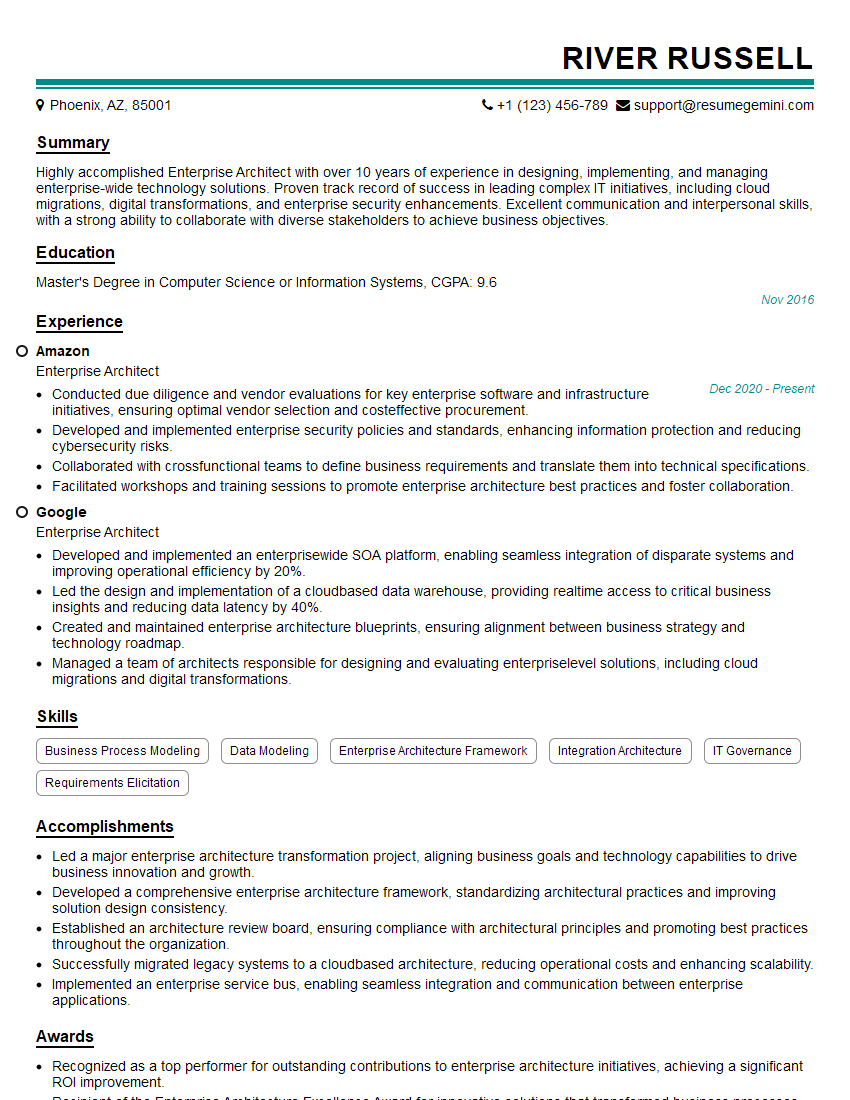
Enterprise Architect Resume Sample
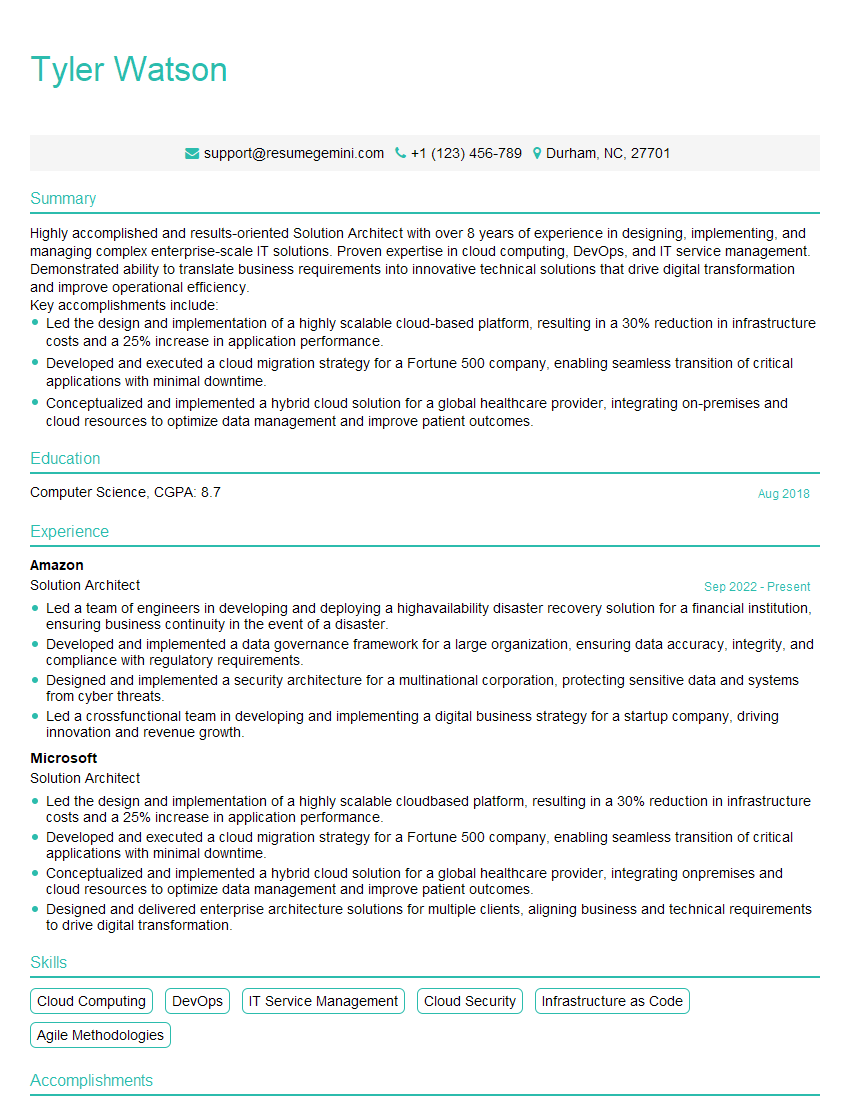
Solution Architect Resume Sample
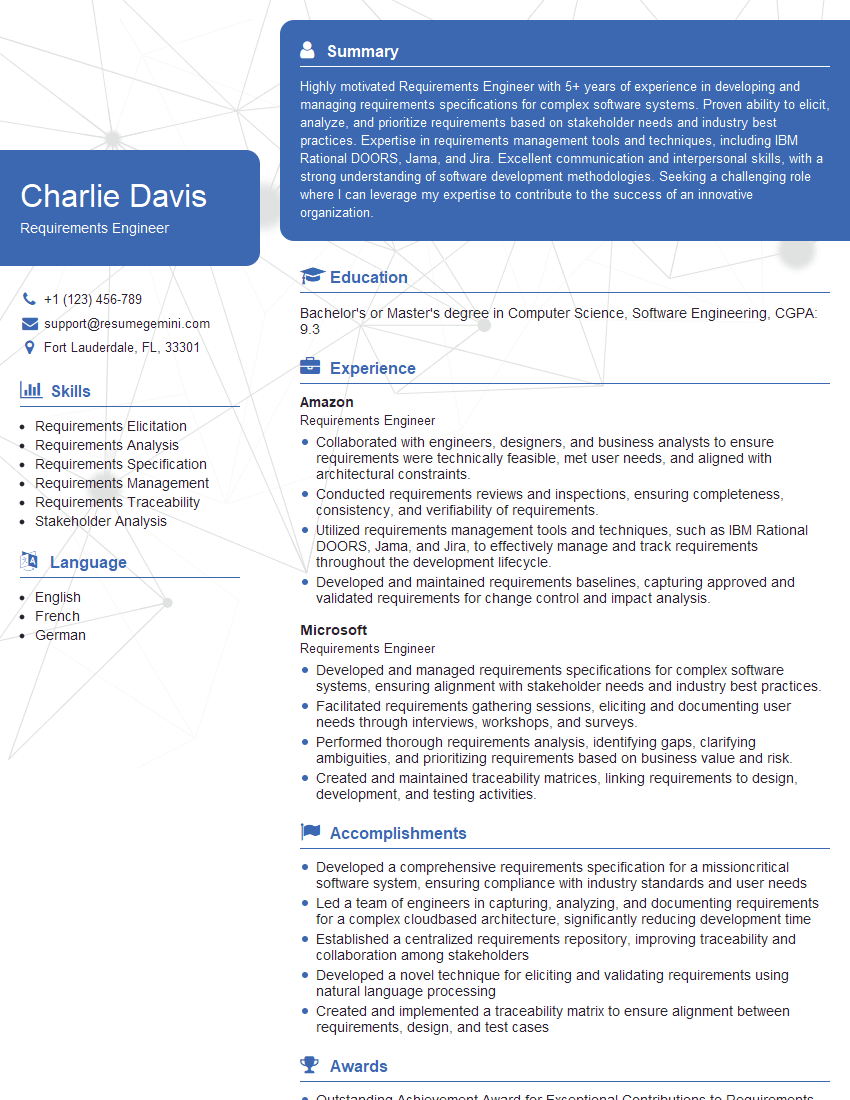
Requirements Engineer Resume Sample

IT Project Manager Resume Sample
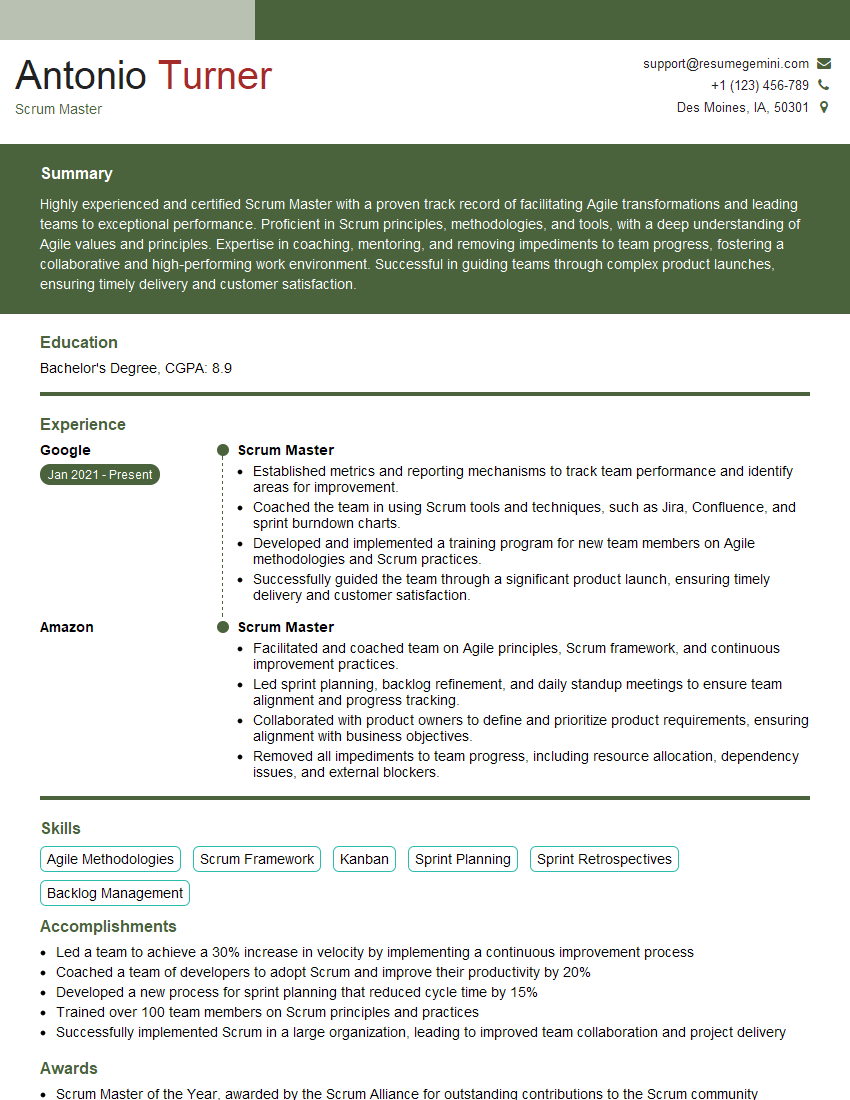
Scrum Master Resume Sample
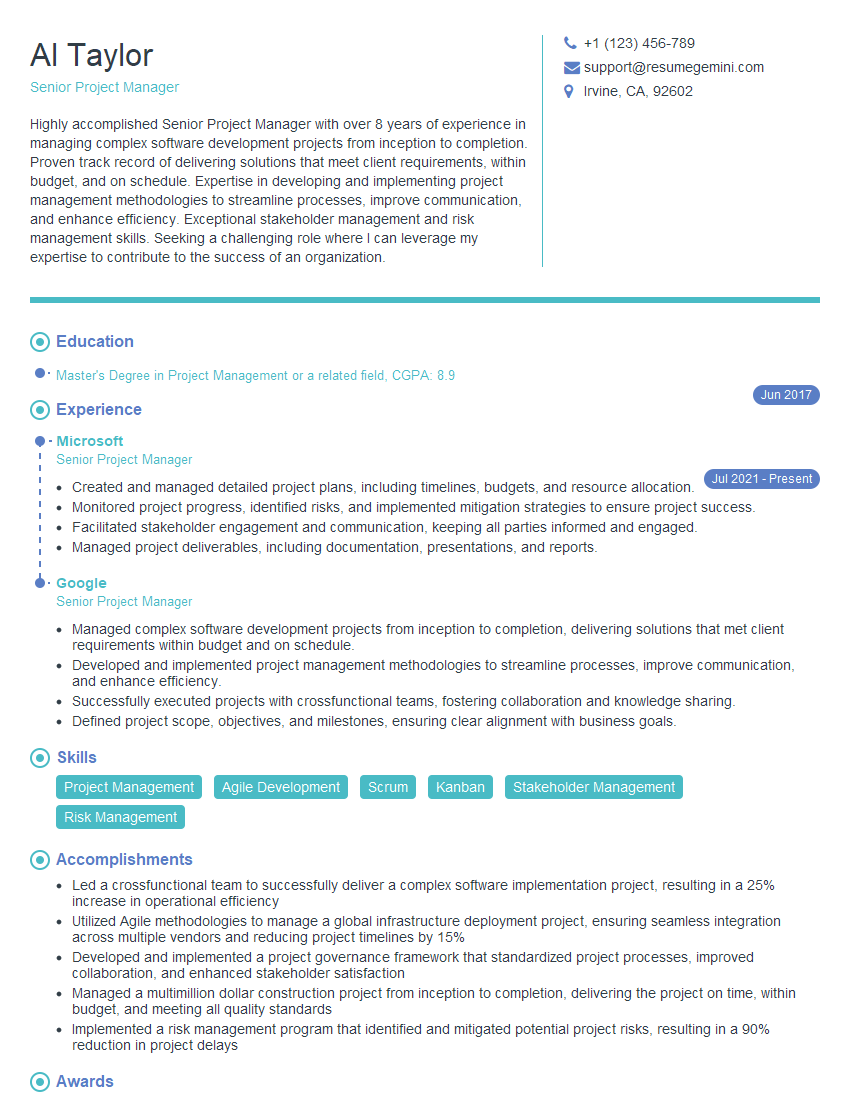
Senior Project Manager Resume Sample
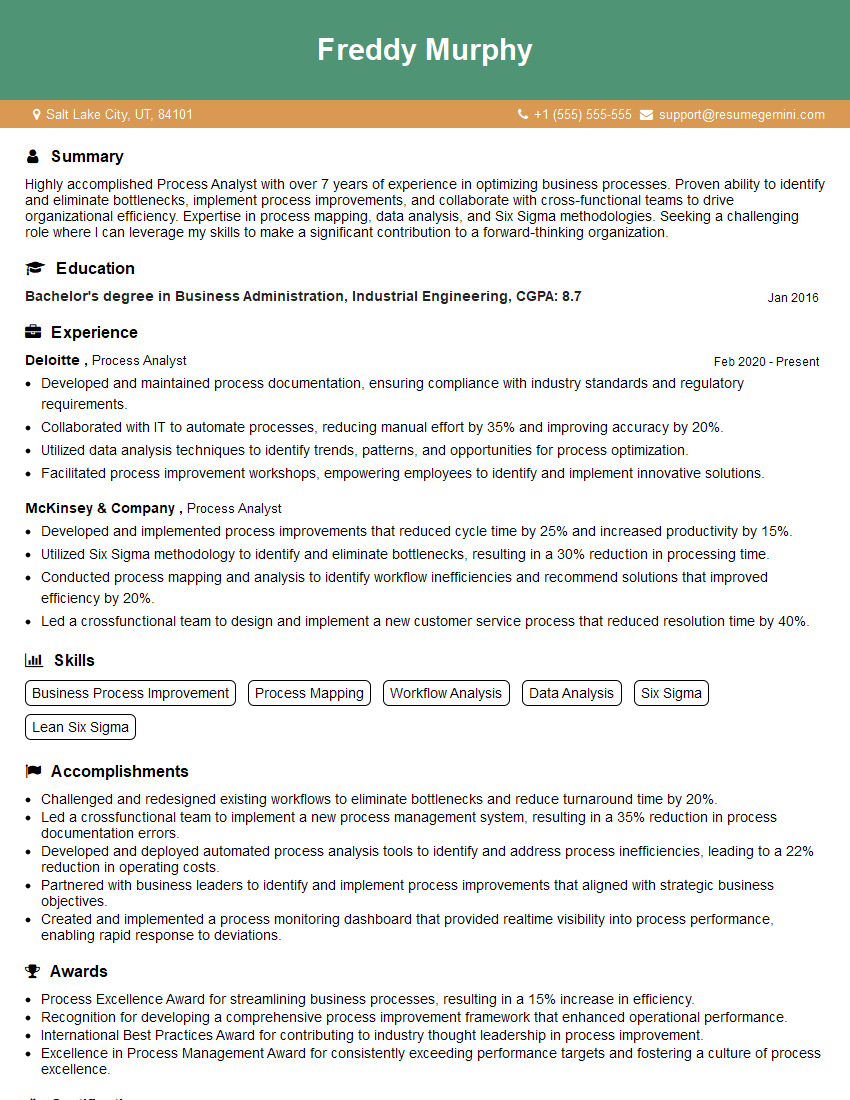
Process Analyst Resume Sample

Technical Writer Resume Sample
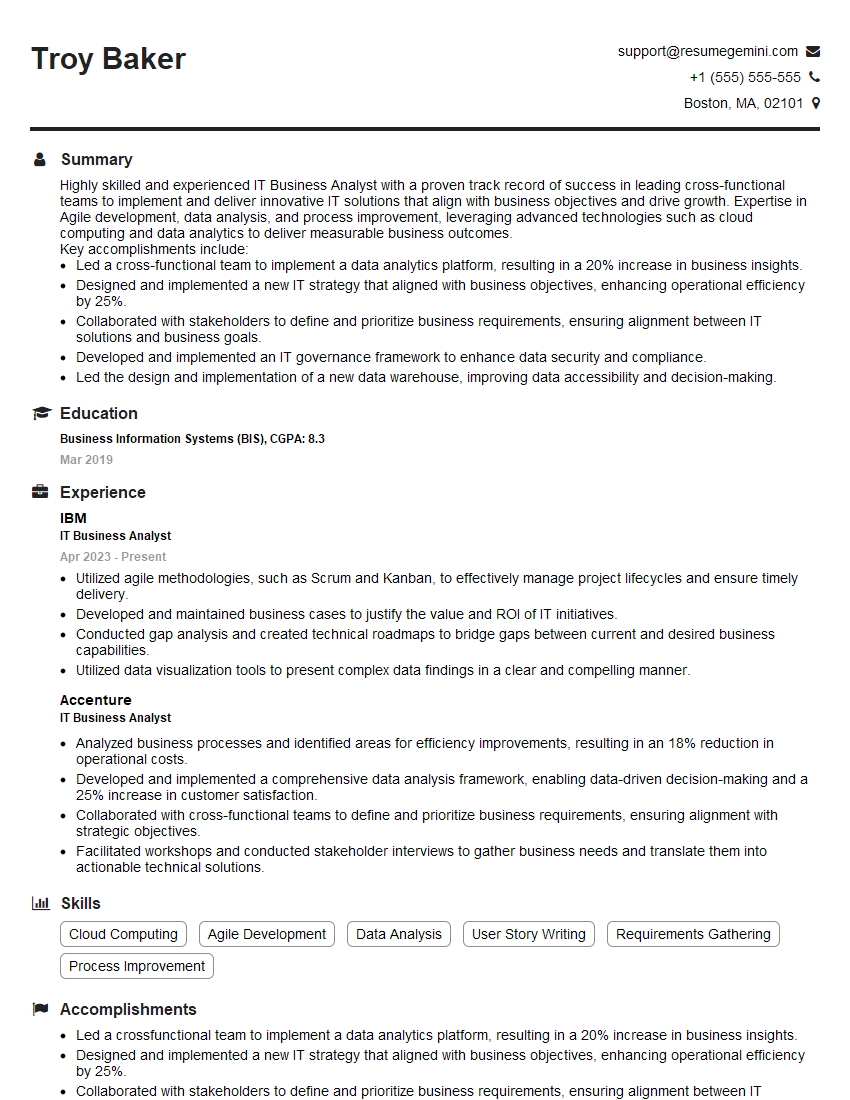
IT Business Analyst Resume Sample

UX Designer Resume Sample

DevOps Engineer Resume Sample
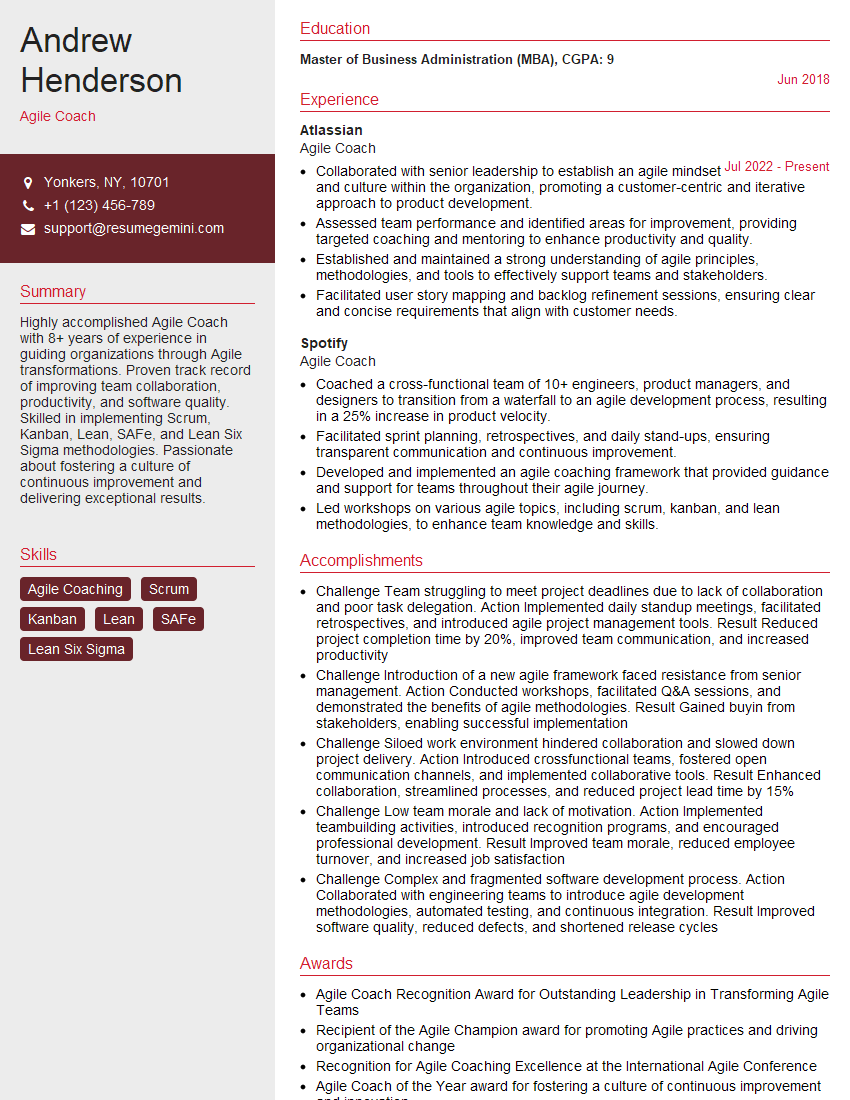
Agile Coach Resume Sample
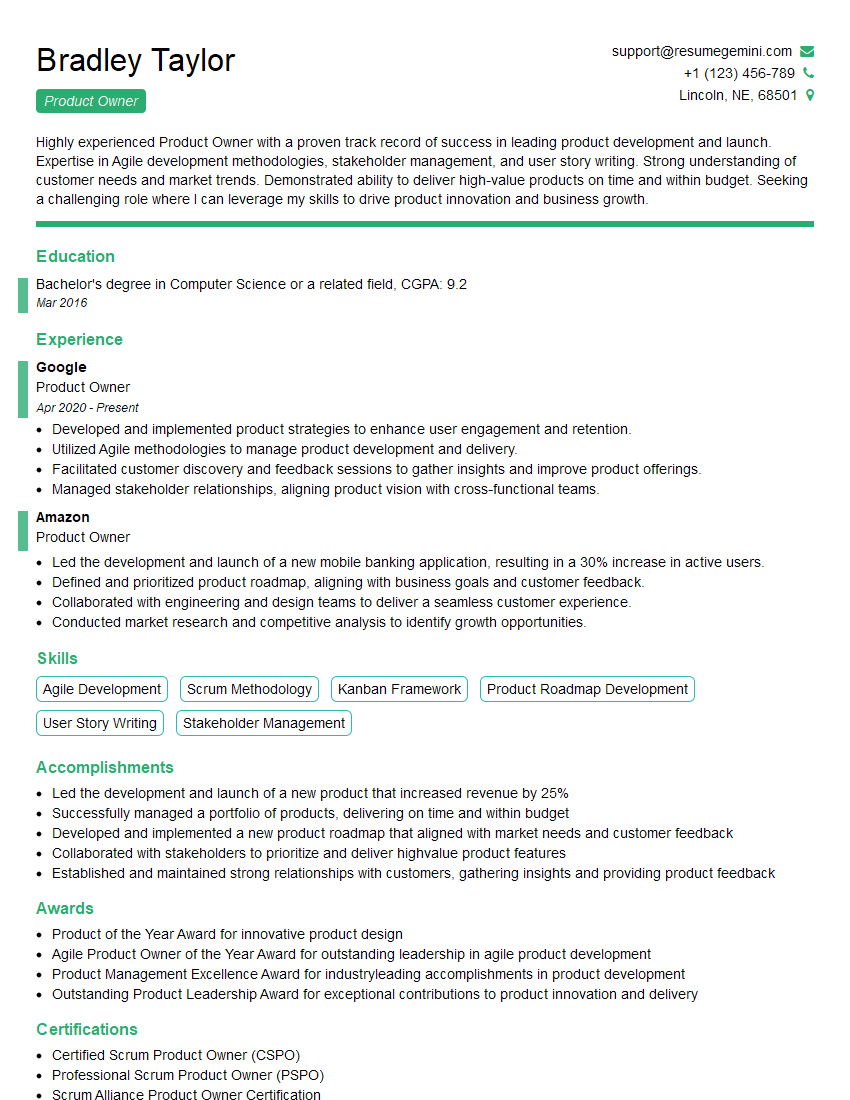
Product Owner Resume Sample
- Product Manager
- Project Manager
- Business Analyst
- Data Analyst
- Systems Analyst
- Enterprise Architect
- Solution Architect
- Requirements Engineer
- IT Project Manager
- Scrum Master
- Senior Project Manager
- Process Analyst
- Technical Writer
- IT Business Analyst
- UX Designer
- DevOps Engineer
- Agile Coach
- Product Owner
Explore more articles
Users Rating of Our Blogs
Share Your Experience
We value your feedback! Please rate our content and share your thoughts (optional).
What Readers Say About Our Blog
Very informative content, great job.
good