Interviews are more than just a Q&A session—they’re a chance to prove your worth. This blog dives into essential Screen Preparation interview questions and expert tips to help you align your answers with what hiring managers are looking for. Start preparing to shine!
Questions Asked in Screen Preparation Interview
Q 1. Explain the process of emulsion coating a screen.
Emulsion coating is the crucial first step in screen printing, where a photosensitive emulsion is applied to the screen mesh to create the image. Think of it like painting a canvas, but instead of paint, we’re using a light-sensitive liquid that will harden when exposed to UV light.
The process typically involves these steps:
- Screen Preparation: Thoroughly clean and degrease the screen to ensure proper adhesion of the emulsion. Any residue can lead to defects.
- Emulsion Mixing: Follow the manufacturer’s instructions precisely. This often involves mixing two components, a diazo compound, and a binder, to achieve the correct viscosity.
- Coating: Using a scoop coater or a trough coater, apply a thin, even layer of emulsion to both sides of the screen. The thickness needs to be consistent to prevent inconsistencies in exposure and printing. A too-thick coating can lead to clogging, while a too-thin coating might lead to weak image areas.
- Drying: Allow the coated screen to dry in a dark, dust-free environment. This usually takes a few hours. Rapid drying can cause cracking, while incomplete drying can lead to emulsion defects.
- De-tackification (optional): A final step to remove any residual tackiness from the emulsion, preventing dust particles from sticking to the screen.
Proper coating technique is paramount. Uneven coating leads to uneven exposure and ultimately, a poor print. Imagine trying to paint a picture with a brush that drips – the result would be messy! That’s why a steady hand and a consistent approach are key here.
Q 2. Describe different types of screen mesh and their applications.
Screen mesh comes in various types, each with its unique properties and applications. The key factor is the mesh count (the number of threads per inch). Higher mesh counts mean finer details but require more pressure during printing.
- Low mesh count (e.g., 43T): Used for printing large, bold graphics on fabrics like t-shirts. These meshes allow for more ink flow, ideal for high-opacity prints.
- Medium mesh count (e.g., 86T-110T): A versatile choice for various applications, offering a balance between detail and ink flow. Popular for posters and fine art prints.
- High mesh count (e.g., 156T-305T): Ideal for fine-detail work, such as halftones and photographic images. Requires precise printing techniques and specialized inks due to the limited ink flow.
- Monofilament mesh: Offers excellent durability and consistent ink flow due to the uniform thickness of the threads. Commonly used for high-quality prints.
- Multifilament mesh: Composed of multiple thin threads bundled together; offers a softer feel and is well suited for certain textiles.
The choice depends heavily on the design’s complexity and the substrate (the material being printed on). For a t-shirt print with large text, a lower mesh count would be appropriate; for a detailed photographic print, a high mesh count is necessary. This is like selecting the right brush for painting – a broad brush for large strokes, a fine brush for detailed work.
Q 3. How do you determine the appropriate mesh count for a specific printing job?
Selecting the appropriate mesh count requires careful consideration of the image’s detail level and the substrate. There’s no one-size-fits-all answer. A higher mesh count will yield a finer, more detailed print, but might require more pressure and possibly specialized inks.
Here’s a simple approach:
- Image Complexity: High-detail images (fine lines, halftones) require high mesh counts (156T and above). Simpler designs with large blocks of color can use lower mesh counts (43T-86T).
- Substrate Type: Coarse substrates (thick fabrics) may require a lower mesh count for proper ink deposit, while smooth substrates (paper) can handle higher mesh counts.
- Ink Type: High-viscosity inks may need lower mesh counts to avoid clogging.
- Print Area: Very large prints might benefit from slightly lower mesh counts to manage ink flow more effectively.
Consider testing with different mesh counts during the pre-production phase to determine the optimal balance between detail, ink flow, and print quality. Think of it like a photographer adjusting aperture and shutter speed to achieve the perfect image.
Q 4. What are the different methods for exposing a screen?
Several methods exist for exposing a screen, each with its advantages and disadvantages. The goal is to harden the emulsion in the areas where light hits it, creating the image’s stencil.
- Vacuum Frame Exposure: A common and reliable method where the screen is placed in a vacuum frame with a film positive and exposed to a UV light source. The vacuum ensures close contact between the film and the emulsion for even exposure.
- Contact Exposure: A simpler method but requires precise alignment between the film positive and the screen. Any imperfections in contact can cause exposure variations.
- Digital Exposure: Utilizes a digital imager or direct-to-screen (DTS) printer. This method offers higher precision, eliminates the need for film positives, and enables direct image creation onto the screen.
The best method depends on factors such as budget, required accuracy, and the scale of production. Vacuum frame exposure is a good balance between cost and quality for many applications, while digital exposure offers the highest precision and efficiency for larger-scale operations.
Q 5. Explain the process of reclaiming a screen.
Screen reclaiming is the process of removing the old emulsion from the screen to prepare it for reuse. It’s a crucial step for cost-effectiveness and sustainability.
The process generally involves:
- Emulsion Removal: This can be done using a variety of methods, including emulsion removers (chemical solutions), pressure washers, or a combination of both. Safety precautions are essential when using chemical removers.
- Screen Cleaning: Thoroughly clean the screen with water and a suitable detergent to remove any residual emulsion or ink. A pressure washer can be very effective.
- Inspection and Repair: Inspect the mesh for any damage. If necessary, repair any tears or holes before recoating.
- Drying: Allow the screen to dry completely before applying new emulsion.
Careful reclaiming extends screen life, reducing costs and minimizing waste. Think of it as cleaning your paintbrushes after a painting session—proper care keeps your tools in good condition for future use.
Q 6. How do you troubleshoot pinholes in a screen?
Pinholes, tiny holes in the screen, are a common problem that leads to unwanted ink bleed. They can stem from various causes, including dust particles, emulsion imperfections, or damage to the mesh.
Troubleshooting pinholes involves:
- Careful Inspection: Thoroughly inspect the screen under a strong light to identify the location and cause of the pinholes.
- Addressing the Cause: If the cause is dust, ensure a clean and dust-free environment during coating and exposure. If it’s related to the emulsion, try a different emulsion or adjust the coating technique. Mesh damage requires repair or screen replacement.
- Repair Techniques: For smaller pinholes, you can try using a screen sealant or a thin layer of emulsion to fill the hole. Larger holes might require more significant repairs or even replacement.
- Retesting: After addressing the pinholes, retest the screen to verify that the problem is resolved.
Preventing pinholes is easier than fixing them. Maintaining a clean environment during screen preparation is crucial for preventing this issue.
Q 7. Describe the process of degreasing a screen.
Degreasing is a critical step in screen preparation. It removes oils, dirt, and other contaminants from the screen mesh, ensuring the emulsion adheres properly and preventing defects. Think of it as preparing a surface for painting – you wouldn’t paint directly onto a greasy surface, would you?
The process usually involves:
- Choosing a Degreaser: Select a degreaser appropriate for the screen material. Common degreasers include solvent-based cleaners or specialized screen-cleaning solutions.
- Application: Apply the degreaser evenly across the screen using a soft sponge, brush, or spray bottle. Follow the manufacturer’s instructions.
- Scrubbing: Gently scrub the mesh to remove ingrained dirt and oils.
- Rinsing: Thoroughly rinse the screen with clean water to remove all traces of the degreaser. Residual degreaser can interfere with emulsion adhesion.
- Drying: Allow the screen to dry completely before applying the emulsion. A slightly damp screen might not provide sufficient emulsion adhesion.
Thorough degreasing is crucial for a successful screen printing process. Skipping this step often leads to emulsion adhesion problems, resulting in wasted time, materials, and ultimately, flawed prints.
Q 8. What are the different types of emulsions used in screen printing?
Screen printing emulsions are photosensitive coatings applied to screens to create stencils. The choice of emulsion depends on the desired results and printing method. There are primarily two types: diazo and photopolymer.
- Diazo Emulsions: These are more traditional, cost-effective, and relatively less sensitive to light. They require a longer exposure time under a UV light source. Think of them as the workhorses of the industry, reliable and versatile.
- Photopolymer Emulsions: These are more light-sensitive, requiring shorter exposure times. They offer finer detail and sharper images, making them ideal for intricate designs. However, they’re generally more expensive.
Choosing between them often comes down to budget, the complexity of the design, and the available equipment. For instance, a simple t-shirt design might use diazo emulsion, whereas a high-detail graphic might benefit from photopolymer.
Q 9. How do you ensure proper screen registration?
Proper screen registration ensures that multiple colors in a multi-color print align perfectly. This is crucial for achieving a crisp, clean, and professional-looking final product. Inaccurate registration leads to blurry, misaligned images.
Several methods ensure accurate registration:
- Accurate Artwork Setup: Precisely designing the artwork with registration marks is paramount. These marks act as guides throughout the process.
- Using a Registration System: Many screen printing presses incorporate registration systems with pins or clamps to ensure the screen aligns correctly with previous prints.
- Careful Screen Clamping: Evenly and securely clamping the screens onto the press prevents movement during the printing process.
- Test Prints and Adjustments: Always do test prints to check alignment. Minor adjustments might be necessary to fine-tune the registration before proceeding with the full print run.
For example, imagine printing a logo with a red and blue design. Without proper registration, the red and blue parts would be misaligned, ruining the logo’s appearance. This is why consistent accuracy is critical for success.
Q 10. Explain the importance of proper screen tension.
Proper screen tension is essential for achieving consistent ink deposit, preventing screen sagging, and ensuring accurate image reproduction. A loosely tensioned screen can lead to blurry prints, ink bleeding, and difficulty in achieving precise registration.
The ideal tension varies based on the screen mesh count and material. Too much tension can damage the screen, while too little tension leads to the problems mentioned above. Think of it like a drumhead – it needs to be taut enough to vibrate correctly but not so tight that it breaks.
We use a tensionometer to measure and achieve the optimal tension. This ensures consistent print quality across the entire screen, preventing issues like pinholes and uneven ink lay-down. Proper tension dramatically impacts the final product’s quality and efficiency.
Q 11. How do you diagnose and fix a screen that is printing blurry images?
Blurry images in screen printing can stem from several sources.
- Improper Screen Tension: As discussed, insufficient tension leads to screen sagging, causing blurry prints.
- Emulsion Issues: Poor emulsion coating, improper exposure, or under-washed screens can result in blurry or incomplete images.
- Ink Issues: Using incorrect ink viscosity or applying too much pressure can cause the ink to bleed and blur.
- Squeegee Technique: An inconsistent or incorrect squeegee angle and pressure can also contribute to blurred images.
Diagnosing the problem involves a systematic approach. First, inspect the screen for sagging or emulsion defects. Then, check the ink viscosity and squeegee technique. Addressing the root cause, whether it’s re-tensioning the screen, recoating the emulsion, adjusting the ink, or refining the printing technique, will resolve the blurring issue. This involves careful observation and systematic troubleshooting.
Q 12. What are the safety precautions you take when working with screen printing chemicals?
Screen printing involves several chemicals that pose health risks if not handled correctly. Safety is paramount. We always:
- Wear appropriate Personal Protective Equipment (PPE): This includes gloves, eye protection, and respirators when handling chemicals like emulsion, cleaners, and inks.
- Work in a well-ventilated area: Proper ventilation helps minimize exposure to fumes.
- Follow manufacturer’s instructions: Always adhere to the safety data sheets (SDS) provided with all chemicals.
- Use proper disposal methods: Dispose of chemicals according to local regulations and guidelines to prevent environmental contamination.
- Store chemicals properly: Store all chemicals in designated areas, away from heat and incompatible substances.
Ignoring safety precautions can lead to serious health consequences such as skin irritation, respiratory problems, and eye damage. Our commitment to safety ensures a healthy and productive work environment.
Q 13. Describe your experience with different types of screen printing inks.
My experience encompasses a wide range of screen printing inks, including:
- Plastisol Inks: These are the most common inks, offering vibrant colors, excellent opacity, and durability. They’re ideal for textiles like t-shirts.
- Water-Based Inks: Environmentally friendly and softer to the touch, these are suitable for certain fabrics and require specialized equipment.
- Discharge Inks: These inks remove color from the fabric, revealing a lighter base color. They require careful substrate selection and often need a pretreatment process.
- UV-Curable Inks: These inks cure quickly under UV light, offering rapid turnaround times and are often used on plastics and other non-porous substrates.
Choosing the appropriate ink depends heavily on the intended substrate and desired characteristics of the final print. For example, plastisol is excellent for t-shirts, while UV curable inks are better for plastic promotional items.
Q 14. How do you prepare screens for different substrates (e.g., fabric, paper, plastic)?
Preparing screens for different substrates requires adapting the printing process to the material’s characteristics.
- Fabric: This usually involves using plastisol inks, which are highly durable and adhere well to textiles. Pre-treating the fabric can enhance adhesion and prevent issues like cracking. The printing process itself requires appropriate pressure and squeegee technique to ensure proper ink transfer.
- Paper: Water-based or specialized inks for paper are typically used. Paper’s absorbency can affect ink penetration and drying time. Choosing the right ink and controlling the pressure and squeegee angle are key factors for clean, sharp prints.
- Plastic: UV-curable inks are frequently used due to their rapid curing time and durability on various plastics. Pre-treating the plastic may be needed to ensure proper adhesion. The appropriate pressure and squeegee speed will ensure consistent and clean prints without smudging.
Regardless of the substrate, meticulous attention to detail and proper equipment adjustment is essential for achieving high-quality results.
Q 15. How do you maintain the quality of your screens throughout the printing process?
Maintaining screen quality throughout the printing process is paramount for consistent, high-quality results. It’s a multi-step process starting even before the screen is coated. First, proper screen selection is key – choosing the right mesh count (threads per inch) for the design detail is crucial. A finer mesh allows for more detail but is slower to print.
Secondly, the emulsion coating must be applied evenly and meticulously, ensuring no pinholes or inconsistencies. This prevents ink bleed and blurry prints. After exposure and washing, I carefully inspect the screen for any imperfections, repairing minor issues with emulsion remover and re-coating if needed. During printing, consistent pressure and ink flow are vital. Regular cleaning prevents ink buildup and ensures the screen remains open and prints crisply. Finally, proper storage, away from direct sunlight and excessive humidity, protects the screens from degradation and extends their lifespan. Think of it like caring for a high-quality paintbrush – proper care ensures a long life and better performance.
Career Expert Tips:
- Ace those interviews! Prepare effectively by reviewing the Top 50 Most Common Interview Questions on ResumeGemini.
- Navigate your job search with confidence! Explore a wide range of Career Tips on ResumeGemini. Learn about common challenges and recommendations to overcome them.
- Craft the perfect resume! Master the Art of Resume Writing with ResumeGemini’s guide. Showcase your unique qualifications and achievements effectively.
- Don’t miss out on holiday savings! Build your dream resume with ResumeGemini’s ATS optimized templates.
Q 16. Describe your experience with different types of screen printing equipment.
My experience spans a variety of screen printing equipment, from manual presses to fully automated carousel systems. I’ve worked extensively with manual presses, which offer excellent control and are ideal for smaller runs and intricate designs. They provide a tactile feel that’s invaluable for fine-tuning the printing process. I’m proficient with pneumatic presses, offering increased speed and efficiency compared to manual ones, particularly useful for medium to large runs. My experience also includes automatic presses, especially carousel systems, where screens are indexed automatically, allowing for high-volume, rapid printing. Each machine type has its strengths and weaknesses, and my expertise lies in selecting the most appropriate one for a given project, taking factors such as run size, design complexity, and budget into consideration.
Q 17. How do you manage screen inventory and storage?
Efficient screen inventory and storage are crucial for productivity and screen longevity. I use a clear labeling system, including mesh count, design details, and date of creation, to quickly identify and retrieve screens. Screens are stored vertically in racks, preventing warping and damage. A cool, dry, and dark environment minimizes emulsion degradation and extends the usable life of the screens. We also maintain a comprehensive digital inventory, updating it each time a screen is used or retired. This prevents duplication and helps us keep track of the screens’ condition and printing history. Regular inspection for damage and proper cleaning after each use are also standard practice. For long-term storage, archival quality sleeves or bags provide additional protection from dust and contaminants.
Q 18. Explain the process of creating a halftone screen for a specific design.
Creating a halftone screen for a specific design involves converting a continuous-tone image (like a photograph) into a pattern of dots that simulates the image’s tones when printed. This is crucial for screen printing, as it can only reproduce solid colors, not gradients. The process begins with digital image manipulation using software such as Adobe Photoshop or Illustrator. The image is then separated into channels (usually CMYK) and each channel is converted into a halftone using a screening process. The LPI (lines per inch) determines the resolution of the halftone; a higher LPI produces a smoother, more detailed image, but requires a finer mesh screen. I would select an LPI that balances image quality with print speed and the capabilities of my screen mesh. Once the halftone images are created, they’re output to film positives, which are then used to expose the screens.
Q 19. How do you handle color separation for screen printing?
Color separation is essential for achieving accurate colors in multi-color screen prints. Starting with a full-color design, I use specialized software to separate the image into individual color channels, typically CMYK (Cyan, Magenta, Yellow, and Key/Black). Each channel is then prepared as a separate film positive, creating a screen for each color. Accurate color matching is vital and I rely on color profiles and color swatches to ensure consistent results across different prints. I often do test prints to verify color accuracy and adjust the separations as needed. Precise registration (aligning the colors during printing) is critical, and I use registration marks on the screens and print platen to achieve accurate color alignment. In some cases, spot colors may be needed, requiring additional screens for colors not easily reproduced within the CMYK system. Imagine trying to create a vibrant red using just blue, yellow, and magenta; spot color allows you to ensure the accurate red you’ve intended.
Q 20. How do you troubleshoot issues with ink drying or clogging?
Troubleshooting ink drying or clogging issues involves a systematic approach. Slow drying can be caused by low temperatures, high humidity, or insufficient ink viscosity. I would check the environment and adjust the ink accordingly, potentially adding a retarder or hardener to control the drying process. Clogging can result from several factors: improper screen cleaning, incorrect ink consistency, or mesh clogging. I first try cleaning the screen thoroughly using the appropriate solvent, paying attention to the mesh and the stencil area. If the ink is too thick, I’ll add a thinner; conversely, if it’s too thin, I might add a thickening agent. Persistent clogging might necessitate screen repair or replacement. The key is to identify the root cause; for example, if clogging is consistently occurring in a particular screen area, that points to a potential issue with the screen itself rather than the ink.
Q 21. Describe your experience with manual vs. automatic screen printing machines.
Manual and automatic screen printing machines offer distinct advantages and disadvantages. Manual presses provide greater control and are excellent for short runs, detailed designs, or specialty printing. The hands-on control allows for adjustments during the printing process for finer nuances in ink lay-down. Automatic presses, however, are far more efficient for mass production, handling larger orders quickly and consistently. They’re less labor-intensive and are better suited to simpler designs and uniform prints. My experience with both allows me to choose the optimal approach for each project. The choice isn’t about one being superior; it depends on the specifics of the task. It’s like choosing between a chef’s knife (manual) for precision and a food processor (automatic) for speed and efficiency in different culinary tasks.
Q 22. What software are you proficient in for designing and preparing screens?
My proficiency in screen preparation software spans several industry-standard programs. I’m highly skilled in Adobe Illustrator for vector-based artwork creation and precise screen design, ensuring crisp lines and accurate registration marks. I also utilize Photoshop for raster image manipulation, color correction, and halftone creation, crucial for achieving desired print effects. Furthermore, I’m experienced with RIP (Raster Image Processor) software such as Wasatch and Onyx, which are essential for color management and sending the finalized artwork to the screen printing machine. My experience also includes using dedicated screen printing design software to create optimized files for specific screen printing techniques.
For example, when designing intricate designs with fine details, Illustrator’s precision tools are indispensable for creating vector artwork that scales without losing quality. Conversely, Photoshop is crucial when working with photographs or complex textures that require raster-based manipulation for optimal results on the final print.
Q 23. How do you ensure consistency in screen printing across multiple prints?
Consistency in screen printing is paramount. It’s achieved through a multi-faceted approach starting with meticulous screen preparation. First, using precise measurements and registration marks in the artwork ensures perfect alignment of colors during the printing process. This is done by setting up accurate color separations in the RIP software, ensuring consistent ink lay-down. Maintaining consistent ink viscosity and mesh tension are also critical. The mesh tension determines the ink deposit and dot gain, directly impacting color saturation and consistency. Regular calibration of the screen printing equipment, including the squeegee pressure and printing speed, is essential. Finally, maintaining a consistent printing environment with controlled temperature and humidity helps prevent inconsistencies.
For instance, in a recent project involving a multi-color logo, consistent ink viscosity was ensured by using a viscosity cup, and regular checks were conducted throughout the printing process. This attention to detail prevented issues and ensured a consistent product across all prints.
Q 24. What are your strategies for reducing waste in screen preparation?
Waste reduction in screen preparation is a key focus for both environmental responsibility and economic efficiency. My strategies involve optimizing film positives – ensuring accurate exposures to minimize wasted screens. Digital proofing is vital for catching errors early, preventing the need to remake screens. We also meticulously plan screen sizes, opting for only the necessary sizes to avoid creating unnecessarily large screens. Furthermore, responsible chemical management is crucial, minimizing emulsion and cleaning solution usage through accurate mixing and careful disposal following proper regulations.
For example, when working with complex multi-color designs, I use software to plan the optimal screen sizes based on the artwork, minimizing material waste. Additionally, I consistently monitor chemical usage to reduce unnecessary consumption.
Q 25. Describe a time you had to troubleshoot a complex screen printing problem.
One time, we encountered a significant issue during a large-scale print run: a consistent color shift in one specific color on a multi-color design. The issue wasn’t immediately apparent in the design files or the initial screen exposures. After systematic troubleshooting, we discovered the issue stemmed from a subtle difference in the ink’s viscosity caused by a minor change in the ambient temperature during the printing process. The solution was straightforward but crucial: we implemented strict temperature controls in the print area and re-mixed the ink to the specified viscosity, maintaining consistency throughout the rest of the print run. It highlighted the importance of attention to detail and environmental controls to guarantee consistent results. This experience reinforced the need for comprehensive quality control checks at every stage of the process.
Q 26. How do you stay up-to-date with the latest advancements in screen preparation techniques?
Staying current in screen preparation requires a multi-pronged approach. I regularly attend industry conferences and workshops to learn about new techniques and technologies. Trade publications, online forums, and webinars offer valuable insights into emerging trends. I also actively participate in online communities and network with other screen printing professionals, learning from their experiences and sharing best practices. Hands-on experimentation with new emulsions, inks, and techniques is also an integral part of my continued learning and skill development.
Q 27. Explain your understanding of color management in screen printing.
Color management in screen printing is crucial for achieving accurate and consistent color reproduction. It begins with the artwork creation, ensuring the color mode (CMYK or spot colors) is correctly defined for the printing process. Accurate color profiles for the inks, screens, and printing equipment are then established and utilized within the RIP software. Color calibration is essential throughout the process, from ensuring consistent color values on screens to monitoring and adjusting the ink mixtures during the printing process. Color management software aids in translating digital color information into accurate screen printing results, minimizing color discrepancies between the design and the final print. This often includes techniques like under-base printing or specific color separation strategies depending on the project.
For example, careful selection of pantone colors for logo reproduction ensures consistent brand representation. Utilizing a calibrated spectrophotometer to verify ink color throughout the printing process ensures minimal deviation.
Q 28. How do you adapt your screen preparation techniques for different print volumes?
Adapting screen preparation techniques for different print volumes is primarily about efficiency. For small runs, hand-screen printing might be appropriate with individual screen preparation for each color. For larger runs, automated processes become more cost-effective. This might include using automated screen exposure units or larger format screens for faster printing. The choice of emulsion and inks also varies. For high-volume jobs, durable, long-lasting emulsions and inks that can withstand repeated printing are selected, maximizing screen longevity. For smaller runs, the focus is on quick turnaround time and potentially less durable materials. This necessitates understanding the project requirements and carefully choosing the most efficient and cost-effective methods for the given volume.
For example, a small batch of unique t-shirts for an art show might use hand-pulled screens, while thousands of promotional shirts for a corporation would utilize automated machinery and high-volume print strategies.
Key Topics to Learn for Screen Preparation Interview
- Understanding Screen Resolution and Aspect Ratios: Know how different resolutions impact design and user experience. Be prepared to discuss optimal resolutions for various devices.
- Color Management and Profiles: Discuss the importance of color accuracy and how different color spaces (sRGB, Adobe RGB) affect the final output. Be ready to explain practical application in different workflows.
- Image Optimization Techniques: Explain techniques for reducing file sizes without compromising quality (lossy vs. lossless compression). Discuss the impact on website performance and user experience.
- Screen Calibration and Profiling: Understand the importance of accurate screen calibration for consistent color reproduction. Be able to describe the process and its benefits.
- Workflow and File Management: Discuss your approach to organizing files and managing assets within a project, highlighting efficiency and collaboration strategies.
- Troubleshooting Common Display Issues: Be prepared to discuss common screen problems (e.g., color banding, tearing) and potential solutions.
- Software Proficiency: Demonstrate your expertise in relevant software used for screen preparation, such as image editing programs and design tools.
- Understanding Color Theory: Demonstrate knowledge of color harmony, contrast, and its impact on visual communication.
Next Steps
Mastering screen preparation is crucial for a successful career in many creative fields, opening doors to exciting opportunities and career growth. An ATS-friendly resume is vital in getting your application noticed by recruiters. To significantly enhance your job prospects, build a strong and effective resume using ResumeGemini. ResumeGemini provides a user-friendly platform and offers examples of resumes tailored to Screen Preparation roles, helping you showcase your skills and experience effectively. Invest time in crafting a compelling resume – it’s your first impression!

Production Artist Resume Sample
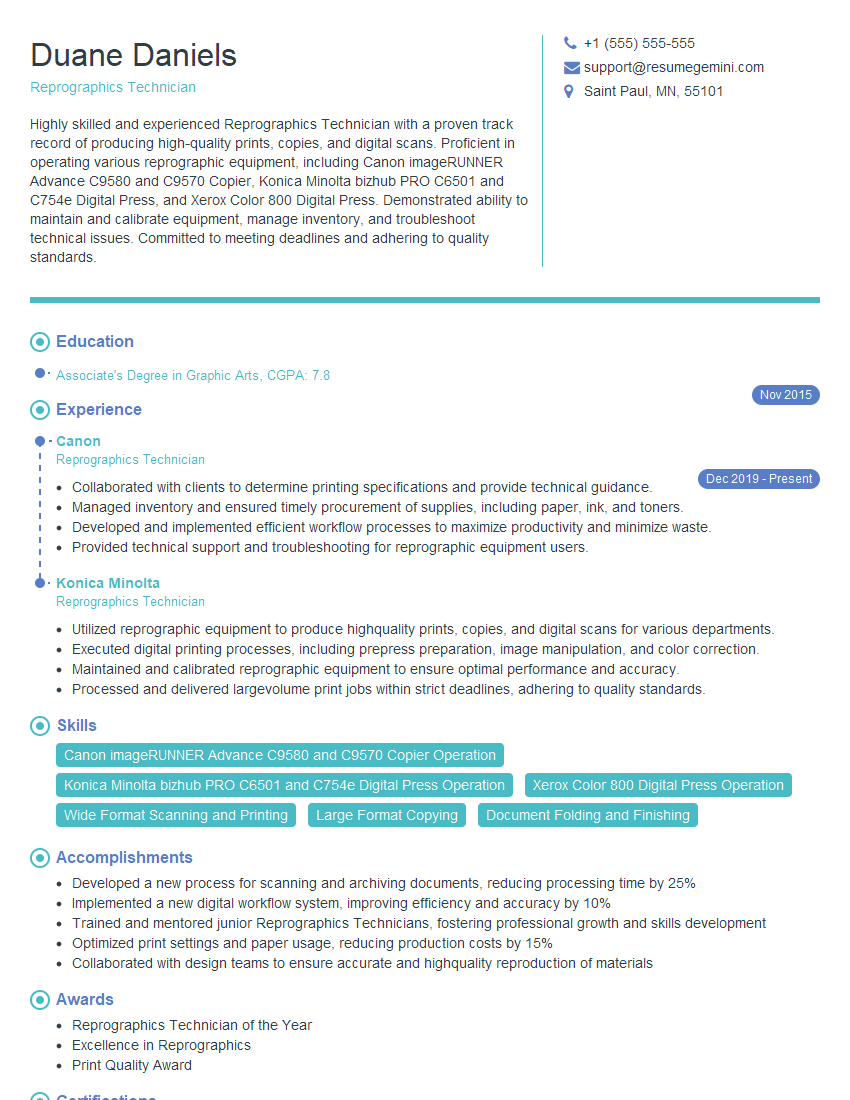
Reprographics Technician Resume Sample
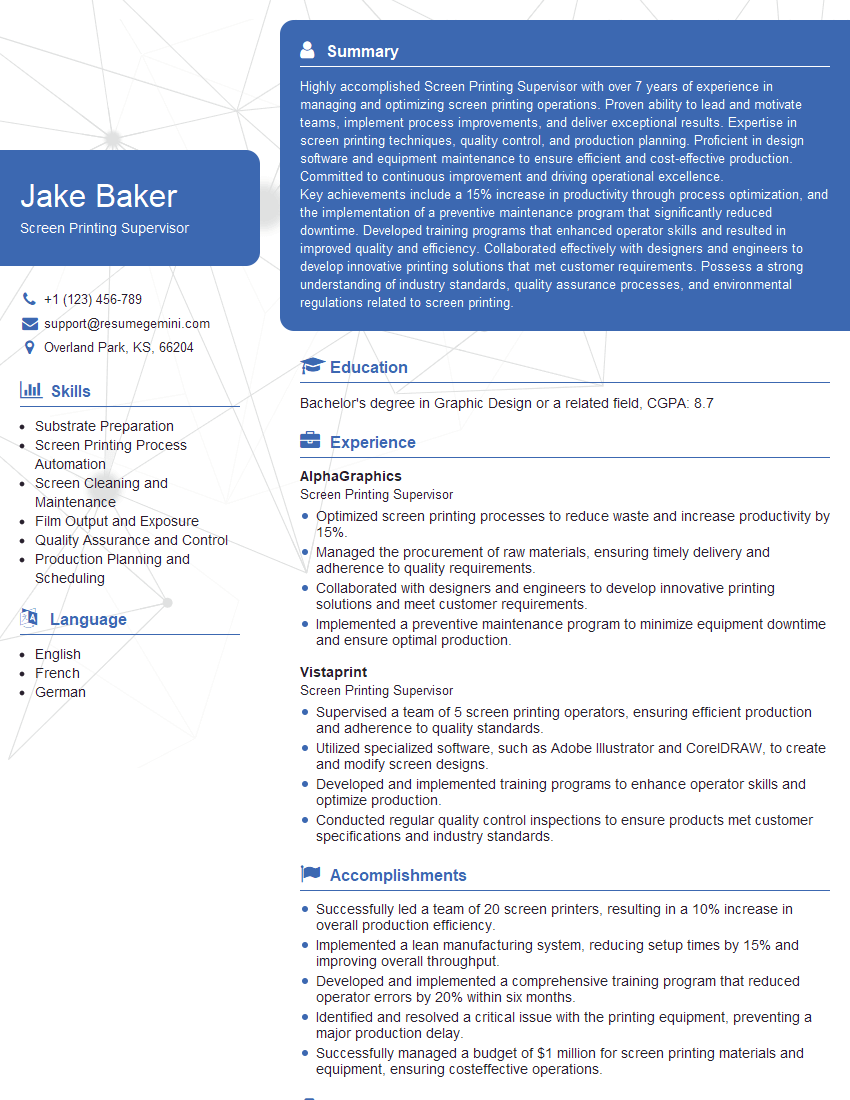
Screen Printing Supervisor Resume Sample

Graphic Arts Technician Resume Sample

Platemaker Resume Sample

Prepress Technician Resume Sample
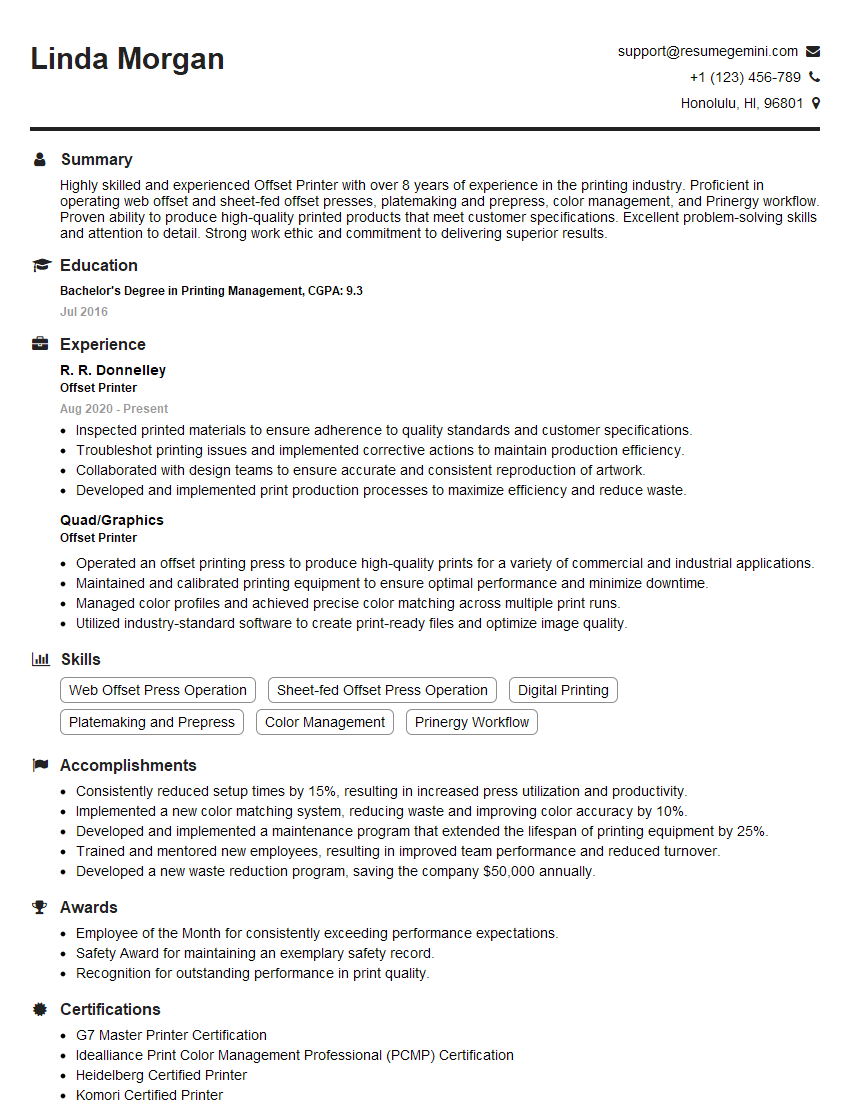
Offset Printer Resume Sample

Screen Printer Resume Sample
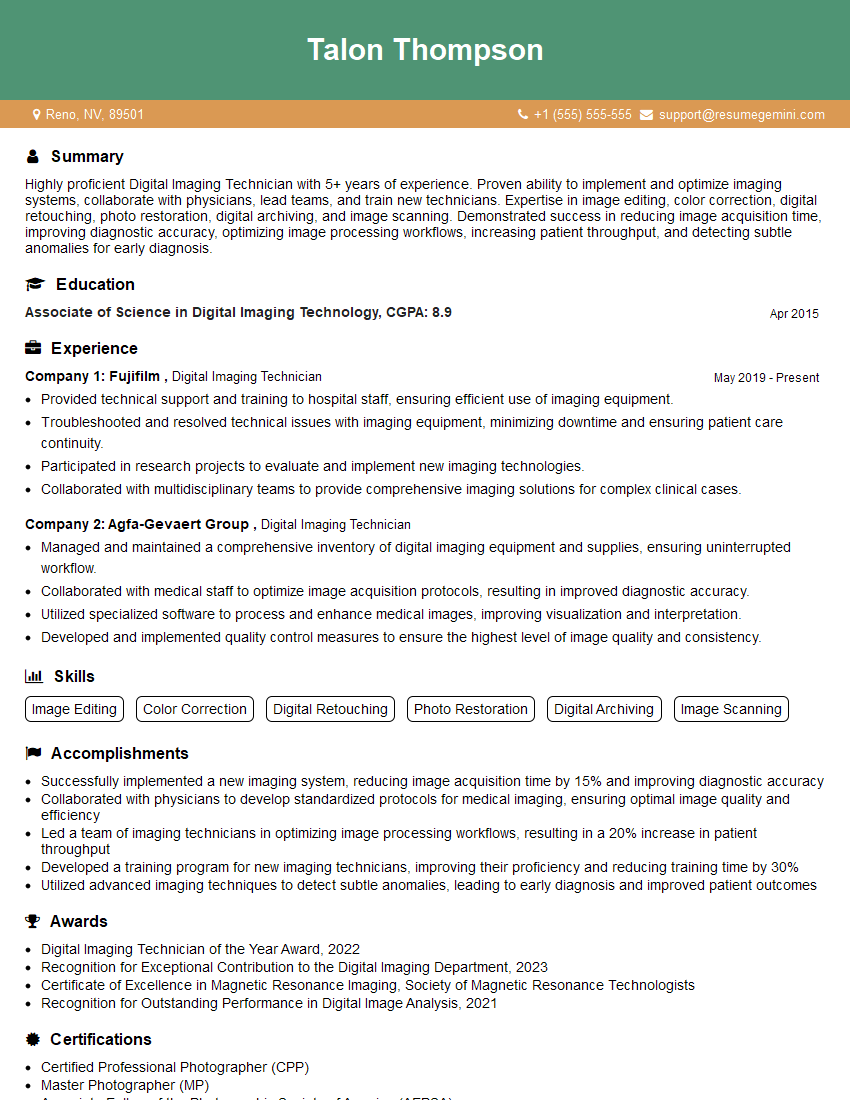
Digital Imaging Technician Resume Sample
Explore more articles
Users Rating of Our Blogs
Share Your Experience
We value your feedback! Please rate our content and share your thoughts (optional).
What Readers Say About Our Blog
Very informative content, great job.
good