Preparation is the key to success in any interview. In this post, we’ll explore crucial Software Development Kit (SDK) interview questions and equip you with strategies to craft impactful answers. Whether you’re a beginner or a pro, these tips will elevate your preparation.
Questions Asked in Software Development Kit (SDK) Interview
Q 1. Explain the concept of a Software Development Kit (SDK).
A Software Development Kit (SDK) is a collection of software development tools that allows programmers to create applications for a specific platform or operating system. Think of it as a comprehensive toolbox containing everything you need to build something specific, like a house (your app) on a particular plot of land (the platform).
It’s not just code; it’s a bundle of pre-built components, libraries, documentation, and sample code snippets designed to simplify the development process. Instead of starting from scratch, you leverage pre-existing components, saving time and effort.
Q 2. What are the key components of an SDK?
Key components of an SDK typically include:
- APIs (Application Programming Interfaces): These are sets of rules and specifications that allow different software systems to communicate with each other. They’re the building blocks that let your application interact with the platform’s core functionalities.
- Libraries: Pre-written code modules that provide ready-to-use functions for common tasks, such as handling network requests, processing images, or managing databases. These save developers significant time by avoiding repetitive coding.
- Documentation: Comprehensive guides, tutorials, and references that explain how to use the SDK’s components effectively. Good documentation is crucial for successful integration.
- Sample Code and Examples: Illustrative code snippets demonstrate how to implement specific features using the SDK. This speeds up the learning curve and allows developers to quickly understand core concepts.
- Tools: Utilities such as debuggers, compilers, emulators, and other tools that aid in the development, testing, and deployment of applications. Think of these as specialized instruments in our toolbox.
- Header Files and Compiled Libraries: These contain the necessary declarations and compiled code that enable your application to link with the SDK’s functionalities.
Q 3. Describe the difference between an API and an SDK.
While closely related, APIs and SDKs are distinct: An API is a set of rules and specifications that defines how software components should interact. It’s the contract between two systems. Think of it as the blueprint for communication.
An SDK, on the other hand, is a broader package that includes the API, along with other tools and resources needed to utilize that API effectively. It’s not just the blueprint, it’s the entire kit of tools and instructions to build according to the blueprint.
Analogy: An API is like a restaurant menu, listing available dishes (functions). The SDK is like a chef’s kit with recipes, ingredients (libraries, tools), and instructions (documentation) to prepare those dishes from the menu.
Q 4. How do SDKs facilitate software development?
SDKs dramatically facilitate software development by offering pre-built components and tools, reducing development time and effort. Imagine building a house – an SDK provides pre-fabricated walls, doors, windows, and plumbing systems. You don’t have to build everything from scratch; you assemble pre-built components.
Specifically, SDKs facilitate development by:
- Abstraction: Hiding complex implementation details and providing simplified interfaces.
- Code Reusability: Providing reusable code modules and libraries.
- Faster Development: Reducing development time by providing pre-built components.
- Improved Efficiency: Streamlining the development process and improving code quality.
- Platform Integration: Providing easy integration with specific platforms or services.
Q 5. What are the benefits of using an SDK?
The benefits of using an SDK are numerous:
- Reduced Development Time: Leveraging pre-built components significantly speeds up the development process.
- Increased Efficiency: Developers can focus on the unique aspects of their applications instead of reinventing the wheel.
- Improved Code Quality: Using well-tested, established SDK components reduces the likelihood of errors.
- Enhanced Functionality: Access to advanced features and capabilities provided by the platform or service.
- Simplified Integration: Easy integration with other systems and services.
- Faster Time to Market: Quicker development translates to faster product launches.
- Cost Savings: Reduced development time and effort lead to cost savings.
Q 6. What are some common challenges faced when developing or integrating SDKs?
Developing and integrating SDKs present challenges:
- Compatibility Issues: Ensuring compatibility across different platforms, operating systems, and hardware configurations can be complex.
- Version Control: Managing different versions of the SDK and maintaining backward compatibility is crucial.
- Security Risks: SDKs can introduce security vulnerabilities if not properly secured.
- Documentation Challenges: Maintaining comprehensive and up-to-date documentation is essential for users.
- Testing and Debugging: Thoroughly testing the SDK across various environments is crucial to identify and fix bugs.
- Maintenance and Updates: Ongoing maintenance and updates are necessary to address bugs, add new features, and maintain compatibility.
Q 7. Explain the process of integrating an SDK into an application.
Integrating an SDK involves several steps:
- Download and Installation: Obtain the SDK from the provider’s website and install it on your development environment.
- Setup and Configuration: Configure the SDK according to the provided instructions, which may involve setting environment variables or modifying project settings.
- Code Integration: Import the necessary SDK libraries and headers into your project and begin using the provided APIs and functions.
- Testing and Debugging: Thoroughly test the integration to identify and resolve any issues that may arise.
- Deployment: Deploy the application to the target platform or environment.
- Documentation Review: Consult the SDK’s documentation throughout the integration process for guidance and troubleshooting.
The specific steps can vary depending on the SDK and the development environment. For example, integrating a mobile SDK might involve using an IDE such as Android Studio or Xcode, while integrating a web SDK may involve using a package manager like npm or yarn.
Q 8. How do you handle SDK version conflicts?
SDK version conflicts arise when different parts of your application rely on incompatible versions of the same SDK. Imagine trying to build a house with bricks of different sizes – it just won’t fit together properly. This can lead to runtime errors, unexpected behavior, and a frustrating debugging experience.
Handling these conflicts effectively involves several strategies. Firstly, dependency management is crucial. Tools like Gradle (Android), CocoaPods (iOS), or npm (web) allow you to specify exact SDK versions your project needs. This ensures consistency across your development environment and prevents accidental installation of conflicting versions.
Secondly, version pinning is your best friend. Instead of using flexible version ranges (e.g., `1.x`), specify a precise version (e.g., `1.2.3`). This eliminates ambiguity and prevents unexpected updates that break compatibility. Thirdly, it’s important to regularly review your dependencies and update them responsibly. Always check for compatibility notes and release logs before updating to avoid unexpected conflict.
Finally, if conflicts persist despite your best efforts, consider strategies like creating separate modules or using different build variants to isolate different SDK versions. This allows different parts of your application to utilize compatible SDK versions without interference.
Q 9. Describe your experience with different SDK platforms (e.g., iOS, Android, Web).
I’ve worked extensively with SDKs across various platforms, including iOS, Android, and web. Each platform presents unique challenges and opportunities. On iOS, I’ve used Swift and Objective-C to integrate SDKs, leveraging Xcode and its debugging tools. My experience includes working with mapping SDKs (like MapKit or Google Maps), payment gateways (like Stripe or Braintree), and analytics platforms (like Firebase).
For Android development, my expertise lies in Java and Kotlin, using Android Studio and its powerful debugging capabilities. I’ve worked with similar SDK categories as on iOS, paying close attention to Android-specific considerations like fragmentation (different Android versions and device capabilities).
In the web development space, my experience encompasses JavaScript frameworks like React, Angular, and Vue.js, integrating SDKs using npm and managing dependencies through package managers. Here, I’ve focused on implementing analytics, social logins, and payment processing using various web-based SDKs.
The key difference across these platforms lies in the native language, development tools, and platform-specific considerations. However, the underlying principles of SDK integration, such as dependency management and error handling, remain consistent.
Q 10. How do you debug issues related to SDK integration?
Debugging SDK integration issues requires a systematic approach. It’s like solving a detective mystery – you need to gather clues, formulate hypotheses, and test them meticulously.
I start by meticulously reviewing the SDK’s documentation and integration guides. Many issues stem from simple configuration errors, missing dependencies, or incorrect API usage. Then, I use the platform’s debugging tools extensively (Xcode’s debugger, Android Studio’s debugger, browser developer tools). Setting breakpoints in my code and examining variable values helps to identify where the integration is failing.
Network monitoring tools (like Charles Proxy or Fiddler) are invaluable for analyzing API calls between my app and the SDK. This helps me identify network issues, incorrect request parameters, or problems with the SDK’s response handling. Logging is also crucial – I embed detailed logs throughout my code to track the execution flow and identify problematic areas. Finally, if the problem persists, I reach out to the SDK provider’s support team for assistance, providing them with detailed logs and reproduction steps.
Q 11. What are some best practices for SDK development?
Developing robust and maintainable SDKs requires careful planning and adherence to best practices. Think of it as building a well-designed LEGO castle – you need a strong foundation and carefully interconnected parts.
- Modular Design: Break down the SDK into smaller, independent modules to improve maintainability and reusability.
- Clear API Design: Create a simple, intuitive, and well-documented API that is easy for developers to understand and use.
- Comprehensive Documentation: Provide clear and concise documentation with examples, tutorials, and troubleshooting guides.
- Thorough Testing: Implement unit tests, integration tests, and end-to-end tests to ensure the SDK’s functionality and stability.
- Version Control: Use a version control system (like Git) to manage code changes and track the SDK’s evolution.
- Security Considerations: Implement appropriate security measures to protect sensitive data and prevent vulnerabilities.
- Support for Multiple Platforms: If possible, design the SDK to support multiple platforms to broaden its reach.
Q 12. How do you ensure the security of an SDK?
SDK security is paramount. A compromised SDK can expose sensitive user data and damage your reputation. My approach involves multiple layers of protection.
- Input Validation: Always validate user inputs to prevent injection attacks (like SQL injection or cross-site scripting).
- Secure Communication: Use HTTPS for all communication between the SDK and its servers. Implement strong encryption techniques to protect sensitive data during transit.
- Secure Data Storage: Never store sensitive data directly in the SDK; instead, rely on secure platform-provided mechanisms.
- Regular Security Audits: Conduct regular security audits and penetration testing to identify and fix vulnerabilities.
- Secure Coding Practices: Follow secure coding practices to minimize the risk of common vulnerabilities like buffer overflows and memory leaks.
- Use of Established Libraries: Utilize well-vetted and secure libraries instead of writing custom code whenever possible.
A critical aspect is also keeping the SDK updated with the latest security patches.
Q 13. How do you test an SDK thoroughly?
Thorough SDK testing is essential to ensure its quality and reliability. My approach involves a multi-faceted strategy.
- Unit Tests: Test individual components of the SDK in isolation to verify their correct functionality.
- Integration Tests: Test the interaction between different components of the SDK and other parts of the application.
- End-to-End Tests: Test the complete workflow of the SDK to simulate real-world usage scenarios.
- Performance Testing: Measure the SDK’s performance under various conditions to identify bottlenecks and optimize performance.
- Usability Testing: Evaluate the SDK’s usability from a developer’s perspective, ensuring easy integration and clear documentation.
- Cross-Platform Testing: If the SDK supports multiple platforms, test it thoroughly on each platform to identify platform-specific issues.
I use automated testing frameworks and CI/CD pipelines to streamline the testing process and ensure consistent quality.
Q 14. Explain your approach to documenting an SDK.
SDK documentation is crucial for adoption and success. It’s the user manual for developers, guiding them on how to use the SDK effectively. My approach emphasizes clarity, completeness, and ease of use.
I start by creating a comprehensive overview of the SDK’s purpose, features, and architecture. Then I provide detailed guides on how to integrate the SDK into different applications, covering various use cases and scenarios. I include code examples, tutorials, and troubleshooting tips to aid developers.
API references are essential, documenting each function, method, and class with clear parameters, return values, and descriptions. I also use rich media like screenshots, videos, and interactive elements to enhance understanding. Finally, I utilize a version control system for the documentation itself, allowing for collaborative editing and history tracking, and ensuring consistency across SDK versions.
Q 15. How do you handle SDK updates and maintenance?
Handling SDK updates and maintenance is crucial for ensuring the stability, security, and functionality of applications relying on it. It’s not a one-time task, but an ongoing process requiring a structured approach.
Firstly, we establish a robust versioning system (e.g., semantic versioning) to clearly communicate changes and their impact. This allows developers to understand the implications of updates and plan accordingly. We utilize a change log that meticulously documents all modifications, bug fixes, and new features in each release.
Secondly, we implement a thorough testing strategy. This includes unit tests, integration tests, and end-to-end tests to identify and address potential issues before release. Automated testing is paramount to efficiency and scalability. We also encourage and facilitate beta testing programs to gather feedback from a wider audience.
Finally, we provide clear and comprehensive documentation to guide developers through the update process. This documentation includes migration guides for upgrading to newer versions and troubleshooting guides for resolving common issues.
For example, imagine an image processing SDK. A major update might introduce a new, faster algorithm. Our documentation would explain how to leverage the new algorithm, how to handle any deprecated functions from the previous version and any potential backward compatibility issues. We might also provide sample code demonstrating the transition.
Career Expert Tips:
- Ace those interviews! Prepare effectively by reviewing the Top 50 Most Common Interview Questions on ResumeGemini.
- Navigate your job search with confidence! Explore a wide range of Career Tips on ResumeGemini. Learn about common challenges and recommendations to overcome them.
- Craft the perfect resume! Master the Art of Resume Writing with ResumeGemini’s guide. Showcase your unique qualifications and achievements effectively.
- Don’t miss out on holiday savings! Build your dream resume with ResumeGemini’s ATS optimized templates.
Q 16. What are the different types of SDK licenses?
SDK licenses vary significantly, impacting how developers can use and distribute the SDK. The most common types include:
- Proprietary Licenses: These grant limited rights, often restricting commercial use, modification, or redistribution without explicit permission from the licensor. Think of it like buying a car – you can use it, but you can’t just sell the parts or make copies.
- Open-Source Licenses (e.g., MIT, GPL, Apache): These licenses allow for free use, modification, and redistribution, often with certain conditions like attribution or similar licensing for derivative works. This is like using a freely available recipe – you can adapt it and even sell your variations, but you might need to give credit to the original creator.
- Commercial Licenses: These licenses are usually purchased and provide specific rights for commercial use and may include support and maintenance services. These licenses often provide greater features and support compared to the open-source alternatives.
- Dual Licensing: This allows the use of the same SDK under both open-source and commercial licenses. Open source usually entails less features and no support and commercial licenses pay for additional features and dedicated support.
Choosing the right license depends heavily on the project’s requirements and business model. For an open-source project, an open-source license is preferred; whereas for a commercial product, a proprietary license or commercial license may be more suitable.
Q 17. Describe your experience with SDK performance optimization.
SDK performance optimization is critical for delivering a responsive and efficient user experience. My approach is multifaceted and involves profiling, code optimization, and algorithmic improvements.
I begin by profiling the SDK to identify performance bottlenecks. Tools like profiling tools provided by the operating systems are commonly used. I also use custom logging to track the execution time of various functions. This helps pinpoint areas needing attention. Once the bottlenecks are identified, I apply several strategies:
- Algorithmic Optimization: Replacing inefficient algorithms with more efficient ones can significantly improve performance. For instance, swapping a brute-force search algorithm with a more sophisticated one.
- Code Optimization: This involves techniques such as reducing unnecessary computations, memory allocations, and function calls. Using appropriate data structures, reducing loop iterations, and employing memoization techniques (caching results) are frequently used.
- Memory Management: Optimizing memory usage reduces memory footprint and improves overall performance. Techniques like using appropriate data structures, reducing object allocations, and managing memory pools are key.
- Asynchronous Operations: For I/O-bound tasks, asynchronous operations can improve responsiveness by preventing the main thread from being blocked. Using asynchronous programming techniques allows to keep user interface responsive even when waiting for data from a network request.
For example, in a video processing SDK, I might optimize the video encoding algorithm to reduce encoding time or use multi-threading to speed up the processing of large video files.
Q 18. How do you address compatibility issues with different SDK versions?
Compatibility issues across different SDK versions can cause significant problems. My approach focuses on proactive management and robust error handling. A key aspect is using version-specific code and clearly indicating minimum and maximum supported versions within the documentation.
I leverage versioning schemes like semantic versioning (SemVer) to explicitly communicate changes between releases. Major version bumps indicate breaking changes, while minor ones signify additions or bug fixes. This helps developers anticipate compatibility problems and plan accordingly.
For backward compatibility, I often design the SDK with an abstraction layer that allows for different implementations for different versions. This hides the underlying version-specific details and presents a consistent interface to the developers. Consider using conditional compilation or runtime version checking to handle different versions gracefully.
Runtime checks help to detect conflicts and handle them proactively, for example, by providing fallbacks or gracefully degrading functionalities. In case of conflicts, the SDK should provide informative error messages to facilitate debugging. Detailed logging during runtime is valuable in pinpointing such issues.
Q 19. How do you choose the right SDK for a project?
Choosing the right SDK involves a careful evaluation of several factors:
- Functionality: Does the SDK provide the necessary features and capabilities for the project?
- Performance: How well does the SDK perform in terms of speed, efficiency, and resource usage? Benchmarking different SDKs is beneficial.
- Platform Compatibility: Is the SDK compatible with the target platforms (e.g., iOS, Android, Web)?
- Ease of Use: How easy is it to integrate and use the SDK? A well-documented SDK simplifies the development process.
- Community Support: Is there a strong and active community providing support and assistance? This can be crucial when encountering issues.
- Licensing: Is the license compatible with the project’s requirements and business model?
- Security: Is the SDK secure and does it follow industry best practices?
- Maintenance and Updates: Does the vendor provide regular updates and maintenance for the SDK?
The decision-making process often involves prototyping and evaluating different SDKs to determine the best fit for the project’s specific needs. Weighing the trade-offs between different factors – for example, prioritizing performance might mean compromising on ease of use – is crucial.
Q 20. What are some common SDK design patterns?
Several common design patterns enhance SDK design and maintainability. These include:
- Facade Pattern: This pattern simplifies complex functionality by providing a unified interface, hiding underlying implementation details. This allows for easy use without needing deep understanding of the underlying workings.
- Singleton Pattern: This pattern ensures only one instance of a class exists, which can be useful for managing resources or state information.
- Builder Pattern: This pattern allows for flexible and customizable object creation, especially beneficial for complex objects with many optional parameters.
- Observer Pattern: This pattern enables decoupling between objects by allowing objects to subscribe to and receive notifications about events. This allows parts of the SDK to react to events without being directly coupled.
- Command Pattern: This pattern encapsulates requests as objects, allowing for flexible command processing and undo/redo functionality.
Choosing the appropriate pattern depends on the specific needs of the SDK, including its complexity, features, and overall design goals. Well-chosen design patterns enhance the modularity, flexibility, and maintainability of an SDK.
Q 21. How do you handle error handling and exception management within an SDK?
Robust error handling and exception management are critical for a reliable SDK. My approach prioritizes clear error reporting, informative messages, and graceful degradation.
I use a combination of techniques:
- Structured Exception Handling: Using
try-catchblocks (or equivalent mechanisms in other languages) to catch and handle exceptions gracefully. This prevents unexpected crashes and allows for recovery or fallback mechanisms. - Custom Exception Types: Defining custom exception types specific to the SDK allows for more detailed error classification and easier debugging. Custom exceptions include details that could help the developer understand the root cause of the error.
- Error Codes: Using error codes alongside exceptions provides a structured way to report specific errors and facilitates automated error handling. Error codes are essential for programmatic handling of errors.
- Detailed Error Messages: Error messages should be informative and helpful, guiding developers to identify and resolve the issue. Instead of generic messages, provide specific context relating to the error.
- Logging: Comprehensive logging is essential for tracking errors and debugging issues. Detailed logs provide critical information during troubleshooting.
- Fallback Mechanisms: If an operation fails, fallback mechanisms should be implemented to maintain the application’s functionality. This could involve using default values, retrying operations, or providing a graceful degradation of functionality.
For example, if a network request fails, instead of crashing, the SDK could log the error, display a user-friendly message, and attempt to retry the request after a delay. This provides a better user experience and helps developers identify and fix underlying issues.
Q 22. Explain your experience with SDK build processes and automation.
SDK build processes are crucial for creating reliable and consistent software packages. My experience encompasses the entire lifecycle, from initial source code to the final distributable artifact. I’ve extensively used automation tools like Jenkins, GitLab CI/CD, and Azure DevOps to streamline this process. These tools allow for automated compilation, testing, and packaging of the SDK, ensuring consistency and minimizing human error. For example, in a recent project, we implemented a Jenkins pipeline that automatically built our Android SDK, ran unit and integration tests, generated release notes based on commit messages, and finally published the artifacts to our internal repository. This automated pipeline reduced our build time from hours to minutes and significantly improved the reliability of our releases. I’m also proficient in creating custom build scripts using tools like Make, Gradle, and Maven, allowing for tailored build processes for specific platforms and requirements. This includes handling dependencies, optimizing build performance, and implementing code signing and obfuscation for security.
Q 23. How familiar are you with different SDK packaging formats?
Familiarity with various SDK packaging formats is essential for broad reach and compatibility. I’ve worked extensively with formats like JAR (Java Archive), AAR (Android Archive), ZIP, and NuGet packages. Each format serves a specific purpose and target platform. For instance, JAR files are standard for Java libraries, AAR files are specifically designed for Android, while NuGet packages are used for .NET. My experience includes understanding the nuances of each format, including metadata inclusion, dependency management, and signing. I also have experience with creating platform-specific packages, addressing the complexities of different operating systems and architectures. This often involves handling different build systems and incorporating platform-specific requirements into the packaging process.
Q 24. What is your experience with SDK analytics and monitoring?
SDK analytics and monitoring play a vital role in understanding user behavior and identifying potential issues. I’ve used various tools and techniques to gather usage data, including integrating analytics libraries within the SDK itself to track metrics such as API call frequency, error rates, and feature usage. This data is instrumental in identifying areas for improvement, prioritizing bug fixes, and guiding future development. For example, I’ve used Google Analytics and Firebase to track SDK usage and performance in a previous project, which allowed us to pinpoint performance bottlenecks and improve the overall user experience. Furthermore, I’m experienced in setting up robust logging and error reporting mechanisms within the SDK to aid in troubleshooting and identifying unexpected behavior in the field. This often involves using centralized logging services and exception tracking platforms to gain comprehensive insight into the SDK’s operation in various environments.
Q 25. Describe your experience with SDK version control and branching strategies.
Effective version control and branching strategies are crucial for collaborative SDK development and maintaining a stable release process. My experience includes extensive use of Git, employing strategies such as Gitflow and GitHub Flow. Gitflow provides a structured approach for managing releases, feature development, and bug fixes through distinct branches, such as main, develop, and feature branches. GitHub Flow offers a more streamlined approach, focusing on frequent integration and smaller, more manageable pull requests. The choice of strategy depends on the project’s size, team structure, and release cadence. I’m also experienced in using semantic versioning (SemVer) to clearly communicate changes between SDK versions and manage dependencies. This ensures that users understand the implications of upgrading and prevents unexpected compatibility issues.
Q 26. How do you prioritize features and bug fixes in SDK development?
Prioritizing features and bug fixes in SDK development requires a balanced approach, considering both business value and user impact. I typically use a combination of techniques, including:
- Impact Assessment: Evaluating the severity and frequency of bugs and the potential impact of new features on users.
- User Feedback: Gathering input from developers using the SDK to understand their pain points and priorities.
- Data-Driven Decisions: Leveraging SDK analytics data to identify areas requiring immediate attention.
- Agile Methodologies: Using sprint planning and prioritization techniques to manage the backlog effectively.
Q 27. How do you contribute to the SDK community and stay updated with the latest trends?
Contributing to the SDK community and staying updated is crucial for continuous learning and improvement. I actively participate in open-source projects, contributing code, documentation, and bug fixes. I frequently attend industry conferences and webinars, and follow leading blogs and publications. This keeps me abreast of the latest trends, best practices, and emerging technologies. I also engage in online forums and communities, sharing my knowledge and seeking solutions from other experts. Active engagement in these communities fosters collaboration and accelerates learning. For example, I regularly contribute to the documentation of open-source SDKs on platforms like GitHub, ensuring the quality of the information available to other developers.
Q 28. Describe a time you had to troubleshoot a complex issue related to an SDK.
In a previous project, we encountered a complex issue where our iOS SDK was intermittently crashing on older devices. Initial debugging pointed to memory leaks, but the root cause was elusive. We systematically implemented various debugging techniques:
- Enhanced Logging: We added more detailed logging to identify the exact sequence of events leading up to the crash.
- Memory Profiling Tools: We used Instruments and Xcode’s memory debugger to identify memory allocation patterns and potential leaks.
- Code Reviews: We meticulously reviewed the code sections suspected of causing the issue.
- Testing on Different Devices: We expanded our testing to include a wider range of older iOS devices and versions.
Key Topics to Learn for Software Development Kit (SDK) Interview
- SDK Architecture and Design: Understand the fundamental structure of an SDK, including its components (libraries, APIs, tools), and how they interact. Consider different architectural patterns and their implications.
- API Interaction and Integration: Master how to effectively use the SDK’s APIs to interact with its functionalities. Practice integrating the SDK into different projects and environments. Explore common integration challenges and troubleshooting techniques.
- SDK Documentation and Best Practices: Familiarize yourself with reading and interpreting SDK documentation. Understand coding style guidelines and best practices for using the SDK to write efficient and maintainable code.
- Security Considerations: Learn about common security vulnerabilities related to SDK usage and how to mitigate them. This includes topics like authentication, authorization, and data protection.
- Performance Optimization: Explore techniques for optimizing the performance of applications built using the SDK. This might involve understanding memory management, efficient data handling, and profiling tools.
- Debugging and Troubleshooting: Develop strong debugging skills specific to the SDK. Learn how to identify and resolve common errors and issues encountered when working with the SDK.
- SDK-Specific Features and Capabilities: Deeply understand the unique features and capabilities offered by the specific SDK you’re targeting. This often requires hands-on practice and exploration.
Next Steps
Mastering an SDK is crucial for career advancement in software development, opening doors to exciting opportunities and higher earning potential. A well-crafted resume is your key to unlocking these opportunities. Make sure your resume is ATS-friendly to ensure it gets noticed by recruiters. To build a truly impressive and effective resume, consider using ResumeGemini. ResumeGemini provides a powerful toolset for crafting professional resumes, and we even offer examples of resumes tailored to Software Development Kit (SDK) experience to help you get started.
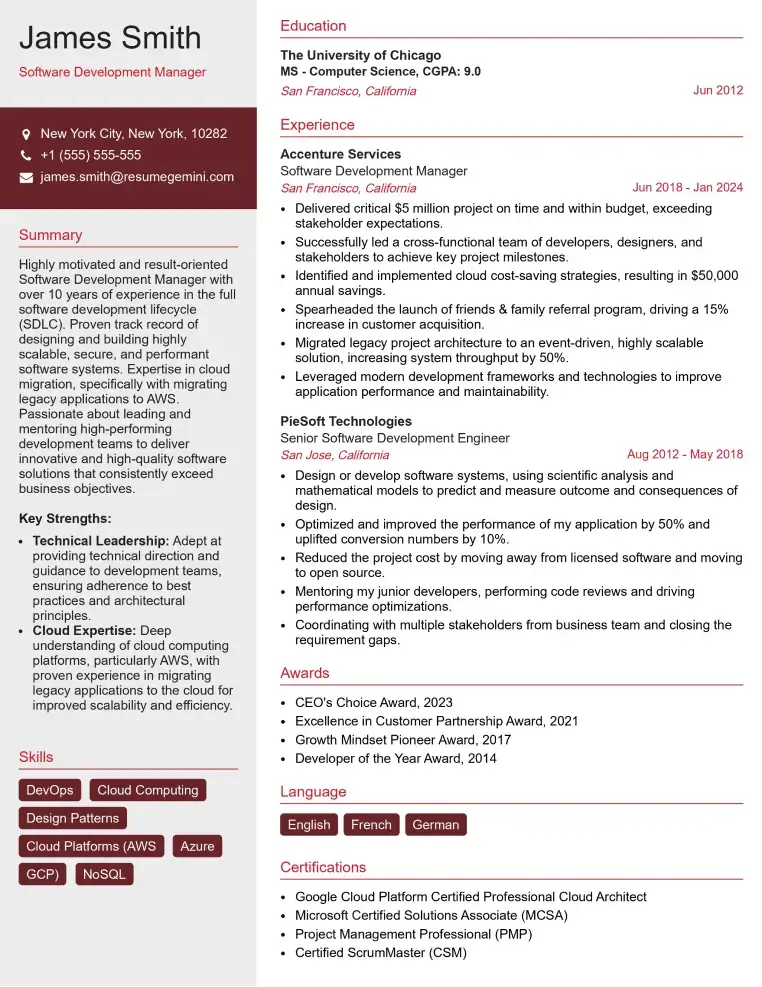
Check Out Resume Samples at ResumeGemini
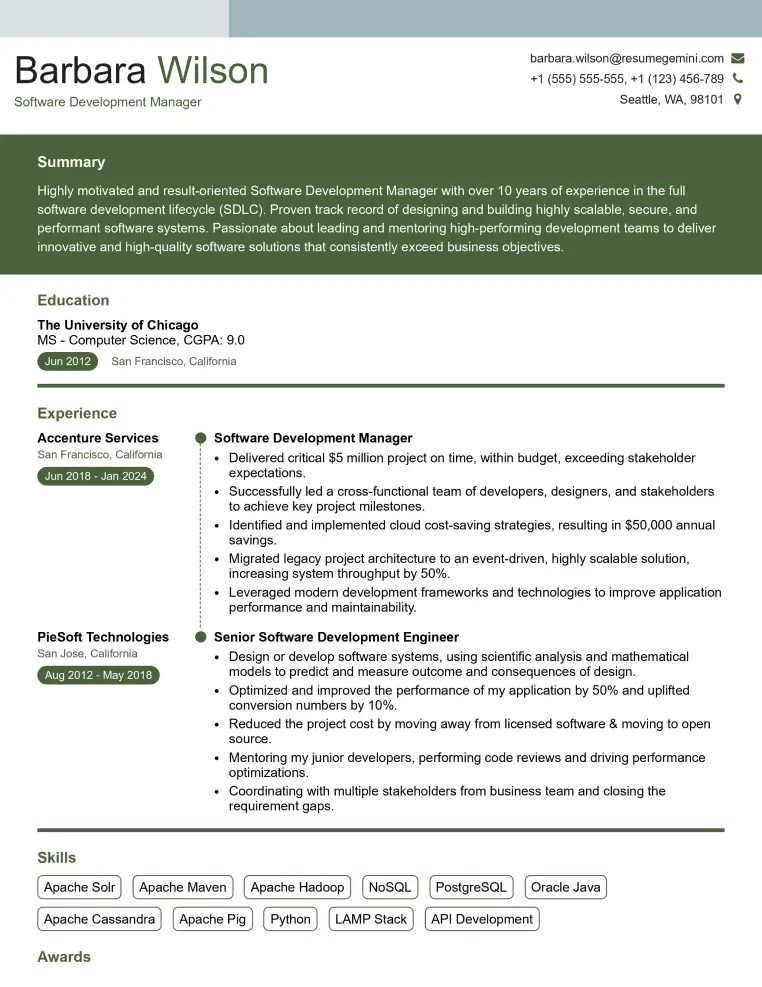
Check Out Resume Samples at ResumeGemini
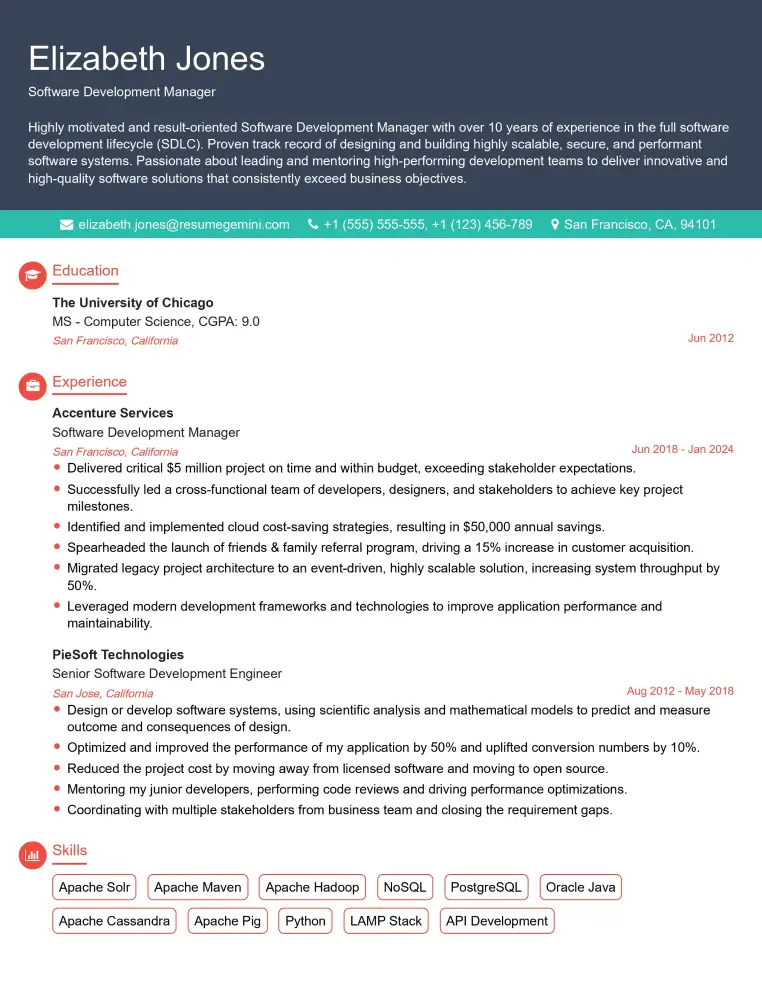
Check Out Resume Samples at ResumeGemini

Check Out Resume Samples at ResumeGemini
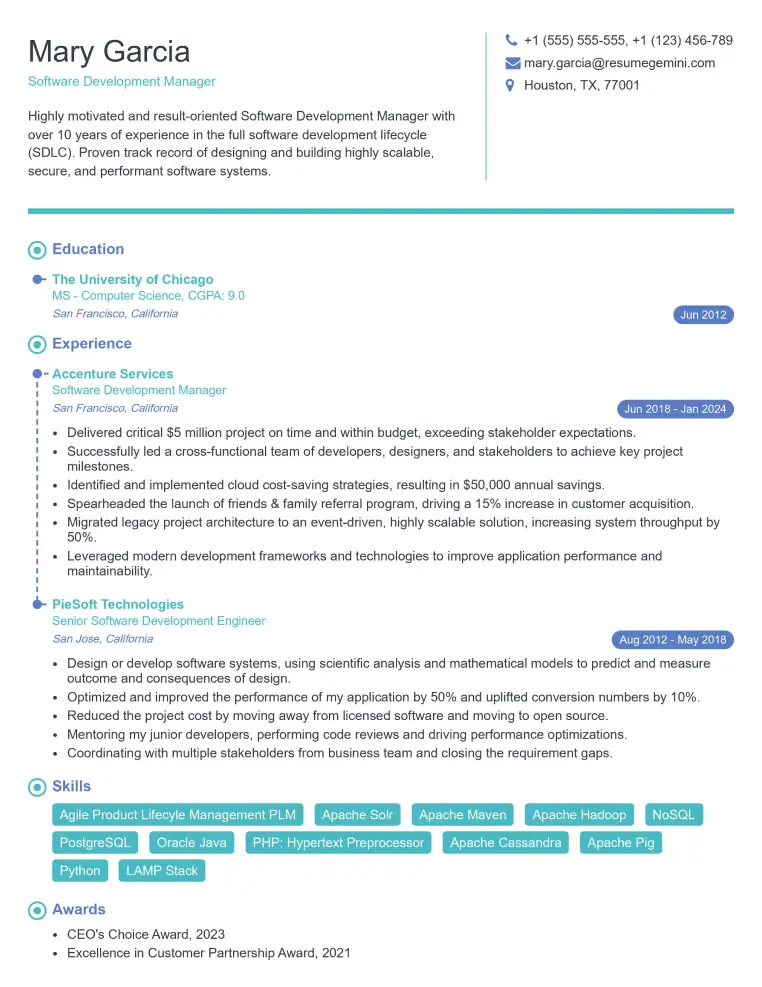
Check Out Resume Samples at ResumeGemini
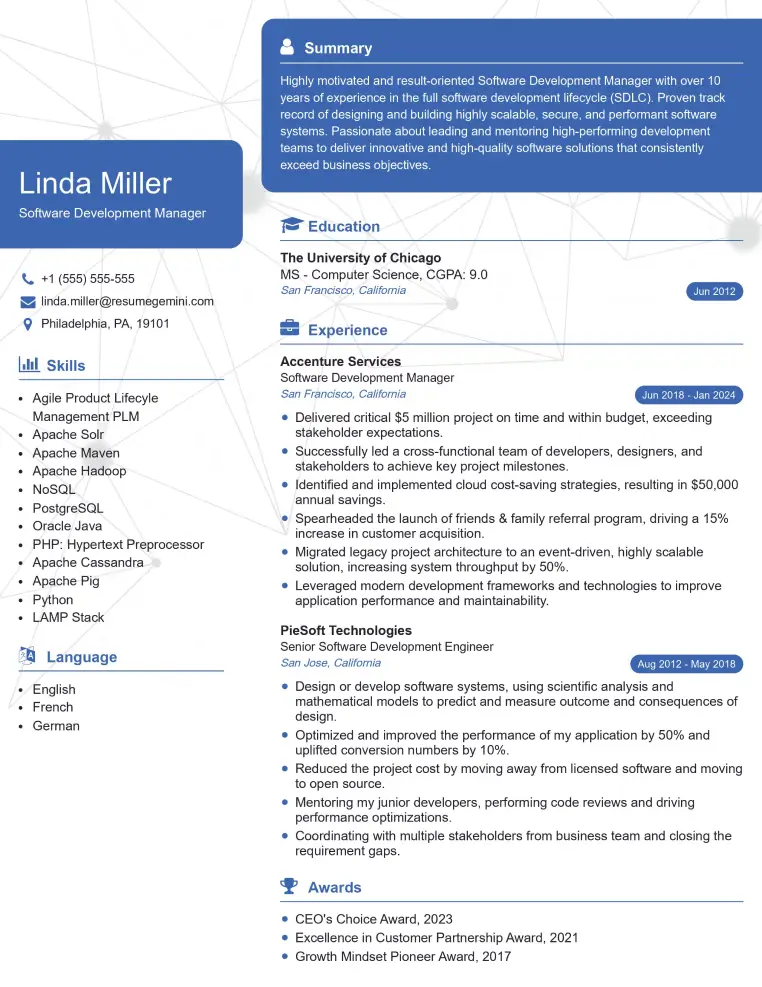
Check Out Resume Samples at ResumeGemini
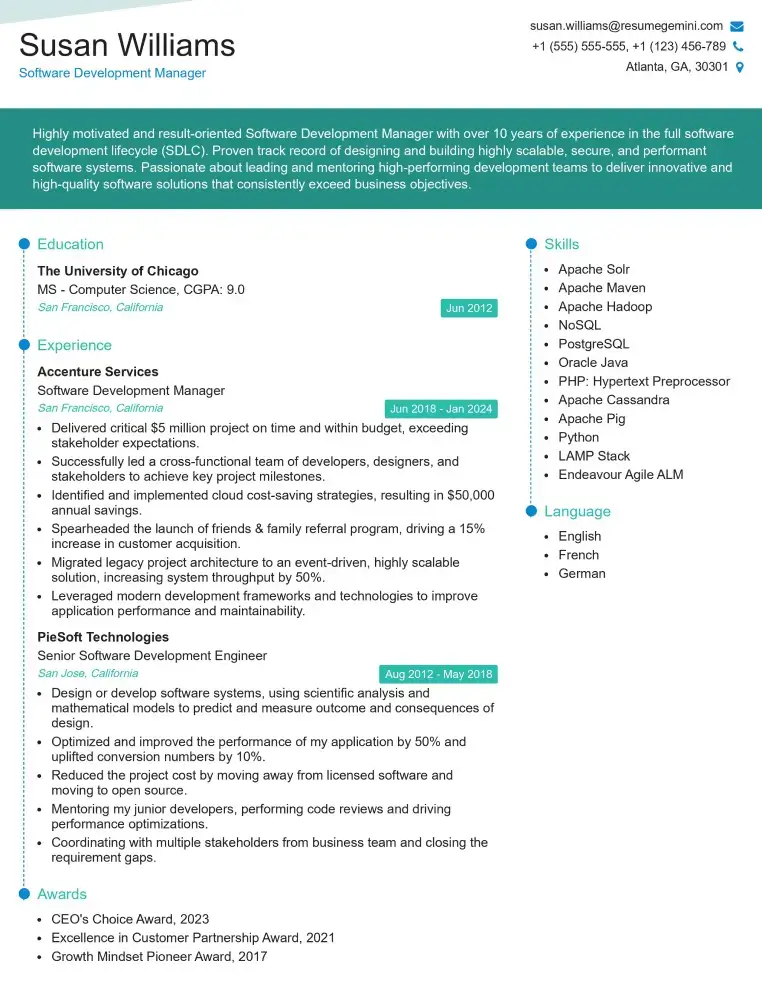
Check Out Resume Samples at ResumeGemini
Explore more articles
Users Rating of Our Blogs
Share Your Experience
We value your feedback! Please rate our content and share your thoughts (optional).
What Readers Say About Our Blog
Very informative content, great job.
good