Interviews are more than just a Q&A session—they’re a chance to prove your worth. This blog dives into essential Technical Drawing and Drafting interview questions and expert tips to help you align your answers with what hiring managers are looking for. Start preparing to shine!
Questions Asked in Technical Drawing and Drafting Interview
Q 1. Explain the difference between orthographic and isometric projections.
Orthographic and isometric projections are both methods of representing three-dimensional objects on a two-dimensional surface, but they differ significantly in their approach. Orthographic projection uses multiple views (typically top, front, and side) to show the object from different perpendicular perspectives. Imagine unfolding a box – each side is a separate orthographic view. This method provides precise dimensions and details of each face but doesn’t give an immediate sense of the object’s three-dimensionality.
Isometric projection, on the other hand, attempts to show a single view that incorporates all three dimensions simultaneously. Think of it like a slightly distorted photograph of the object from a corner. While it offers a better visual representation of the object’s form, precise measurements are more difficult to obtain directly from the drawing as lines are foreshortened.
In short: Orthographic is precise and detailed but lacks a holistic 3D view; isometric is visually intuitive but less precise for measurements.
Example: A mechanical drawing of a complex part would likely utilize orthographic projections to show detailed dimensions of each face. A quick sketch showing a piece of furniture might use isometric projection to convey the overall shape and proportions more readily.
Q 2. What are the common types of lines used in technical drawings and their applications?
Technical drawings employ various line types to convey specific information. Each line type has a distinct weight and style and communicates a different aspect of the design. Consistent use of these line types is crucial for clarity and understanding.
- Object Lines: Thick, solid lines define the visible outlines and edges of the object. These are the most prominent lines in a drawing.
- Hidden Lines: Thin, dashed lines represent features of the object that are not visible from the chosen viewpoint. These are essential for showing internal details.
- Center Lines: Thin, alternating long and short dashes indicate axes of symmetry or the center of circular features. They help guide the construction of symmetrical shapes.
- Dimension Lines: Thin lines with arrowheads at the ends, used to indicate the distances between features. They are terminated with arrows, usually with a break for dimension numbers.
- Extension Lines: Thin lines extending from the object lines to the dimension lines, helping to clearly define the points to which dimensions apply.
- Leader Lines: Thin lines with an arrowhead at one end, used to connect notes, symbols, or dimensions to specific features on the drawing.
- Cutting Plane Lines: Thick, dashed lines indicating the location of a cutting plane for sectional views.
Application: Consider a drawing of a bolt. Object lines show the visible hexagonal head and cylindrical shaft. Hidden lines indicate the threads that are not seen from the outside. Center lines define the axis of symmetry of the bolt.
Q 3. Describe your experience with various CAD software packages (e.g., AutoCAD, Revit, SolidWorks).
Throughout my career, I’ve extensively used several CAD packages, each with its own strengths and weaknesses. My proficiency in AutoCAD spans over a decade, encompassing 2D drafting, and more advanced 3D modeling techniques. I have used AutoCAD to create detailed shop drawings, construction plans, and complex assemblies.
I also possess significant experience in Revit, focusing on Building Information Modeling (BIM). I’ve used Revit for architectural modeling, structural design coordination, and MEP system layout. This experience highlights my understanding of collaborative design workflows within a BIM environment.
Additionally, my experience includes using SolidWorks for more mechanical design tasks, creating detailed 3D models of parts and assemblies, generating accurate manufacturing drawings, and conducting simulations. This experience demonstrates my versatility across different software platforms tailored to the demands of diverse projects.
Each software provides tools perfectly suited for specific applications, and my familiarity with this range allows me to choose the most efficient method for any given project.
Q 4. How do you ensure accuracy and precision in your technical drawings?
Accuracy and precision are paramount in technical drawing. My approach relies on a multi-faceted strategy:
- Precise Measurements: Always begin with accurate source data, whether from surveys, physical measurements, or specifications. Any inaccuracies in the input data will cascade through the drawing.
- Correct Units and Scaling: Consistent use of units (metric or imperial) and appropriate scaling are critical. Mismatches can lead to significant errors. I always double-check these aspects throughout the process.
- Software Tools: CAD software offers powerful tools for maintaining accuracy. Snap functions, constraints, and parametric modeling help ensure that all elements are properly aligned and dimensioned.
- Geometric Constraints: Using constraints in CAD software is essential for creating relationships between design elements, ensuring dimensions change consistently if a single element is modified.
- Regular Checks and Verification: I routinely review my work, checking dimensions against specifications and verifying the geometry using various software tools and techniques.
- Peer Review: In larger projects, peer review is invaluable for catching errors that might be overlooked during self-review.
Example: When drawing a building plan, I ensure all wall lengths, door positions, and window placements are accurately reflected from site surveys and architectural plans. I frequently utilize the software’s dimensioning tools to automatically calculate distances and areas, reducing the chance of manual calculation errors.
Q 5. What are dimensioning standards and how do you apply them?
Dimensioning standards provide a consistent and unambiguous way to present measurements on technical drawings. These standards ensure that drawings are easily understood across different teams, companies, and industries. Different standards exist (e.g., ISO, ANSI, ASME), each with specific rules regarding placement, formatting, and notation.
My application of dimensioning standards involves:
- Selecting the Appropriate Standard: The choice of standard depends on the project’s requirements and the industry involved. Compliance is essential for seamless communication and acceptance.
- Consistent Units: Using the appropriate unit of measurement (millimeters, inches, etc.) and adhering to the specified precision (decimal places).
- Clear Dimensioning Practices: Placing dimensions in a logical and easily understandable manner, avoiding clutter and overlapping lines. Dimension values are always clearly legible.
- Correct Notation: Using appropriate symbols and abbreviations for specific dimensions (diameter, radius, etc.), always adhering to the chosen standard.
- Appropriate Tolerance Indication: Adding tolerances where necessary to indicate acceptable variations in manufactured parts.
Example: In a mechanical drawing, using ANSI standards requires specific placement of dimensions relative to features, the use of specific leader lines, and adherence to rules regarding tolerance display. Ignoring these rules would render the drawing difficult to interpret or could potentially lead to manufacturing errors.
Q 6. Explain the concept of scaling in technical drawings.
Scaling in technical drawings refers to the ratio between the dimensions of the drawing and the actual dimensions of the object being represented. It’s essential for managing the size of drawings, especially when dealing with large structures or tiny components. A scale of 1:100 means that 1 unit on the drawing represents 100 units in real life.
Scaling is crucial for several reasons:
- Manageability: Large objects or structures need to be scaled down to fit on a manageable drawing sheet.
- Clarity and Detail: Scaling can allow for the enlargement of smaller details to improve clarity and readability.
- Standardisation: Using standard scales helps ensure consistency and facilitates easier interpretation.
Example: A large building’s floor plan might be drawn at a scale of 1:50, meaning 1 centimeter on the drawing represents 50 centimeters in reality. Conversely, a detailed drawing of an electronic component might be scaled up for clarity.
Q 7. How do you handle revisions and updates to existing drawings?
Handling revisions and updates efficiently is crucial for maintaining accurate and current documentation. My approach involves a systematic process:
- Revision Control System: Employing a formal revision control system, often integrated into the CAD software, to track all changes made to the drawings. This typically involves assigning revision numbers or letters (e.g., Rev. A, Rev. B).
- Clear Documentation of Changes: Precisely documenting all modifications, including the date, author, and a description of the changes made. A revision log is maintained alongside the drawing.
- Version Control: Archiving previous versions of the drawing to enable easy access to earlier revisions. This is crucial for tracking design evolution and resolving discrepancies.
- Clear Indication of Changes on Drawings: Using revision clouds or other visual cues to highlight areas that have been modified on the drawing itself. Revision marks should clearly point to relevant sections of the drawing.
- Notification and Communication: Communicating revision updates promptly to all relevant stakeholders involved in the project, ensuring everyone is working with the most up-to-date information.
Example: If a change order requires repositioning a door in a building plan, I would create a new revision of the drawing, document the change in the revision log, highlight the altered area with a revision cloud, and assign it a new revision number (e.g., Rev. A to Rev. B). Then, I would inform the relevant parties of the updated plan.
Q 8. Describe your experience with creating detailed drawings from sketches or 3D models.
Creating detailed drawings from sketches or 3D models is a fundamental aspect of technical drafting. It involves translating a conceptual representation into a precise, unambiguous set of instructions for manufacturing or construction. My approach involves a methodical process. First, I carefully analyze the source material – be it a hand-drawn sketch or a 3D model – identifying key dimensions, features, and tolerances. Then, using CAD software such as AutoCAD or SolidWorks, I meticulously recreate these elements, paying close attention to detail. For sketches, I might use tools like image tracing to digitize the lines, then add dimensions and annotations. From 3D models, I leverage the software’s functionality to generate various views (orthographic projections, isometric views, etc.), sections, and detail drawings as needed. I constantly cross-reference the source material with the developing drawing to ensure accuracy.
For example, I once worked on a project where a client provided a rough sketch of a complex mechanical assembly. Using my experience, I first clarified any ambiguities in the sketch through communication with the client. Then, I carefully recreated the components in a 3D modeling software, generating detailed 2D drawings that included dimensional tolerances, material specifications, and surface finish requirements. The final drawings were precise and unambiguous, allowing for seamless manufacturing.
Q 9. How do you manage layers and their organization in CAD software?
Layer management is crucial for efficient and organized CAD drafting. Think of layers as transparent sheets stacked on top of each other. Each layer holds specific elements of the drawing, like walls on one layer, doors on another, and electrical systems on a third. This separation simplifies complex drawings, allowing for easy editing and modification without affecting other parts. My approach emphasizes a logical and consistent naming convention for layers, making it easy to locate and identify them. For instance, I might use a prefix to indicate the discipline (e.g., ‘ARCH’ for architectural elements, ‘MECH’ for mechanical components) followed by a descriptive name (e.g., ‘ARCH-Walls’, ‘MECH-Fasteners’).
I also leverage the capabilities of the CAD software to control layer visibility and printing. For example, I might turn off layers that are not relevant during a specific phase of the design review, or selectively choose which layers are included in the final print output. Proper layer organization is critical for collaborative projects; shared layers allow multiple users to work concurrently on the same drawing with minimal conflicts.
Q 10. Explain the importance of proper annotation in technical drawings.
Proper annotation is the cornerstone of effective technical drawings. It’s the communication bridge between the designer and the manufacturer or constructor. Without clear annotations, even the most meticulously crafted drawing is useless. Annotations include dimensions, tolerances, material specifications, surface finishes, and notes that provide additional context. Accurate annotations ensure the intended design is built correctly and to the required specifications.
Consider the importance of dimensions: A missing or inaccurate dimension can lead to costly errors during fabrication. Similarly, specifying the correct material is critical for structural integrity and functionality. Annotations must adhere to relevant standards (e.g., ISO, ANSI) for consistent interpretation. I always strive for clarity and conciseness in my annotations, using leader lines and text boxes effectively to avoid ambiguity. For example, I might use different colors for different types of annotations (dimensions in blue, notes in black, material specifications in red) for better readability and organization.
Q 11. What are your preferred methods for creating and managing drawing templates?
Creating and managing drawing templates is essential for maintaining consistency and efficiency across projects. Templates act as pre-configured frameworks containing standardized elements like company logos, title blocks, layer settings, text styles, and common drawing views. My preferred method involves creating a series of templates tailored to specific project types or disciplines. Each template includes all the necessary information that will carry through each of the project drawings, reducing the time required for creating a new drawing from scratch. For example, I might have a template for architectural drawings, one for mechanical drawings, and another for electrical drawings.
Regularly updating these templates to reflect the latest company standards and best practices is vital. This ensures consistency and reduces potential errors. Version control is crucial for managing multiple template revisions, so I maintain a clear system for tracking updates and ensuring everyone uses the latest version.
Q 12. How do you ensure drawings comply with relevant industry standards and regulations?
Adherence to industry standards and regulations is paramount for ensuring the safety and functionality of the final product. Different industries have their own set of standards (e.g., ASME for mechanical engineering, AIA for architecture). My process begins with identifying the relevant standards for a specific project. This involves researching and understanding the applicable codes and regulations to ensure the drawings meet all requirements.
I use the standards to guide the creation of the drawings, including the use of specific symbols, dimensions, and notations. Regularly checking the drawings against the standards throughout the design process helps identify and correct any inconsistencies early on. This includes verifying that dimensions, tolerances, and material specifications align with the regulatory requirements. It’s about proactive compliance, not just reactive correction.
Q 13. Describe your experience with creating and interpreting sections and details.
Sections and details are crucial for conveying complex three-dimensional information in a two-dimensional format. Sections are essentially ‘slices’ through an object, revealing its internal structure. Details are magnified views of specific components or areas, providing a clearer picture of intricate features. My experience involves creating both manually and using the CAD software’s built-in tools. Manual methods require a keen understanding of orthographic projection, while software tools automate many of the tasks.
For instance, creating a section view of a building might involve showing the arrangement of walls, floors, and structural elements. A detail drawing might then show the construction of a specific joint or connection in greater detail. Interpreting sections and details requires careful analysis of the drawing, understanding the lines and symbols used to represent different materials and features. I always make sure to clearly label each section and detail, providing sufficient context for understanding the depicted information.
Q 14. How do you troubleshoot common issues encountered during CAD drafting?
Troubleshooting in CAD drafting often involves systematically identifying and resolving errors. Common issues include file corruption, layer conflicts, dimensional inconsistencies, and software glitches. My approach is methodical. First, I identify the symptoms of the problem—is it a display issue, a printing issue, or a data integrity problem? Then, I investigate the potential causes. For file corruption, I might try recovering the file from a backup or using file repair tools.
For layer conflicts, I carefully review the layer properties and visibility settings. Dimensional inconsistencies often require double-checking measurements and comparing against the source material. Software glitches might require restarting the software, updating drivers, or contacting technical support. The key is to be patient and methodical, eliminating potential causes one by one until the problem is resolved. Keeping detailed records of my work, including backups, is crucial for facilitating troubleshooting and preventing data loss.
Q 15. Explain the process of creating a bill of materials (BOM) from a drawing.
Creating a Bill of Materials (BOM) from a drawing is a crucial step in manufacturing and project management. The BOM is a comprehensive list of all the components, parts, and materials needed to assemble a product. It’s essentially a shopping list, but far more detailed and structured. The process involves systematically extracting information directly from the engineering drawings.
Here’s a step-by-step process:
- Review the Drawing: Carefully examine the technical drawing, paying close attention to the parts list, annotations, and any accompanying specifications.
- Identify Components: List each unique part or component shown in the drawing. This includes things like screws, nuts, bolts, specific types of metal sheets, or custom-designed parts.
- Specify Quantities: Determine the quantity of each component needed for a single assembly. This information is usually clearly indicated on the drawing itself, using callouts or part lists.
- Add Descriptions: Provide detailed descriptions for each component. This might include material specifications (e.g., ‘Steel, Grade A36’), dimensions, surface finishes, and any other relevant attributes.
- Include Part Numbers: Assign unique part numbers to each component to facilitate tracking and identification throughout the manufacturing process. Often these are pre-defined within the company’s parts database.
- Organize the BOM: Organize the BOM in a structured format, typically a table with columns for Part Number, Description, Quantity, Material, and any other relevant information.
- Verification: Always verify the BOM against the drawing to ensure accuracy. A missing item or incorrect quantity can lead to significant issues during assembly.
Example: Imagine creating a BOM for a simple chair. The BOM might include items like ‘4 x Wooden Legs (Part# 1001, Oak, 24″ long)’, ‘1 x Seat (Part# 1002, Plywood, 18″ x 18″)’, and ’16 x Screws (Part# 1003, Steel, 2″ long).’
Career Expert Tips:
- Ace those interviews! Prepare effectively by reviewing the Top 50 Most Common Interview Questions on ResumeGemini.
- Navigate your job search with confidence! Explore a wide range of Career Tips on ResumeGemini. Learn about common challenges and recommendations to overcome them.
- Craft the perfect resume! Master the Art of Resume Writing with ResumeGemini’s guide. Showcase your unique qualifications and achievements effectively.
- Don’t miss out on holiday savings! Build your dream resume with ResumeGemini’s ATS optimized templates.
Q 16. How familiar are you with different file formats used in technical drawing (e.g., DWG, DXF, PDF)?
I’m highly proficient with various file formats used in technical drawing. Understanding these formats is crucial for seamless data exchange and collaboration within a design team.
- DWG (Drawing): This is the native file format for AutoCAD, the industry-standard CAD software. DWG files contain all the geometric data, annotations, layers, and other drawing information. They maintain the highest fidelity of the original drawing.
- DXF (Drawing Exchange Format): DXF is a neutral file format that allows for data exchange between different CAD software packages. While it preserves most of the drawing data, there can be occasional inconsistencies when transferring between incompatible systems.
- PDF (Portable Document Format): PDF is primarily used for archiving and sharing drawings. It’s a great format for distribution to clients or stakeholders who don’t have access to CAD software. However, PDFs are not editable and lose the original design data, making them unsuitable for further design modifications.
My experience includes working with these formats in various projects, from converting DWGs to PDFs for client presentations to importing DXFs into other design programs. The key is understanding the strengths and limitations of each format and selecting the appropriate format based on the specific application.
Q 17. Describe your experience with using plotters and printers for technical drawings.
I have extensive experience using both plotters and printers for generating hard copies of technical drawings. The choice between a plotter and a printer depends heavily on the drawing’s complexity, size, and required precision.
Plotters, generally large-format devices, are ideal for intricate drawings with high precision requirements, such as architectural plans or large-scale engineering designs. They offer superior line quality and the ability to handle large paper sizes. My experience includes working with both pen plotters, known for their fine lines, and inkjet plotters which offer color capabilities and are faster. I have also troubleshooting issues like paper jams, ink cartridges, and calibration.
Printers, especially large-format inkjet printers, are used for less demanding drawings or where color output is important. While they might not have the same level of precision as plotters, they are often more cost-effective and easier to maintain. I’ve utilized various printer models, optimizing settings for different paper types and drawing characteristics to produce high-quality prints.
My experience includes managing large print jobs, optimizing plotter/printer settings for different media, and troubleshooting common printing issues. Ensuring accurate scaling and high-quality output is paramount in my workflow.
Q 18. How do you maintain and organize your digital drawing files?
Maintaining and organizing digital drawing files is crucial for efficiency and collaboration. A well-organized system saves time, prevents data loss, and ensures easy retrieval of necessary files. My approach involves a combination of folder structures, file naming conventions, and version control.
- Folder Structure: I use a hierarchical folder structure based on projects, clients, or drawing types. This makes it easy to locate specific files within a large dataset. For example:
/Projects/ClientA/ProjectX/Drawings/ - File Naming Conventions: I use a consistent naming convention incorporating project codes, drawing numbers, revisions, and file types (e.g.,
ProjectX_DWG_RevA.dwg). This ensures clarity and avoids confusion. - Version Control: I utilize version control systems like Autodesk Vault or similar software to manage revisions. This helps track changes, restore previous versions if needed, and facilitates collaboration on shared projects.
- Regular Backups: I regularly back up my files to both local and cloud storage, ensuring data security and redundancy in case of hardware failure or data loss.
- Metadata: I use metadata efficiently within my design software to add pertinent information like project details, revisions, and creators. This improves searchability and organization.
This organized approach ensures easy navigation, prevents file duplication, and ultimately enhances productivity.
Q 19. Explain your understanding of geometric dimensioning and tolerancing (GD&T).
Geometric Dimensioning and Tolerancing (GD&T) is a symbolic language used on engineering drawings to precisely define the size, form, orientation, location, and runout of parts. It’s essential for ensuring that manufactured parts meet the required specifications and function correctly. It goes beyond simple dimensional measurements by incorporating tolerances, which define the allowable variations from the nominal dimensions.
Key elements of GD&T include:
- Features: Defining specific geometric characteristics of a part, like a surface, axis, or plane.
- Datums: Establishing reference points or planes for measurements.
- Tolerances: Specifying the permissible variation in size, form, orientation, location, and runout.
- Symbols: Using standardized symbols to convey the specific GD&T requirements concisely.
Example: A GD&T symbol might specify that a hole’s position must be within a certain tolerance zone relative to a datum plane, ensuring that it properly aligns with mating components. This is far more precise than just stating a nominal diameter and location.
Understanding GD&T is vital to ensure parts fit together correctly and that assemblies function as intended. Misinterpretation of GD&T can lead to manufacturing defects and costly rework.
Q 20. How do you collaborate effectively with engineers and other design professionals?
Effective collaboration with engineers and other design professionals is critical for successful project completion. My approach focuses on clear communication, active listening, and the utilization of collaborative tools.
- Clear Communication: I ensure that all communication regarding designs and drawings is clear, concise, and unambiguous. This involves using precise terminology, providing detailed explanations, and proactively seeking clarification whenever needed.
- Active Listening: I actively listen to feedback from engineers and other design professionals, understanding their perspectives, and addressing their concerns. This fosters a collaborative atmosphere where everyone feels heard.
- Version Control: Utilizing version control systems allows for collaborative editing of design files, tracking changes, and resolving conflicting revisions.
- Regular Meetings: Regular design reviews and meetings are crucial for maintaining alignment, tracking progress, and addressing potential challenges early in the project lifecycle.
- Collaborative Software: I have experience using collaborative design platforms that allow real-time feedback and design adjustments.
By fostering open communication, respecting different perspectives, and utilizing appropriate collaborative tools, I ensure efficient teamwork and a streamlined design process.
Q 21. Describe your experience with using 3D modeling software.
I have significant experience utilizing 3D modeling software, primarily Autodesk Inventor and SolidWorks. These programs allow for the creation of detailed 3D models of components and assemblies, enabling thorough design analysis and visualization before manufacturing.
My experience encompasses:
- Part Modeling: Creating individual 3D components, using various techniques such as extrusion, revolution, and surface modeling, depending on the complexity of the part.
- Assembly Modeling: Assembling individual components into larger assemblies, defining constraints and relationships between parts to accurately simulate how they fit together. This includes kinematic simulations.
- Drawing Creation: Generating 2D drawings directly from 3D models, which automatically updates as the 3D model is modified. This ensures consistency between 3D models and production drawings.
- Simulation and Analysis: Conducting simulations, including finite element analysis (FEA) to evaluate the strength and performance of designs under various loading conditions.
- Data Management: Using integrated PDM (Product Data Management) systems to organize and manage 3D models and associated data effectively.
My proficiency with 3D modeling software enhances my ability to create comprehensive and accurate design documentation, facilitate design reviews, and support the development of innovative and robust products.
Q 22. What is your experience with BIM (Building Information Modeling)?
My experience with BIM (Building Information Modeling) is extensive. I’ve worked with various BIM software platforms, including Revit, ArchiCAD, and Autodesk Navisworks, for over eight years. I’m proficient in creating and managing BIM models for diverse projects, from conceptual design to construction documentation. My expertise encompasses not just model creation, but also data management, clash detection, and coordination with other disciplines. For instance, on a recent large-scale hospital project, I used Revit to model the entire facility, identifying potential clashes between MEP (Mechanical, Electrical, and Plumbing) systems and structural elements before construction began, saving significant time and cost. This involved utilizing Revit’s clash detection tools and coordinating with the MEP and structural engineers through a centralized BIM model.
Beyond model creation, I understand the importance of leveraging BIM for quantity takeoffs, cost estimation, and facility management. I’m comfortable working within collaborative BIM environments, ensuring seamless data exchange and maintaining a consistent model throughout the project lifecycle. My ability to effectively use BIM software and manage the associated data has consistently improved project efficiency and reduced errors.
Q 23. How do you ensure the accuracy of your drawings during the design process?
Accuracy is paramount in technical drawing. I employ a multi-layered approach to ensure precision. First, I meticulously follow the project specifications and utilize precise measurements. Second, I leverage CAD software’s built-in tools for dimensional constraints, ensuring consistency and preventing errors. For example, using parametric modeling in Revit means if I change one dimension, related dimensions automatically update, preventing inconsistencies. Third, I conduct rigorous self-checks and peer reviews before finalizing any drawings. This involves comparing my work to source documents and collaborating with colleagues to identify potential errors. Finally, I utilize advanced CAD tools for verifying geometry and checking for any potential clashes or inconsistencies, a crucial step before submitting the drawings.
Imagine building a house. A tiny error in the foundation drawing could lead to significant issues later. My commitment to accuracy mitigates such risks, ensuring projects are built correctly and efficiently.
Q 24. What is your experience with creating drawings for different types of projects (e.g., residential, commercial, industrial)?
My experience spans various project types, including residential, commercial, and industrial. While the fundamental principles of drafting remain consistent, the specific requirements and details vary significantly. For residential projects, I’m adept at creating detailed floor plans, elevations, and sections, catering to clients’ needs for customization. In commercial projects, I’ve worked on large-scale building designs, focusing on clear and concise communication of complex systems for contractors and builders. For industrial projects, my focus is on precision and detail in mechanical drawings, ensuring that manufacturing processes can be followed accurately. I adapt my drawing styles and levels of detail to meet the unique needs of each project type. For example, a residential project might require artistic renderings, whereas an industrial project would necessitate precise mechanical drawings with detailed specifications.
Q 25. Explain your process for creating detailed shop drawings.
Creating detailed shop drawings involves a systematic process. It starts with a thorough understanding of the design intent from the architectural and structural drawings. I then extract the necessary information and detail it further for fabrication. This includes adding dimensions, material specifications, tolerances, and fabrication notes. I utilize CAD software’s annotation tools to create clear and concise callouts, ensuring the drawings are easily understood by fabricators. For example, when creating shop drawings for a custom steel staircase, I would detail each individual component, including the exact dimensions, angles, and welding specifications. I always consult with the fabricators to ensure the drawings are clear and provide all the information necessary for them to fabricate the components accurately.
Throughout the process, maintaining clear communication with fabricators is crucial. Often, I’ll incorporate their feedback to refine the drawings and address any potential fabrication issues proactively.
Q 26. How do you handle changes and revisions to existing projects?
Handling changes and revisions is a routine part of the design process. I utilize version control within my CAD software to track all modifications. This allows me to easily revert to previous versions if needed, providing a clear audit trail of all changes made. I also maintain a comprehensive revision log, documenting the date, nature, and author of each change. When dealing with significant revisions, I typically issue revised drawings with clearly marked revisions, highlighting the alterations made. This prevents confusion and ensures everyone is working from the most up-to-date version. This might involve using different revision cloud techniques to show what changed as well as a revision summary table.
A well-documented revision process prevents costly errors and ensures everyone involved remains informed of project updates.
Q 27. Describe your understanding of different drawing scales and their applications.
Understanding drawing scales is fundamental. Different scales are used depending on the project size and the level of detail required. Common scales include 1:1 (full size), 1:10, 1:20, 1:50, and 1:100. A scale of 1:10 means that 1 unit on the drawing represents 10 units in reality. I select the appropriate scale based on the complexity of the project and the information needing to be conveyed clearly. For example, I might use a large scale (like 1:10) for detailed shop drawings of small components but a smaller scale (like 1:100) for site plans showing the overall layout of a large building. Inaccurate scaling can lead to costly mistakes, therefore precise scaling is key to successful project completion.
Q 28. How do you stay up-to-date with the latest advancements in CAD software and techniques?
Staying current with CAD software and techniques is essential for maintaining competitiveness. I achieve this through a combination of methods. I regularly attend industry conferences and workshops to learn about new features and best practices. I actively participate in online forums and communities, exchanging knowledge and insights with other professionals. I also subscribe to industry publications and online resources, keeping abreast of the latest trends and technologies. Finally, I dedicate time to self-directed learning, exploring new software features and techniques through online tutorials and practice projects. This ongoing commitment to professional development ensures I remain proficient in the latest tools and techniques, enabling me to deliver high-quality work efficiently.
Key Topics to Learn for Your Technical Drawing and Drafting Interview
Ace your interview by mastering these fundamental areas of Technical Drawing and Drafting. Remember, demonstrating a strong understanding of both theory and practical application is key.
- Geometric Dimensioning and Tolerancing (GD&T): Understand the principles of GD&T and how it ensures precision in manufacturing. Be prepared to discuss specific symbols and their applications in real-world scenarios.
- Orthographic Projection: Master creating and interpreting multi-view drawings. Practice visualizing 3D objects from 2D representations and vice-versa. Consider discussing different projection methods.
- Computer-Aided Design (CAD) Software Proficiency: Showcase your skills in industry-standard CAD software (AutoCAD, SolidWorks, Revit, etc.). Be ready to discuss your experience with specific tools and functionalities, and perhaps even demonstrate a basic project if appropriate for the interview format.
- Drafting Standards and Practices: Familiarize yourself with relevant industry standards (ANSI, ISO, etc.) and best practices for creating clear, accurate, and professional drawings. Understand the importance of proper annotation and documentation.
- Isometric and Perspective Drawings: Demonstrate your ability to create 3D representations of objects using different techniques. Understand the advantages and limitations of each approach.
- Blueprint Reading and Interpretation: Practice interpreting complex blueprints, identifying different components, and understanding manufacturing processes illustrated within the drawings.
- Material Selection and Properties: Develop an understanding of how material properties influence design choices and the implications for drafting techniques. Be prepared to discuss different materials and their suitability for specific applications.
- Problem-Solving and Design Thinking: Highlight your ability to approach design challenges systematically, using technical drawing and drafting as tools to find creative and effective solutions.
Next Steps: Launch Your Career in Technical Drawing and Drafting
Mastering Technical Drawing and Drafting opens doors to a rewarding career with diverse opportunities. To maximize your chances, create a compelling resume that highlights your skills and experience effectively. An ATS-friendly resume is crucial for getting noticed by recruiters.
ResumeGemini is a trusted resource that can help you build a professional, impactful resume tailored to the Technical Drawing and Drafting field. We provide examples to guide you and ensure your resume stands out from the competition. Take the next step towards your dream job today!
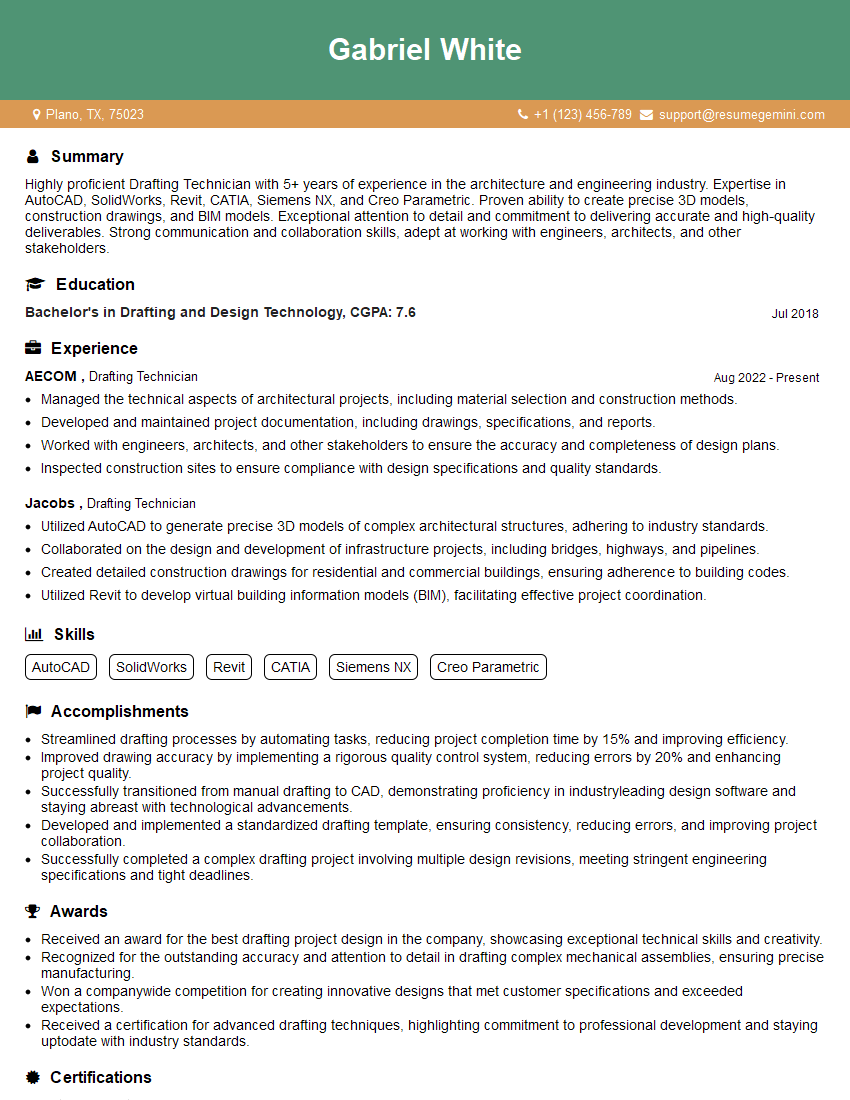
Drafting Technician Resume Sample
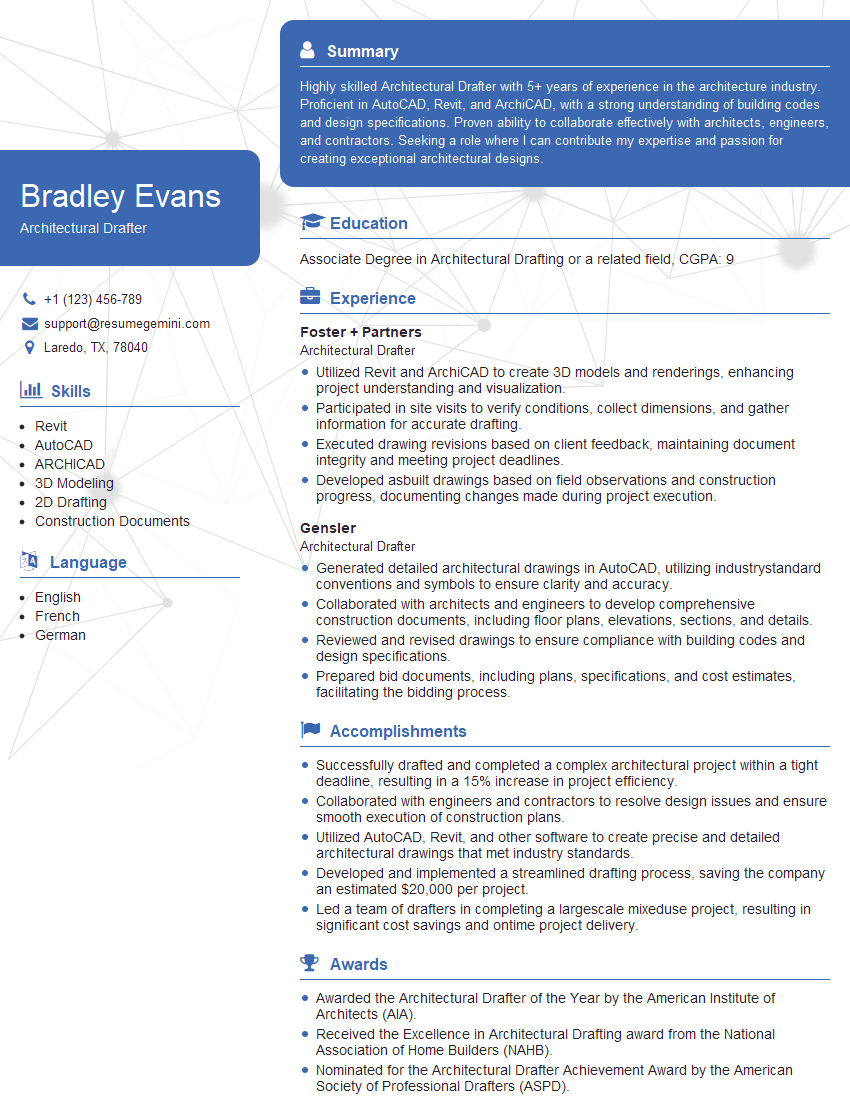
Architectural Drafter Resume Sample
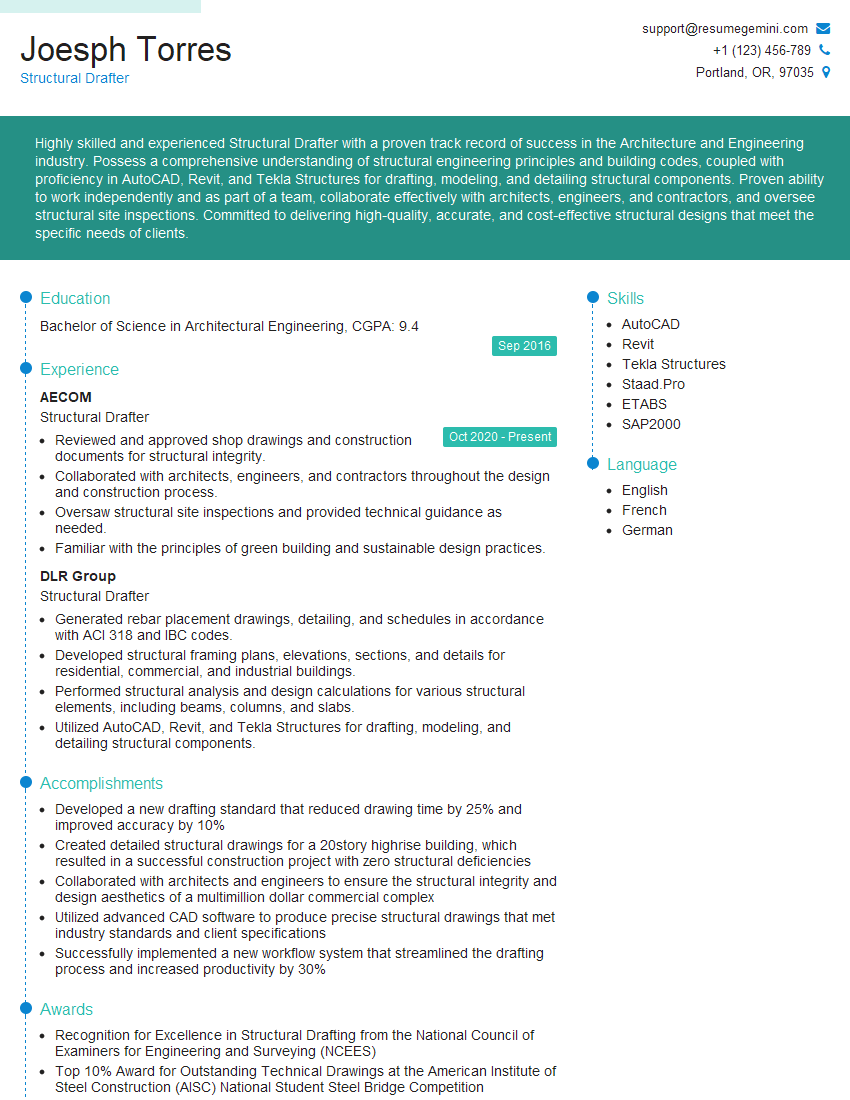
Structural Drafter Resume Sample
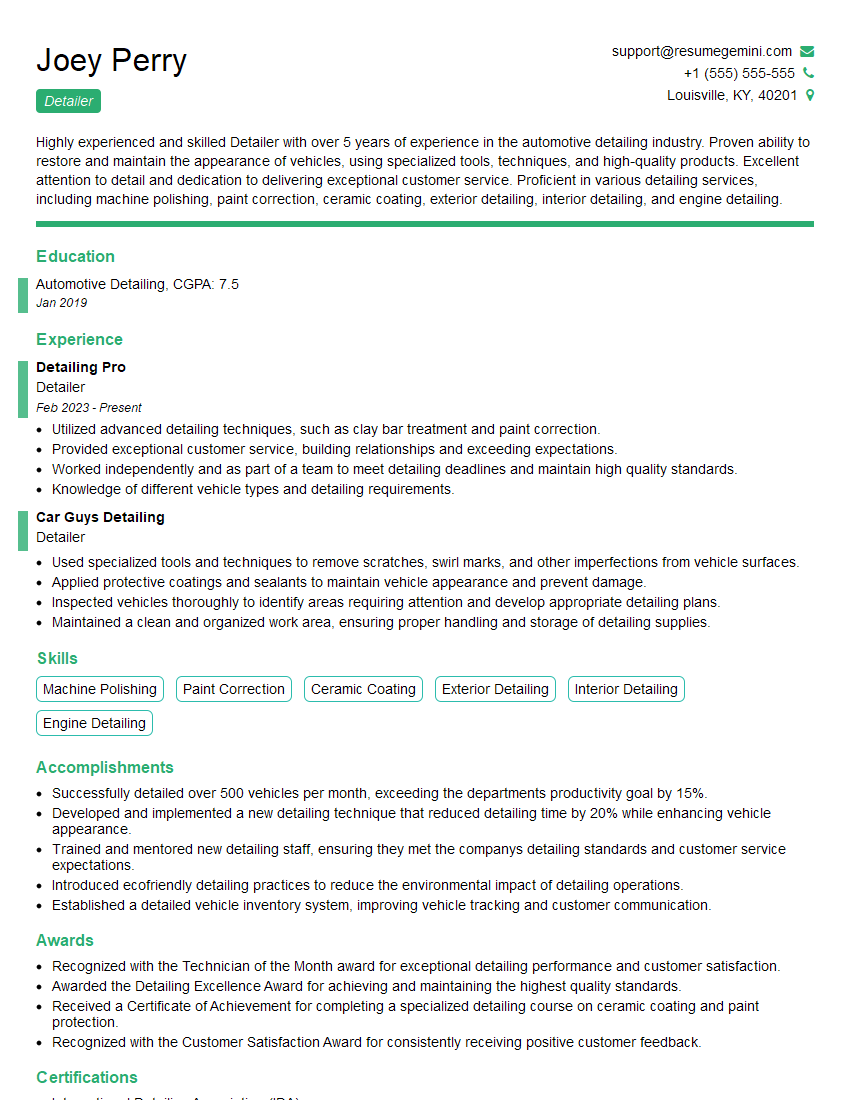
Detailer Resume Sample
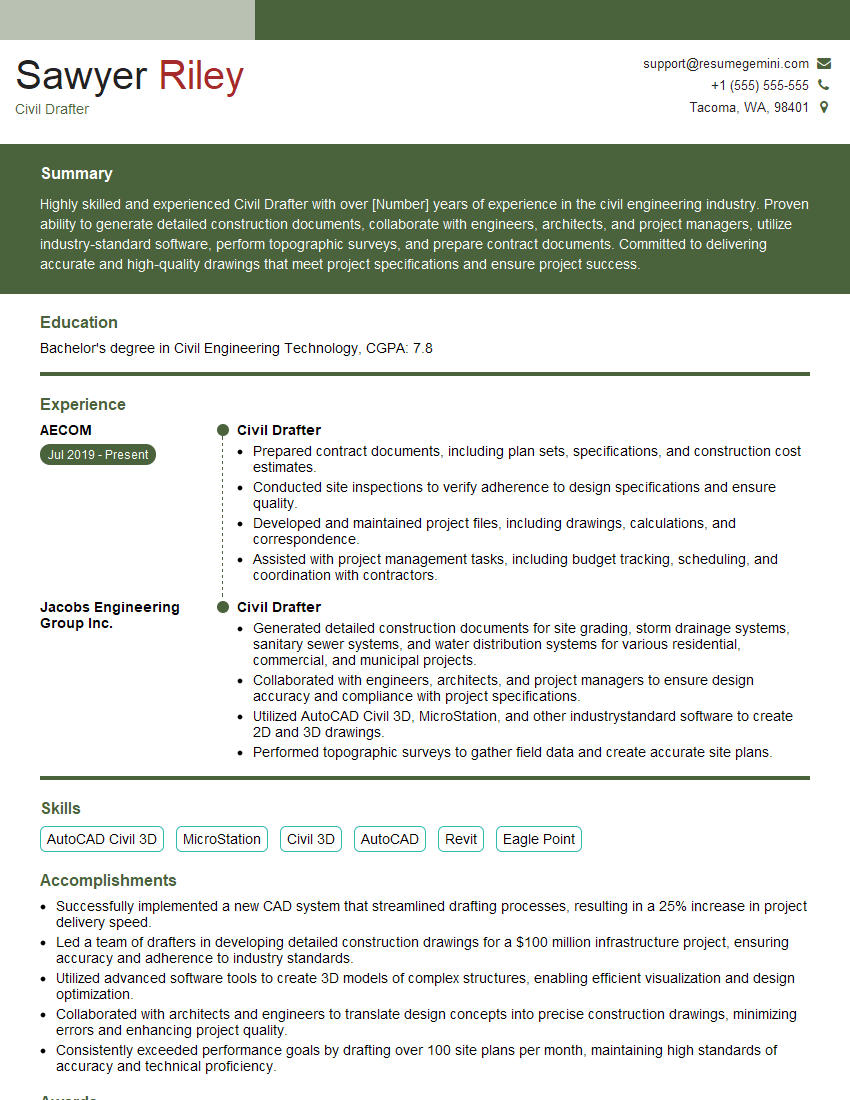
Civil Drafter Resume Sample
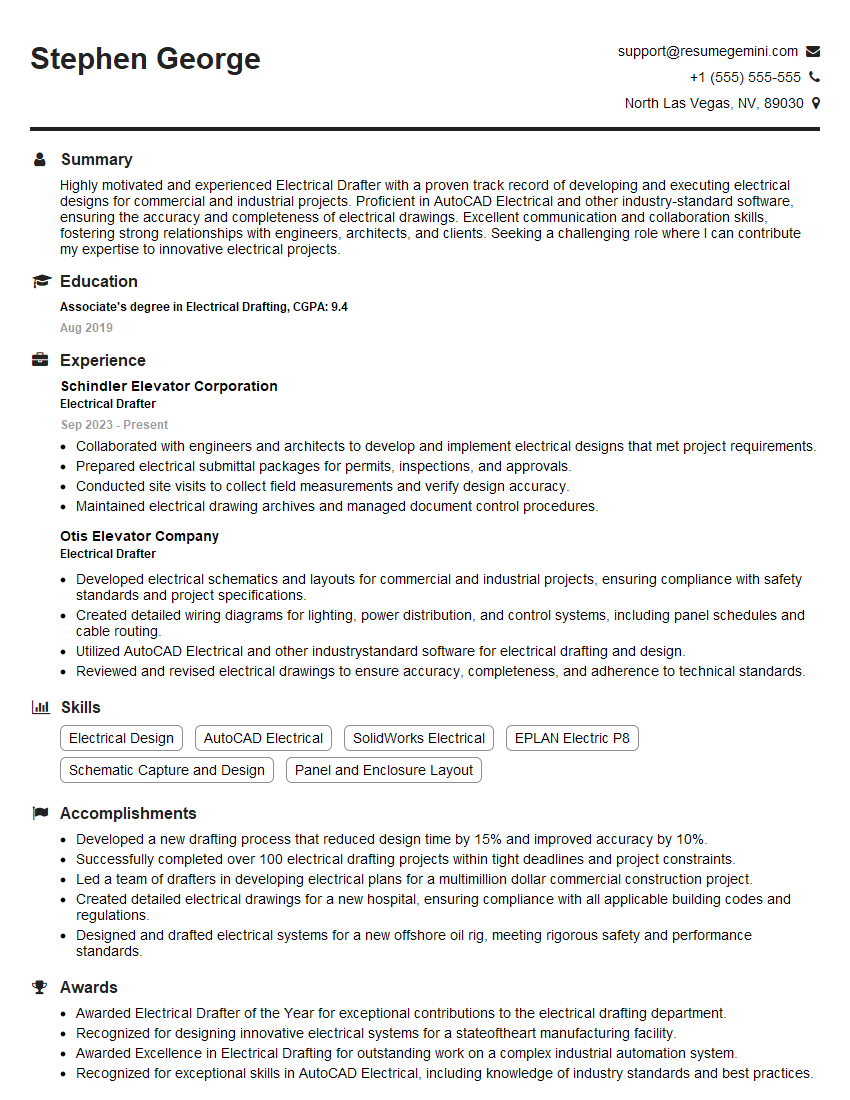
Electrical Drafter Resume Sample
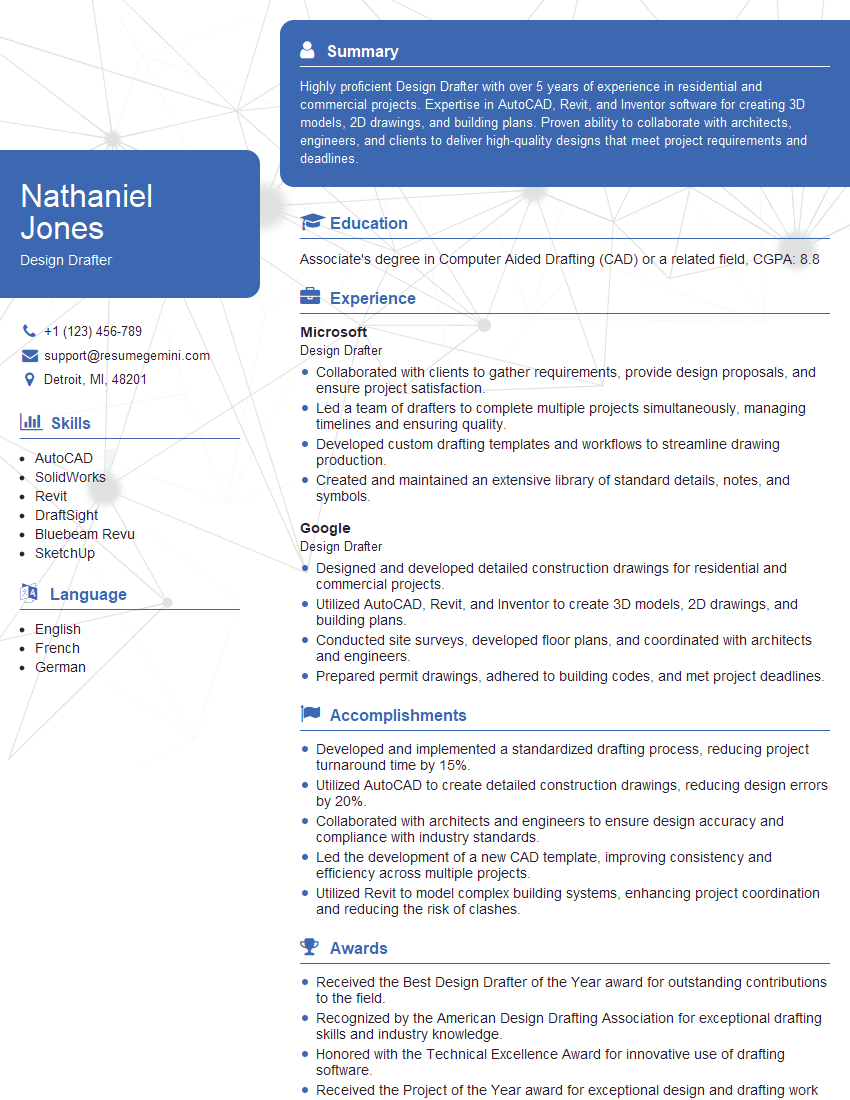
Design Drafter Resume Sample
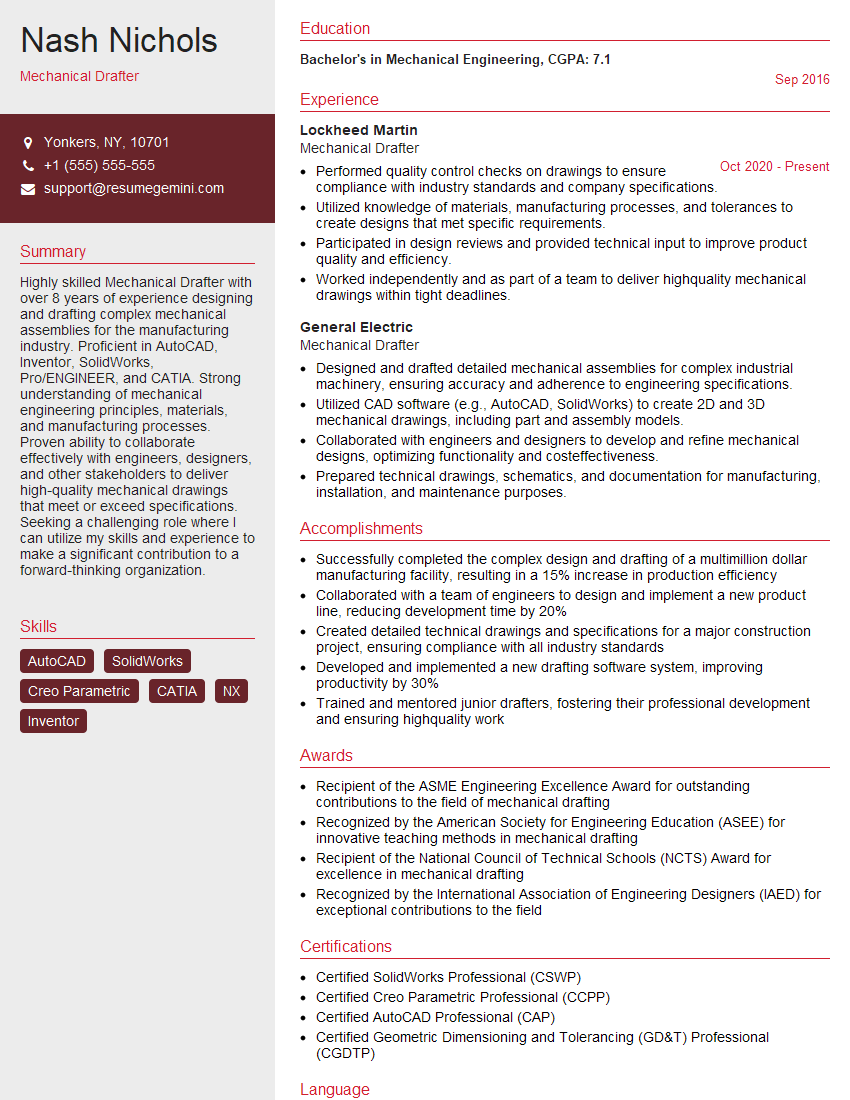
Mechanical Drafter Resume Sample

Technical Illustrator Resume Sample

3D Modeler Resume Sample
Explore more articles
Users Rating of Our Blogs
Share Your Experience
We value your feedback! Please rate our content and share your thoughts (optional).
What Readers Say About Our Blog
Very informative content, great job.
good