The right preparation can turn an interview into an opportunity to showcase your expertise. This guide to Typing Speed and Accuracy interview questions is your ultimate resource, providing key insights and tips to help you ace your responses and stand out as a top candidate.
Questions Asked in Typing Speed and Accuracy Interview
Q 1. What is your typing speed in words per minute (WPM)?
My typing speed consistently averages around 85 words per minute (WPM). This is based on regular testing using various online typing tests and real-world tasks. Achieving a high WPM isn’t just about speed; it’s about a balance between speed and accuracy, which is crucial for efficient and error-free work. My speed fluctuates slightly depending on the text’s complexity – technical jargon might slightly reduce my WPM, while straightforward text allows for faster typing.
Q 2. What is your typing accuracy rate?
My typing accuracy rate typically hovers around 98%. Maintaining high accuracy is paramount; a few errors here and there are inevitable, but I actively work to minimize them. I consider accuracy to be more important than raw speed. A fast typist who makes numerous errors is far less efficient than someone who types slightly slower but with significantly greater precision. Regular practice and conscious attention to detail contribute to this high accuracy rate.
Q 3. Describe your experience with different keyboard layouts.
I’m proficient with the standard QWERTY keyboard layout, which is the most common layout globally. Beyond QWERTY, I have some familiarity with Dvorak, though I don’t use it regularly. Dvorak is designed for improved ergonomics and speed, positioning frequently used letters more centrally. While I’ve experimented with it, the learning curve is significant and the widespread use of QWERTY makes sticking with it more practical in most professional settings. Adaptability is key; I can easily transition between different layouts if needed, though my speed and accuracy would naturally be higher with QWERTY due to extensive experience.
Q 4. What strategies do you use to maintain accuracy while increasing speed?
Balancing speed and accuracy requires a multi-pronged approach. First, I focus on proper posture and hand placement to minimize strain and improve control. Second, I emphasize rhythm and consistency; instead of trying to type each word as fast as possible, I maintain a steady, even pace. Third, I practice regularly using typing tutor software and focus on improving my weak areas. Finally, I consistently review my work for errors and actively work to correct mistakes as I make them, learning from each one. It’s a continuous process of improvement, not a destination.
Q 5. How do you handle typos or errors during a typing task?
When I encounter typos or errors, my approach is twofold. First, I immediately correct the mistake if it’s spotted during typing. Second, after completing the typing task, I proofread carefully, using both visual inspection and potentially text-to-speech software to catch any overlooked errors. Regular practice helps me identify patterns in my mistakes, which then allows me to anticipate and avoid them proactively. I often utilize the backspace key efficiently instead of frantically trying to correct the mistake mid-sentence, preserving flow and maintaining accuracy.
Q 6. What software or tools do you use to improve your typing skills?
To enhance my typing skills, I’ve used several software programs and tools. TypingClub and Typing.com are excellent for targeted practice and tracking progress. These platforms offer various lessons, games, and tests to improve speed and accuracy. Beyond dedicated typing software, I also utilize the built-in spellcheckers and grammar tools in word processors, treating them as additional layers of error detection and refinement in my workflow. The combination of targeted practice and practical application is vital.
Q 7. How do you maintain focus and concentration during prolonged typing tasks?
Maintaining focus during prolonged typing tasks is crucial for productivity and accuracy. I employ several strategies: regular breaks to avoid fatigue, a comfortable and ergonomic workspace, minimizing distractions, and the use of mindfulness techniques like short meditation exercises. Listening to ambient music without lyrics can improve focus for some, while others prefer silence. I also employ the Pomodoro Technique, working in focused bursts with short breaks in between. This helps maintain a sustained level of concentration and prevents burnout. Ultimately, finding what works best for individual concentration levels is key.
Q 8. Explain your approach to correcting errors efficiently.
My approach to error correction is multifaceted and prioritizes speed and accuracy. It’s not just about fixing mistakes; it’s about minimizing their occurrence. I employ a combination of techniques:
- Proactive Error Prevention: This involves maintaining a comfortable typing pace, focusing on accuracy over speed initially, and utilizing proper posture and ergonomic setup. Think of it like a skilled surgeon preparing for a complex operation – meticulous preparation is key.
- Immediate Correction: Upon noticing an error, I immediately correct it. Delaying correction often leads to compounding errors or disrupting the flow. It’s like fixing a small leak in a pipe before it becomes a major flood.
- Contextual Understanding: I leverage contextual clues to anticipate potential errors. For example, if I’m typing a technical document, I’m extra vigilant about proper spelling and punctuation of technical terms. This requires a deep understanding of the material.
- Proofreading (Post-Typing): After completing a document, I always proofread, ideally using a fresh set of eyes or taking a short break before reviewing. This allows for a more objective assessment of any remaining errors.
This layered approach ensures both efficiency and a high level of accuracy. I don’t just rely on spell-checkers; I actively engage in preventative measures and thoughtful correction.
Q 9. Have you ever used dictation software? If so, how did it affect your workflow?
Yes, I have extensive experience using dictation software. It’s a powerful tool, particularly for longer documents or when my hands are occupied. However, its impact on my workflow is nuanced.
Positive Impacts: Dictation significantly speeds up the initial writing process, especially for complex thoughts or ideas. It also helps to overcome physical limitations or repetitive strain injuries. Think of it as a brain-to-text shortcut.
Negative Impacts: The accuracy of dictation software can vary depending on the clarity of my speech and the surrounding environment. Editing the transcribed text often takes longer than typing directly, especially when dealing with technical terminology or nuanced phrasing. It’s important to strike a balance and use it strategically.
Ultimately, I view dictation software as a complementary tool, not a replacement for skilled typing. Its effectiveness depends on careful integration into my overall workflow.
Q 10. How do you adapt to different typing styles or requirements?
Adapting to different typing styles and requirements is a crucial skill. My approach involves understanding the specific needs and then adjusting my technique accordingly.
- Understanding the Requirements: I begin by carefully analyzing the document’s style guide, audience, and purpose. This may include specific formatting requirements, vocabulary preferences, or stylistic conventions.
- Adjusting Typing Technique: I can adapt my typing speed and accuracy depending on the complexity of the text. For instance, I’ll type slower and more deliberately for complex technical documents and faster for routine correspondence.
- Utilizing Software Tools: I’m proficient in using various word processing software and applications that allow for efficient and accurate adaptation, utilizing features such as autocorrect, style checkers, and keyboard shortcuts.
This adaptable approach ensures consistent high-quality output, regardless of the specific requirements of the task. It’s like an actor who can seamlessly adapt to a wide range of roles.
Q 11. Describe your experience with different typing environments (e.g., noisy, quiet).
My experience with various typing environments has honed my ability to concentrate and maintain accuracy despite distractions.
Quiet Environments: These are ideal, allowing for focused work and optimal speed and accuracy. It’s like having a quiet study space – concentration is easier and fewer errors occur.
Noisy Environments: I’ve developed the ability to filter out background noise, though accuracy can be slightly impacted. I might slow down slightly to ensure accuracy. It’s similar to reading a book in a busy cafe; you still comprehend the story, but it requires more mental effort.
Adaptability is key; I adjust my typing strategy based on the surrounding environment, prioritizing accuracy when distractions are present.
Q 12. What are some common typing mistakes you make, and how do you address them?
Like any skilled typist, I have common errors; it’s a normal part of the process. However, I actively work to minimize these.
- Transposition Errors: I sometimes transpose letters (e.g., typing ‘teh’ instead of ‘the’). I address this through focused practice and careful review.
- Incorrect Punctuation: Sometimes I miss commas or semicolons, especially during fast typing. I mitigate this with careful proofreading and by actively focusing on punctuation during the typing process.
- Repetitive Errors: Occasionally, I repeat the same typo multiple times. Recognizing these patterns and consciously correcting them helps reduce future occurrences.
Continuous practice, self-awareness, and regular review are crucial in identifying and overcoming these recurring errors. It’s a continuous learning process – like a musician constantly refining their technique.
Q 13. How would you handle a deadline-driven typing assignment?
Handling deadline-driven typing assignments requires a structured approach.
- Time Management: I begin by carefully estimating the typing time required based on the document length and complexity. I then create a realistic timeline, incorporating breaks to avoid burnout.
- Prioritization: I prioritize accuracy over speed, initially. Rushing leads to more errors, which will ultimately take more time to correct.
- Break-Down: I break down large documents into smaller, manageable sections. This allows me to focus on smaller chunks and reduces feeling overwhelmed. It’s similar to tackling a large project – breaking it down into smaller tasks is key.
- Proofreading: I allocate dedicated time for final proofreading before the deadline. This is non-negotiable and critical for meeting quality standards.
My experience enables me to accurately assess the required time and manage my workload efficiently, meeting deadlines consistently while maintaining a high level of accuracy.
Q 14. How familiar are you with different file formats (e.g., .doc, .pdf, .txt)?
I’m highly familiar with various file formats, including .doc, .pdf, .txt, and others such as .rtf, .docx and .odt. My familiarity extends beyond simple opening and saving; I understand the nuances and limitations of each format.
.doc/.docx (Microsoft Word): These are standard word processing formats, ideal for editing and formatting rich text documents.
.pdf (Portable Document Format): PDFs are for distributing documents; they preserve formatting but are less editable. I understand the need to prepare source documents meticulously before converting to PDF.
.txt (Plain Text): These files are simple, readily transferable across platforms. However, they lack rich formatting options. I use them where simplicity and compatibility are critical.
My understanding of these formats allows me to choose the most appropriate file type for specific tasks and to seamlessly convert between them as needed.
Q 15. How do you prioritize tasks when managing multiple typing assignments?
Prioritizing typing assignments involves a strategic approach that balances urgency, importance, and my own capacity. I employ a method similar to time management matrices, categorizing tasks based on their priority and deadline. Urgent and important tasks, such as last-minute reports or time-sensitive data entry, take precedence. Less urgent but important tasks, like preparing for a large data entry project, are scheduled strategically to avoid last-minute rushes. I use tools like project management software to visualize this workflow and track progress. For instance, if I have a deadline for three projects – a short client report (urgent/important), a data migration project (important/less urgent), and a routine data entry task (less urgent/less important) – I would start with the report, then allocate time for the data migration, finally finishing with the routine task. This ensures that crucial tasks are completed on time and prevents a bottleneck effect.
Career Expert Tips:
- Ace those interviews! Prepare effectively by reviewing the Top 50 Most Common Interview Questions on ResumeGemini.
- Navigate your job search with confidence! Explore a wide range of Career Tips on ResumeGemini. Learn about common challenges and recommendations to overcome them.
- Craft the perfect resume! Master the Art of Resume Writing with ResumeGemini’s guide. Showcase your unique qualifications and achievements effectively.
- Don’t miss out on holiday savings! Build your dream resume with ResumeGemini’s ATS optimized templates.
Q 16. How do you maintain data accuracy and integrity in your work?
Maintaining data accuracy and integrity is paramount in my work. I use a multi-layered approach: First, I meticulously follow all instructions and guidelines provided. Second, I employ double-checking mechanisms. This includes visually comparing input data with the source document, cross-referencing data with other relevant records, and using data validation tools whenever available. Third, I proactively look for inconsistencies or errors, relying on my typing skills, pattern recognition and attention to detail. For example, if I’m entering numerical data, I’ll often mentally calculate sums or check for unreasonable outliers. Finally, I embrace a mindset of continuous improvement, actively seeking feedback and learning from any errors I do encounter to further refine my accuracy and methods. Regular self-assessment and attention to detail are vital.
Q 17. What is your preferred method for proofreading your work?
My preferred proofreading method involves a combination of techniques. I first conduct a quick scan for obvious errors like typos or formatting issues. Then, I perform a more thorough, line-by-line review, paying close attention to detail and checking against the source material. I find it helpful to read the text aloud, as this helps me catch inconsistencies that might be missed when reading silently. For longer documents, I may take short breaks to avoid eye strain and maintain focus. Finally, using tools like grammar and spell checkers is a beneficial addition but never a substitute for careful manual review. I firmly believe that multiple passes offer the best guarantee of accuracy.
Q 18. Can you explain the importance of accuracy in data entry?
Accuracy in data entry is crucial because it forms the foundation for informed decisions and reliable business operations. Inaccurate data can lead to a multitude of problems: from financial errors and scheduling conflicts to flawed research and ineffective marketing campaigns. Imagine, for example, a hospital’s patient database with inaccurate medical information. The consequences could be life-threatening. Similarly, in finance, a single misplaced decimal point could result in significant monetary losses. The importance of accuracy cannot be overstated; it impacts the reliability of any system that relies on the entered information.
Q 19. Describe a time you had to type under pressure. How did you manage it?
I once had to transcribe a live interview, needing to type quickly and accurately under significant time pressure. The speaker was talking rapidly and the information was complex. To manage the pressure, I focused on maintaining a consistent typing rhythm, prioritizing accuracy over speed where necessary. I also utilized active listening techniques to anticipate upcoming words and phrases. Taking deep breaths and maintaining a calm demeanor helped to avoid errors caused by anxiety. Finally, I reviewed my work immediately after completion, correcting any mistakes that I had made during the fast-paced transcription. Successfully completing the task reinforced my ability to perform well even under intense pressure.
Q 20. How comfortable are you with using number pads and special characters?
I am highly proficient with both number pads and special characters. Years of experience have made me adept at using both ten-key and touch-typing methods efficiently. This skill translates to swift data input, whether it’s financial data, alphanumeric codes, or complex symbols. My comfort level stems from extensive practice and familiarity with different keyboard layouts and shortcuts. This adaptability allows me to handle a wide array of typing assignments quickly and effectively.
Q 21. What are some techniques you use to prevent repetitive strain injuries?
Preventing repetitive strain injuries (RSI) requires proactive measures. I prioritize proper posture, ensuring my back is straight and my wrists are in a neutral position. I take frequent breaks to stretch and move around, preventing prolonged static postures. I also use ergonomic equipment like an adjustable chair and keyboard to optimize my workspace. Furthermore, I regularly practice exercises that strengthen my wrists and hands. I am also mindful of my typing technique, focusing on using the correct finger placement to avoid excessive strain. A holistic approach combining correct ergonomics and regular breaks is vital for long-term health.
Q 22. Describe your experience with different types of typing assignments (e.g., emails, reports, documents).
My experience encompasses a wide range of typing assignments. I’ve handled everything from concise, impactful emails requiring clear and efficient communication to lengthy, complex reports demanding meticulous attention to detail and formatting. I’m equally comfortable working with various document types, including formal business proposals, technical manuals, and creative writing pieces. Each task requires a different approach; for instance, emails demand speed and conciseness, while reports necessitate accuracy and a strong grasp of grammar and style. I adapt my typing style and speed to the specific needs of each assignment.
- Emails: Focus on speed and clarity, prioritizing efficient communication.
- Reports: Emphasis on accuracy, proper formatting, and attention to detail. Often involve incorporating data from various sources.
- Documents: Adaptability to different formats (Word, PDF, etc.) and styles (formal, informal).
Q 23. How do you organize and manage your typing files and documents?
Organizing my typing files is crucial for efficiency and productivity. I utilize a hierarchical folder system on my computer, categorizing documents by project, client, or date. This allows for quick and easy retrieval of any file. Within each folder, I use consistent and descriptive file names to maintain clarity. For larger projects, I might employ cloud-based storage solutions for collaboration and backup purposes. I regularly review and archive completed projects to maintain a clean and organized workspace, employing a system of tags and keywords to facilitate searches.
Example Folder Structure: Projects/Client_A/Report_2024_Q1/Draft_1.docxQ 24. What are your strengths and weaknesses when it comes to typing?
My primary strength lies in my accuracy. I pride myself on producing error-free documents, even under pressure. My typing speed is consistently above average, allowing me to meet deadlines effectively. However, like any skilled typist, I can be susceptible to fatigue during prolonged typing sessions, which can slightly impact my speed and accuracy. To mitigate this, I incorporate regular breaks into my workflow. Additionally, while proficient in standard typing, I could enhance my skills in specialized typing such as coding or shorthand, which I plan to focus on in the future.
Q 25. How do you handle interruptions during a typing task?
Handling interruptions is a crucial skill for maintaining productivity. My approach involves acknowledging the interruption, briefly addressing it if necessary, and then consciously returning to my typing task with a focused mindset. I often use techniques like the Pomodoro Technique—working in focused bursts with short breaks—to minimize the disruption’s impact. If the interruption is significant, I note my position in the document before addressing it, making it easy to resume my work.
Q 26. What steps do you take to ensure the accuracy of data entered?
Accuracy is paramount. I employ several techniques: proofreading meticulously, using spell-check and grammar-check tools, and comparing the typed data against source documents. For numerical data, I double-check calculations and utilize data validation features where available. In high-stakes situations, I might even have a colleague review my work for an extra layer of assurance. The strategy I use depends on the context and importance of the data; simple emails require less stringent checks than financial reports.
Q 27. How do you stay updated on the latest typing techniques and technologies?
Staying updated is crucial in this rapidly evolving field. I regularly read industry publications, attend online workshops, and participate in online forums focused on typing techniques and productivity. I also experiment with different typing software and ergonomic setups to optimize my workflow and minimize strain. Exploring new keyboard layouts or software designed to enhance typing speed and accuracy is a key component of my continuous improvement strategy.
Q 28. Describe a situation where you had to improve your typing speed to meet a deadline.
During a previous role, I was tasked with transcribing a large volume of interview recordings for an urgent deadline. My initial typing speed was not sufficient to meet the timeframe. To overcome this, I implemented a focused training regimen, practicing regularly with online typing tutors, focusing on improving my speed and accuracy in specific areas where I felt less proficient. I also experimented with different keyboard layouts to find one that maximized my efficiency. Through dedicated practice and strategic adjustments, I successfully met the deadline without compromising accuracy.
Key Topics to Learn for Typing Speed and Accuracy Interview
- Understanding Typing Techniques: Explore various typing methods (e.g., touch typing, hunt and peck) and their impact on speed and accuracy. Analyze the advantages and disadvantages of each approach.
- Accuracy vs. Speed: Learn to balance speed and accuracy. Understand how errors affect overall efficiency and the importance of minimizing mistakes. Practice strategies for maintaining accuracy while increasing speed.
- Ergonomics and Posture: Discover the importance of proper posture and hand placement to prevent fatigue and injuries. Learn how good ergonomics can improve both speed and long-term typing performance.
- Practice and Improvement Strategies: Explore effective practice techniques, including timed typing tests, targeted drills focusing on weak areas, and consistent practice routines. Learn how to track your progress and identify areas for improvement.
- Software and Tools: Familiarize yourself with common typing test software and online resources. Understand how to interpret the results of typing tests and use this data to refine your practice.
- Troubleshooting Common Errors: Learn to identify and correct common typing mistakes. Develop strategies for overcoming challenges like typos, repetitive errors, and slow typing speeds in specific contexts.
- Adaptability to Different Keyboards and Software: Practice typing on various keyboards and within different software applications to demonstrate versatility and adaptability.
Next Steps
Mastering typing speed and accuracy is crucial for numerous roles, significantly boosting your efficiency and productivity. In today’s competitive job market, a strong typing proficiency can be a significant advantage, opening doors to a wider range of opportunities and potentially higher earning potential. To maximize your job prospects, create an ATS-friendly resume that highlights these skills effectively. ResumeGemini is a trusted resource to help you build a professional and impactful resume that showcases your abilities. Examples of resumes tailored to highlight Typing Speed and Accuracy are available within ResumeGemini to help guide you. Invest the time in crafting a compelling resume—it’s a critical first step in your job search.
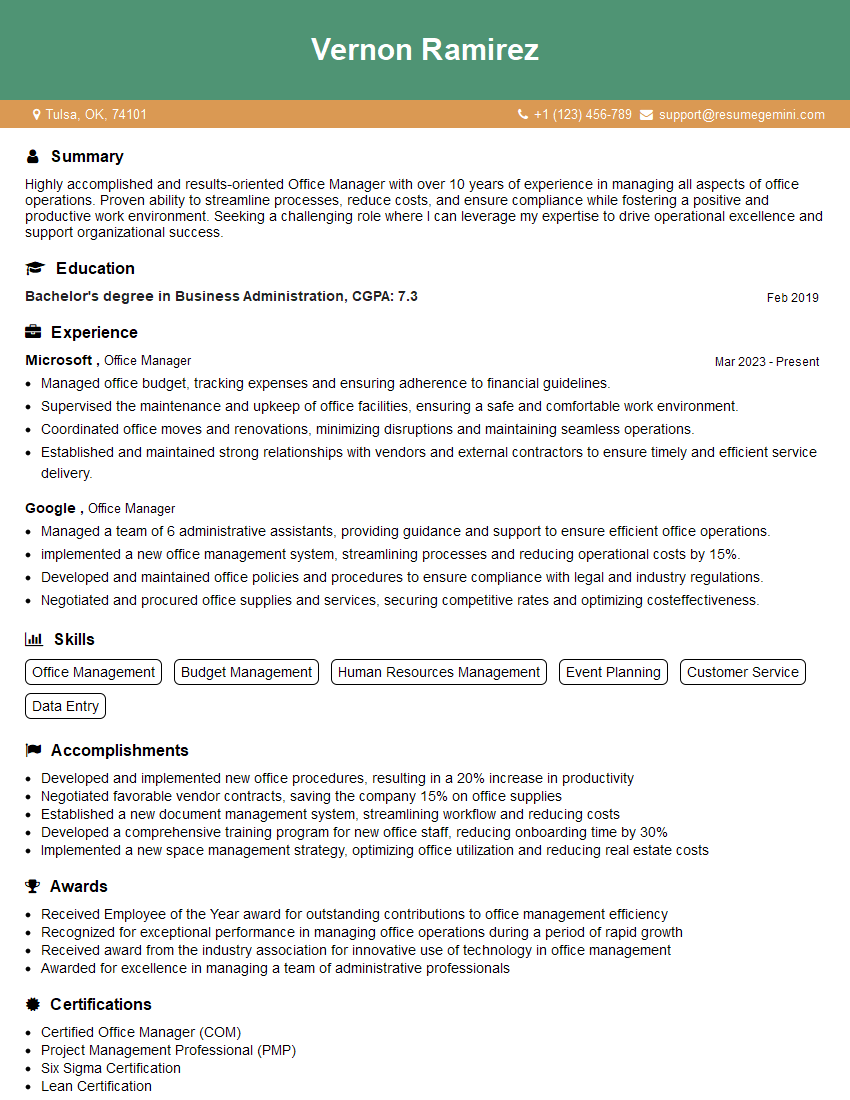
Office Manager Resume Sample
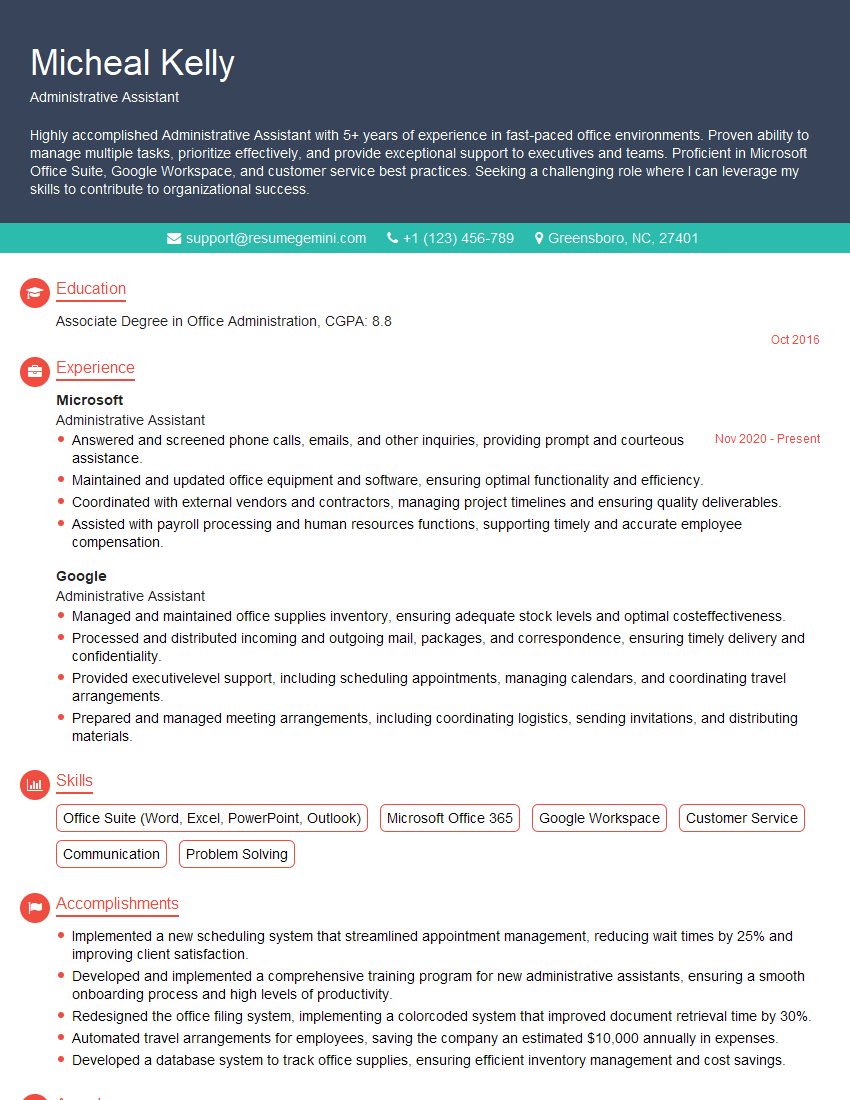
Administrative Assistant Resume Sample
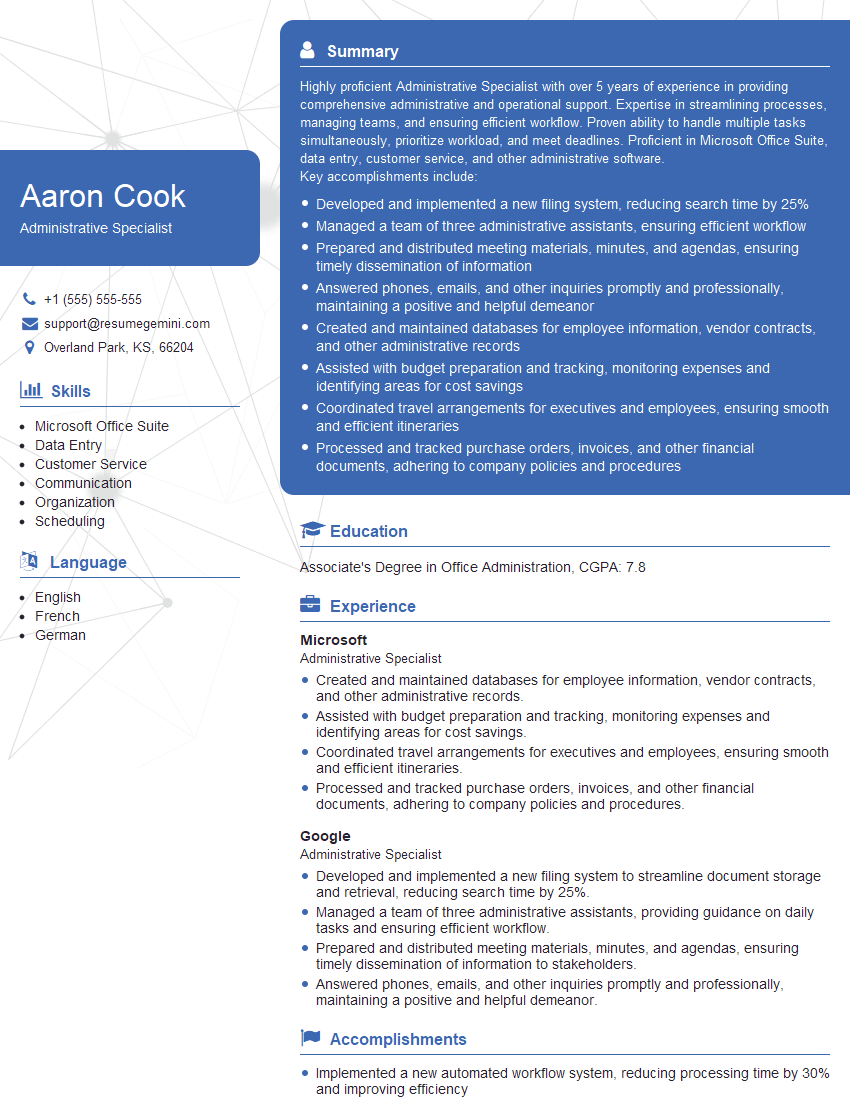
Administrative Specialist Resume Sample
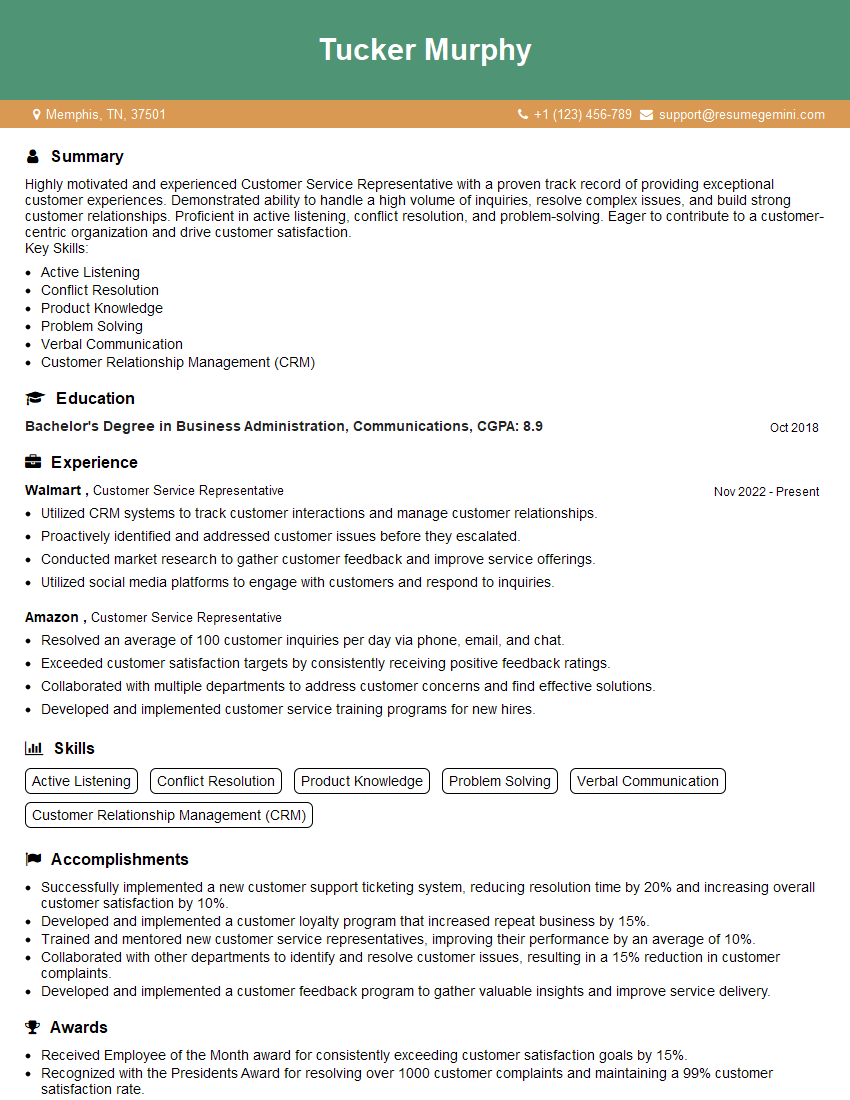
Customer Service Representative Resume Sample
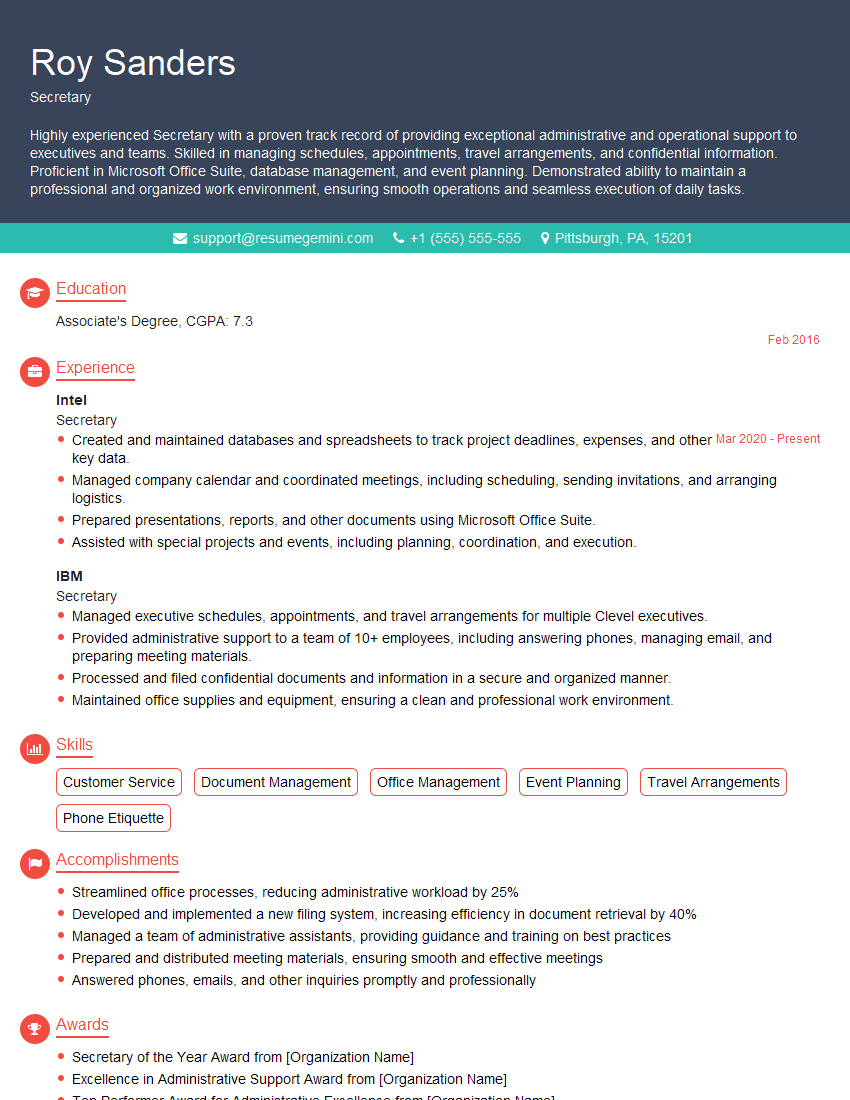
Secretary Resume Sample
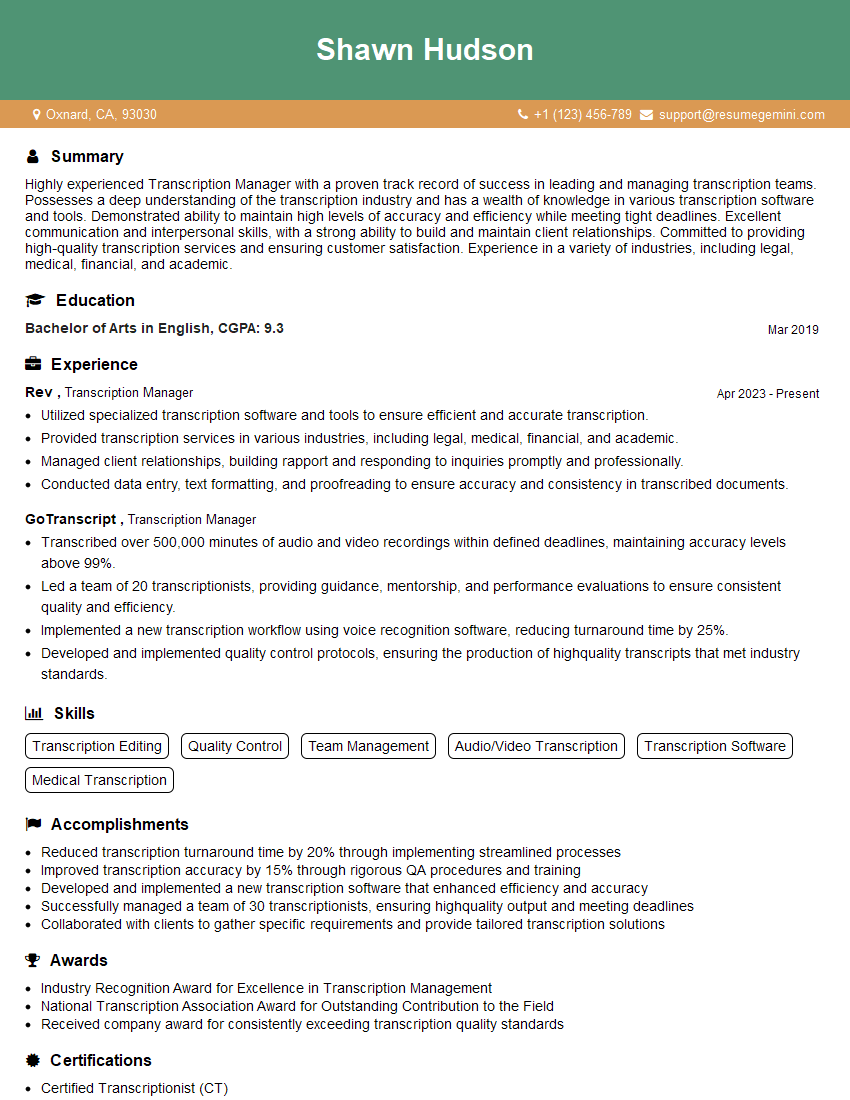
Transcription Manager Resume Sample
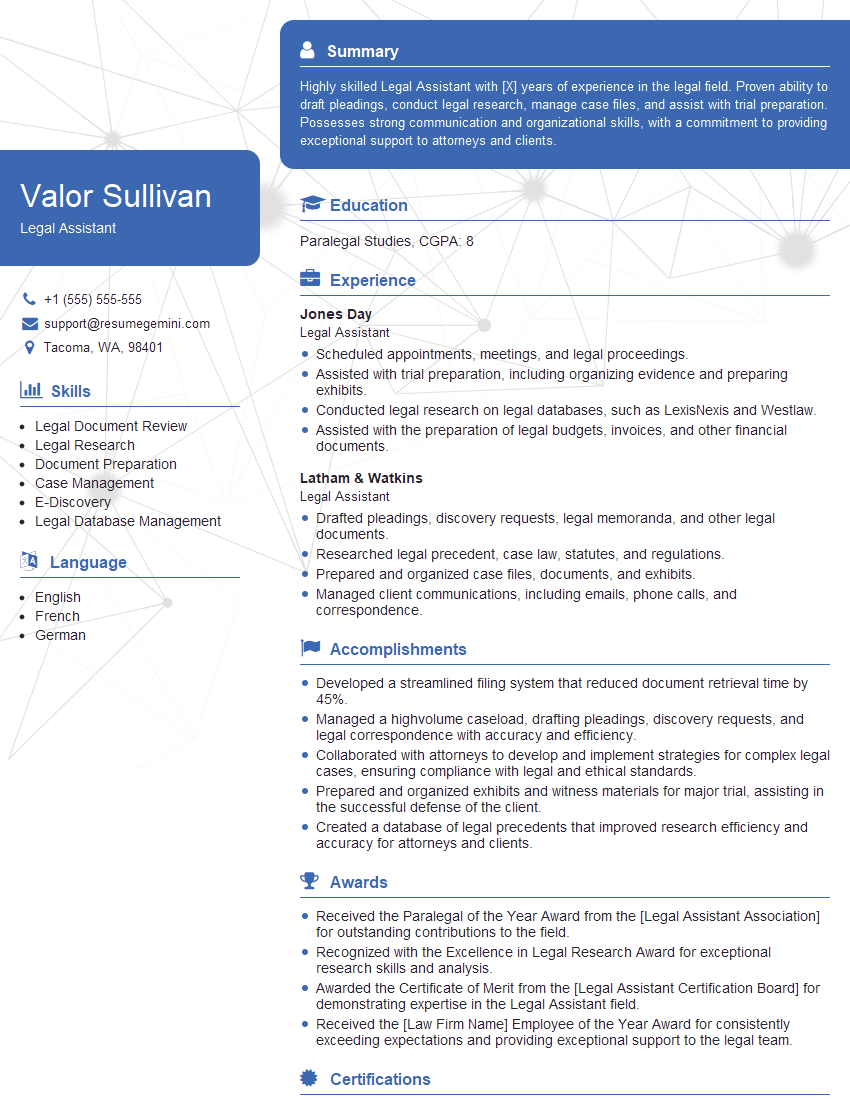
Legal Assistant Resume Sample
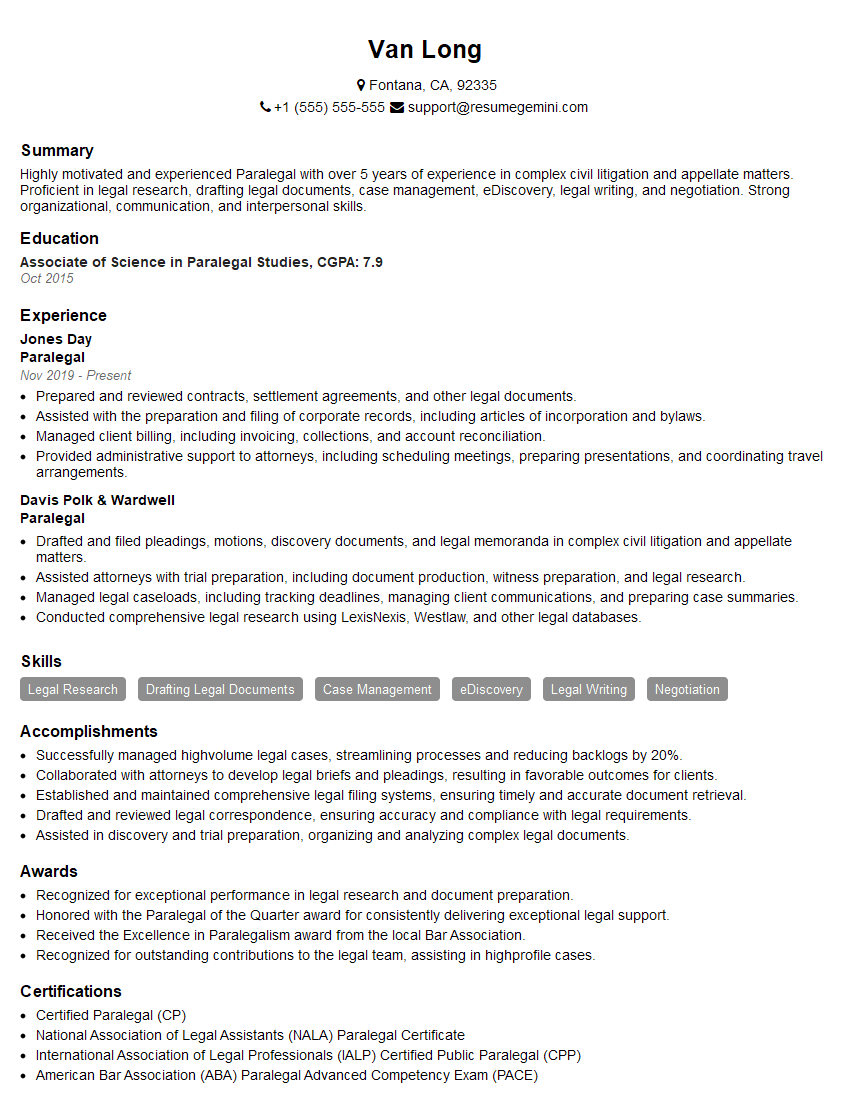
Paralegal Resume Sample
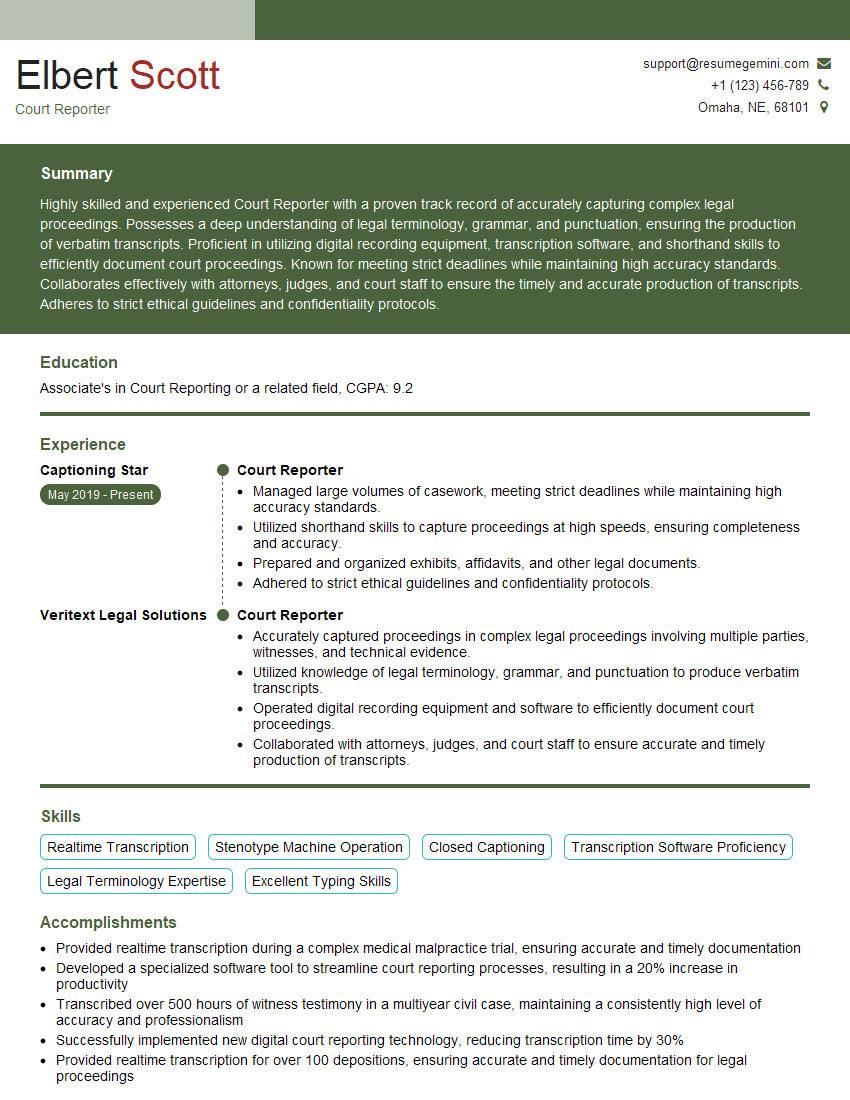
Court Reporter Resume Sample
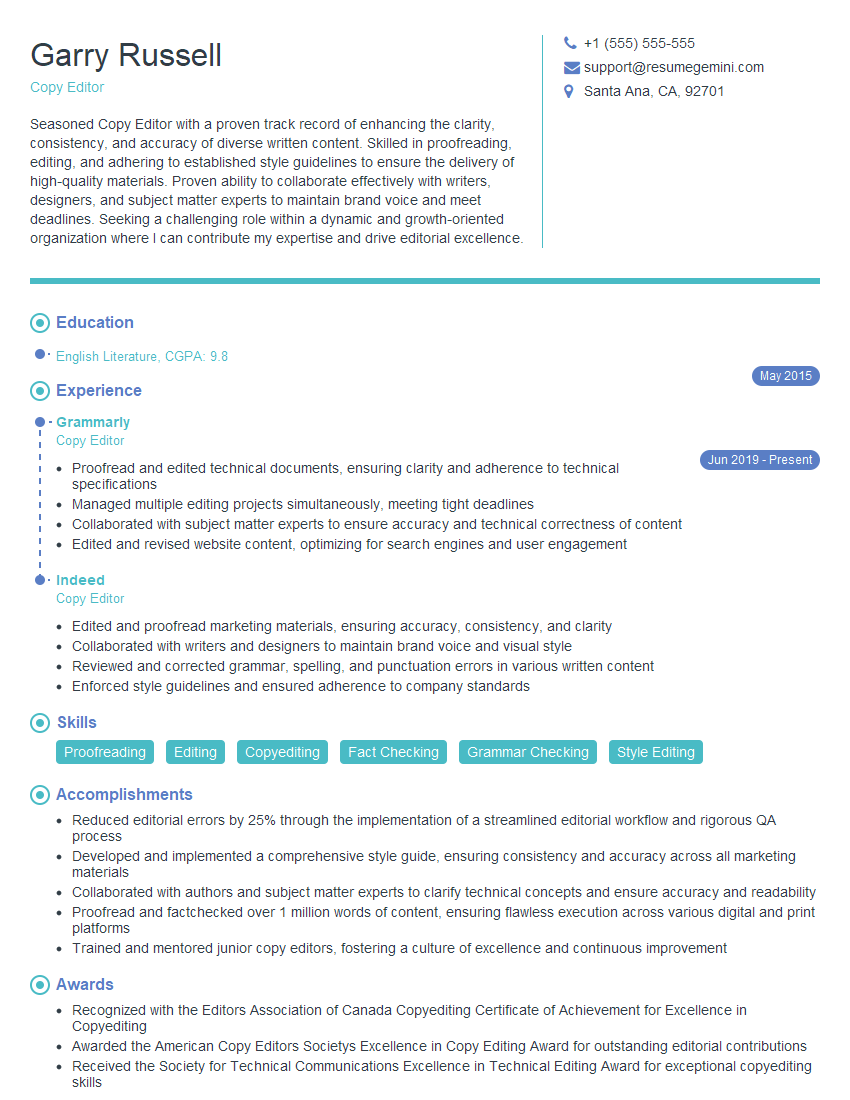
Copy Editor Resume Sample

Proofreader Resume Sample

Technical Writer Resume Sample
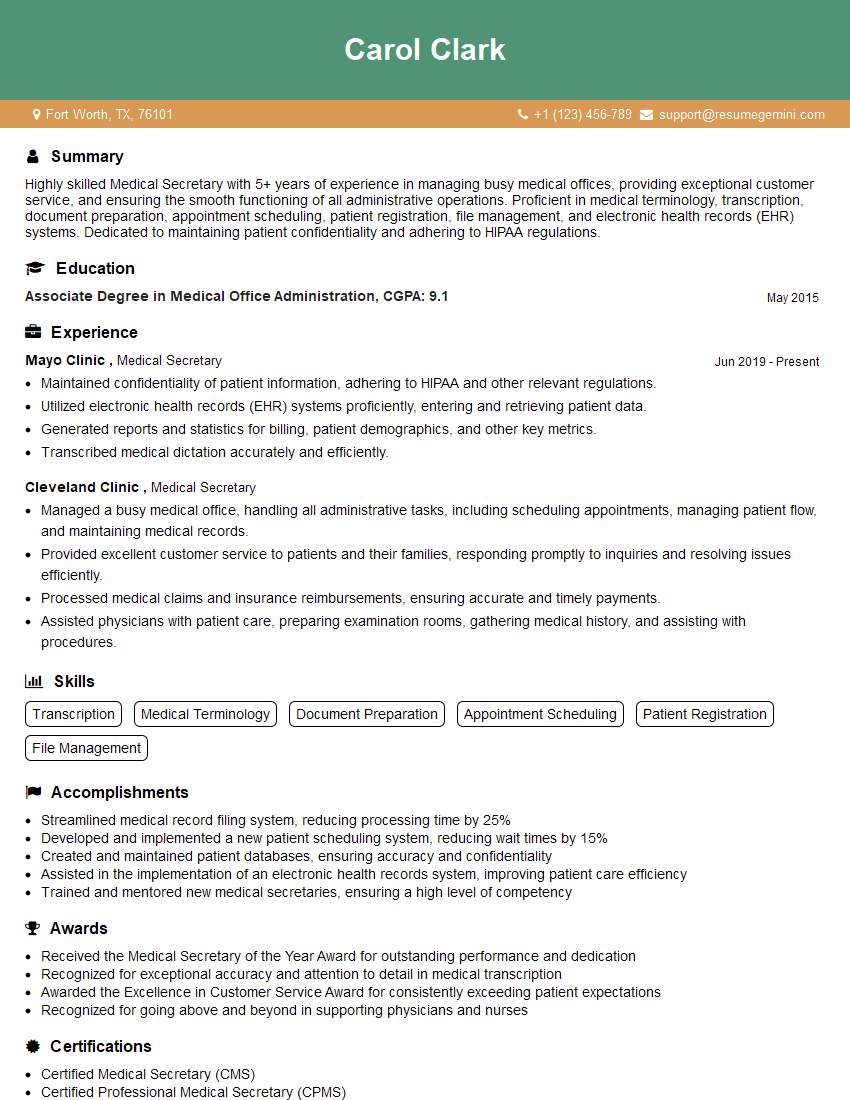
Medical Secretary Resume Sample
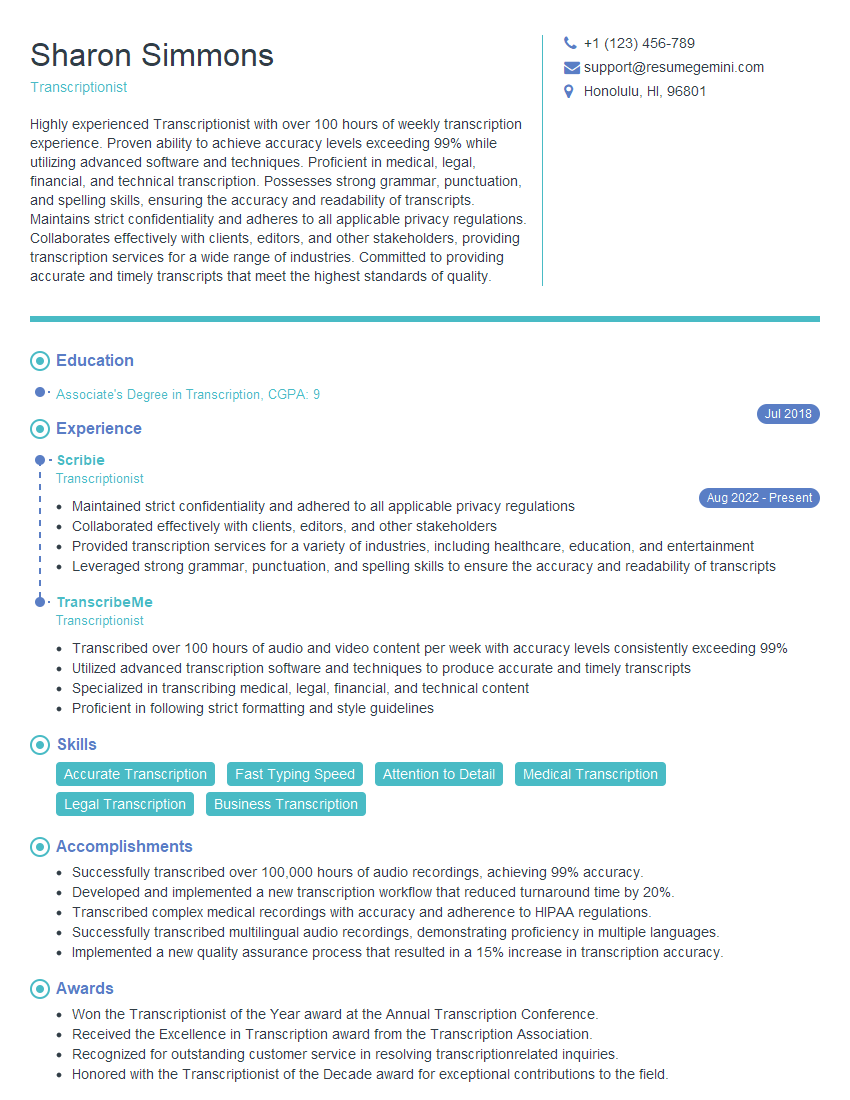
Transcriptionist Resume Sample
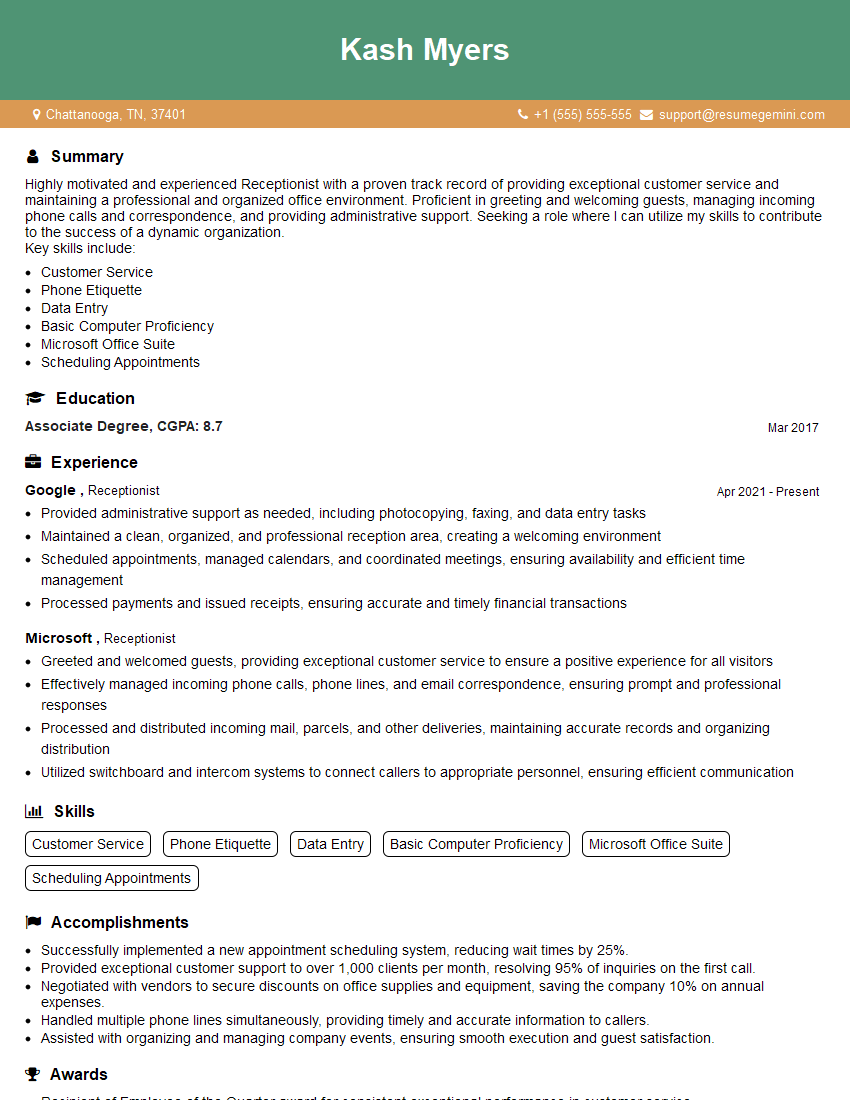
Receptionist Resume Sample
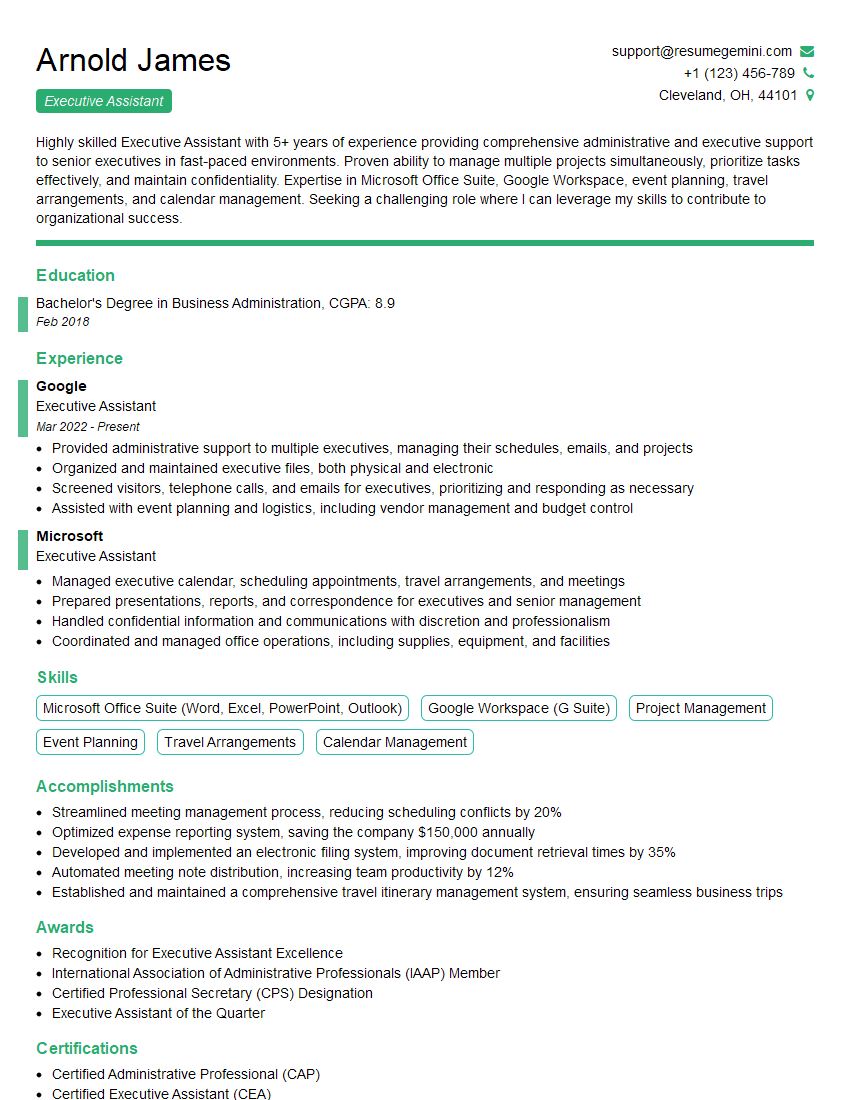
Executive Assistant Resume Sample
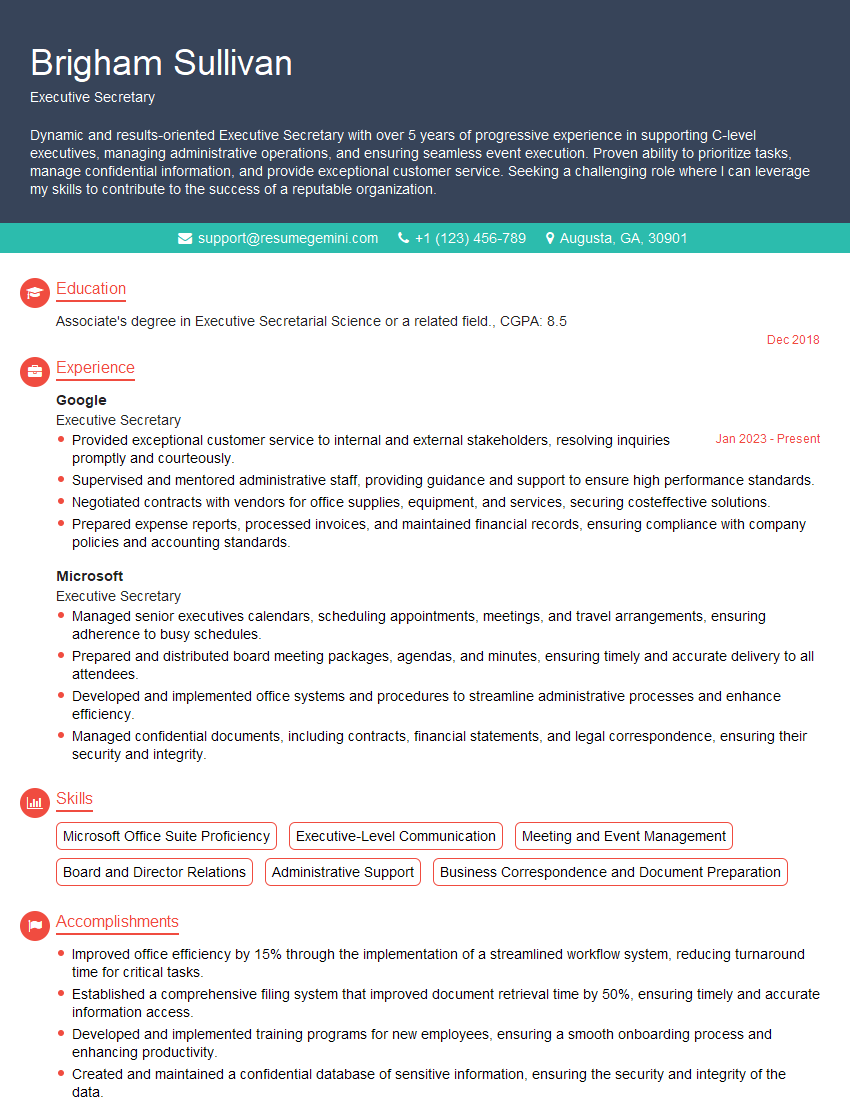
Executive Secretary Resume Sample
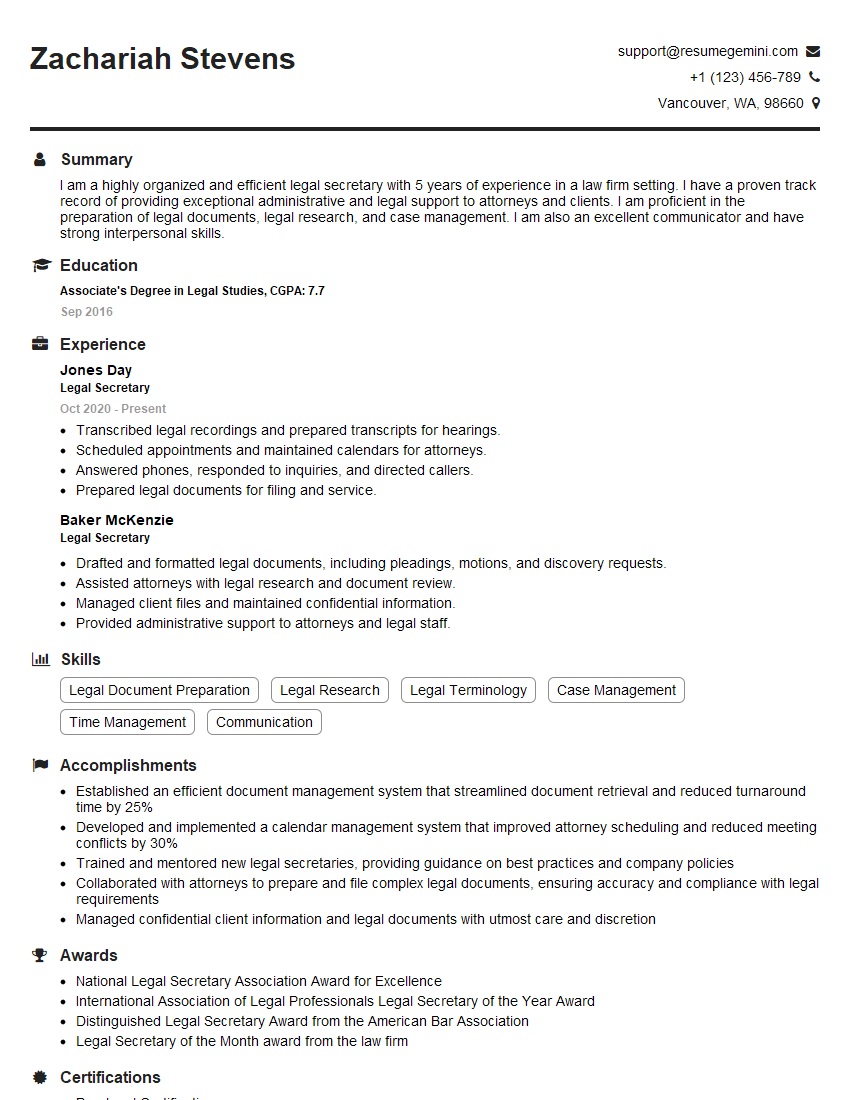
Legal Secretary Resume Sample

Data Entry Clerk Resume Sample
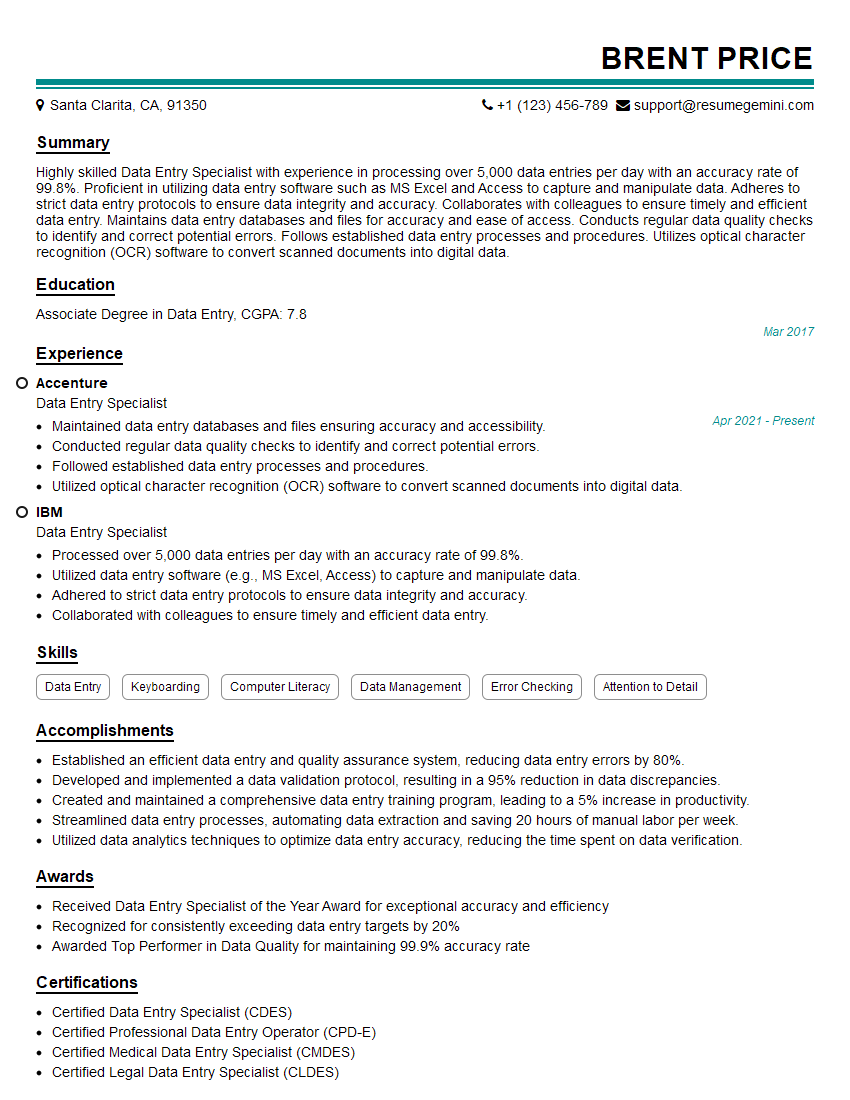
Data Entry Specialist Resume Sample
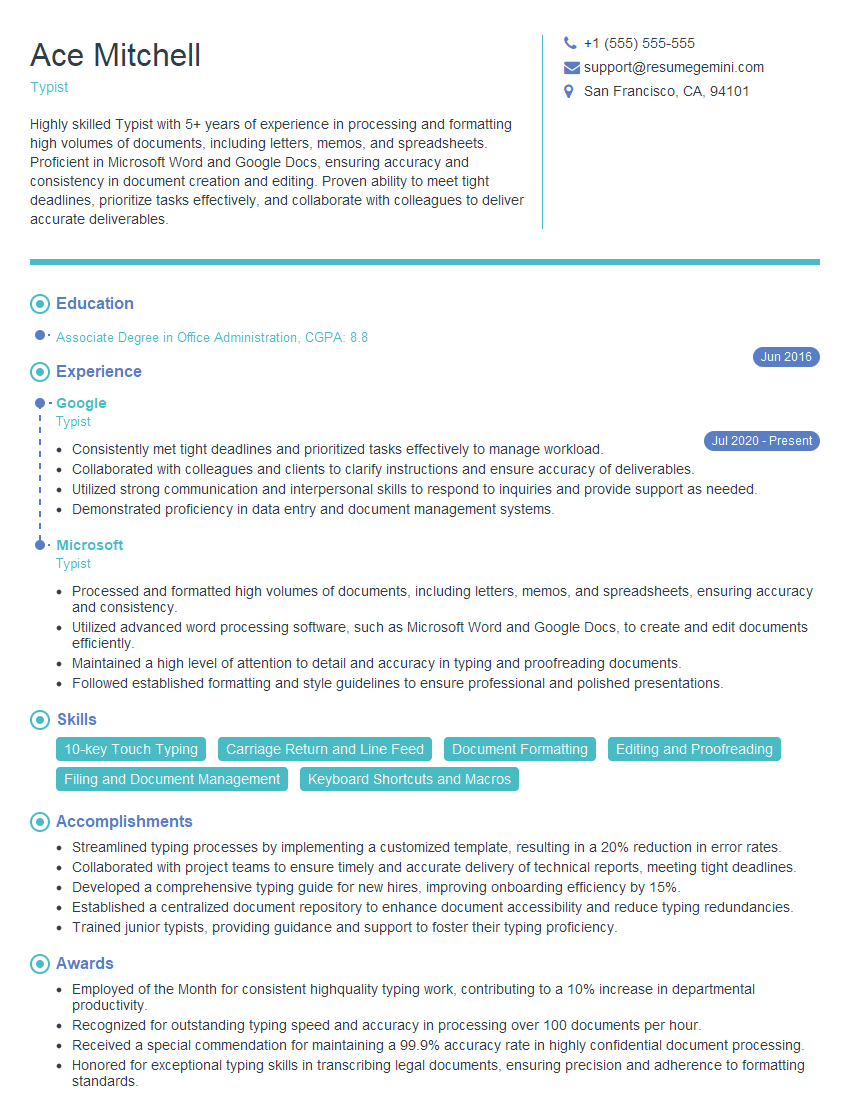
Typist Resume Sample
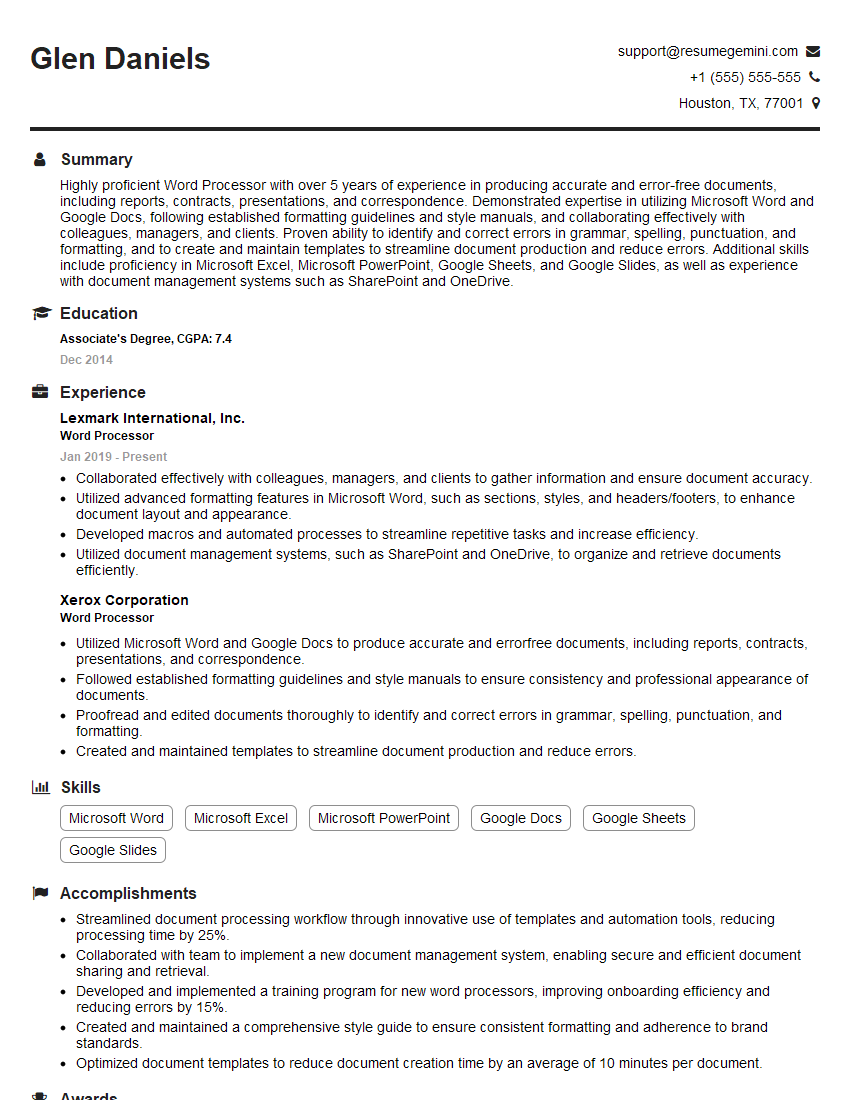
Word Processor Resume Sample
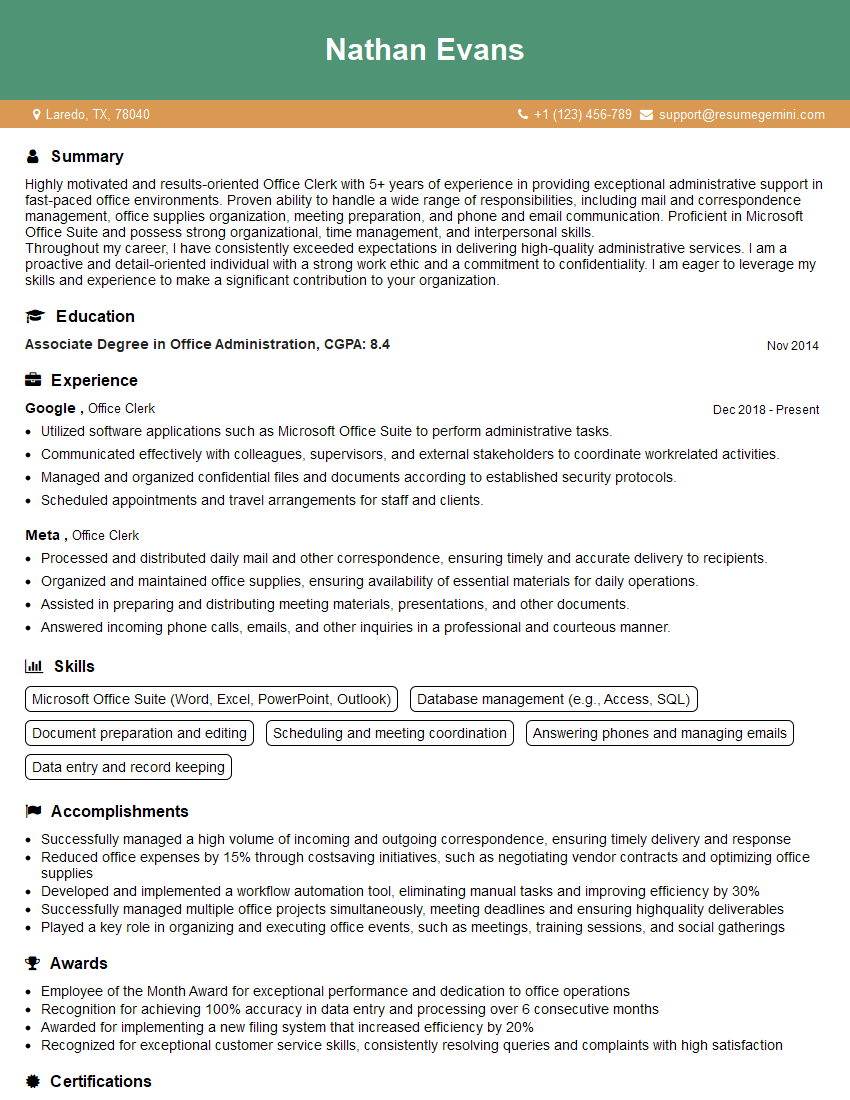
Office Clerk Resume Sample
- Office Manager
- Administrative Assistant
- Administrative Specialist
- Customer Service Representative
- Secretary
- Transcription Manager
- Legal Assistant
- Paralegal
- Court Reporter
- Copy Editor
- Proofreader
- Technical Writer
- Medical Secretary
- Transcriptionist
- Receptionist
- Executive Assistant
- Executive Secretary
- Legal Secretary
- Data Entry Clerk
- Data Entry Specialist
- Typist
- Word Processor
- Office Clerk
Explore more articles
Users Rating of Our Blogs
Share Your Experience
We value your feedback! Please rate our content and share your thoughts (optional).
What Readers Say About Our Blog
Very informative content, great job.
good