Cracking a skill-specific interview, like one for Web Design and Social Media Management, requires understanding the nuances of the role. In this blog, we present the questions you’re most likely to encounter, along with insights into how to answer them effectively. Let’s ensure you’re ready to make a strong impression.
Questions Asked in Web Design and Social Media Management Interview
Q 1. Explain the difference between UI and UX design.
UI (User Interface) and UX (User Experience) design are closely related but distinct disciplines in web design. Think of it like this: UI is the what, while UX is the why and how.
UI design focuses on the visual aspects of an interface – the look and feel. It’s about the buttons, colors, typography, images, and overall aesthetics. It’s concerned with making the interface intuitive and visually appealing. A UI designer works on the tangible elements users interact with directly. For example, the size and placement of a button, the color scheme, and the visual hierarchy of information on a page all fall under UI design.
UX design encompasses the entire user journey. It focuses on the overall user experience, addressing usability, accessibility, and overall satisfaction. A UX designer considers user research, information architecture, interaction design, and usability testing to create a user-centered design. A good example of UX design would be how easily a user can navigate a website to find the information they need, or how intuitive the checkout process is on an e-commerce site. A well-designed UX ensures that users can easily achieve their goals on the website.
In short: UI is about making things look good; UX is about making things work well and feel good to use. Often, UI and UX designers collaborate closely to create a holistic and effective user experience.
Q 2. Describe your experience with responsive web design.
Responsive web design is crucial in today’s multi-device world. My experience spans several years, working on projects that adapt seamlessly across various screen sizes and devices (desktops, tablets, smartphones). I’m proficient in using CSS media queries and flexible grid systems like Bootstrap or Flexbox to ensure consistent functionality and optimal viewing experience regardless of the device.
For example, I recently worked on an e-commerce website where responsive design was paramount. We used a fluid grid system to adjust column layouts dynamically based on screen size. For smaller screens, we used a mobile-first approach, prioritizing essential content and simplifying navigation. We also ensured that images scaled appropriately without distorting and that touch interactions were optimized for mobile users. Thorough testing across various devices and browsers was crucial in ensuring a smooth, consistent experience for all users.
My understanding extends beyond just the technical implementation. I also consider user behavior on different devices when designing layouts and interactions. For example, I design simplified navigation menus for mobile users to avoid overwhelming them with options.
Q 3. What are your preferred web design tools and why?
My preferred web design tools depend on the project’s scope and requirements, but some of my favorites include:
- Figma: For collaborative design and prototyping. Its ease of use and real-time collaboration features are invaluable for team projects.
- Adobe Photoshop & Illustrator: For image editing and vector graphics creation. These tools are indispensable for creating high-quality visuals.
- Visual Studio Code or Sublime Text: For writing and editing HTML, CSS, and JavaScript code. The ability to use extensions enhances efficiency significantly.
- Google Chrome DevTools: For debugging, testing responsiveness, and inspecting code directly in the browser. This is an invaluable tool for identifying and fixing issues quickly.
The reason I choose these tools is their versatility, robust features, and industry-standard acceptance. They allow for efficient workflows and high-quality output, ensuring I can deliver professional, high-quality results for my clients.
Q 4. How do you ensure website accessibility?
Website accessibility is paramount to ensure inclusivity and provide equal access to information for everyone, regardless of their abilities. I follow the WCAG (Web Content Accessibility Guidelines) as a framework for building accessible websites.
My process involves several key steps:
- Semantic HTML: Using appropriate HTML5 elements (
<header>,<nav>,<main>,<article>,<aside>,<footer>) to structure content logically, providing clear meaning for assistive technologies. - Alternative text for images (
altattributes): Providing descriptive text for images allows screen readers to convey the image’s content to visually impaired users. - Keyboard navigation: Ensuring all interactive elements (buttons, links, forms) are navigable using only a keyboard, critical for users who can’t use a mouse.
- Sufficient color contrast: Using sufficient contrast between text and background colors ensures readability for users with low vision. I use tools to check color contrast ratios.
- ARIA attributes: Employing ARIA attributes (Accessible Rich Internet Applications) to enhance accessibility for more complex interactions or elements not inherently accessible.
- Regular testing with assistive technologies: Testing with screen readers and other assistive technologies to identify and address potential accessibility barriers.
In essence, accessibility is integrated into every stage of my web design process, not an afterthought.
Q 5. Explain your process for creating a website wireframe.
Creating a website wireframe is the foundation for a successful web design. It’s a blueprint that outlines the structure and functionality of the website before any visual design is applied. My process is iterative and user-centered:
- Understanding user needs and goals: I start by clearly defining the target audience and their goals when visiting the website. This involves user research, gathering information about their behavior and preferences.
- Content inventory: I create a list of all the content that needs to be included on the website (text, images, videos, forms, etc.).
- Information architecture: I structure the content logically, determining the hierarchy and relationships between different pages and sections. This often involves creating sitemaps.
- Sketching and diagramming: I then create low-fidelity wireframes using pen and paper or a simple wireframing tool. This allows for quick iterations and exploring different layouts.
- Interactive prototyping (optional): For more complex interactions, I may create interactive prototypes using Figma or similar tools to simulate user flows and get early feedback.
- User testing: Before finalizing the wireframe, I conduct usability testing with representative users to identify any usability issues and iterate on the design.
This iterative process ensures the wireframe aligns perfectly with user needs, leading to a more user-friendly and effective website.
Q 6. What are some key performance indicators (KPIs) you track for social media campaigns?
Key Performance Indicators (KPIs) are essential for measuring the success of social media campaigns. The specific KPIs I track depend on the campaign’s objectives, but some common ones include:
- Reach: The number of unique users who saw your content.
- Engagement: Metrics like likes, comments, shares, and saves, indicating user interaction with your content.
- Website clicks/traffic: Tracking the number of clicks from social media posts leading to your website, measuring the effectiveness of driving traffic.
- Conversions: The number of users who complete a desired action (e.g., making a purchase, signing up for a newsletter). This is crucial for campaigns focused on sales or lead generation.
- Brand mentions: Tracking mentions of your brand across different social platforms, assessing brand awareness and sentiment.
- Follower growth: The rate at which your social media following increases, showcasing the effectiveness of your content in attracting new audiences.
By regularly monitoring these KPIs, I can gain insights into campaign performance, identify areas for improvement, and optimize future strategies for better results.
Q 7. How do you measure the success of a social media strategy?
Measuring the success of a social media strategy is a multifaceted process that goes beyond simply looking at individual KPIs. It requires a holistic approach, considering both quantitative and qualitative data.
I assess success based on:
- Alignment with goals: The primary factor is how well the strategy achieved its predefined objectives. Were the goals realistic and measurable? Did the campaign meet these goals?
- KPI analysis: Analyzing the KPIs mentioned earlier (reach, engagement, conversions, etc.) to identify patterns, strengths, and weaknesses of the strategy.
- Audience engagement: Analyzing the quality of engagement beyond just numbers. Are users actively participating in discussions? Is the sentiment positive? Are they sharing valuable feedback?
- Brand awareness and reputation: Monitoring brand mentions, sentiment analysis, and media coverage to assess the impact on brand perception and reach.
- Return on investment (ROI): Calculating the return on investment for paid social media campaigns to determine their cost-effectiveness.
- A/B testing and experimentation: Regular A/B testing of different content formats, posting schedules, and targeting strategies helps optimize the social media strategy over time.
By combining quantitative data with qualitative feedback and analysis, I gain a comprehensive understanding of the strategy’s effectiveness, enabling me to iterate and refine it for optimal results.
Q 8. Describe your experience with different social media platforms.
My experience with social media platforms spans a wide range, encompassing both organic and paid strategies. I’ve managed profiles across various platforms, including Facebook, Instagram, Twitter, LinkedIn, TikTok, and Pinterest. For example, on Facebook, I’ve focused on community building through engaging content and targeted advertising to increase brand awareness and drive website traffic. On Instagram, I’ve leveraged visually appealing content and relevant hashtags to build a strong brand presence and boost engagement. My LinkedIn strategy has centered around professional networking, content marketing, and lead generation. With each platform, I’ve tailored my approach to match the platform’s unique audience and features, focusing on what works best for each specific client and their goals.
Beyond the typical platforms, I have experience with emerging platforms and constantly evaluate new options to determine their potential fit for different clients and campaigns. This includes analyzing the demographics, engagement rates, and overall reach of each platform to make informed decisions about where to invest our efforts.
Q 9. What social media analytics tools are you familiar with?
I’m proficient in using a variety of social media analytics tools to track performance and measure ROI. These include:
- Google Analytics: Essential for tracking website traffic sourced from social media campaigns.
- Facebook Insights: Provides detailed data on Facebook page performance, including reach, engagement, and demographics.
- Instagram Insights: Similar to Facebook Insights, offering valuable metrics on Instagram post performance and audience demographics.
- Twitter Analytics: Allows monitoring of tweet performance, audience growth, and engagement.
- Hootsuite Insights: A comprehensive dashboard that aggregates data from multiple social media platforms, providing a holistic view of social media performance.
- Sprout Social: Another robust platform offering social listening, scheduling, and analytics capabilities.
I use these tools not just to monitor numbers, but also to identify trends, understand audience behavior, and inform future content strategy. For instance, if Instagram Insights reveals a high engagement rate on videos, I’ll adjust the content calendar to prioritize video creation.
Q 10. How do you create engaging social media content?
Creating engaging social media content requires a multi-faceted approach. I focus on:
- Understanding the target audience: Thorough research helps define their interests, needs, and preferred content formats. For example, a younger audience might respond better to short-form videos, while a professional audience might prefer in-depth articles.
- High-quality visuals and videos: Visually appealing content captures attention and improves engagement. This includes professional-grade photos, eye-catching graphics, and engaging video content.
- Compelling storytelling: Connecting with the audience on an emotional level is key. Sharing relatable stories, highlighting customer testimonials, and showcasing behind-the-scenes glimpses builds trust and fosters a sense of community.
- Consistent brand voice and messaging: Maintaining a consistent tone and style across all platforms ensures brand recognition and reinforces brand identity.
- Interactive content: Encouraging user participation through polls, quizzes, Q&A sessions, and contests boosts engagement and fosters a sense of community.
- Utilizing relevant hashtags: Employing appropriate and trending hashtags expands reach and discoverability.
For example, I recently ran a campaign where we used Instagram Stories polls to engage our followers in choosing the topic for our next blog post. This not only increased engagement but also directly influenced our content strategy, demonstrating a direct link between audience interaction and content creation.
Q 11. Explain your understanding of SEO best practices.
My understanding of SEO best practices encompasses a wide range of techniques designed to improve a website’s visibility in search engine results pages (SERPs). This includes:
- Keyword research and optimization: Identifying relevant keywords and strategically incorporating them into website content, meta descriptions, and page titles.
- On-page optimization: Optimizing individual web pages to rank higher and earn more relevant traffic in search engines. This includes optimizing title tags, headings (H1-H6), image alt text, and internal linking.
- Off-page optimization: Building high-quality backlinks from reputable websites to enhance domain authority and improve search rankings.
- Technical SEO: Ensuring website architecture, sitemaps, and robots.txt are optimized for search engines to efficiently crawl and index the site’s content. This also includes aspects like site speed and mobile-friendliness.
- Content marketing: Creating high-quality, engaging, and valuable content that attracts and retains users. This content should naturally incorporate relevant keywords.
- Local SEO (if applicable): Optimizing online presence for local searches, including Google My Business profile optimization.
For example, a recent project involved optimizing a client’s e-commerce website. We conducted thorough keyword research, optimized product descriptions and page titles, built high-quality backlinks, and improved the website’s overall technical SEO. The result was a significant increase in organic traffic and sales.
Q 12. Describe your experience with different SEO tools.
I’m experienced with a number of SEO tools, each serving a unique purpose in the SEO process. Some of the most valuable tools I use include:
- SEMrush: A comprehensive SEO tool offering keyword research, competitor analysis, backlink analysis, and site audit capabilities.
- Ahrefs: Similar to SEMrush, providing detailed keyword research, backlink analysis, and site audit features.
- Google Search Console: A free tool directly from Google, providing crucial data on website indexing, crawling errors, and performance in Google search results.
- Google Analytics: While primarily a website analytics tool, it’s crucial for tracking organic traffic performance and identifying areas for improvement.
- Moz: Offers keyword research, rank tracking, and backlink analysis functionalities.
I select the tools based on the specific needs of each project. For example, when conducting a comprehensive site audit, I’d rely heavily on SEMrush or Ahrefs. When primarily focusing on keyword research, I might primarily use Google Keyword Planner in conjunction with another tool for competitor analysis.
Q 13. How do you conduct keyword research?
Keyword research is a crucial aspect of SEO, aimed at identifying the terms and phrases people use when searching for information online related to your business. My approach involves a multi-step process:
- Brainstorming: I start by brainstorming relevant keywords related to the client’s business, products, and services. This involves understanding their industry and target audience.
- Using keyword research tools: Tools like SEMrush, Ahrefs, and Google Keyword Planner are used to expand the initial keyword list, identifying search volume, competition, and related keywords.
- Analyzing search intent: It’s not just about finding high-volume keywords; understanding the user’s intent behind the search is crucial. Are they looking for information, to buy a product, or something else? This dictates the type of content to create.
- Competitor analysis: Analyzing competitors’ keywords helps identify opportunities and gaps in the market.
- Long-tail keyword identification: Focusing on longer, more specific keyword phrases (long-tail keywords) often targets less competitive, more qualified search traffic.
For example, instead of simply targeting “shoes,” I might research long-tail keywords like “best running shoes for women with flat feet” or “affordable hiking boots for men.” These provide more targeted traffic with a higher conversion potential.
Q 14. How do you handle negative comments or feedback on social media?
Handling negative comments or feedback on social media requires a professional and empathetic approach. My strategy involves:
- Monitoring social media mentions: Regularly monitoring social media channels for mentions of the brand, both positive and negative.
- Responding promptly and professionally: Addressing negative comments promptly shows that you care and are responsive to customer concerns.
- Acknowledging the customer’s feelings: Empathetically acknowledging the customer’s frustration or disappointment builds rapport and diffuses tension. For example, starting with “I understand your frustration” or “I’m sorry to hear you had this experience.”
- Offering solutions or assistance: Actively attempt to resolve the issue. This could involve offering a refund, replacement, or other appropriate compensation.
- Moving the conversation offline (if necessary): If the issue is complex or requires sensitive information, suggest moving the conversation to a private message or email.
- Learning from negative feedback: Use negative feedback as an opportunity to identify areas for improvement and enhance customer service processes.
It’s important to remember that not all negative feedback can be resolved publicly. In some cases, direct messaging is preferred to maintain privacy and prevent escalation of the situation. Publicly addressing negative comments should always aim to be constructive and solution-oriented, avoiding defensive or argumentative responses.
Q 15. Describe your experience with social media advertising.
My experience with social media advertising spans several years and encompasses a wide range of strategies. I’ve managed campaigns from initial concept and audience research to execution, monitoring, and optimization. I’m proficient in developing targeted advertising strategies, selecting appropriate ad formats, crafting compelling ad copy, and analyzing campaign performance to maximize ROI. I understand the nuances of different platforms and tailor my approach accordingly, focusing on achieving specific campaign goals, whether it’s increased brand awareness, lead generation, or driving sales.
For example, I recently managed a Facebook ad campaign for a small bakery. Through careful audience targeting (based on demographics, interests, and behavior), A/B testing ad creatives, and continuous monitoring of campaign metrics, we were able to achieve a 30% increase in website traffic and a 15% increase in online orders within a month.
Career Expert Tips:
- Ace those interviews! Prepare effectively by reviewing the Top 50 Most Common Interview Questions on ResumeGemini.
- Navigate your job search with confidence! Explore a wide range of Career Tips on ResumeGemini. Learn about common challenges and recommendations to overcome them.
- Craft the perfect resume! Master the Art of Resume Writing with ResumeGemini’s guide. Showcase your unique qualifications and achievements effectively.
- Don’t miss out on holiday savings! Build your dream resume with ResumeGemini’s ATS optimized templates.
Q 16. What are some common social media advertising platforms you have used?
I’ve worked extensively with several social media advertising platforms, including Facebook Ads, Instagram Ads, Twitter Ads, LinkedIn Ads, and Pinterest Ads. Each platform offers unique targeting options and ad formats, requiring a tailored approach. For instance, visual platforms like Instagram and Pinterest are ideal for showcasing products using high-quality images and videos, while LinkedIn is more effective for B2B lead generation.
My experience with these platforms allows me to leverage their individual strengths to reach specific target audiences efficiently. I am also familiar with the ad management interfaces, reporting tools, and best practices for each platform.
Q 17. How do you create a social media content calendar?
Creating a social media content calendar is crucial for maintaining consistency and achieving marketing objectives. My process typically involves the following steps:
- Define Goals: Clearly outline the campaign’s objectives (e.g., increased brand awareness, lead generation).
- Audience Research: Understand your target audience’s preferences, online behavior, and the platforms they frequent.
- Content Planning: Develop a variety of content formats (images, videos, text, stories, etc.) that aligns with the goals and resonates with the audience.
- Scheduling: Use scheduling tools (like Buffer or Hootsuite) to plan and schedule posts across different platforms. Maintain a consistent posting schedule to maximize reach and engagement.
- Theme Development: Consider creating thematic weeks or months to focus your content around specific topics or events. This aids in consistency and enhances audience engagement.
- Tracking & Analysis: After the campaign, analyze the results to understand what worked well and what needs improvement for future campaigns. This allows iterative improvements and optimized future strategies.
For example, a content calendar for a fitness brand might include workout videos on Tuesdays and Thursdays, healthy recipe posts on Mondays, and customer testimonials on Fridays.
Q 18. Explain your understanding of A/B testing.
A/B testing is a critical method for optimizing social media and web design elements. It involves creating two or more versions of a webpage, ad, or piece of content (A and B), and then showing them to different segments of your audience. By tracking key metrics such as click-through rates, conversion rates, and engagement, you can determine which version performs better. This allows data-driven decision-making, reducing guesswork and improving campaign effectiveness.
For example, you could A/B test two different headlines for a Facebook ad to see which one drives more clicks. Or, you might test two different website layouts to see which one results in a higher conversion rate.
The process involves establishing a clear hypothesis, defining key metrics, running the test for a sufficient duration, and analyzing the results to identify the winning version. Iteration and continuous testing are key to optimizing your campaigns over time.
Q 19. How do you stay up-to-date with the latest trends in web design and social media?
Staying current in web design and social media demands continuous learning. I utilize several strategies:
- Industry Publications & Blogs: I regularly read industry publications and blogs like Webdesigner Depot, Smashing Magazine, and Neil Patel’s blog to stay informed about design trends and social media algorithm updates.
- Webinars & Conferences: I attend webinars and industry conferences, both in-person and online, to learn from experts and network with other professionals.
- Following Influencers: I actively follow influential designers and social media marketers on platforms like Twitter and LinkedIn to learn from their experiences and insights.
- Experimentation & Practice: I apply new techniques and trends in my projects to gain practical experience and learn from my mistakes. Experimentation allows adaptation to current trends in real-time.
- Online Courses: I occasionally take online courses on platforms like Coursera and Udemy to deepen my knowledge in specific areas.
Q 20. What is your experience with Google Analytics?
I have extensive experience using Google Analytics to track website traffic, user behavior, and campaign performance. I’m proficient in setting up and configuring tracking codes, defining custom goals, analyzing key metrics (such as bounce rate, conversion rate, and time on site), and generating reports to measure campaign effectiveness. I utilize Google Analytics to identify areas for improvement on websites and to inform social media strategy. This allows for data-driven decisions and continuous optimization.
For example, I recently used Google Analytics to identify a high bounce rate on a particular landing page. By analyzing user behavior, I determined that the page’s design and call to action were confusing. I redesigned the page, simplifying the navigation and improving the call to action, resulting in a significant reduction in the bounce rate and an increase in conversions.
Q 21. Describe a time you had to solve a complex web design or social media problem.
One challenging project involved a client whose social media presence was inconsistent and lacked a clear brand voice. Their engagement was low, and they weren’t seeing a return on their marketing investment. The problem wasn’t a lack of content, but rather a lack of strategy and consistency.
To solve this, I implemented a multi-pronged approach:
- Brand Audit: We conducted a thorough brand audit to define their target audience, brand values, and unique selling proposition.
- Content Strategy: We developed a comprehensive content strategy, creating a content calendar with a mix of formats that aligned with their brand voice and resonated with their target audience.
- Platform Optimization: We optimized their profiles on various platforms, ensuring consistency in branding and messaging.
- Engagement Strategy: We implemented an engagement strategy that focused on responding to comments, running contests, and collaborating with influencers.
- Analytics Tracking: We implemented proper tracking using Google Analytics to monitor campaign performance and make data-driven adjustments.
Within three months, we saw a significant increase in engagement, follower growth, and website traffic. The client was pleased with the results, demonstrating the power of a well-defined strategy and consistent execution.
Q 22. How do you handle conflicting priorities in a fast-paced environment?
In a fast-paced environment, conflicting priorities are inevitable. My approach is a three-pronged strategy focusing on prioritization, communication, and time management. First, I use a prioritization matrix, like Eisenhower’s Urgent/Important matrix, to categorize tasks based on their urgency and impact. This helps me focus on the most crucial tasks first. For example, if I have a website redesign deadline looming and a social media campaign launch, I’ll prioritize the deadline based on its critical impact on the business. Second, I communicate openly and proactively with my team and clients. Transparent communication ensures everyone is aligned on the priorities and potential adjustments needed. If a change request comes in that impacts my schedule, I immediately discuss the feasibility and potential delays with stakeholders. Finally, I employ time-blocking and task management tools to schedule tasks efficiently. I dedicate specific time slots for high-priority tasks, minimizing interruptions and maximizing productivity. This structured approach enables me to handle multiple projects concurrently without compromising quality.
Q 23. Describe your experience with content management systems (CMS) like WordPress.
I have extensive experience with WordPress, having used it for numerous projects ranging from simple blogs to complex e-commerce websites. My proficiency spans all aspects, from theme customization and plugin integration to custom post type creation and advanced functionality development. I’m comfortable working with both the front-end (using HTML, CSS, and JavaScript) and back-end (managing plugins and themes, customizing functions.php) aspects of WordPress. For example, I recently developed a custom plugin for a client to integrate their CRM system with their WordPress website, streamlining their customer relationship management. I’m also adept at optimizing WordPress sites for speed and SEO, leveraging techniques like caching and image optimization to improve performance. Furthermore, I’m familiar with various page builders like Elementor and Beaver Builder, allowing me to quickly and efficiently build visually appealing and functional pages.
Q 24. What are your strengths and weaknesses as a web designer and social media manager?
My strengths lie in my creative problem-solving abilities, my strong understanding of UX/UI principles, and my ability to translate complex business goals into engaging visual and digital marketing strategies. I thrive in collaborative environments and excel at communicating complex technical concepts to non-technical audiences. I am proficient in a wide array of design software (Figma, Adobe Creative Suite) and social media management tools (Hootsuite, Buffer). One area for development is my proficiency in motion graphics. While I can create basic animations, I’m keen to enhance my skills in this area to create more dynamic and engaging content.
Q 25. Explain your understanding of user experience (UX) principles.
User experience (UX) principles guide the design process to ensure a user-friendly and enjoyable experience. It’s all about understanding user needs and behaviors to create intuitive and effective interfaces. Key principles include:
- User-centered design: Prioritizing user needs and feedback throughout the design process.
- Accessibility: Designing for users with disabilities, following WCAG guidelines.
- Intuitive navigation: Ensuring users can easily find what they need.
- Clear and concise information architecture: Organizing information logically and understandably.
- Visual hierarchy: Guiding users’ attention to important elements through visual cues.
- Consistency: Maintaining a consistent design language and interaction patterns throughout the website.
For example, I recently redesigned a website that had a confusing navigation structure. By employing user research and card sorting, I created a new information architecture that improved user flow and reduced bounce rates significantly.
Q 26. How do you design for different screen sizes and devices?
Designing for various screen sizes and devices necessitates a responsive design approach. This means creating websites that adapt seamlessly to different screen resolutions and devices (desktops, tablets, smartphones). I achieve this using techniques such as:
- Fluid grids: Using percentage-based widths for layout elements instead of fixed pixels.
- Flexible images: Employing
max-width: 100%;to ensure images scale appropriately. - Media queries: Utilizing CSS media queries to apply different styles based on screen size (
@media (max-width: 768px) { ... }). - Mobile-first approach: Designing for mobile devices first and then scaling up for larger screens.
By employing these techniques, I ensure the website looks and functions optimally across all devices, providing a consistent user experience.
Q 27. What is your preferred method for gathering user feedback?
Gathering user feedback is crucial for iterative design improvement. I use a multi-faceted approach that combines qualitative and quantitative methods. This includes:
- Surveys: Using online survey tools to gather quantitative data on user satisfaction and preferences.
- Usability testing: Observing users interacting with the website to identify pain points and areas for improvement.
- A/B testing: Comparing different design versions to see which performs better.
- Heatmaps: Using heatmap tools to visualize user interaction patterns and identify areas of high and low engagement.
- User interviews: Conducting one-on-one interviews with users to gather in-depth qualitative feedback.
The combination of these methods provides a comprehensive understanding of user needs and helps me make data-driven design decisions.
Q 28. How do you measure the ROI of a social media campaign?
Measuring the ROI of a social media campaign requires a clear understanding of the campaign’s objectives. I typically track key performance indicators (KPIs) such as:
- Reach and impressions: How many people saw your content.
- Engagement: Likes, comments, shares, and other interactions.
- Website traffic: How much traffic the campaign drove to your website.
- Conversions: Sales, leads, sign-ups, or other desired actions.
- Brand mentions and sentiment: Tracking brand mentions and analyzing the sentiment (positive, negative, neutral).
I use analytics tools like Google Analytics and social media platform analytics to track these KPIs. By comparing the campaign’s results against its costs, I can calculate the ROI and assess its effectiveness. For example, if a campaign cost $1000 and generated $5000 in sales, the ROI would be 400%. It’s also important to consider qualitative factors like brand awareness and customer engagement when evaluating the overall success of a social media campaign.
Key Topics to Learn for Web Design and Social Media Management Interview
- Web Design Fundamentals: Understanding UX/UI principles, responsive design, website architecture, and common design software (Figma, Adobe XD).
- Practical Application (Web Design): Be prepared to discuss your process for designing a website, from initial concept to final product, including user research and testing methodologies.
- Social Media Strategy: Developing and implementing effective social media strategies, understanding different platforms and their target audiences, and measuring campaign performance using analytics.
- Practical Application (Social Media): Showcase examples of successful social media campaigns you’ve managed, highlighting your problem-solving skills and ability to adapt to changing trends.
- Content Creation and Curation: Creating engaging visual and written content tailored for different social media platforms, and curating relevant content to build community engagement.
- SEO and SEM: Basic understanding of Search Engine Optimization (SEO) and Search Engine Marketing (SEM) principles to improve online visibility.
- Social Media Advertising: Familiarity with paid social media advertising campaigns, including targeting, budgeting, and campaign optimization.
- Analytics and Reporting: Demonstrating your ability to track key metrics, analyze data, and present insights to inform strategic decisions.
- Accessibility and Inclusivity: Understanding the principles of web accessibility and inclusive design practices to ensure your designs are usable by everyone.
- Technical Proficiency: Depending on the role, you might need to demonstrate proficiency in HTML, CSS, and JavaScript (front-end development) or content management systems (CMS) like WordPress.
Next Steps
Mastering Web Design and Social Media Management opens doors to exciting career opportunities in a rapidly evolving digital landscape. These skills are highly sought after, offering diverse roles and excellent growth potential. To maximize your job prospects, focus on crafting a strong, ATS-friendly resume that effectively highlights your achievements and skills. ResumeGemini is a trusted resource that can significantly enhance your resume-building experience. They provide examples of resumes tailored specifically to Web Design and Social Media Management roles, helping you present your qualifications in the best possible light. Take advantage of these resources to create a resume that makes a lasting impression on potential employers.
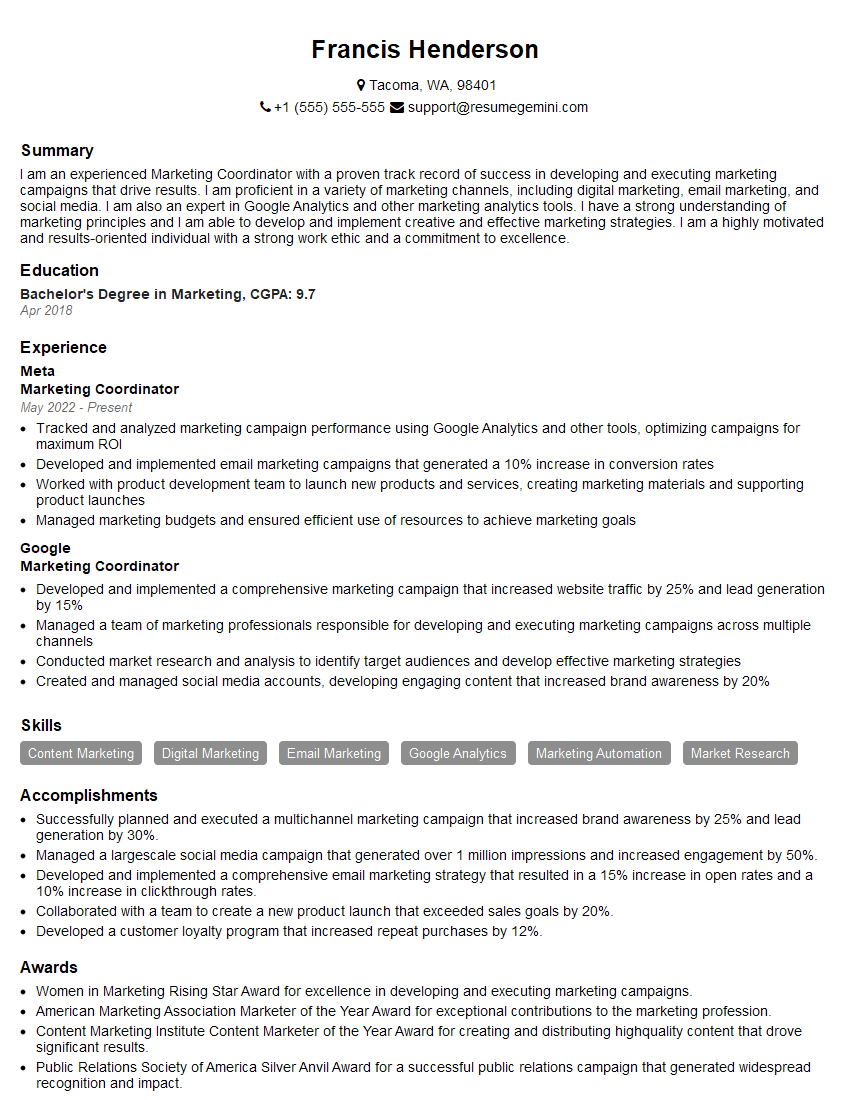
Marketing Coordinator Resume Sample
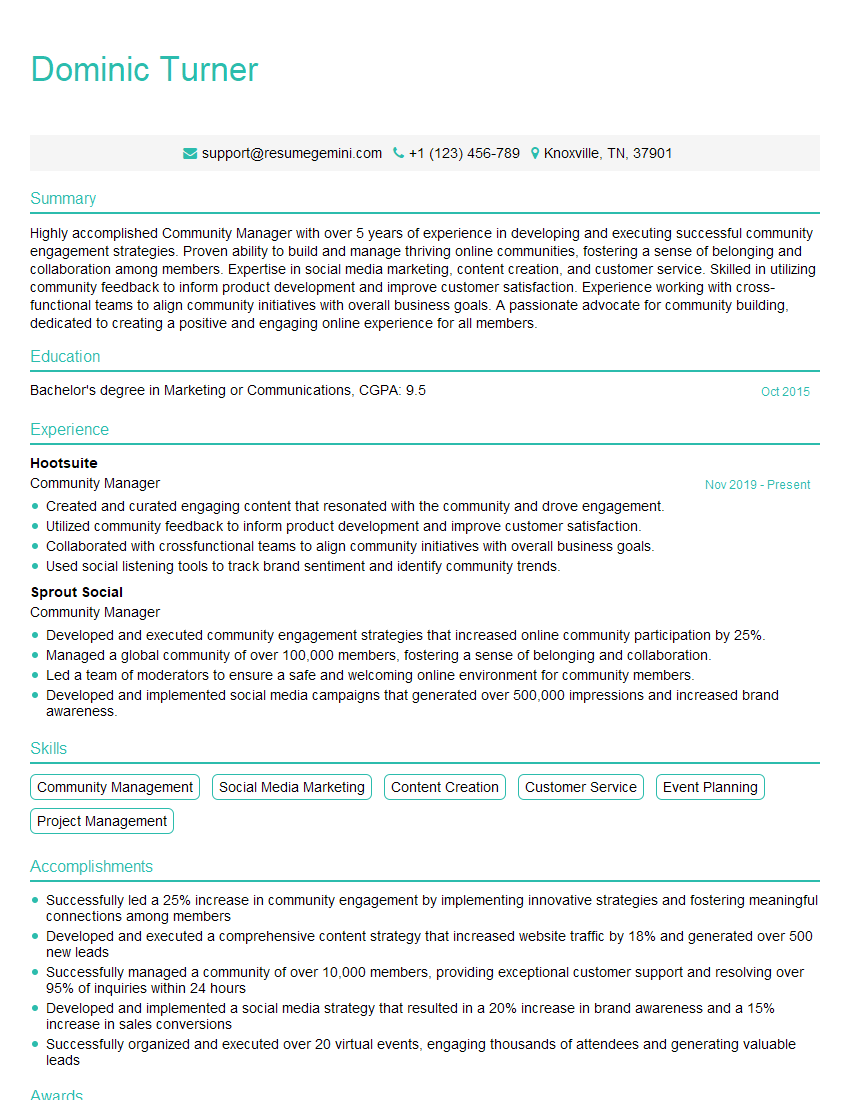
Community Manager Resume Sample

Social Media Manager Resume Sample
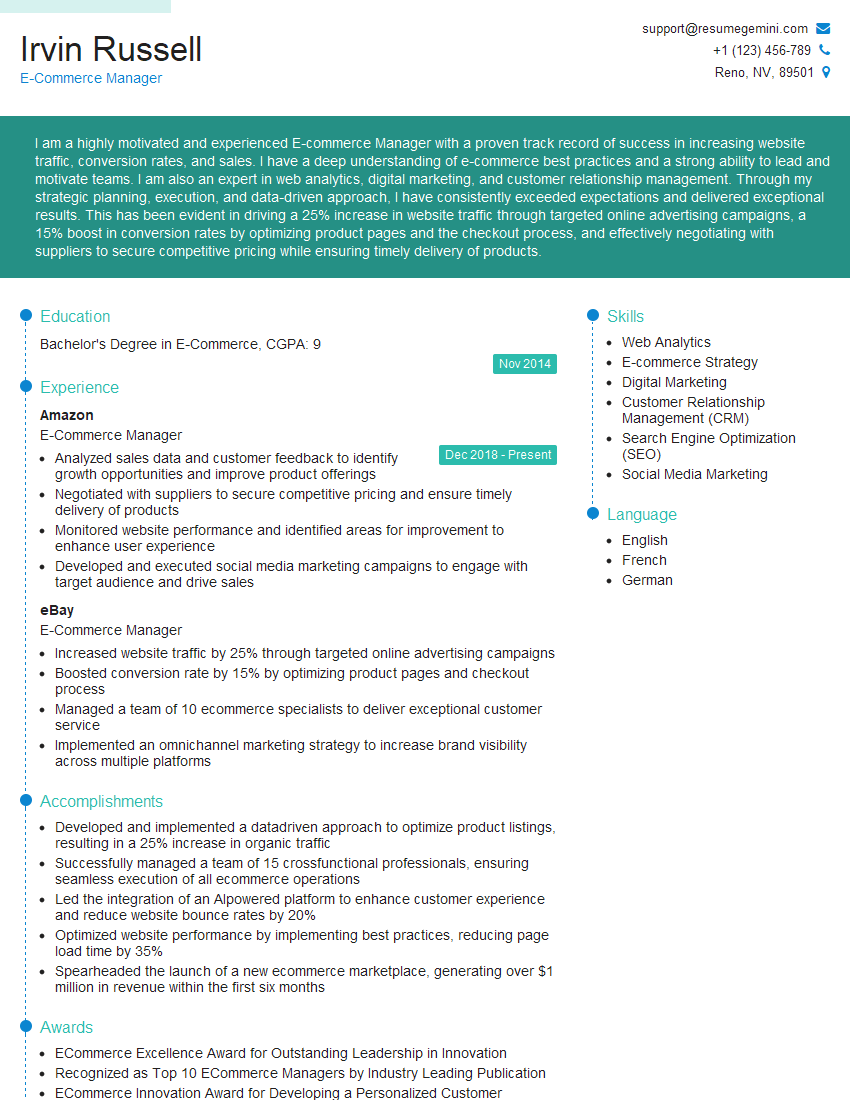
E-Commerce Manager Resume Sample
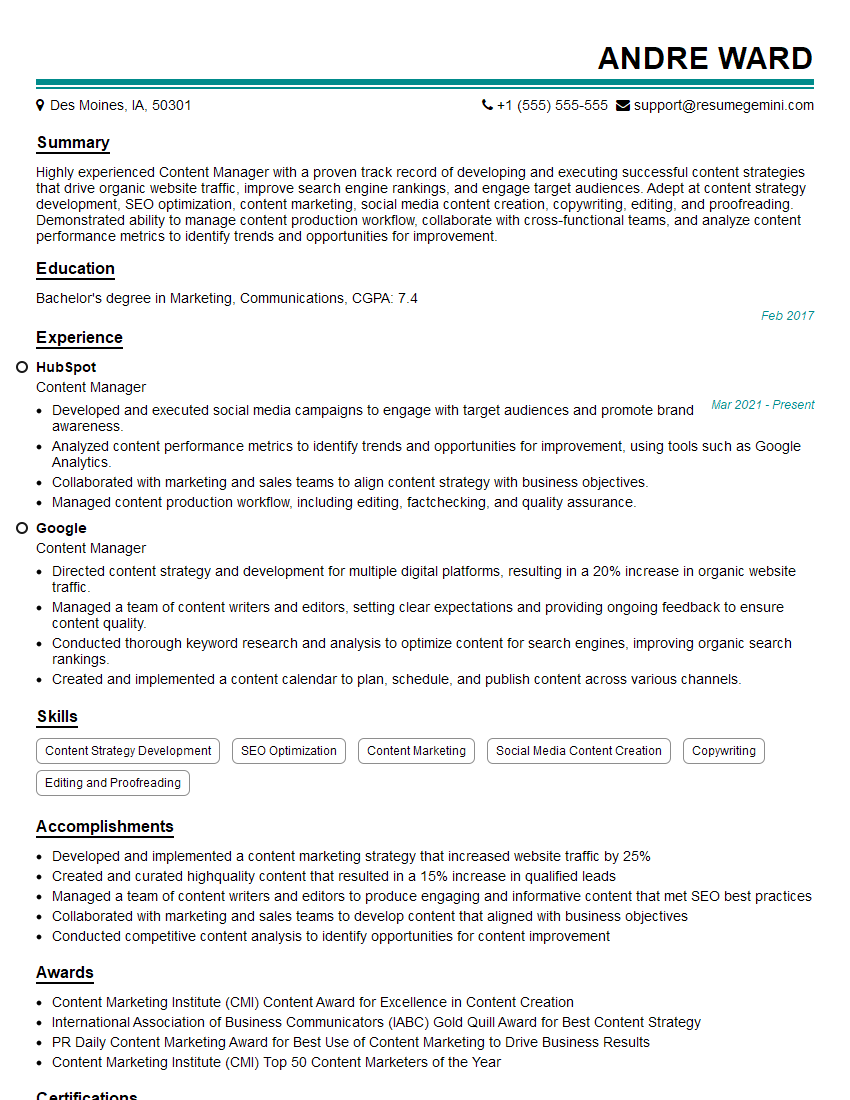
Content Manager Resume Sample
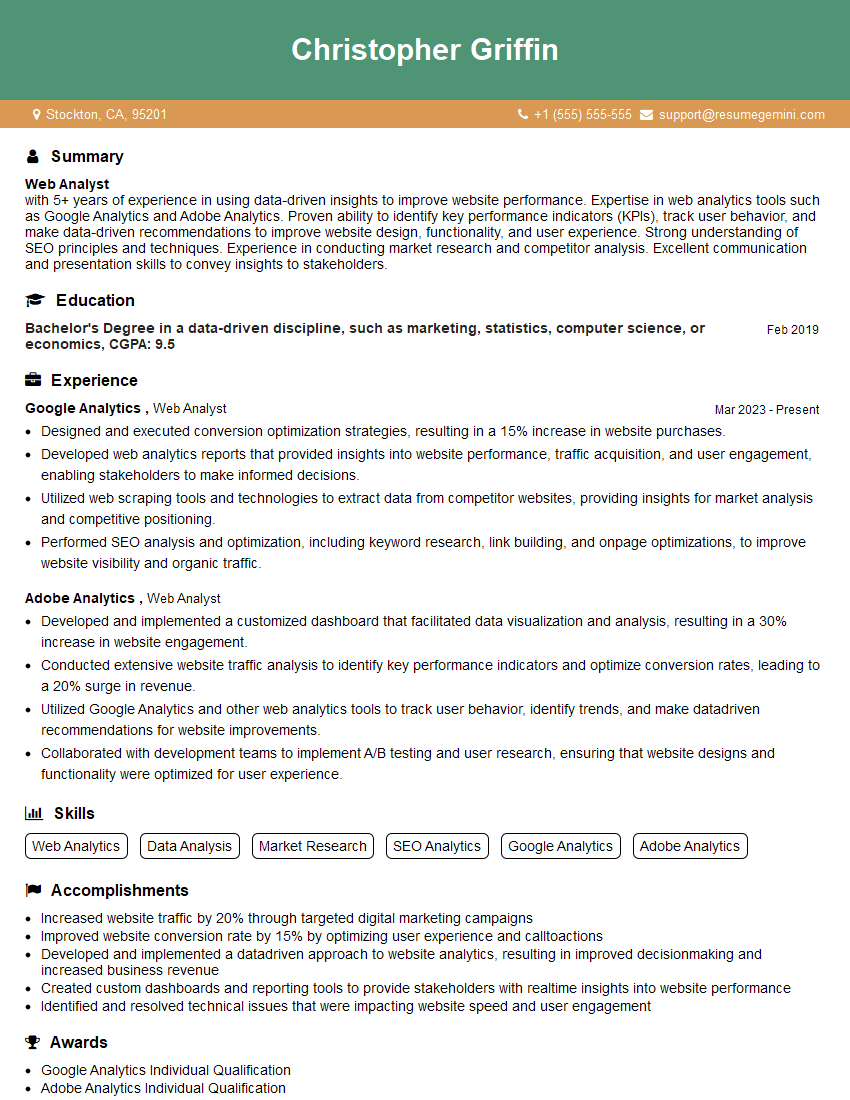
Web Analyst Resume Sample

Web Designer Resume Sample

Web Developer Resume Sample
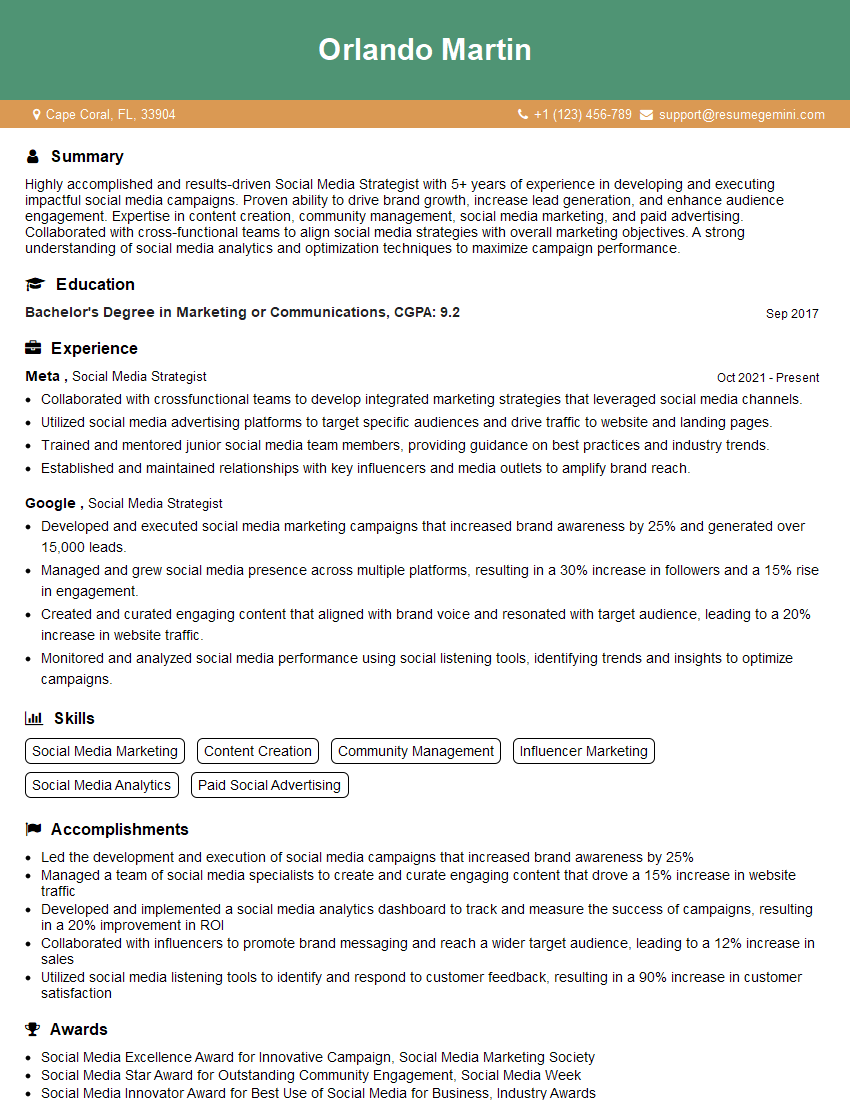
Social Media Strategist Resume Sample

Graphic Designer Resume Sample

Front-End Developer Resume Sample
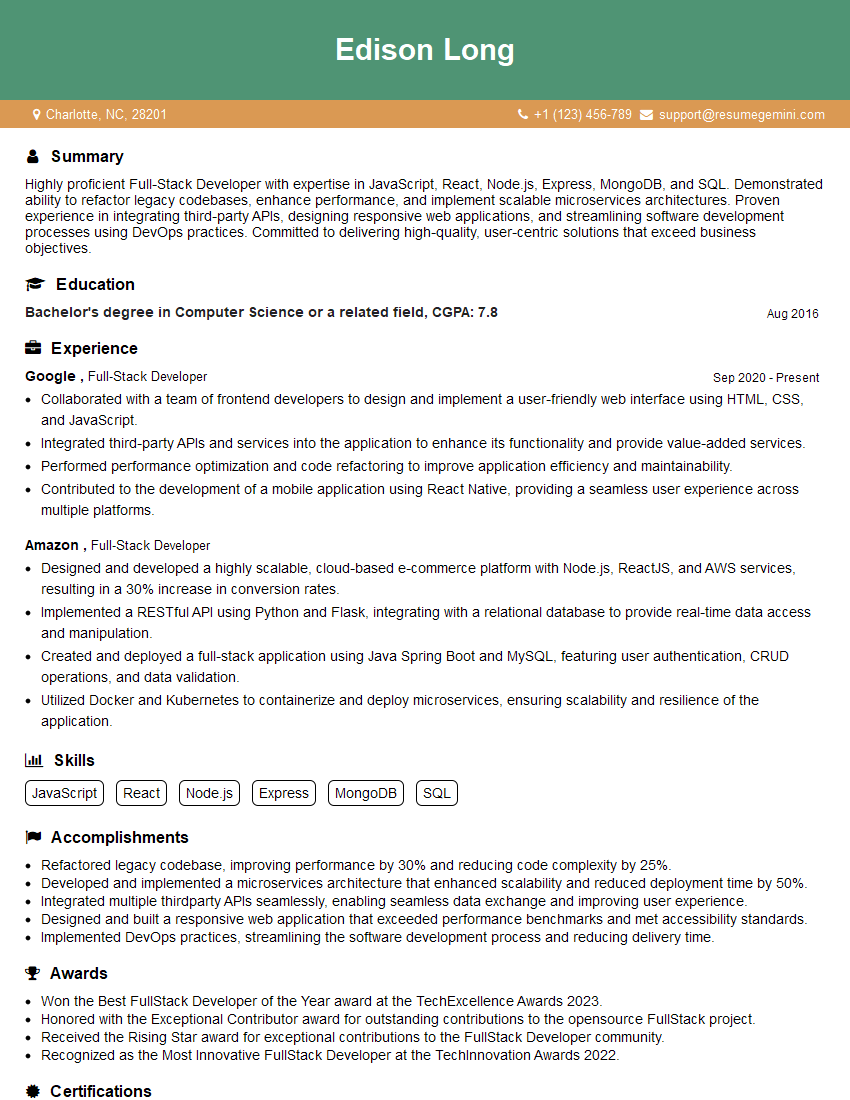
Full-Stack Developer Resume Sample

UX Designer Resume Sample
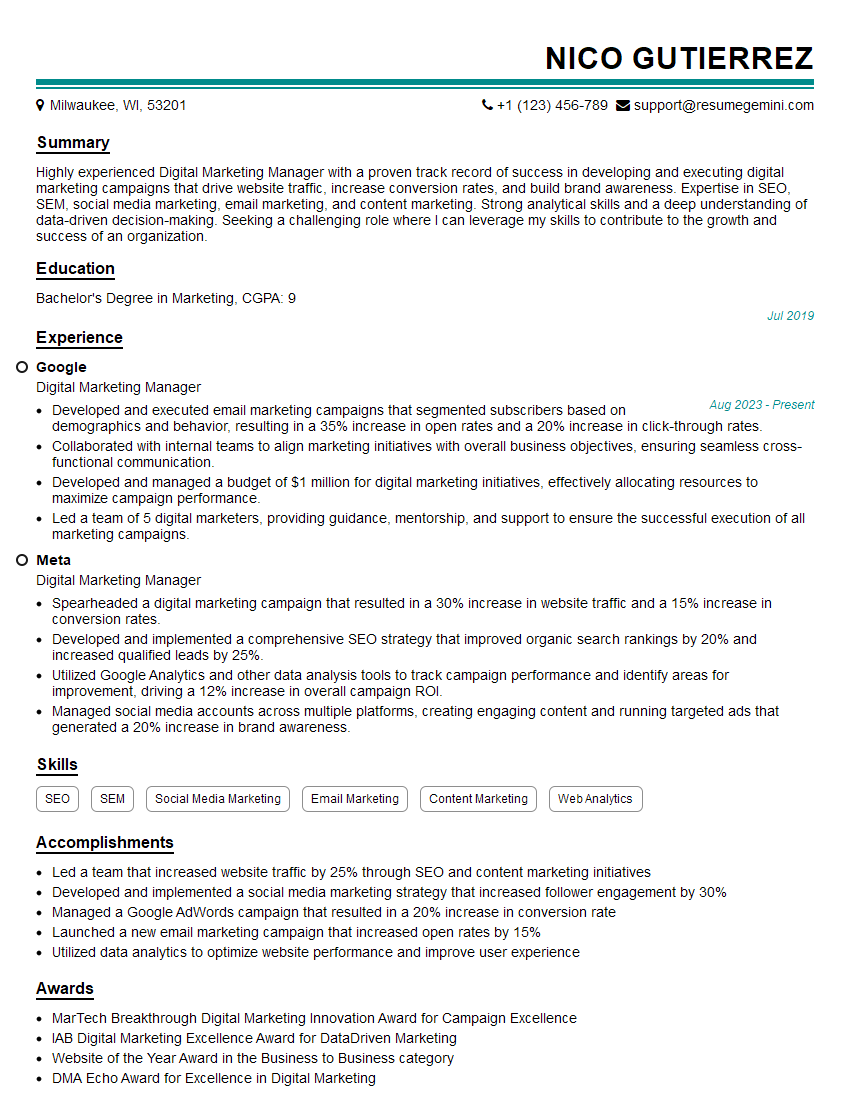
Digital Marketing Manager Resume Sample
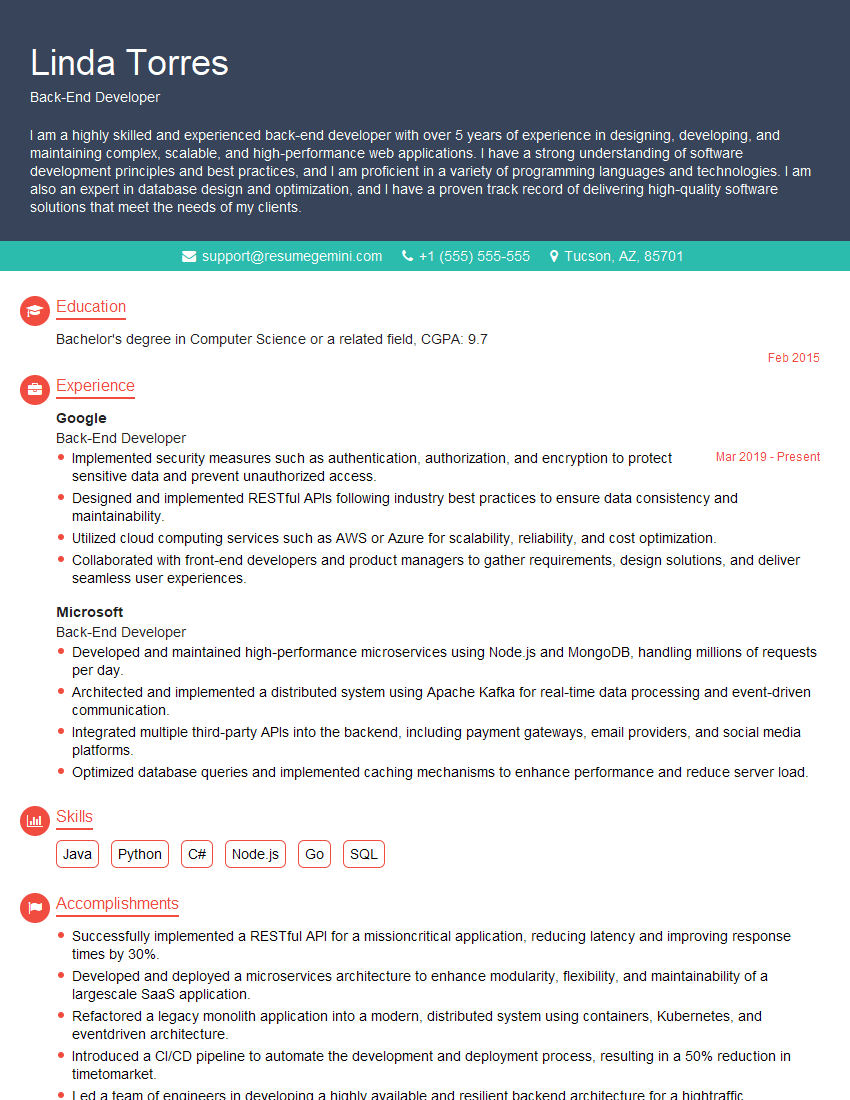
Back-End Developer Resume Sample
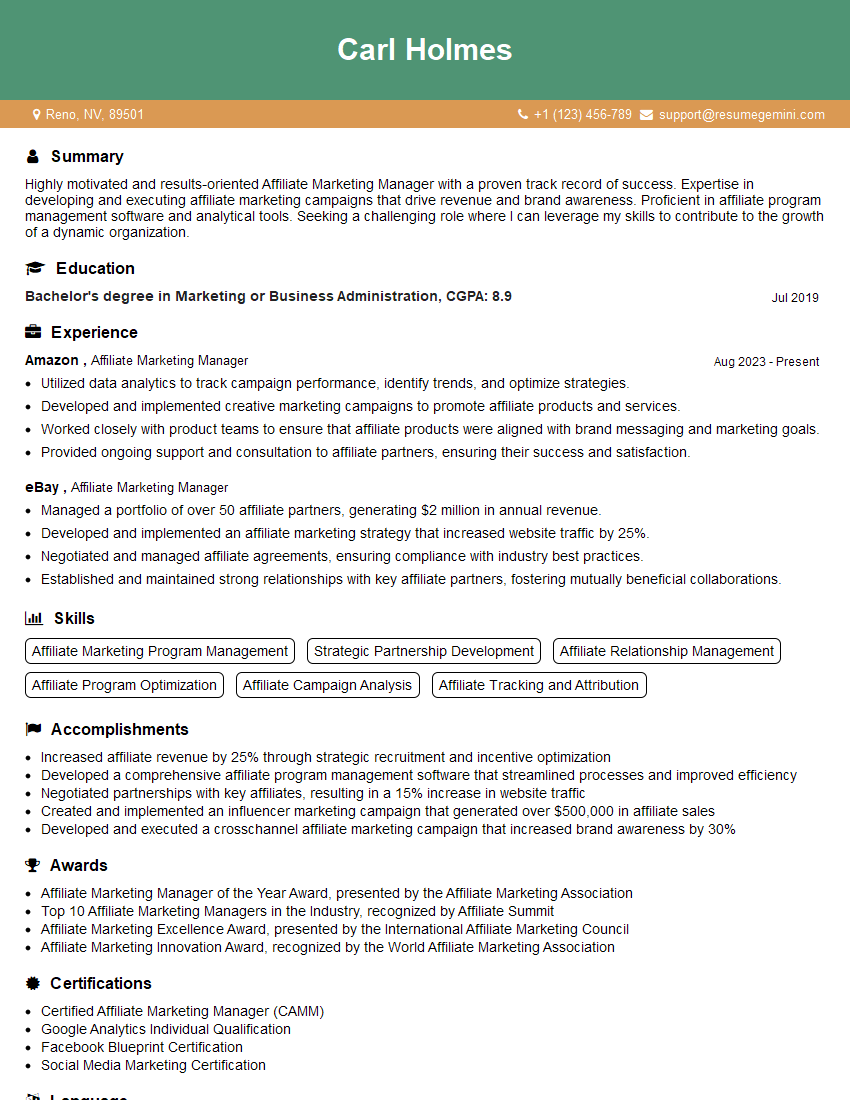
Affiliate Marketing Manager Resume Sample
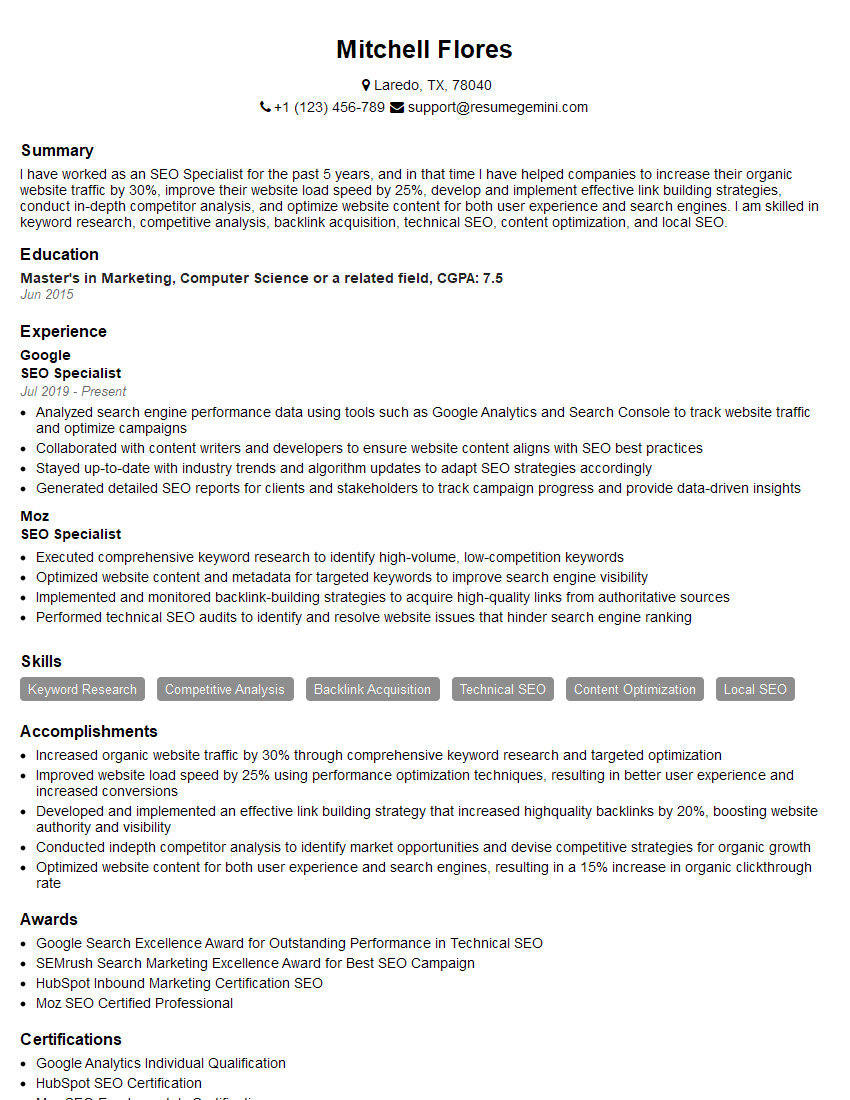
SEO Specialist Resume Sample
- Marketing Coordinator
- Community Manager
- Social Media Manager
- E-Commerce Manager
- Content Manager
- Web Analyst
- Web Designer
- Web Developer
- Social Media Strategist
- Graphic Designer
- Front-End Developer
- Full-Stack Developer
- UX Designer
- Digital Marketing Manager
- Back-End Developer
- Affiliate Marketing Manager
- SEO Specialist
Explore more articles
Users Rating of Our Blogs
Share Your Experience
We value your feedback! Please rate our content and share your thoughts (optional).
What Readers Say About Our Blog
Very informative content, great job.
good