The thought of an interview can be nerve-wracking, but the right preparation can make all the difference. Explore this comprehensive guide to Working proficiency in relevant software tools interview questions and gain the confidence you need to showcase your abilities and secure the role.
Questions Asked in Working proficiency in relevant software tools Interview
Q 1. Describe your experience with version control systems (e.g., Git).
Version control systems, like Git, are fundamental to collaborative software development. They track changes to code over time, allowing developers to work concurrently, revert to previous versions if needed, and manage different branches of development simultaneously. Think of it like Google Docs for code – multiple people can edit at once, and you have a history of all the changes made.
My experience with Git spans several years and numerous projects. I’m proficient in using the command line interface for Git, as well as various GUI clients like SourceTree and GitHub Desktop. I regularly use Git for branching (creating separate development lines), merging (combining changes from different branches), rebasing (reorganizing commits), and resolving merge conflicts. For example, on a recent project, we used Git’s branching strategy to develop new features independently while maintaining a stable main branch. This prevented integration issues and allowed for continuous integration and continuous deployment (CI/CD).
Beyond basic commands, I understand advanced Git concepts such as cherry-picking (selecting specific commits to move between branches), interactive rebasing (re-ordering or editing commits before merging), and using Git hooks for automated tasks. I also leverage Git’s powerful search capabilities to find specific code changes or track down the source of a bug. In short, Git is an indispensable tool in my development workflow, enabling efficient collaboration and robust code management.
Q 2. Explain your process for debugging complex software issues.
Debugging is a crucial skill for any software developer. My process for tackling complex issues is systematic and involves a combination of techniques. I start by reproducing the bug consistently. This involves understanding the exact steps to trigger the issue and gathering all relevant information, including error messages, logs, and system details. Think of it like a detective investigating a crime scene – the more details you gather, the easier it is to solve the mystery.
Next, I use a combination of techniques to isolate the problem’s source. This might include stepping through the code using a debugger (like GDB or Visual Studio’s debugger), inspecting variables, and adding print statements to trace the flow of execution. If the problem is related to system resources or performance, I might use profiling tools to identify bottlenecks. For example, I once found a memory leak by using a memory profiler, which pointed me to a section of code that wasn’t properly releasing allocated memory.
Once I’ve identified the root cause, I implement a solution, thoroughly test the fix, and finally commit the changes to version control with a clear and concise commit message. Throughout the process, I document my findings and share them with the team, fostering collaboration and knowledge sharing. This ensures that similar issues are less likely to occur in the future, and we collectively learn from each debugging experience.
Q 3. How proficient are you with SQL and database management?
I’m highly proficient in SQL and database management. My experience encompasses designing relational databases, writing complex queries, optimizing database performance, and managing database security. I’m familiar with various database systems, including MySQL, PostgreSQL, and SQL Server. My skills include creating and managing tables, indexes, views, and stored procedures.
For instance, on a recent project, I designed a database schema for an e-commerce application that efficiently handled millions of product records and customer transactions. This involved carefully choosing data types, normalizing the database to minimize data redundancy, and implementing appropriate indexes to speed up query execution. I regularly write complex SQL queries involving joins, subqueries, aggregate functions (like AVG, SUM, COUNT), and window functions. I also use SQL to extract data for reporting and analysis purposes. I’m also experienced in optimizing database performance by analyzing query plans, creating indexes, and tuning database settings. Furthermore, I understand database security best practices and implement measures to protect sensitive data.
Q 4. What experience do you have with Agile development methodologies?
I have extensive experience working within Agile development methodologies, primarily Scrum and Kanban. I understand the core principles of iterative development, short sprints, daily stand-ups, sprint reviews, and retrospectives. I’m comfortable working in self-organizing teams and adapting to changing priorities. Imagine it as a highly collaborative approach where we build software in small, manageable chunks, continuously gathering feedback and adapting throughout the process.
In my previous roles, I’ve actively participated in sprint planning sessions, estimating story points, and tracking progress using Agile project management tools (like Jira, discussed later). I’m experienced in creating user stories, writing acceptance criteria, and participating in sprint retrospectives to identify areas for improvement. My experience with Agile has significantly improved my ability to deliver high-quality software efficiently while collaborating effectively with team members and stakeholders.
Q 5. Describe your experience using project management software (e.g., Jira, Asana).
I have extensive experience using project management software like Jira and Asana. These tools are invaluable for managing tasks, tracking progress, and facilitating collaboration within Agile development teams. Jira, for instance, is often used for tracking issues, bugs, and tasks within a sprint, while Asana can be more versatile for managing broader project workflows.
I’m proficient in creating and managing projects, assigning tasks, setting deadlines, tracking progress using Kanban boards or Scrum boards, and generating reports to monitor project health. I understand the use of custom fields, workflows, and issue linking to tailor the software to specific project needs. In practice, I often use Jira to manage our sprints, create and track user stories, and manage bugs. The reporting features in these tools allow us to identify potential roadblocks and address them proactively. My familiarity with these platforms has streamlined my workflow and improved overall team productivity.
Q 6. How familiar are you with cloud computing platforms (e.g., AWS, Azure, GCP)?
I’m familiar with major cloud computing platforms like AWS, Azure, and GCP. My experience primarily involves AWS, where I’ve worked with various services including EC2 (for virtual servers), S3 (for object storage), RDS (for managed databases), and Lambda (for serverless computing). Understanding these platforms is crucial for deploying and managing applications in a scalable and cost-effective manner.
For example, I’ve deployed and managed web applications on AWS EC2 instances, configured load balancing to distribute traffic across multiple servers, and utilized S3 for storing static assets and backups. I understand the importance of security best practices in cloud environments, such as access control lists (ACLs), security groups, and encryption. My experience with cloud platforms has enabled me to build highly scalable and reliable applications, reducing infrastructure management overhead and allowing me to focus on application development.
Q 7. Explain your experience with scripting languages (e.g., Python, JavaScript).
I have practical experience with scripting languages like Python and JavaScript. Python is a versatile language that I often use for automation, data analysis, and backend development. JavaScript is essential for front-end web development, and I have worked with frameworks like React and Node.js. These skills are incredibly valuable for streamlining workflows, building dynamic websites, and solving many different types of problems.
For instance, I’ve used Python to automate repetitive tasks, such as deploying code to servers or processing large datasets. I’ve also used it to build APIs to facilitate communication between different parts of a system. In the realm of JavaScript, I have built interactive websites and web applications using React, and I have developed server-side applications with Node.js. My proficiency in these scripting languages is a significant asset, allowing me to improve efficiency, automate processes, and create more robust and user-friendly applications.
Q 8. Describe your experience with data analysis tools (e.g., Excel, Tableau, Power BI).
My experience with data analysis tools spans several years and encompasses a range of applications. I’m highly proficient in Excel, using advanced functions like pivot tables, VLOOKUP, and macros for data cleaning, transformation, and insightful analysis. I’ve leveraged Excel to build complex financial models, perform statistical analysis, and create visually appealing reports for stakeholders. Beyond Excel, I’m also skilled in Tableau and Power BI, utilizing their powerful visualization capabilities to create interactive dashboards and communicate complex data effectively. For instance, in a previous role, I used Tableau to create a dashboard tracking key performance indicators (KPIs) for a marketing campaign, allowing the team to monitor progress in real-time and make data-driven decisions. With Power BI, I’ve built data models from diverse sources, creating dynamic reports that facilitated improved strategic planning.
In one project, I used Power BI’s DAX (Data Analysis Expressions) language to create custom calculations, providing unique insights unavailable through standard functionalities. My experience extends to connecting these tools with various data sources like SQL databases and CSV files, ensuring data integrity and efficient analysis. I’m comfortable with data wrangling, cleaning, and transformation tasks, a crucial aspect of any effective data analysis workflow.
Q 9. How do you stay updated with the latest software tools and technologies?
Staying current in the ever-evolving landscape of software tools and technologies is paramount. I employ a multi-pronged approach: I actively participate in online communities and forums, such as Stack Overflow and Reddit’s programming subreddits, engaging with fellow professionals and learning from their experiences. I regularly attend webinars and online courses offered by platforms like Coursera, edX, and Udemy, focusing on emerging technologies and best practices. Furthermore, I subscribe to industry newsletters and podcasts, keeping abreast of the latest trends and innovations. I also dedicate time to personal projects, experimenting with new tools and techniques in a practical setting. This hands-on approach solidifies my understanding and allows me to evaluate the real-world applicability of new technologies. Finally, reviewing documentation and tutorials directly from software vendors is a crucial part of my learning process.
Q 10. What is your preferred IDE and why?
My preferred IDE is VS Code. Its versatility and extensive plugin ecosystem make it adaptable to various programming languages and development workflows. The built-in IntelliSense, debugging tools, and Git integration significantly streamline my development process. I particularly appreciate its lightweight nature compared to more resource-intensive IDEs, allowing for a smooth and efficient coding experience, even on less powerful machines. The customization options are vast, allowing me to tailor the environment to perfectly suit my personal preferences and project requirements. For example, I utilize extensions for specific languages (like Python or Java) to enhance code completion and syntax highlighting, significantly improving coding efficiency and reducing errors. Furthermore, the integrated terminal allows me to seamlessly execute commands and manage my projects.
Q 11. Explain your experience with testing frameworks (e.g., Selenium, JUnit).
My experience with testing frameworks includes both Selenium and JUnit. Selenium is my go-to tool for automating web application testing. I’ve used it extensively to create test suites that verify functionality, usability, and performance across different browsers and operating systems. For instance, I created a comprehensive Selenium test suite to automate testing of a web application’s login functionality, ensuring consistent user experience across various platforms. This involved writing scripts in Java, using Selenium WebDriver to interact with the application’s UI elements and verify expected outcomes. JUnit, on the other hand, is my preferred framework for unit testing Java code. I incorporate JUnit into my development workflow to ensure individual components of the application function as expected, catching bugs early in the development lifecycle. This approach adheres to test-driven development (TDD) principles and results in more robust and reliable software.
Q 12. Describe your experience with CI/CD pipelines.
I possess significant experience working with CI/CD (Continuous Integration/Continuous Delivery) pipelines. I’ve utilized various platforms such as Jenkins, GitLab CI, and Azure DevOps to automate the build, test, and deployment processes. A typical CI/CD pipeline I’ve implemented involves automated code integration from Git repositories, triggering automated build processes, executing unit and integration tests, and finally deploying the application to various environments (development, staging, and production). My experience includes configuring pipeline triggers, managing dependencies, and monitoring pipeline performance. For example, I implemented a Jenkins pipeline for a large-scale project, which reduced deployment time from days to hours, significantly improving development speed and efficiency. This involved configuring Jenkins jobs, setting up automated testing, and implementing rollbacks in case of deployment failures. Understanding the importance of version control and efficient deployment strategies is vital for this process.
Q 13. How comfortable are you working with APIs?
I’m very comfortable working with APIs (Application Programming Interfaces). I have experience consuming and developing RESTful APIs using various tools and technologies. I’m proficient in making API calls using tools like Postman for testing and debugging, and I’m familiar with different authentication methods like OAuth and API keys. For example, in a recent project, I consumed a third-party weather API to integrate real-time weather data into a web application. This involved understanding the API documentation, making appropriate HTTP requests, handling responses, and parsing the JSON data. I’ve also developed APIs using frameworks like Spring Boot (Java) and Node.js, using industry standard best practices for designing and documenting the APIs. My experience extends to API security considerations, such as implementing rate limiting and input validation to protect against potential vulnerabilities.
Q 14. How would you approach troubleshooting a network connectivity issue?
Troubleshooting network connectivity issues involves a systematic approach. First, I’d start by identifying the scope of the problem: Is it affecting a single device, a group of devices, or the entire network? Next, I’d check the most basic things: Is the device powered on? Are cables properly connected? Is Wi-Fi enabled and the signal strong? If the issue persists, I’d check the device’s network configuration – IP address, subnet mask, default gateway, and DNS servers. I’d use tools like ping and traceroute (tracert on Windows) to identify any points of failure in the network path. Ping tests connectivity to a specific IP address, while traceroute shows the path packets take to reach a destination, revealing potential bottlenecks or failing network hops. I’d also examine network logs and firewall rules to identify potential restrictions or errors. If the issue is related to a specific service (e.g., a web server), I’d check the server’s status and logs for further clues. Finally, if internal troubleshooting fails, I’d involve network administrators or IT support to investigate deeper network infrastructure issues.
Q 15. Explain your experience with different operating systems (e.g., Windows, Linux, macOS).
My experience spans across Windows, Linux (primarily Ubuntu and CentOS), and macOS. I’m comfortable navigating the command line in all three, which is crucial for efficient task management and troubleshooting. In Windows, I’ve extensively used PowerShell for automation and system administration. With Linux, my proficiency includes managing servers, configuring networks, and working with various package managers like apt and yum. On macOS, I’ve leveraged its integrated development environment and utilities for software development and data analysis. For instance, during a recent project involving large datasets, I utilized Linux’s optimized performance for data processing, while the user-friendly interface of macOS facilitated data visualization and presentation.
I find the strengths of each OS complementary. Windows’ wide software compatibility is invaluable for certain applications, Linux offers unparalleled control and stability for server management, and macOS provides an excellent developer-friendly experience. My understanding of these systems allows me to choose the best tool for the job, optimizing efficiency and ensuring project success.
Career Expert Tips:
- Ace those interviews! Prepare effectively by reviewing the Top 50 Most Common Interview Questions on ResumeGemini.
- Navigate your job search with confidence! Explore a wide range of Career Tips on ResumeGemini. Learn about common challenges and recommendations to overcome them.
- Craft the perfect resume! Master the Art of Resume Writing with ResumeGemini’s guide. Showcase your unique qualifications and achievements effectively.
- Don’t miss out on holiday savings! Build your dream resume with ResumeGemini’s ATS optimized templates.
Q 16. What is your experience with data visualization tools?
I have extensive experience with several data visualization tools, including Tableau, Power BI, and matplotlib (with Python). Tableau’s interactive dashboards are ideal for presenting complex data in an easily digestible format for stakeholders. I’ve used it to create interactive reports showing key performance indicators (KPIs) for a client, leading to better decision-making. Power BI excels in integrating data from various sources and creating custom visualizations. For example, I used Power BI to analyze sales data from multiple channels, uncovering valuable insights into customer behavior. Finally, matplotlib provides a great level of control and customization when creating visualizations directly from Python scripts, which I’ve found essential for prototyping and generating publication-ready figures for research.
My approach involves selecting the tool that best suits the specific needs of the project. If the project requires sophisticated interactive dashboards for non-technical users, Tableau or Power BI are my go-to choices. If I need precise control over the visual representation and am working within a Python workflow, matplotlib is perfect.
Q 17. Describe your experience with different software development lifecycles (SDLC).
I’m familiar with various SDLC methodologies, including Agile (Scrum and Kanban), Waterfall, and DevOps. Agile methodologies, particularly Scrum, are my preferred approach for most projects due to their iterative nature and adaptability to changing requirements. I’ve been part of several Scrum teams, where I’ve actively participated in sprint planning, daily stand-ups, sprint reviews, and retrospectives. This experience has taught me the importance of collaboration, continuous improvement, and delivering value incrementally.
Waterfall is suitable for projects with well-defined requirements and minimal expected changes. DevOps principles are essential for streamlining the development and deployment process, especially in projects requiring frequent releases and updates. I’ve implemented continuous integration and continuous deployment (CI/CD) pipelines, resulting in faster release cycles and reduced deployment errors.
Q 18. How do you handle conflicting priorities in a project?
Conflicting priorities are a common challenge in project management. My approach involves a structured process to address them effectively. First, I clearly identify all conflicting priorities and their associated impacts. Then, I prioritize them based on factors such as business value, urgency, and dependencies. This often involves discussions with stakeholders to reach a consensus and ensure alignment on the project goals.
I use tools like prioritization matrices (e.g., Eisenhower Matrix) to visualize and systematically analyze the competing demands. Finally, I communicate the revised priorities and timelines transparently to the team and stakeholders, managing expectations effectively. In a recent project, we had competing deadlines for two features. By using a prioritization matrix and clear communication, we successfully delivered the highest-value feature on time, while adjusting the timeline for the second feature with minimal disruption.
Q 19. Explain your experience with automation tools.
My experience with automation tools includes scripting languages like Python and Bash, and tools like Ansible, Jenkins, and Selenium. I’ve extensively used Python for automating repetitive tasks, such as data processing, report generation, and testing. For example, I created a Python script to automate the process of extracting data from various sources, cleaning it, and loading it into a database, significantly reducing manual effort and improving efficiency. Ansible allows for infrastructure-as-code, managing configurations across multiple servers with ease. Jenkins facilitates CI/CD pipelines, automating the build, testing, and deployment processes.
Selenium is a crucial tool for automating web application testing. I’ve used it to develop automated test suites, ensuring software quality and reducing manual testing time. My automation skills have consistently improved team productivity and reduced the risk of human error. The implementation of these tools is driven by a need to optimize processes and free up valuable time for more complex, value-adding tasks.
Q 20. How do you ensure code quality?
Ensuring code quality is paramount. My approach is multifaceted and involves several key strategies. Firstly, I adhere to coding best practices, including writing clean, well-documented, and modular code. This ensures readability and maintainability. I consistently use version control (Git) to manage code changes effectively, enabling easy collaboration and rollback capabilities. Code reviews are an essential part of my workflow, allowing for peer feedback and early detection of potential issues. Furthermore, I employ automated testing, encompassing unit tests, integration tests, and system tests, ensuring that the code behaves as expected and identifying bugs early in the development process.
Finally, I use static code analysis tools (like linters) to automatically check for coding style violations and potential problems. This proactive approach significantly improves the overall quality and reliability of the software.
Q 21. Describe your experience with software documentation.
I believe that comprehensive software documentation is crucial for maintainability, collaboration, and knowledge transfer. My experience includes creating various types of documentation, including user manuals, technical specifications, API documentation, and code comments. For user manuals, I focus on clarity and simplicity, ensuring that users can easily understand how to use the software. Technical specifications provide detailed information about the system architecture, design choices, and implementation details. API documentation is essential for developers who need to interact with the software’s functionalities. In all cases, I prioritize accuracy, completeness, and ease of navigation.
I utilize tools like Swagger for API documentation, and Markdown for creating user-friendly documents. I often incorporate diagrams and visual aids to enhance understanding and knowledge retention. For code documentation, I consistently write clear and concise comments within the code itself, explaining the purpose and functionality of various code sections.
Q 22. How do you approach learning a new software tool?
Learning a new software tool effectively involves a structured approach. I begin by understanding the tool’s core functionality and its intended use cases. I then dive into the documentation, focusing on key concepts and features. I prefer hands-on learning, so I’ll often work through tutorials or create small sample projects to solidify my understanding. I find it helpful to break down the learning process into manageable chunks, focusing on mastering one aspect before moving on to the next. For example, if learning a new data visualization library, I might start with basic chart creation, then progress to interactive elements and custom styling. I also find that actively participating in online communities or forums related to the tool allows me to learn from others’ experiences and troubleshoot issues efficiently. Finally, I regularly review what I’ve learned to reinforce my understanding and identify areas where I might need further practice.
Q 23. Explain your experience with security best practices in software development.
Security is paramount in my software development workflow. My approach is guided by the principle of ‘security by design,’ incorporating security considerations from the initial stages of planning. This includes adhering to secure coding practices like input validation, output encoding, and preventing SQL injection vulnerabilities. I’m proficient in using static and dynamic code analysis tools to identify potential security weaknesses. For example, I regularly utilize tools like SonarQube to detect vulnerabilities and enforce coding standards. In addition to code-level security, I have experience implementing security measures at the infrastructure level. This involves configuring firewalls, managing access control, and implementing secure authentication and authorization mechanisms. I understand the importance of staying updated on the latest security threats and vulnerabilities, actively engaging in industry best practices, and following OWASP guidelines.
Q 24. What is your experience with containerization technologies (e.g., Docker, Kubernetes)?
I have extensive experience with containerization technologies, particularly Docker and Kubernetes. My experience with Docker involves creating and managing containers for various applications. I understand the importance of using Dockerfiles to define reproducible builds and maintain consistency across different environments. I’m proficient in using Docker Compose to orchestrate multi-container applications. My Kubernetes experience extends to deploying and managing containerized applications at scale. I have experience with Kubernetes concepts like pods, deployments, services, and namespaces. I’m familiar with using tools like kubectl for managing Kubernetes clusters. I’ve worked with Kubernetes deployments in both on-premise and cloud environments, utilizing services like Google Kubernetes Engine (GKE) or Amazon Elastic Kubernetes Service (EKS). I understand the benefits of using containerization for improving application deployment, scalability, and portability.
Q 25. How do you handle technical debt?
Technical debt is inevitable, but effectively managing it is crucial. My approach involves a combination of proactive and reactive strategies. Proactively, I prioritize writing clean, well-documented code. I advocate for thorough code reviews to identify potential problems early. Reactively, I regularly analyze our codebase to identify areas with high technical debt. I use metrics like code complexity and code churn to pinpoint problematic areas. We prioritize addressing technical debt based on its impact on our projects. High-impact debt, such as performance bottlenecks or security vulnerabilities, receives immediate attention. Low-impact debt is scheduled for refactoring during periods of lower development pressure. We regularly allocate time during sprints for refactoring and improving code quality. This iterative approach helps us to keep technical debt manageable and prevents it from becoming overwhelming.
Q 26. Describe a time you had to troubleshoot a complex technical problem. What was your approach?
During a recent project, we encountered a complex issue where a critical API was intermittently returning 500 errors. My approach involved a systematic troubleshooting process. First, I replicated the problem in a staging environment to isolate the issue. Next, I collected relevant logs and monitoring data, focusing on error messages and system performance metrics. I used these logs to pinpoint the point of failure, which in this case involved a specific database query. The query was performing poorly during peak hours due to a lack of appropriate indexing. I then developed and tested a solution involving adding the necessary indexes to improve database performance. After deploying the fix, I carefully monitored the system to ensure stability. This experience highlighted the importance of comprehensive logging, robust monitoring, and a systematic approach to debugging complex problems.
Q 27. What is your experience with software design patterns?
I have experience with various software design patterns, including creational patterns like Factory and Singleton, structural patterns like Adapter and Decorator, and behavioral patterns like Observer and Strategy. I understand the benefits of using design patterns for promoting code reusability, maintainability, and scalability. For example, I’ve utilized the Factory pattern to create objects without specifying their concrete classes. This makes the code more flexible and easier to extend. Similarly, I’ve implemented the Observer pattern in several applications to manage event-driven architectures. I always select design patterns appropriate for the context of the problem. Overuse or inappropriate application of design patterns can lead to unnecessary complexity. My understanding of design patterns allows me to write cleaner, more efficient, and better-structured code.
Q 28. How do you collaborate effectively with other developers?
Effective collaboration is crucial in software development. I strive to maintain clear and open communication with my team members. I utilize tools like Git for version control and collaborative coding, and project management tools like Jira for task assignment and tracking. I actively participate in code reviews, providing constructive feedback and learning from others’ code. I believe in fostering a collaborative environment where everyone feels comfortable sharing ideas and raising concerns. I’m comfortable working in both agile and waterfall methodologies, adapting my communication style to suit the project’s requirements. Regular team meetings and informal discussions are vital for staying aligned and resolving conflicts quickly. I actively listen to others’ perspectives, valuing diverse opinions and ensuring that everyone’s contributions are recognized and appreciated.
Key Topics to Learn for Working Proficiency in Relevant Software Tools Interview
- Understanding Software Tool Fundamentals: Grasp the core concepts and functionalities of the specific software tools relevant to the target role. This includes understanding their architecture, capabilities, and limitations.
- Practical Application and Use Cases: Practice applying the software tools to solve realistic problems. Prepare examples showcasing your ability to utilize the tools effectively in various scenarios, focusing on efficiency and accuracy.
- Troubleshooting and Problem-Solving: Develop your ability to diagnose and resolve common issues encountered while using the software. Think through how you approach debugging and error handling in different contexts.
- Advanced Features and Techniques: Explore advanced features and techniques within the software tools. Demonstrating familiarity with these aspects can showcase a deeper understanding and expertise.
- Data Management and Analysis: If the tools involve data handling, practice efficient data import, cleaning, transformation, and analysis. Highlight your ability to manage and interpret data effectively.
- Collaboration and Workflow: Discuss how you’ve integrated these tools into collaborative workflows, sharing files, and working efficiently with teams.
- Software Tool Comparisons: Be prepared to discuss the relative strengths and weaknesses of different software tools within the same category, demonstrating a broad understanding of available options.
Next Steps
Mastering working proficiency in relevant software tools is crucial for career advancement. It directly impacts your productivity, problem-solving skills, and overall value to an employer. Building an ATS-friendly resume is key to getting your application noticed. A well-crafted resume highlights your skills and experience effectively, increasing your chances of landing an interview. We highly recommend using ResumeGemini to build a professional and impactful resume tailored to showcase your software tool expertise. Examples of resumes tailored to highlight proficiency in relevant software tools are available to help you get started.

Project Manager Resume Sample

Business Analyst Resume Sample

Data Analyst Resume Sample

Data Scientist Resume Sample

Software Engineer Resume Sample

Systems Analyst Resume Sample

Network Engineer Resume Sample

Software Tester Resume Sample

Web Developer Resume Sample
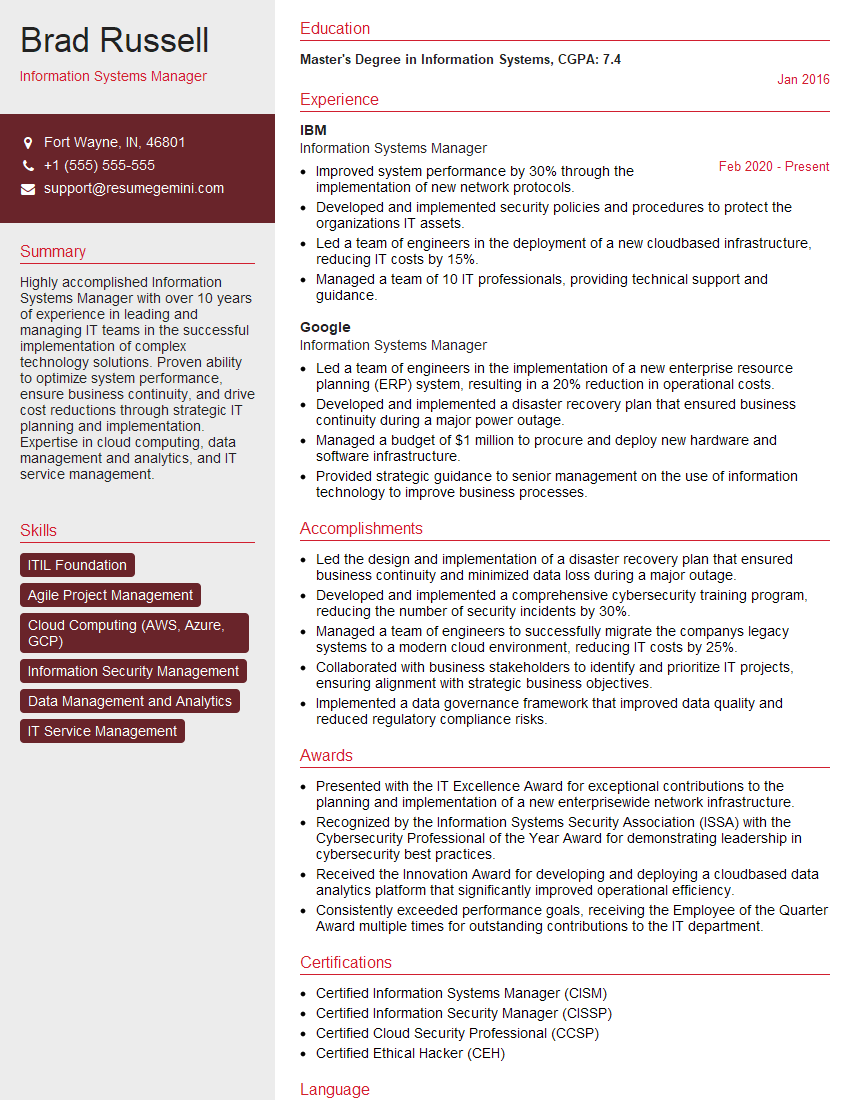
Information Systems Manager Resume Sample

Technical Support Specialist Resume Sample

Help Desk Analyst Resume Sample

IT Manager Resume Sample
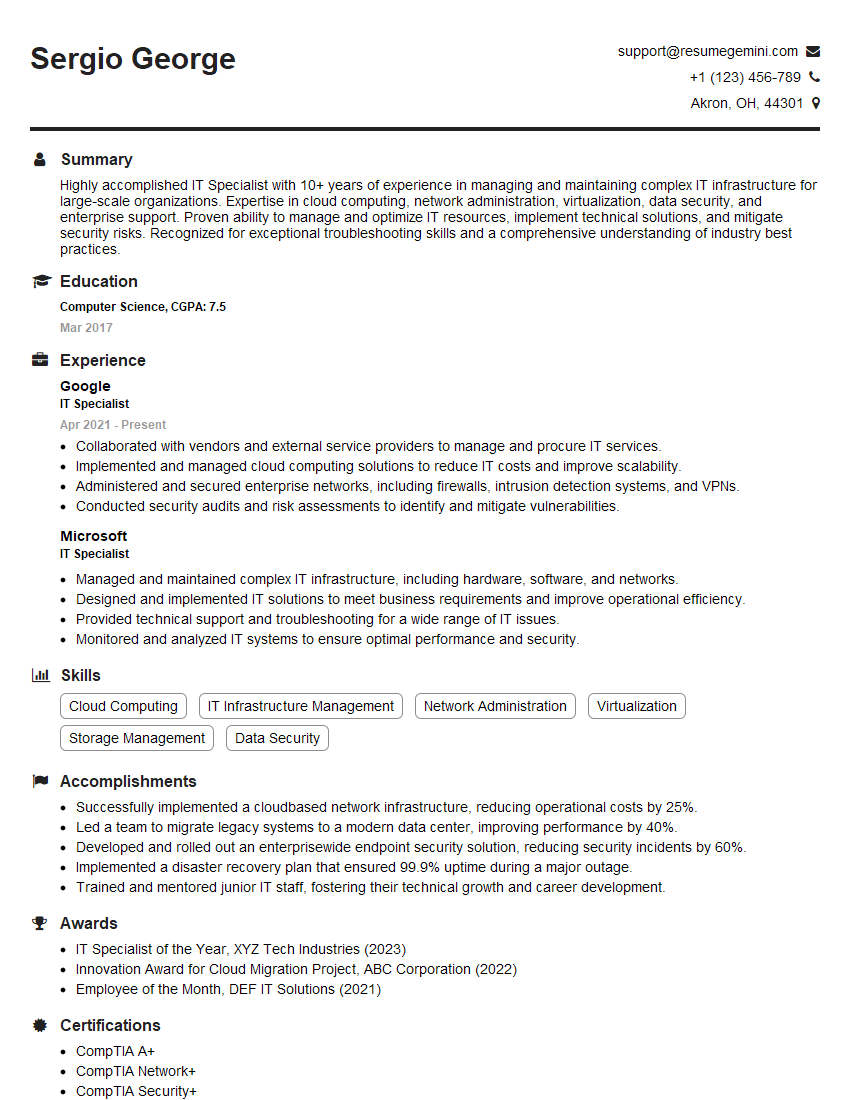
IT Specialist Resume Sample

Quality Assurance Engineer Resume Sample

Technical Writer Resume Sample
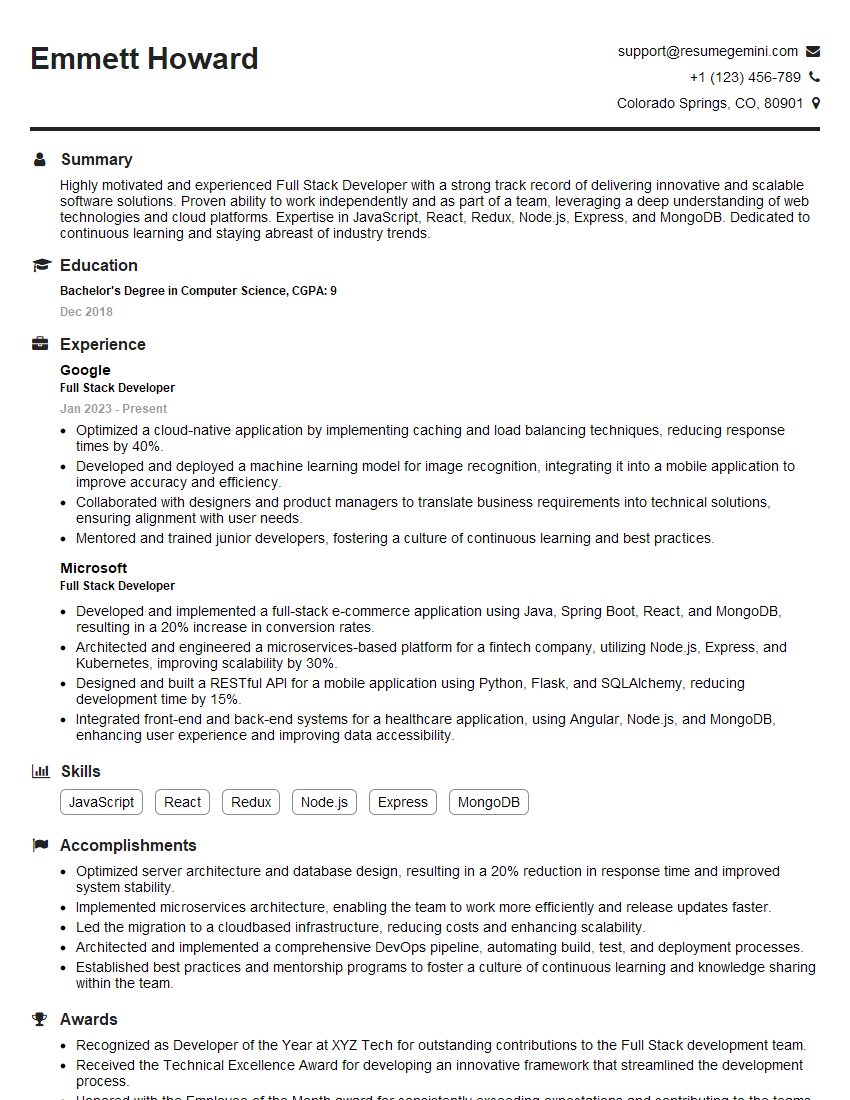
Full Stack Developer Resume Sample

Database Administrator Resume Sample

Front-End Developer Resume Sample

DevOps Engineer Resume Sample

Machine Learning Engineer Resume Sample

Cloud Engineer Resume Sample
- Project Manager
- Business Analyst
- Data Analyst
- Data Scientist
- Software Engineer
- Systems Analyst
- Network Engineer
- Software Tester
- Web Developer
- Information Systems Manager
- Technical Support Specialist
- Help Desk Analyst
- IT Manager
- IT Specialist
- Quality Assurance Engineer
- Technical Writer
- Full Stack Developer
- Database Administrator
- Front-End Developer
- DevOps Engineer
- Machine Learning Engineer
- Cloud Engineer
Explore more articles
Users Rating of Our Blogs
Share Your Experience
We value your feedback! Please rate our content and share your thoughts (optional).
What Readers Say About Our Blog
Very informative content, great job.
good